BQR Boolean Quad Ready

Artemis3D in Modeling


Item Rating

This item has an average rating of 3 from 18 ratings by the community.

45%
17%
0%
6%
34%

Purchase this item to leave a review!

  • andreyoriginallll
    over 1 year ago

    It's a good plugin, but not perfect. In fact, it's just a remesh. And, like any auto-remesh, it makes the model grid imperfect. Creates edges where I would not like to see them, for example. That's because for auto-remesh there is no difference between a square 4-gon and a triangular 4-gon. Specifically, this plugin even does the inverted 4-gon. It has a lot of problems. For example, round holes lose their shape and become distorted. Less problems on other forms, but also not ideal. Thus, if you want to use this plugin for the final grid, it is unlikely to suit you. But still, this plugin can be useful. For example, at the hardsurface stage. In general: the plugin is good, but it won't do your job for you.

    • Artemis3D

      over 1 year ago

      Thanks for your honest feedback!

      You're absolutely right BQR isn't meant to produce final, perfect topology. It's a workflow tool, designed to quickly generate quad-based meshes that behave better than raw booleans or triangulated geometry.

      It uses Blender’s native Remesh, which has limitations, especially with circular shapes. But when used at the right stage (e.g. hard surface blocking or concepting), it can save time and make the mesh more manageable.

      I'm actively collecting feedback to improve it further, so your input is really appreciated!

      Have a great day!

  • keimei
    about 1 year ago

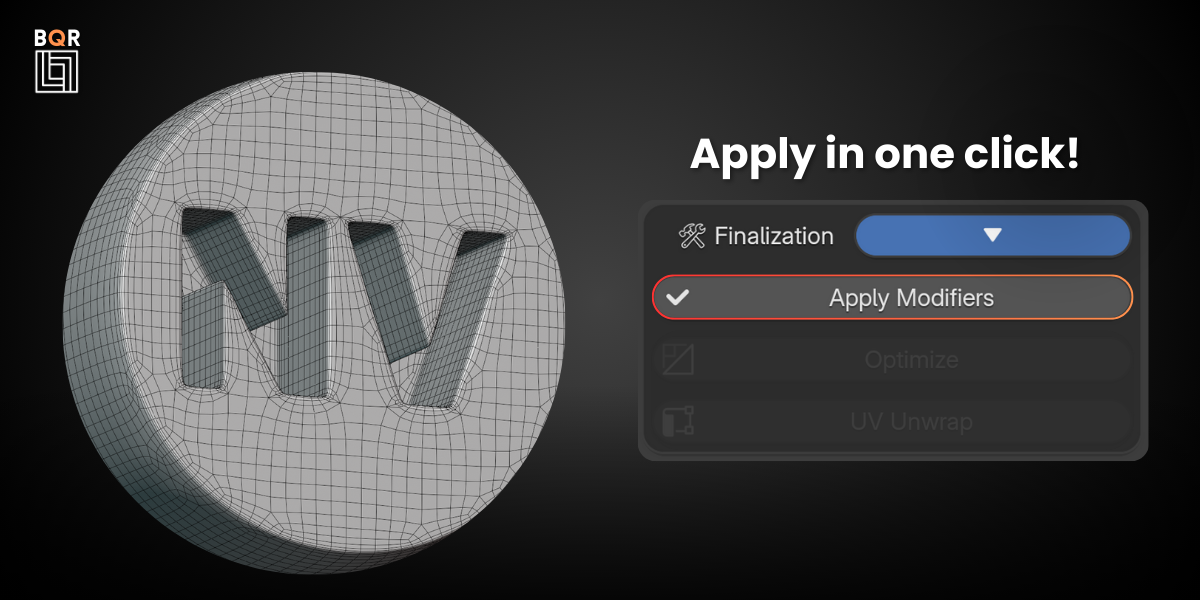
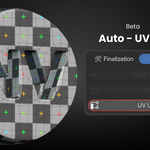
    I was hoping for the performance of Remesh, but was disappointed that it only had a button to set the standard modifier. However, the UV unwrapping function for complex shapes is valuable. Therefore, the way it advertises itself as a mesh improvement functions doesn't seem honest...

    • Artemis3D

      4 months ago

      Hi keimei,

      Thank you for your feedback.

      I understand your expectation regarding Remesh-level performance, but BQR is not intended to replace or compete with remeshing engines as a single algorithm-based solution.

      It is designed as a workflow tool that combines existing Blender modifiers into a structured and faster process for preparing hard-surface geometry. Because of that, its focus is more on workflow efficiency and consistency rather than introducing a new remeshing system.

      I’m glad you found the UV unwrapping feature useful, especially for more complex shapes.

      I also appreciate your comment about the positioning I will continue to refine how the tool is presented to make its purpose clearer and avoid misunderstandings.

      Thank you again for trying BQR and sharing your thoughts.

  • Alan
    2 months ago

    not as advertised at all, skip if I were you

  • axel
    4 months ago

    not worth it, buy quad remesher instead! thanks me later

    • Artemis3D

      4 months ago

      Hi Axel,

      Thanks for taking the time to leave feedback.

      I understand BQR may not be the right fit for everyone’s workflow, and that’s completely fine. It’s designed for a different approach compared to other remeshing tools like Quad Remesher.

      Still, I appreciate you trying it out.

      If you ever decide to give it another try and need help getting better results, feel free to reach out.

  • Abubakir
    8 months ago

    not a good one not even for simple model !

    • Artemis3D

      4 months ago

      Hi Abubakir,

      Thank you for your feedback.

      I’m sorry to hear BQR didn’t meet your expectations.

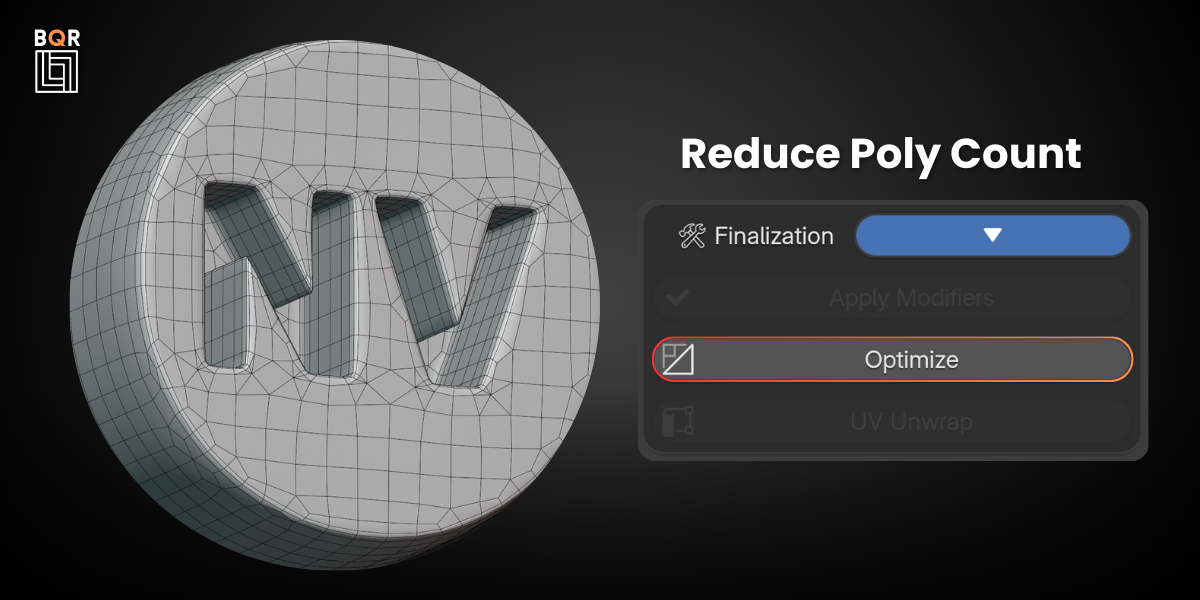
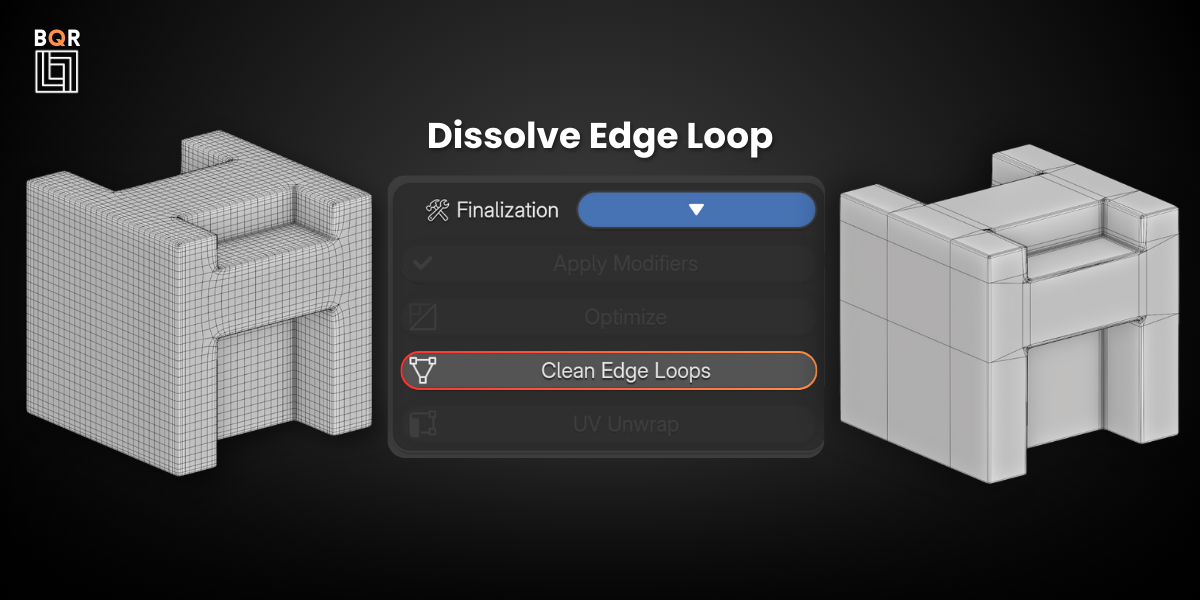
      BQR is not intended to be a direct remeshing solution for every type of model. It is designed as a workflow tool to prepare and clean geometry, especially after boolean operations, by combining remeshing, smoothing, beveling, and optimization in a structured pipeline.

      Because of this, results can vary a lot depending on the starting mesh and how the tool is used within that workflow.

      I appreciate you taking the time to try it and share your thoughts.

  • abas
    11 months ago

    If you’re looking to remesh Alias or STEP-based product or automotive modeling files, this add-on will not give you the results you expect. It’s essentially just a combination of a few modifiers packaged together, and it doesn’t handle complex CAD-origin geometry in any meaningful way.

    • Artemis3D

      4 months ago

      Hi Abas,

      Thank you for your feedback.

      You are partly right that BQR is not specifically designed as a dedicated CAD/STEP remeshing solution. Very dense or complex CAD-converted meshes can indeed present limitations depending on their topology and how they were generated.

      At the same time, BQR can work quite well on some CAD-derived meshes when the geometry is reasonably clean, and it is mainly designed to support a Blender-based hard-surface workflow rather than replace specialized CAD remeshing tools.

      Because of this, results can vary significantly depending on the source mesh and its complexity.

      Thank you again for taking the time to try it and share your thoughts.

  • PlanetDance
    over 1 year ago

    I was deceived-this is noting like what was advertised. It can't even remesh a simple CAD model.
    Too bad I can't upload a GIF.

    • Artemis3D

      over 1 year ago

      Hi! Thank you for your detailed message and feedback.

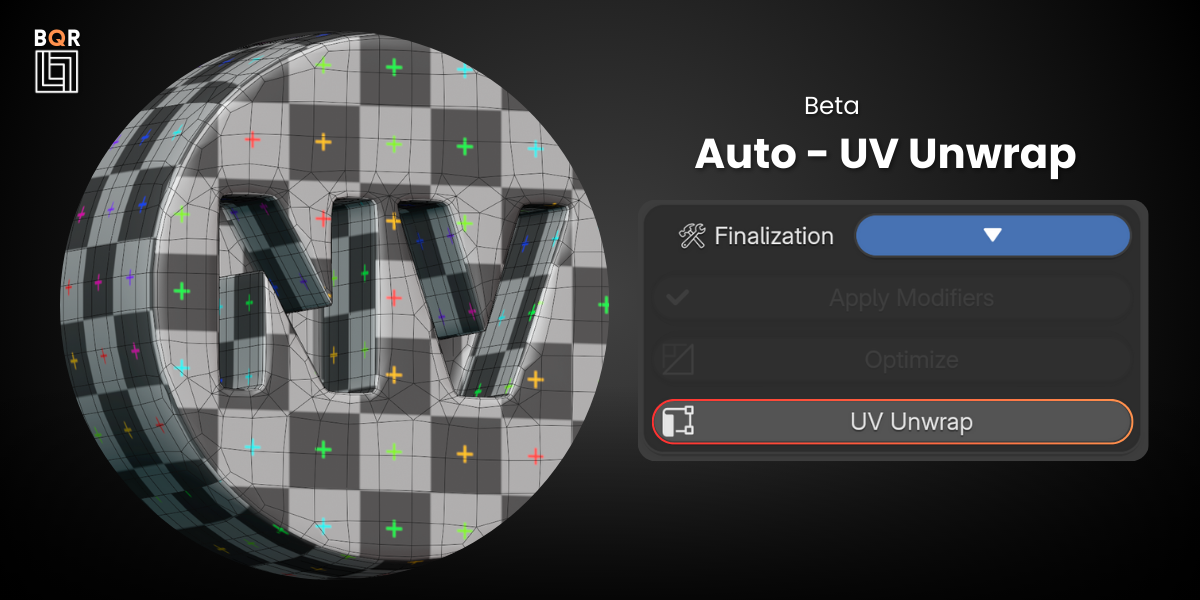
      I’d like to clarify that the product description does not promise anything misleading. The add-on is focused on fast and procedural remeshing and auto UV mapping for hard-surface workflows, especially for CAD and boolean-heavy models.

      Just a quick note, in the official documentation, there’s a short guide specifically for working with CAD meshes. It recommends removing small bevels before remeshing, since BQR will reintroduce them in a cleaner, non-destructive way.

      Also, make sure your mesh is properly separated into individual objects (one mesh per boolean body) for optimal results. And finally, don’t overlook the Angle parameter it’s essential for controlling curvature and getting a smooth, accurate remesh.

      I’ve opened the refund request with Superhive, so now we just need to wait for their team to process it. If you ever decide to try BQR again in the future, feel free to reach out I'd be happy to help you get the most out of it.

      Happy Blending!

  • Theon
    over 1 year ago

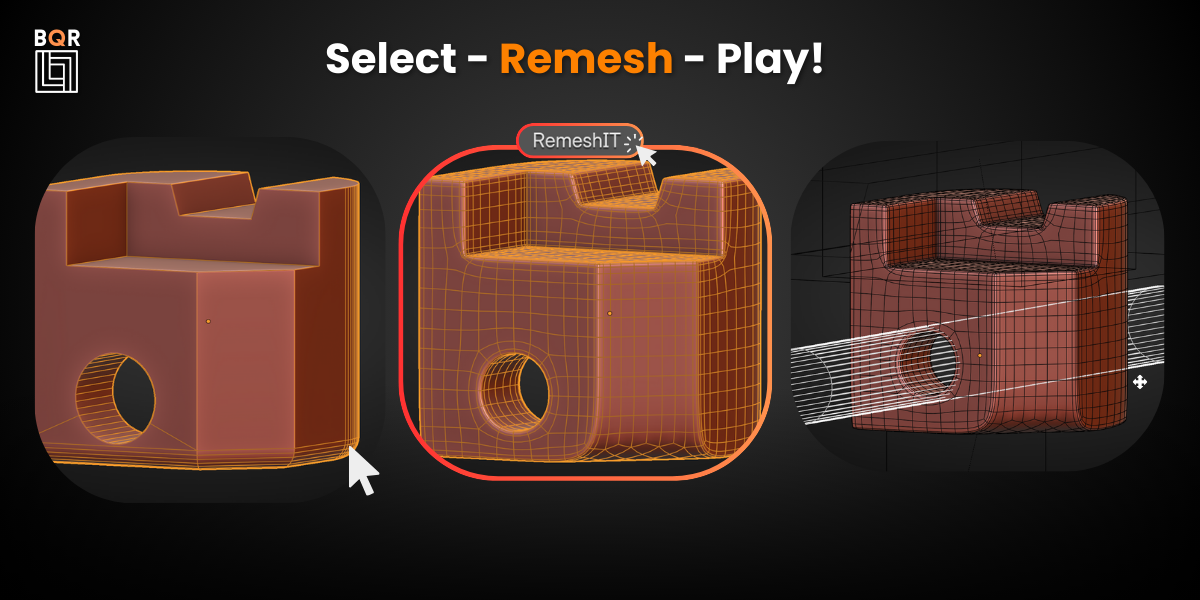
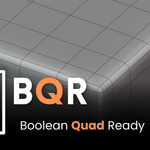
    This is just a click-saver, not a remesher. It simply adds some modifiers. It works okay, but the low rating is because of the very obviously fake promo picture. The "sharp" remesh modifier is completely incapable of making good circular holes like that. Neither is it able to follow curved edges in a neat row. Unless I'm missing something here?
    Would advice swapping it for a realistic representation of what this setup of modifiers can do.

    • Artemis3D

      over 1 year ago

      Hi Theon, and thank you for your feedback. While I’m of course disappointed by the one-star rating, I really appreciate you taking the time to share your thoughts and concerns.

      Just to clarify an important point: the model shown in the promo image was genuinely remeshed using BQR. It’s not a fake or misleading render. The result wasn’t achieved in a single click, that’s true, but I adjusted some parameters to reach a clean result using BQR’s modifier stack. In many other cases, especially with less problematic meshes, BQR has actually worked with a single click, producing solid results out of the box.

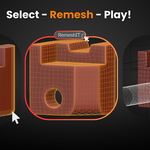
      It’s important to highlight that BQR is not a remesher in the traditional sense. It’s a workflow tool, designed to automate and accelerate a specific modifier setup aimed at preparing boolean-heavy geometry for further refinement or subdivision. That said, in some real use cases confirmed by other artists, it has also proven effective as a quick remeshing solution, improving geometry structure and making models editable in real time for material assignment or further edits.

      If BQR didn’t work well on your specific mesh, I recommend trying it with other models, including examples from SketchUp Warehouse, which often represent messy and challenging real-world topology. Results can vary depending on the input geometry, and that’s exactly why the addon provides adjustable parameters rather than a one-size-fits-all approach.

      I also recommend checking out the documentation, where you’ll find more details on how to tweak settings for different situations.

      If you’d like to share a file, I’d be happy to take a look and try to help. Thanks again for your feedback, it really does help to make the tool better.

      All the best,
      Artemis3D

  • 1 User

    $5
  • STUDIO 2-5 users

    $10
  • STUDIO 6-10 users

    $20
$5

Have questions about this product?
Login to message

Details
Sales 4800+
Rating
18 ratings
Dev Fund Contributor
Published over 1 year ago
Blender Version 4.4, 4.3
Extension Type N/A
License GPL