 tsunaera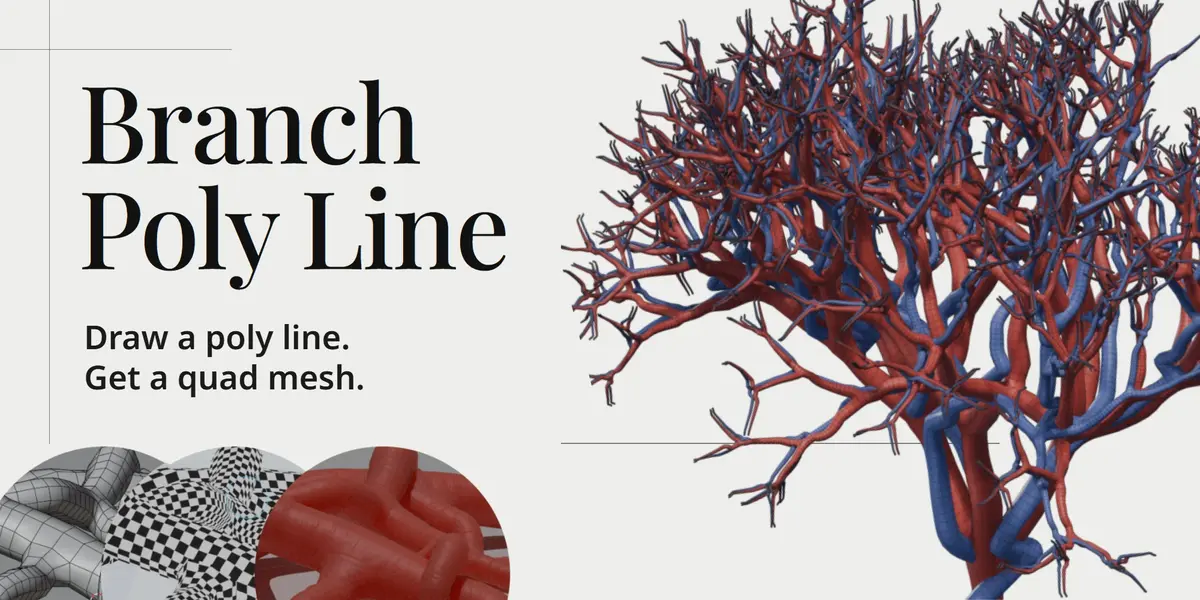

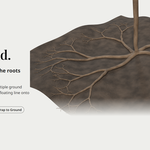
Create tapered, branching quad meshes from edge-only polylines
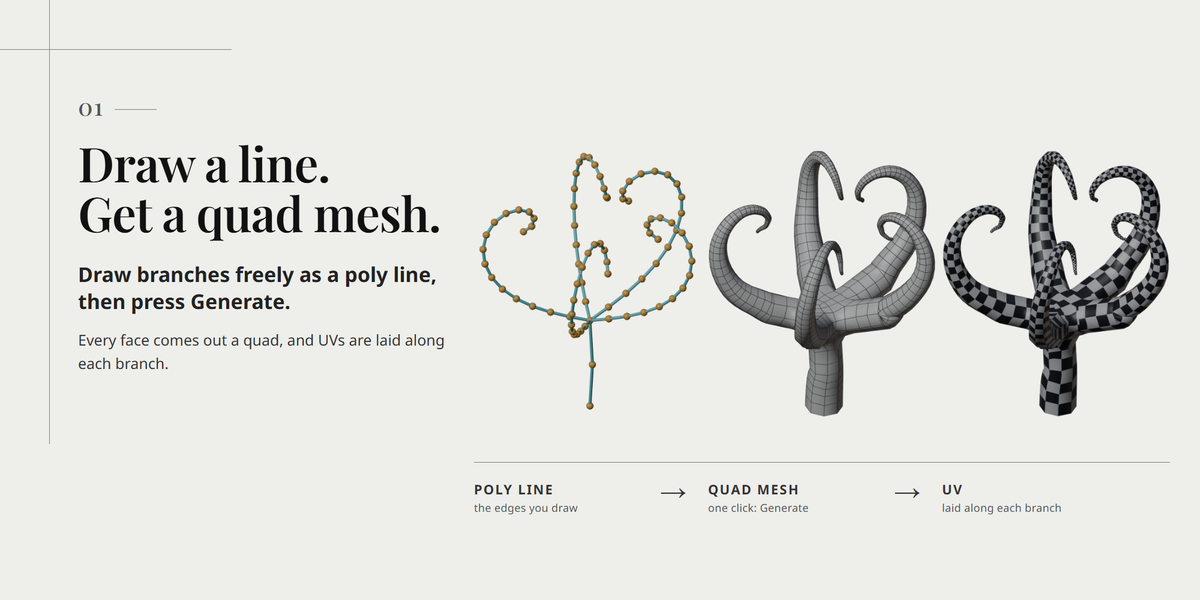
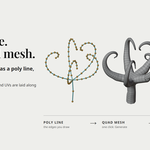
Branch Poly Line turns a connected edge tree into a branch mesh with quad tubes, junctions, rounded tips and an open root end. Draw or edit a simple polyline, press Generate, and get clean all-quad geometry for vines, roots, cables, coral, veins and other branching shapes.
The original polyline is kept, so you can press D at any time to go back, edit the line and rebuild. Use Make Mesh when you want an independent mesh copy.
Features
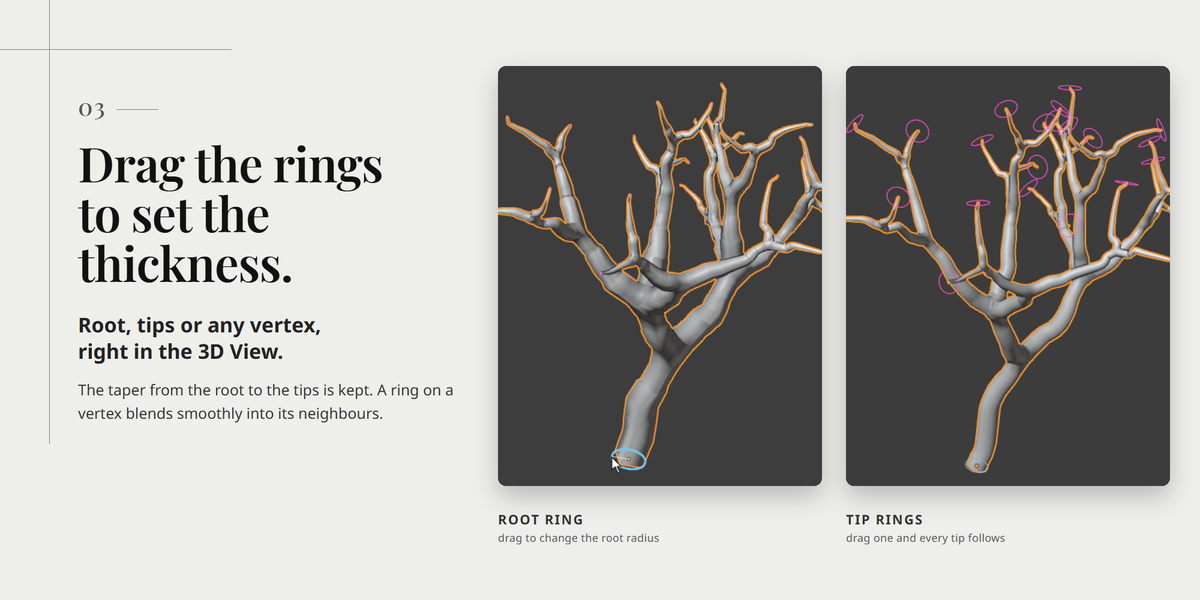
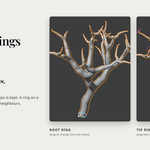
- Taper control: Whole Tree and Per Branch modes, with adjustable root and tip radii and viewport radius handles.
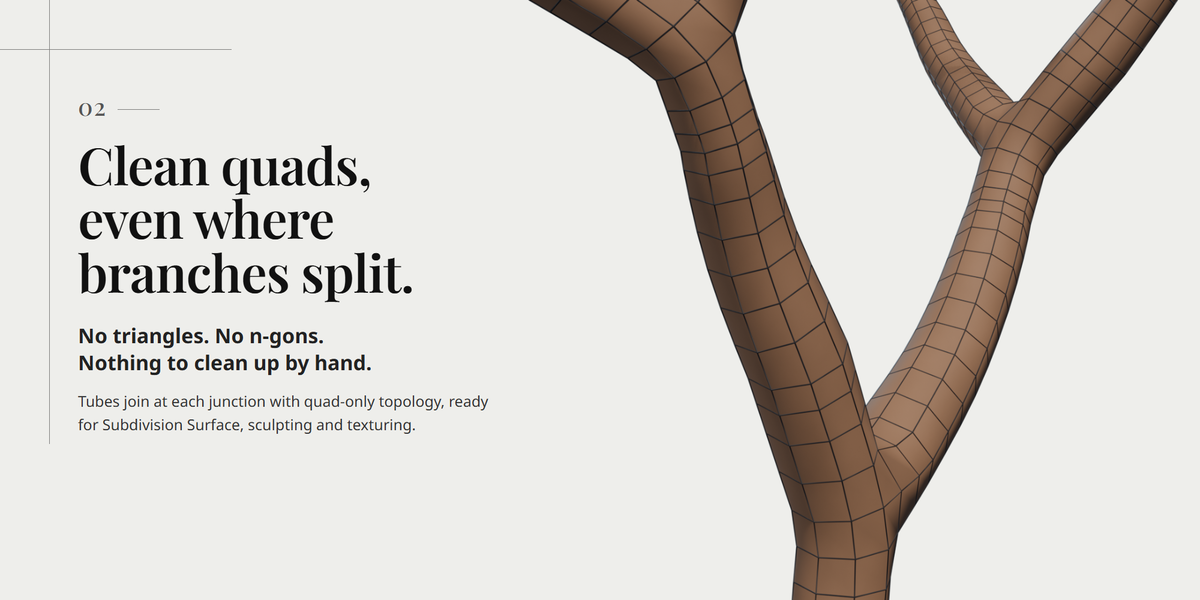
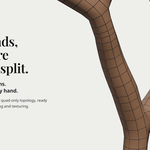
- Quad junctions: branching points with up to six connections are built from quads, not triangles or n-gons.
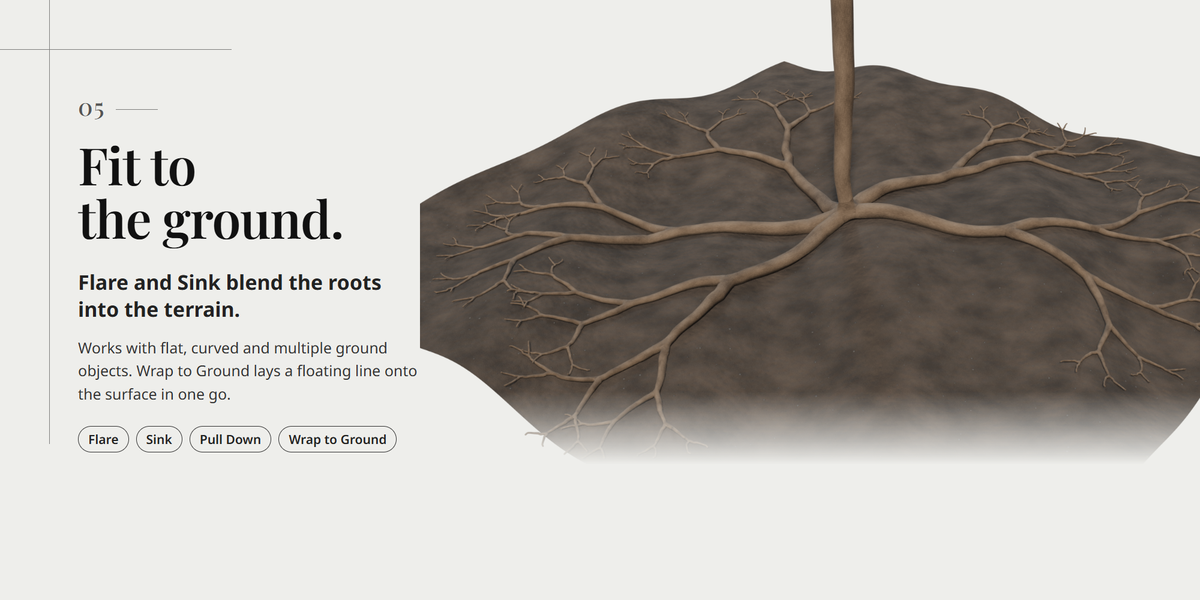
- Ground fitting: fit the tube to ground surfaces, and draw directly on surfaces with Stick to Surface.
- Ready for texturing: UV strips, smoothing and procedural noise.
- Fast editing: live preview, a compact settings popup (Shift+F) and drawing from the 3D cursor.
Requirements
- Blender 4.2 LTS to 5.2 LTS, Windows. Tested on 4.2, 4.5 and 5.2.
- macOS and Linux are not supported in version 1.0.
Input and limitations
- Use one connected edge tree without loops, with at most six edges meeting at a vertex.
- Crowded branches, tight bends and overlaps may need source editing. Optional local shrinking does not guarantee intersection-free output.
- Root ends stay open. UV strips are a starting point for texturing, not a finished unwrap for every use case.
License, support and updates
The source code is provided under GPL-3.0-or-later. A purchase funds development, maintenance, documentation and support. For questions and bug reports, send a message from this product page; we aim to reply within one week. All 1.x updates are free for existing buyers.
Installation and usage are in the Documentation tab.
