 tsunaera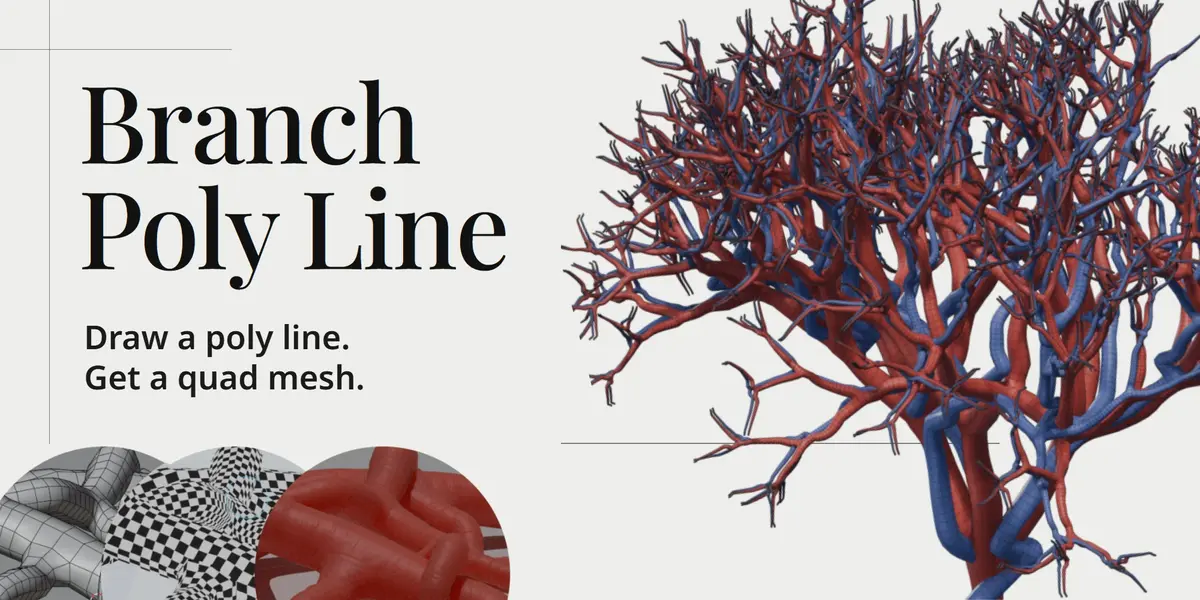

1. Which Blender versions and operating systems are supported?
Blender 4.2 LTS to 5.2 LTS on Windows. macOS and Linux are not supported in version 1.0. Blender versions after 5.2 LTS are not guaranteed and will be checked separately.
2. What kind of input does it need?
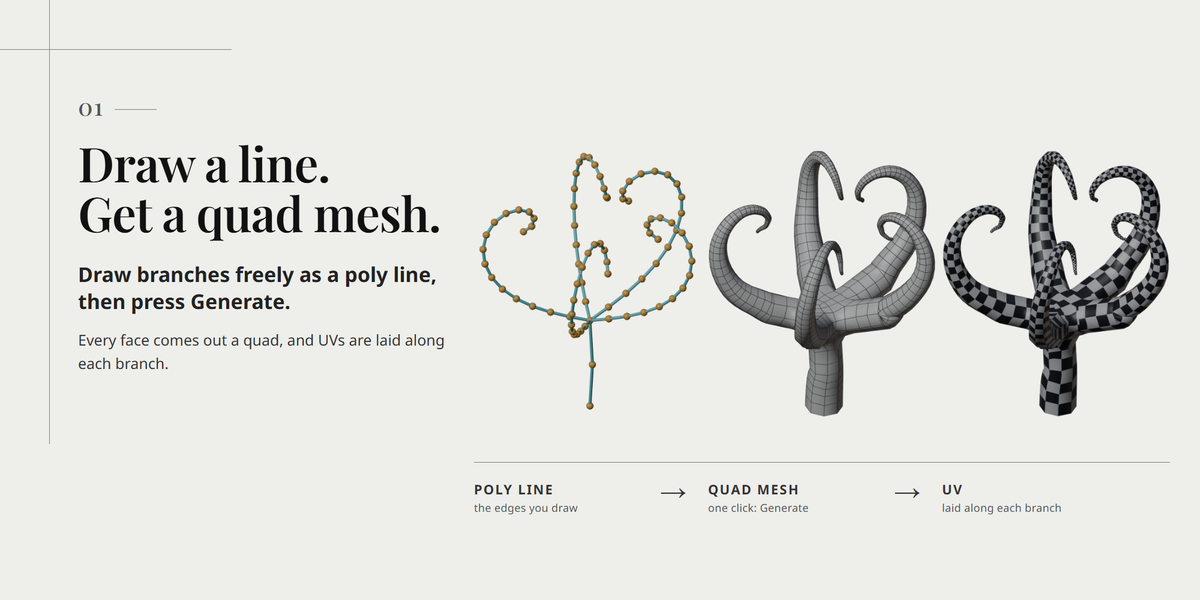
A mesh made of vertices and edges only: one connected tree, no loops, and at most six edges at a vertex. Meshes with faces, curves with faces and meshes with separate parts cannot be used. You can also draw a new line from the 3D cursor with New at Cursor.
3. What does the output look like?
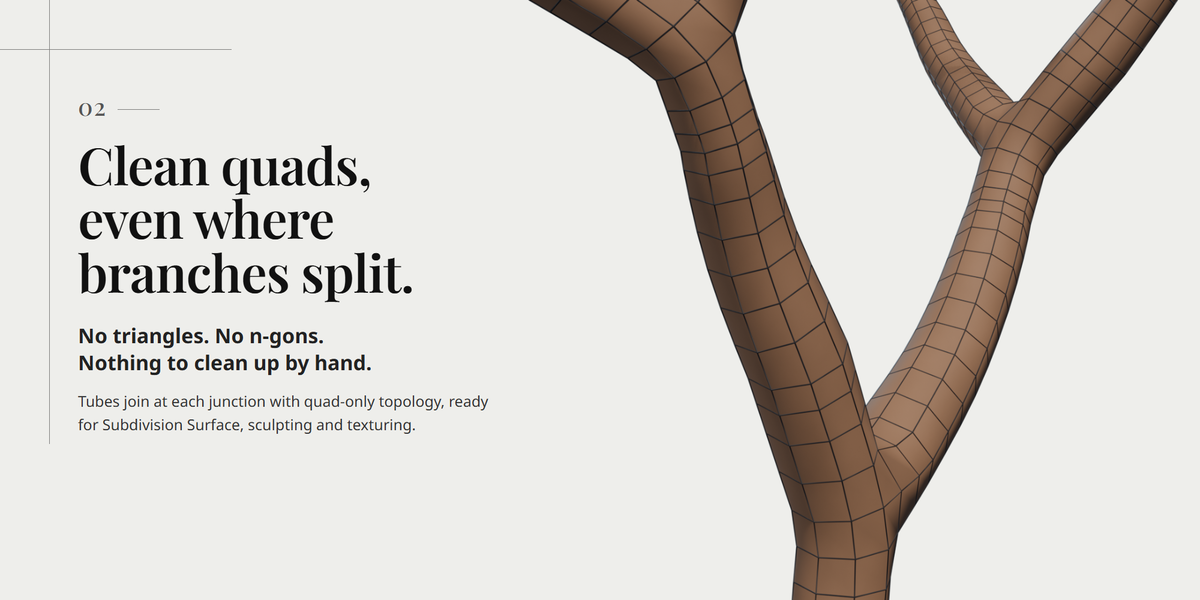
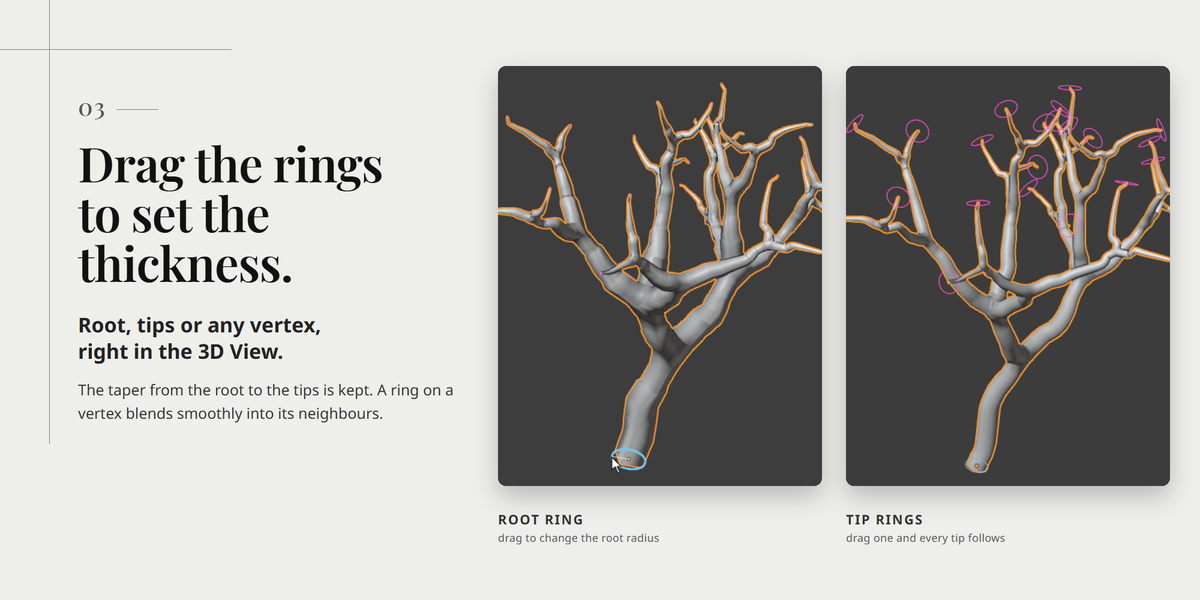
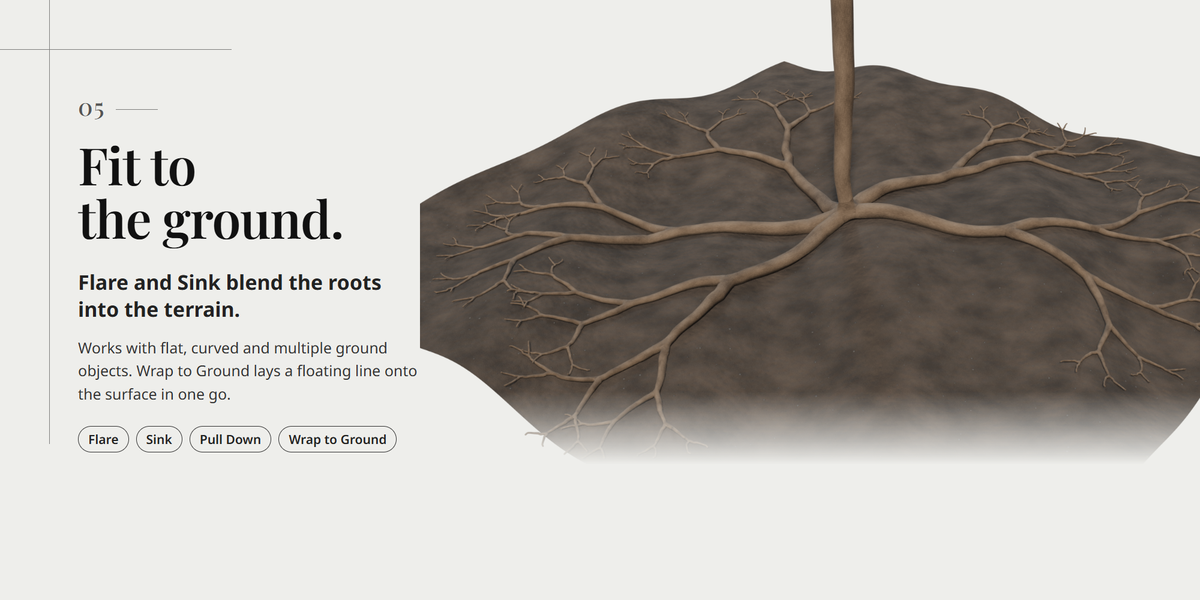
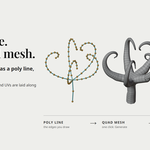
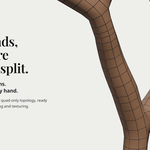
An all-quad tube mesh with tapered radii and branching junctions. The root end is open, all tips share one radius, and no materials are included. The original polyline is kept, so you can go back and edit it with D.
4. Is it ready for 3D printing or medical simulation?
Not as it is. The root is open, overlaps can be allowed, and the thickness is an artistic control. Check it yourself for your use.
5. The Branch Poly Line tab is missing
Check that the add-on is enabled, the mouse is over a 3D View, and a mesh object is active. Press N to show the sidebar.
6. Generate is disabled, or the panel says "Ground of ..."
You selected an object used as a ground. Select the line or the branch mesh. A new one-vertex line needs at least one edge before it can be generated.
7. The tube touches surfaces I never selected
Use All Visible Objects is on by default. Turn it off and choose grounds, or leave the fields empty for no fitting. Stick also uses visible surfaces.
8. I get errors about loops or too many branches
The input must be one connected tree with at most six edges at a vertex. Remove loops, join or delete separate parts, and split crowded junctions. Merging overlapping vertices can also create a loop.
9. Dents, small overlaps, or thin branches disappearing
A bend or junction may not have room for the radius. Try a smaller radius, more space between junctions, a wider bend, or a higher Point Gap. Allow Overlap permits overlaps and does not report them.
10. Generation is slow, or the preview resolution changes
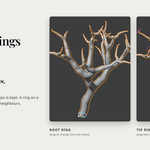
Visible grounds are checked on every rebuild. Turn Use All Visible Objects off and pick fewer grounds, raise Spacing, lower Rings, or turn Live Preview off. The lighter draft is temporary; the final build uses your settings.
11. My edits to the generated mesh disappeared
Regenerate rebuilds it from the line and the settings. Use Make Mesh for an independent copy to edit. The original is in the Edit_Branch collection.
12. Typed moves such as G Z do not work
Stick's G / E are active. Turn Stick off for Blender's usual moves.
13. License, updates and support
The source code is GPL-3.0-or-later. All 1.x updates are free for existing buyers. Send questions and bug reports through the message form on this product page; we aim to reply within one week.
14. Refunds
Refunds follow Superhive's refund policy (requests within 30 days of purchase, plus its other conditions). For a technical issue, please read the documentation and contact the creator first.
15. Where are the installation steps and the manual?
In the Documentation tab of this product page: installation, first steps and keys. The questions above cover the input rules and troubleshooting.
Have questions about this product?
Login to message
| Blender Extension Compatible | Yes |
| Published | 2 days ago |
| Blender Version | 4.2 - 5.2 |
| Extension Type | Add-on |
| Render Engine Used | Cycles, Eevee |
| License | GPL |
