 Tachyon Studio

 Join Discord
TACHYON STUDIO · PIXEL ART WORKFLOW
Aseprite Bridge
Draw in Aseprite. Bring sprites, textures, animation and palettes back into Blender without repeating manual export and import steps.
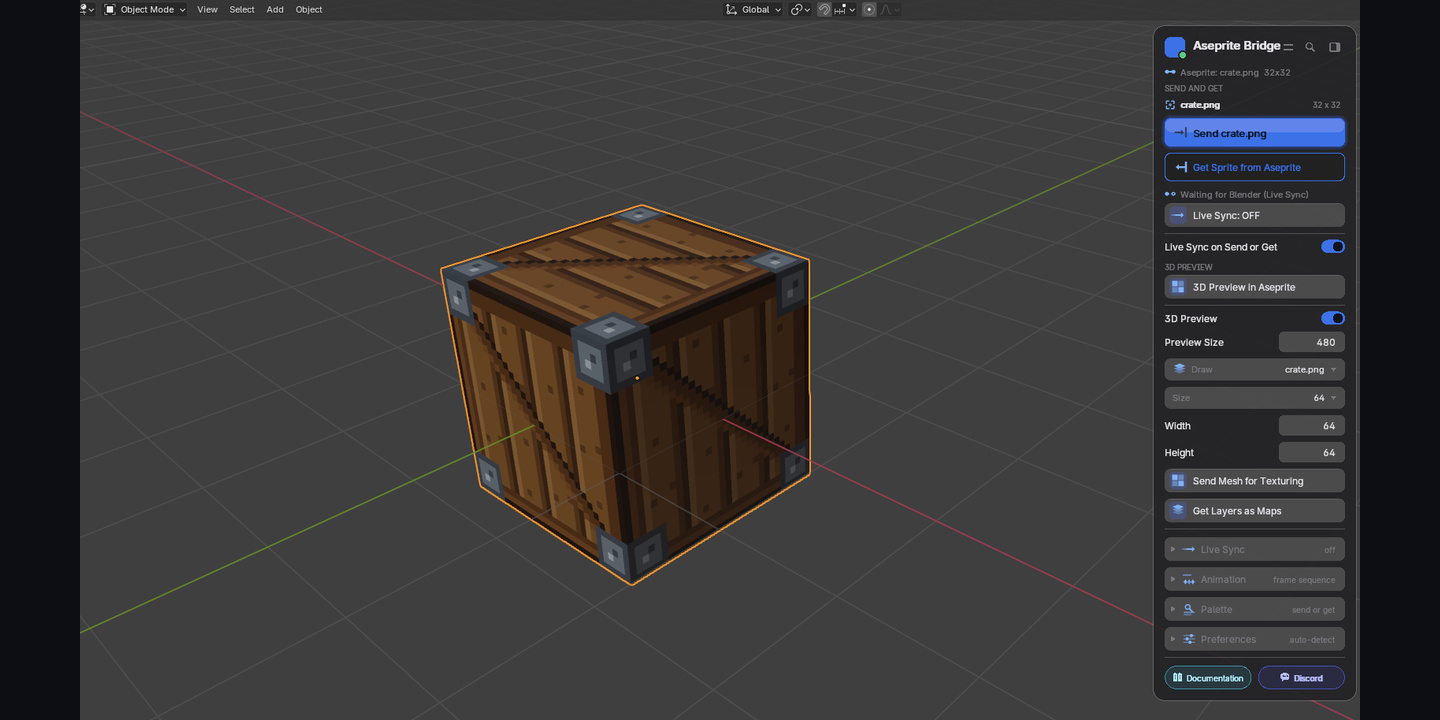
Keep the texture connected
Choose the material image in Draw, send it to Aseprite, paint, then use Get Sprite to update that image. Referencing Image Texture nodes use Closest interpolation to keep pixel edges crisp. The picker makes the return destination explicit.
Choose the texture to send and update · Edited workflow demonstration
Closest interpolation for returned pixel art · Edited workflow demonstration
Paint with the model in view
Send Mesh for Texturing creates a sprite with file-backed maps as layers and a dimmed, locked UV guide. The model stays in Blender. 3D Preview in Aseprite displays Blender viewport captures in an Aseprite window; orbit, zoom, Frame and Refresh controls send requests back to Blender.

Material maps and a UV guide for texturing · Edited workflow demonstration
Blender viewport preview displayed inside Aseprite · Edited workflow demonstration
Choose when changes return
Enable Live Sync for updates on save, or select While You Draw to send after edits. Min Gap limits update frequency. Turn sync off when you want to work without automatic returns.
On Save and While You Draw synchronization · Edited workflow demonstration
Bring more than a single image
Get Animation returns numbered PNG frames or a horizontal sprite sheet with timing JSON. Match Scene FPS applies to uniform frame durations; new sequence images may need assigning to a material. Send scene material Base Color values as an Aseprite palette, or bring the sprite palette back into Blender.

Frame sequence and sprite-sheet export · Edited workflow demonstration
Material colors to Aseprite; sprite palette to Blender · Edited workflow demonstration
Read documents and separate maps
Import an Aseprite File asks Aseprite to open .aseprite or .ase documents and export visible layers. Get Layers as Maps matches names such as basecolor, roughness, metallic and normal to the active material. Unmatched layers remain files. Square presets run from 16 to 1024, with separate width and height.
Read a document through Aseprite · Edited workflow demonstration
Visible layers matched to material maps · Edited workflow demonstration

Pixel-art presets and custom dimensions · Edited workflow demonstration
Set up once, then send → paint → get
- Install the supplied ZIP and enable Universal Bridge: Aseprite.
- Use the default viewport card, or disable Viewport Card in preferences and open the Aseprite sidebar tab with N.
- Click Install / Update Aseprite Extension, then restart Aseprite. Set its executable path if automatic discovery fails.
- Select your texture in Draw (Texture in the sidebar), send it, paint and get the result.
One-time installation of the companion extension · Edited workflow demonstration
Included and required
The download is universal_bridge_aseprite-1.0.6-blender3.3-5.2.zip: Blender source, the companion Lua extension and DOCUMENTATION.md. Aseprite is sold separately. No separate Manager installer is included in this supplied package.
The separate universal-bridge-aseprite-1.0.6-documentation.zip includes the expanded manual, quick start, FAQs, release notes, notices and full GPLv2 text.
Windows is the stated platform. Legacy metadata declares Blender 3.3 minimum; the Extension manifest declares 4.2 minimum. The supplied range is 3.3–5.2, but build-by-build compatibility has not yet been verified. macOS and Linux are not supported.
The apps exchange local files. This is not native 3D editing inside Aseprite, a tilemap tool, or a writer for the .aseprite format. Tachyon Studio is not affiliated with Igara Studio.
Choose your purchase option
- Individual: For 1 person (1 seat). Commercial use included.
- Team: For a team of up to 6 people (6 seats). Commercial use included.
- Studio: For a studio of up to 20 people (20 seats). Commercial use included. Need more than 20 seats? Contact us directly.
All three options receive identical features and downloads. The software is declared GPL-2.0-or-later; purchase-option wording does not replace the software license.
Read the documentation for setup and troubleshooting. Contact Tachyon Studio through Superhive or Discord.
Build out your workflow.
MORE BY TACHYON STUDIO
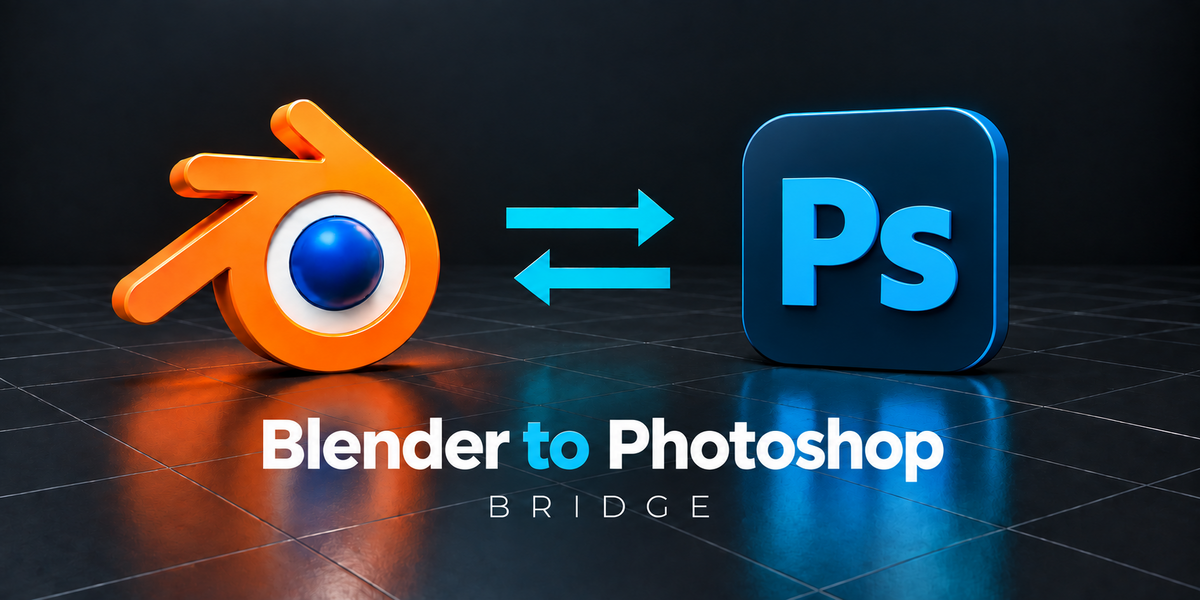
Photoshop Bridge
Explore the companion bridge for a Photoshop workflow.
Substance Painter Bridge
Explore the companion bridge for a Substance Painter workflow.
Optional products, sold separately.