 Skalin3D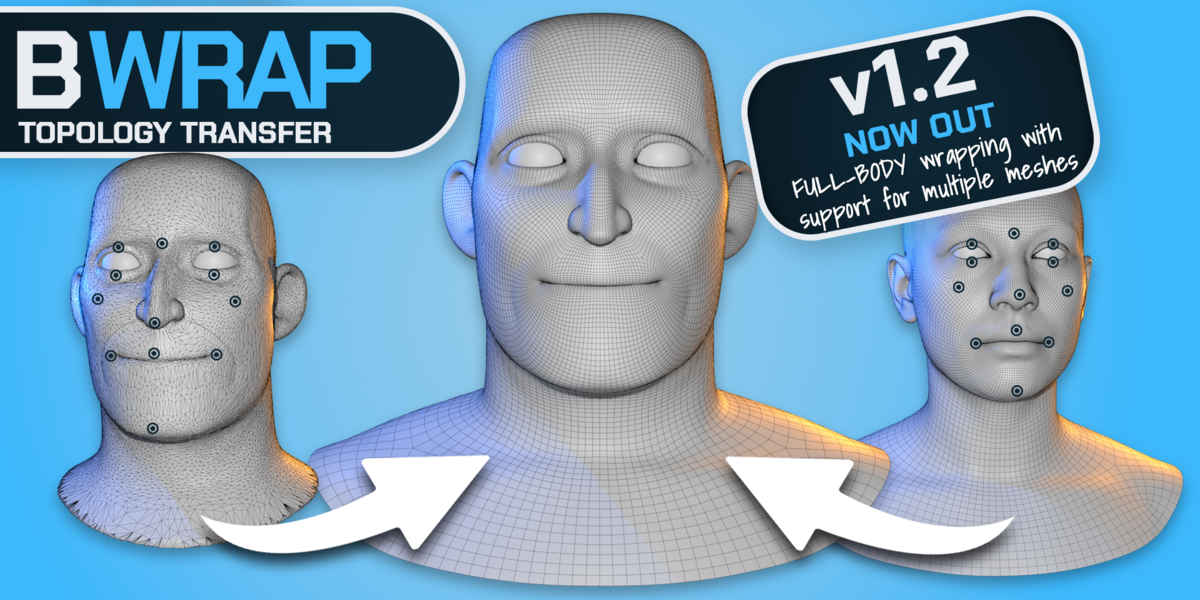


What is BWrap?
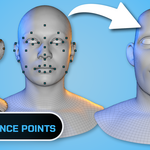
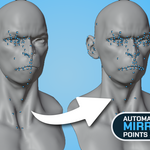
BWrap is a Blender addon for wrapping an existing clean mesh onto a new character, sculpt or scan while keeping the topology you already want to work with. You guide important areas using Correspondence Points and EdgeLoop Points, then BWrap handles the deformation.
Can I continue editing the result normally in Blender?
Yes. The finished result remains a normal Blender mesh, so you can continue sculpting, modeling, rigging, texturing or otherwise editing it using your normal Blender workflow.
Does BWrap replace manual retopology?
For many character workflows, that is the idea. If you already have good topology, BWrap lets you reuse it instead of rebuilding the mesh from scratch. Some final manual refinement may still be useful depending on the complexity of the target.
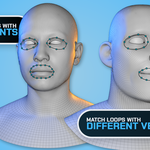
Can EdgeLoop Points work with different vertex counts?
Yes. Matching Template and Target loops do not need to contain the same number of vertices. BWrap can distribute correspondence points along both loops automatically.
Do the source and target meshes need the same topology?
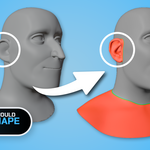
No. The Template is the clean topology you want to preserve, while the Target can have completely different topology. BWrap uses the target primarily as the shape you want to match.
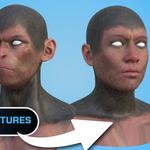
Can BWrap transfer textures?
Yes. BWrap includes texture-transfer tools so textures from the target can be transferred to the wrapped mesh. The Full version supports higher output resolutions than the Free edition.
Have questions about this product?
Login to message
Discover more products like this
wrapping character blender 3D Scan addon #Character Modeling topology mesh wrapping modeling Sculpt Workflow retopology