 Skalin3D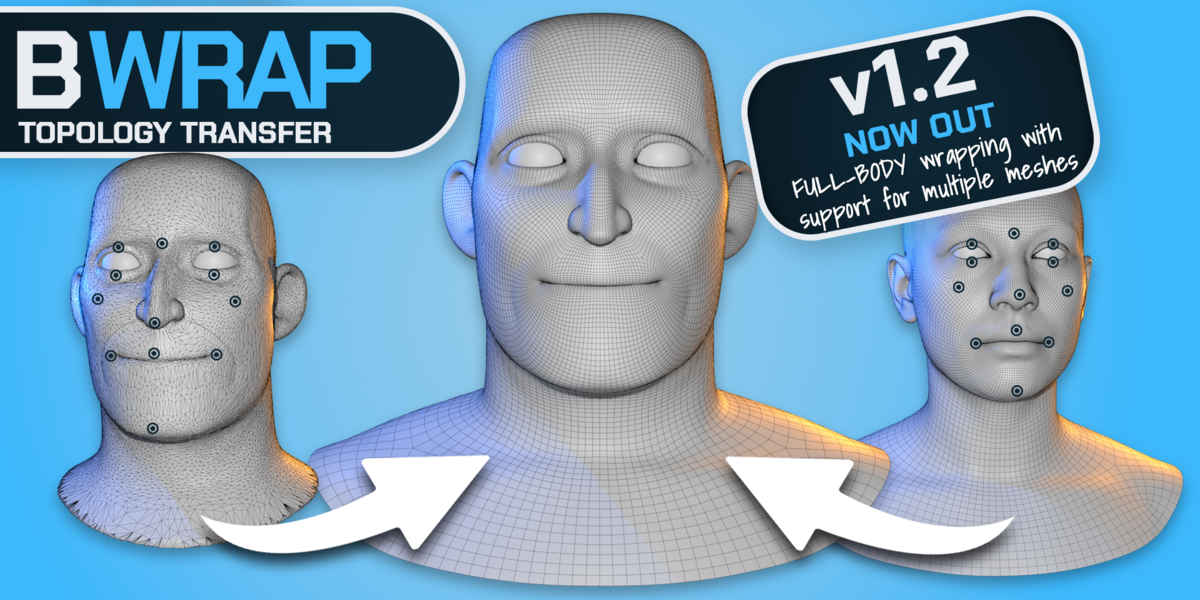


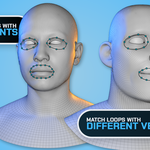
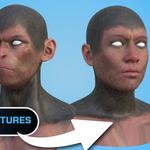
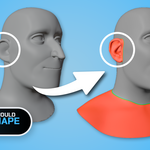
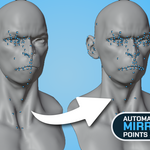
- Added support for multiple Template and Target meshes through collections, preserving vertex order.
- Improved seam handling to keep matching boundaries together during wrapping and Nudge
- Added batch point placement starting on either Template or Target.
- Restored symmetry controls and added distinct left, right and center point colors.
- Improved Nudge and smoothing around overlapping surfaces, with faster brush updates.
- Faster point placement on dense Target meshes.
- Fixed Mesh/Collection labels and reorganized the panels for easier access.
- Fixed Point Size being ignored when using Vulkan, causing markers to appear as single pixels
- Fixed sizing for pending points, selection highlights, active points, and Full’s Loop Guide markers.
- Fixed Template point placement and dragging with modifiers that deform the mesh without changing its topology.
- Pending and placed Template markers now follow the evaluated surface, including shape-key deformation.
- Improved Target point placement with modifiers enabled.
- Added clear warnings for topology-changing Template modifiers. Disable them or apply them on a copy before creating points.
- Preserved Free’s 50-pair limit and disabled Full-feature previews.
- Tested in Blender 4.5 and 5.2 with Vulkan and OpenGL.
Note: Previously misplaced points may need to be adjusted or replaced after updating.
- BWrap 1.2.2
- Added support for multiple Template and Target meshes through collections, preserving vertex order.
- Improved seam handling to keep matching boundaries together during wrapping and Nudge.
- Added batch point placement starting on either Template or Target.
- Restored symmetry controls and added distinct left, right and center point colors.
- Improved Nudge and smoothing around overlapping surfaces, with faster brush updates.
- Faster point placement on dense Target meshes.
- Fixed Mesh/Collection labels and reorganized the panels for easier access.
- Fixed Point Size being ignored when using Vulkan, causing markers to appear as single pixels
- Fixed sizing for pending points, selection highlights, active points, and Full’s Loop Guide markers.
- Fixed Template point placement and dragging with modifiers that deform the mesh without changing its topology.
- Pending and placed Template markers now follow the evaluated surface, including shape-key deformation.
- Improved Target point placement with modifiers enabled.
- Added clear warnings for topology-changing Template modifiers. Disable them or apply them on a copy before creating points.
- Preserved Free’s 50-pair limit and disabled Full-feature previews.
- Tested in Blender 4.5 and 5.2 with Vulkan and OpenGL.
Note: Previously misplaced points may need to be adjusted or replaced after updating.
Have questions about this product?
Login to message
Discover more products like this
3D Scan topology mesh wrapping retopology addon modeling character blender #Character Modeling Workflow wrapping Sculpt