 Skalin3D


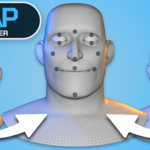
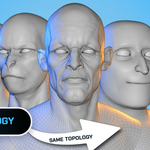
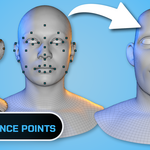
Wrap clean topology
onto new characters.
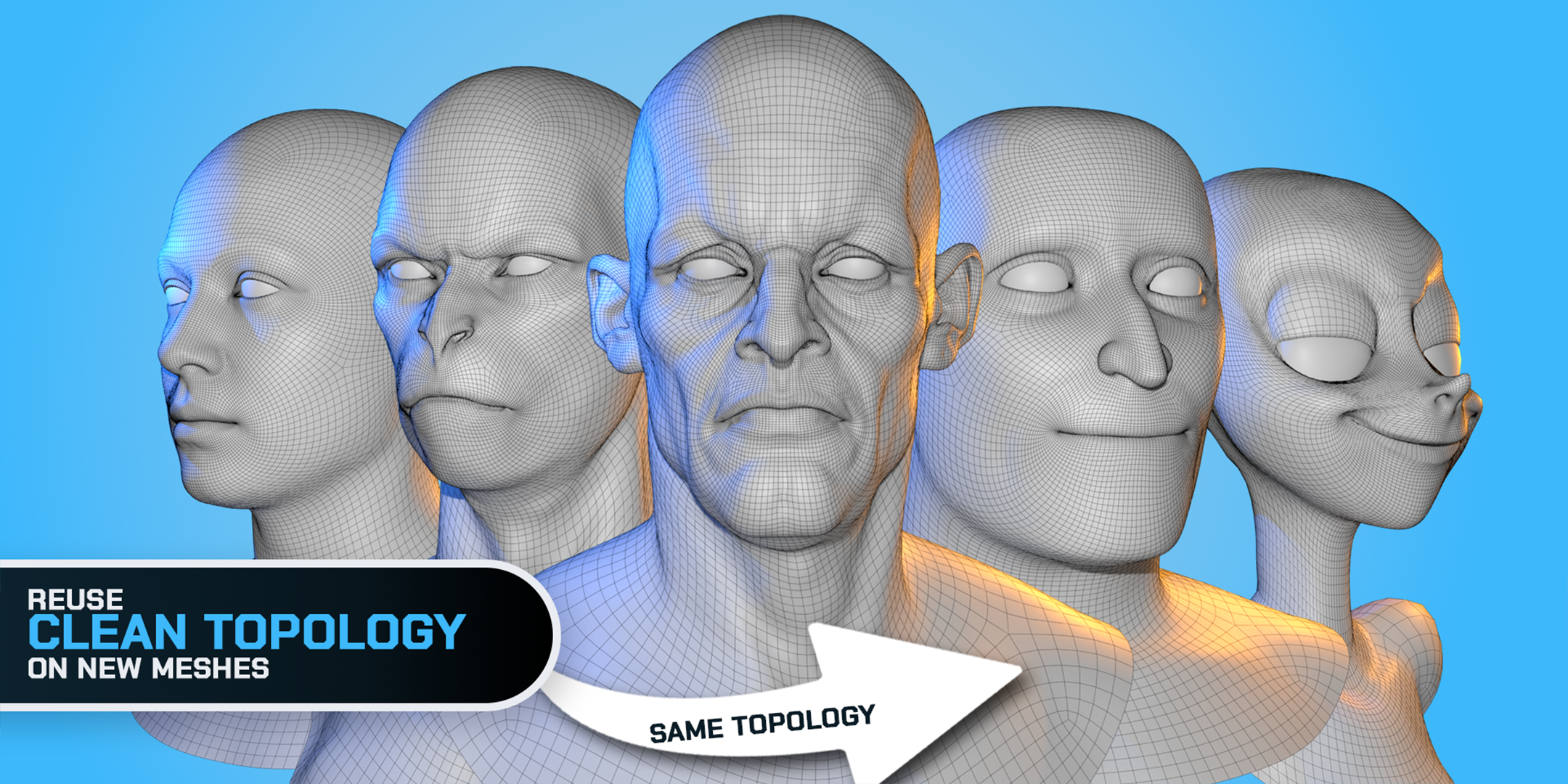
Creating good character topology takes time. Once you have a topology that works, you shouldn't have to rebuild it from scratch every time you create a new character.
BWrap lets you wrap an existing mesh onto a new scan, sculpt or character while keeping control over how the topology is transferred.



You guide. BWrap handles the deformation.
Instead of choosing between a completely automatic solution and hours of manual retopology, BWrap gives you a guided workflow.
Reuse the topology you already trust for new faces, bodies, scans, stylized characters and variations.
Keep the topology. Change the character.
Stop rebuilding topology you already have
A production-ready character mesh contains more than just polygons. It includes edge flow, deformation-friendly loops and a structure you already know works.
BWrap helps you transfer that structure to a new character while preserving control over the areas that matter most.
A guided alternative to manual retopology
Fully automatic wrapping can miss important features. Manual retopology is precise, but slow.
- You guide the important areas.
- BWrap performs the heavy lifting.
- You refine the result when needed.
- Everything stays inside Blender.
Guide the wrap where it matters
Every character is different. Automatic wrapping does not always know which features need the most attention.
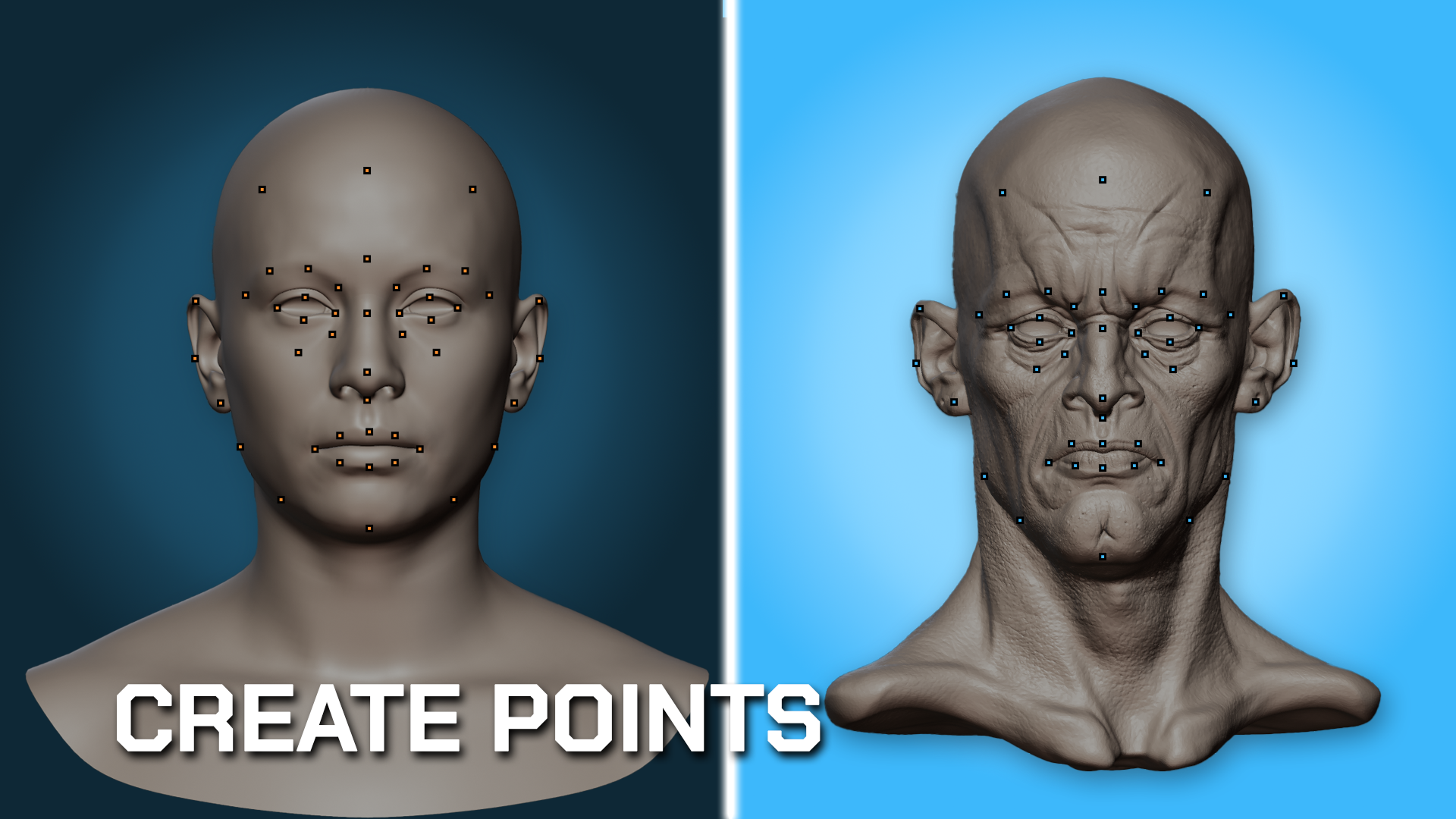
BWrap uses Correspondence Points to define how important features should match between your source and target meshes.
- Eyes
- Nose
- Mouth
- Ears
- Jawline
- Other important landmarks
BWrap uses these points to guide the deformation and keep the result aligned with the structure of the target character.
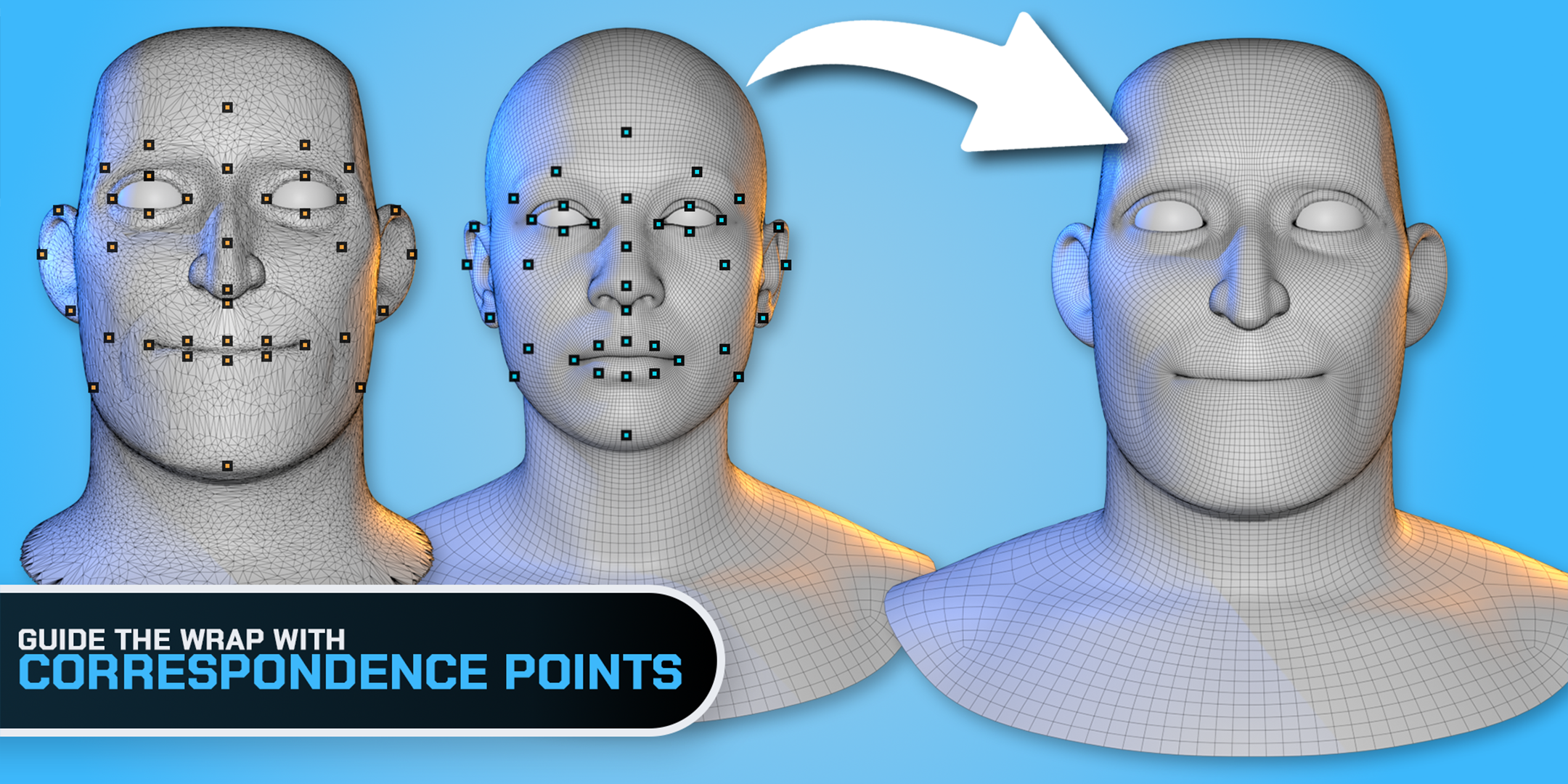
You decide where precision matters
Correspondence Points give you direct control over the areas that define the character. Add, move or adjust points as your setup develops. You can iterate without rebuilding the entire workflow from scratch.
Match complex areas with Loop Guides
Some areas are easier to describe with edge loops than individual points.
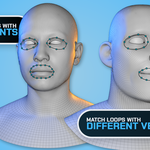
Loop Guides let you match important loops between the source and target meshes. BWrap then creates evenly distributed correspondences along those loops, even when the loops contain different numbers of vertices.
- Eye openings
- Mouth loops
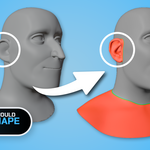
- Ear shapes
- Jawlines
- Other curved or loop-based features
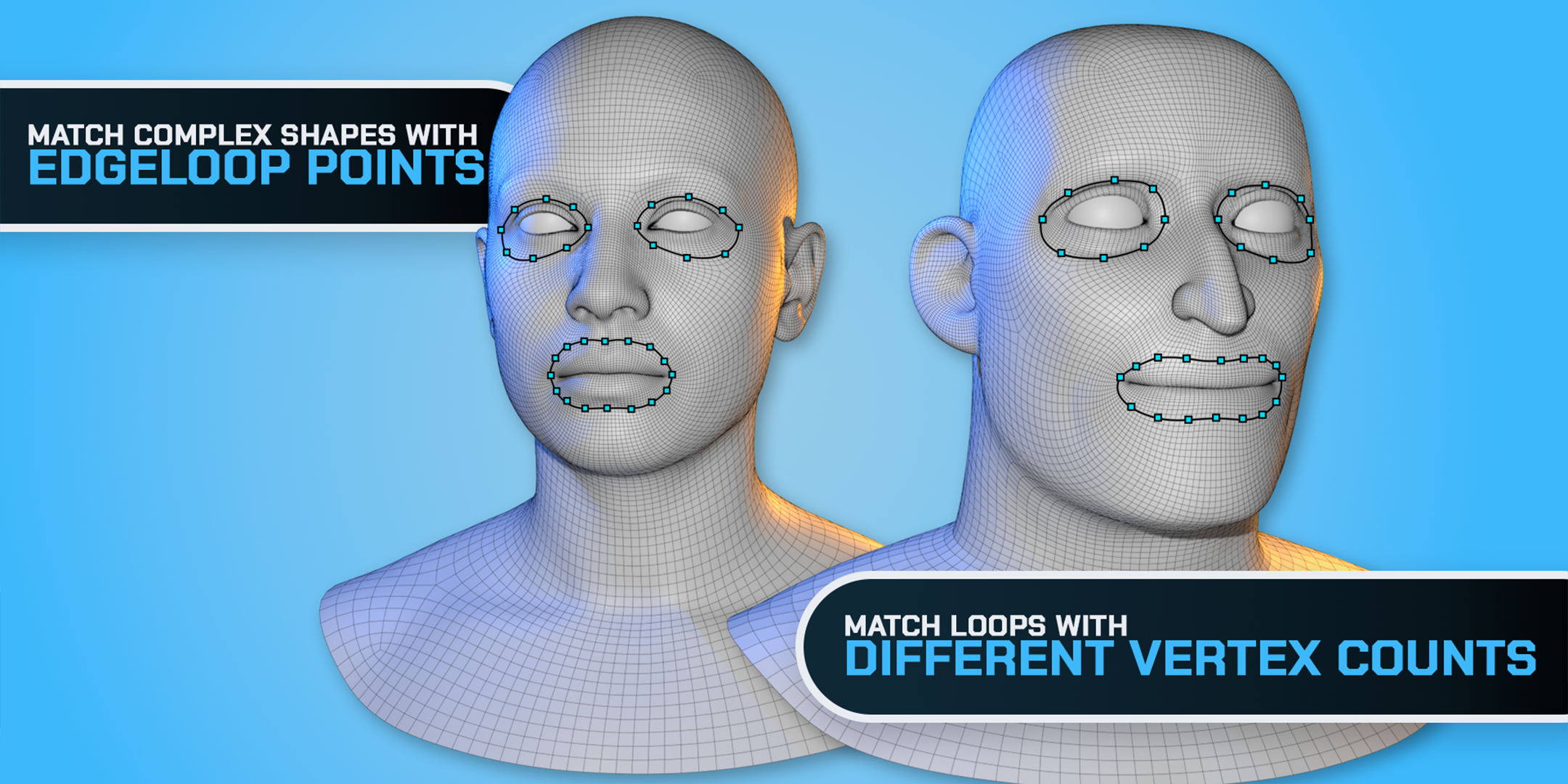
More control with less setup
Instead of placing every correspondence manually, define the loops that matter and let BWrap distribute the points for you.
Built for an iterative workflow
Wrapping rarely needs to be perfect on the first attempt.
BWrap is designed around iteration. Add or adjust points, refine important regions and run the wrap again without rebuilding your setup.
Choose the right quality preset
Quickly test a setup and explore different results.
A practical option for most everyday wrapping tasks.
Prepare a higher-quality result for final refinement.
Refine without leaving Blender
Additional refinement, shape-preservation and nudging tools make it easier to correct difficult areas directly inside the BWrap workflow.
Work faster with symmetry
Characters are often symmetrical, but your workflow does not need to involve placing everything twice.
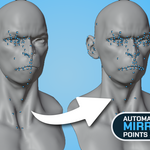
BWrap includes symmetry and mirroring tools for Correspondence Points and Loop Guides. Build one side of your setup and mirror it across the character.
You can still work asymmetrically whenever the target character requires it.
- Mirror Correspondence Points
- Mirror Loop Guides
- Build setups more quickly
- Adjust individual elements when needed
- Support both symmetrical and asymmetrical workflows
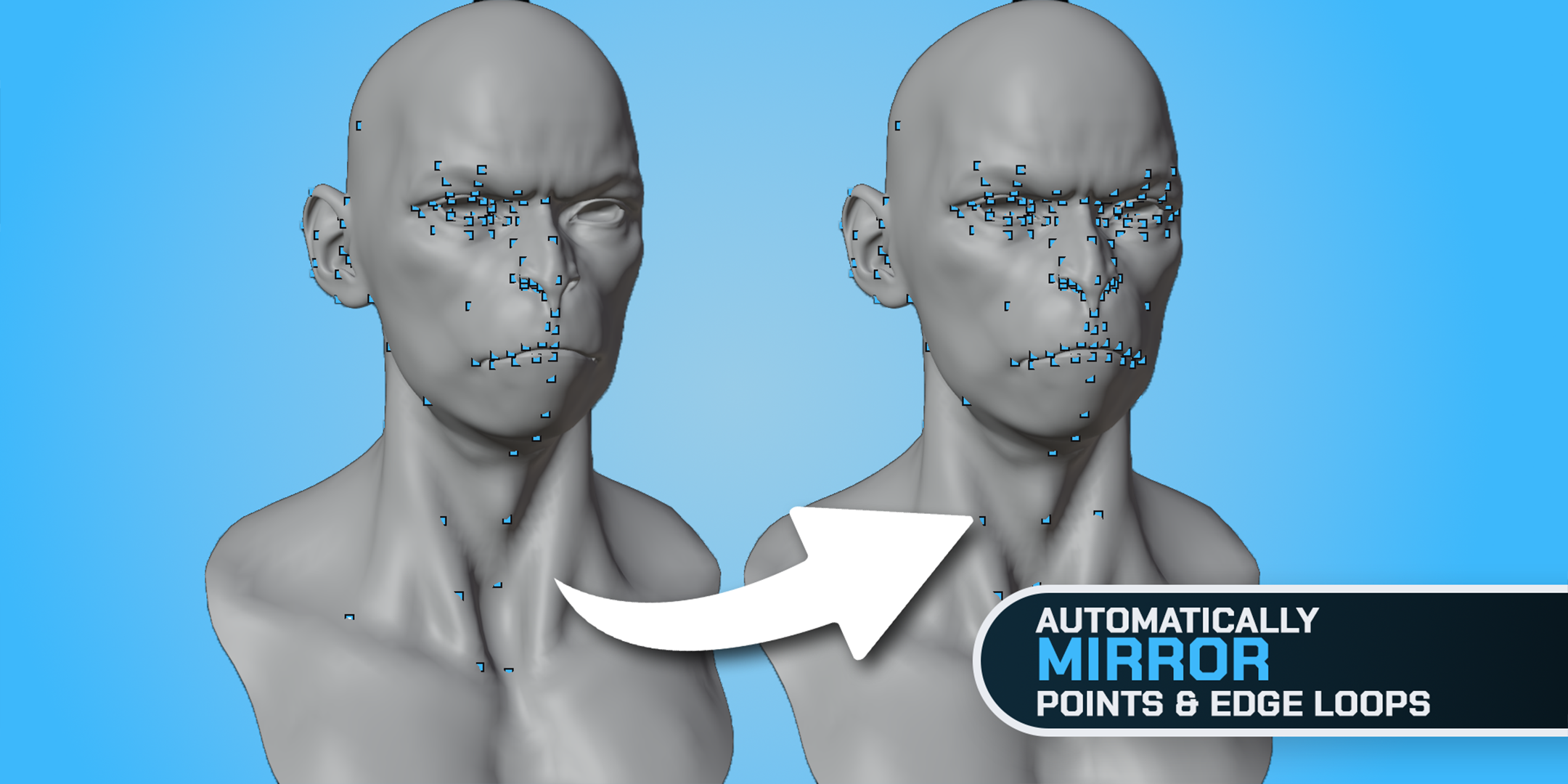
Control difficult areas
Not every part of a mesh should deform in the same way.
BWrap includes Weight Groups and shape-preservation controls that let you protect or influence specific areas during the wrap.
- Important facial forms
- Areas that should remain stable
- Regions requiring controlled deformation
- Details that should not follow the main wrap too closely
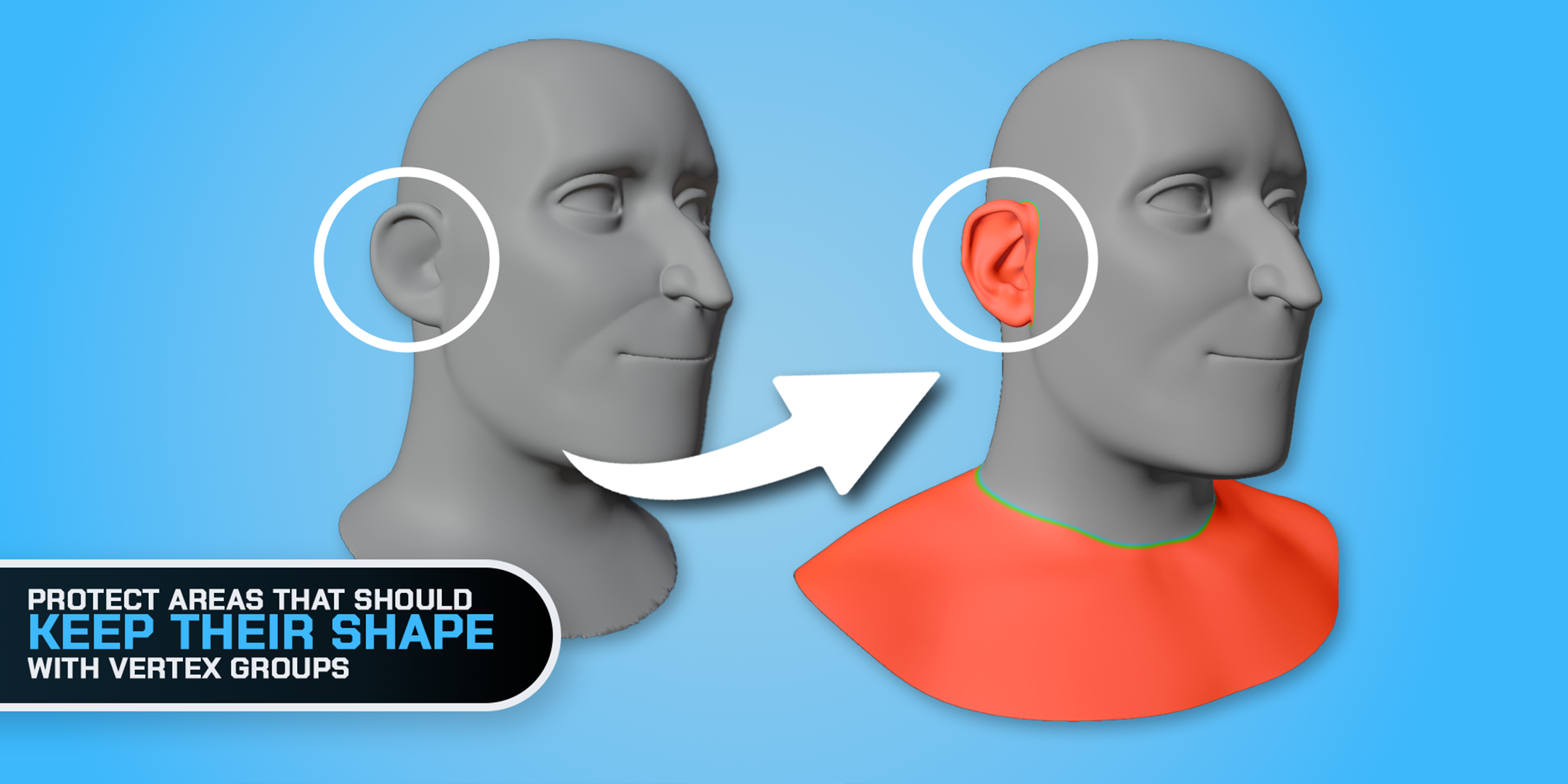
Preserve the forms that matter
BWrap gives you more control over difficult regions instead of forcing the entire mesh to deform uniformly.
From rough match to usable topology
BWrap is designed to fit into a real character-production workflow.
Import and set up
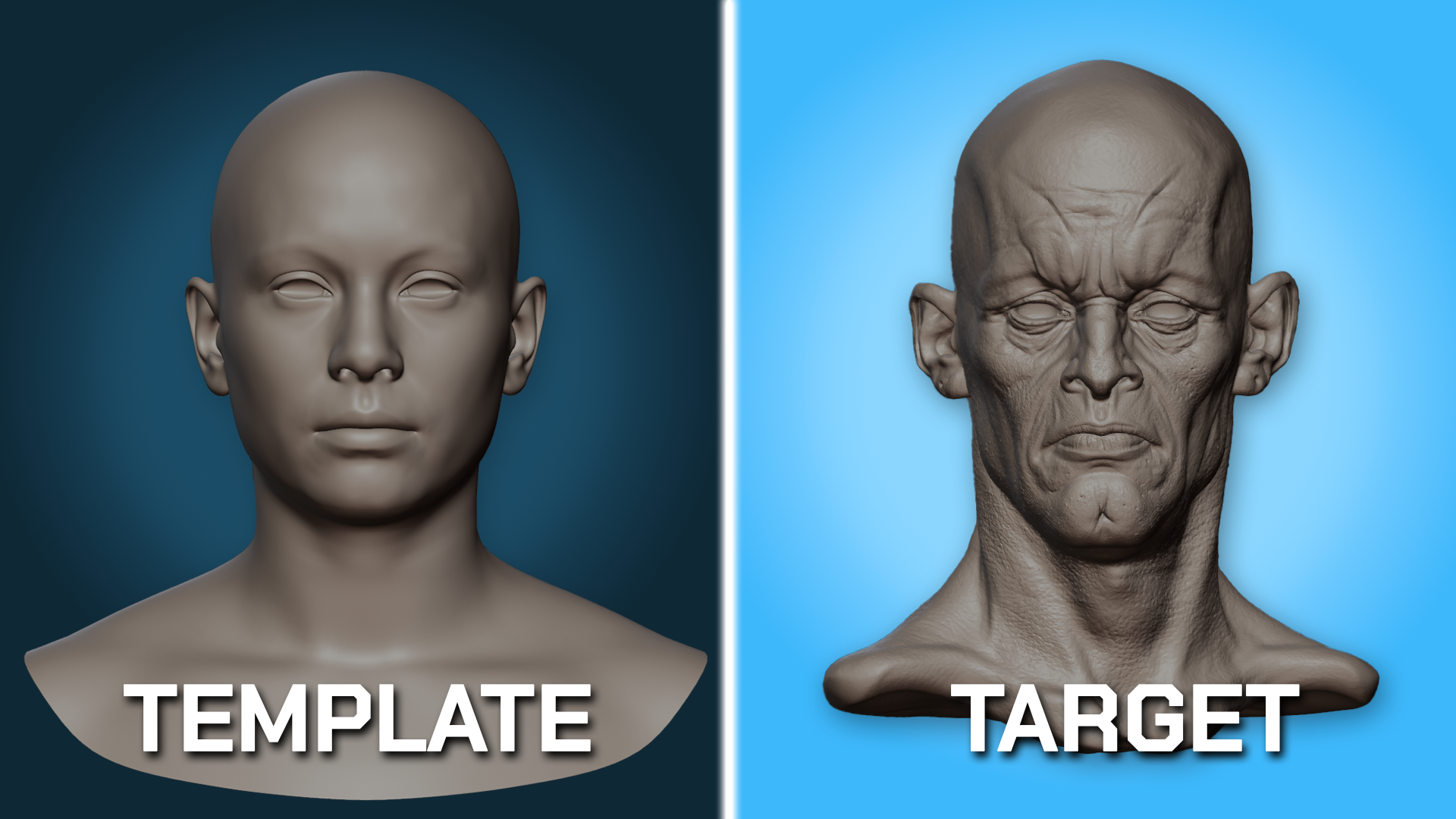
Import your clean mesh as the Template and your scan, sculpt or character as the Target. Align them, then open the BWrap workspace to view them side by side.
Create correspondence points
Guide the wrap by placing matching points manually or generating them from edge loops. Use Vertex Groups to exclude areas from wrapping or help parts keep their shape.
Wrap and refine
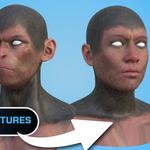
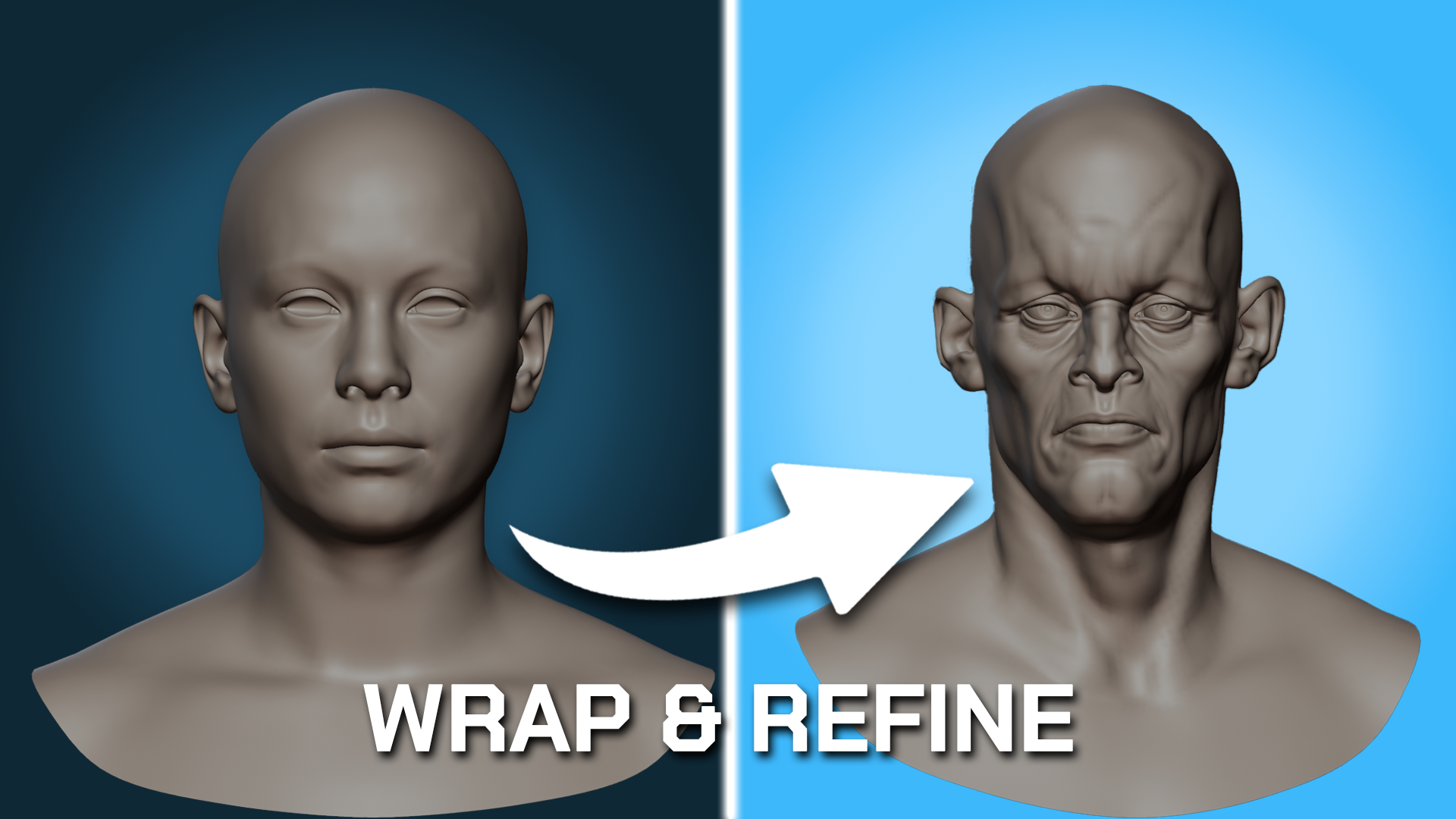
Wrap your Template onto the Target, then adjust and refine the fit. Project textures and vertex paint from the Target onto your Template’s UV maps.
BWrap features
- Reuse existing clean character topology
- Wrap meshes onto scans, sculpts and stylized characters
- Guide important features with Correspondence Points
- Match complex areas with Loop Guides
- Mirror points and guides across symmetrical characters
- Choose Fast, Balanced or Best wrapping presets
- Preserve selected areas with Weight Groups
- Control difficult regions with shape-preservation tools
- Refine and nudge the result directly in Blender
- Transfer textures as part of the workflow
- Continue editing the finished mesh with normal Blender tools
BWrap Free vs Full
Try the core workflow with Free, or get the complete toolkit with Full. Here is what each edition includes.
Free supports 24 matched point pairs: 24 landmarks on the Template and 24 on the Target. Pending Template points count toward this limit. Nudge symmetry moves existing points and geometry; point mirroring and Loop Guides are exclusive to Full.
Both editions share the same core wrapping workflow. Free uses fixed Fast settings and Shape Key output, and still includes Apply and Create Object after wrapping.
See what Full adds: Full-only controls are visible but disabled in the Free edition.
A faster way to create character variations
Whether you are adapting a production-ready base mesh to a new sculpt, working with scanned geometry or creating multiple character variations, BWrap helps you spend less time repeating topology work and more time working on the character itself.
Use the topology you already know works.
Guide the areas that matter.
Let BWrap handle the rest.
Learn BWrap from start to finish
Watch the complete BWrap tutorial for a practical walkthrough of the workflow, from setting up your meshes and correspondence points to wrapping, refining and completing the final result.
Want to try BWrap first?
Visit skalin.org to learn more about BWrap, access documentation and download the free version with limited functionality.
The free edition lets you test the core BWrap workflow on your own meshes before deciding whether you need the complete feature set.
Visit skalin.orgKeep the topology. Change the character.