 mashud008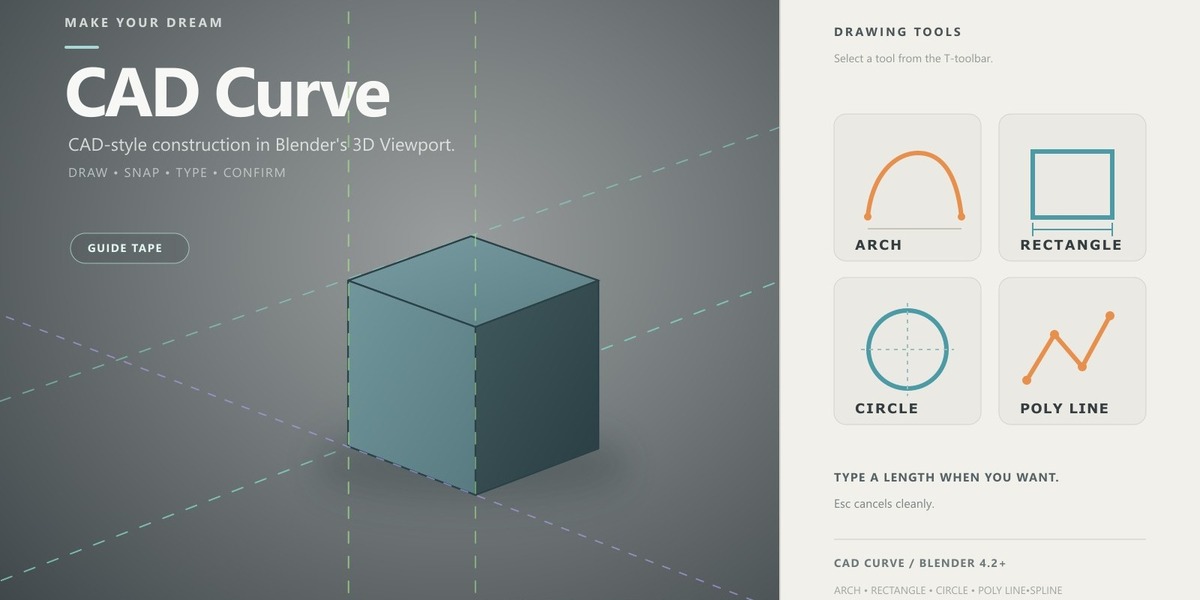
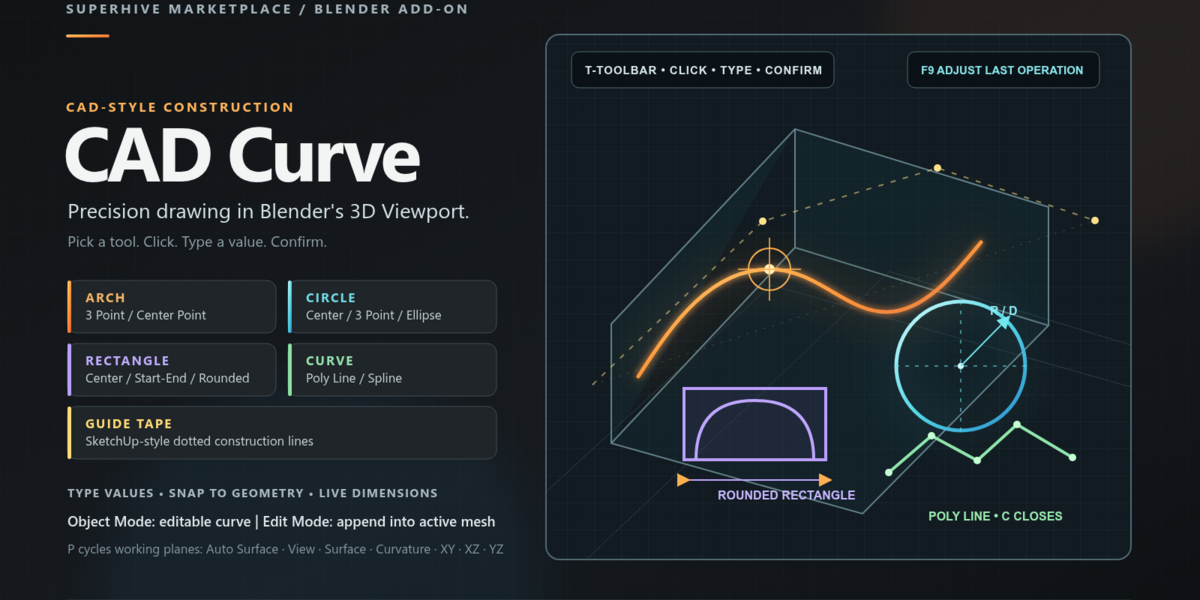
Yes. Auto Surface follows the face under the cursor. Surface Curvature can project construction onto curved mesh surfaces.
-
$2.29
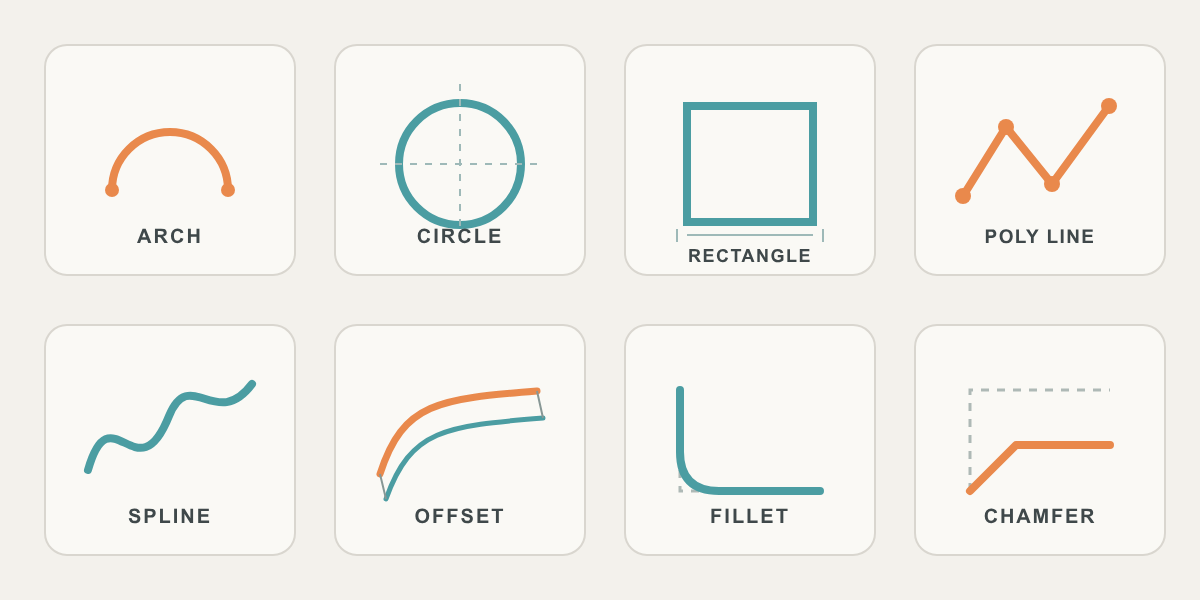
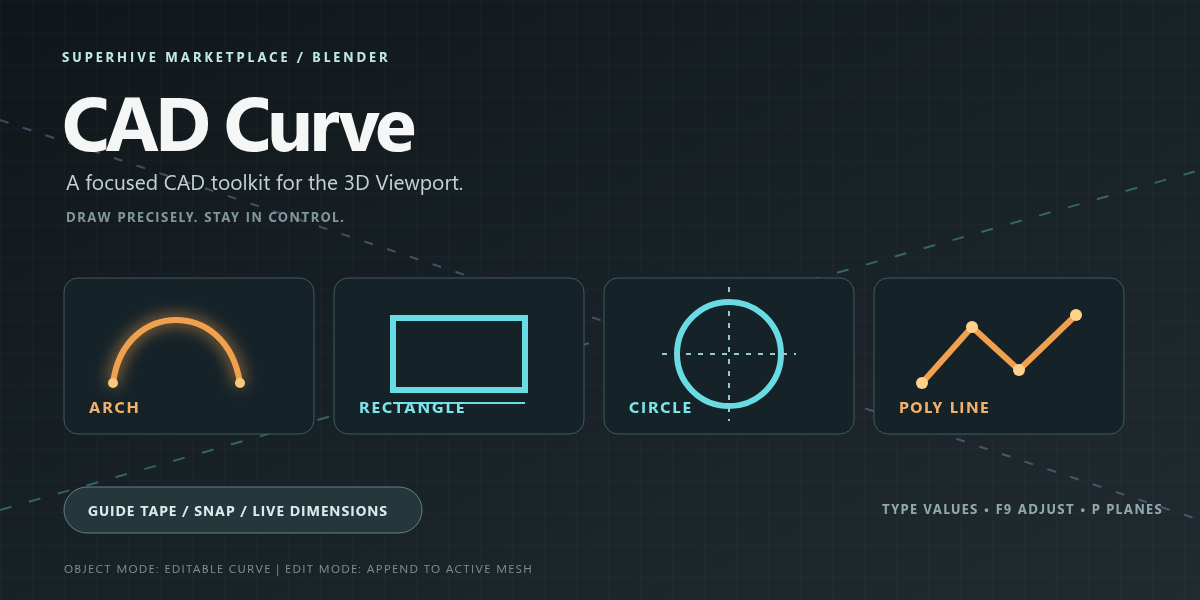
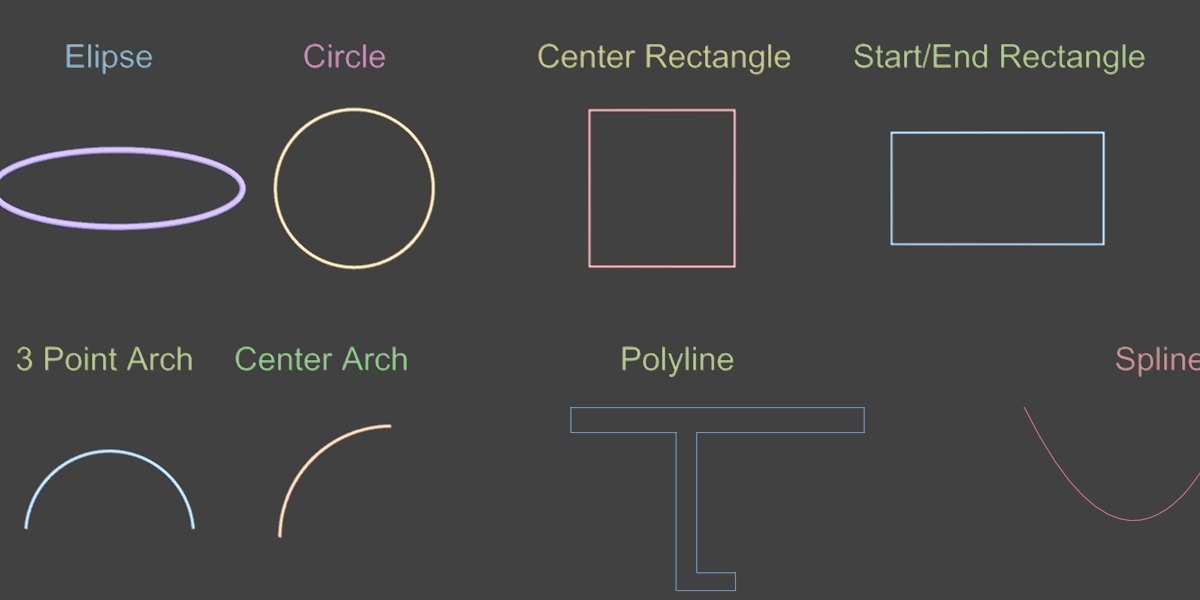
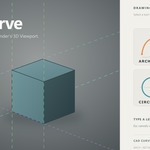
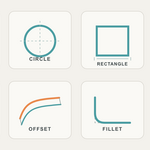
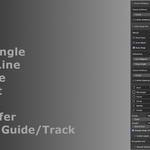
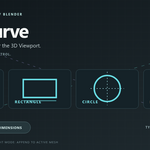
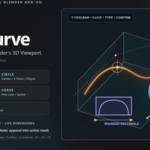
CAD Curve brings CAD-style construction to the 3D Viewport. Pick a tool from the T-toolbar, click, type a length if you want, and confirm. Previews stay temporary until you finish, so Esc never leaves junk in the scene.
-
$5.99
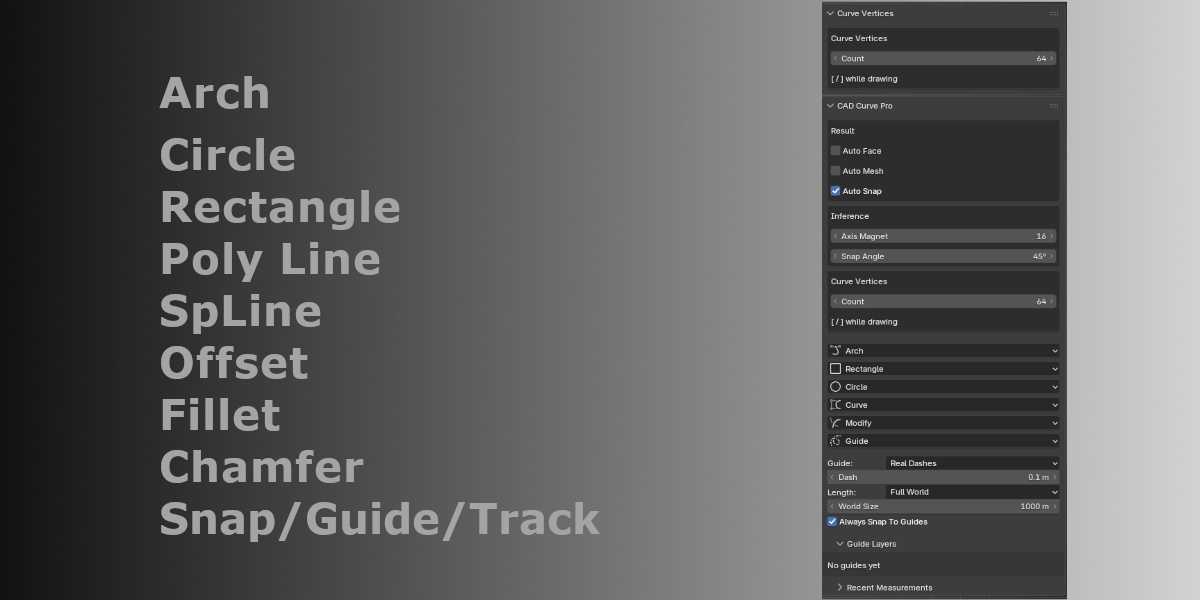
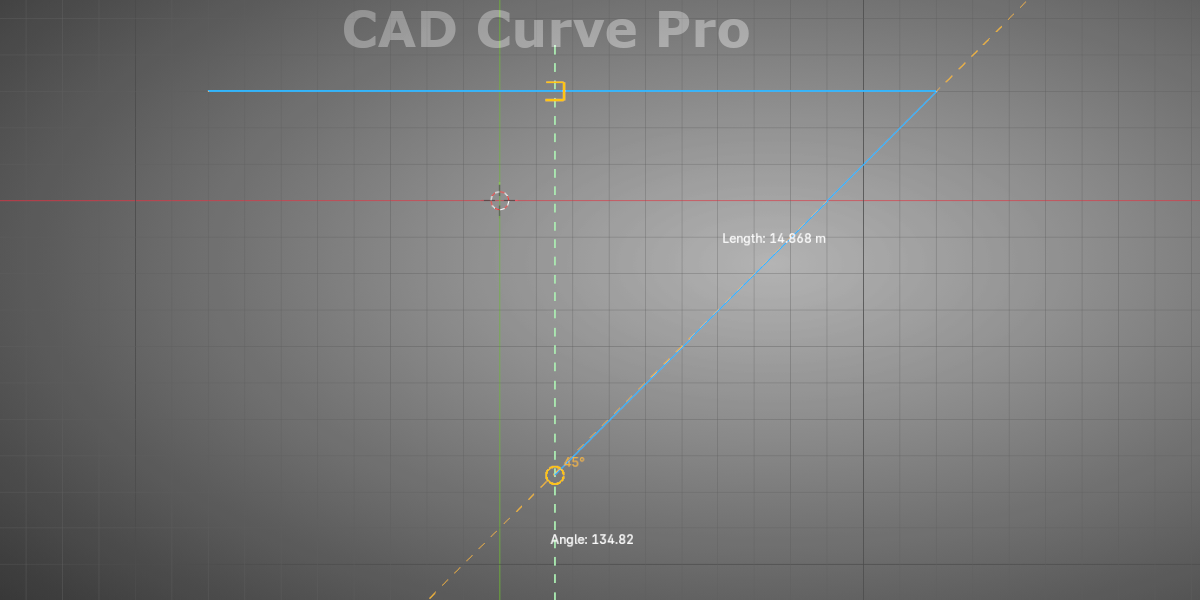
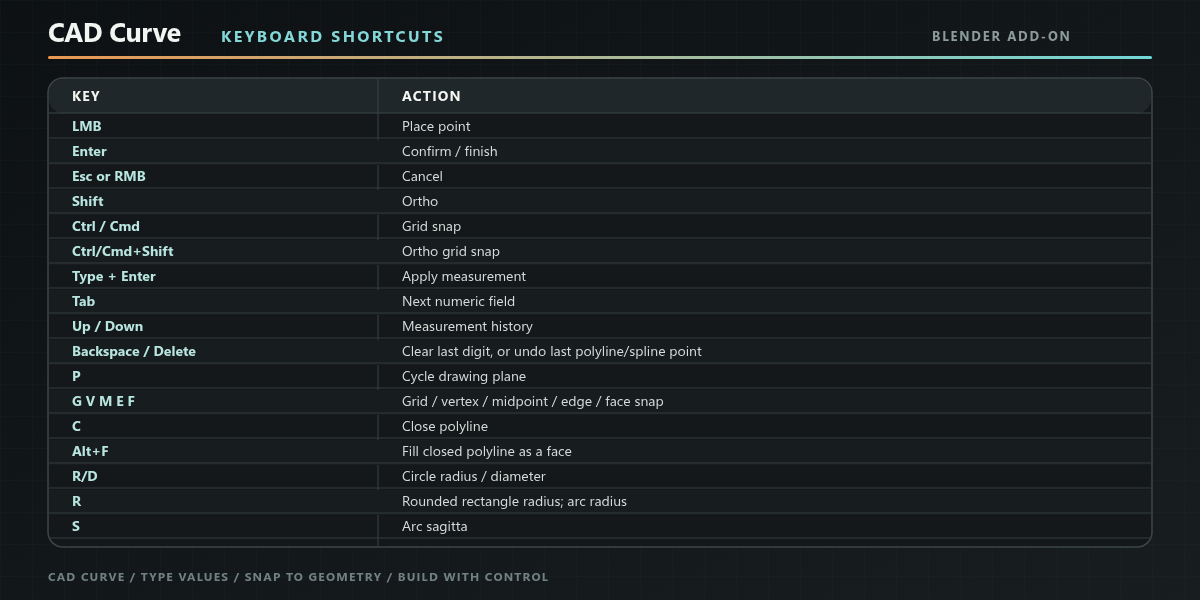
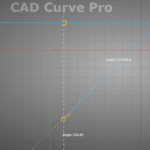
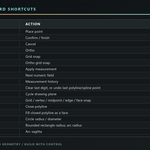
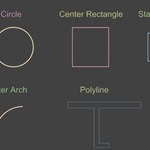
Auto Snap catches endpoints, midpoints, the nearest point on an edge, and tangents, with a square, a triangle, or a smaller circle so each snap is easy to read. Dashed guides line up with those points, and a square marks where a vertical and a horizontal guide cross. Snap Angle and Axis Magnet in the N-panel control how tightly the cursor sticks to axes and angle guides. Grid snap follows the grid lines you can actually see, and Ctrl+Shift steps to the smallest grid increment. Auto Face fills arches, circles, and rectangles as curve faces, and Auto Mesh turns the result into a mesh ready to extrude.
Have questions about this product?
Login to message