 mashud008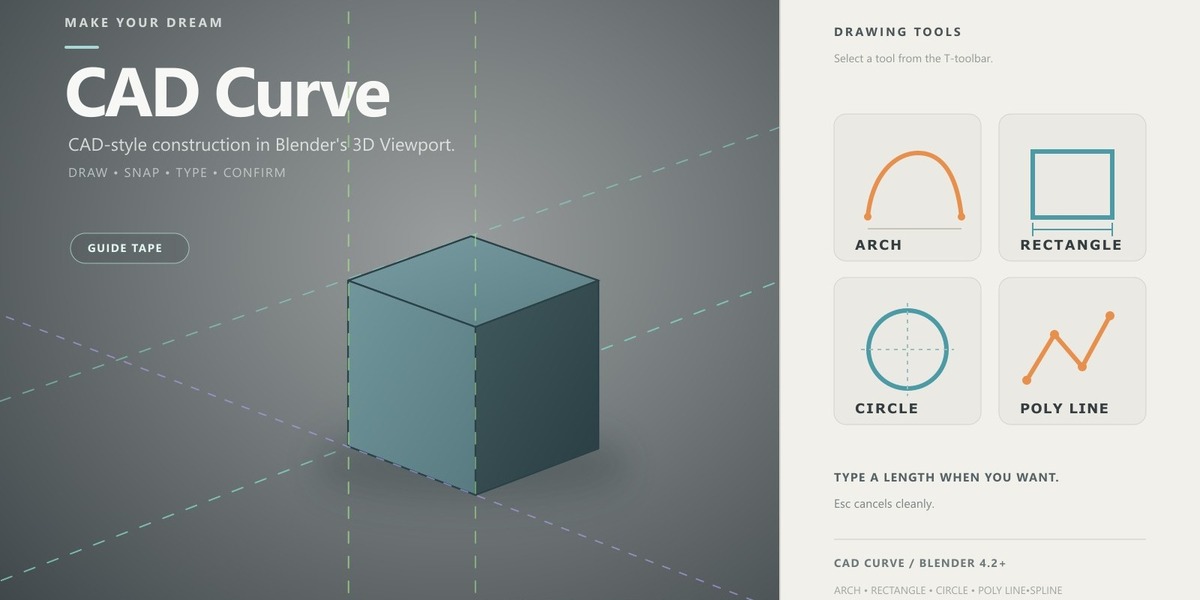
CAD Curve Pro v1.0.3
Patch Release Notes
Mesh Topology Optimization (Auto Face + Auto Mesh)
-
Clean Single-Face Geometry (N-gons / Quads): Fixed an issue where enabling both Auto Face and Auto Mesh resulted in triangulated geometry (multiple split triangles). Shapes now convert cleanly into a single unified face:
Rectangles: Generates a clean single Quad face.
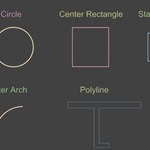
Circles / Ellipses / Arches: Generates a single N-gon face without internal triangulation.
-
Extrusion Workflow: Entering Edit Mode (
Tab) and extruding (E) now produces clean, manifold solid geometry immediately.
🛠️ Technical Improvement
Previous Behavior (v1.0.2): Standard Blender
Convert to Meshoperations forcibly triangulated filled curves.-
New Behavior (v1.0.3): The tool now preserves boundary outline loops prior to conversion, stripping unwanted inner triangles and recreating a clean, single-face boundary.
CAD Curve v1.0.2 – Release Notes
New Features & Enhancements
1. Output & Mesh Generation (N-panel → CAD Curve → Result)
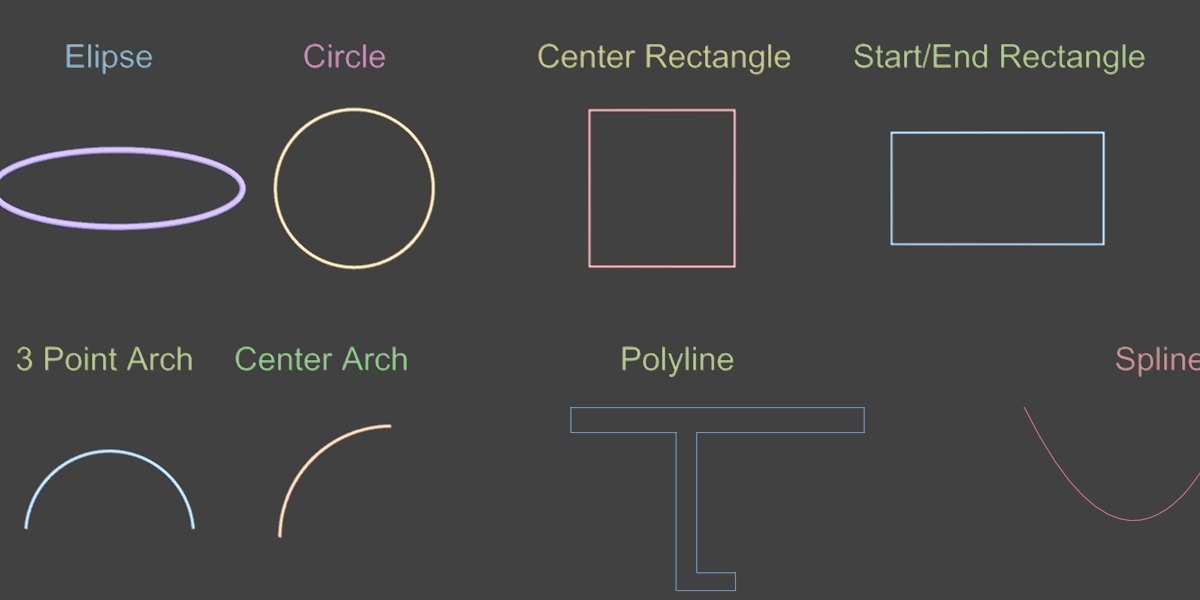
Auto Face: Automatically fills closed shapes (Arches, Circles, Ellipses, and Rectangles) as 2D curve faces upon completion.
Auto Mesh: Automatically converts completed curves into clean mesh geometry, allowing immediate extrusion (
Tab$\to$E).-
Flexible Result Modes:
Auto Face + Auto Mesh: Generates filled mesh geometry (N-gons) ready for immediate extrusion.
Auto Face Only: Generates filled 2D curve faces.
Auto Mesh Only: Generates mesh outlines without faces.
2. Advanced Snapping & Inference Guides
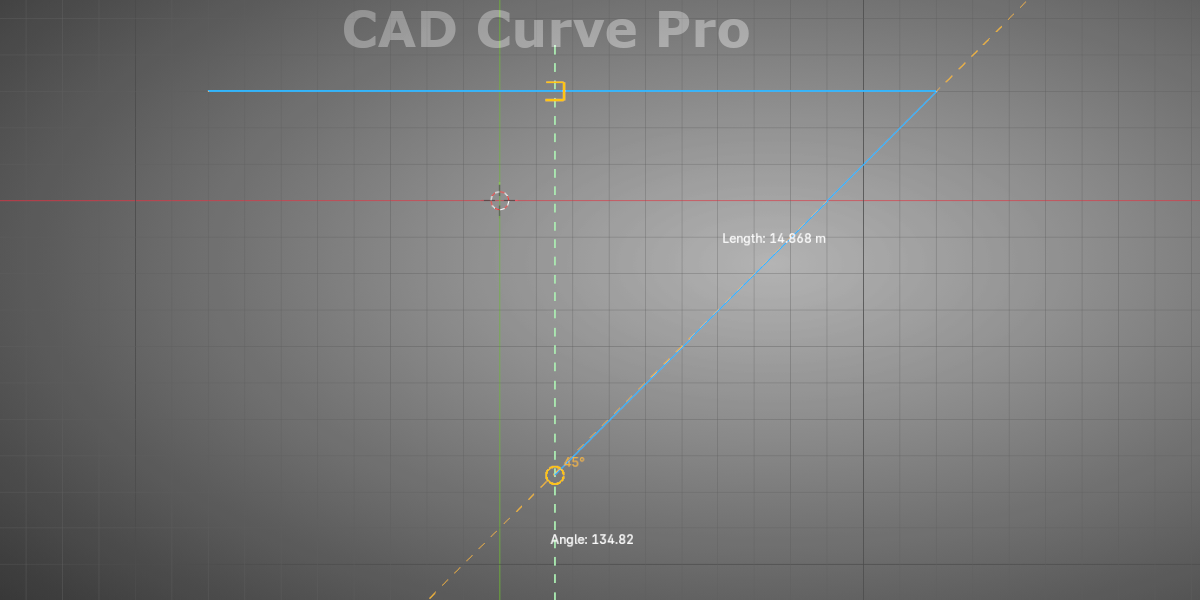
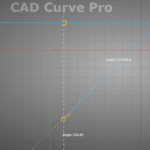
Auto Snap System: Smart detection for Endpoints, Midpoints, Nearest Edge points, and Tangents with distinct visual markers (Square, Triangle, and Small Circle).
-
Dashed Inference Guides:
Red / Green / Blue: X, Y, and Z axes alignment.
Yellow: 45 angle guide.
Purple: Parallel guide.
Light Blue: Perpendicular guide.
Guide Intersection Snapping: Snaps precisely where two inference lines cross.
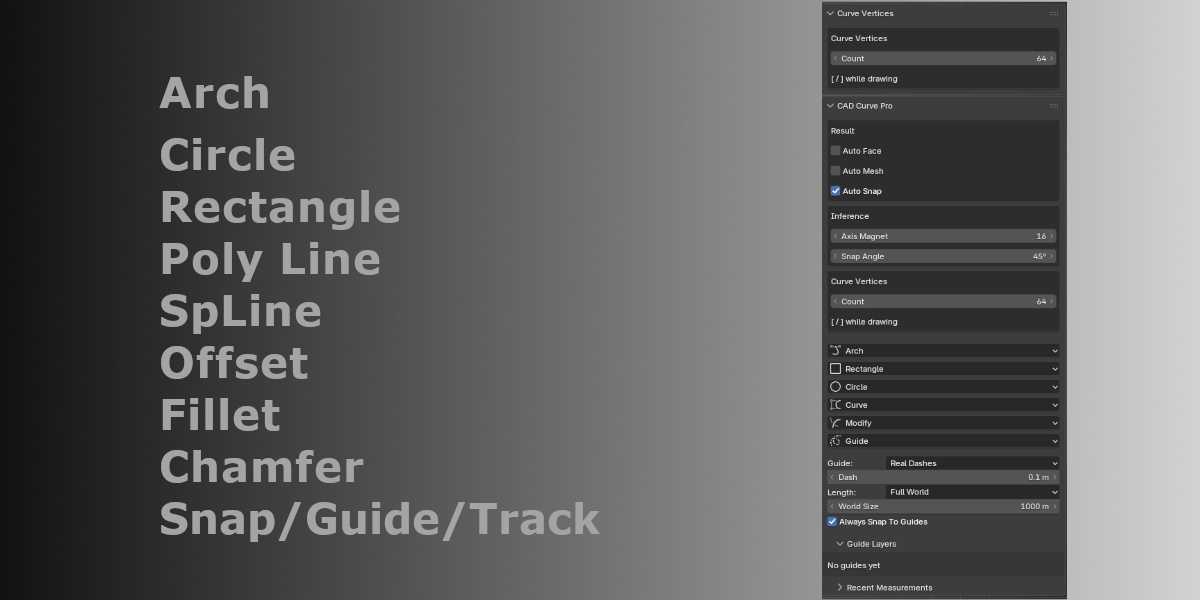
Axis Magnet: Adjustable pixel threshold (in N-panel) controlling how strongly the cursor locks to axes, angles, parallel, or perpendicular guides.
Snap Angle Control: Default step set to 45. Set to 15 for incremental steps, or set to 0 to lock strictly to horizontal/vertical axes.
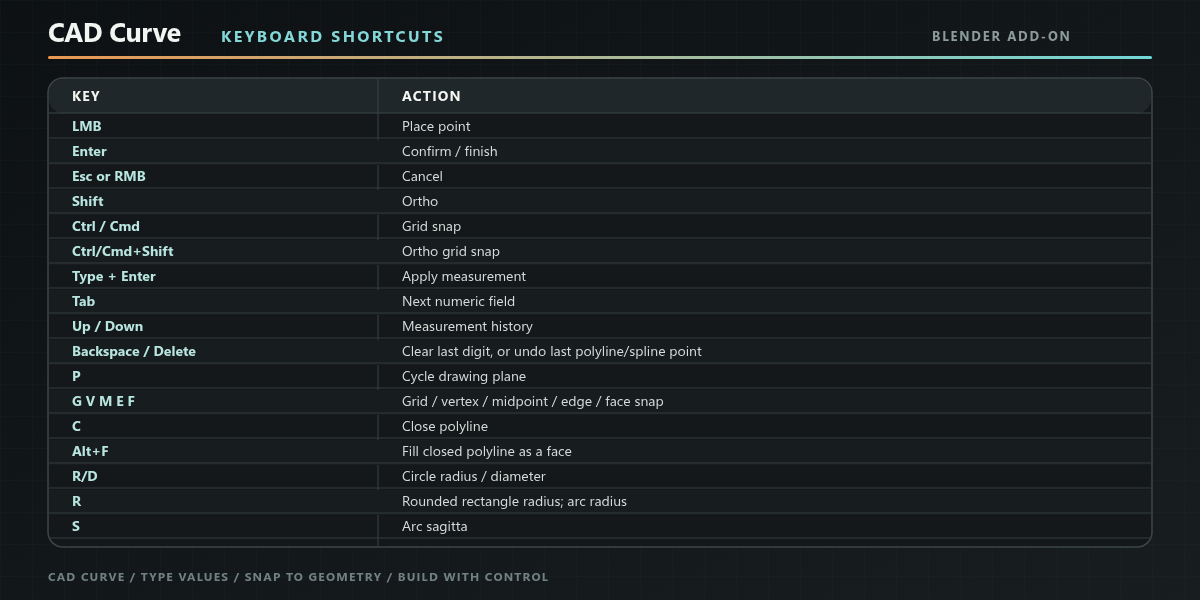
Precision Grid Snapping: Aligns seamlessly with the visible viewport grid. Hold
Ctrl + Shiftto step down to the smallest sub-grid increment.
3. Ortho Mode (AutoCAD-Style)
F8 Toggle: Press
F8to toggle Ortho mode persistently (without holdingShift).Axis Lock Integrity: When Ortho mode is active, snap lines remain strictly constrained to axes, ensuring midpoints lock only along the active axis without distorting the straight line.
🐛 Bug Fixes & Stability Improvements
Auto Mesh Data Type Fix: Resolved the
Object.data expected a Curve type, not Mesherror by implementing a nativeConvert to Meshroutine.Linux / Ubuntu Performance: Drastically reduced viewport scene freezing during rapid mouse movements by optimizing snap caching.
Curve Vertices Control: The Curve Vertices setting is now conveniently exposed as a slider in both the N-panel and the top header bar for quicker adjustments.
-
$2.29
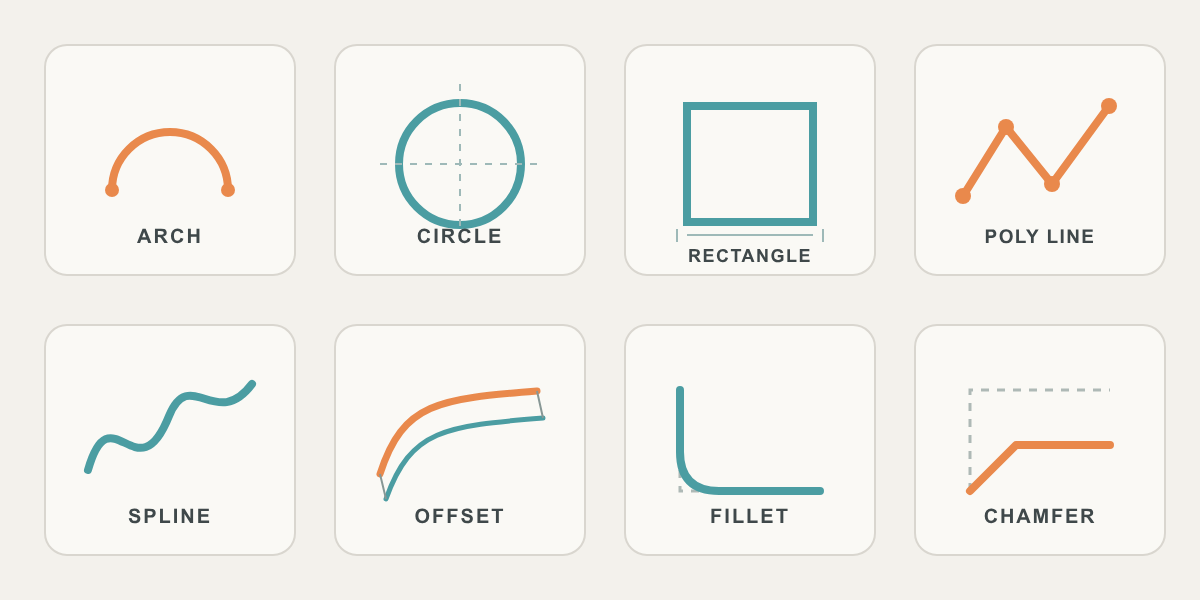
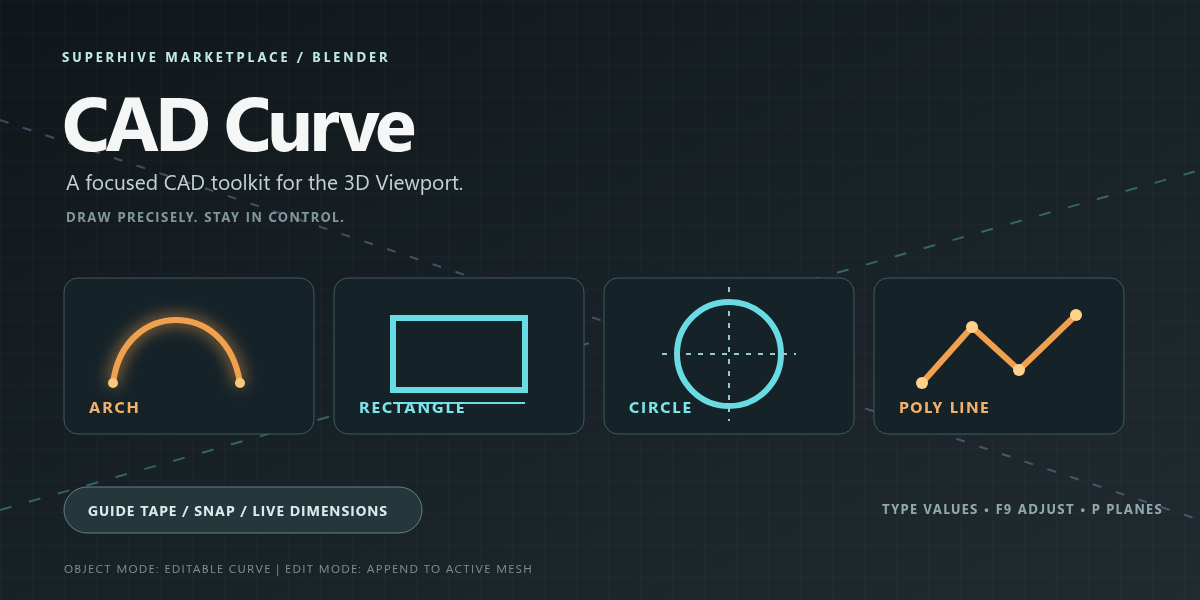
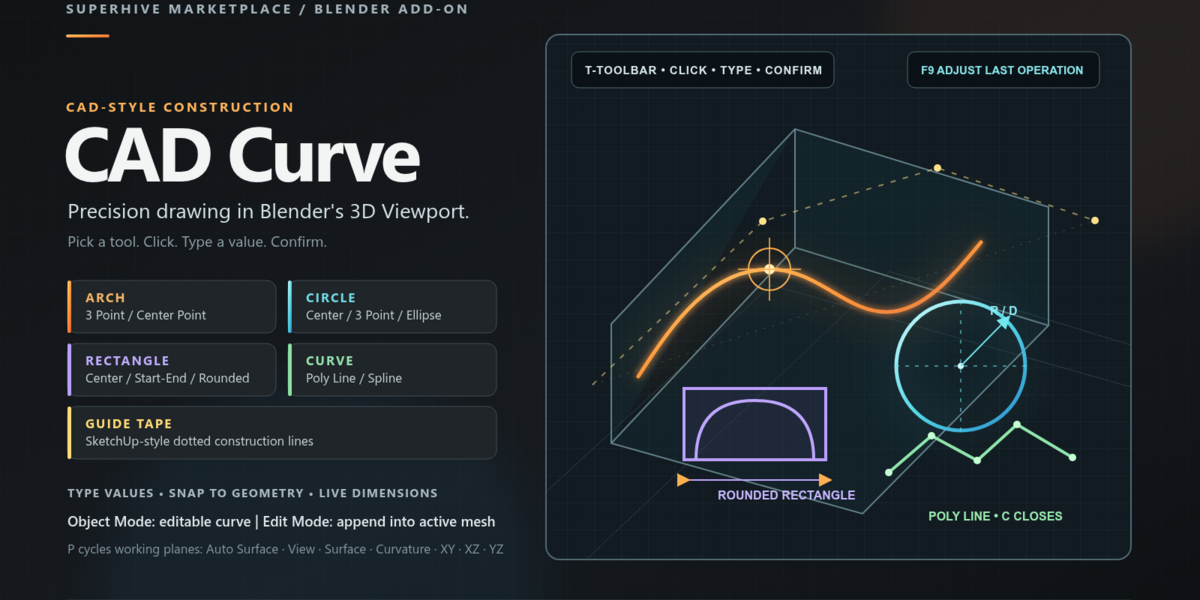
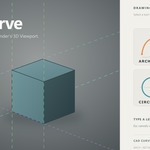
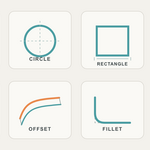
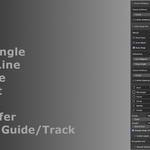
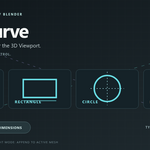
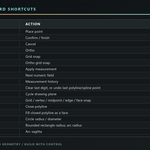
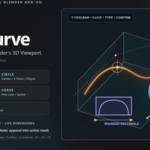
CAD Curve brings CAD-style construction to the 3D Viewport. Pick a tool from the T-toolbar, click, type a length if you want, and confirm. Previews stay temporary until you finish, so Esc never leaves junk in the scene.
-
$5.99
Auto Snap catches endpoints, midpoints, the nearest point on an edge, and tangents, with a square, a triangle, or a smaller circle so each snap is easy to read. Dashed guides line up with those points, and a square marks where a vertical and a horizontal guide cross. Snap Angle and Axis Magnet in the N-panel control how tightly the cursor sticks to axes and angle guides. Grid snap follows the grid lines you can actually see, and Ctrl+Shift steps to the smallest grid increment. Auto Face fills arches, circles, and rectangles as curve faces, and Auto Mesh turns the result into a mesh ready to extrude.
Have questions about this product?
Login to message