 za studio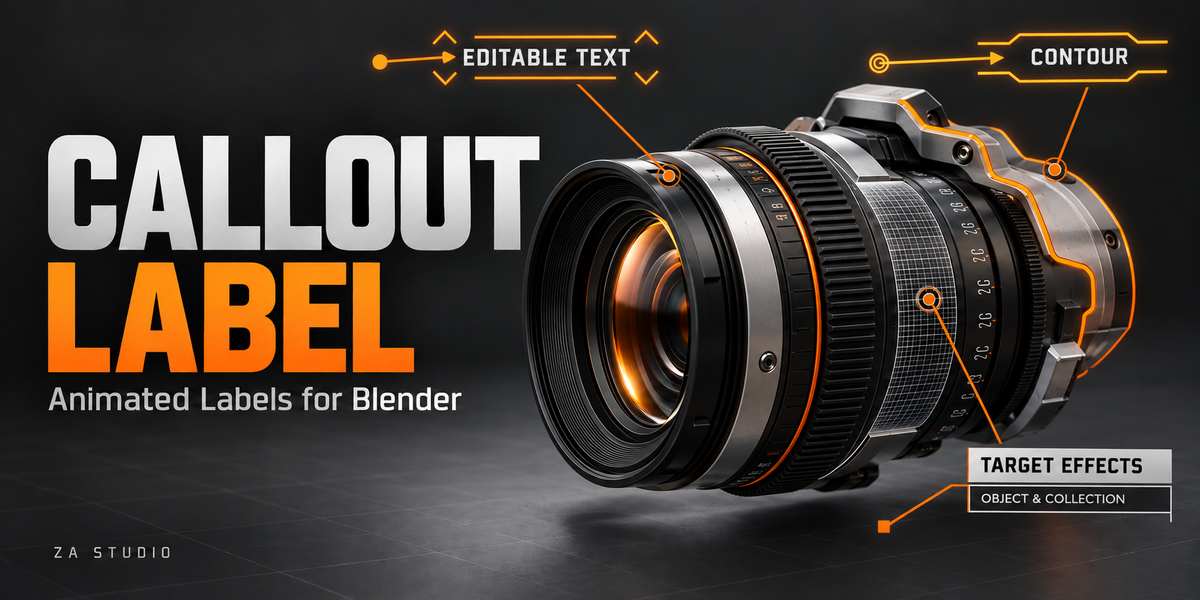
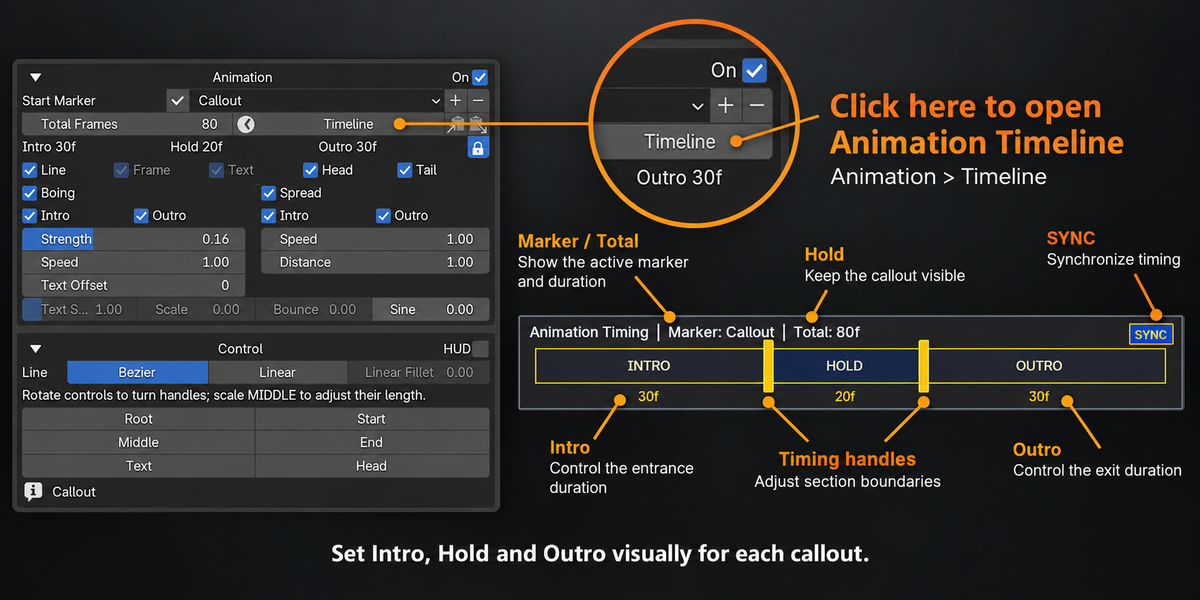
ZA STUDIO / BLENDER ADD-ON
CALLOUT LABELS
Turn product details into a clear visual story.
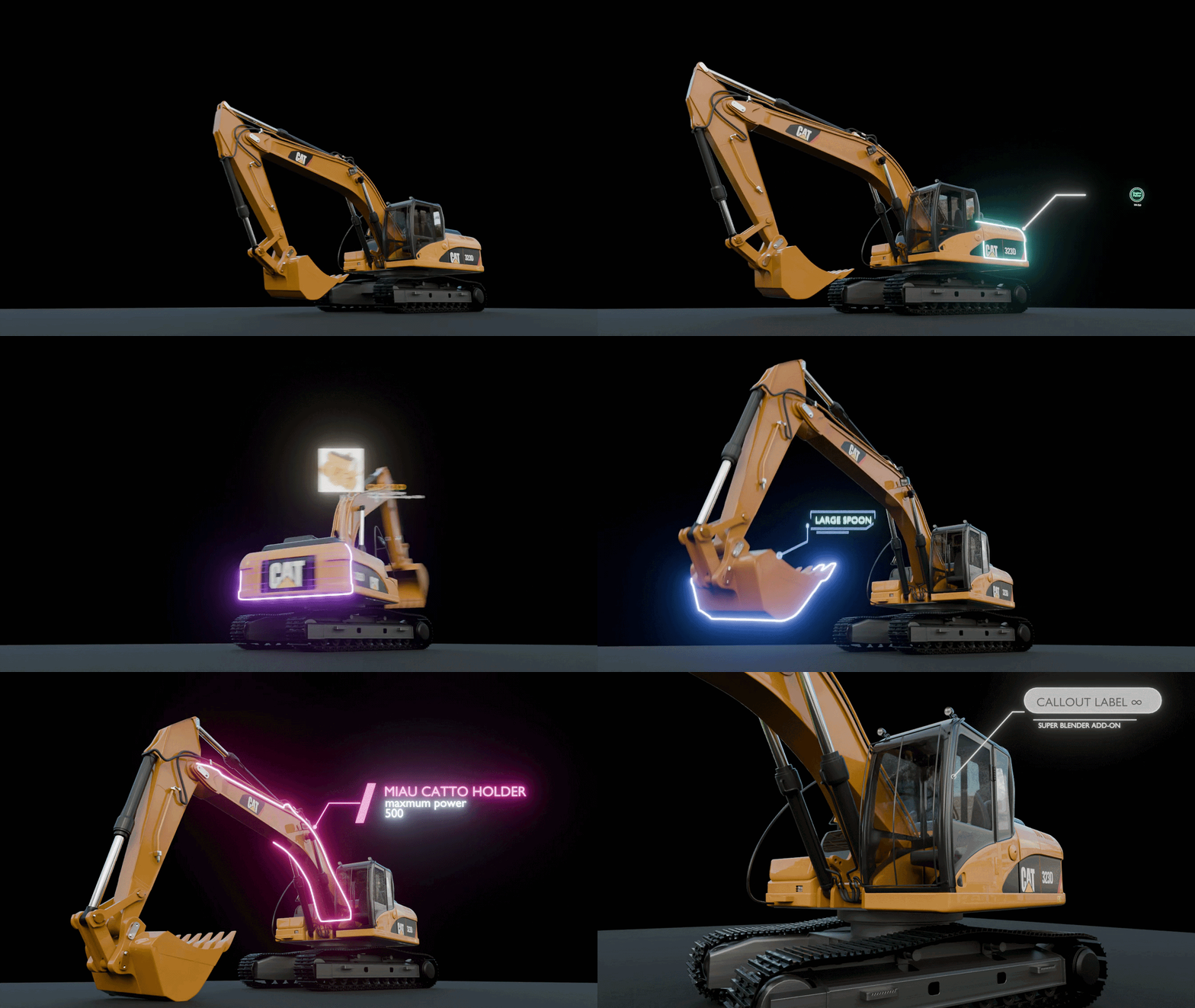
Create polished, camera-facing labels with editable text, leader lines and animated target effects. Built right in Blender for product renders, presentations and motion graphics.

CREATE • CONNECT • PRESENT
Highlight the detail that matters.
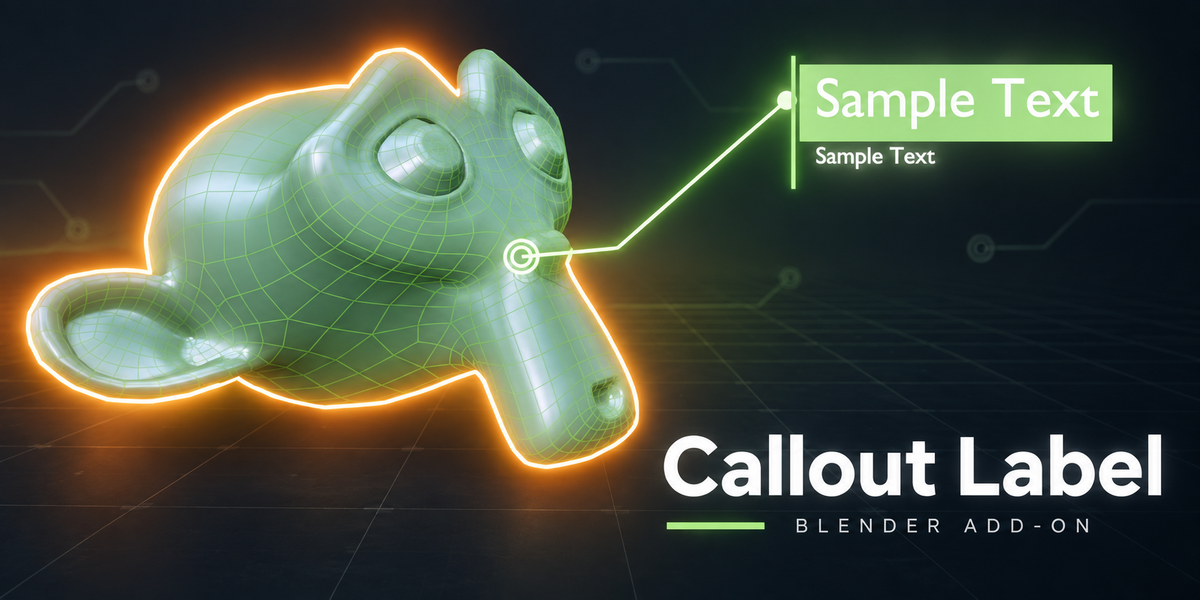
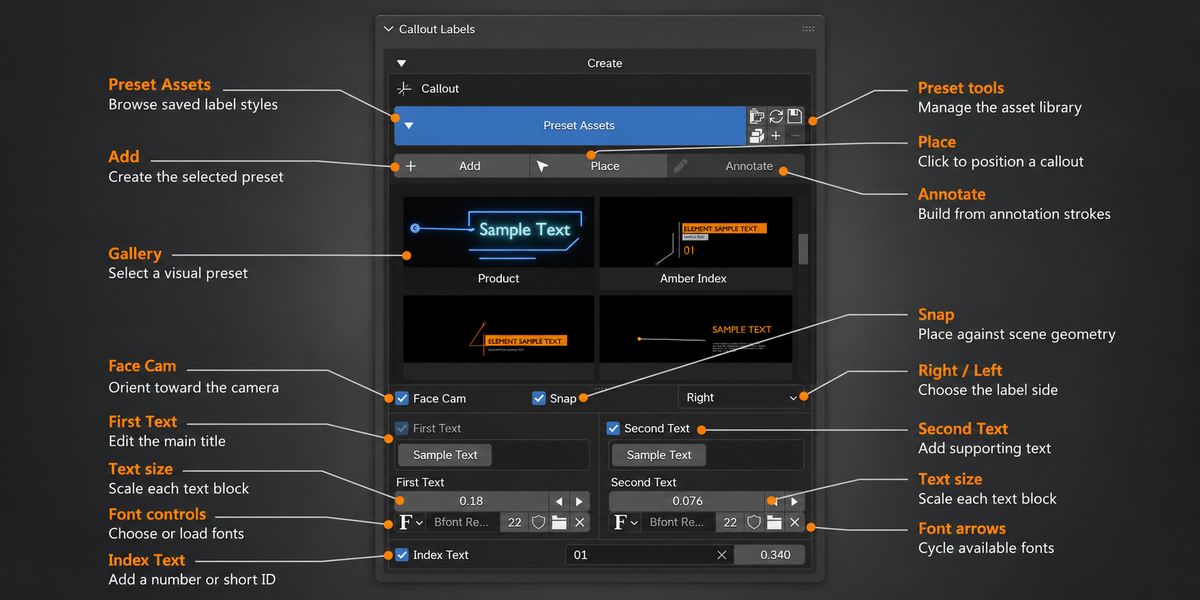
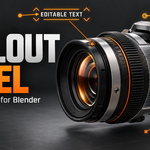
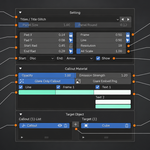
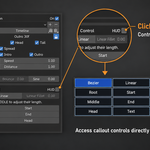
Connect a title, description or image card to the exact object or feature you want to explain. Create a callout with Add or Place, or draw its path with Blender Annotations. Shape the leader line, choose an endpoint and arrange the label to fit your shot.
Made for: product visualization, feature breakdowns, technical presentations and motion graphics.
01 / DESIGN
Your style. Your layout.
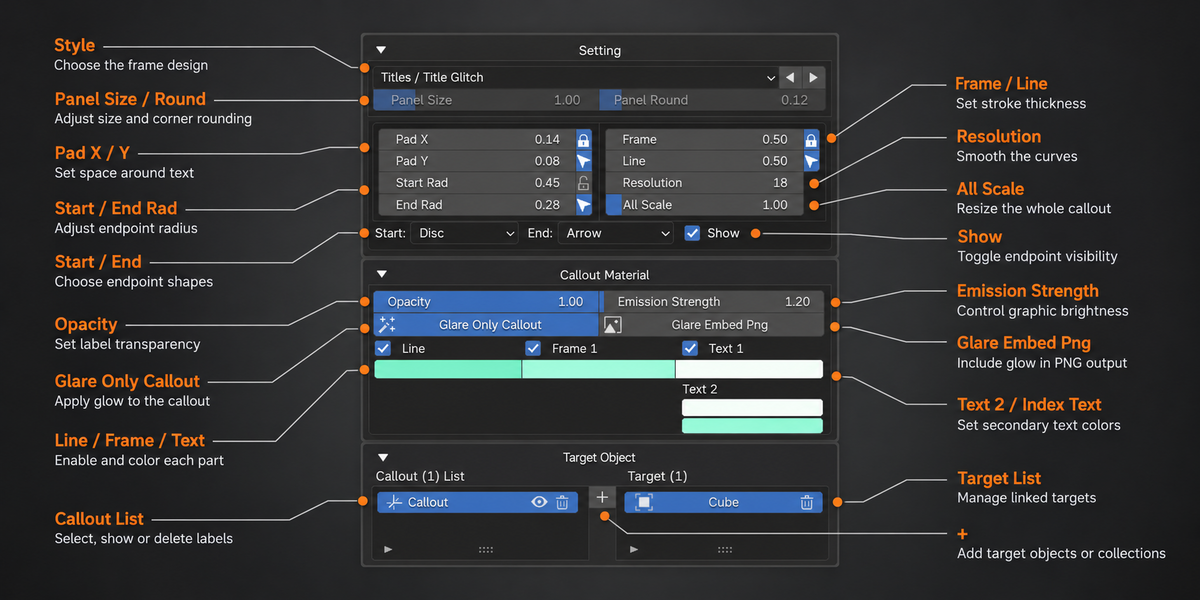
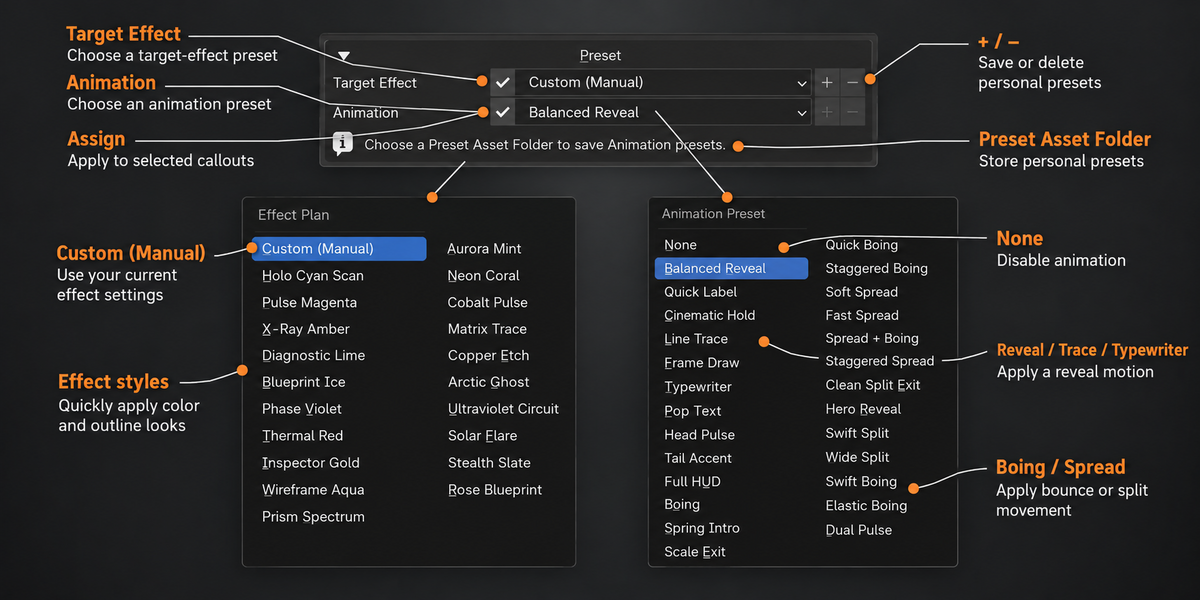
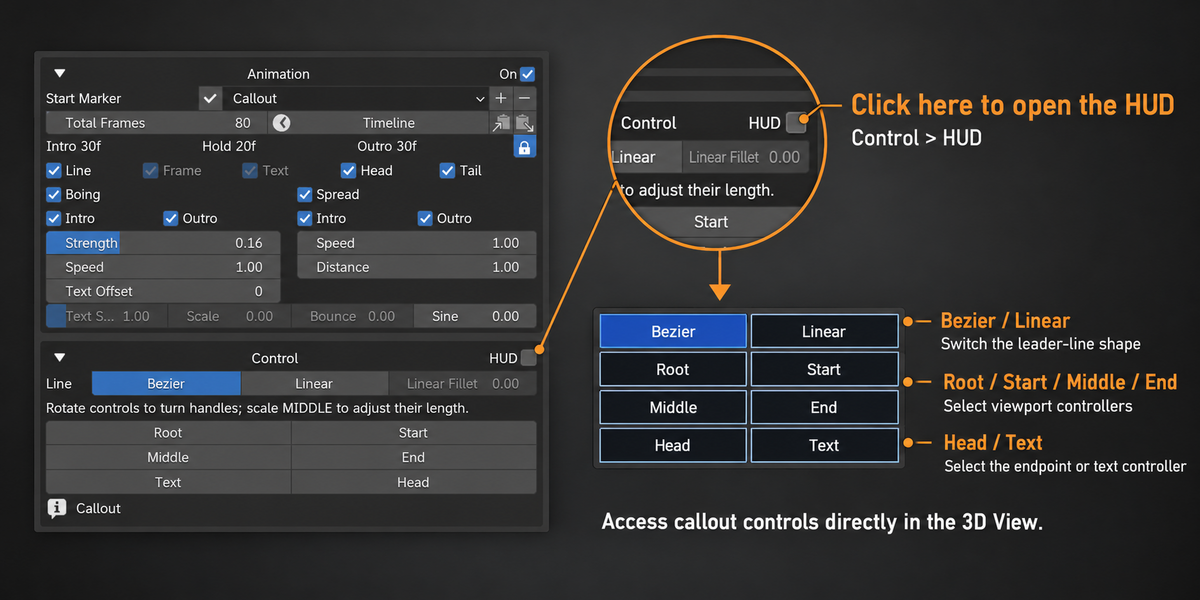
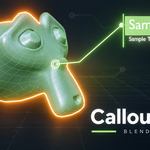
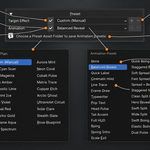
Start with 52 included visual presets, then customize the result for your project. Choose fonts, colors, line and frame styles, image panels and endpoints. Switch between left and right layouts, and move the text and controllers directly in the 3D View.
Three editable text blocks
Use First Text for a title, Second Text for supporting detail and Index Text for a number or identifier.
Save a signature look
Save personal visual presets and thumbnails in a chosen asset folder. Store Animation and Target Effect presets, then assign them to selected callouts.



02 / ANIMATION
Give every label its own rhythm.
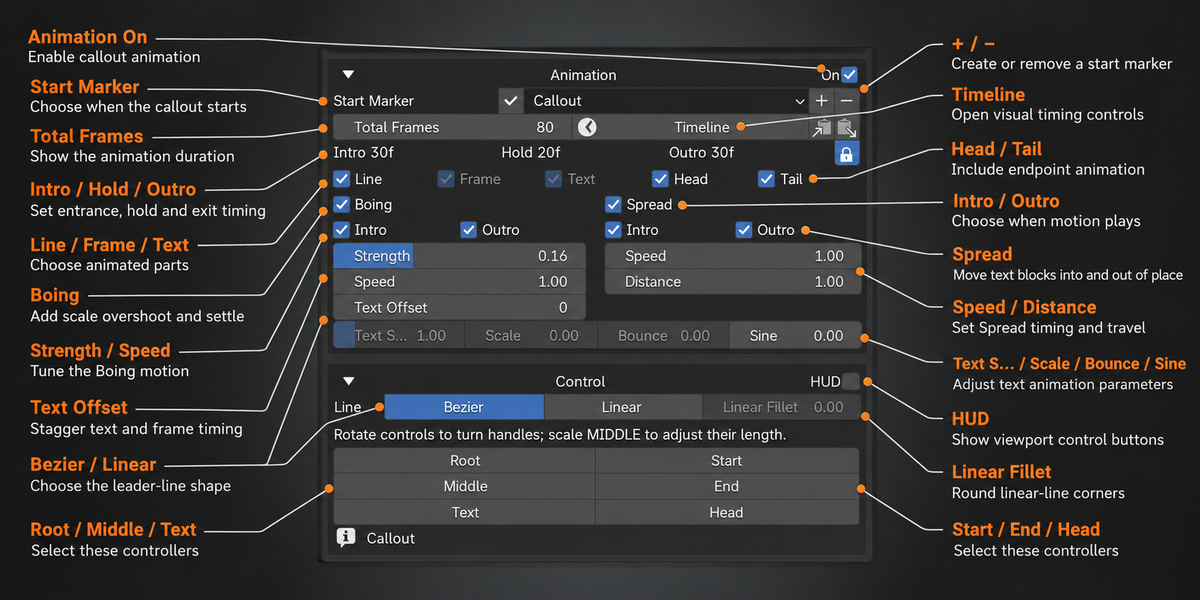
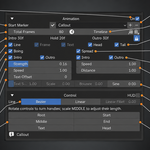
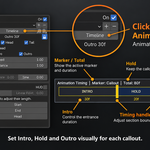
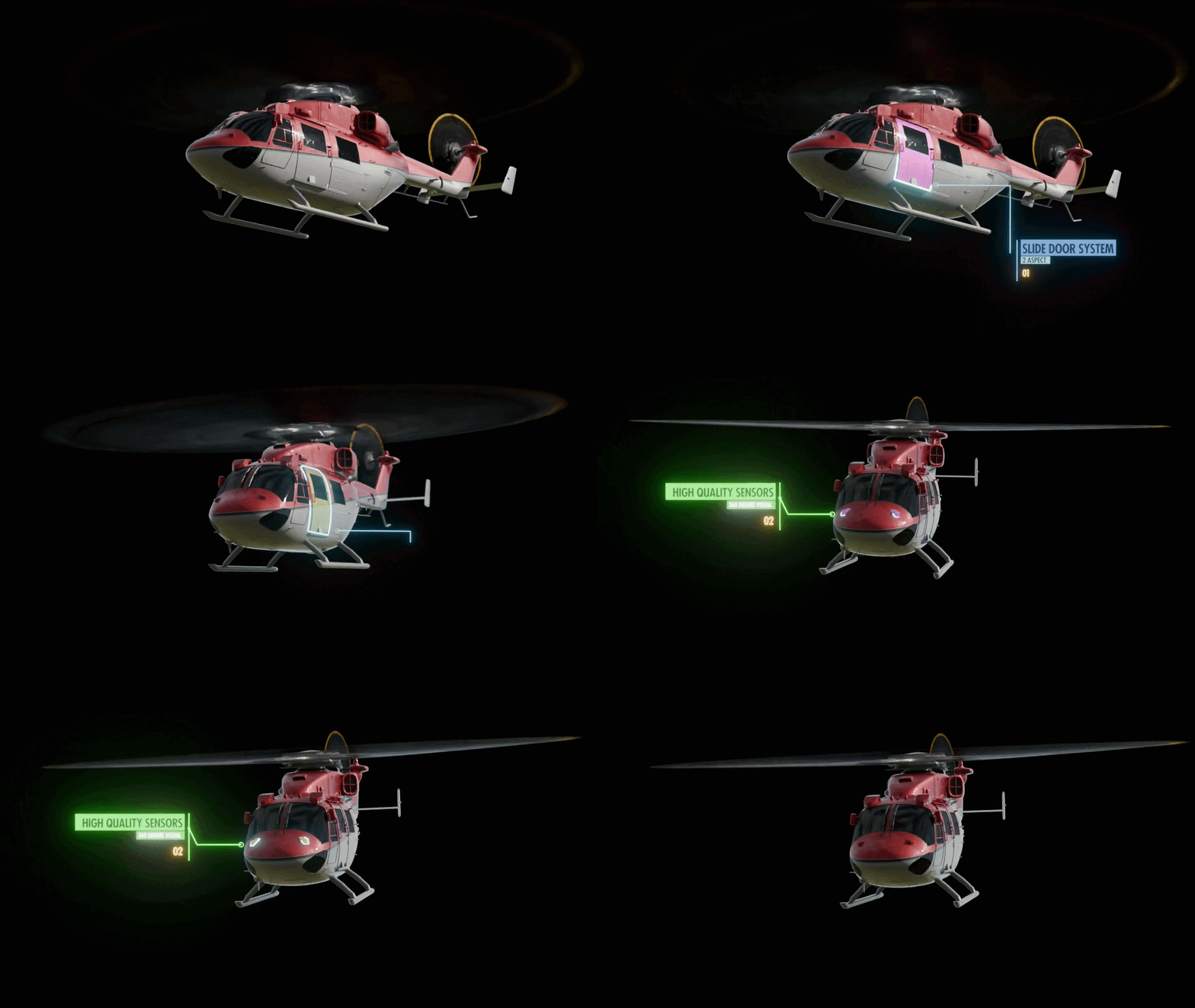
Assign a separate timeline marker to each callout and control its Intro, Hold and Outro. Animate the line, frame, text, head and tail independently to reveal information in the order your story needs.
Typewriter
Paced text reveals
Boing
Scale overshoot and settle
Spread
Text and panel movement
03 / TARGET EFFECTS
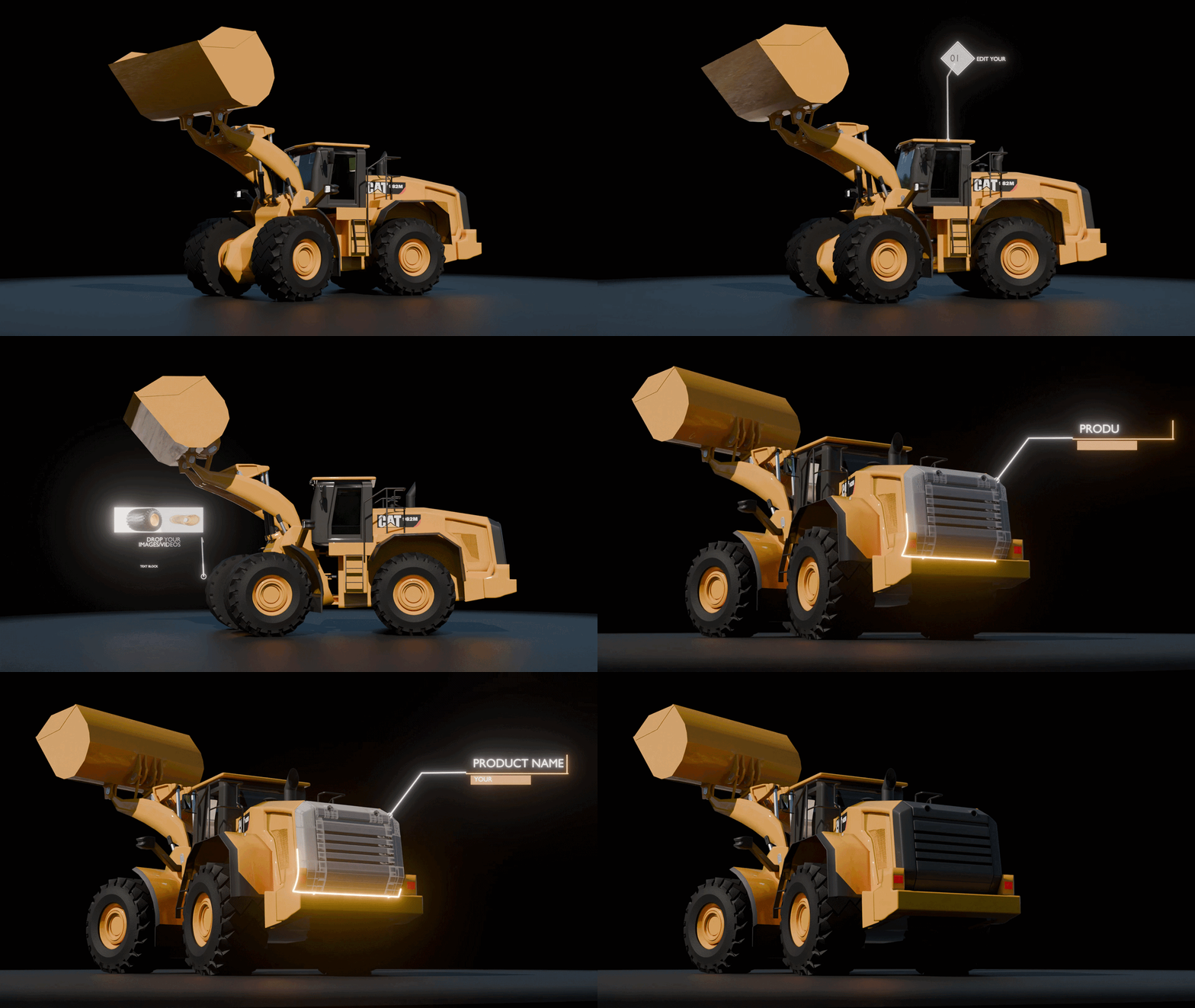
Make the subject stand out.
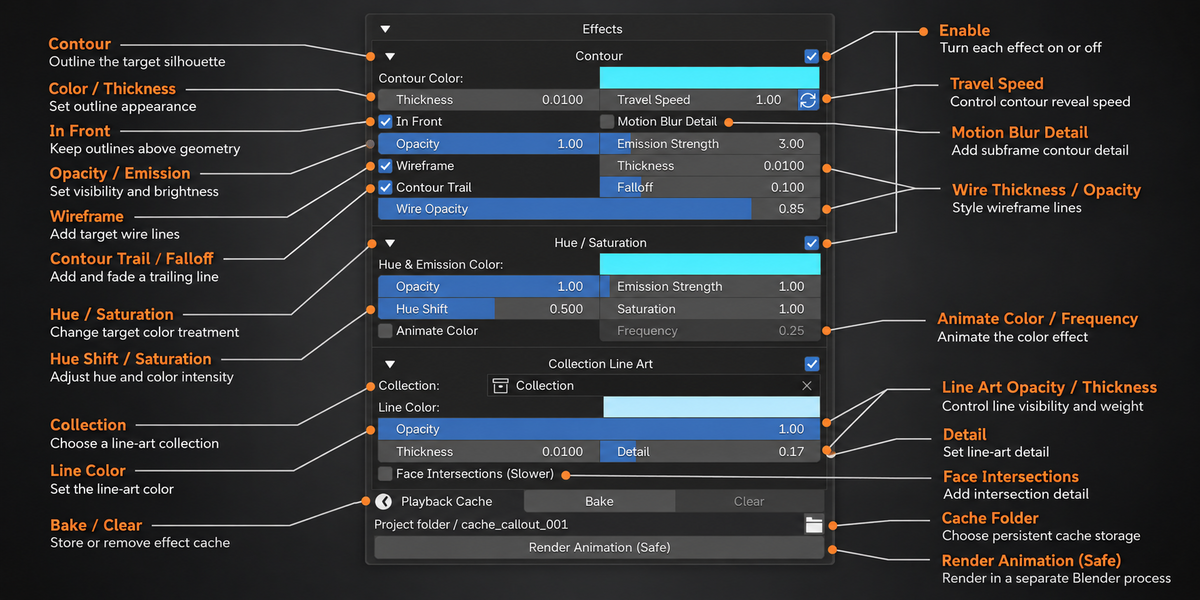
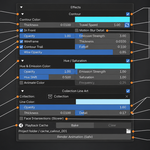
Add visual emphasis to objects or collections, with effect settings configured for each callout. Combine treatments to build a technical presentation or guide attention to a product feature.
Contour
Draw a camera-based outer silhouette. Enable In Front when the outline should remain visible above foreground geometry.
Hue / Saturation
Adjust target colors and emission to give selected parts a distinct visual treatment.
Collection Line Art
Give a scene collection a blueprint-style line treatment, with editable color, thickness, opacity and detail.
04 / PLAYBACK & OUTPUT
Keep your workflow moving.
Playback Cache reuses computed effect geometry during viewport playback. Store cache files beside the project and reuse them after reopening the .blend file.
Render with Blender’s regular tools or use Render Animation (Safe). Safe Render starts a separate Blender process, displays completed-frame progress and provides an Open Folder button when the job finishes.
05 / QUICK START
From preset to presentation.
- Install. Install the Callout Labels ZIP through Edit > Preferences > Extensions > Install from Disk and enable the add-on.
- Open. In the 3D View, press N and open the Callout tab.
- Create. Choose a preset card, then click Add or Place. You can also create a callout from a viewport annotation.
- Customize. Edit text, layout and materials. Assign target objects or collections when you want target effects.
- Animate & render. Enable Animation, assign a Start Marker and adjust the timing. Preview your shot, then render.
Explore the full documentation
Open the product’s Documentation tab for installation instructions, detailed controls, animation workflows, presets, caching and troubleshooting.
Requirements
Blender 4.5 or newer. No third-party Python packages are required. A scene camera is needed for camera-based Contour calculations.