 za studio
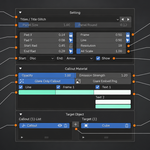
Is there a safer way to render if Blender crashes during animation rendering?
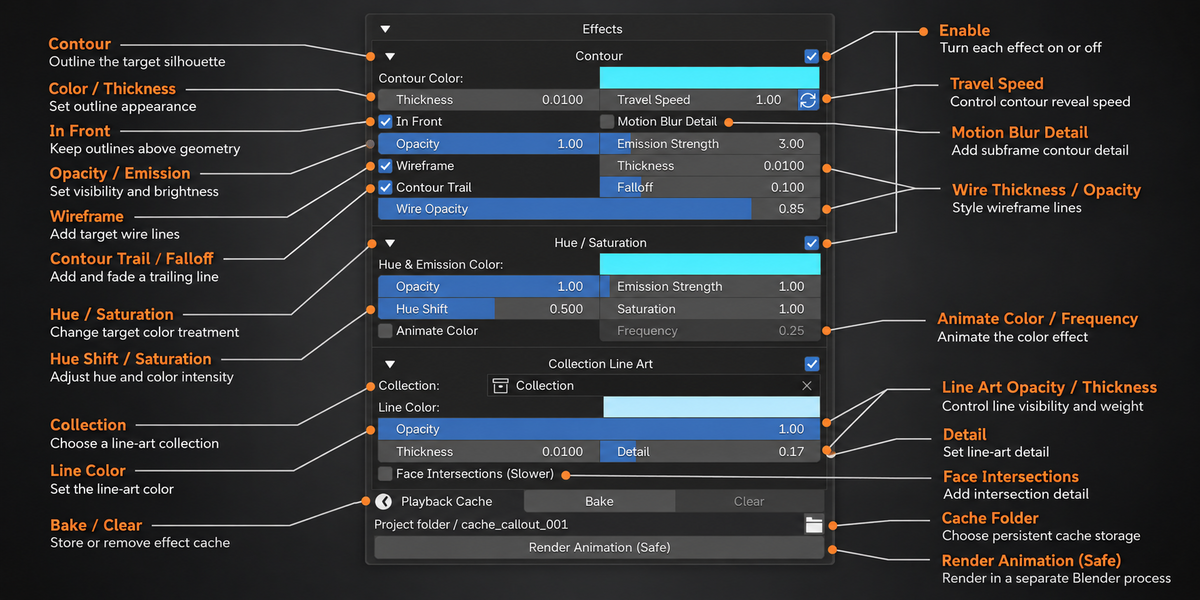
Yes. Render Animation (Safe) runs the render through a separate background Blender process. Your editing session stays open, and you can monitor progress from the add-on. This reduces the impact of an interactive render crash, though it cannot prevent every render failure.
Can I render emissive callouts as transparent PNGs?
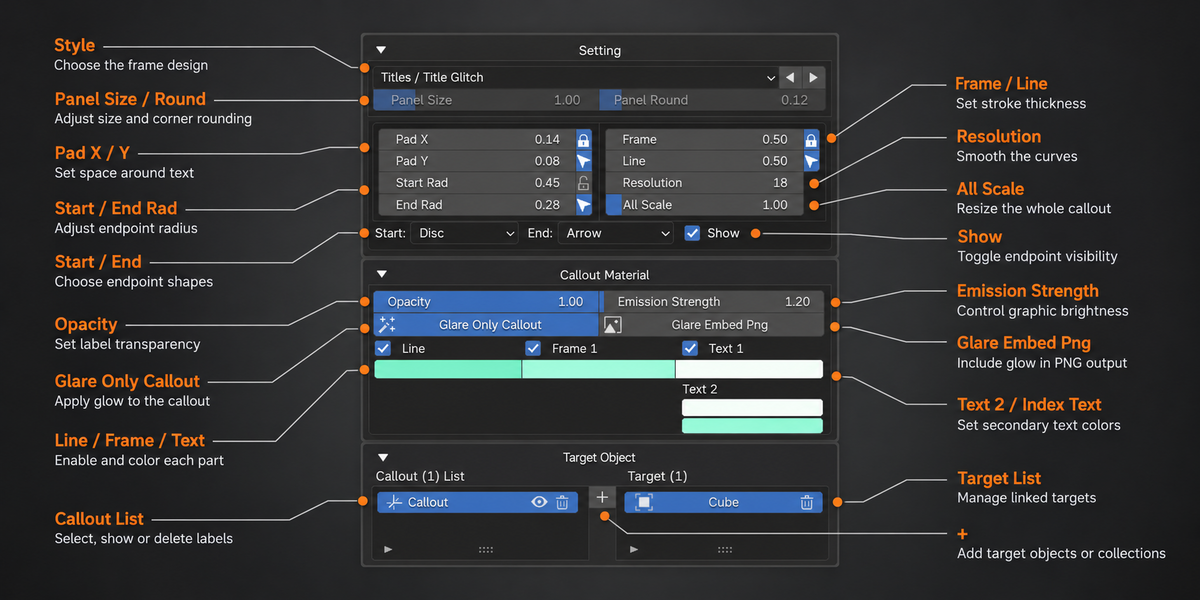
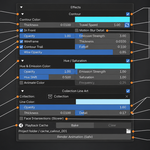
Yes. Set the output to PNG RGBA, enable Blender’s transparent film, and use Callout Labels’ Embed option to include the emission effect in the transparent render.
Does Callout Labels include effect and animation presets? Can I create my own?
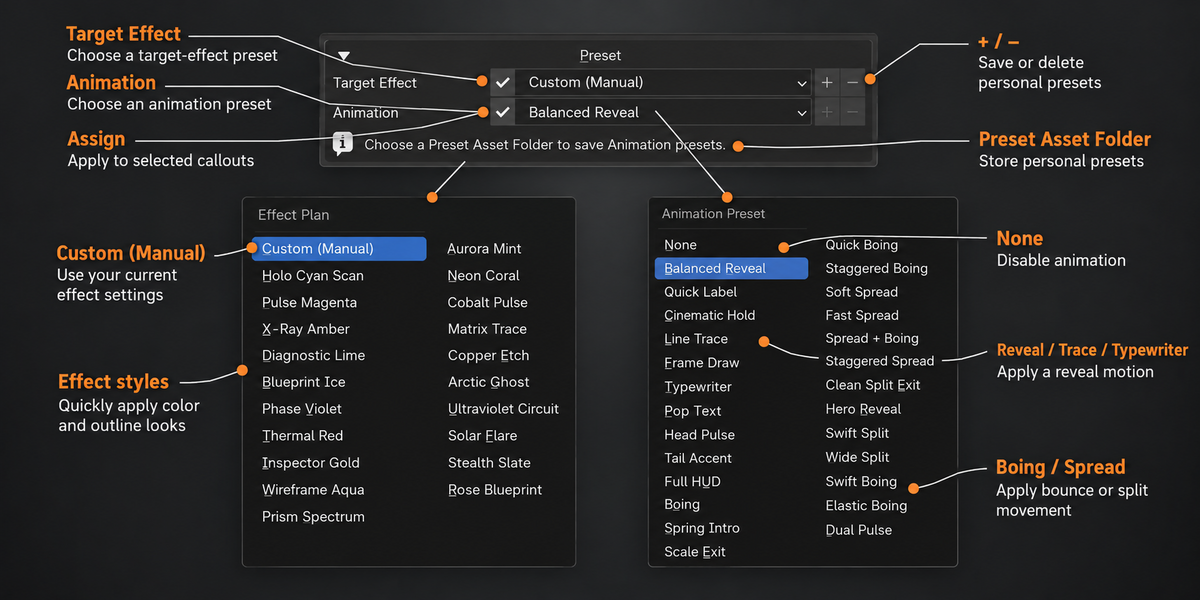
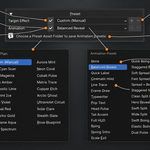
Yes. It includes ready-to-use target effect and animation presets. You can customize their settings and save your own presets, or keyframe callout controls and text for custom motion.
Can I customize and save my own presets?
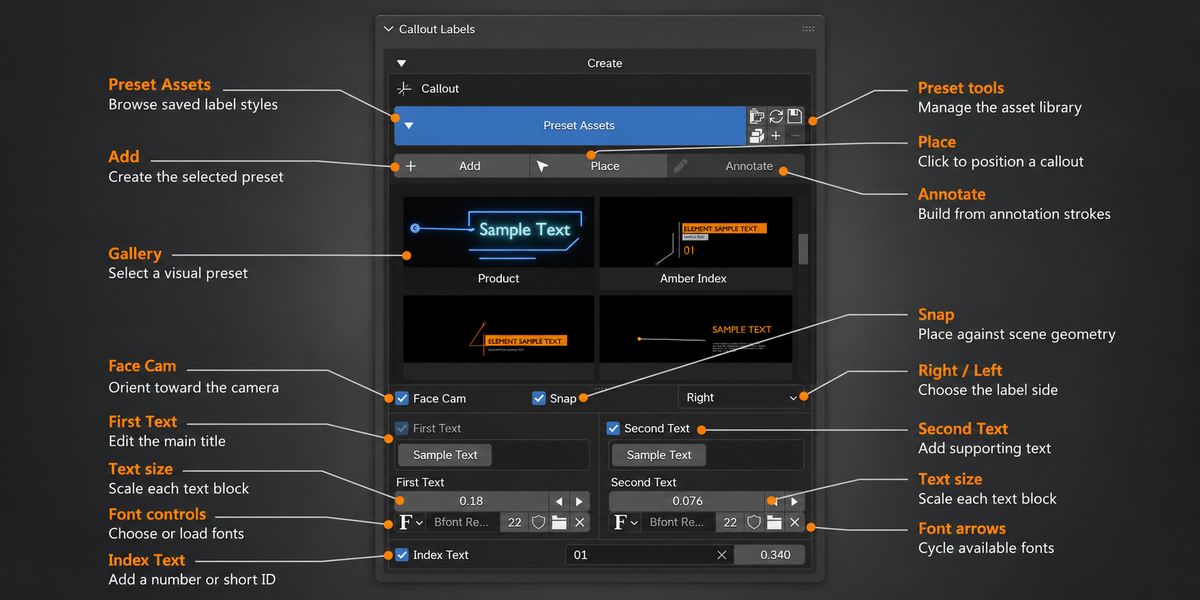
Yes. The add-on includes 52 visual presets. You can edit their text, frames, colors, fonts, and images, then save your own presets for future projects.
Can I animate callouts independently?
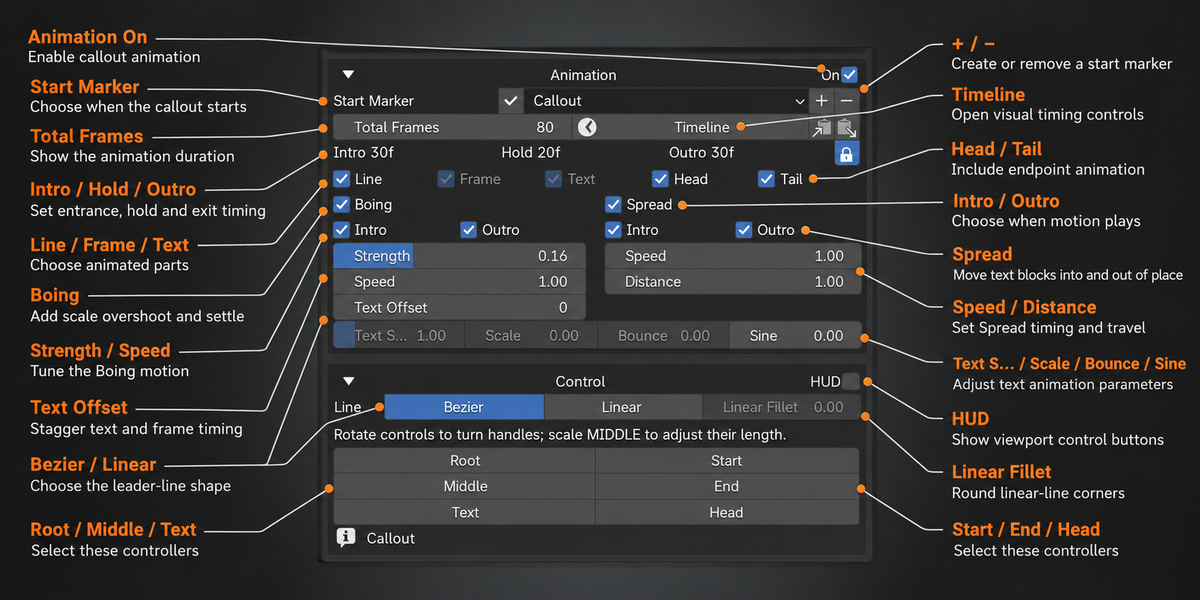
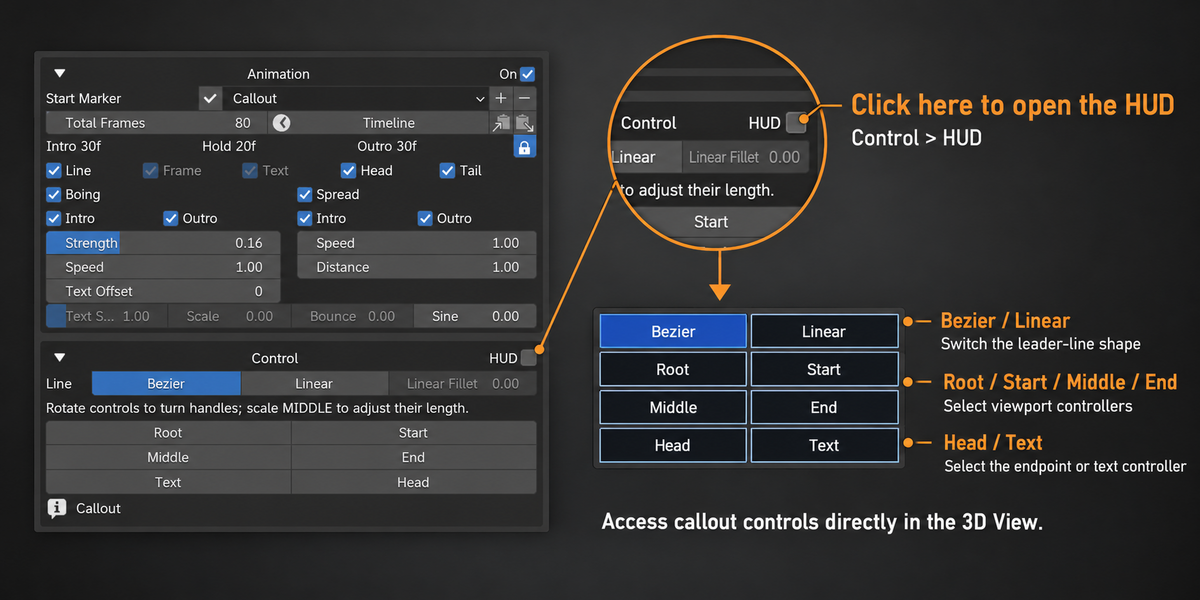
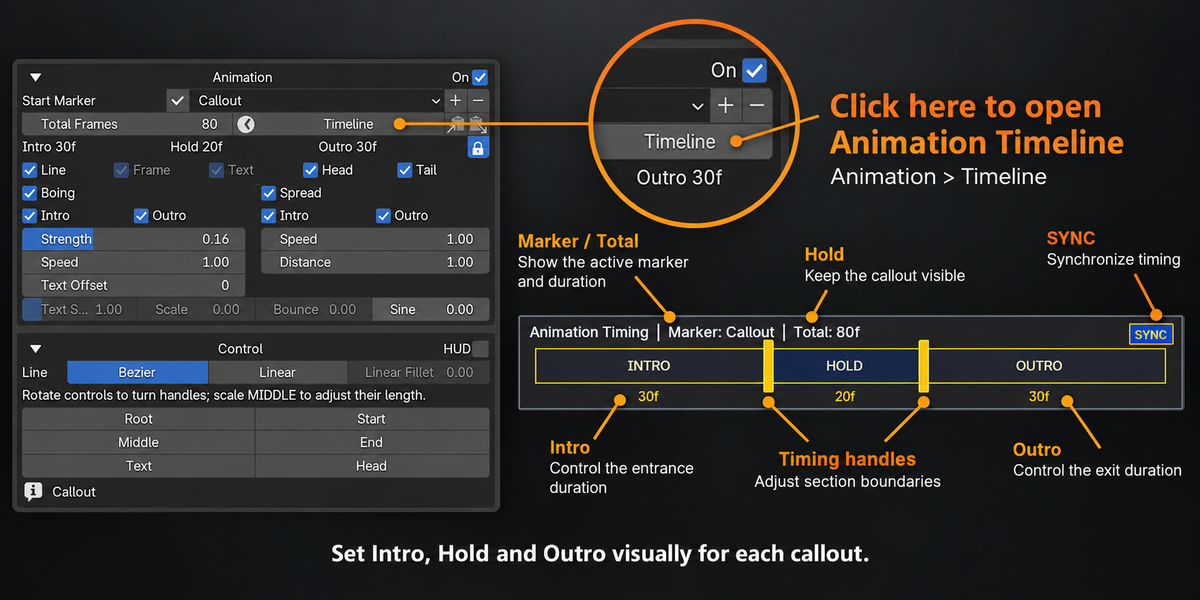
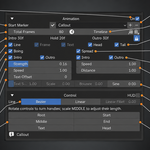
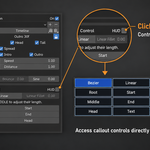
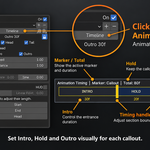
Yes. Each callout can have its own start marker and Intro, Hold, and Outro timing. You can also use Boing, Spread, and text reveal effects.
Have questions about this product?
Login to message
| Blender Extension Compatible | Yes |
| Published | 5 days ago |
| Blender Version | 4.5 - 5.2 |
| Extension Type | Add-on |
| Render Engine Used | Blender-Internal |
| License | GPL |
Discover more products like this
text annotation badges presentation typography Callout Label motion graphics tooltip product-visualization technical illustration 3D Labels infographics