 Paulo Camargos

Description
Pack grayscale textures into a single image.
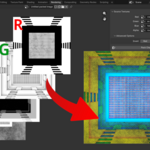
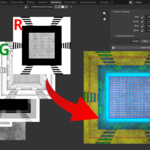
With the Channel Packer addon you can combine up to 4 grayscale textures into a single image, placing each texture in the red, green, blue or alpha channels of the packed image.
How to use
- Install the downloaded ZIP files using Blender Preferences settings
- Go to the Rendering area
- Find the new Channel Packer tab in the N-Panel
- For each channel, select a source texture
- Hit the button Pack Channels and watch the magic happen!
