 Milad_Kambari


Connect ChatGPT directly to Blender.
Just talk. It builds.
Give ChatGPT live control of your Blender scene. Ask it to set up lighting, add atmospheric fog, change light colors, build animations, or run any operation — and watch it happen in your viewport in real-time. No copy-pasting code. Your imagination is the only limit.
VERSION 2 | SECURITY UPDATE |
Now Even Safer
Version 2 ships with a full security hardening pass on the add-on's code. The connection between ChatGPT and your Blender scene is now locked down tighter than ever — same effortless workflow, stronger protection behind the scenes.
PRIVATE CONNECTION LINKThe endpoint now requires a unique secret token built into the URL. Any request without the exact link is rejected — so only you can reach your Blender session. | CODE EXECUTION OFF BY DEFAULTChatGPT can only perform safe, structured actions — read the scene, create and edit objects, assign materials. Running custom Python stays disabled unless you explicitly enable "Allow code execution" in the add-on panel. | SINGLE SECURED ENDPOINTThe secondary unauthenticated endpoint has been removed entirely. One private, protected door in — nothing else listening. |
Existing users: after updating, restart the launcher to get your new private link and update it in your ChatGPT connector.
See it in action.
Three steps. Talk to your scene.
Start the link inside Blender, connect ChatGPT, then describe what you want in plain language.
| 1 START THE LINKLaunch the live link server from Blender's N-panel with one click. | 2 CONNECT CHATGPTLink ChatGPT to your scene through the included connector setup. | 3 JUST ASKDescribe what you want and watch ChatGPT build it in your viewport. |
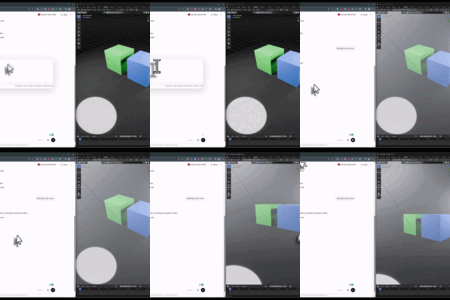
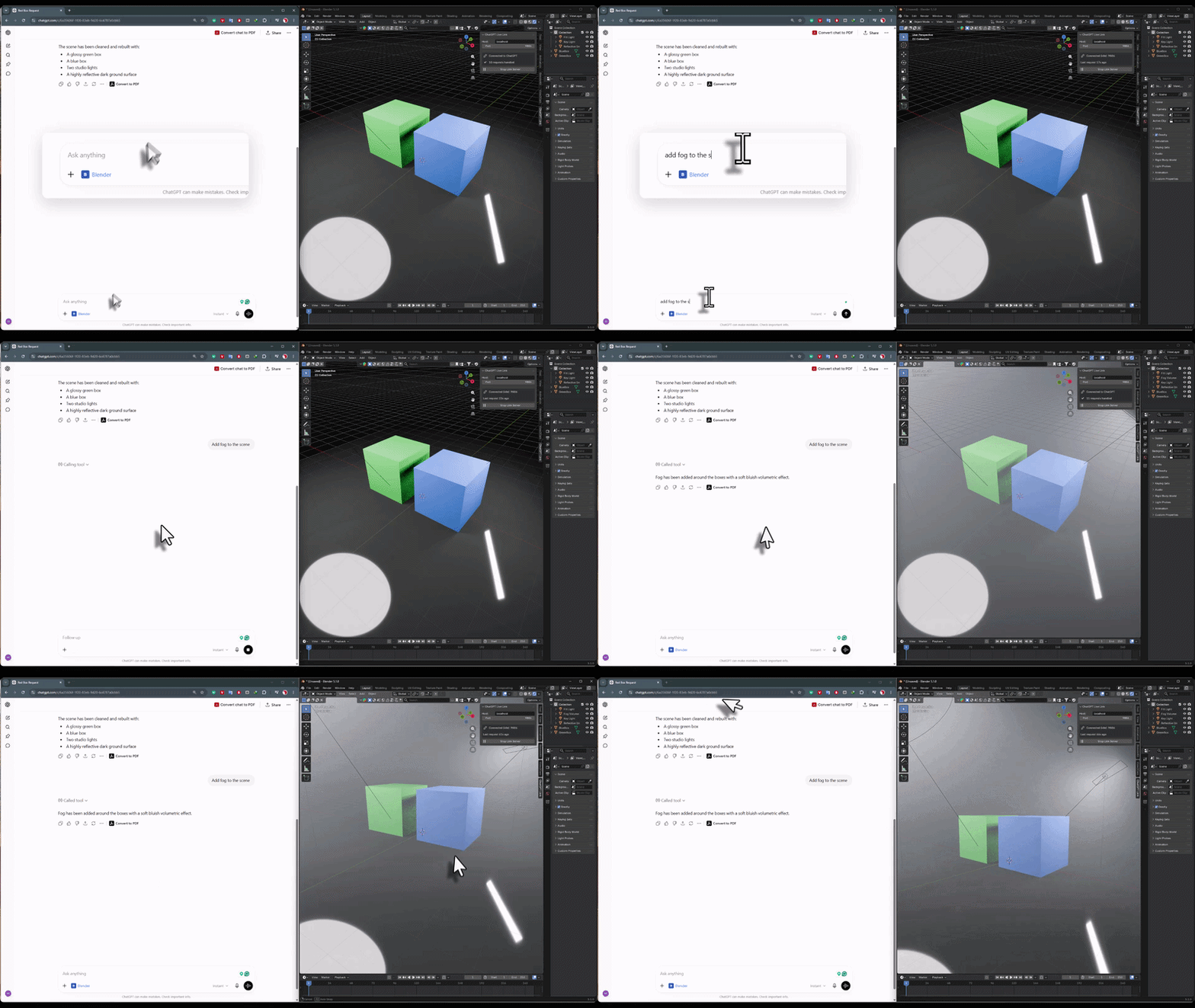 | UNLIMITED CONTROL Atmospheric EffectsAsk for environmental fog, volumetric haze, mist, or atmosphere and ChatGPT builds it directly in your scene. From subtle depth to thick moody fog — just describe the mood you want and it sets up the volumetrics for you. The freedom is total: anything you can imagine, you can ask for. Fog, volumetrics, atmosphere — built from a simple request. |
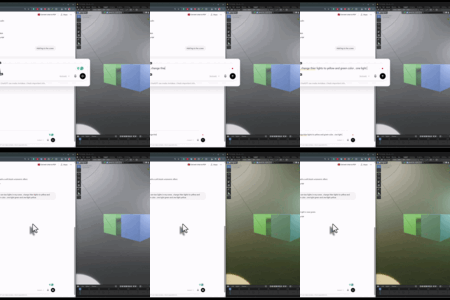
| UNLIMITED CONTROL Instant Light Color & MoodWant a warm golden sunset? A cool blue night? Neon cyberpunk vibes? Just say it. ChatGPT adjusts your light colors, temperature, and intensity in real-time, transforming the entire mood of your scene in seconds — no fiddling with color pickers or node trees. Change color, temperature & mood with a single sentence. | 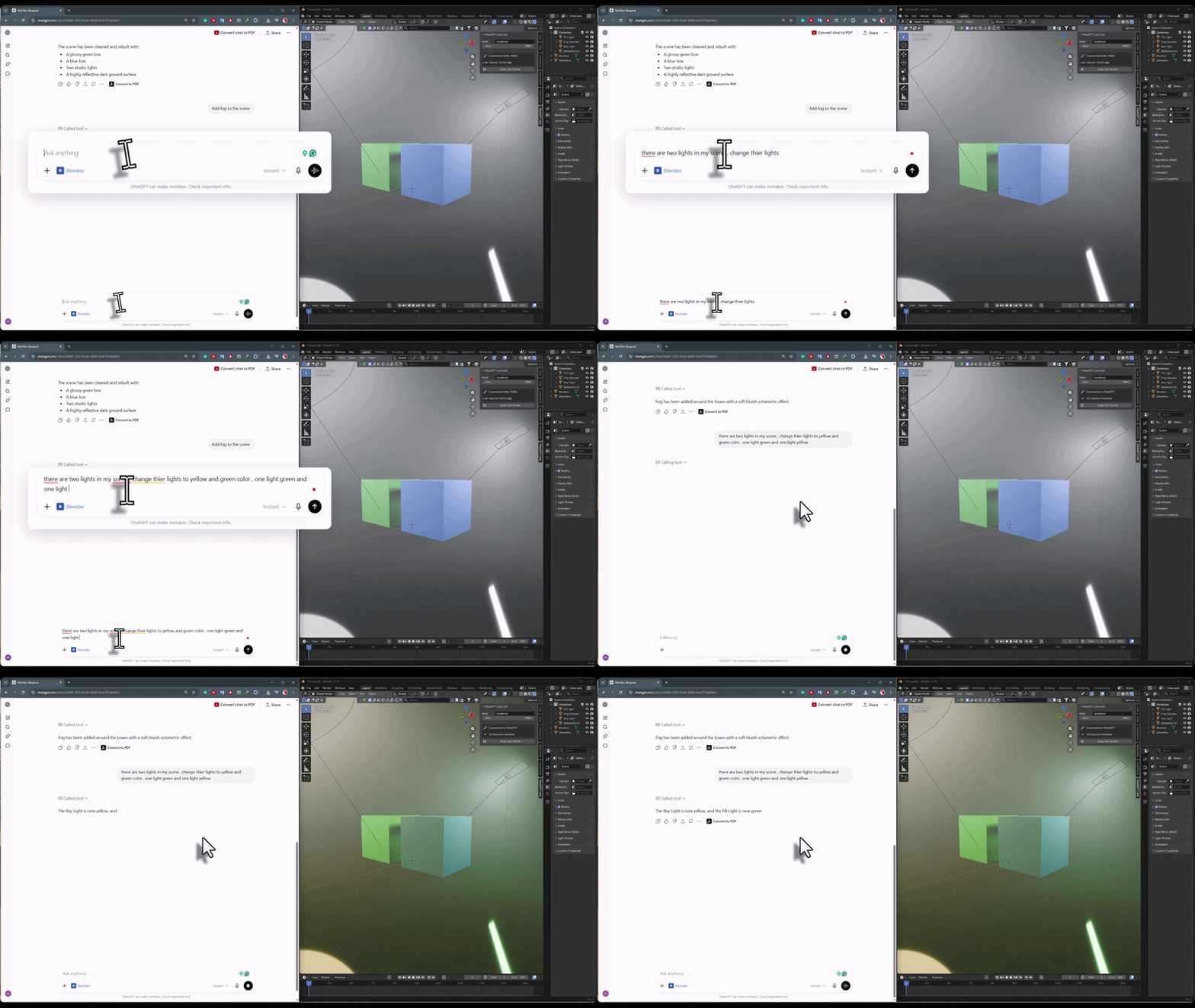 |
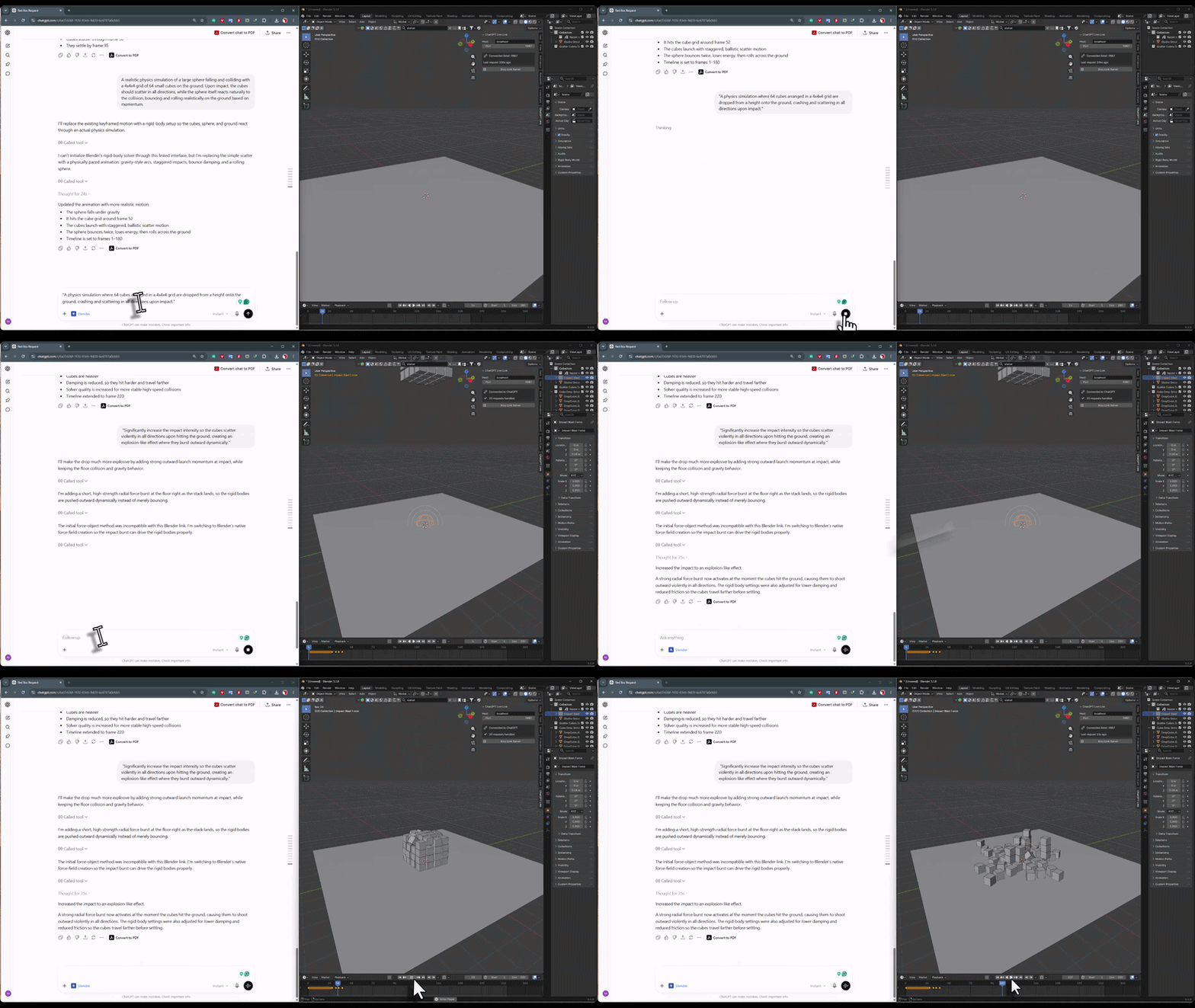 | UNLIMITED CONTROL Build AnimationsDescribe the motion you want — an object spinning, a camera flythrough, lights pulsing — and ChatGPT sets up the keyframes for you. It handles the timing, interpolation, and motion logic, turning a plain-language description into a working animation right in your timeline. Keyframes, timing, motion — generated from your description. |
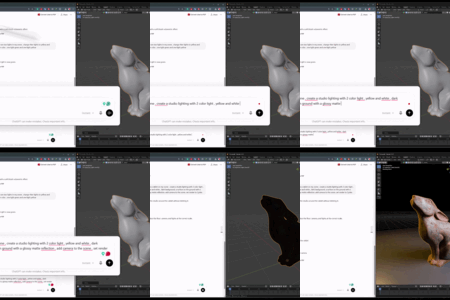
| UNLIMITED CONTROL Pro Studio LightingAsk for a three-point portrait setup, dramatic rim lighting, or a soft product-shot rig — and ChatGPT analyzes your scene and places lights with correct positions, angles, and power. It reads your geometry to light it intelligently, giving you a professional setup without manual placement. Scene-aware light placement. Three-point, rim, product rigs. | 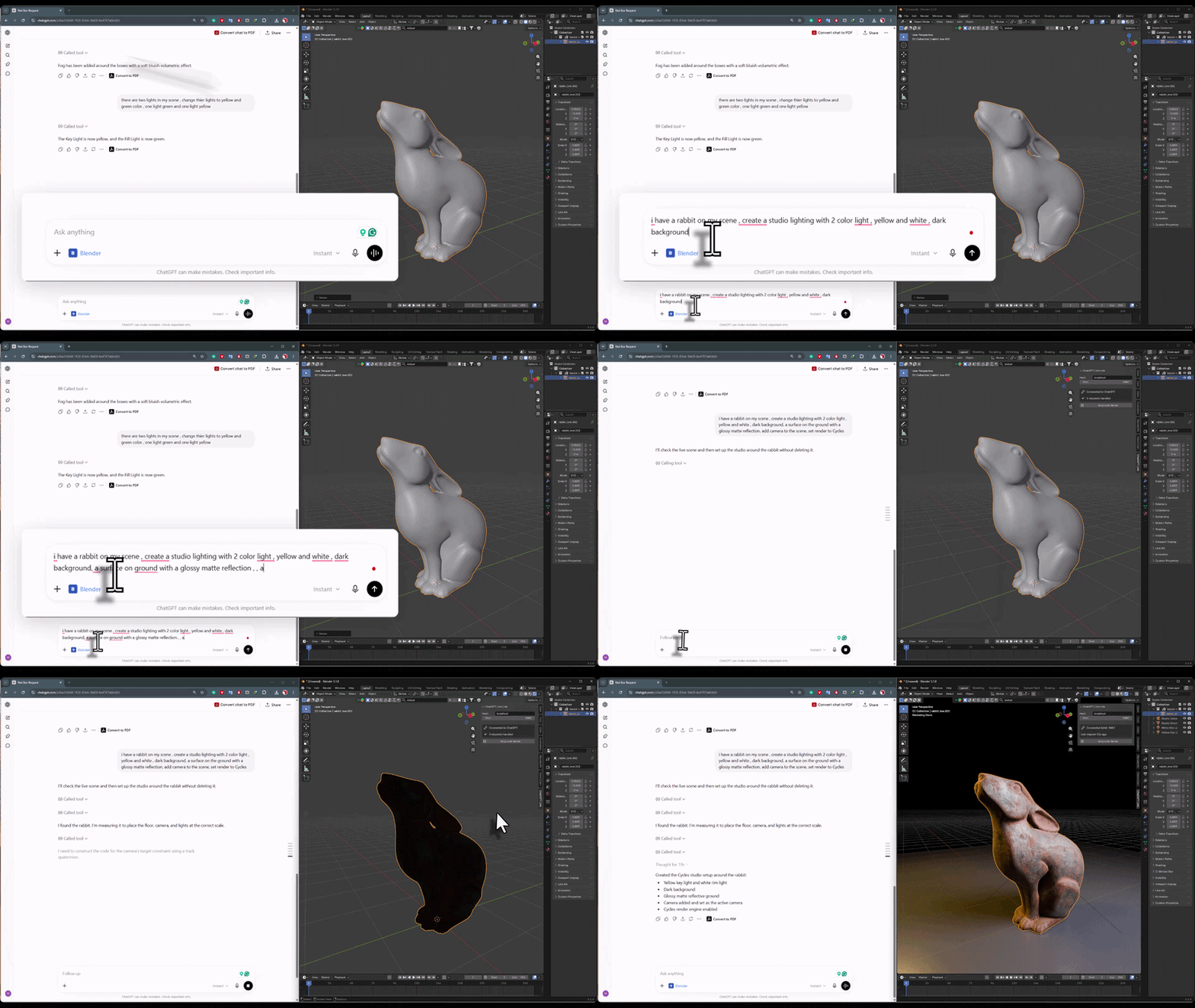 |
Everything included.
LIVE SCENE CONTROLChatGPT reads and controls your live Blender session in real-time. It sees what exists in your scene and acts on it directly through the link. | UNLIMITED OPERATIONSAnything Blender can do, ChatGPT can do for you. Lighting, materials, modeling, animation, scene setup — there's no fixed list of commands. |
SCENE-AWARE INTELLIGENCEChatGPT can read object info, dimensions, and viewport screenshots to make smart decisions — like lighting a character based on its actual geometry. | NATURAL LANGUAGENo coding required. Describe what you want in plain words and let ChatGPT handle the technical execution behind the scenes. |
EASY SETUPIncludes the Blender addon, connector files, and a step-by-step setup guide. Start the server from the N-panel and connect in minutes. | REAL-TIME FEEDBACKChanges appear in your viewport instantly. ChatGPT can even take screenshots to verify results and refine its own work as it goes. |
What you get
| 4.2+ BLENDER | LIVE CHATGPT LINK |
Install. Connect. Create.
Works with Blender 4.2+ including Blender 5.0. Includes the Blender addon, connector files, and a full step-by-step setup guide to get ChatGPT talking to your scene.
More from Milad Kambari
 |  |  |
 |  |  |
 |  |  |