CinemaOperator — Intuitive Camera Work for Blender
 Tokugawa Electronics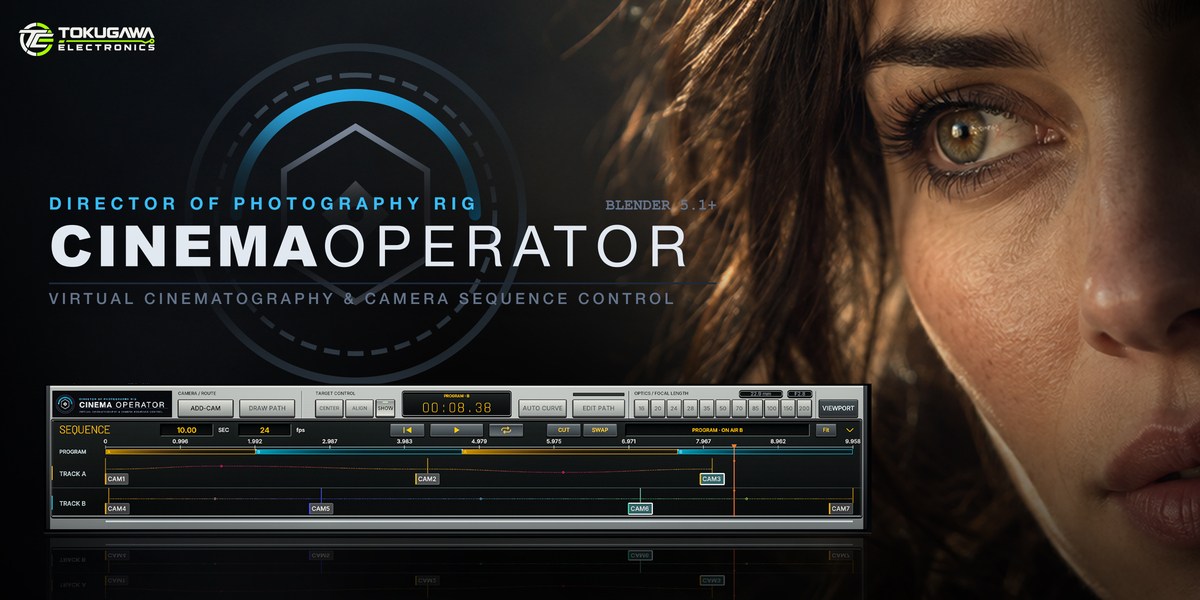
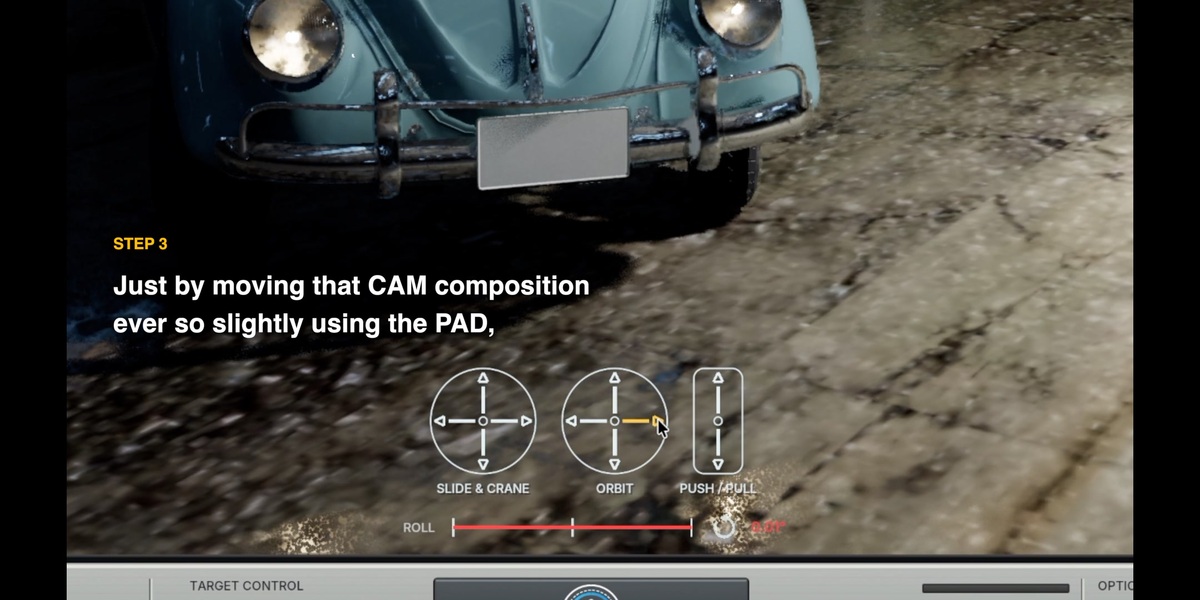

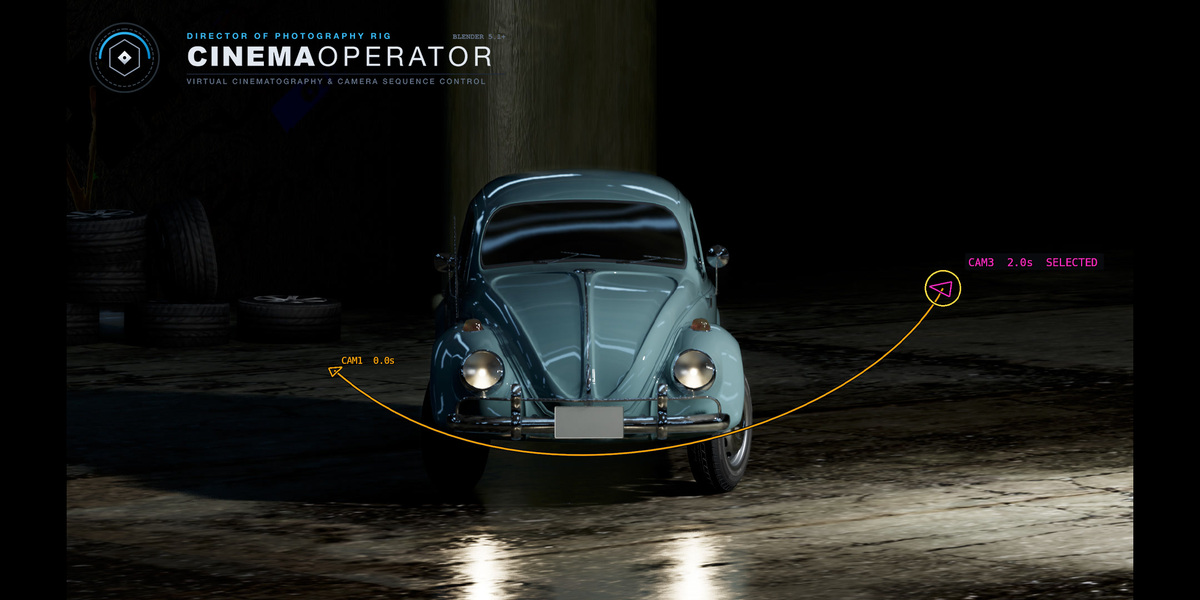
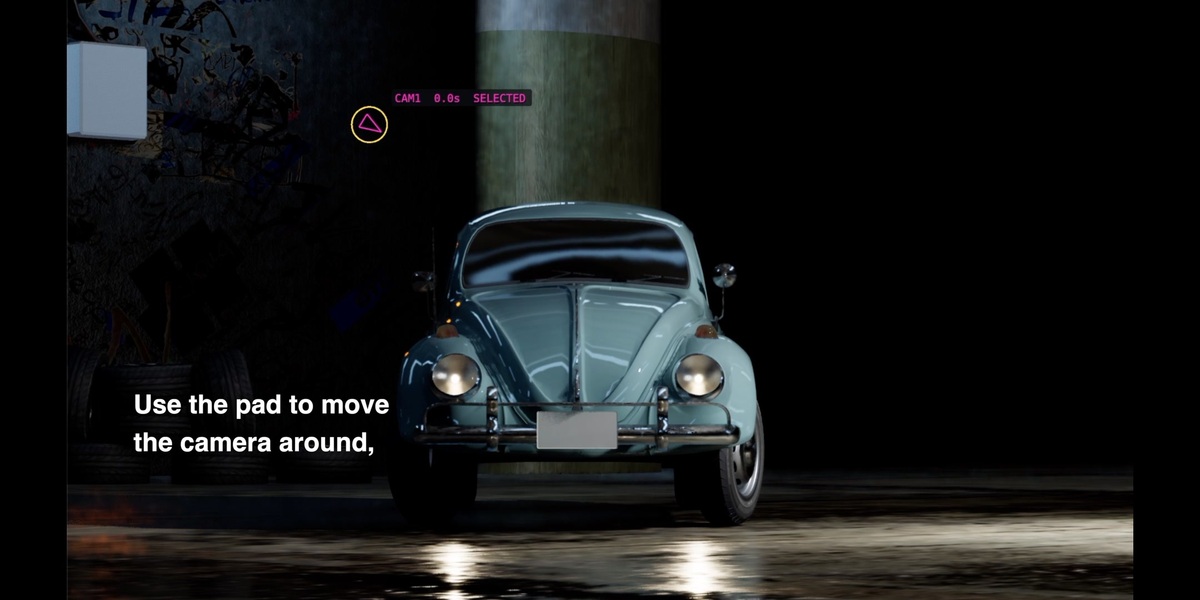
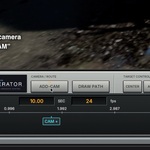
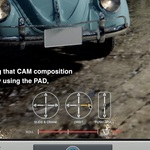
New in 0.7.169
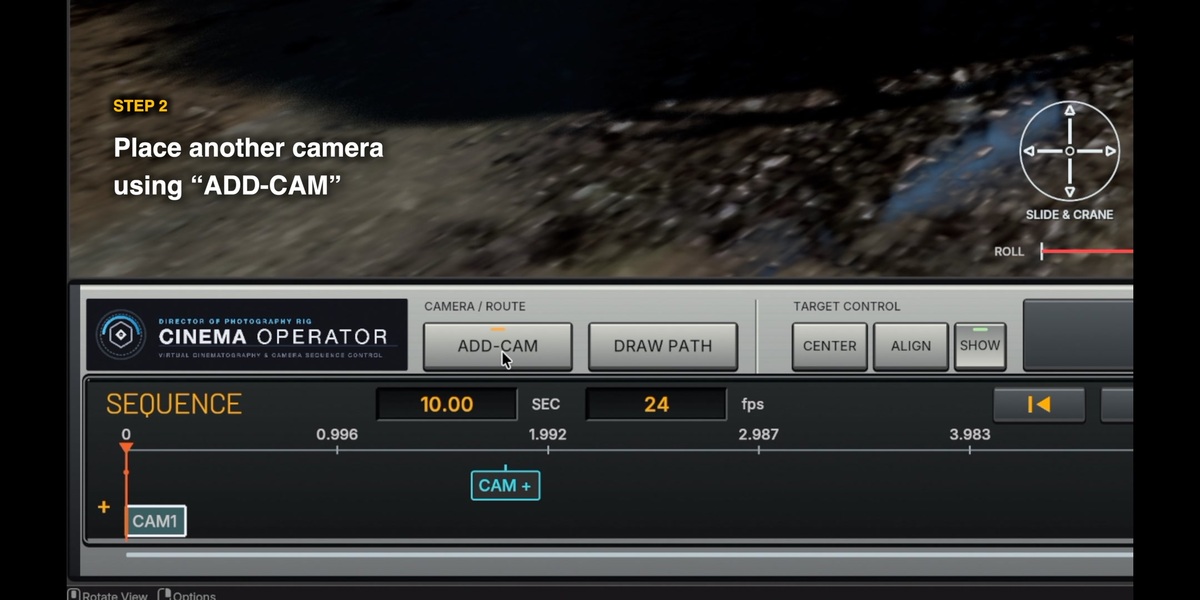


AUTO CURVE now supports multiple selected CAMs. ARRANGE CAMS offers FIT TO DURATION and SPACE EVENLY for all CAMs on the active EDIT A/B track. See the new illustrated update section in both bundled manuals.
Installation — CinemaOperator 0.7.169
1. Extract CinemaOperator_0.7.169_Distribution.zip.
2. In Blender Preferences > Add-ons, choose Install from Disk and select the enclosed CinemaOperator_0.7.169_Release.zip. Do not extract this inner ZIP. Enable CinemaOperator.
3. Open the 3D Viewport sidebar (N), choose CinemaOperator, frame a perspective view, and create your first CAM from the view.
Full illustrated manuals
Open Manual/Manual_EN.html for English or Manual/Manual_JA.html for Japanese in your browser. Keep the Manual folder and its assets together. The guides include annotated interface images, path-editing demonstrations, dual-track switching, baking, technical specifications, and troubleshooting. No online account is required to read the bundled manuals.
Updating
Save your .blend file, install the new version, and restart Blender so that the previous Python modules are unloaded.
Before final rendering
Direct rendering works while the add-on is enabled. For unbaked animation rendering, enable Render > Lock Interface. Bake to standard camera keyframes when handing off to a computer without CinemaOperator. Verify the active scene camera and PROGRAM camera-switch markers after baking. Check motion blur at hard cuts and during rapid handheld or continuous roll.
日本語
配布ZIPを展開し、中のCinemaOperator_0.7.169_Release.zipをBlenderの「プリファレンス > アドオン > ディスクからインストール」で選択してください。インストーラーZIP自体は展開しません。詳しい操作説明は同梱のManual/Manual_JA.htmlをご覧ください。アップデート後はBlenderを再起動してください。
Have questions about this product?
Login to message
| Published | about 22 hours ago |
| Blender Version | 5.1 - 5.2 |
| Extension Type | N/A |
| Render Engine Used | Cycles, Eevee |
| License | GPL |
Discover more products like this
camera animation cinematic camera depth of field animation camera rig handheld sequencer