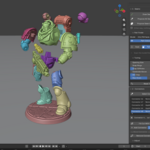
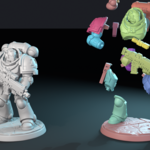
Cut oversized models and rejoin them with connectors
A Blender add-on that splits big STL models along their natural joints, adds connectors that fit, and checks every piece against your printer.
Finds the parts
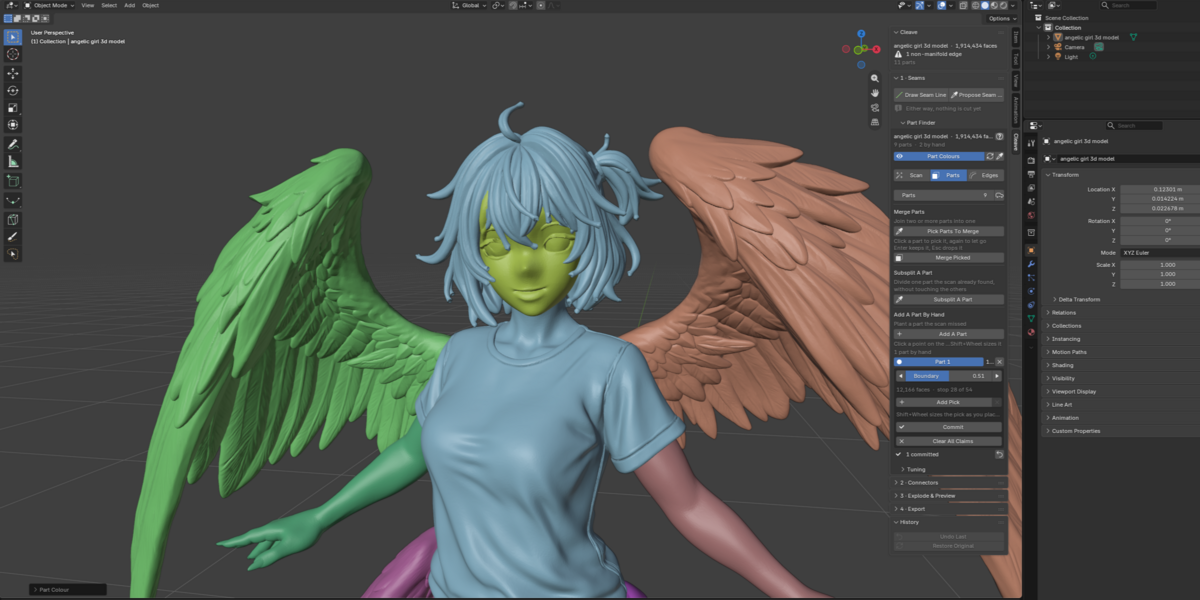
Pick how many pieces you want. Cleave splits where the model bends: neck, shoulders, knees.
Cuts you can edit
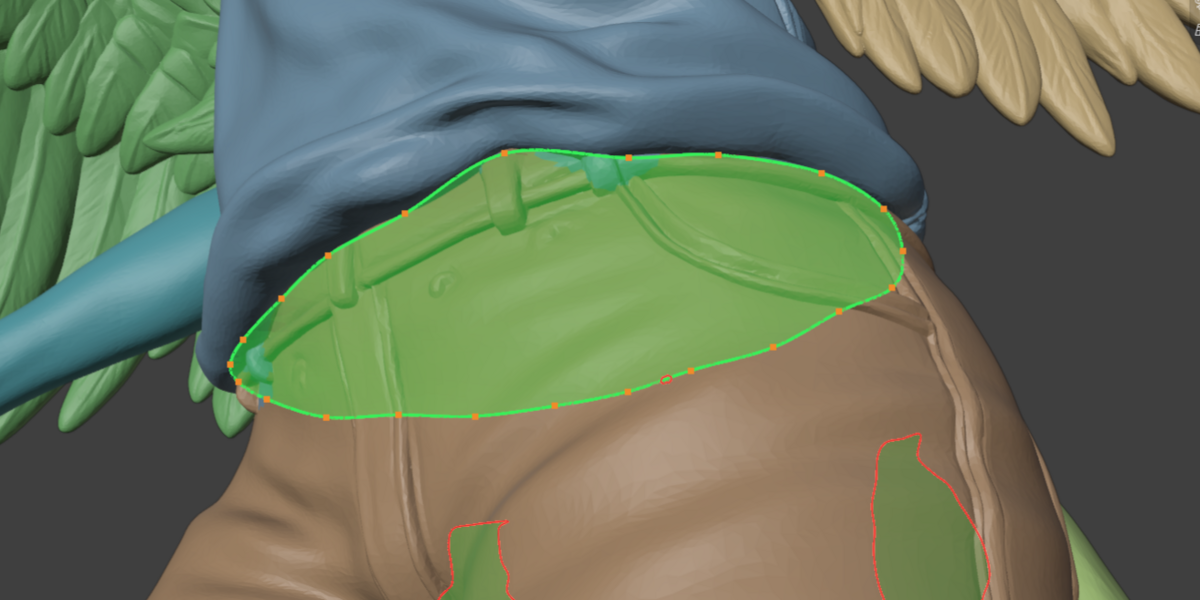
Each seam is a curve you can reshape. Nothing is cut until you say so.
Joints that mate
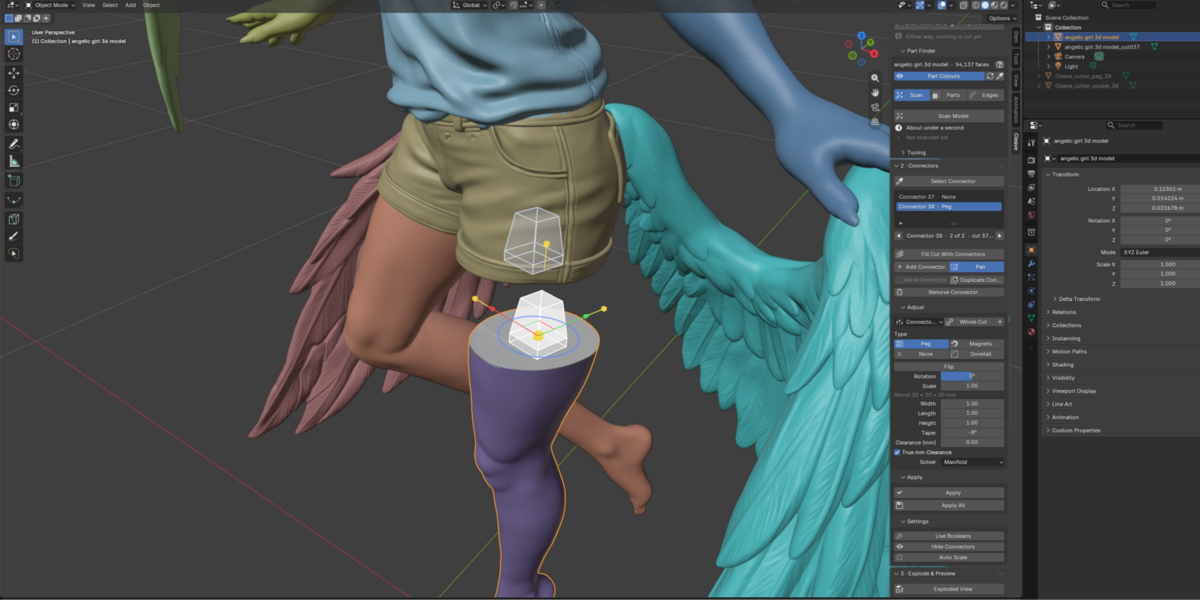
Pegs, dowels, rods or magnets, sized in real millimetres so the pieces fit back.
NEW IN 1.5
Dowels and rod channels. A hole in each piece for a printed pin, or a channel for a reinforcing rod through every piece.
Packed plates. Print View packs the pieces onto as few plates as they need, one 3MF per plate.
Parts From Materials. Take the parts from the model's materials or a colour attribute.
Simple mode. Every stage's basic controls in one panel, in a lightly redesigned sidebar.
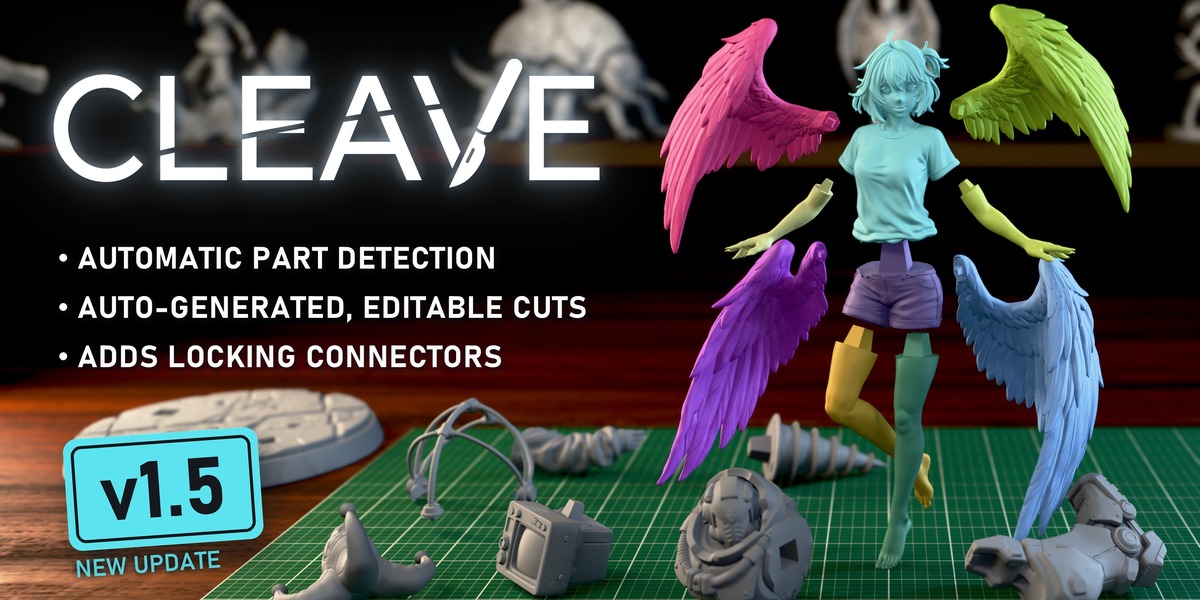
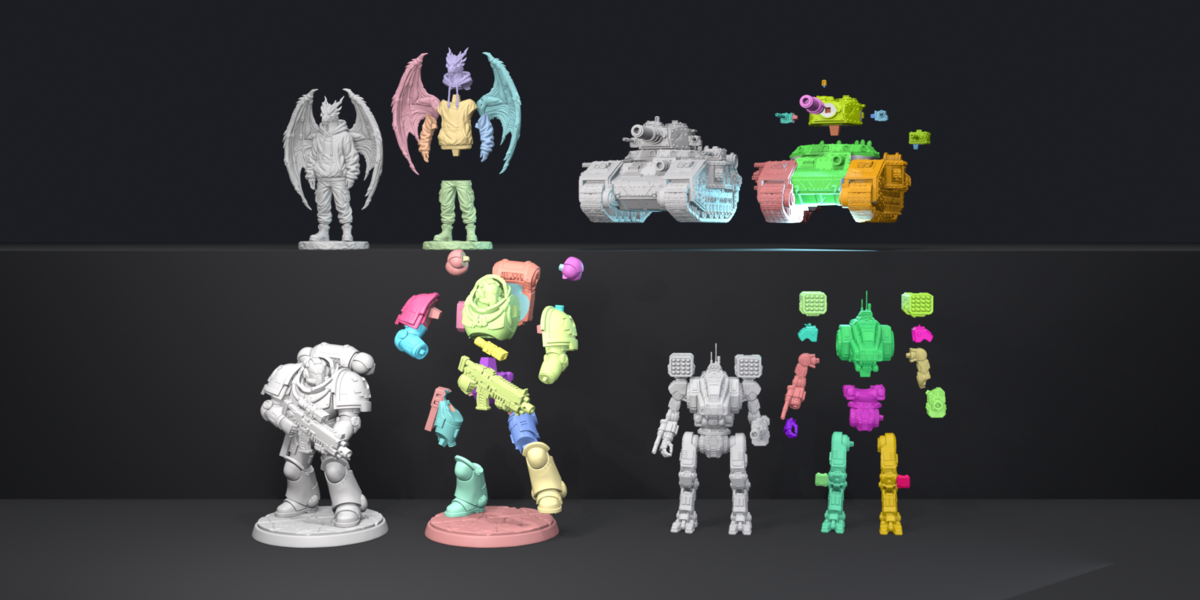
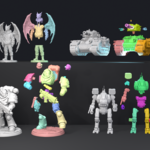
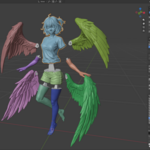
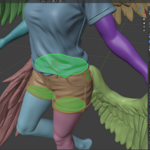
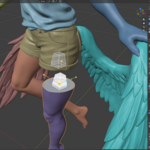
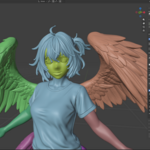
Four of the models split with Cleave. More at the end of the page.
SEE IT IN ACTION
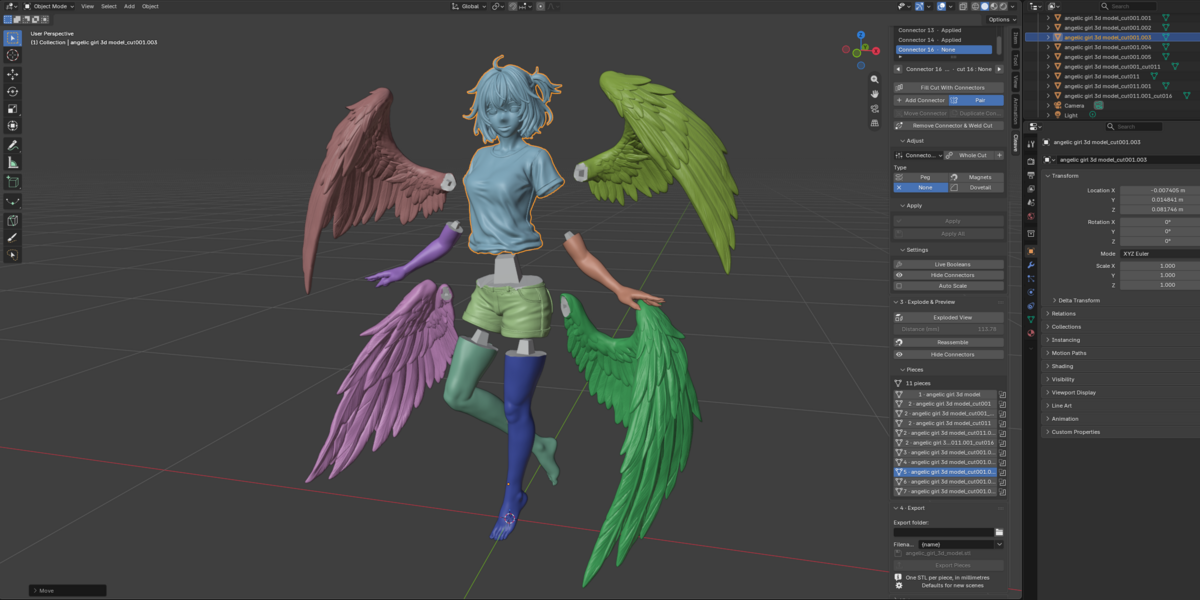
The whole workflow on real models
TUTORIAL 03 · 20 PARTS FROM ONE FIGURE
TUTORIAL 02 · A COMPLEX MODEL
TUTORIAL 01 · YOUR FIRST SPLIT
WATCH THE DEMO
BEFORE / AFTER
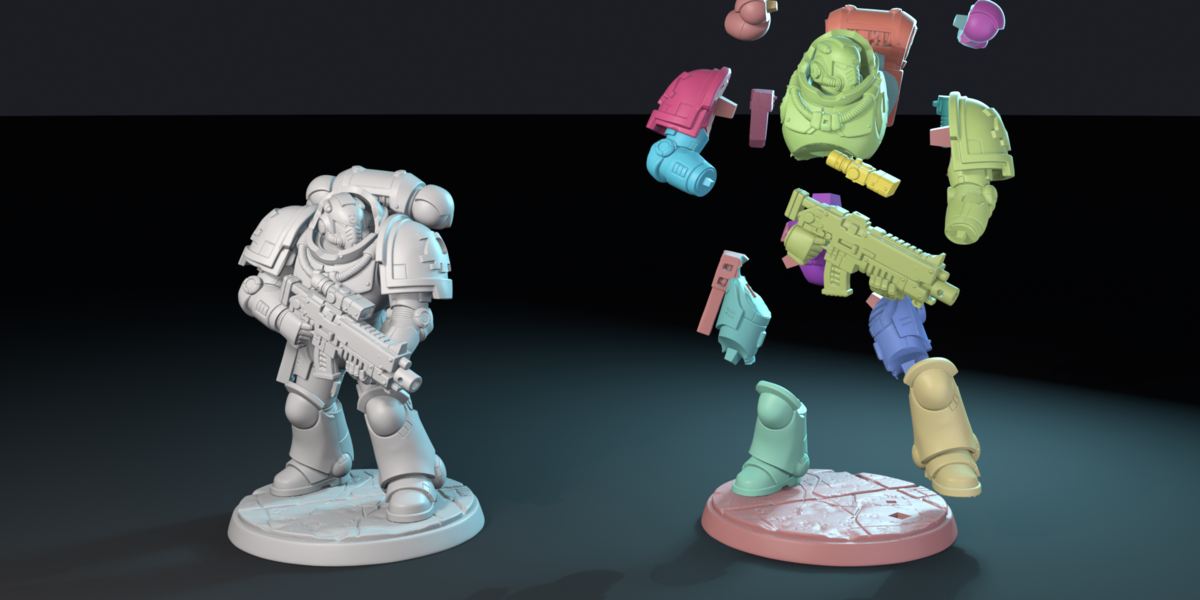
One model in, a printable kit out
Miniatures, mechs, creatures, vehicles, busts, props and AI-generated meshes.
WARGAMING MINIATURE
MECH
SCULPTED CHARACTER
VEHICLE
Why not just bisect it by hand?
You can. Bisect gives you a flat cut and two loose halves. You align the pins by eye, and find out the fit was wrong after a six hour print.
Cleave keeps the cut editable until you commit, fits the joints for you, and lets you check they seat before anything reaches your slicer.
Shape-aware parts. It finds where the model wants to come apart, instead of you placing planes.
Curved, editable seams. A cut can follow a collar or a sleeve, not just a flat plane.
A fit check. Reassemble puts the pieces back from their cut faces, so you see the joints seat before printing.
THE WORKFLOW
One sidebar tab, six steps
NEW IN 1.5Simple mode puts every stage's basic controls in one panel. Switch to the full sidebar when you need more.
NEW IN 1.5SIMPLE MODE
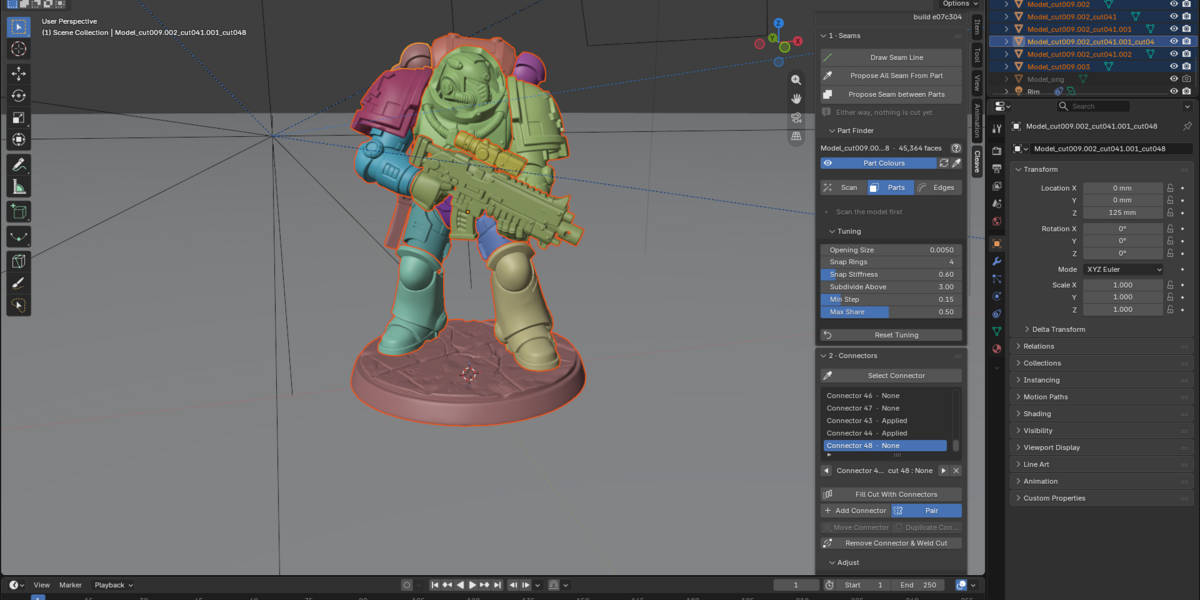
01ANALYSEPick how many parts, watch it splitPress Scan Model, then drag the Parts slider. Cleave colours the parts along the shape: a figurine breaks at the neck, not across the face. Nothing is cut yet. NEW IN 1.5take the parts from the model's materials instead.
NEW IN 1.5PARTS FROM MATERIALS
Good to know. Make sure your model has different materials: a model with one textured material will not split this way.
02REFINEFix any part by handMerge parts, repaint a boundary with the brush, lasso or box, or add a part the scan missed. Subsplit A Part splits one part again, and Snap To Creases pulls each boundary onto the real creases.
BRUSH
LASSO
BOX
ADD A PART
MERGE
SUBSPLIT A PART
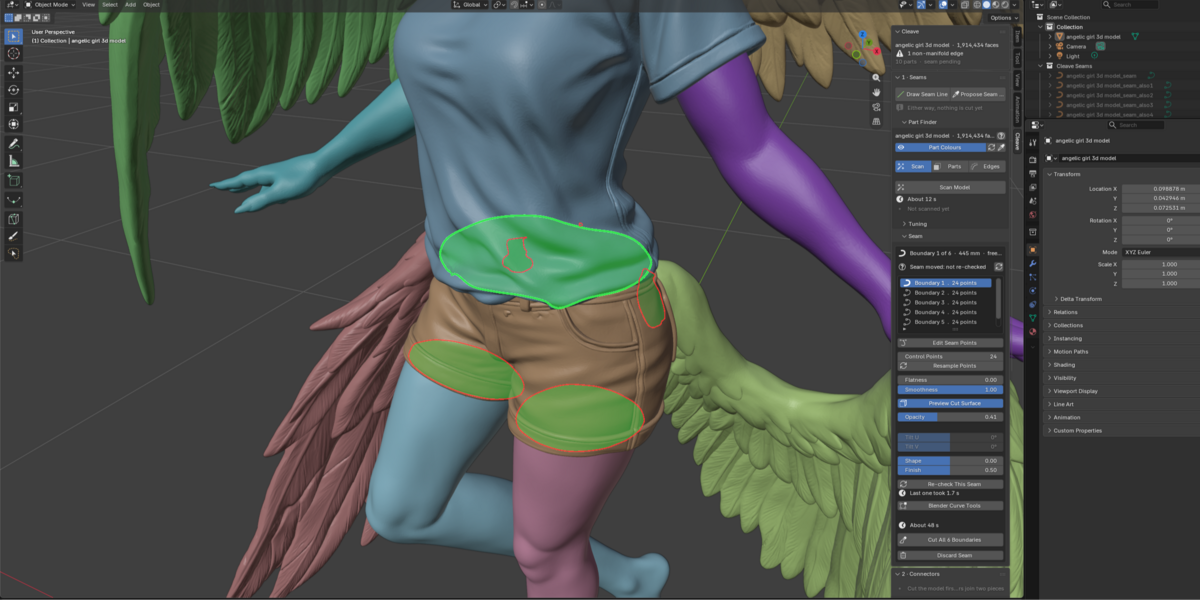
03SEAMTurn a boundary into an editable cutEach cut is a curve you can drag and preview before anything is cut. Flatness pulls it onto a flat plane that glues well. Or lay a seam yourself: from a loop, from a groove, or drawn.
AUTO PROPOSE SEAMS
EDIT THE CURVE
PREVIEW THE CUT
SEAM FROM LOOP
SEAM FROM GROOVE
DRAW SEAM LINE
04CUTCommit, and the joints are already therePress Cut Seam. The parts become real pieces, with connectors on every cut. Extrude turns a thin part, such as an eye, into a plug thick enough to print.
EXTRUDE THE SEAM
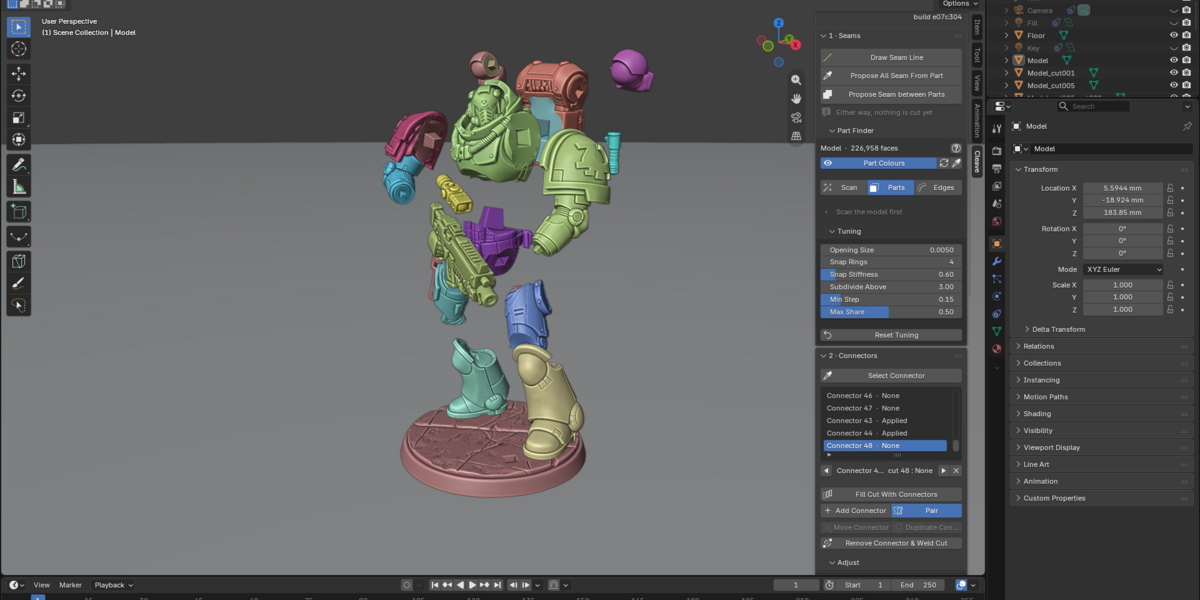
05CONNECTSet every joint in real millimetresPick a connector per joint: a peg, magnets, a dowel or a rod channel, then its size and clearance. Drag its handles to slide, turn or resize it. Fill a whole cut in one click, flip which half carries the peg, and save presets for the next model. The panel warns when a connector does not fit.
FILL CUT WITH CONNECTORS
FLIP PEG AND SOCKET
06CHECK & EXPORTProve the fit, then export for your slicerExploded View pulls the pieces apart, Reassemble checks they fit back. Then export one STL per piece or a 3MF per plate, in millimetres, each piece laid flat. Everything is saved in the .blend.
CONNECTORS
Pegs, dowels, rods, magnets
Real Cleave cuts on one cube: the peg in its four profiles, a dowel, a rod channel, magnet pockets, or a plain seam.
RECTANGLE
ROUND
D
DOVETAIL
Peg
A tapered pin on one piece, the matching socket on the other, pushed straight home. Four profiles: rectangle, round, D that fits only one way, or dovetail.
NEW IN 1.5Dowel
A round hole in each piece for a pin printed apart. Export writes the pins too.
NEW IN 1.5Rod channel
A channel for a reinforcing rod through every piece. The panel gives the length to cut.
Magnet pockets
A matching pocket in each face for disc magnets from 5×2 to 10×3 mm, or your own size.
None
A plain flat seam, for parts you glue or that sit on their own.
PEG
DOVETAIL
MAGNETS
YOUR PRINTER
Know which pieces fit before you slice
Pick your printer once, and every piece tells you whether it fits. NEW IN 1.5Print View packs the pieces onto as few plates as they need.
Your printer
Over 120 models built in, or your own build volume, chosen in the preferences.
Fits or not
Each piece shows whether it fits. Export names any piece too big for the printer.
Print View
The pieces packed onto as few plates as they need, in their print pose, one 3MF per plate. Nothing in the scene moves.
RED WHEN A PIECE IS TOO BIG, GREEN WHEN IT FITS
PERFORMANCE
It does not choke on a real sculpt
Measured on a 414,000 face model. The panel quotes the expected time on your own machine, and Esc stops a long scan, propose, cut or split.
6.5 s
analyse
2 s
propose a seam
3.3 s
cut
2M
faces, largest tested
AI-GENERATED MODELS
Made for Meshy, Tripo and the like
Generators fuse arms, armour and props into one shell. The scan still finds where an arm meets a torso.
Checked up front
The panel tells you whether the mesh is solid before you start.
Repaired in one click
Make Manifold welds open seams and fills holes before you cut.
Split by shape
The parts follow the model, not the way the generator merged it.
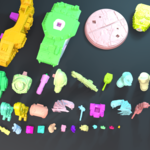
PRINT READY
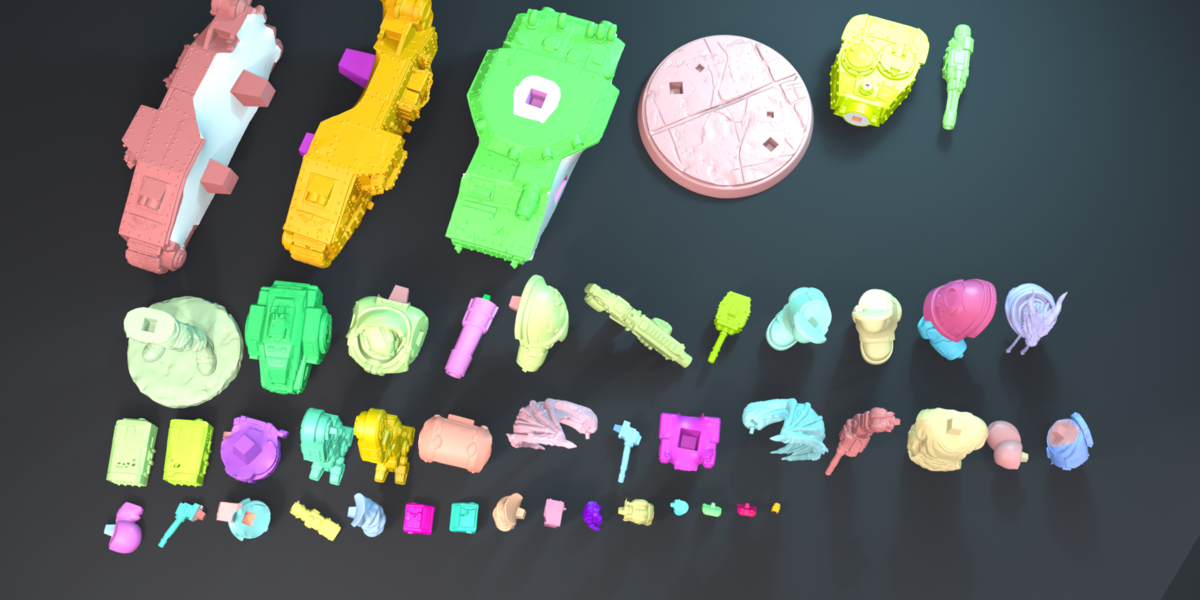
Every piece, laid out like a kit
MADE FOR
Miniatures and wargamingBusts and statuesMechs and vehiclesCosplay propsTerrainAI-generated models (Meshy, Tripo)Resin and FDM
COMPATIBILITY
●Blender 4.2 LTS and newer, as an extension
●Windows, macOS and Linux
●Pure Python with the numpy Blender ships, no internet needed
●AI-generated and open meshes: see the section above
WHAT YOU GET
●The add-on as a .zip archive
●Full Python source, GPL-3.0 or later
●Free updates for the 1.x line
●Best-effort support through the store
GOOD TO KNOW
Cleave stops at the file, STL or 3MF, laid flat where it can be. Slicing, hollowing and supports stay in your slicer. If it will not cut your model, message me through the store before you give up on it.
SUPPORT, LICENCE & REFUNDS
Support is best-effort. Free updates for the 1.x line. Report a bug through the store, with your Blender version and OS.
Developed and tested on Blender 4.2 LTS and 5.2 LTS. Cleave's licence (GPL-3.0 or later) covers the add-on, not your models or your prints: what you may sell depends on each model's own licence.
All sales are final, no refunds. If Cleave will not cut your model, message me through the store first and I will help you sort it out.
MORE MODELS
Four more, split with Cleave
SETUP
Three steps to install
1Download the Cleave .zip.
2Drag it into Blender, or Preferences, Add-ons, Install from Disk.
3Open the Cleave tab in the 3D Viewport sidebar (N).
New to Cleave? Start with the first tutorial.
Your first split, step by step, in under four minutes.
 V4SS3UR