 Skava
Skava
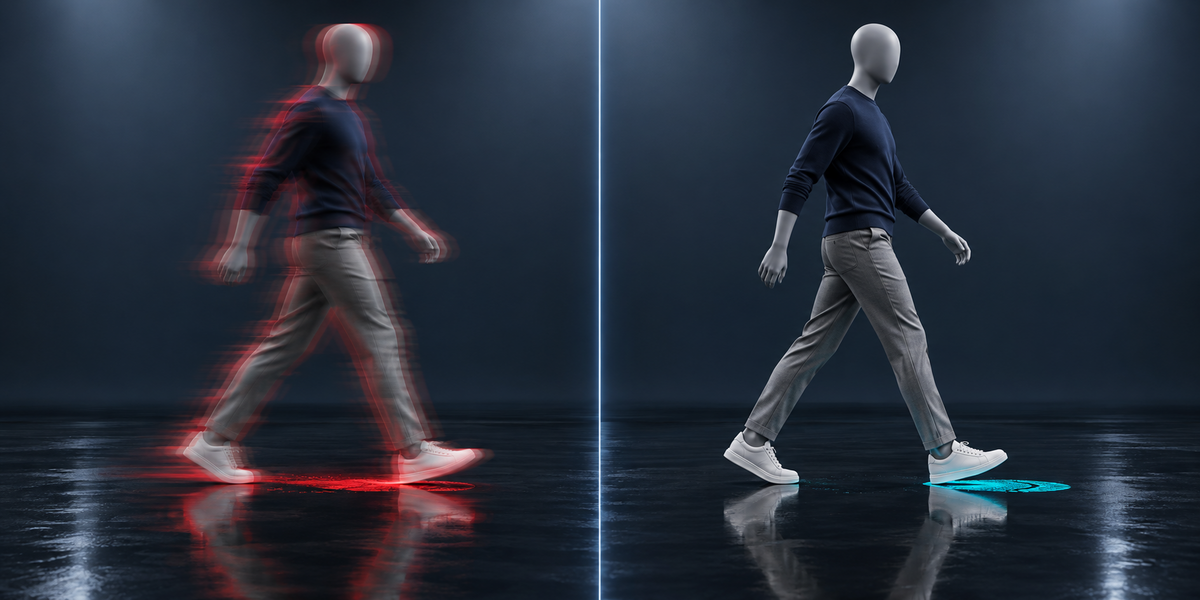
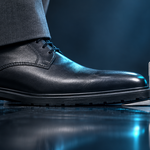
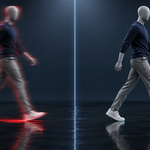
Unity's default animation compression moves your character's skin by up to 20 mm and makes planted feet slide by up to 16 mm. ClipBudget gives every clip the strongest compression that stays within a budget you set in millimetres — measured on the skin, in the engine.
Compression settings in Unity are one rotation, position and scale tolerance per file, set by guesswork: too loose and hands jitter and feet skate, too tight and the clips are megabytes. Nobody can tell which, because the error is never measured where it shows — on the skin. ClipBudget measures it.
What you get
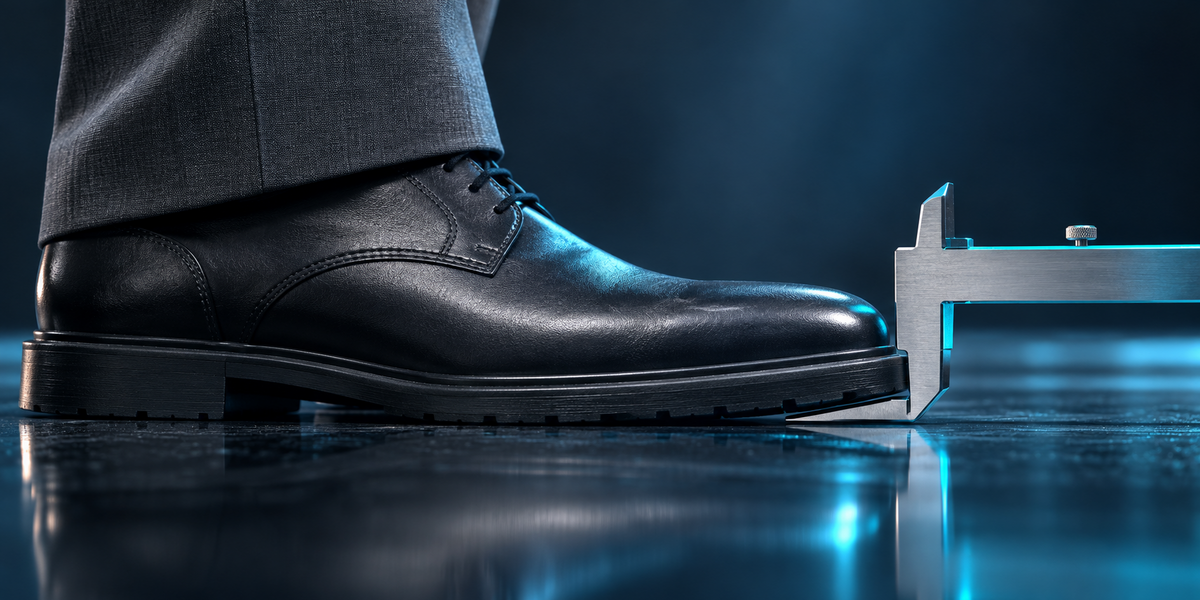
- A budget in millimetres — how far any point of the skin may drift from the uncompressed animation, and how far a planted foot may slide while it stands.
- Feet found in Blender — where each foot stands in every action, from the skin, with any bone names: the frames the feet budget is checked on.
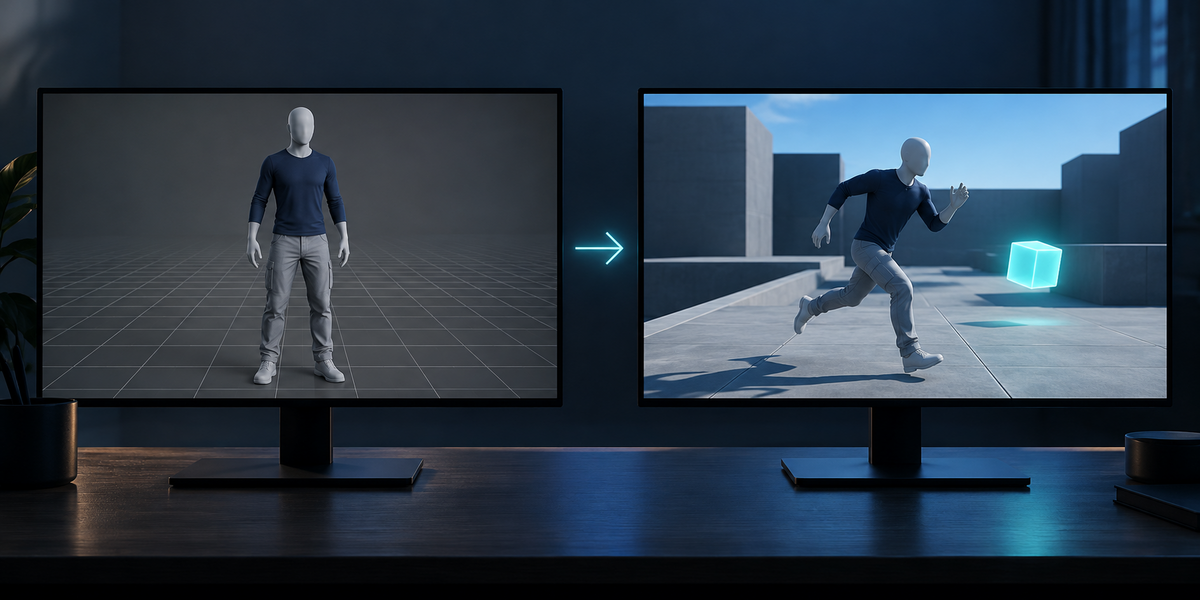
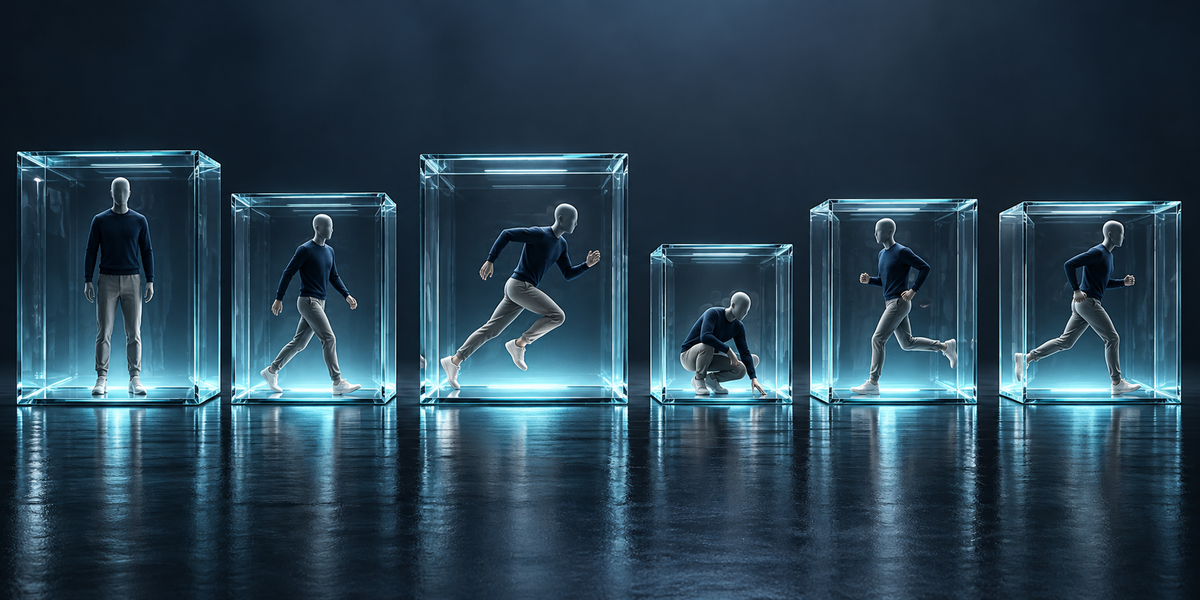
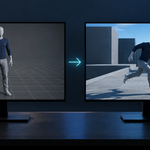
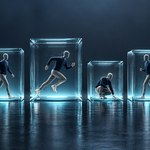
- One file per clip — Unity sets compression per file, so the model and every action are exported separately, ready for Unity.
- Tuned in Unity, one click — every clip is played against its uncompressed copy at each setting; the strongest one that holds the budget is kept. A report gives size and error per clip, against Unity's default.
Measured in Unity 6
- UE5 mannequin, 6 clips: Unity's default — skin off by up to 20.1 mm, planted feet sliding up to 13.4 mm, 4161 KB. ClipBudget at 3 mm / 2 mm — skin within 2.8 mm, feet within 1.2 mm, 4015 KB: smaller than the default.
- CMU motion capture, 15 clips: default — skin 14.4 mm, feet 16.2 mm; tuned — within 3 mm and 2 mm, at twice the default size (still 22% of uncompressed). The report says so plainly.
Blender 4.2 to 5.2, tested in Unity 6. No AI, no cloud, no account.