ClipBudget — Unity Animation Compression Tuned Per Clip to a Budget in Millimetres, Measured on the Skin
 Skava
Skava

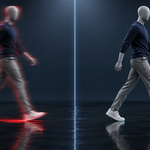
ClipBudget
v1.0.0 · Blender 4.2 LTS and later (tested on 4.2.9 and 5.2.2) · Unity 6 (tested; 2022.3 was not tested) · Windows / macOS / Linux
1. What it does
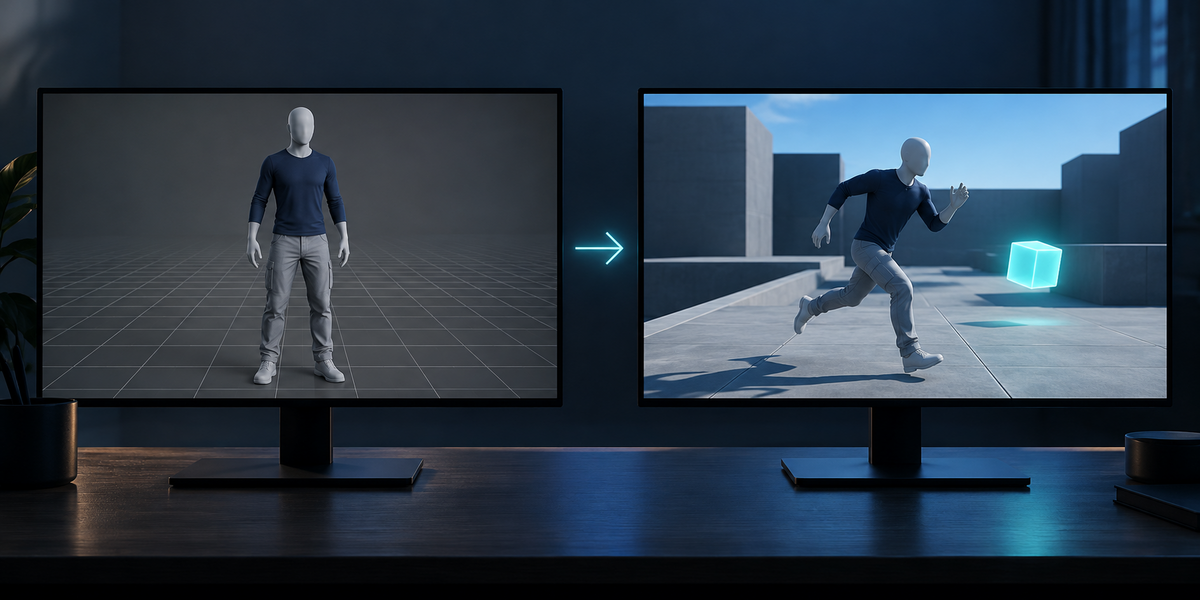
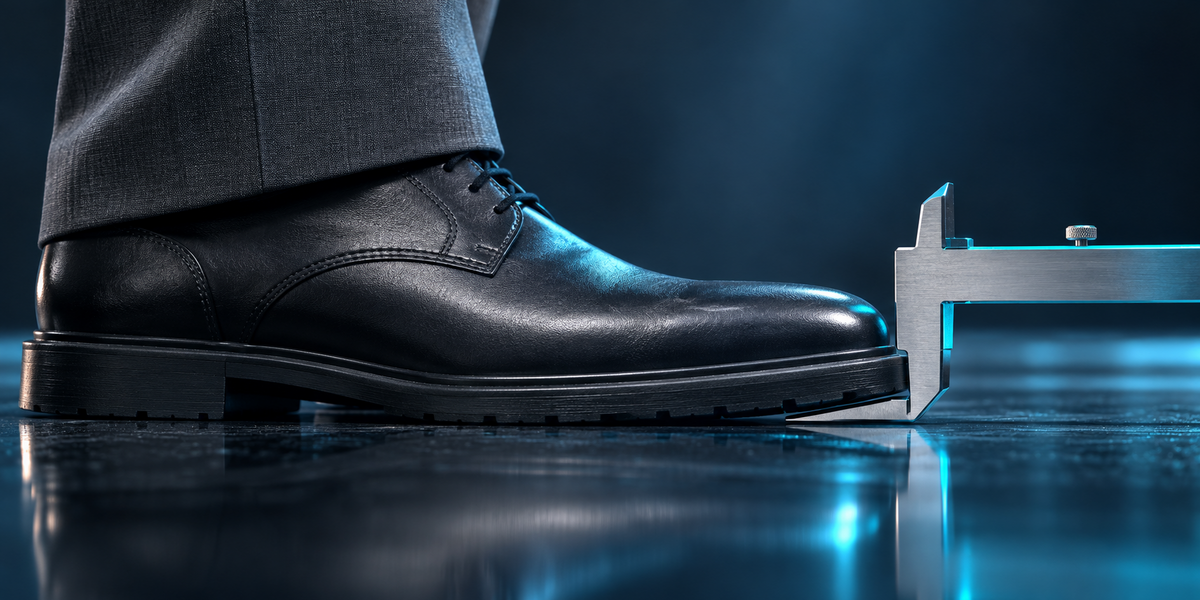
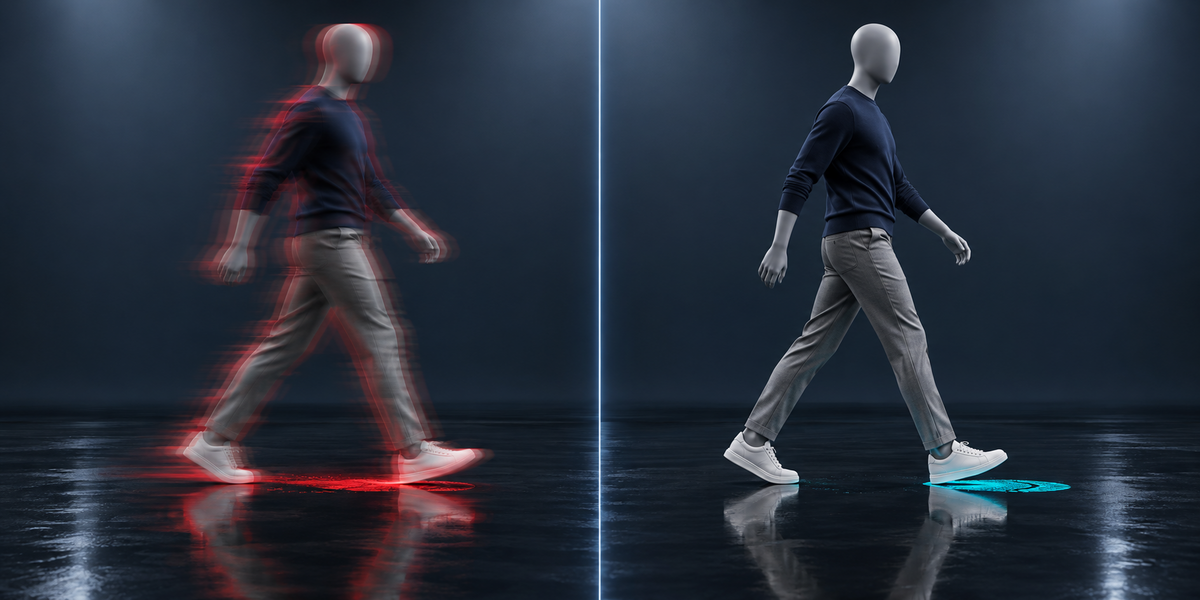
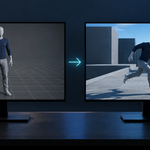
Unity compresses animation on import with one rotation, position and scale tolerance per model file. ClipBudget exports every action of your character as its own file and, in Unity, finds for each the strongest compression whose result stays within a budget you set: how far the skin may drift from the uncompressed animation (mm) and how far a planted foot may slide (mm). Every setting tried is measured on the skin, against an uncompressed copy of the same clip.
2. Installing
Edit, Preferences, Add-ons, the arrow in the top right corner, Install from Disk, pick the zip, tick the checkbox. The panel is in the 3D Viewport sidebar (N), tab ClipBudget.
3. Quick start
- Select the character's armature (or a mesh skinned to it) and press the eyedropper.
- Press Read Clips: the actions and the feet, and how many times each foot stands in each action.
- Set the budget: Skin (default 3 mm) and Planted Feet (default 2 mm).
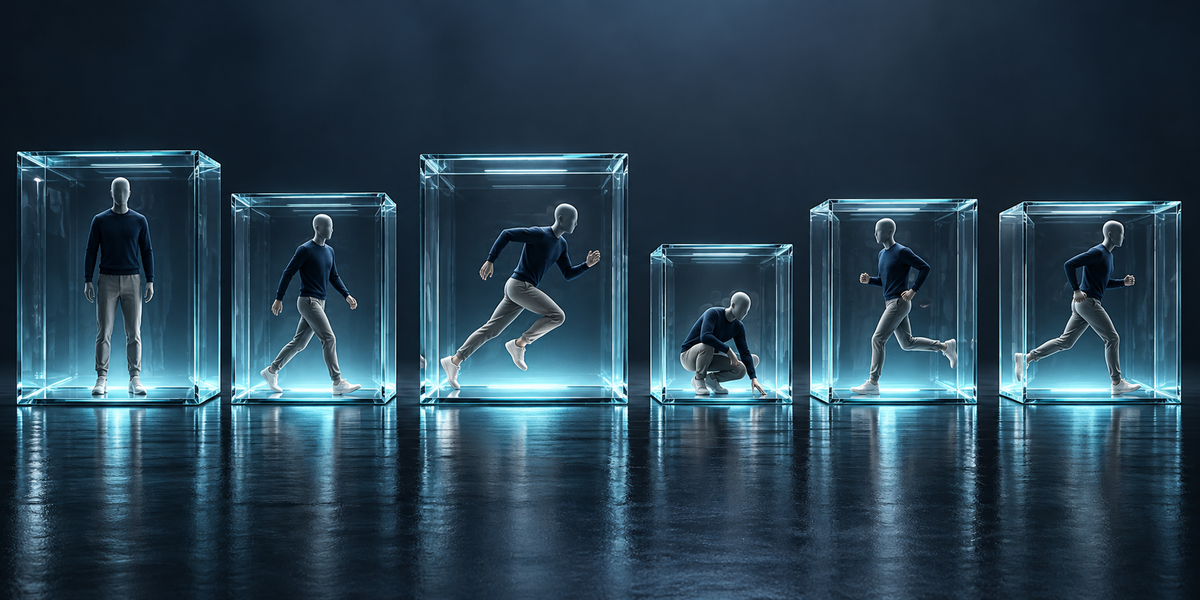
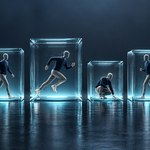
- Choose a folder under Unity's Assets and press Export for Unity: <armature>.fbx (the model, no animation), <armature>@<action>.fbx for every action, <armature>.budget.json and the script.
- In Unity select <armature>.fbx and choose Tools > ClipBudget > Tune Clips For Selected Model. It takes about ten seconds per clip.
4. In Blender
- Feet — the parts of the skin that touch the floor in the rest pose, grouped by bone chain; a foot stands where it is low and does not move along the floor (a clip walked in place moves its planted foot like a treadmill belt, which is taken into account).
- Export — the model with its skin and no animation, then each action alone, baked over its own frames by Blender's FBX exporter. File names keep only characters every file system accepts; two actions whose names would clash get different files. Your actions, selection, frame and frame range are put back. An action whose channels do not all belong to the armature is named and left out; an armature that follows a control rig is refused (bake onto it first).
5. In Unity
- Each clip file gets the model's avatar (Copy From Other). If the model had No Avatar, it is set to Create From This Model. If Unity's dropping of a file's top object makes the clip's bone paths miss the model's, the clip file's Preserve Hierarchy is set to match, and the report says so; a clip that still does not move the model is named and left alone.
- Reference — a temporary copy of the clip with compression off.
- Search — first the largest position tolerance with the finest rotation (position error is a share of each curve's own values, so the bone that carries the character needs it fine long before rotations do), then the largest rotation tolerance, then the position once more; with Optimal, and with Keyframe Reduction when Optimal cannot hold the budget. If nothing compressed holds it, the clip is left uncompressed and the report gives what the finest compression reaches — the budget that would let it compress.
- Measured — every frame, on a fresh copy of the model each time: every third vertex of every skinned mesh (with the renderer's scale), and the foot bones during each stand found in Blender: how far the foot's offset from the uncompressed clip changes along the floor.
- Report — dialog, Console and <model>_ClipBudget.txt: per clip the setting, the size (as the Editor reports it for the clip) and the skin and feet error, against Unity's default (Optimal 0.5° / 0.5% / 0.5%) and without compression.
6. Measured
- UE5 mannequin, idle, walk, run, crouch walk and two jogs: default — skin up to 20.1 mm, planted feet up to 13.4 mm, 4161 KB; budget 3 mm / 2 mm — skin 1.7–2.8 mm, feet 0–1.2 mm, 4015 KB.
- CMU motion capture, 15 clips with a simple skin: default — skin 9.7–14.4 mm, feet 10.4–16.2 mm, 5681 KB; budget 3 / 2 — within budget, 11620 KB (uncompressed 53130 KB).
- Below about 1.1–1.3 mm of foot slide Unity's compression could not go on the motion capture even at its finest: such a budget leaves those clips uncompressed.
7. Limits
- Unity compression is per file: tuning needs the clips as separate files (which the export makes). Clips you split from one take inside Unity are not tuned.
- Optimize Game Objects must be off on the model while tuning (the feet must be in the scene).
- The budget is held on the clips as exported. Blending, IK and retargeting at runtime add their own differences.
- Unreal and Godot are not covered in this version.
Have questions about this product?
Login to message
| Published | about 9 hours ago |
| Blender Version | 4.2 - 5.2 |
| Extension Type | N/A |
| License | GPL |
Discover more products like this
Export unity character animation memory animation compression mocap performance game development fbx game ready foot sliding optimization