ClipBudget — Unity Animation Compression Tuned Per Clip to a Budget in Millimetres, Measured on the Skin
 Skava
Skava
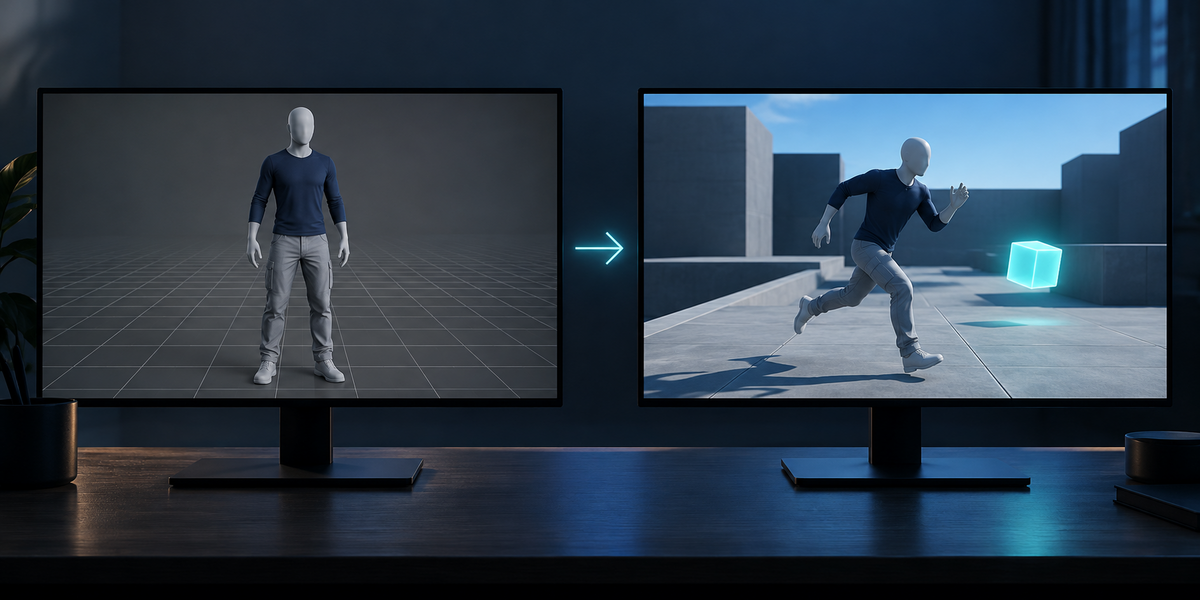
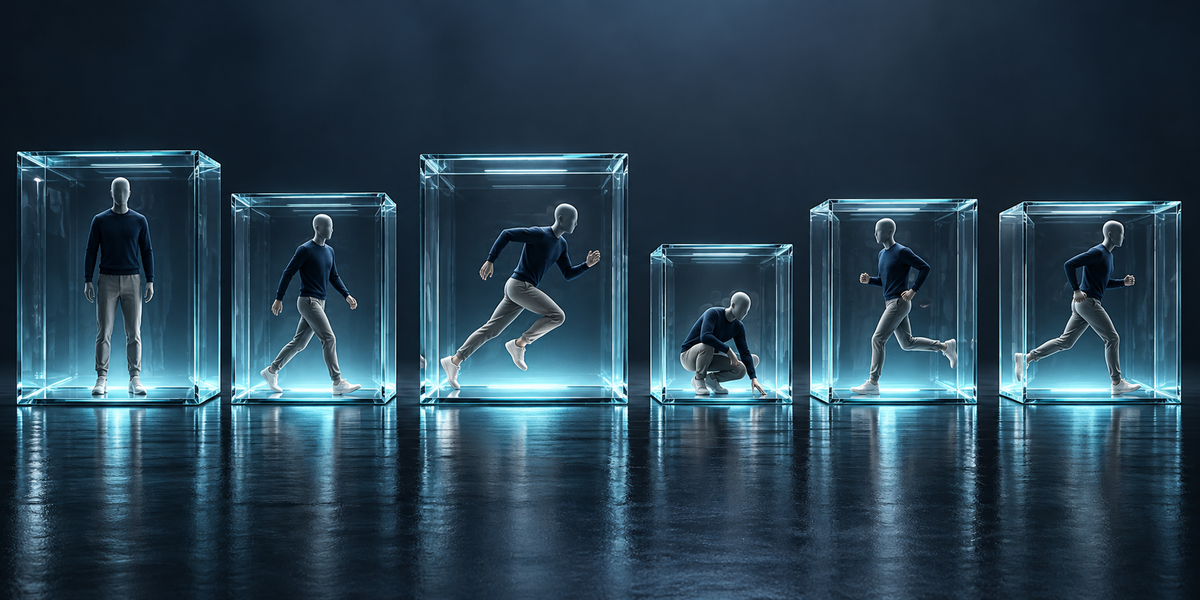
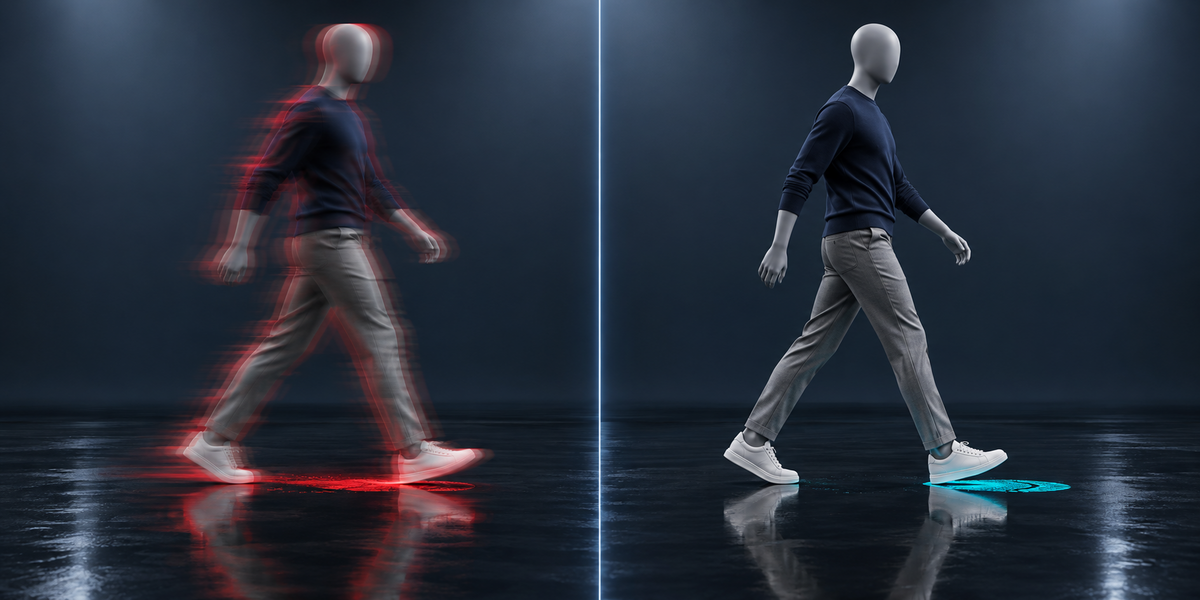
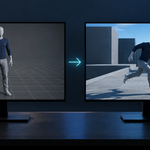


Unity sets animation compression per model file. To give each clip its own setting, each clip needs its own file; the export makes them, all bound to the same model.
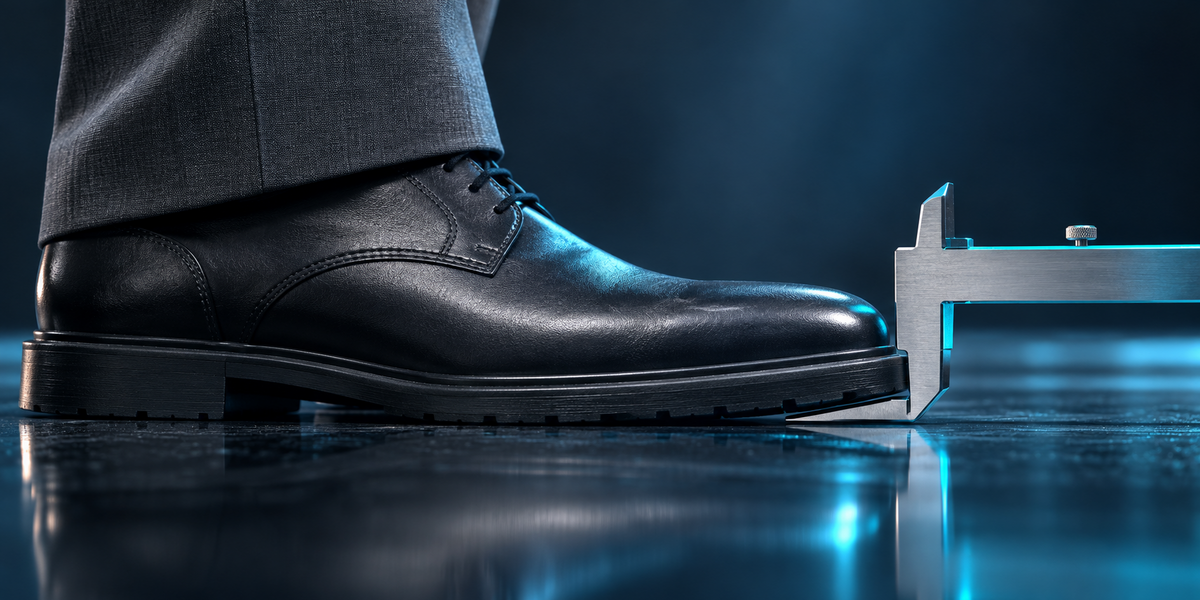
On the UE5 mannequin the default moved the skin by up to 20 mm and slid planted feet by up to 13 mm; on motion capture, 14 mm and 16 mm. Whether that shows depends on your camera; the budget lets you decide.
Sometimes smaller (the mannequin: 4015 KB against 4161 KB at the default), sometimes bigger (motion capture: twice the default for a 3 mm / 2 mm budget). The report gives both.
Both use the model's avatar.
No. It reads them and exports copies; in Unity it changes only the compression settings of the clip files it exported.
No.
Have questions about this product?
Login to message
| Published | about 9 hours ago |
| Blender Version | 4.2 - 5.2 |
| Extension Type | N/A |
| License | GPL |
Discover more products like this
optimization fbx character animation mocap game ready memory animation compression unity performance Export foot sliding game development