 Pro Tools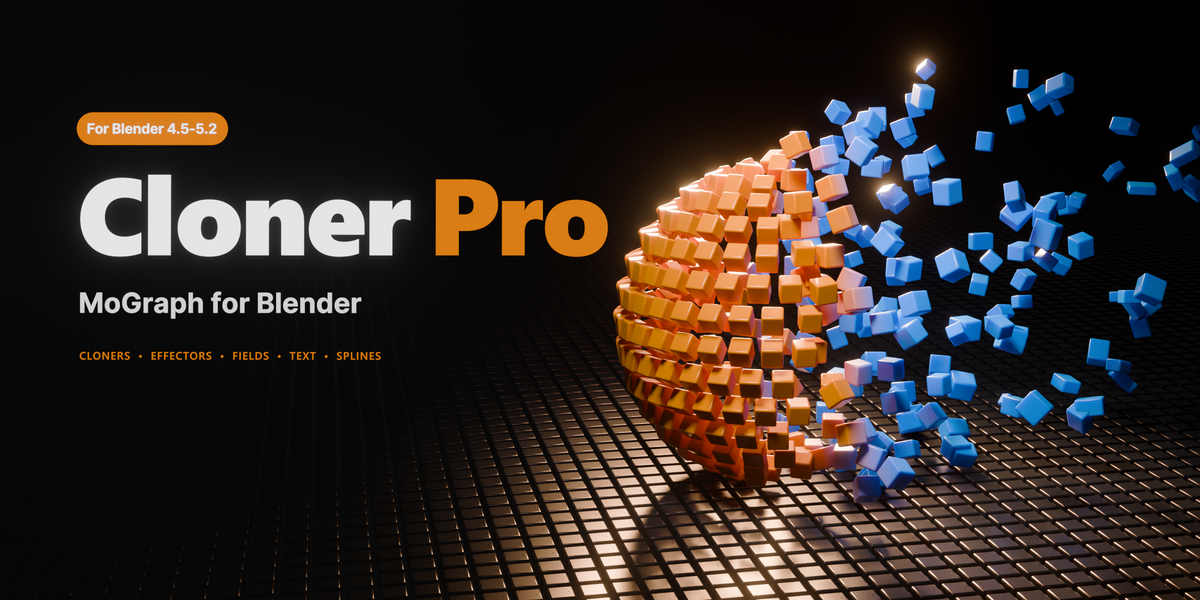



Quick Start
Motion graphics for Blender. Without the node graph.
Clone anything. Then move it like it means something, in a few clicks, without wiring a single node.
Three pieces, and that is the whole system. A cloner makes the copies: a grid, a ring, a scatter across a surface, one clone per letter of a word. An effector moves them. A field decides which of them listen, and how much. If you have used Cinema 4D, you already know it.
|
One panel. No node graph. No setup to remember. |
The power is in stacking them. Put a Random under a Time under an Inheritance and each effector reads the result of the one before it, so the motion compounds instead of fighting. Fields stack the same way. A sphere to choose the area, noise to break its edge, a painted map to hold one corner still, blended like layers, each with its own falloff curve, its own ramp, even its own material. Two or three of them on top of each other and you are no longer picking from a menu of effects. You are building the exact thing you pictured, and watching it happen in the viewport while you drag the slider.
And it is fast. A cloner and one effector is a finished loop in about thirty seconds. Add a field and it becomes a wave travelling through the array. Add delay and it stops looking computed and starts looking animated. Forty presets are included if you would rather start from something that already moves and pull it apart, and every one of them is just settings you can see and change.
Cloner Pro is the most complete MoGraph toolkit Blender has. 6 cloner modes, 13 effectors, 13 field types, fracture, sound-reactive fields, live splines and per-field materials, all in one panel, all live, and all of it verified by more than 1,100 automated checks before a release ships, the whole suite run in Blender 4.5, 5.0, 5.1 and 5.2.
What you get
- 6 cloner modes: grid, line, radial, volume, object scatter, curve
- 13 effectors, stacked as many as you like, in any order
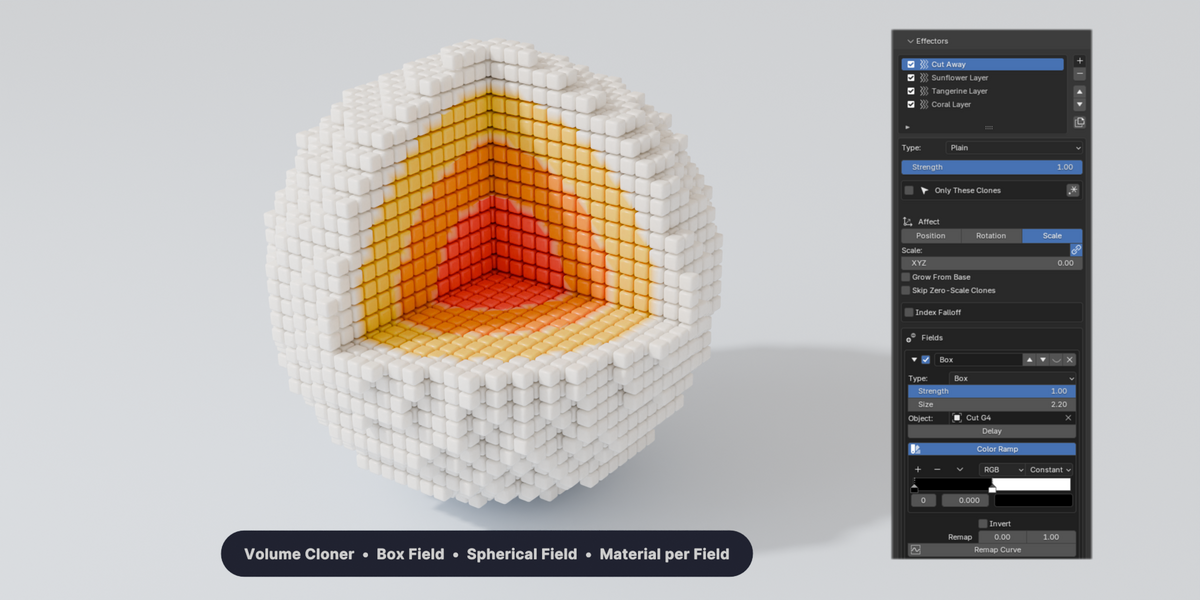
- 13 field types, with layer blending, colour ramps and per-field materials
- Fracture, sound reaction and live splines, driven by the same effectors
- 40 presets: 20 motion rigs and 20 text animations, with their own materials, that between them use every effector and every field
- Blender 4.5 LTS, 5.0, 5.1 and 5.2: the same file, the same result in every one
Cloners, six ways to multiply and one to connect
|
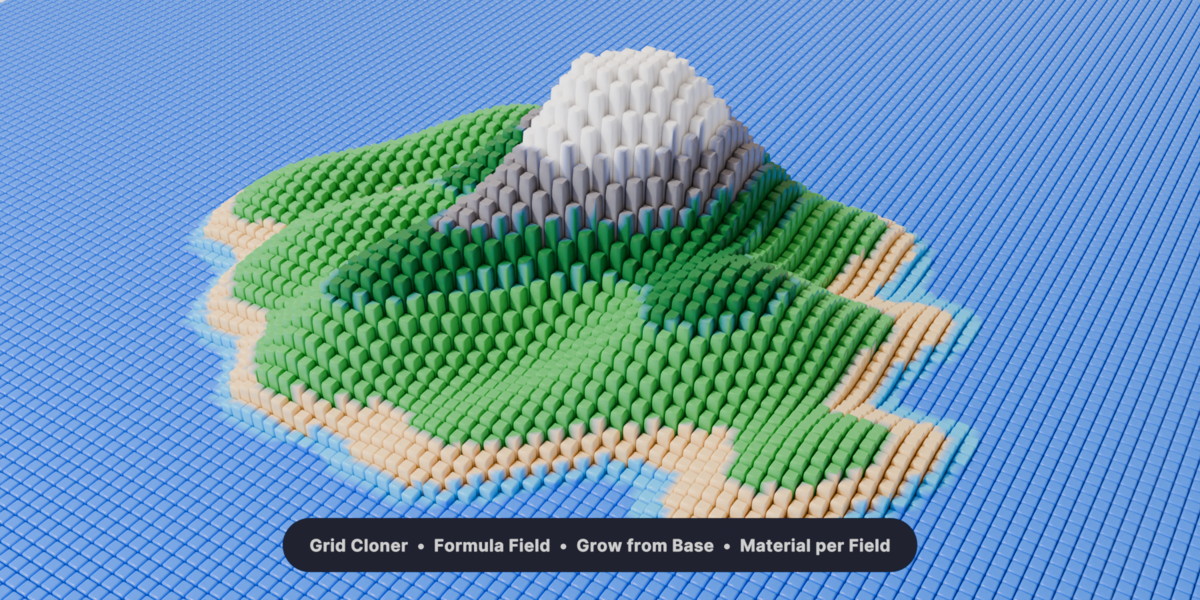

Drop a cloner on any object and it multiplies. Every mode is live, so change your mind, change one number, and nothing is baked until you say so. 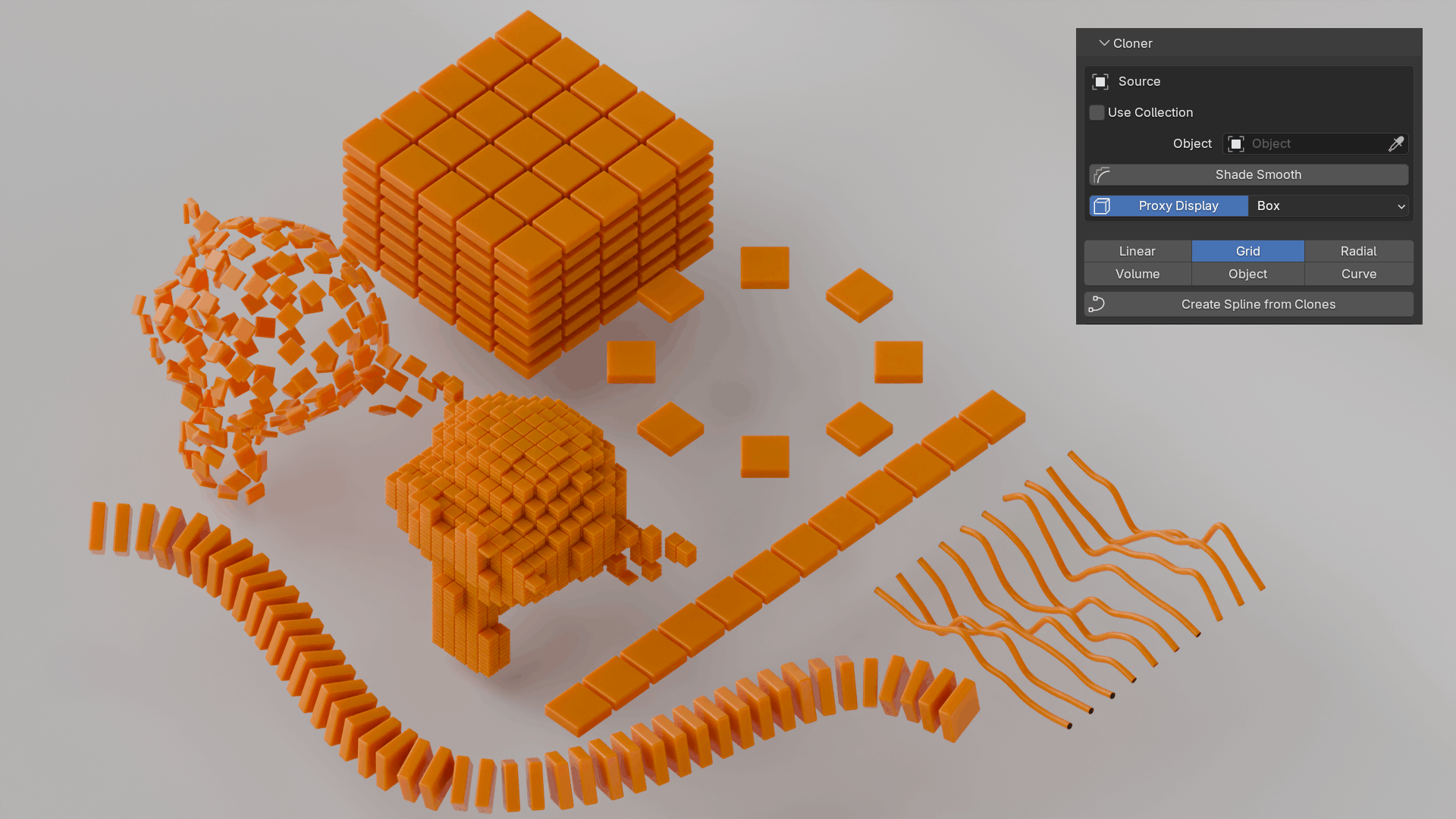 Grid. Rows, columns and layers in X, Y and Z, with stagger for a honeycomb. Linear. A straight run with a step, a spin and a scale that build along the line. Radial. A ring, an arc or a spiral. Clones face the centre or keep their own rotation. Object. Scatter across another object, on its faces, on its vertices, or evenly by area. Volume. Fill the inside of any mesh, packed or random, with the shell as the boundary. Curve. Along a curve you drew. Space them by count or distance, and they ride the spline as it moves. Spline. Press one button and a real curve threads itself through the clones, and stays threaded as they move. |
Effectors, thirteen of them, stacked in any order
|
An effector is what turns an array into animation. Each one moves, rotates, scales, recolours and re-materials the clones, and each reads the result of the one before it. Drag a slider and the viewport answers immediately.
|
And the thirteenth: Inheritance
Point one cloner at another and the clones walk from the first arrangement into the second, per clone, in an order you choose, with the field doing the timing. Letters off a page becoming a logo. A scattered cloud collecting into a product. A wall turning into a wave. Nothing is baked until you say so.
Fields, thirteen ways to decide who listens
|
One effector, three different field shapes. Nothing else in the setup changes: the field alone decides which clones listen, and how much. |
Stacking them is the point One field is a shape. Two or three of them are a system. Layers are read from the top down: the first sets the weight for every clone, each one below blends into the running result with its own mode, and moving a layer up or down changes the answer, because the order is the recipe. Add joins two areas into one. Subtract cuts a hole. Multiply keeps only the overlap, which is how you say "only here". Lighten and Darken keep the stronger or the weaker of the two. Overlay turns a soft falloff into a decisive one. Mix fades one field into another, and that fade can be keyframed.
|
Where it gets interesting
|
The parts people buy it for, and every one of them is driven by the same effectors and the same fields you already set up.
|
Text, and everything else pointed at it
Type a word and every letter becomes a clone. Real 3D text with extrude and bevel, still fully editable, so retype it and the animation carries straight on.
From there the whole add-on is aimed at your headline. A letter is just a clone, so anything the clones can do, your text can do. Every effector, every field, delay, materials, splines, fracture. Letters fly in one at a time. A field sweeps across and they tumble as it passes. They shatter into pieces, pulse on the beat, trail a cable behind them, or melt into noise and come back.
|
Four things a headline can do here, and none of them is a preset you are stuck with.
|
20 text presets are included, so the first version is one click away, and every preset is just settings, open and ready to be taken apart.
Built to keep working
Every release runs through 1,100+ automated checks before a release ships, the whole suite run in Blender 4.5, 5.0, 5.1 and 5.2: save and reload, undo, rotation, scale, materials, UV projection, and every preset played through frame by frame to make sure no clone ever cuts into another. The things that quietly break between versions are the things being tested.
Heavy scenes stay workable: proxy display while you build, clone picking by number in the viewport, and baking to real geometry or to keyframes when the shot has to move on. Illustrated documentation is included offline.
Requirements
Blender 4.5 LTS, 5.0, 5.1 and 5.2. The same file, the same result in all four. Cycles and EEVEE. Nothing to compile. Free updates.
Cinema 4D and MoGraph are trademarks of Maxon Computer GmbH. Cloner Pro is an independent product and is not affiliated with, endorsed by or sponsored by Maxon.