 Pro Tools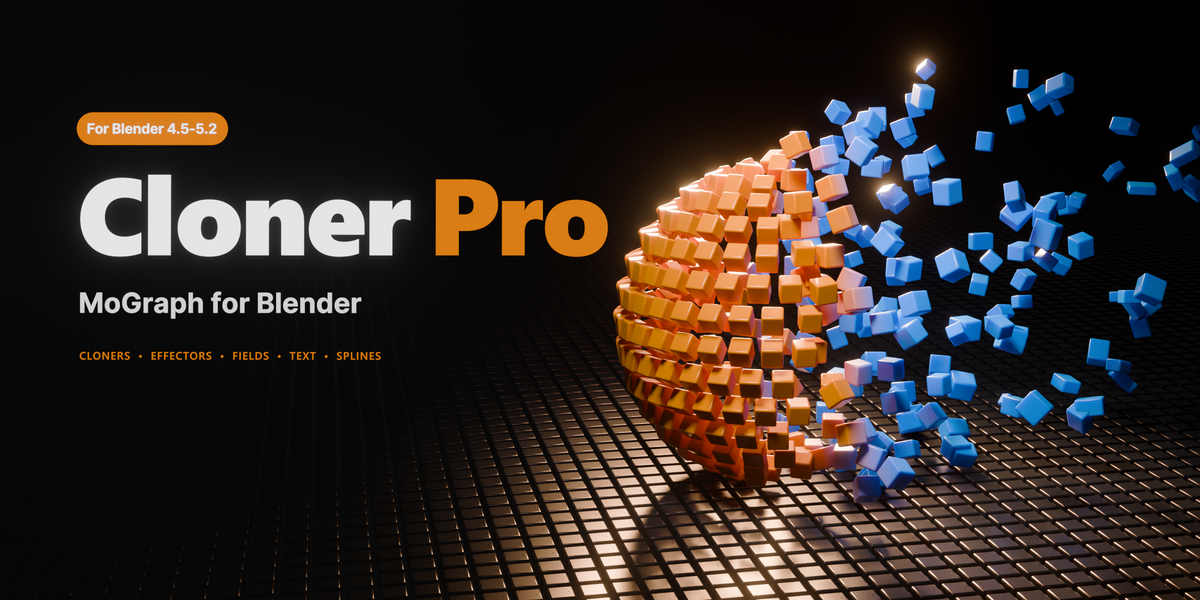



Which versions of Blender does it work with?
Blender 4.5 LTS, 5.0, 5.1 and 5.2. The whole automated test suite is run in all four before a release ships, so the same file gives you the same result whichever one you open it in. One exception worth knowing: the Sound field needs Blender 5.2, because it samples audio with a node that exists only there. Everything else works in every version.
Do I need to know Geometry Nodes?
No. Everything happens in one panel in the sidebar. Cloner Pro builds and maintains the node trees for you, and you never have to open a node editor. If you do want to look under the hood, nothing stops you.
Will it slow my scene down?
Clones stay as instances until you ask for real geometry, and Proxy Display swaps heavy sources for lightweight stand-ins while you work. In a file that has no cloners in it, the add-on costs nothing measurable at all.
Can I render on a render farm?
Yes, two ways. Either install the add-on on the farm as you would any other, or bake the cloner to real geometry or to keyframes first. After baking, the scene does not need Cloner Pro at all.
Can I use it for commercial work?
Yes. Everything you create with it is yours, for personal and commercial projects, with no royalties and nothing to credit. The add-on itself is GPL v3, as Blender add-ons are required to be.
How is this different from Blender's own arrays and Geometry Nodes?
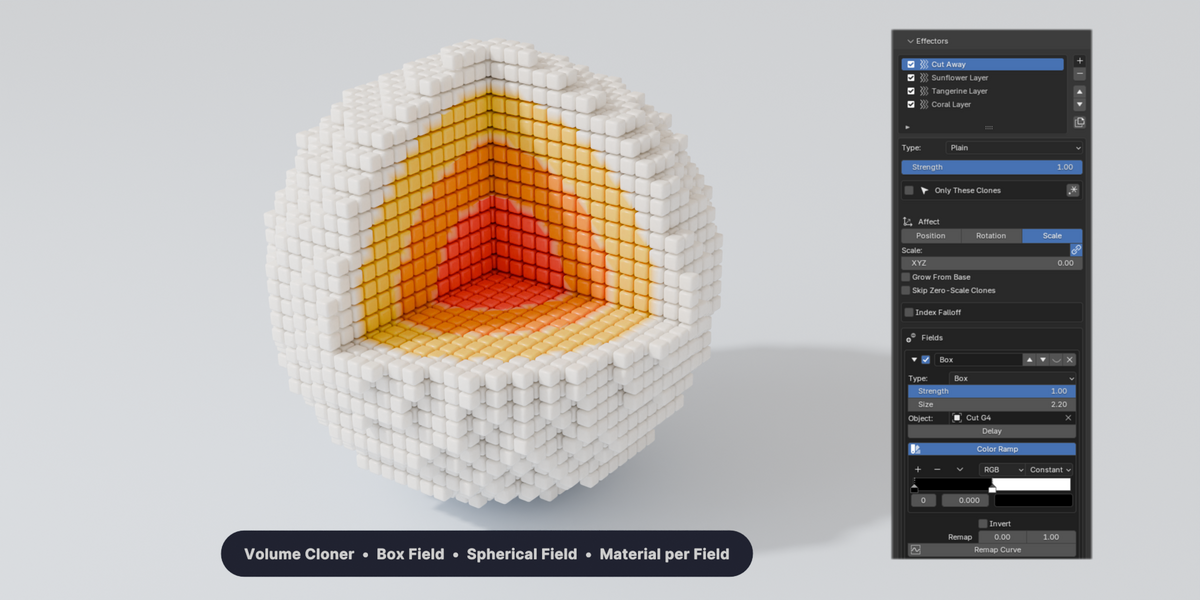
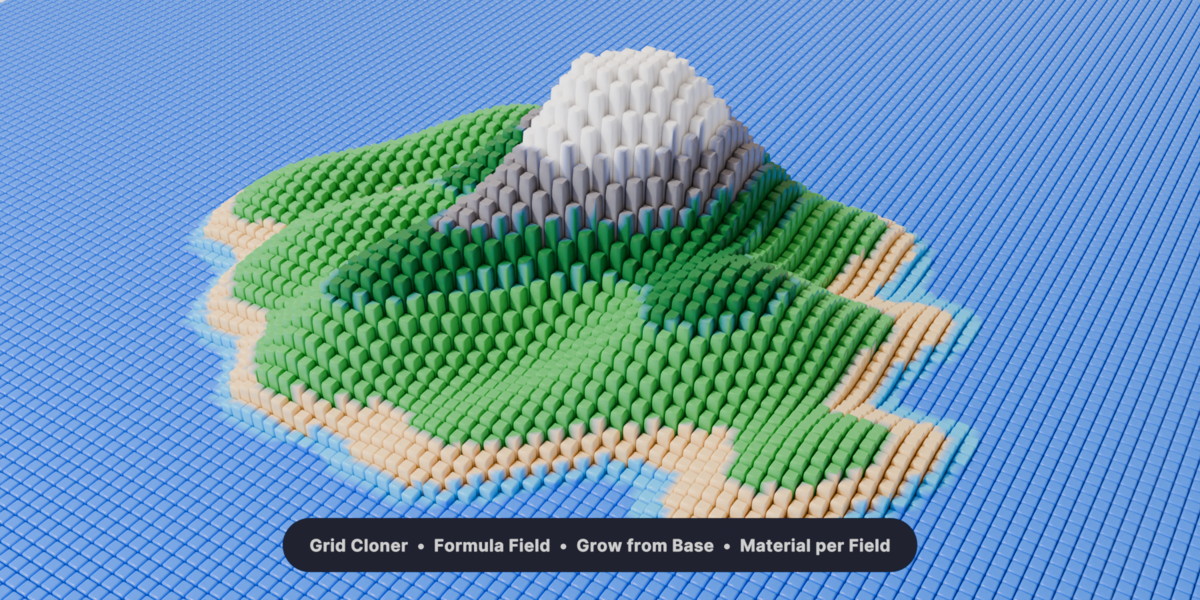
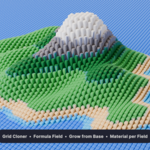
An Array modifier repeats an object. Cloner Pro gives you the whole motion-graphics model on top of it: stacked effectors that transform the clones, and layered fields that decide which clones each effector touches and how strongly. It is all Geometry Nodes underneath. The difference is that you drive it with sliders instead of building it.
Can I take the result into another program?
Bake to real geometry, then export the way you normally would: Alembic, FBX, USD, or anything else Blender writes.
What happens when a new Blender version comes out?
Updates are free. The test suite runs against every supported version, so compatibility problems are found before they reach you rather than after.
Is there documentation, and what if I get stuck?
Full illustrated documentation ships with the add-on and opens offline straight from the panel, covering every cloner mode, effector and field. If something is still unclear, message me here and you will get a real answer.
Have questions about this product?
Login to message
| Blender Extension Compatible | Yes |
| Published | about 23 hours ago |
| Blender Version | 4.5 - 5.2 |
| Extension Type | Add-on |
| Render Engine Used | Arnold, Cycles, Eevee, Octane, Vray |
| License | GPL |
Discover more products like this
array cloner scatter motion graphics effectors geometry nodes instancing fields procedural animation cinema 4d mograph