 Pro Tools


Installing
Blender 4.5 LTS, 5.0, 5.1 or 5.2. Edit > Preferences > Get Extensions > Install from Disk, pick the zip, and enable it. Cloner Pro appears in the 3D viewport sidebar (press N) under its own tab.
The model, in one paragraph
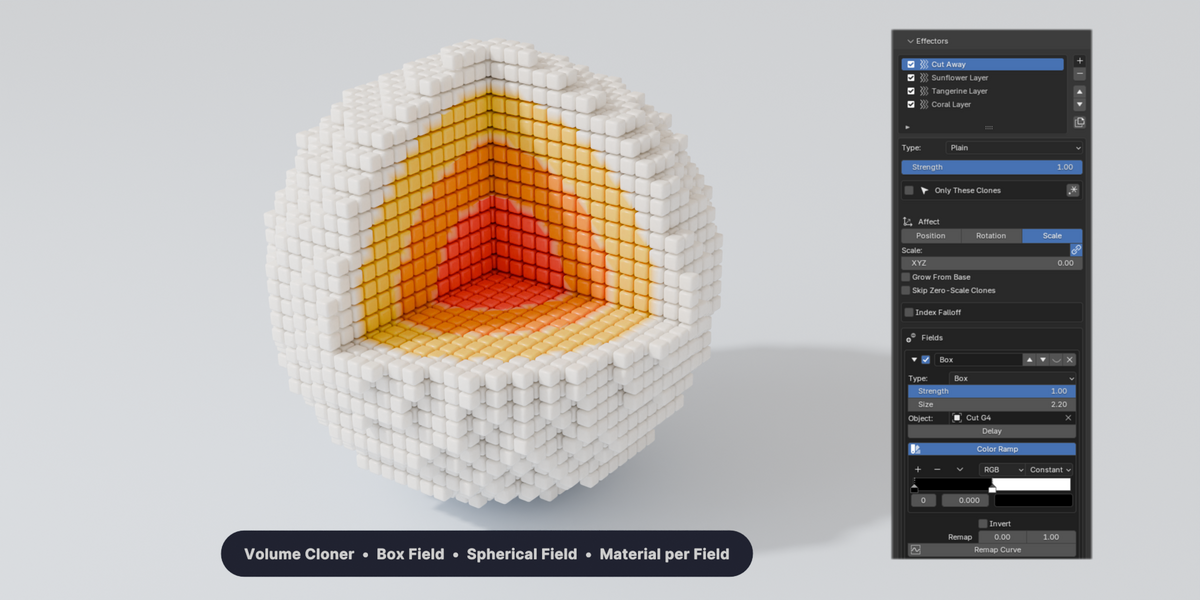
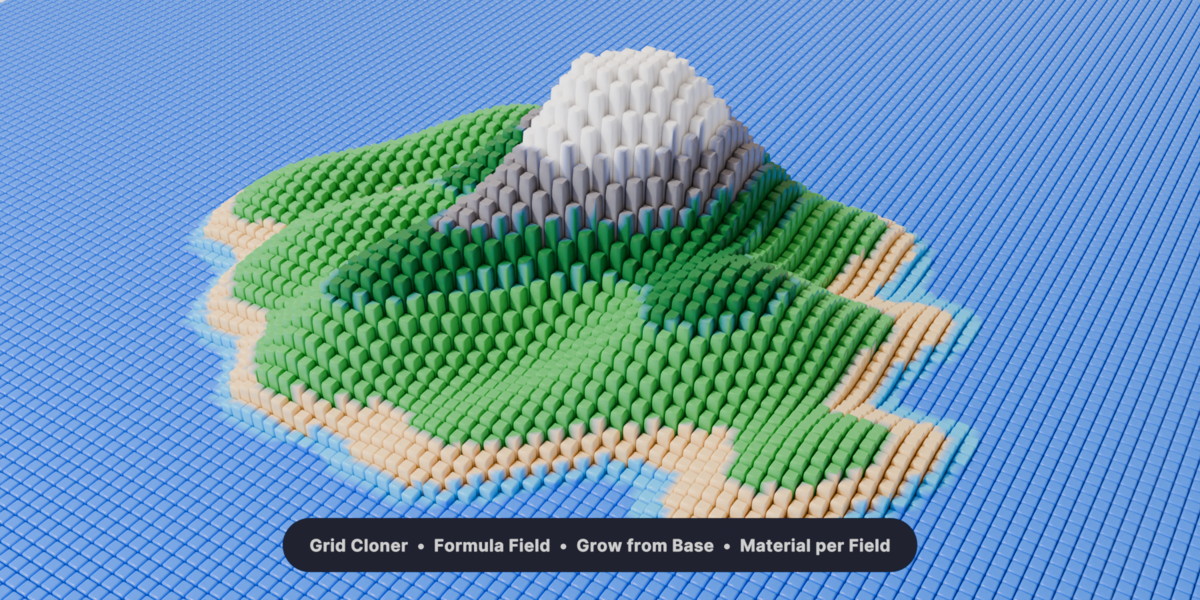
A Cloner makes the copies. Effectors transform them: position, rotation, scale, colour, material. Fields decide which clones each effector touches and how strongly. Effectors stack in order, each reading the result of the one before it, and every field can be layered, blended, shaped on a ramp and given a delay. Learn those three ideas and the rest of the add-on is variations on them.
First five minutes

Select an object and press New Cloner. Choose a mode (Grid, Linear, Radial, Volume, Object, Curve) and set the counts. Add an effector, give it a position or rotation, and watch every clone move. Add a field to that effector and only the clones inside it will listen. That is the whole workflow.
Full documentation

Illustrated documentation ships inside the add-on and opens offline from the panel footer. It covers every cloner mode, all thirteen effectors, all thirteen field types, text, fracture, splines, presets, baking and performance, with images and short clips for each.
Finishing a shot
Everything stays live and procedural until you decide otherwise. When the shot is ready to hand on, Bake to Mesh turns the clones into real geometry and Bake to Keyframes writes the motion onto the objects. After either, the file no longer needs the add-on, which is also how you send it to a render farm that does not have it installed.
Support
Questions, bug reports and feature requests: message me through this page. Updates are free.
Have questions about this product?
Login to message
| Blender Extension Compatible | Yes |
| Published | about 23 hours ago |
| Blender Version | 4.5 - 5.2 |
| Extension Type | Add-on |
| Render Engine Used | Arnold, Cycles, Eevee, Octane, Vray |
| License | GPL |
Discover more products like this
geometry nodes mograph animation effectors fields instancing scatter cinema 4d cloner array motion graphics procedural