Cloto — Interactive Motion Paths
 Outlier Labs
Will it work with my rig?
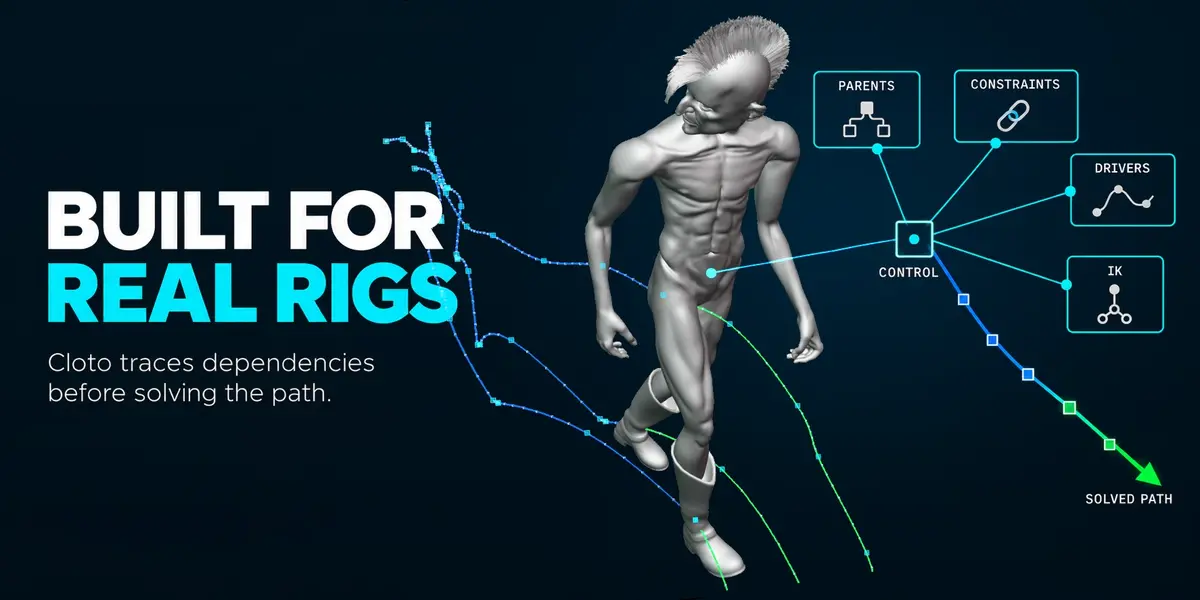
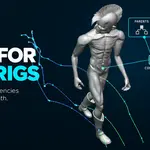
Cloto does not recognise rigs by name, so there is no compatibility list to fall off. It measures how the control you selected actually responds to its own location channel, which is what makes constraints, IK and animated parents work rather than break. It was developed against a full production character rig. If a control cannot be steered at all, Cloto tells you on the click instead of silently doing nothing.
Is the curve accurate, or is it an approximation?
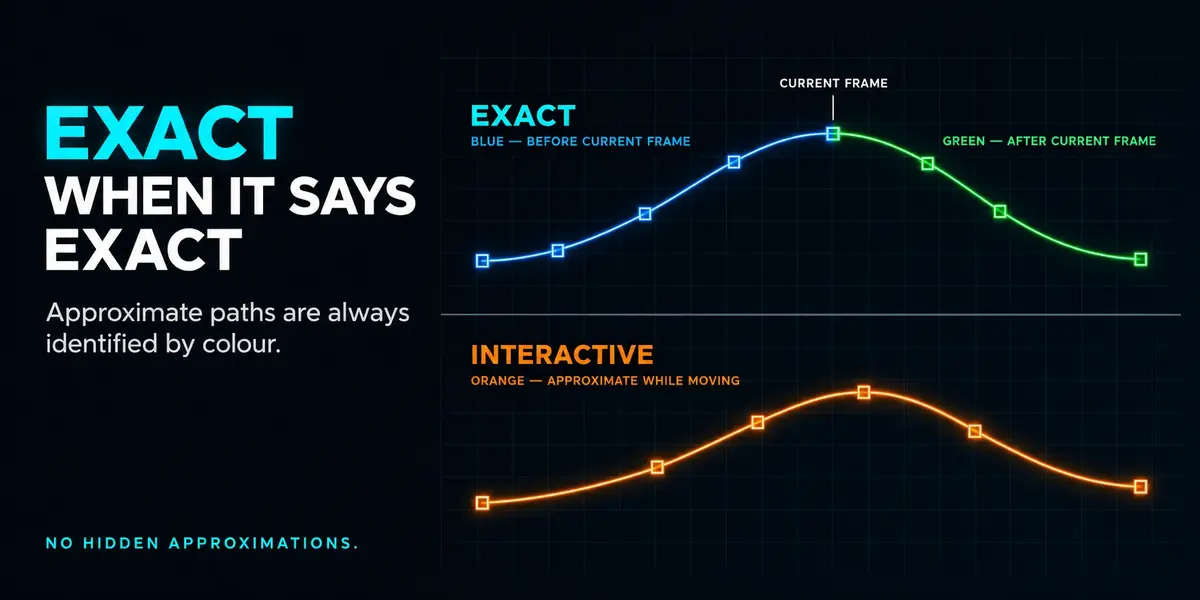
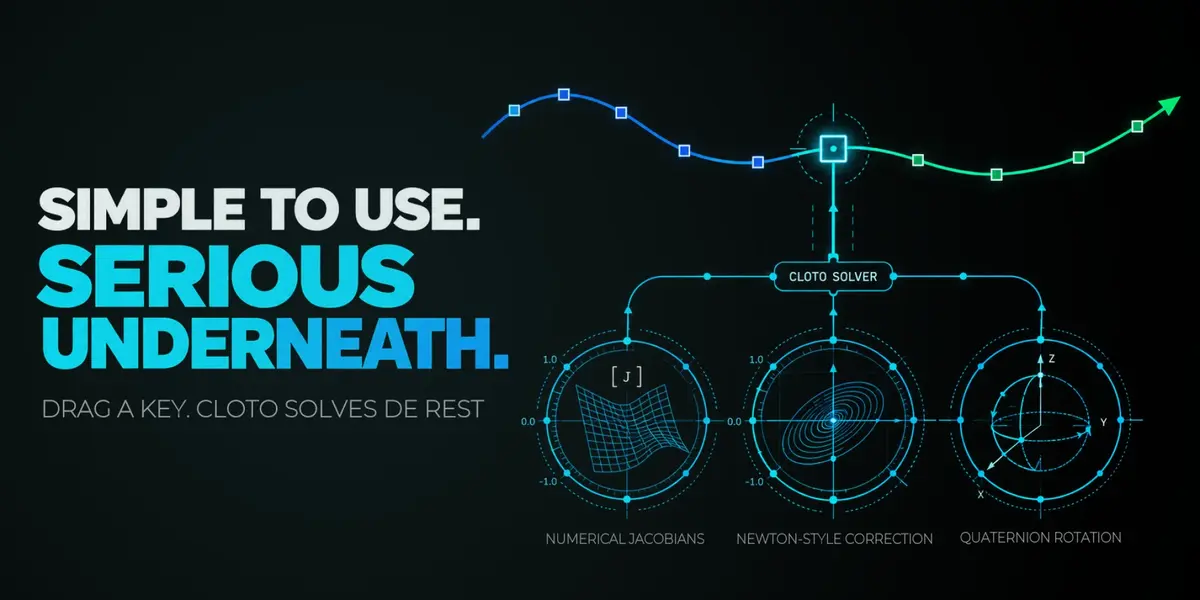
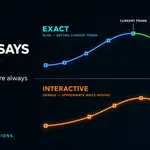
Both, and it always tells you which you are looking at. The captured path is Blender's own exact evaluation, copied point for point. While you drag, you see a fast approximation so the viewport stays responsive. When the exact result arrives, the curve's colour changes to say so. Cloto never presents an approximation as exact.
Does Cloto change my animation?
Only when you move or delete a key, which is the point. Capturing, refreshing and analysing change nothing. If you drag a key to a place the rig cannot reach, the pose and the F-Curves are restored and your animation is left exactly as it was. Undo works normally.
Which keys can I drag?
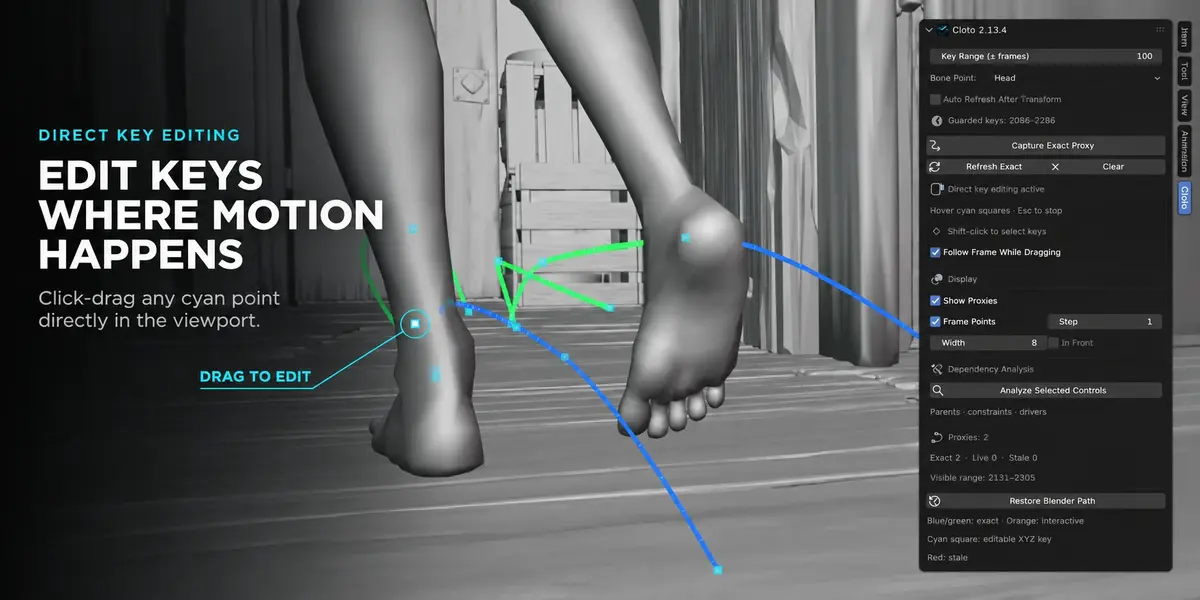
Complete XYZ location keys that are editable and free of drivers and locks. Rotation and scale keys are not draggable on the path — dragging a point in 3D has no single correct meaning for them. Those channels still evaluate normally and still shape the curve you see.
Does it work on objects, or only bones?
Pose bones, in Pose Mode. Object-level motion paths are outside what Cloto does today.
Why Blender 5.2 and newer only?
Cloto relies on Actions with slots and layers, and on current GPU drawing. Supporting older releases would mean a second implementation of the parts that matter most, maintained in parallel. If your studio is on an earlier LTS, wait before buying.
Blender keeps improving native motion paths. Won't this become obsolete?
Faster native paths make Cloto faster, not redundant: the native bake is exactly what Cloto captures as its source of truth. What the upstream work does not address is dragging keys directly on the path through constraints and IK, or moving the exact recalculation off the interface entirely. That is where Cloto lives.
Why does it start a second Blender, and what gets sent there?
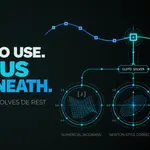
So the exact bake stops blocking your viewport. The background process receives Blender libraries written for that one bake — the relevant data and the Action — never your open working file and never Python expressions from your scene. It is headless, it starts on demand, and it shuts down with Blender.
What happens when I reopen the .blend?
The capture lives in memory, so you capture again. This is deliberate: the alternative is storing a baked copy of your animation inside your file and hoping it stays true after every edit made elsewhere.
What about NLA, constrained actions and stateful IK?
Cloto detects these and falls back to the full captured range instead of the fast targeted refresh. You lose speed in those cases, never correctness — the shortcut is only taken when it is provably safe to take.
What if it does not work for me?
Tell me what rig and what Blender version, and I will look at it. Cloto exists because a real production rig was too slow to animate on, so a case where it fails is information I want.
Does the overlay appear in renders?
No. It is a viewport overlay, like Blender's own motion paths.
Have questions about this product?
Login to message
| Blender Extension Compatible | Yes |
| Dev Fund Contributor | |
| Published | about 2 months ago |
| Blender Version | 5.2 |
| Extension Type | Add-on |
| Render Engine Used | Cycles, Eevee |
| License | GPL |
Discover more products like this
Animation Workflow animation tools rigify viewport performance Pose Mode IK character animation Keyframe editing motion trail auto-rig pro arcs Motion paths