Cloto — Interactive Motion Paths
 Outlier Labs
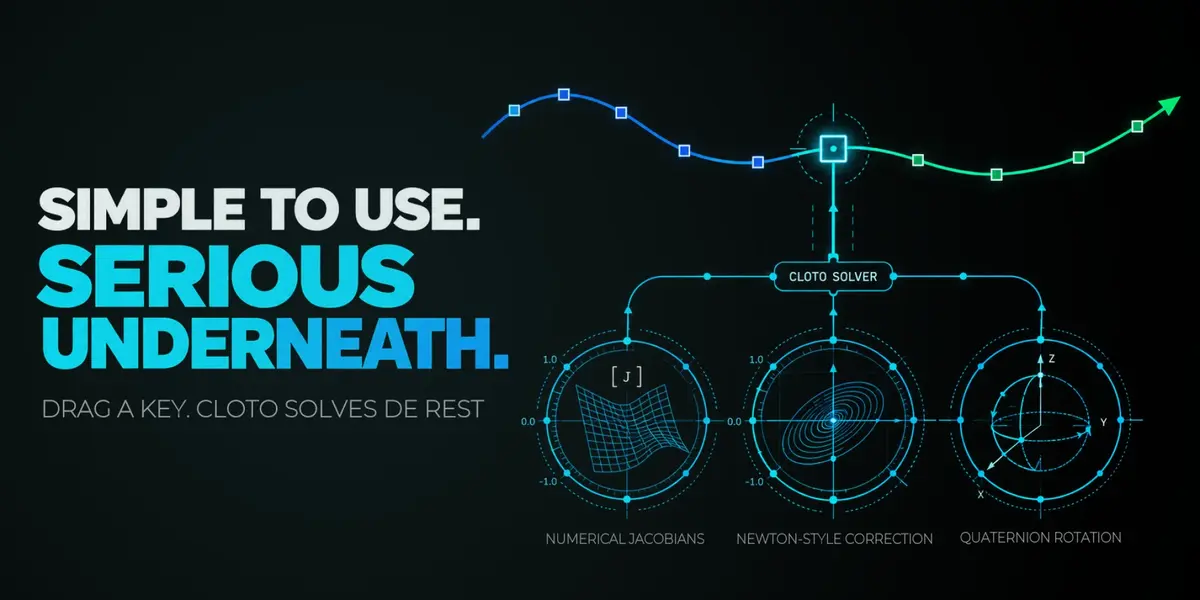


- Let go of a dragged path key on a heavy rig without the extra pause that arrived in 2.14: confirming a key is about twice as fast again.
- Duplicate selected path keys with **Shift-D**. The copy lands further along the timeline, as far after the last selected key as the first selected key sits after the key before it, so a repeating step keeps its own rhythm. Each control repeats its own spacing, whole keys are copied, and the duplicate arrives selected in magenta, ready to move or rotate into place.
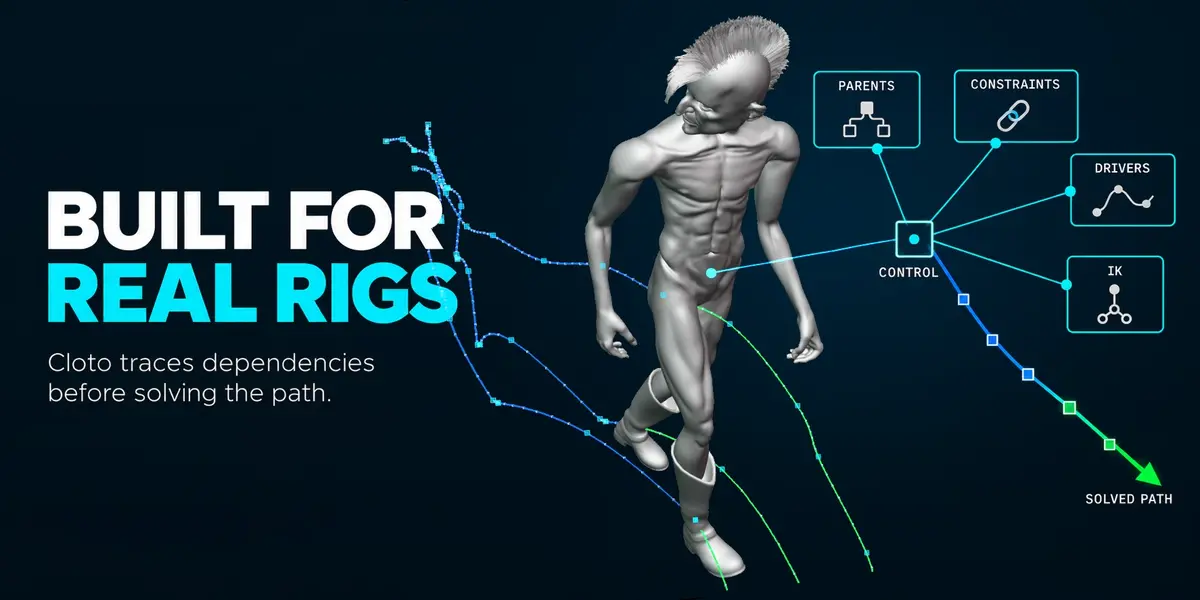
See a more faithful path while dragging or transforming keys, including custom Bezier handles, different interpolation on each axis and automatic smoothing. Animated parents and constraints still get an exact refresh after you confirm the edit.
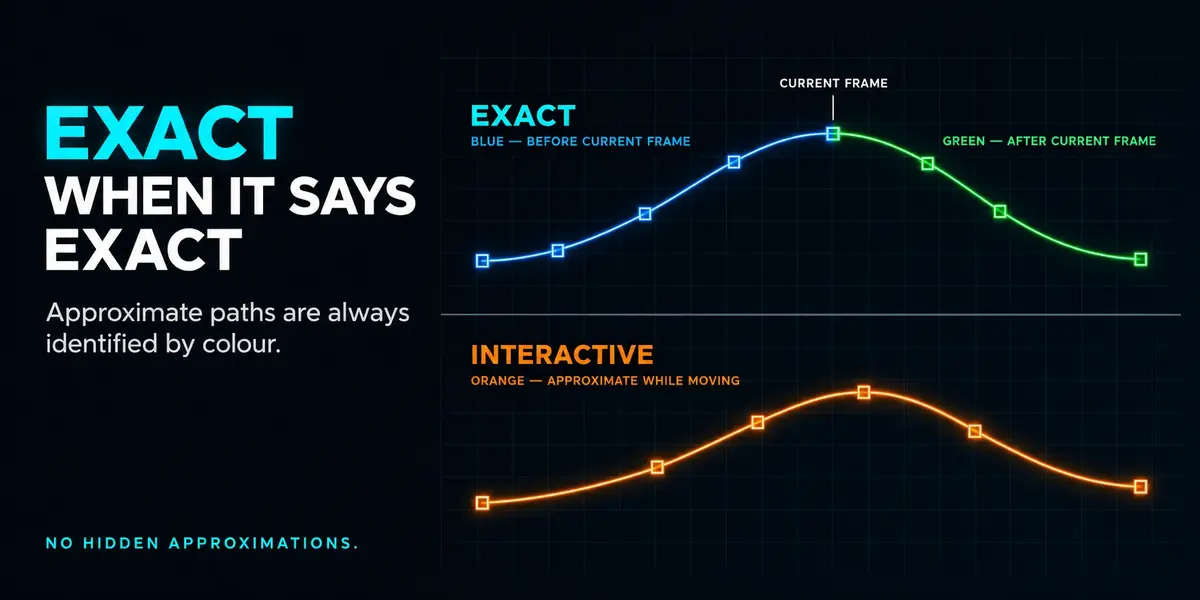
See automatic Bezier curvature respond through two neighbouring keys on either side while dragging or transforming path keys. Unselected location keys stay in place, and linear and constant segments keep their interpolation. The interactive preview remains approximate until the exact refresh on release.
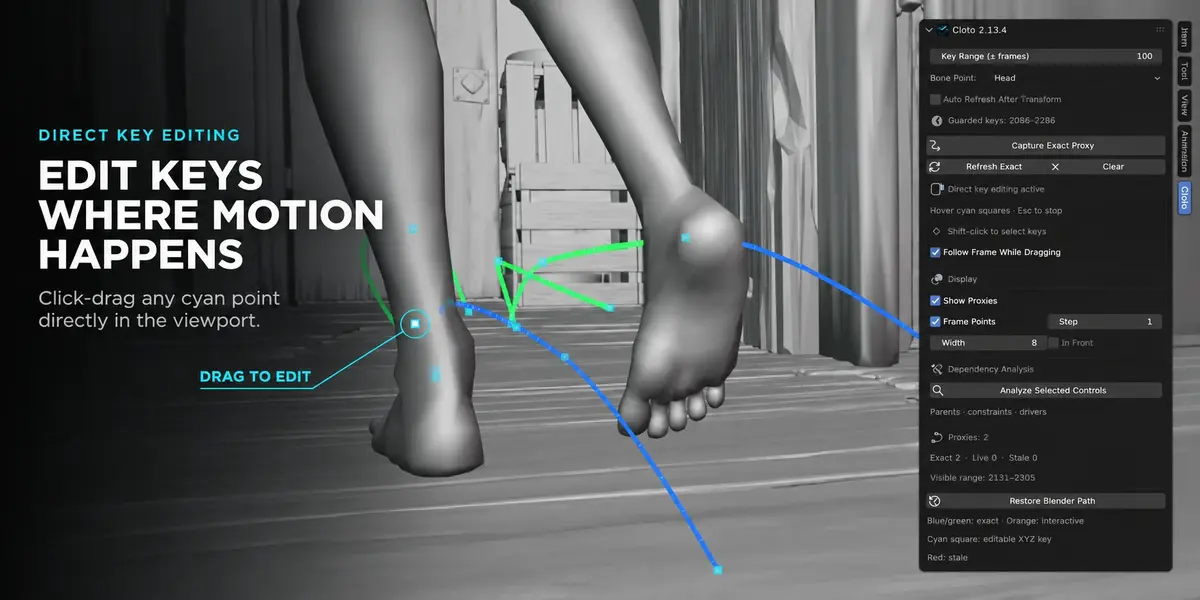
Switch Direct Key Editing on or off with a larger sidebar toggle, enabled by default. Keys turn gray while editing is off; Esc cancels an edit or clears your selection while keeping editing enabled.
Keep the sidebar compact, and enable Show Debug Panels in Cloto's add-on preferences whenever you need Dependency Analysis or proxy statistics.
- Let go of a dragged path key on a heavy rig without the extra pause that arrived in 2.14: confirming a key is about twice as fast again.
- Duplicate selected path keys with **Shift-D**. The copy lands further along the timeline, as far after the last selected key as the first selected key sits after the key before it, so a repeating step keeps its own rhythm. Each control repeats its own spacing, whole keys are copied, and the duplicate arrives selected in magenta, ready to move or rotate into place.
See a more faithful path while dragging or transforming keys, including custom Bezier handles, different interpolation on each axis and automatic smoothing. Animated parents and constraints still get an exact refresh after you confirm the edit.
See automatic Bezier curvature respond through two neighbouring keys on either side while dragging or transforming path keys. Unselected location keys stay in place, and linear and constant segments keep their interpolation. The interactive preview remains approximate until the exact refresh on release.
Switch Direct Key Editing on or off with a larger sidebar toggle, enabled by default. Keys turn gray while editing is off; Esc cancels an edit or clears your selection while keeping editing enabled.
Keep the sidebar compact, and enable Show Debug Panels in Cloto's add-on preferences whenever you need Dependency Analysis or proxy statistics.
Have questions about this product?
Login to message
| Blender Extension Compatible | Yes |
| Dev Fund Contributor | |
| Published | about 2 months ago |
| Blender Version | 5.2 |
| Extension Type | Add-on |
| Render Engine Used | Cycles, Eevee |
| License | GPL |
Discover more products like this
IK Pose Mode viewport performance character animation arcs auto-rig pro Keyframe editing animation tools motion trail rigify Motion paths Animation Workflow