 H3 STUDIO


Where is the panel or sidebar tab?
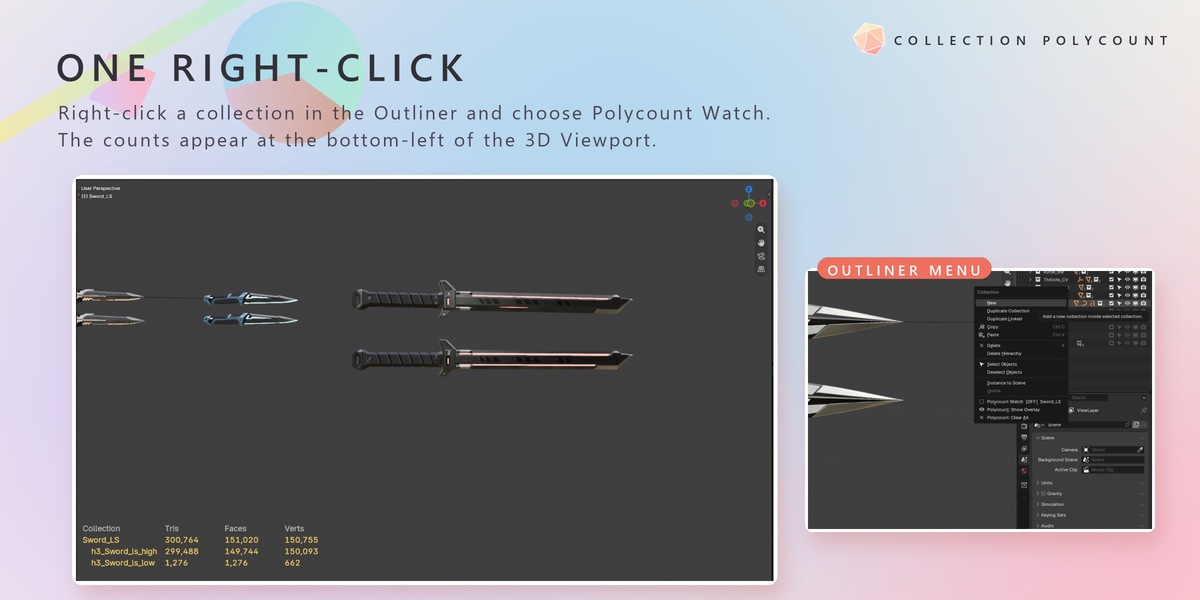
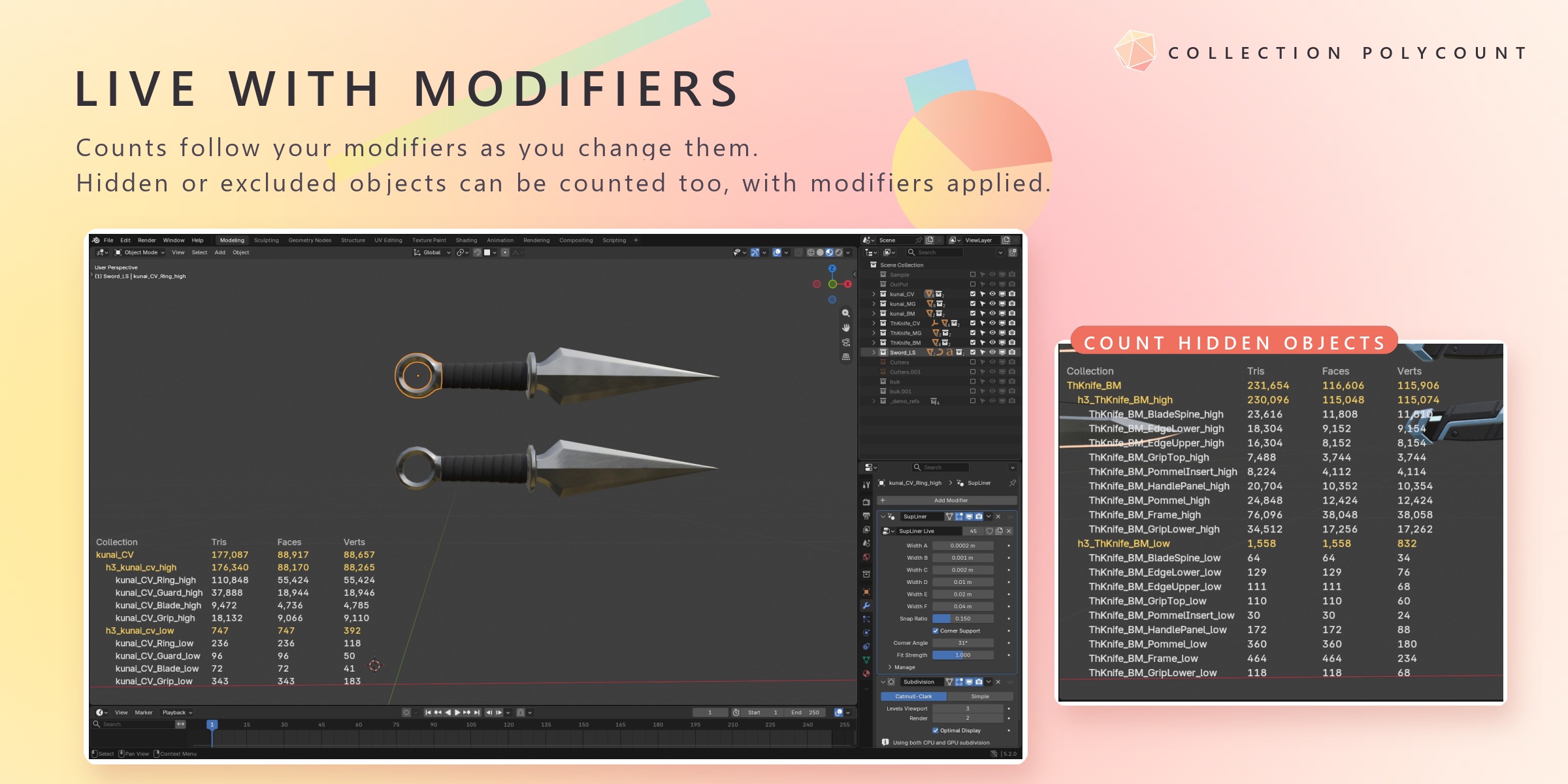
There is none, by design. Right-click a collection in the Outliner and choose Polycount Watch. The counts appear at the bottom-left of the 3D Viewport.
Why are my curves or text objects not counted?
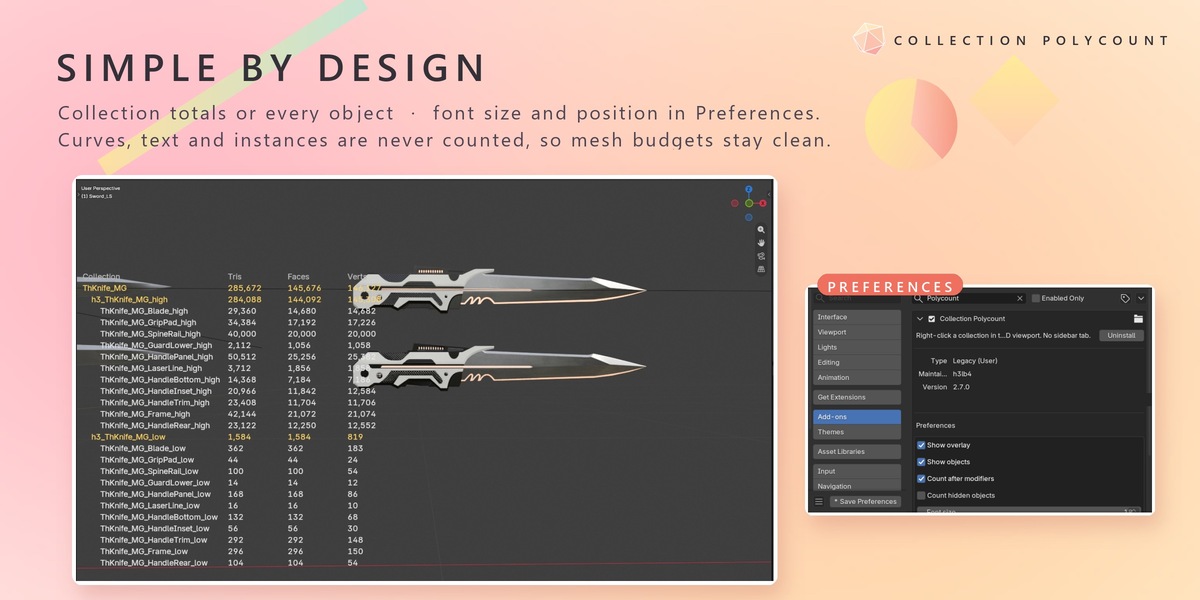
Collection Polycount counts mesh objects only, so your mesh budgets are not mixed with curves, text or instances. Convert them to mesh (Object > Convert > Mesh) if you want them counted.
Do the numbers include modifiers?
Yes, by default. Turn off Count after modifiers in the add-on's Preferences to count the base mesh instead.
Are hidden objects counted?
Not by default: only objects visible in that 3D Viewport are counted. Turn on Count hidden objects in the Preferences to include hidden objects, objects disabled in viewports, excluded collections and objects outside Local View.
Do I have to watch every sub-collection?
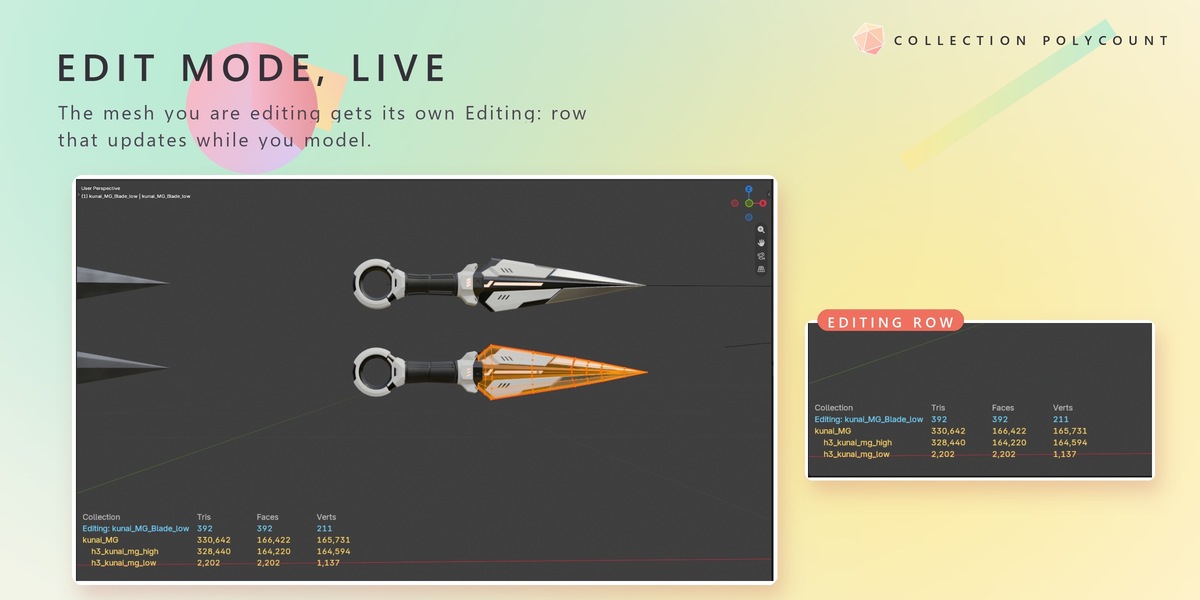
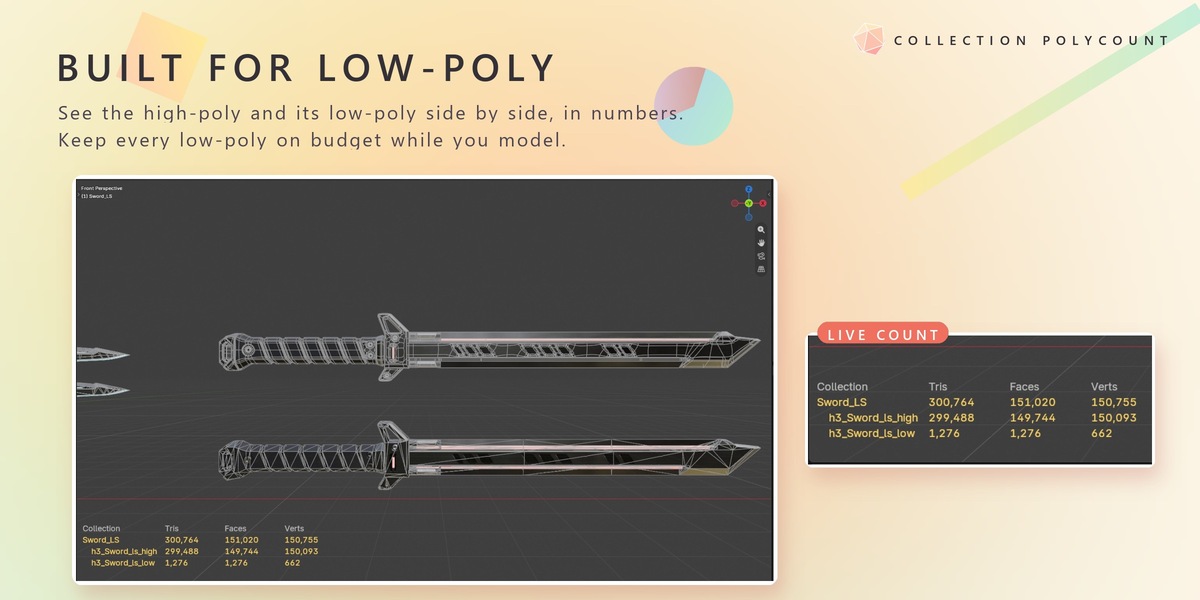
No. Watching a collection lists its sub-collections below it, and its total includes them. An object that is in several sub-collections is counted only once in the total.
Is my watch list saved?
Yes. Watching is stored on each collection, so it is saved with your .blend file. The overlay settings are add-on preferences and follow your Blender preferences.
Will it slow down Blender?
It recounts only when geometry or collections change. Moving, rotating, scaling or selecting objects does not trigger a recount.
The overlay is too large or covers something. Can I move it?
Yes. Change Font size (8–60), Left offset and Bottom offset in the add-on's Preferences, or hide it with Polycount: Show Overlay in the Outliner right-click menu.
$3
Have questions about this product?
Login to message
| Published | 1 day ago |
| Blender Version | 4.2 - 5.2 |
| Extension Type | N/A |
| License | GPL |
Discover more products like this
optimization polycount poly count game development collections outliner high poly low poly game assets statistics triangle count polygon budget