Collision Director Pro
 Steven Seidler (Blendscapes3D)
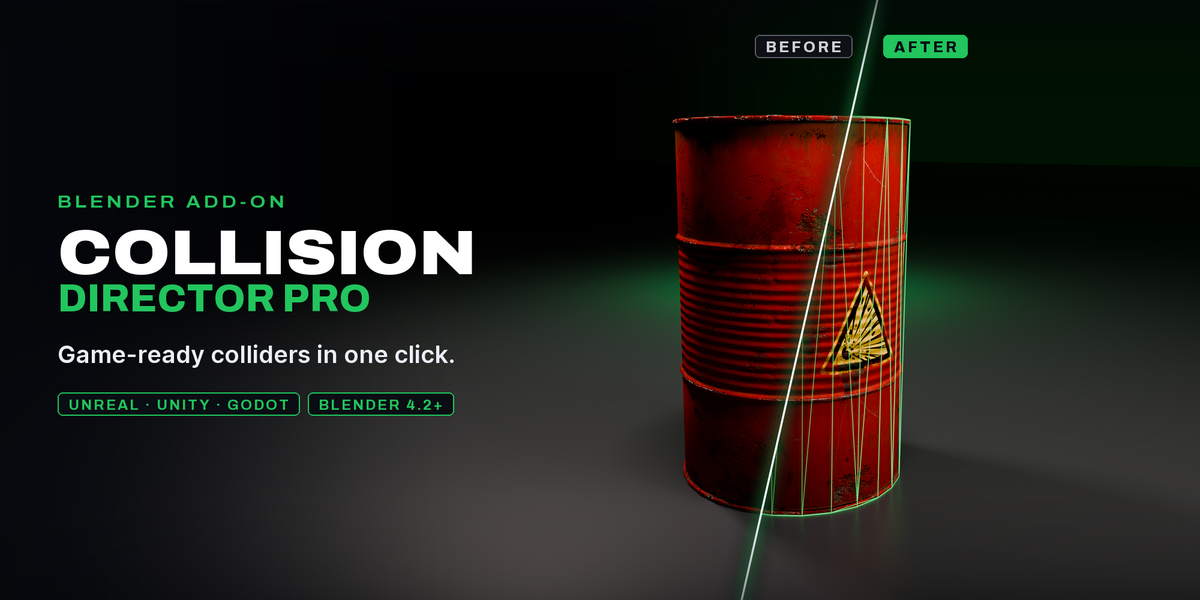


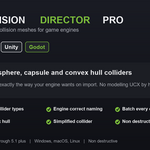
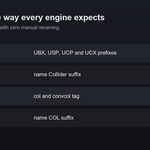
Unreal, Unity, Godot and a Generic naming option. Each collider is named the way that engine reads collision on import.
Unreal only treats a mesh as collision when it is named with a UBX, USP, UCP or UCX prefix. Collision Director Pro names them for you automatically.
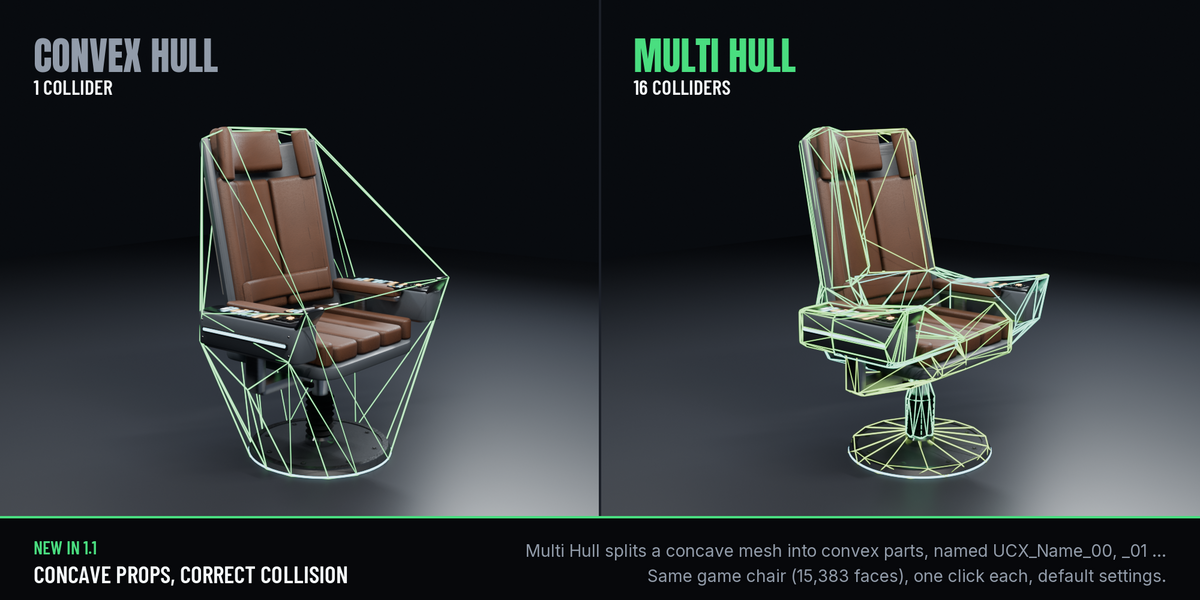
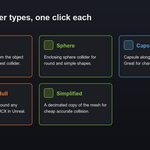
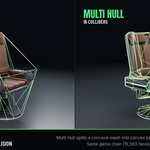
Box, Sphere, Capsule, Convex Hull, Multi Hull (several convex parts for concave meshes) and a Simplified decimated copy of the mesh.
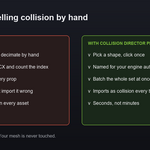
No. Colliders are separate objects built from your evaluated mesh, so your original is never touched.
Yes. Select as many meshes as you like and generate a collider for each in one click, with correct Unreal indexing.
One tight convex shape wrapped around your mesh, with a vertex limit (32 by default). In Unreal it imports as a UCX collision mesh. For concave meshes use Multi Hull.
When you need the real concave shape as one collider in Unity or Godot. For Unreal it is split into convex parts automatically, because Unreal only accepts convex UCX collision.
Yes. Margin expands box, sphere and capsule colliders outward by a set distance, so the collision is slightly larger than the visible mesh.
Into a Colliders collection. They display as wireframe so they do not hide your model, are hidden from render, and are parented to the source so they move with it.
Use Clear Selected to remove the colliders under your selection, or Clear All to remove every collider in the scene.
Yes. The collider is built from the evaluated mesh, so modifiers like Mirror and Array are taken into account.
Blender 4.2 and later, tested on 4.5 LTS and 5.2 LTS. Pure Python with no external dependencies, on Windows, macOS and Linux.