Contour Retopo - Fast Quad Retopology for Arms, Legs and Fingers
 blenderustad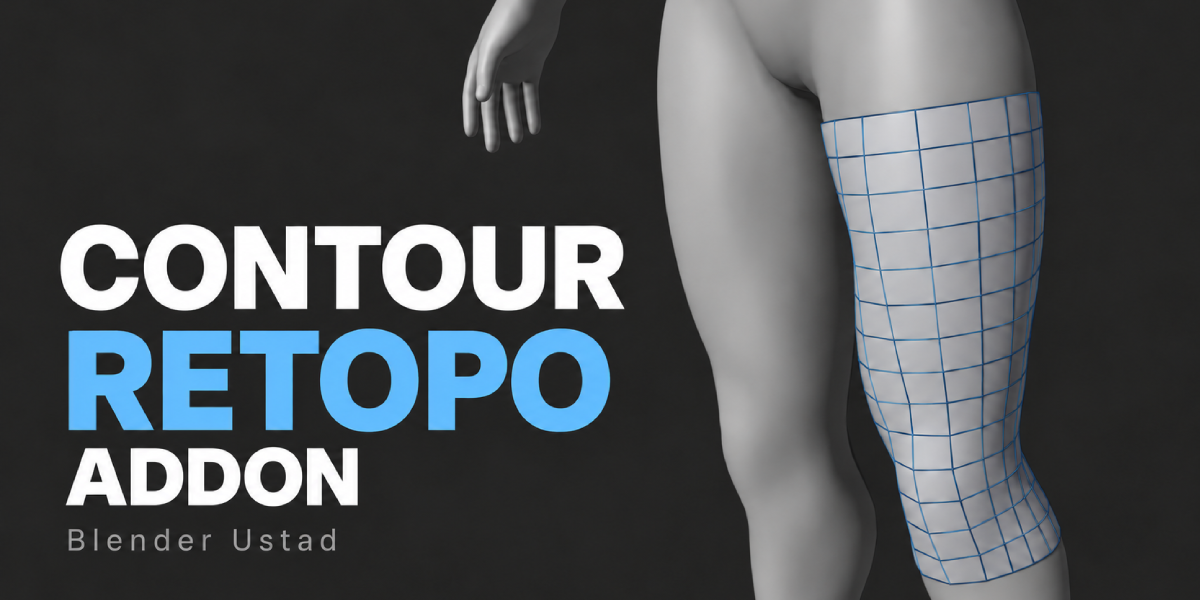
No. The source mesh, its modifiers, materials and transforms are never edited. The addon only reads it and builds a separate retopology mesh.
It is on purpose. The first Enter opens an editable preview so you can fix points and density. The second Enter creates the mesh.
No. It is a guided manual tool. It speeds up limbs and fingers with sleeves and gives you fast tools for the rest. Areas like shoulders, the face and the palm still need your decisions, which is what gives you good topology.
Place one path per finger from base to tip, start past the palm, and keep Ring Segments on Auto. The addon keeps rings on the finger that contains the path.
Yes. Hover near the joint point in the preview and press Shift + F to raise local density. Press 1 to reset it.
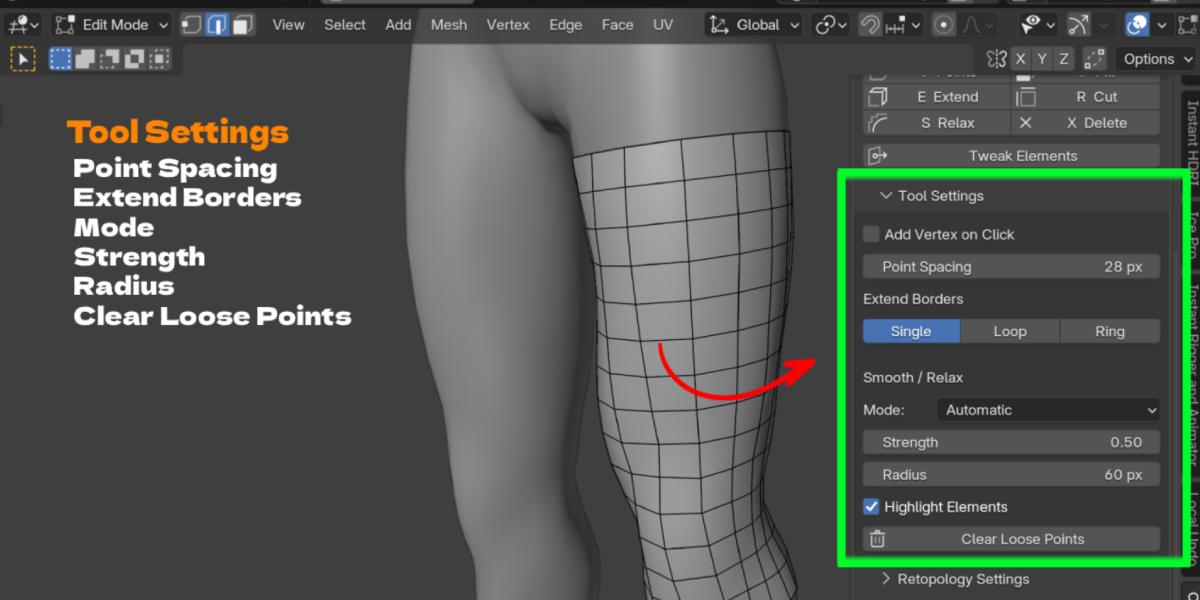
No. They only work while the Contour tool is selected in Edit Mode. Outside the tool, Blender keeps its normal behavior. You can also change every key in Add-on Preferences.
Yes. Use Add / Update Mirror to set up a Mirror modifier with clipping, then build one side only.
Have questions about this product?
Login to message
| Blender Extension Compatible | Yes |
| Published | about 2 hours ago |
| Blender Version | 4.2 - 5.0 |
| Extension Type | Add-on |
| Render Engine Used | Cycles, Eevee |
| License | GPL |

Discover more products like this
retopo low poly quad retopology limb retopology sculpt to low poly edge flow retopology tools hand retopology retopology character-retopology topology game-character