Credit Manager Pro - Track Asset Licenses & Credits In Blender
 Larry3d
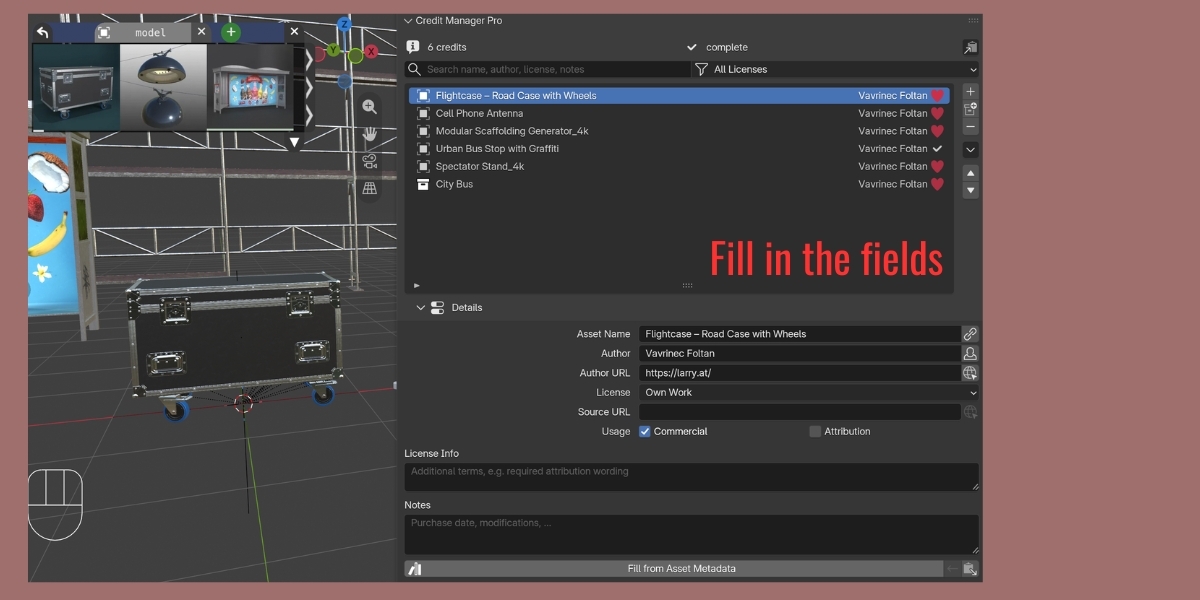
Can I credit a whole collection?
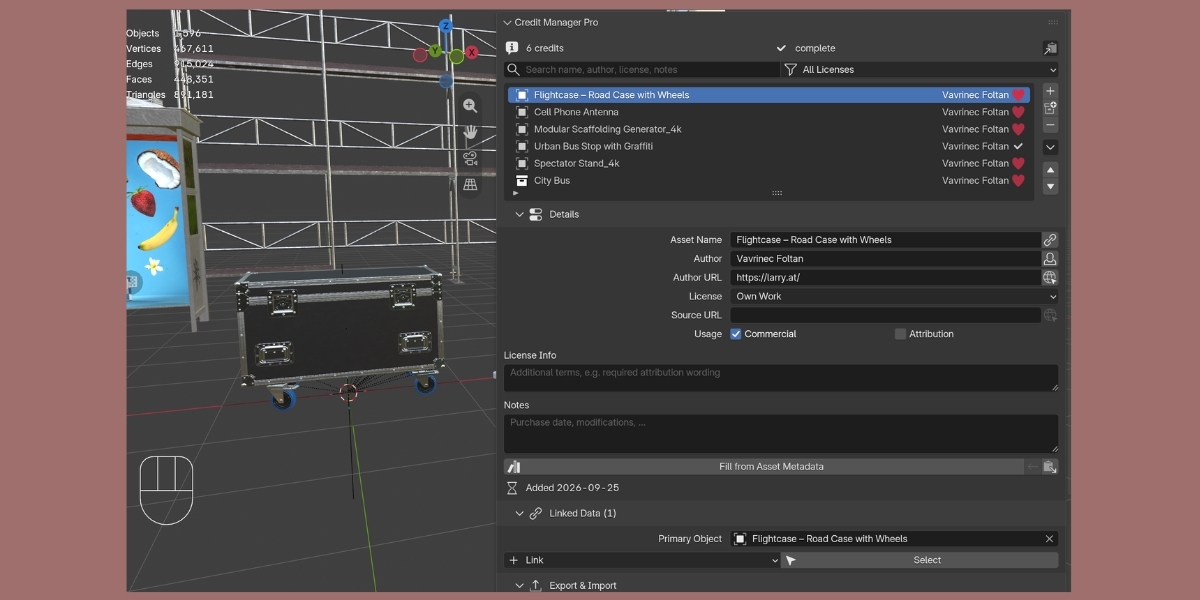
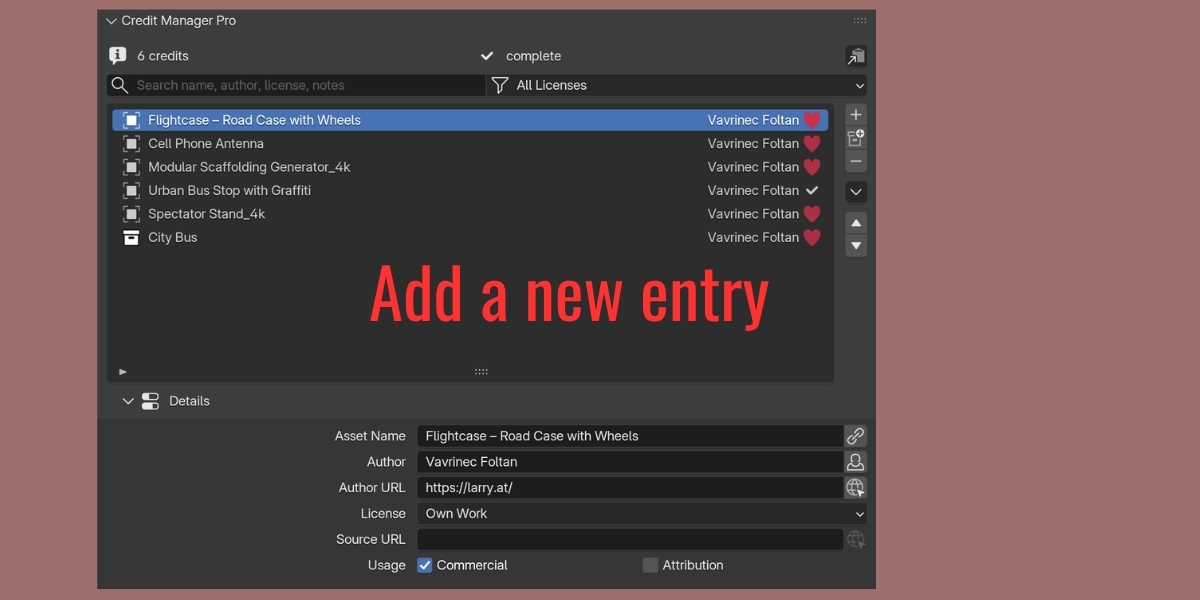
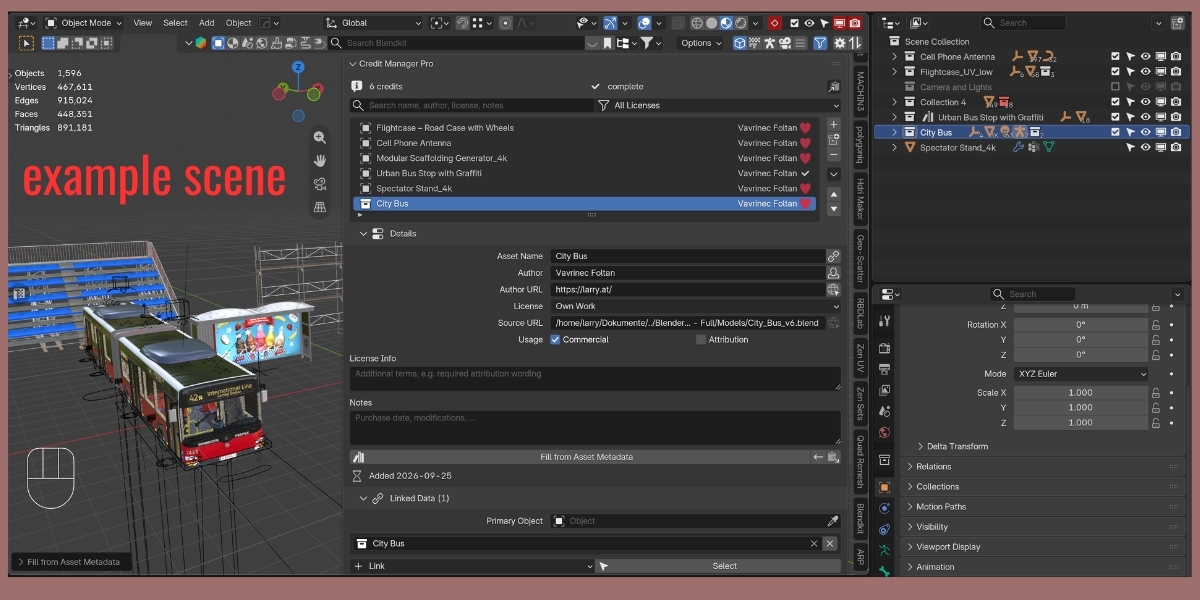
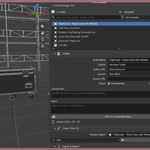
Yes – click it in the Outliner and use the collection button below +, or right-click it in the Outliner ▸ Add Credit (Credit Manager). One entry covers all objects in it, child collections included.
Will it slow down Blender?
No. The add-on only works while the panel is drawn and has no effect on rendering or viewport performance.
Can I share credits with team members?
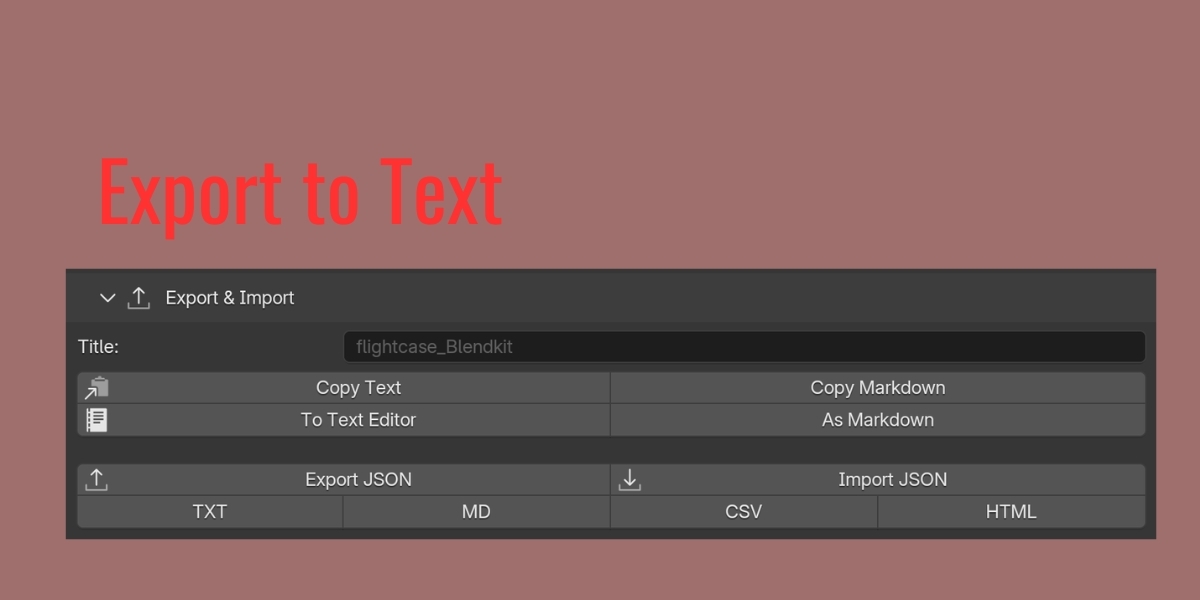
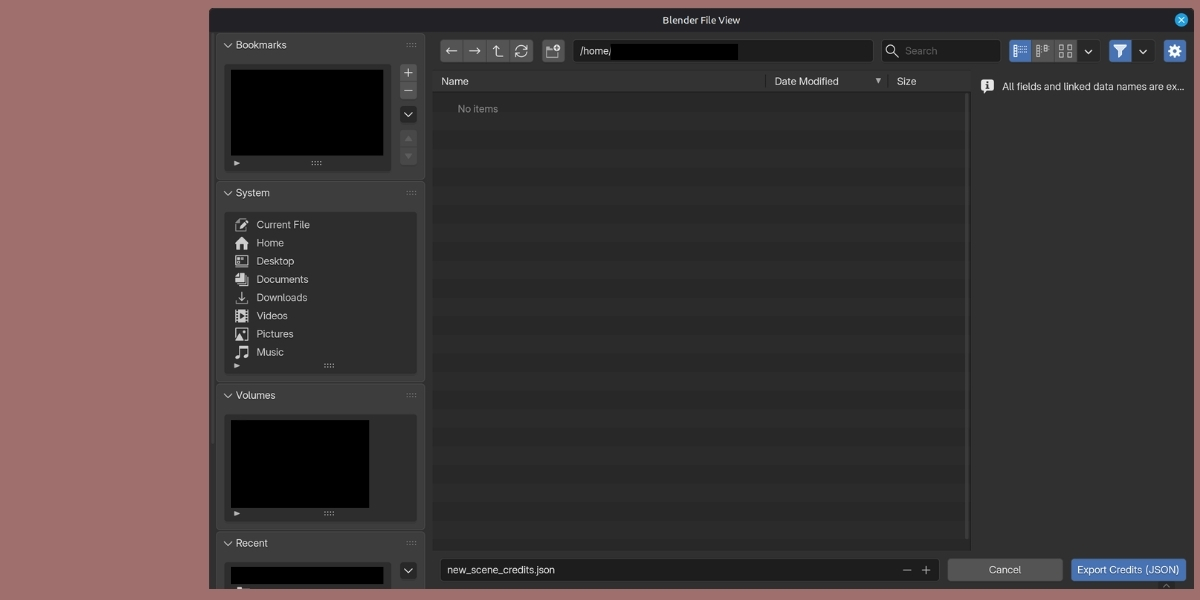
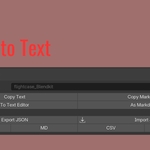
Export JSON and let them import it with Merge. Data-blocks with matching names are linked automatically.
Does this work with Blender 4.x?
Version 2.x requires Blender 5.0 or newer. For Blender 4.x use version 1.0.
Are my 2.0 credit lists compatible?
Yes. Files and JSON exports from 2.0 open unchanged; the list from 2.0's Linked Object becomes the Primary Object.
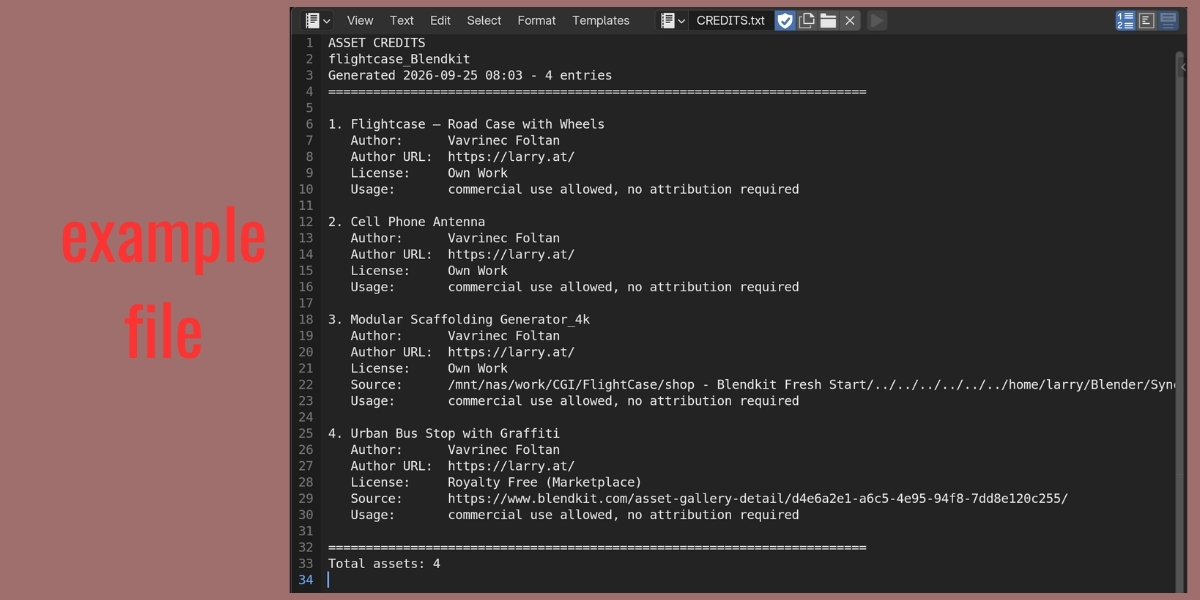
Can I edit the HTML export?
Yes – the CSS is embedded in the block of the file.
Does the add-on use the internet?
No. It only opens URLs in your browser when you click a URL button.
What happens when I delete a linked object?
The entry stays and shows a warning. Re-link it, pick another object, remove the reference or delete the entry.
Can I have more than one list per file?
One list per scene. Files with several scenes have one list each.
Where is the credit list stored?
Inside the .blend file, per scene. It travels with the file, works with undo and is saved with the project. Export JSON for backups and exchange.
Does the add-on verify license compliance automatically?
No. It documents what you enter and flags incomplete or inconsistent entries. You are responsible for reading the license terms and keeping proof of purchase.
Can I use this add-on commercially?
Yes. The add-on is GPL licensed and can be used in any project. Its purpose is to track the licenses of your assets.
$5
Have questions about this product?
Login to message
| Blender Extension Compatible | Yes |
| Dev Fund Contributor | |
| Published | over 1 year ago |
| Blender Version | 4.3 - 5.2 |
| Extension Type | Add-on |
| License | GPL |
Discover more products like this
Workflow credits asset management addon authors Export license documentation import metadata