 Cratial 3D




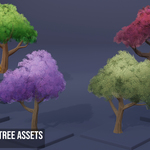
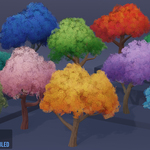
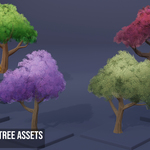
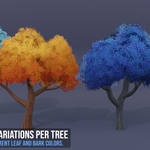
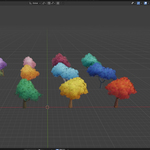
6 Stylized Tree Designs, Endless Color Combinations
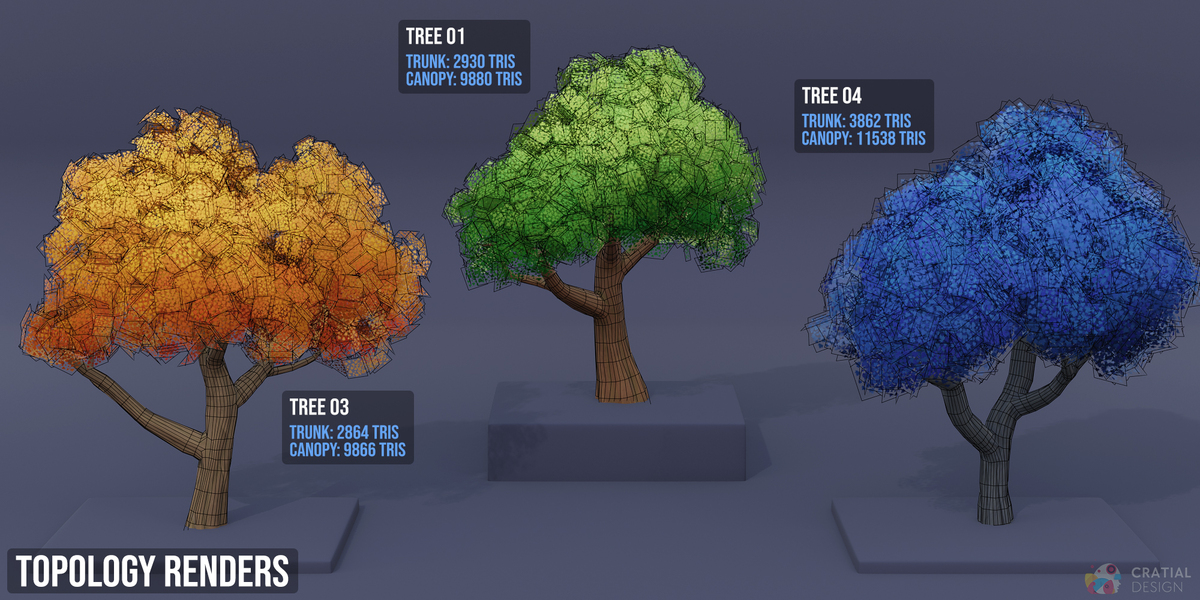
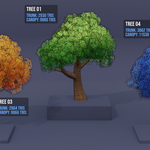
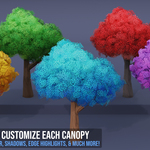
The Customizable Stylized Tree Kit comes with 12 pre-built tree assets made from 6 hand-crafted tree designs. Each tree includes a fully customizable leaf shader that allows complete flexibility. Easily adjust the highlight color, shadows, edge highlights, color blending, variation, leaf size, shape, and much more. Each trunk/branch combination was hand-sculpted, normal-baked, and includes PBR texture maps.
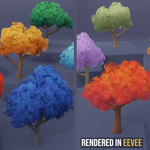
All 12 pre-made trees as well as the leaf and bark shaders can be rendered in both EEVEE and Cycles

What's Included
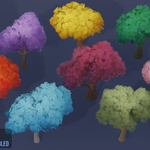
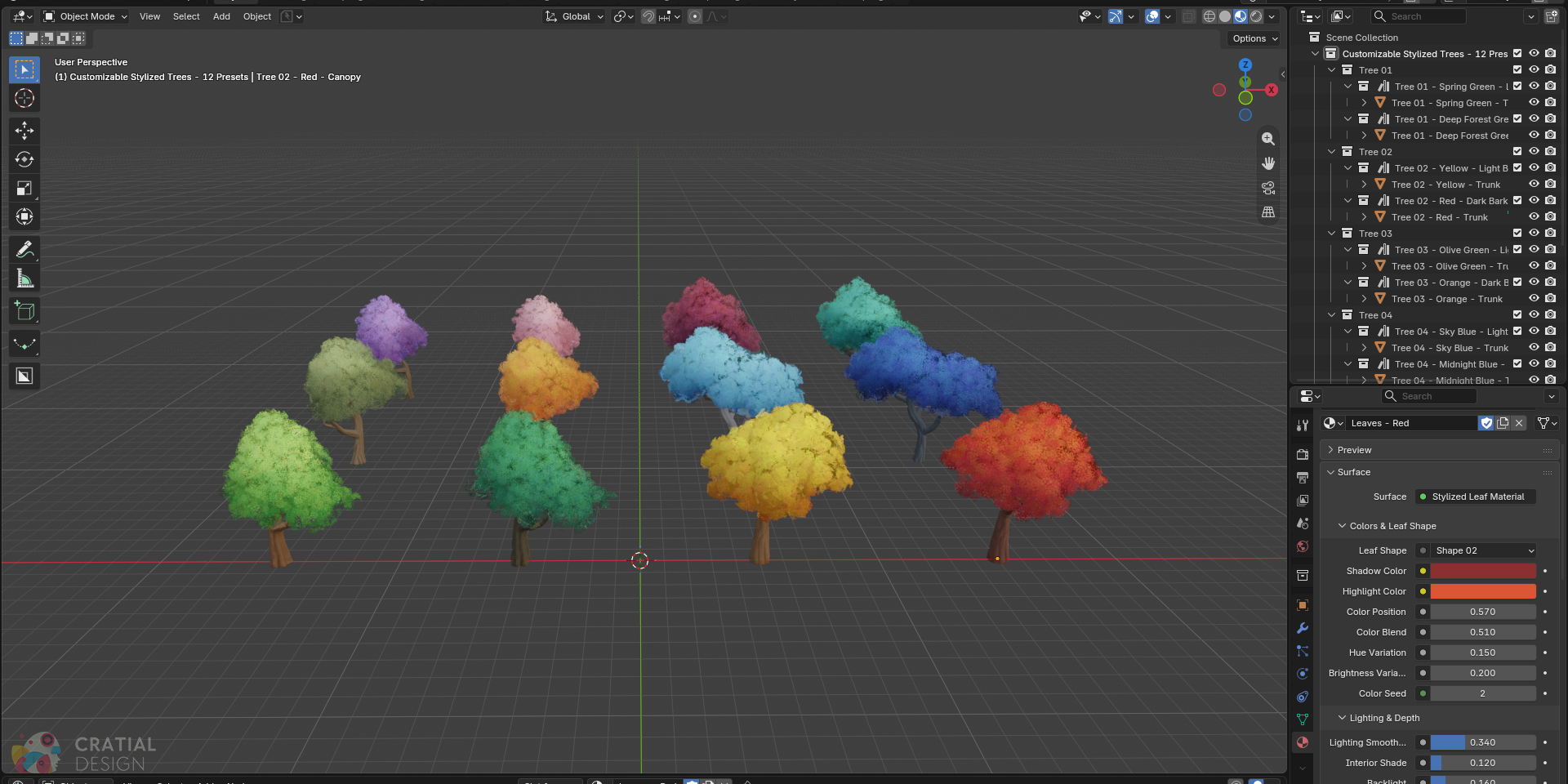
Each of the six hand-sculpted trunk-and-branch designs has a matching canopy and two prepared leaf-and-bark combinations. The set covers natural greens as well as red, orange, blue, pink, purple, aqua, and burgundy options, giving you 12 premade tree variations ready to drop into any scene.
- 6 distinct sculpted tree designs
- 2 color variations for each design
- Stylized Leaf Shader with 12 starter materials
- Light and Dark PBR bark texture sets for every trunk
Made for EEVEE and Cycles
All assets, including the 12 premade tree designs, the advanced leaf shader, and trunk materials, can be rendered in both EEVEE and Cycles.
The renders below were created in Blender 5.2. The EEVEE render has raytracing enabled, with all materials set to the dithered render method with raytraced transmission also enabled. The Cycles render was made with the Transparent max bounces set to 24, all other settings were default.

A Leaf Shader with Endless Possibilities
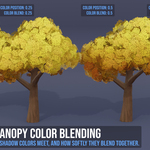
Conveniently edit and fine-tune every canopy with the included advanced leaf shader. Pick one of five leaf silhouettes, set separate colors for the upper and lower areas of the canopy, then control where those colors meet and how softly they blend.


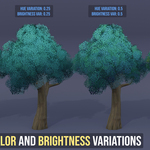
Add more intrigue to your tree and break up flat color by adding hue and brightness variation. Change the color seed to test different randomized looks based on your current settings.

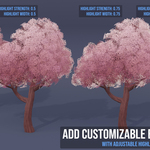
Create a stylized "rim lighting" effect by adding edge highlights to your canopy. There are settings to adjust the highlight color, strength, and width so you can choose to keep the effect subtle or make it really stand out.

Adjust the Canopy Shape and Density
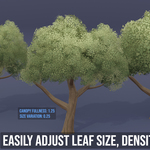
The canopy modifier, in the modifer tab, handles the geometry changes separately from the leaf material. Here you can add increase the size of your canopy, add more variation to each leaf card, or reduce the density of each canopy.

Sculpted Trunks with Adjustable PBR Bark
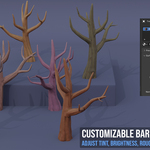
Each trunk was hand-sculpted and then baked onto a lower poly model. Every design includes two PBR texture sets with Base Color, Roughness, and Normal maps.
The bark shader included with each model allows you to swap between the light or dark texture sets, add a custom color tint, edit the roughness, normal map power, and brightness of each material.

Includes Optional Wind Animation
Each canopy includes optional wind with controls for strength and speed. It is disabled by default, so the trees remain still while you arrange the scene. To enable wind animation, enable the modifier and adjust the settings for wind speed and power.
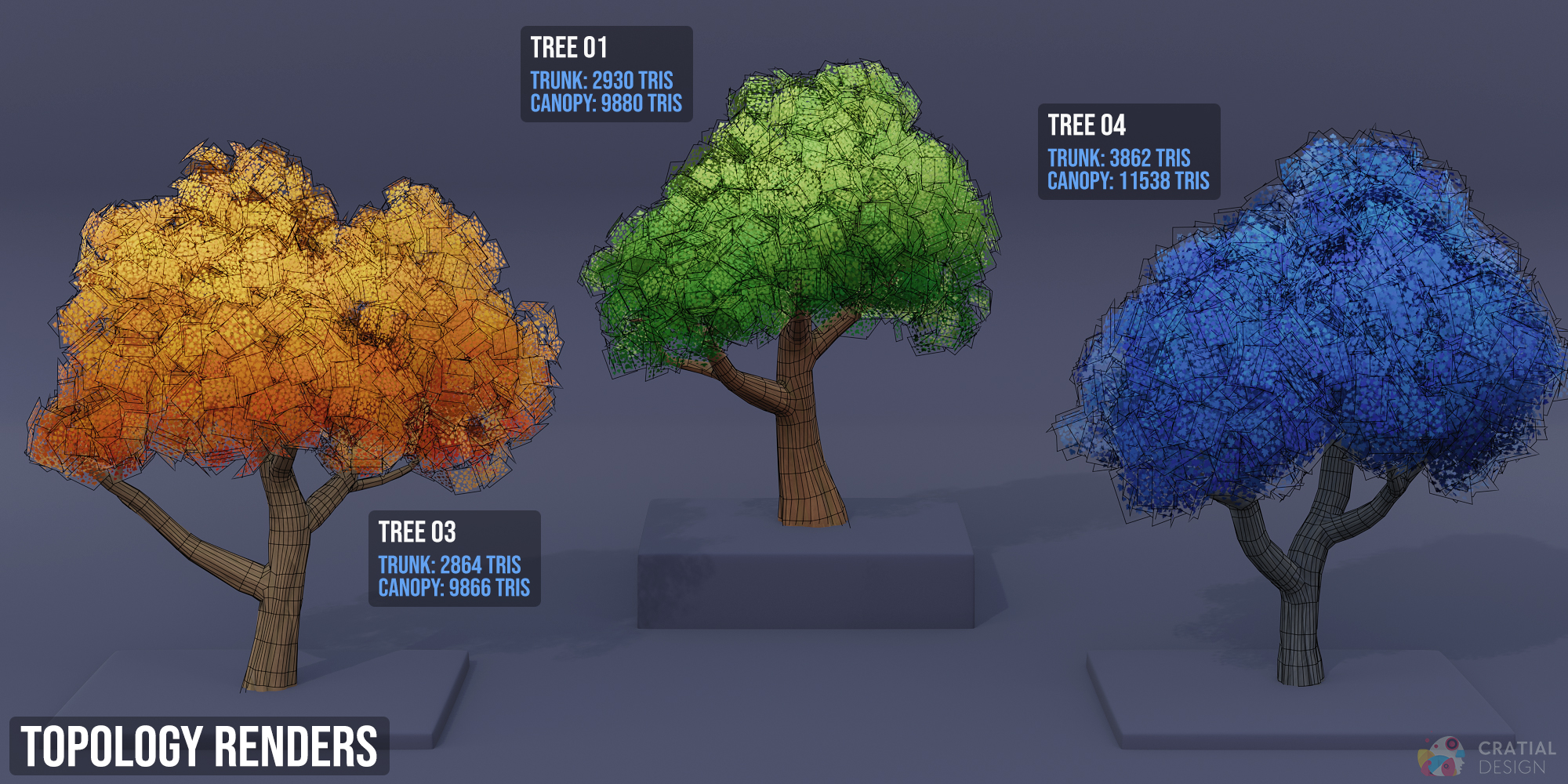
Technical Details
- Render Engines: EEVEE & Cycles
- Included Files: .blend, leaf alpha cards, and TGA texture maps for bark materials
- Texture Resolution: 1024, 2048, and 4096 (bark material)