 Bala
Bala


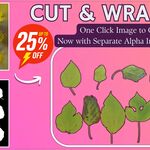
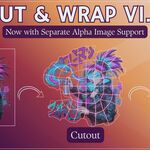
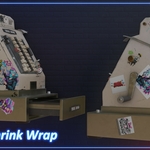
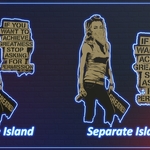
Cut & Wrap Mini makes cutouts from images. The full Cut & Wrap also works with videos, and it can shrinkwrap a cutout onto any mesh and slide it around on the surface.
Yes. It's tested on Blender 4.5, 5.1 and 5.2, and works from Blender 4.2 up.
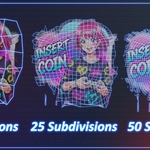
Subdivisions set how dense the mesh is. If you want a light mesh with an exact edge, set Outline Detail to High. Keep Mask Offset at 0 for a tight edge, or raise it for a small border around your image.
Remove the old version in Edit > Preferences > Add-ons, then install the new zip. If you have connected Superhive in Blender, you can also update it right from Blender.
-
$19
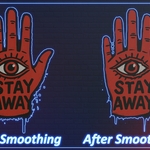
It's a complete version of Cut & Wrap 1)PNG and JPEG Images Cutout with Separate alpha Mask ✅ 2)Video Cutout ✅ 3)Bulk Cutout for Both Images and Videos No Limitations ✅ 4)Emission Support ✅ 5)Shrink Wrap ✅ 6)Slide Cutout ✅ 7)Smooth Outline ✅ 8)Random Scale ✅ 9)Random Rotation ✅ and more, for full details watch the demo videos.
-
$9
1)PNG and JPEG Images Cutout with Separate alpha Mask ✅ 2)Video Cutout ❌ 3)Bulk Cutout for Both Images and Videos No Limitations ❌ 4)Emission Support ❌ 5)Shrink Wrap ❌ 6)Slide Cutout ✅ 7)Smooth Outline ✅ 8)Random Scale ✅ 9)Random Rotation ✅
Have questions about this product?
Login to message
Discover more products like this
2d image to 3d Image cutouts 2dimage to 3dobject convert-image-to-mesh image Image to Mesh