 Mars0hod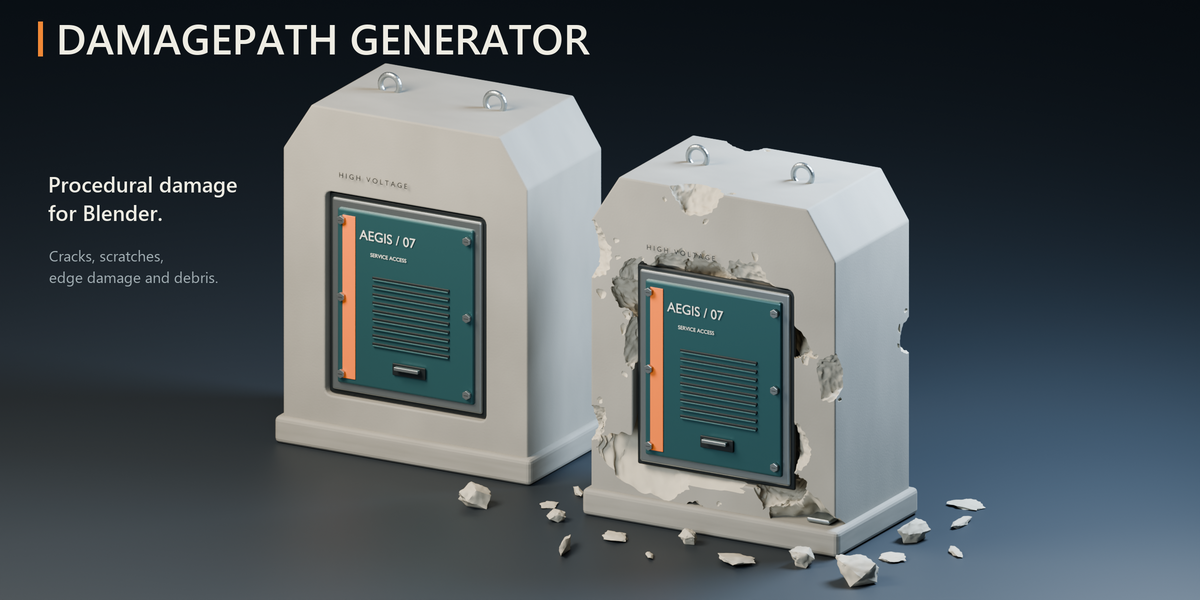
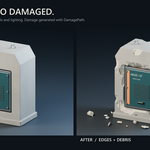
Give your models a damaged past.
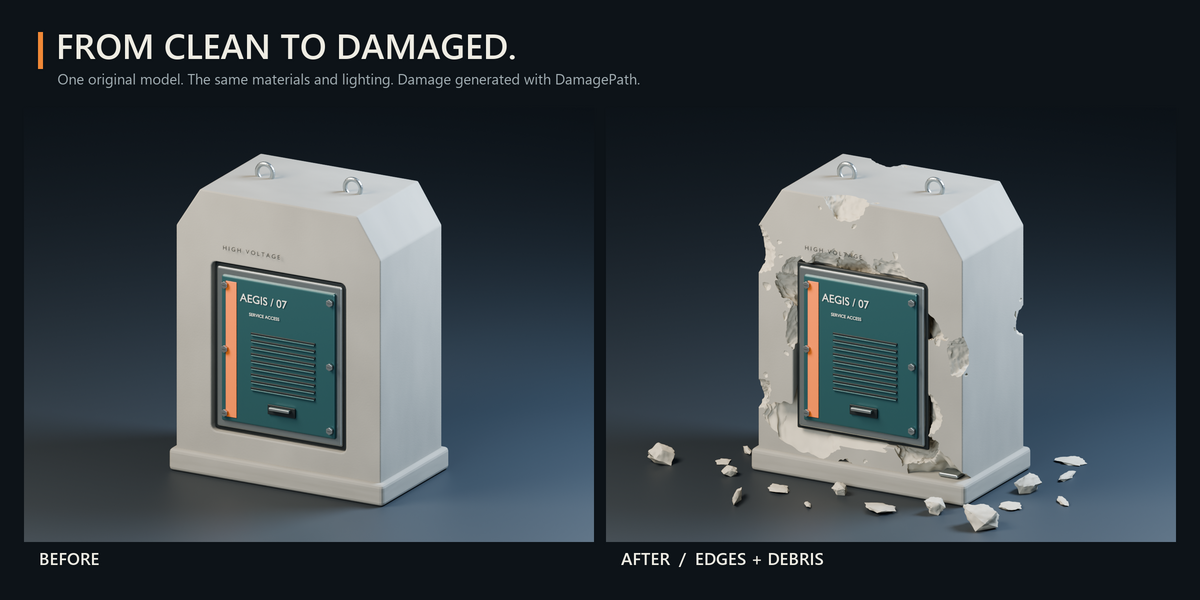
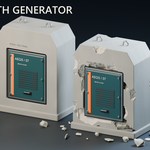
DamagePath Generator adds procedural cracks, scratches, chipped edges and loose debris to your Blender models. Create worn props, fractured concrete and damaged environment assets with control over where the damage appears.
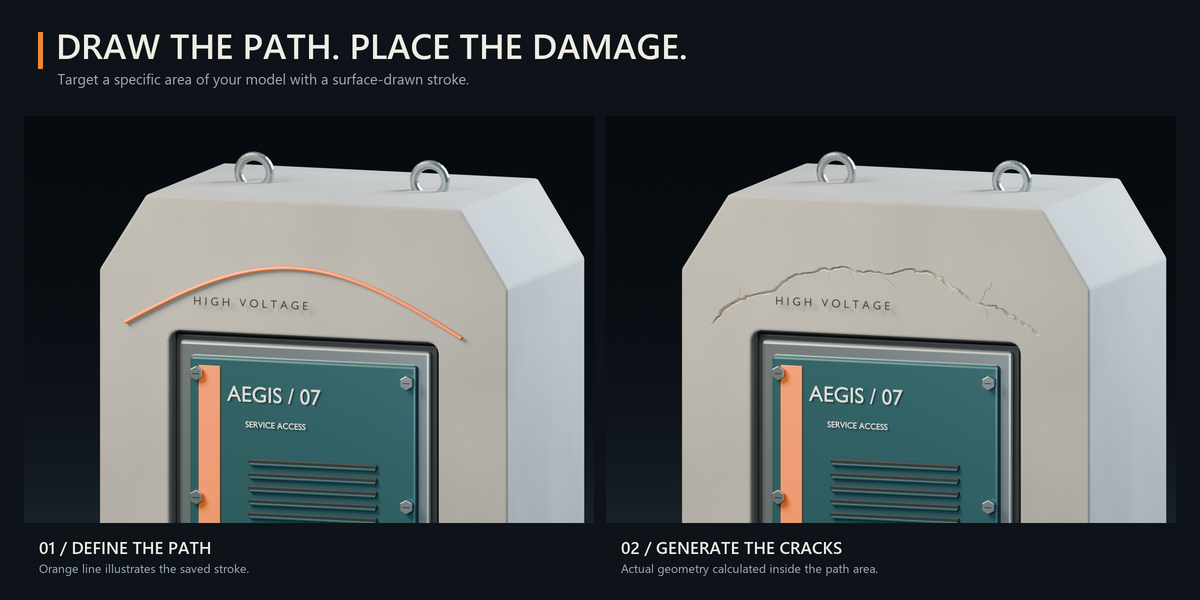
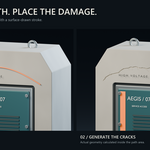
Apply damage across an entire object, or draw a path directly on its surface to target specific areas.
Choose your damage
Combine independent generators or use each one separately:
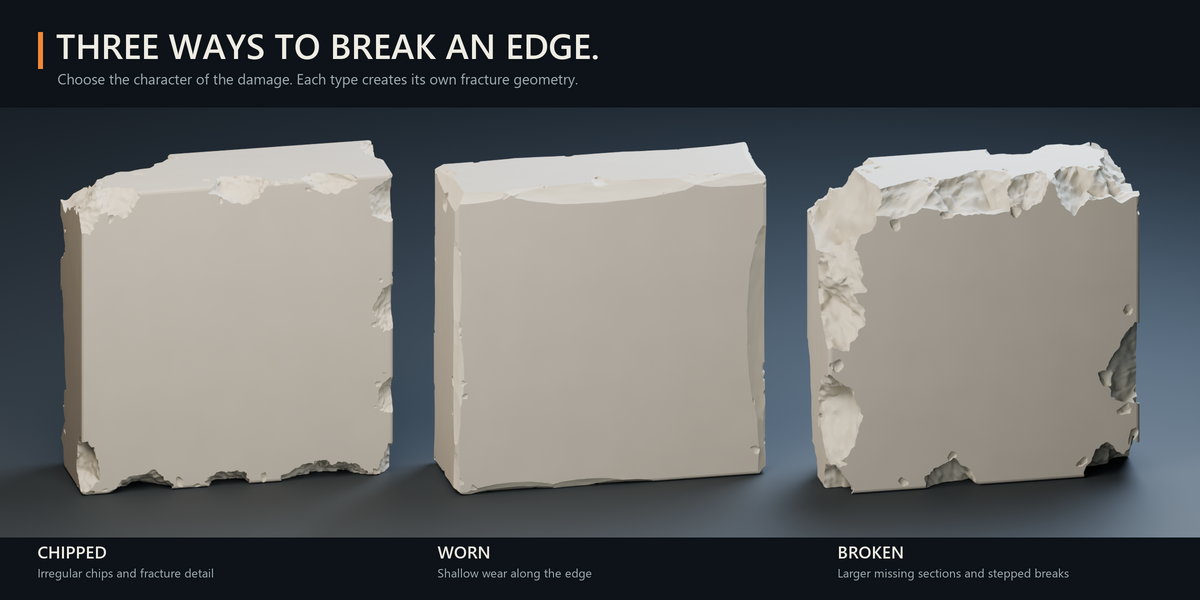
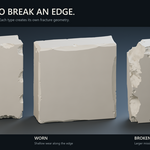
• Edges — three styles: Chips, Wear and Breaks. Damage edges and corners with irregular chips, shallow wear or larger missing sections.
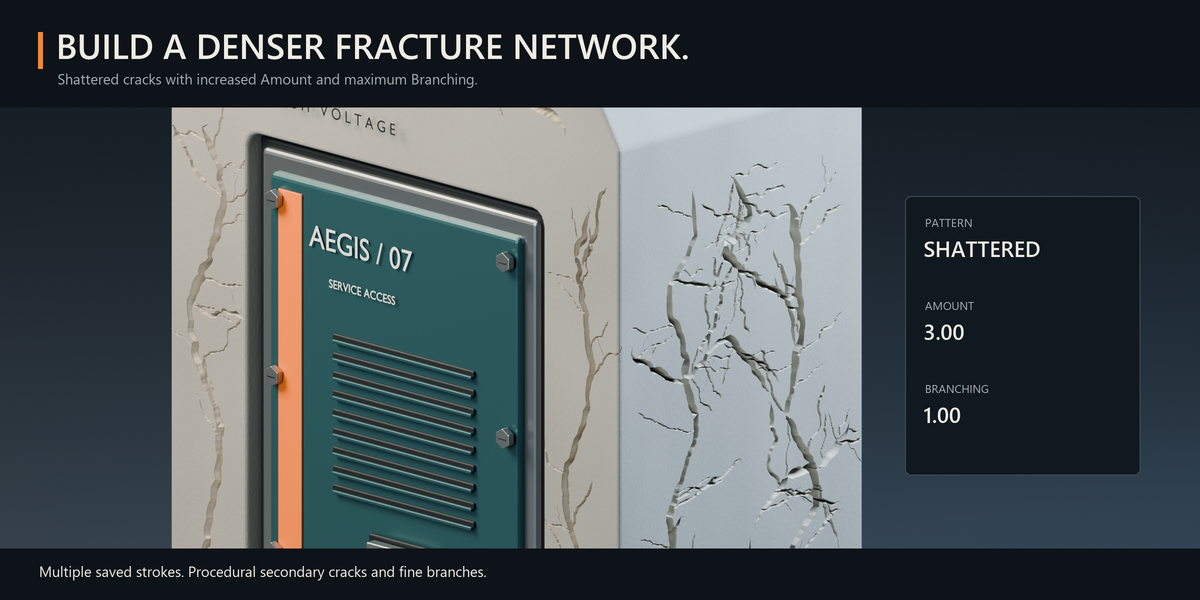
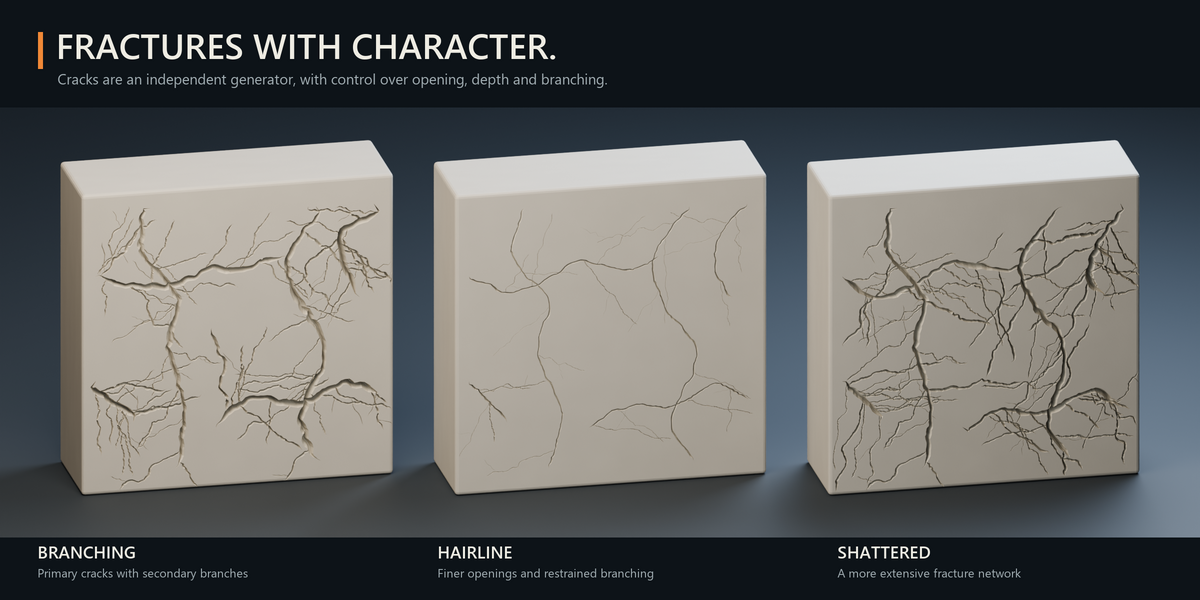
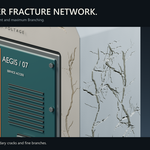
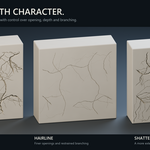
• Cracks — choose Branching, Hairline or Shattered patterns. Adjust opening, depth and branching to shape the fracture network.
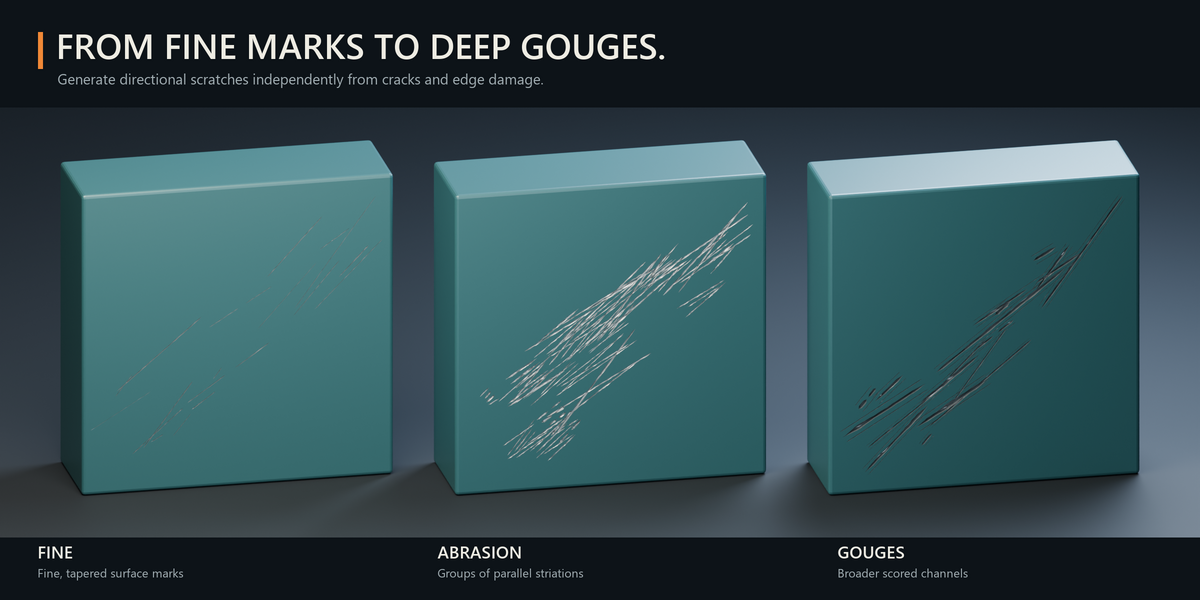
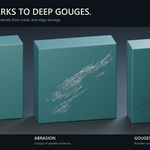
• Scratches — choose Fine, Abrasion or Gouges. Control width, depth and density for subtle marks or stronger surface damage.
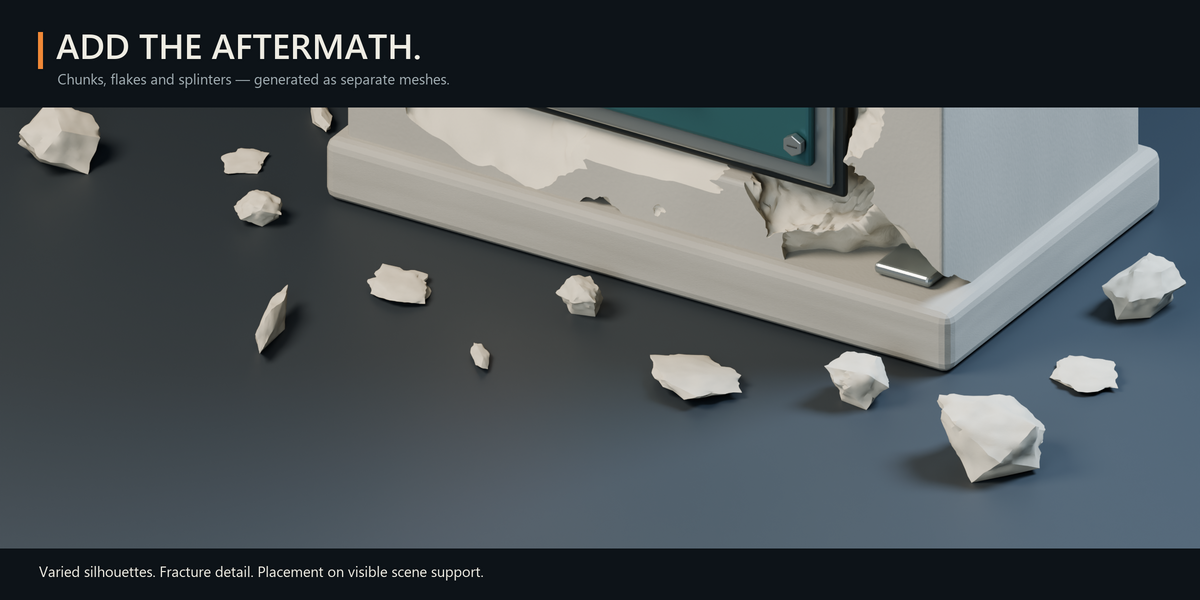
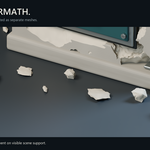
• Debris — generate separate fragments with varied shapes and fracture detail, placed on available scene support below the object.
Draw where it matters
Switch to Drawn Path and paint directly on your mesh. Add multiple strokes, adjust the path width and erase unwanted sections. Use painted protection or material restrictions to preserve selected details.
Keep control of the result
Start with Small, Medium or Heavy damage, then fine-tune the settings. Change the seed for a new variation, use Quick Preview to explore a lighter result, and calculate the final geometry when ready.
Generated damage remains adjustable and removable until you choose Bake to Mesh. Background calculation includes a percentage progress bar and a cancel option.
Get started
Select a mesh object and open the DamagePath sidebar.
Choose Whole Object or Drawn Path.
Select your damage types and intensity.
Click ADD DAMAGE.
Built for Blender
• Blender 5.x; tested in Blender 5.2.2 LTS.
• Real mesh geometry.
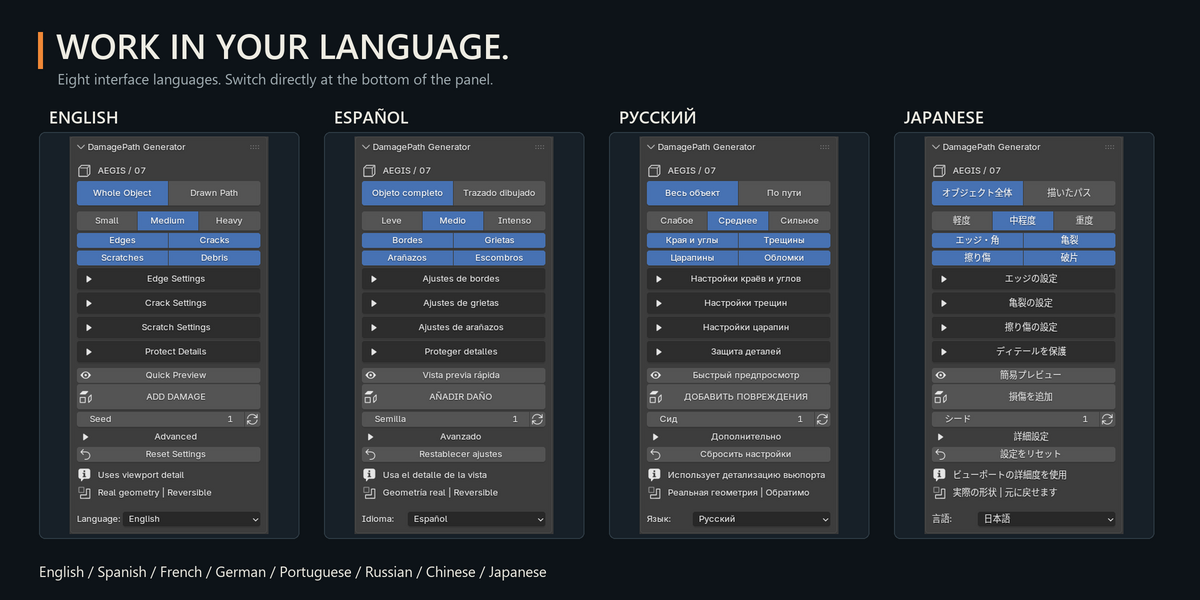
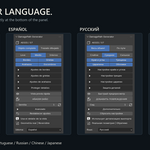
• Eight interface languages: English, Spanish, French, German, Portuguese, Russian, Chinese and Japanese.
• No external asset libraries required.
Calculation time depends on mesh complexity and damage settings. Debris placement is procedural, rather than a rigid-body simulation.
DamagePath Generator 1.5.0
Created by Mars0hod.