 Mars0hod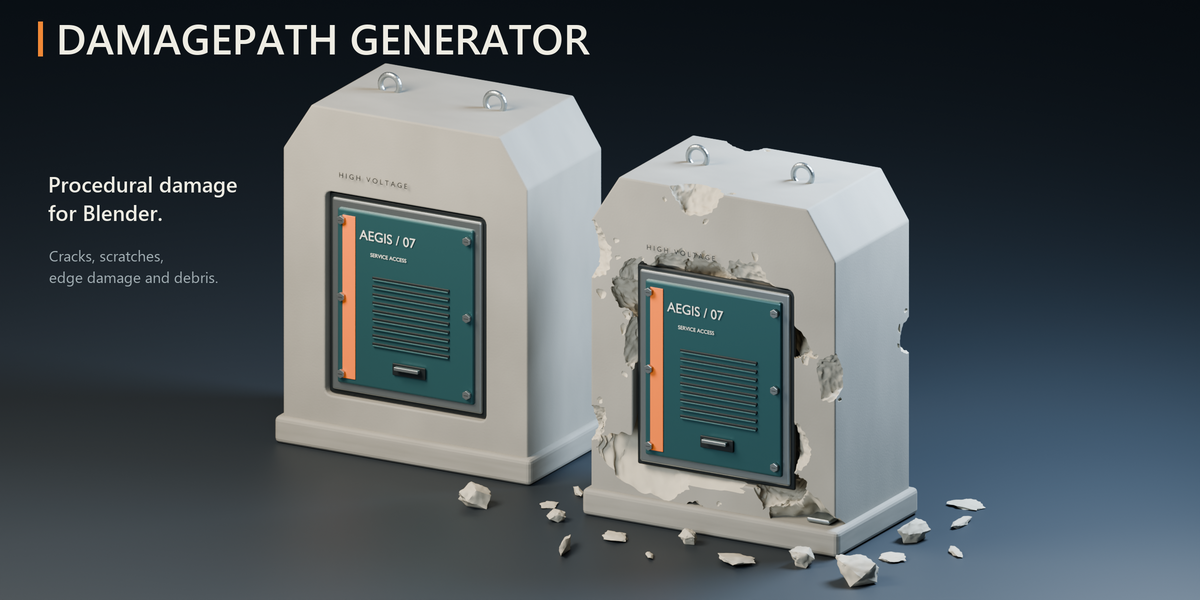
Can I change the addon language without changing Blender’s language?
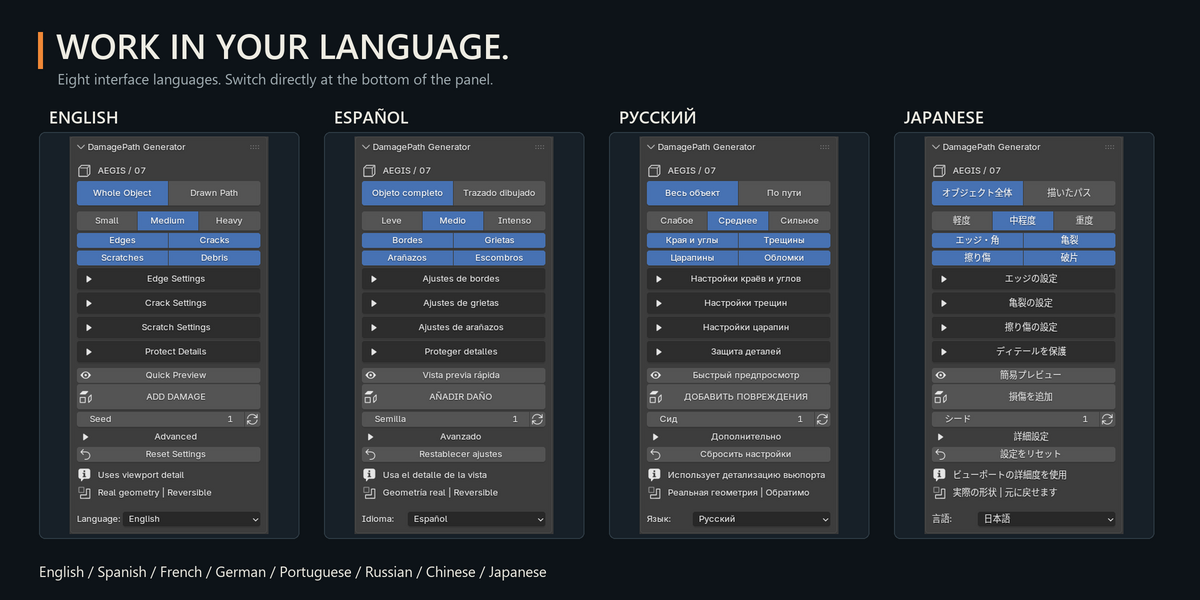
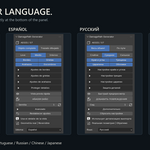
Yes. Use the Language selector at the bottom of the DamagePath panel. Eight languages are available, and the setting affects only the addon.
Does the addon recalculate damage automatically during animation?
No. The result captures viewport geometry at the calculation frame. Recalculate manually after changes, or add suitable modifiers after the DamagePath result.
Can I use the addon on open meshes?
Yes. Open surfaces are supported without requiring Solidify. Surfaces without thickness produce through-cuts; use geometry with thickness when you need volumetric recesses.
Does Debris simulate falling or destruction?
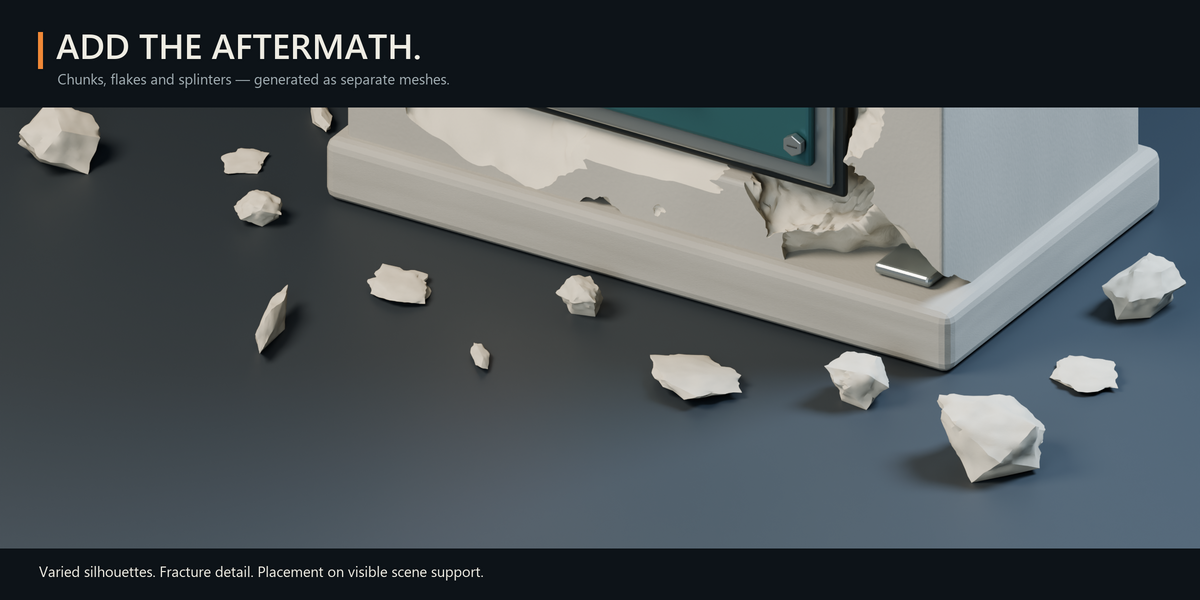
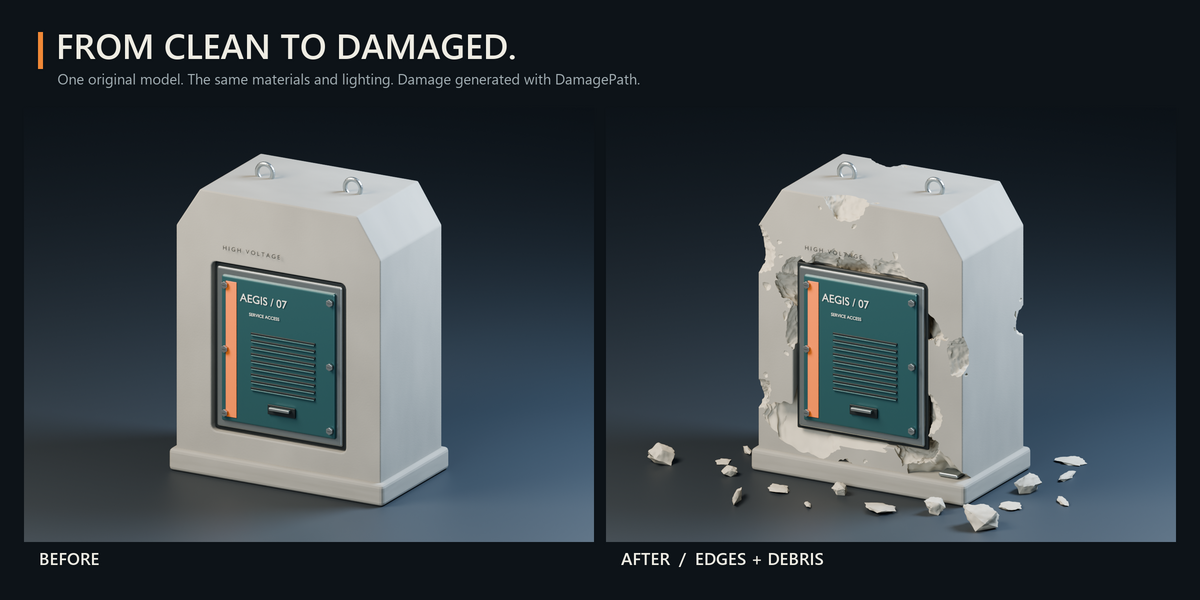
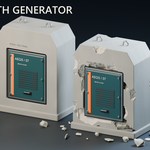
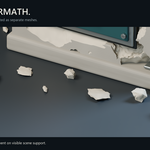
No. It generates detailed fragments and places them on available support. It does not simulate falling, rolling, friction or rigid-body motion.
Why has the progress percentage stopped moving?
A complex Boolean operation can take time without producing intermediate progress updates. The percentage measures completed work rather than remaining time. You can cancel the calculation and try Quick Preview or lower Amount and Size settings.
Why does Quick Preview look different from the final result?
Quick Preview reduces damage complexity and may simplify dense geometry. It is an approximation, so individual features can differ. Use UPDATE DAMAGE for the final calculation.
Can I remove the damage later?
Yes, before baking. Remove Damage restores the original mesh and modifier states while retaining your saved paths and protection. Bake to Mesh converts the result into a regular mesh.
Can I control exactly where damage appears?
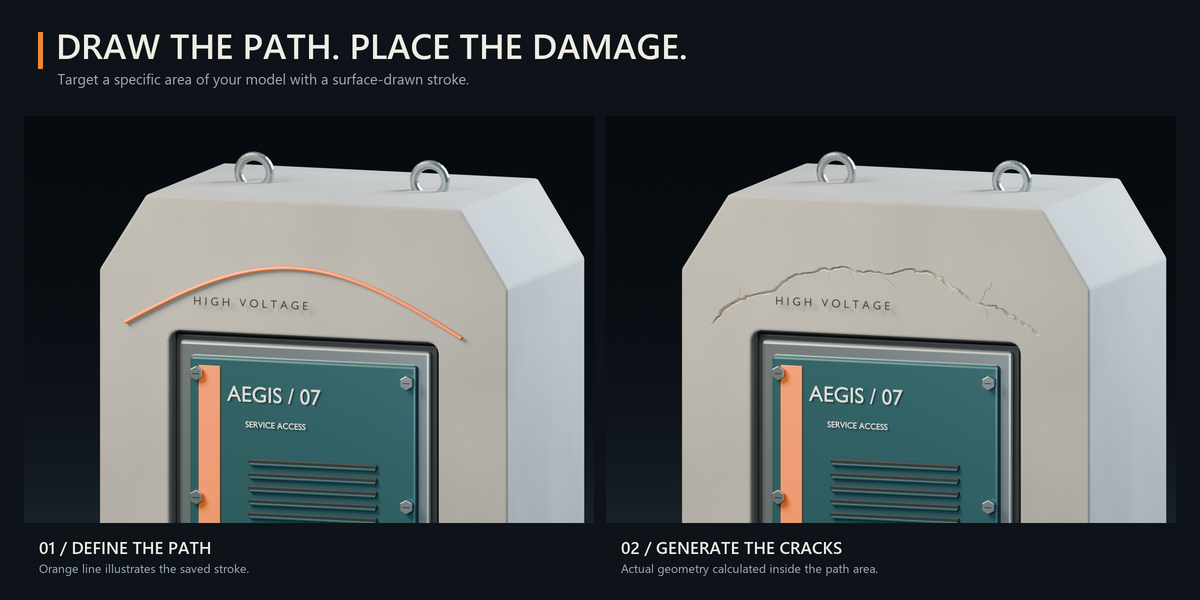
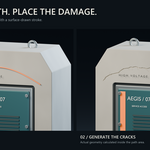
Yes. Use Drawn Path to draw strokes directly on the object. Path Width controls the affected area. Painted protection and material restrictions let you preserve selected details.
Does the addon create real geometry?
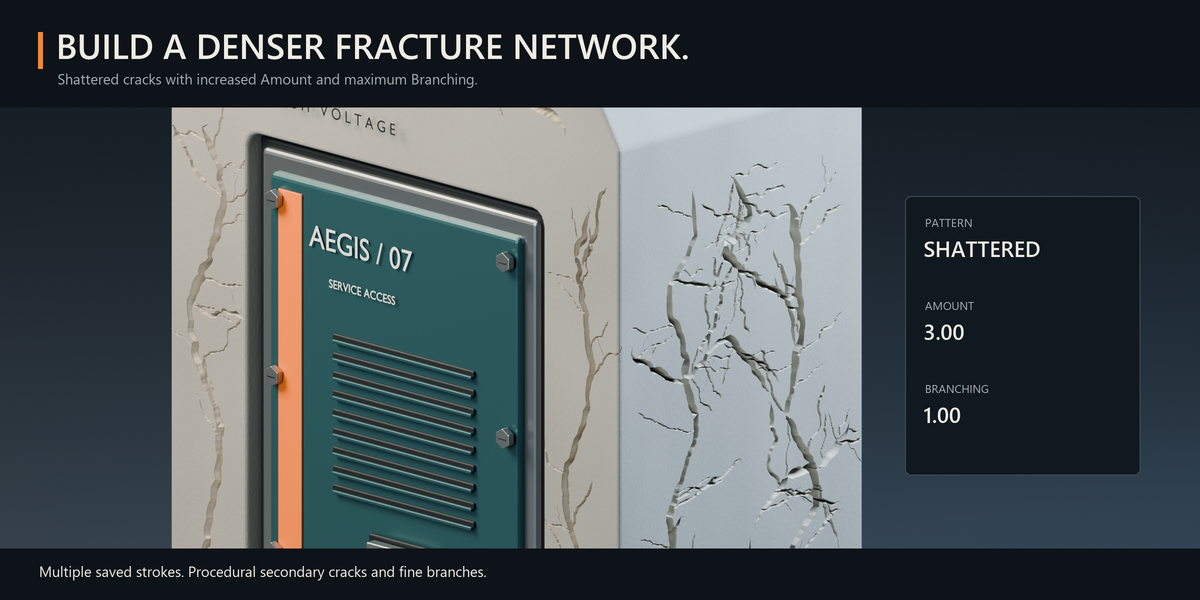
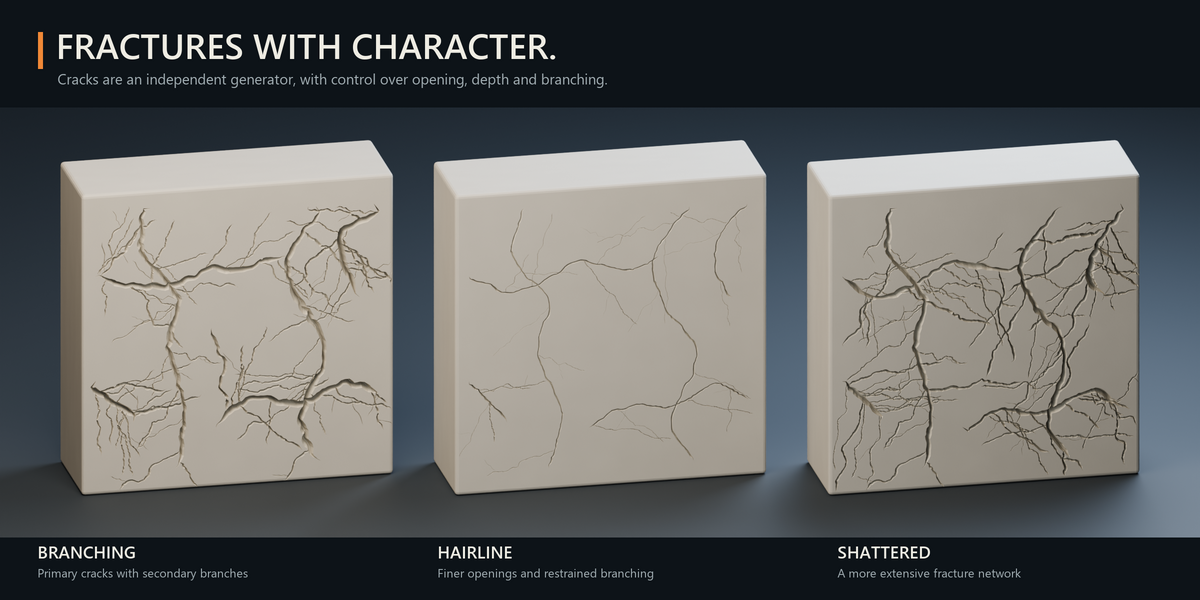
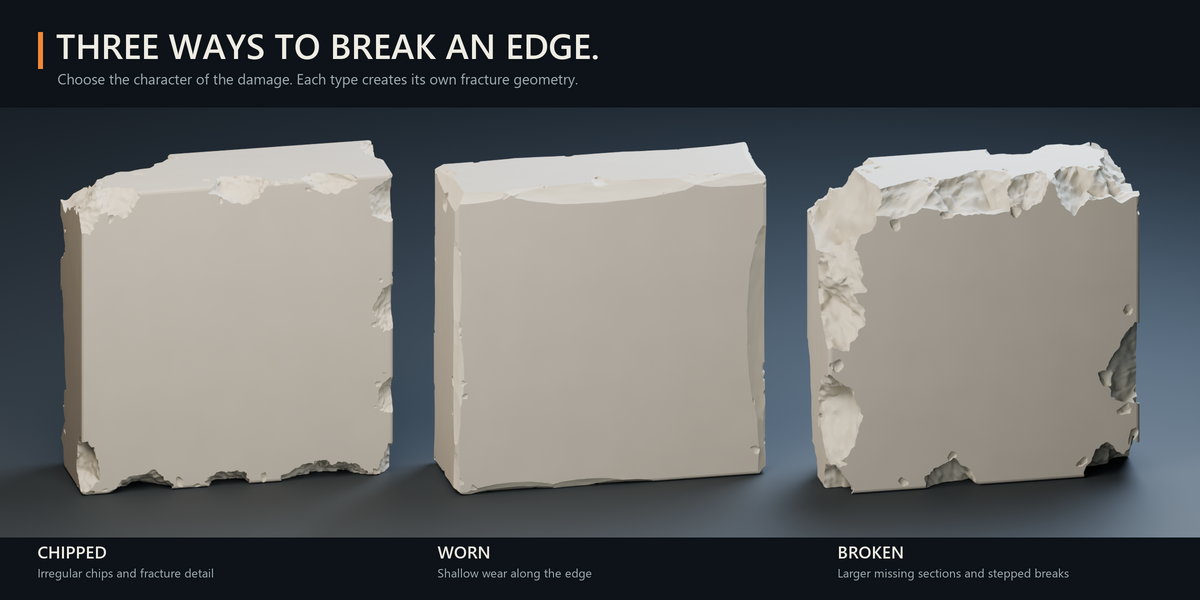
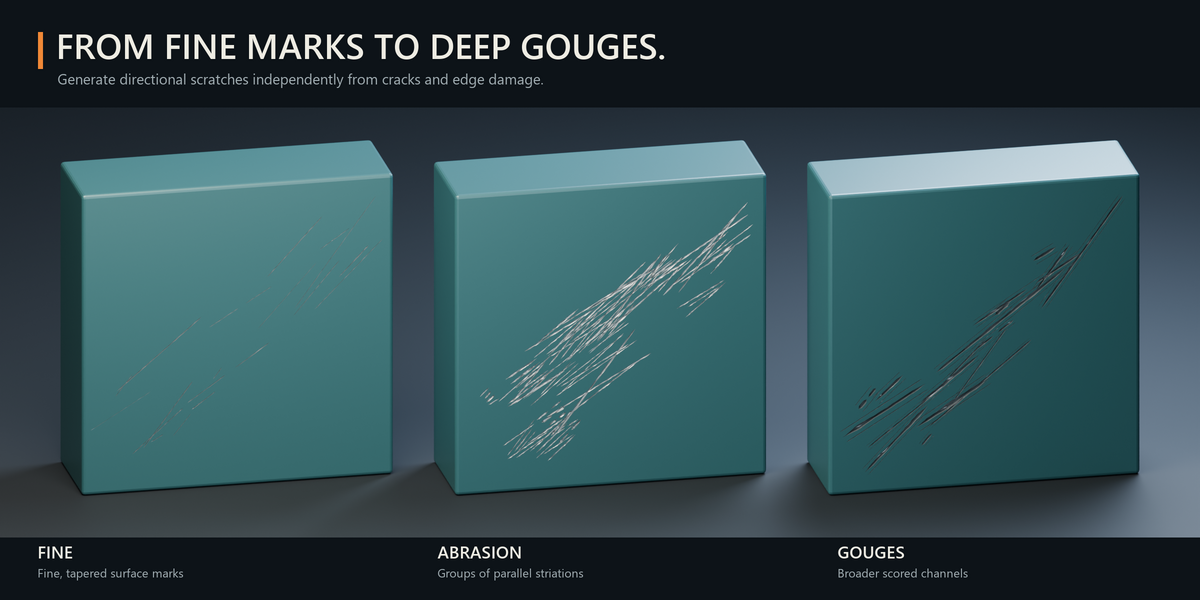
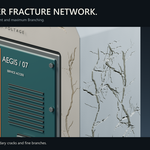
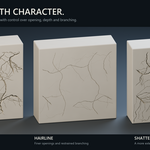
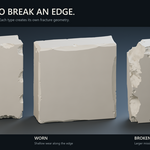
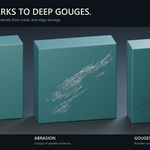
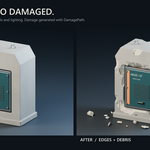
Yes. Cracks, scratches and edge damage are mesh geometry. Debris is generated as separate mesh objects.
Which Blender versions are supported?
DamagePath Generator requires Blender 5.0 or newer within the Blender 5.x series. Version 1.5.0 was tested in Blender 5.2.2 LTS.
Have questions about this product?
Login to message
| Blender Extension Compatible | Yes |
| Published | 2 days ago |
| Blender Version | 5.0 - 5.2 |
| Extension Type | Add-on |
| Render Engine Used | Cycles, Eevee |
| License | GPL |
Discover more products like this
edge wear debris hard surface chipping scratches modeling mesh damage Damage weathering drawn path procedural cracks