 Dasky Design


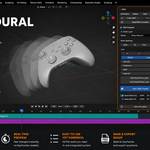
A NEW WAY TO ANIMATE IN BLENDER
Build motion through independent animation layers instead of managing hundreds of keyframes.
Save over 50% of your animation time.
Time saved is money earned.
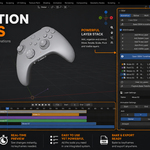
Create, combine and edit animation in real time. Reuse complete setups, stay flexible through every revision, and bake everything to native Blender keyframes whenever you need.
A Complete Animation System
DEM is not a collection of animation presets or one-click motions.
It is a complete animation system that lets you build movement through independent layers, each with its own timing, easing and controls.
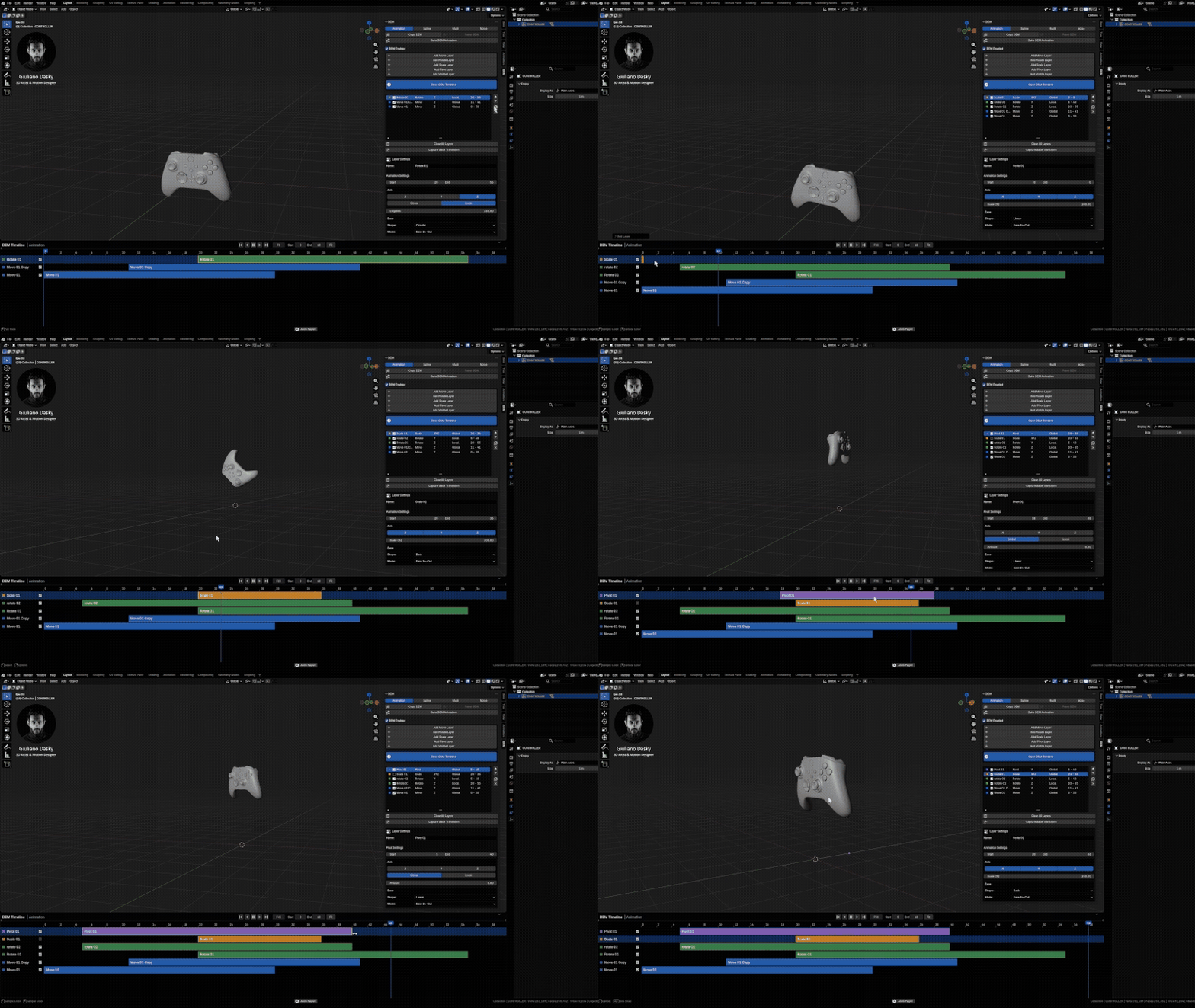
Control Timing with the DEM Timeline
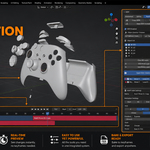
Edit the timing of every animation layer directly from the DEM Timeline. Move, resize and organize strips while the animation plays, so you can see the result in real time.

Combine Simple Layers into Complex Motion
Combine Move, Rotate, Scale, Pivot and Visible layers to create complex custom animation while keeping every part of the movement separate and editable.
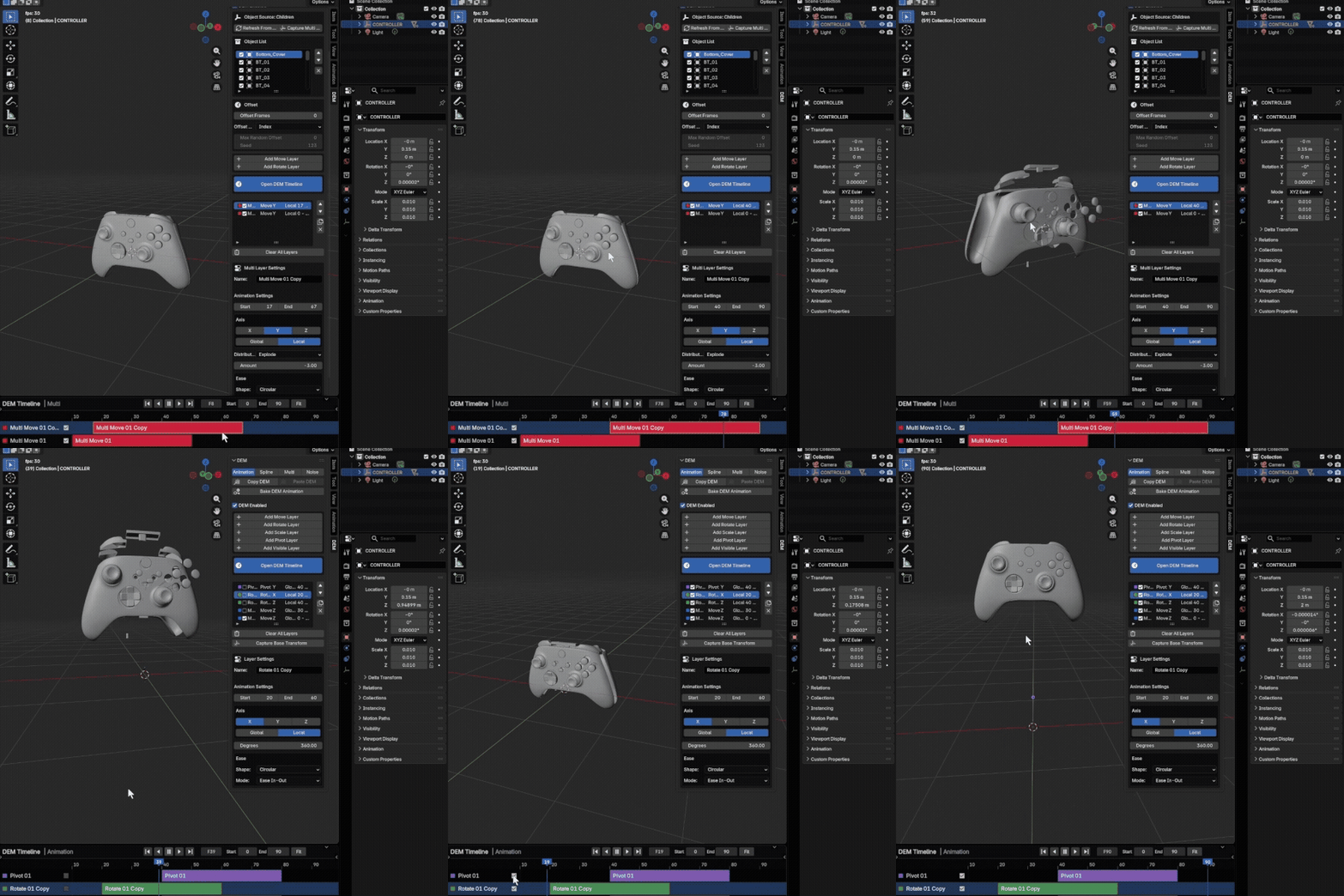
Animate Multiple Objects as One System
Animate entire groups of objects using offsets, distributions, random timing and layered motion, without animating every object individually.
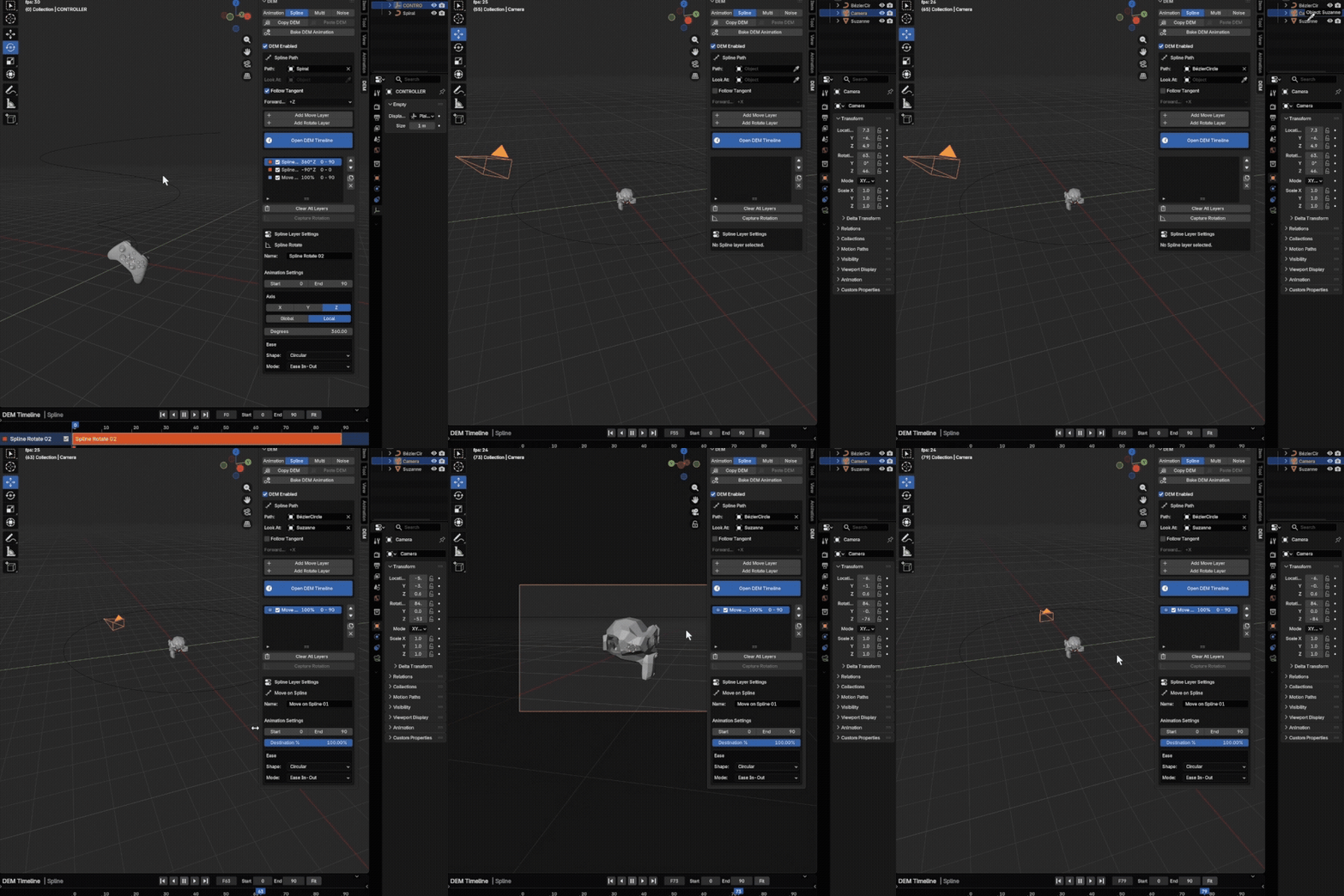
Animate Objects, Cameras and Lights Along Splines
Create fully editable path animation for objects, cameras and lights, with precise control over movement, orientation, Follow Tangent and Look At.
Add Procedural Noise and Natural Variation
Add controlled secondary motion through procedural Move and Rotate noise. Adjust intensity, frequency, seed and fades without changing the underlying animation.
Copy, Paste and Reuse Complete Animations
Copy complete DEM setups between objects, including layers, timing and custom easing curves. Build an animation once, then reuse it on other objects.
Bake to Native Keyframes. Export Anywhere.
Convert the final result to native Blender keyframes whenever you need. Keep working live with DEM, use it on render farms, or bake the animation for export and other production workflows.
Why DEM?
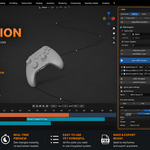
Simple to learn. Fast to use. Easy to change.
Easy to Learn
Understand it quickly and start animating right away.
Animation Made Simple
Create motion without managing hundreds of keyframes.
Complex Motion, Simple Steps
Create complex animations with just a few simple actions.
See Changes Instantly
Make a change and see the result while you do it.
Create Once, Reuse Anywhere
Reuse complete animations instead of starting from zero.
Change Anything, Anytime
Adjust your animation at any moment without rebuilding it.
Designed for Real Production Workflows
DEM was designed by professional motion designers around the realities of production: continuous revisions, changing timings, reusable setups and the need to stay flexible until final delivery.
See DEM in Action — Full Tutorial
Watch the full tutorial and see the complete DEM workflow from start to finish.
Compatibility, Documentation and Support
Everything you need to install DEM, learn the workflow and use it confidently in production.
Compatibility
Blender 4.5 LTS and newer
Windows, macOS and Linux
Eevee and Cycles
Resources
Complete Documentation
Full Video Tutorial
Quick Start and FAQ
Support
Installation Guide
Direct Support
Updates and Changelog
Stay Connected with Dasky Design
Follow new tutorials, updates and future DEM releases.