Dem V3.1 – Procedural Animation System for Blender + Cinema 4D
 Dasky Design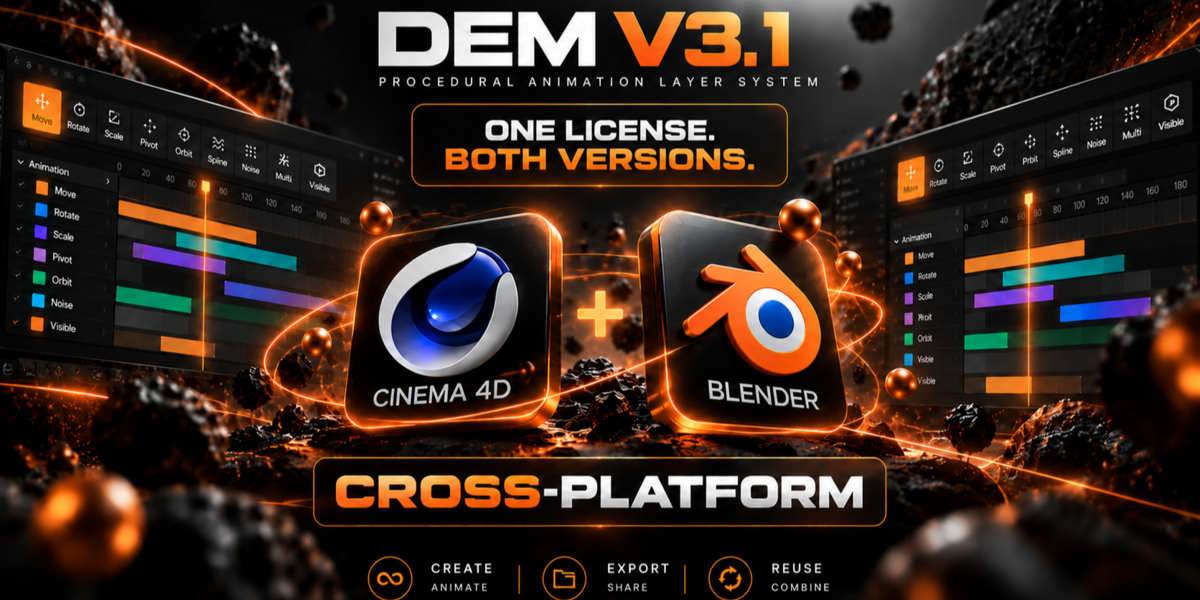



Do I need to bake the animation before rendering?
No. You can render directly with DEM active in both Eevee and Cycles.
Bake is only needed when you want native Blender keyframes, need to export the animation, or have to use the project without DEM installed.
Does DEM work on render farms?
Yes. DEM must also be installed on the render nodes so the animation can be evaluated correctly.
When installing add-ons on the farm is not possible, bake the animation before submitting the project.
Can I export DEM animations to FBX?
Yes. Bake the DEM animation to native Blender keyframes before exporting the FBX file.
Transform animations will then be exported normally. Visibility support may depend on the destination software and export format.
Can I send a DEM project to another artist or client?
Yes. They will need DEM installed to open and evaluate the live animation.
Alternatively, bake the animation first and send a project containing only native Blender keyframes.
Why is the animation not playing on another computer?
Make sure DEM is installed and enabled on that computer.
Live DEM animation cannot be evaluated when the add-on is missing or disabled.
What happens when I bake a DEM animation?
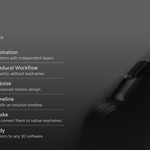
DEM converts the final animation into standard Blender keyframes.
After the bake, the object behaves like any normally animated Blender object and no longer requires DEM.
Can I return to the DEM layers after baking?
The baked animation can still be edited as normal Blender keyframes, but the original DEM layer setup is no longer available.
Keep a copy of the unbaked project when you may need to continue editing the DEM layers.
Have questions about this product?
Login to message
| Blender Extension Compatible | Yes |
| Published | 3 months ago |
| Blender Version | 4.5 - 5.2 |
| Extension Type | Add-on |
| Render Engine Used | Cycles, Eevee |
| License | GPL |