DimFlow - Animated CAD Dimensions & Measurements
 sharoleslam
Blender already includes MeasureIt, why buy this?
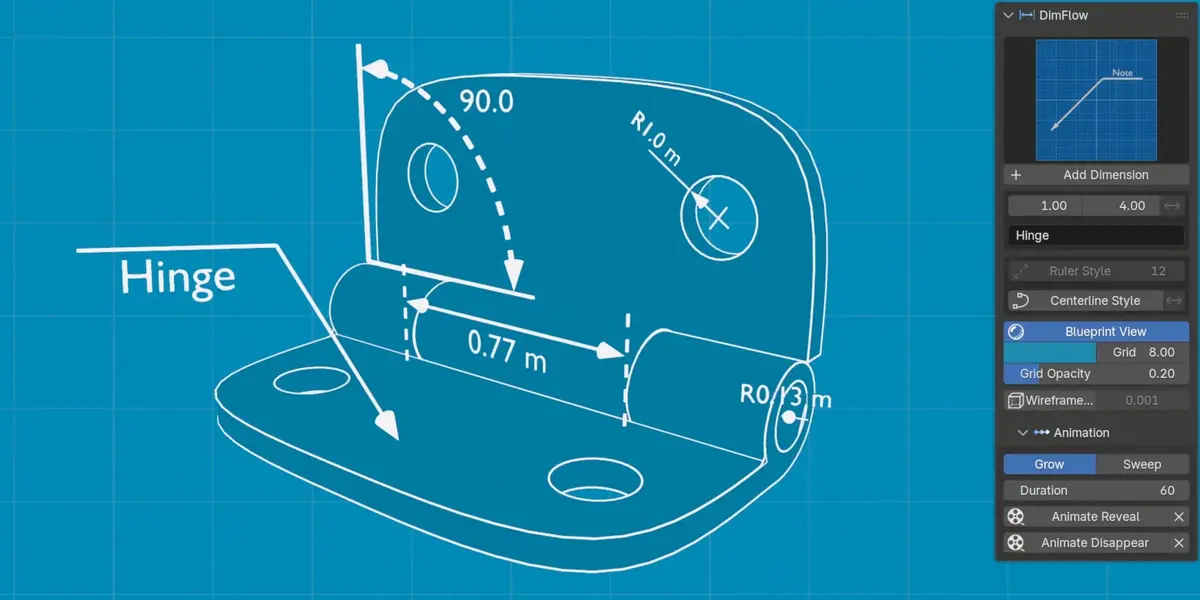
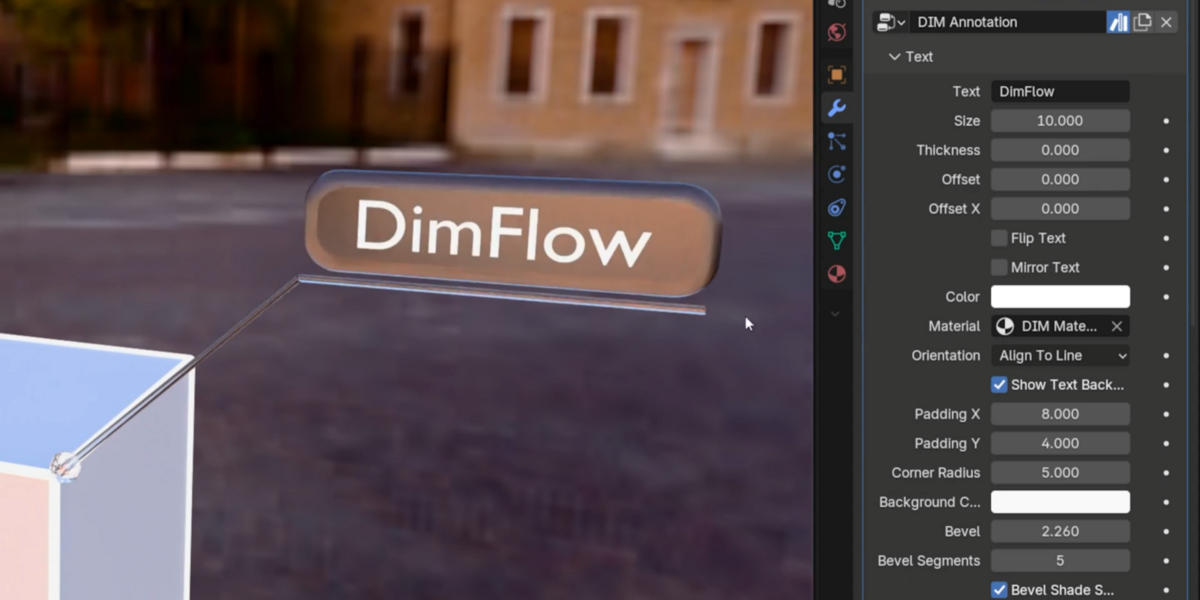
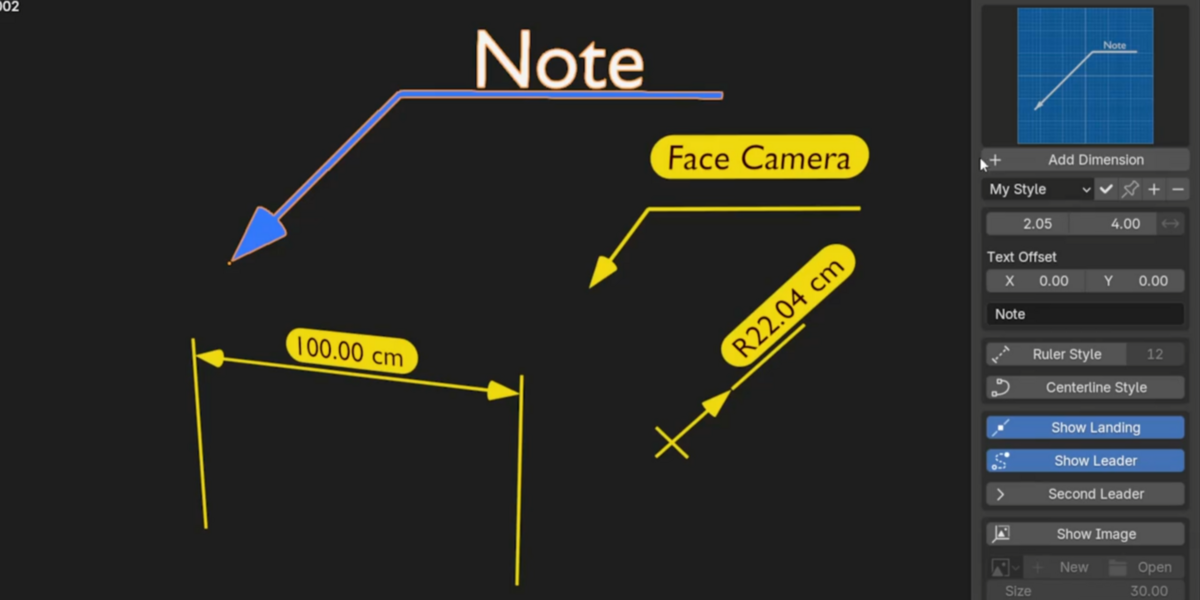
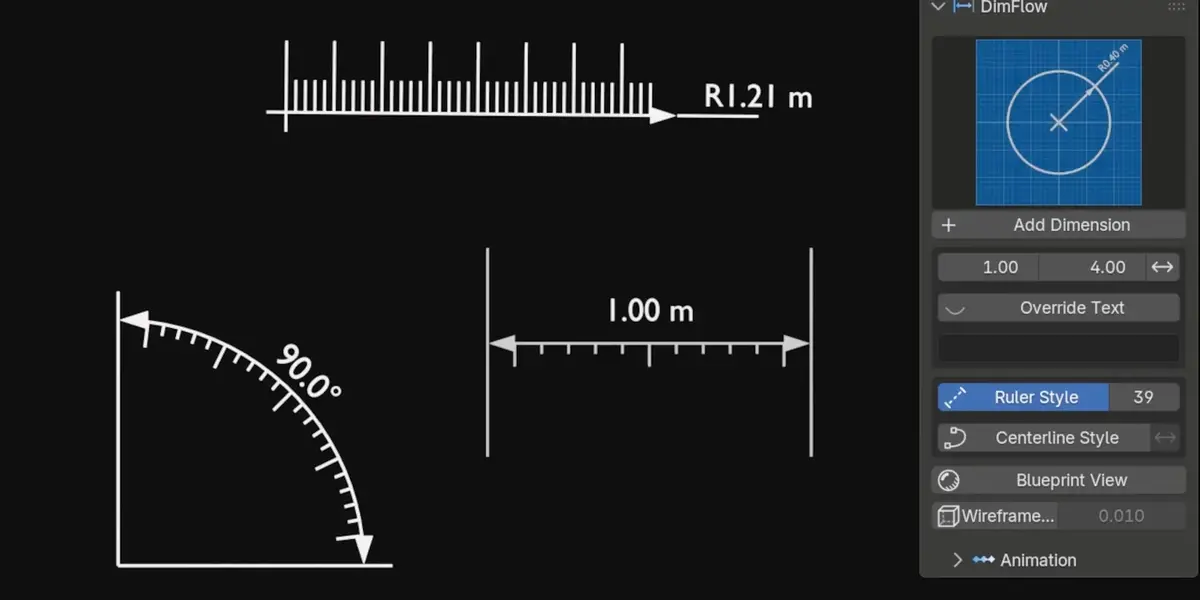
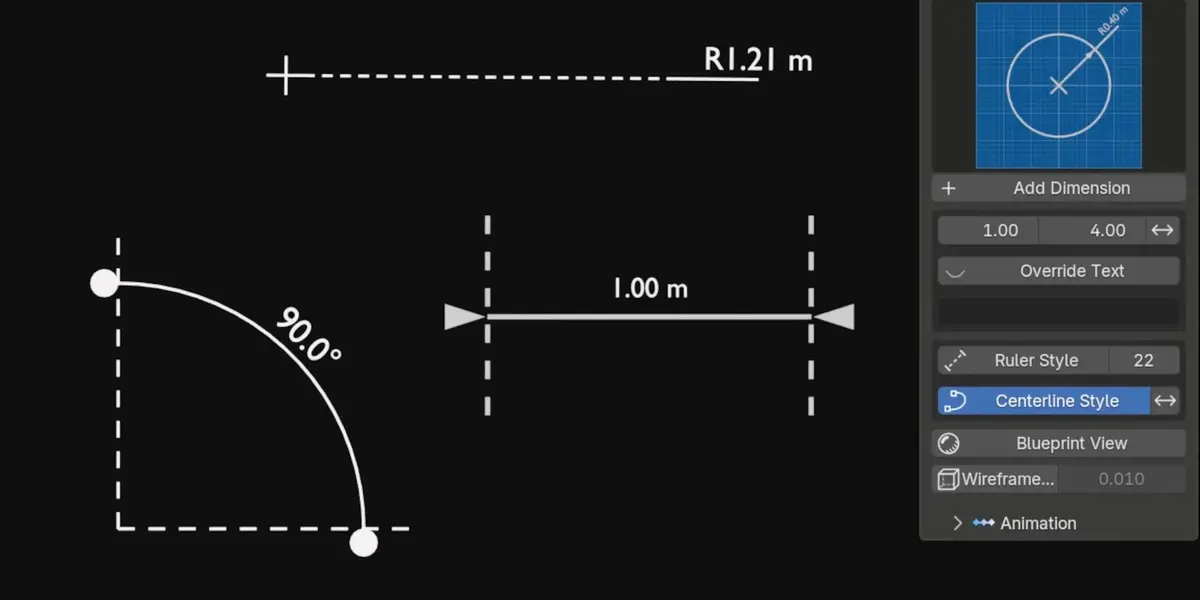
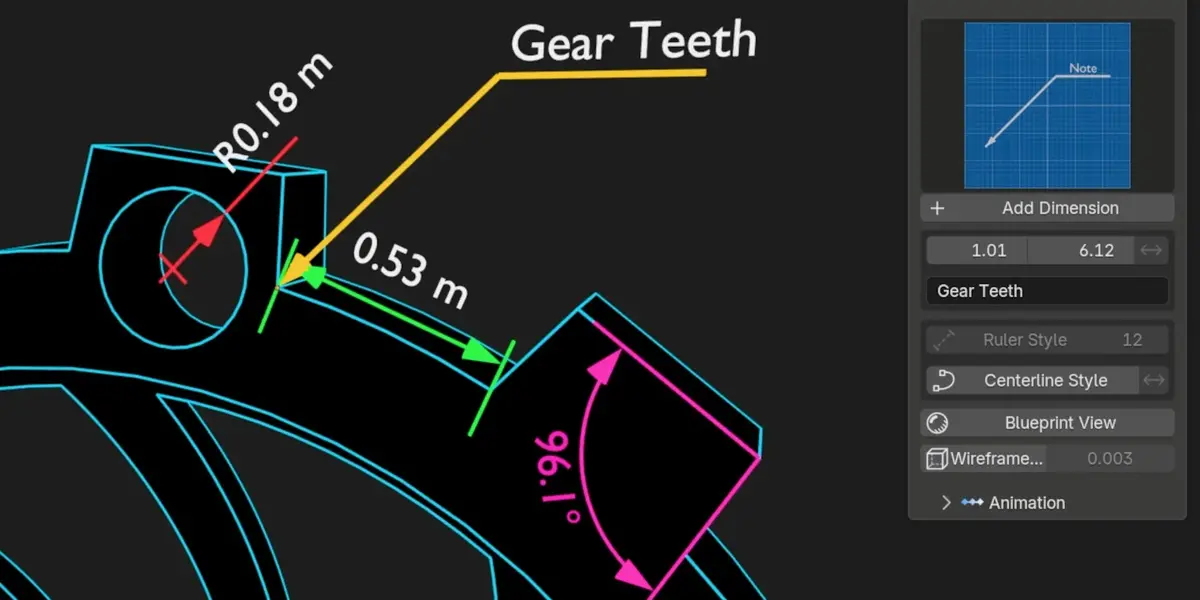
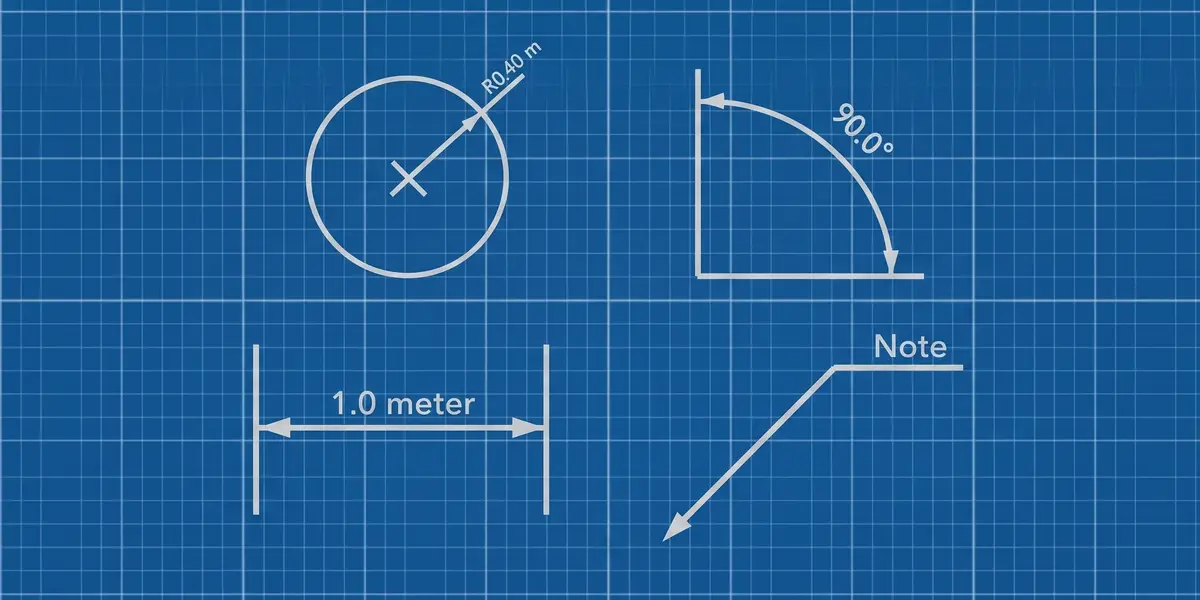
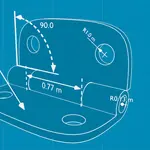
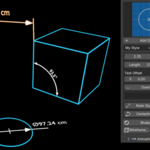
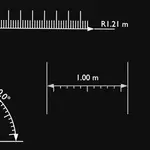
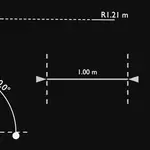
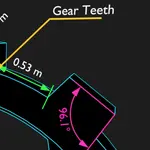
MeasureIt is bundled and free, and it's good for checking sizes while you model. It draws a viewport overlay, though: the measurements are composited over your image rather than living in the scene. DimFlow builds real geometry with Geometry Nodes, so dimensions render natively in Eevee and Cycles with your lighting, depth of field and motion blur, and can be keyframed. It also adds reveal animations, centerline and ruler line styles, label plates, blueprint view and the wireframe overlay. If you only need to check a distance while modelling, use MeasureIt.
How do I install it?
DimFlow ships as a Blender extension. Drag dimflow_extension.zip onto an open Blender window and confirm the installation. It shows up in the sidebar under the DimFlow tab (press N in the 3D viewport if the sidebar isn't visible).
Is it slow on heavy scenes?
The geometry is low-poly emission tubes and text, so the render cost is negligible. On very dense meshes, the wireframe overlay is the expensive part; use Sharp Edges Only to wire just the creases instead of every edge.
How do style presets work?
Set up a dimension the way you want it (color, text size, thickness, materials, plate settings, arrows), then save it as a preset. Apply it to any dimension with one click, or pin it as the default so every new dimension is born with your house style. Presets capture every setting, not just text, and they're shared across all four types. They're stored with Blender rather than inside the .blend, so they follow you between projects.
Does it work on curves, or only meshes?
Both. In Edit Mode, you can select curve control points exactly like mesh vertices.
Does it modify my model?
No. Each dimension is a separate object driven by Geometry Nodes, filed into its own DimFlow collection. Your mesh is never touched. The wireframe overlay is a modifier too; remove it, and nothing is left behind.
Can I override the measured value?
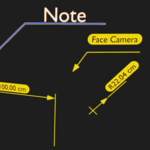
Yes. Switch on Override Text and type whatever you need (a tolerance, a part number, a fit callout). Annotations take free text by default, and you can type \n for a real line break.
Does Blueprint View affect my final render?
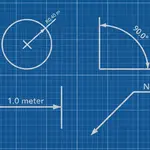
It swaps the world, so yes, it renders. That's the intent. Toggle it off for a normal render.
Do I have to apply scale first?
No. Measurements read your real geometry regardless of object scale. Move a vertex and the number updates with it.
What is Straight mode?
A sloped feature normally tilts the whole callout with it. Tick Straight on a Linear dimension and the dimension line runs flat along a world axis, with the extension lines dropping to each point separately at their own lengths. This is the horizontal or vertical dimension a technical drawing uses. The reading becomes the distance along that axis, which is what the arrows now span. Set Straight Axis to Auto, X, Y or Z.
Is this a full constraint solver?
No, and it is deliberately not sold as one. There is no constraint graph. One dimension drives the points it is bound to; two dimensions driving the same vertex will fight over it. What it gives you is direct numeric editing of a feature you have already dimensioned.
Can I drive a dimension that isn't attached to anything?
No — a free-floating callout has nothing to push. Driving works on dimensions bound to geometry, which is what you get when you place one in Edit Mode or drop a Radius onto a circle. The field is hidden when there is nothing to drive.
What does "driving dimensions" actually mean?
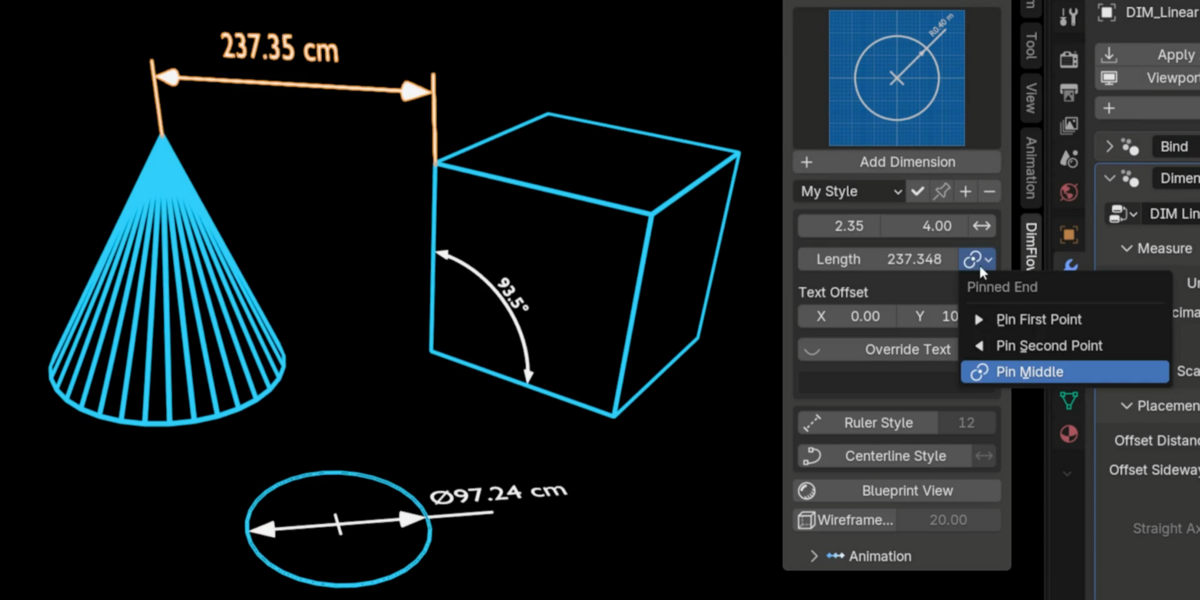
The measurement runs both ways. Instead of only reading your model, you can type a length, angle, radius or diameter into the sidebar and the model moves until the measurement really is that number. The bound vertex or object slides, turns or scales to match.
Which end moves when I drive a dimension?
You choose. A pin selector holds the first point still, the second point still, or the middle so both ends move out evenly. On a Radius you can pin the centre, the rim, or the middle.
Will my old files break when DimFlow updates?
No. Every asset carries a version stamp, and old scenes upgrade themselves on load. New features appear while your values, links, and keyframes survive untouched

Discover more products like this
Animated measurements cad Measure Distance color-wireframe ruler measure angle centerline 3D Measurement Tools blueprints dimension Technical drawing annotation