ANIMATED CAD DIMENSIONS
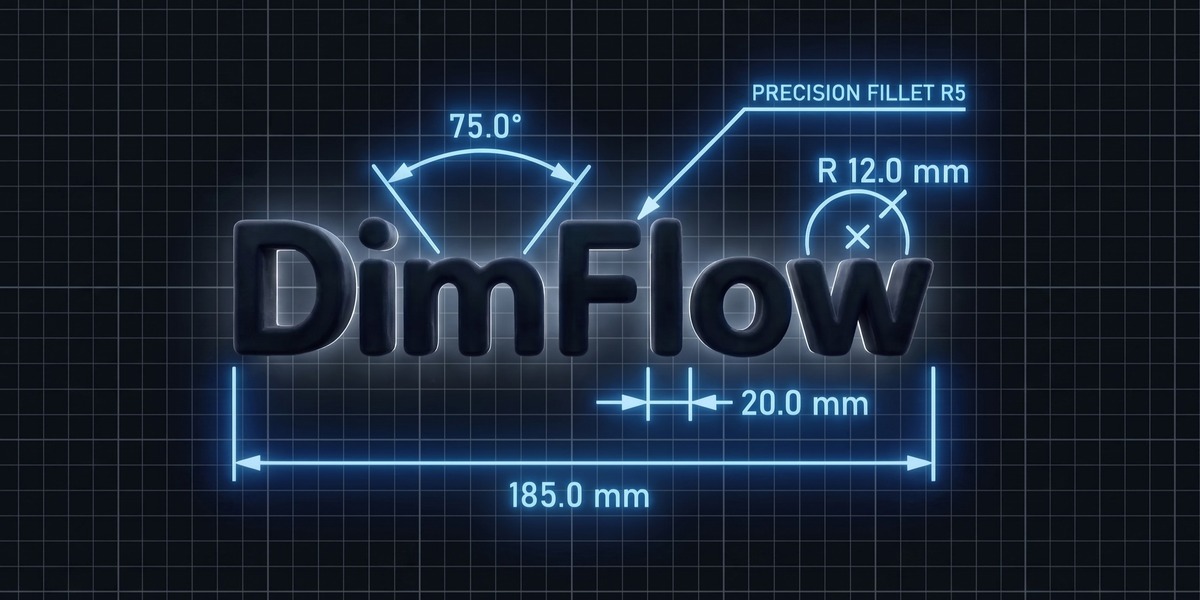
Measure, style, and animate technical dimensions, fully non-destructive, built entirely in Geometry Nodes.
Version 2.5 is out, free for everyone who already owns DimFlow
WHAT'S NEW IN 2.5
TYPE A NUMBER, THE MODEL MOVES
Type a measurement and the model moves to match. Old scenes pick up everything below on load.
- Driving dimensions: type a length, angle or radius and the geometry follows
- Straight dimensions: square a Linear callout to a world axis
- Style presets: save a look once and apply it anywhere
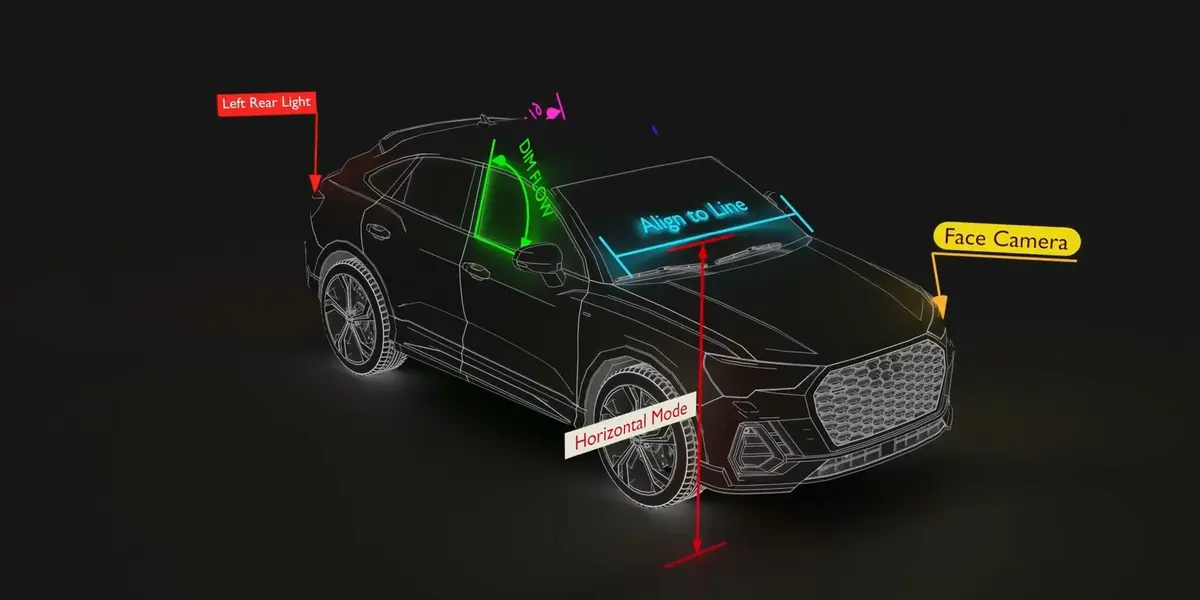
- Built in your view: callouts added from Front, Right or Top lie flat in that plane
- Two-object measuring: pick a vertex on each object in Edit Mode
- Nudge bound callouts: offset them without breaking the tracking
- Roughness / Strength: one plate control for glass and emissive materials
THE GOAL OF DIMFLOW
Blender's MeasureIt is handy for checking sizes, but it draws an overlay on top of your image. DimFlow's dimensions live in the scene and render like everything else.
SEAMLESS WORKFLOW
REVEAL ANIMATIONS
Sweep or grow your dimensions onto the screen with one click, and a static render becomes a technical animation.
LIVE DIMENSIONS
NEW IN 2.5
IT WORKS BOTH WAYS
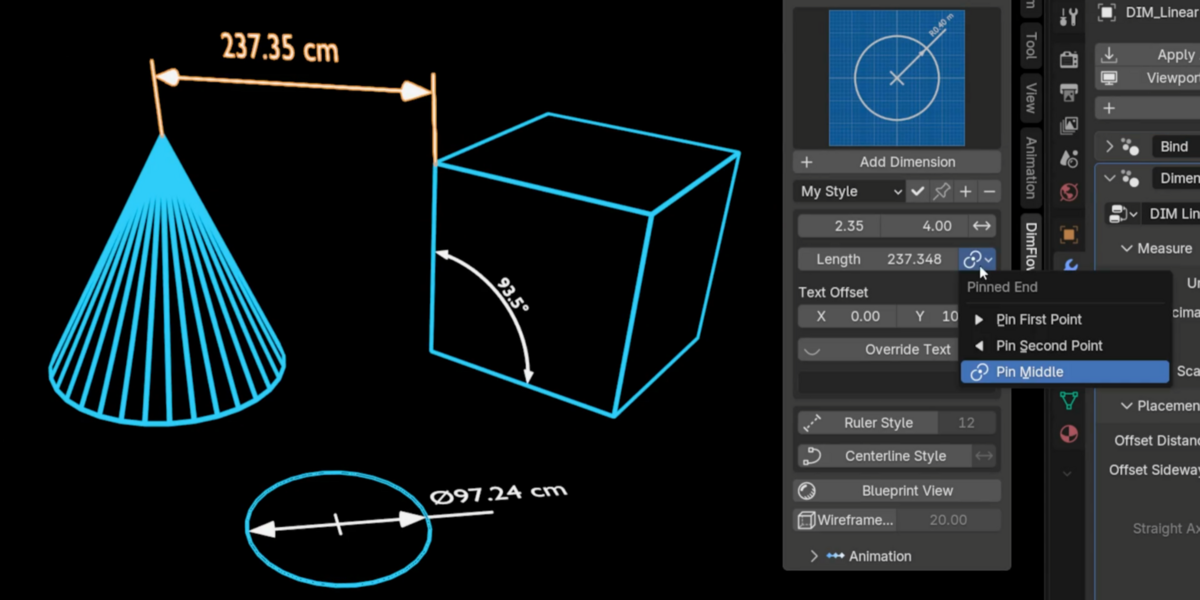
A dimension tracks the vertices or objects it was built on, and Radius finds the real circle for you. New in 2.5: type a length, angle, radius or diameter and the model moves to match, with a pin for the end that holds still. Units follow the scene's Metric or Imperial setting unless you set one by hand.
FOUR DIMENSION TYPES
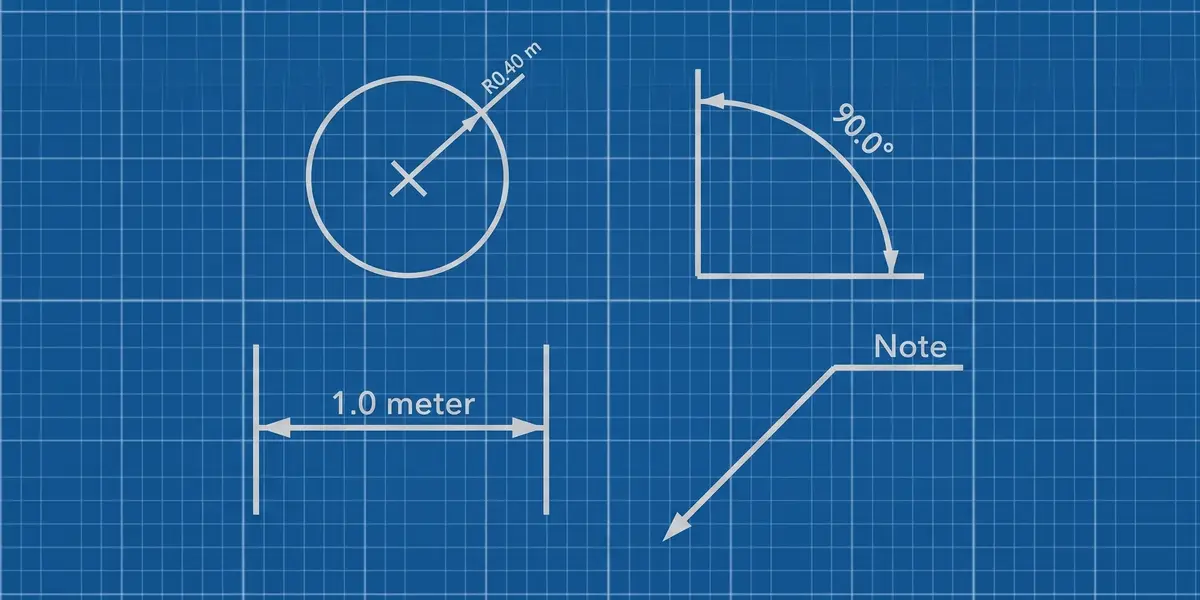
Each type is picked from a gallery in the sidebar and looks right the moment you drop it in.
FOUR TYPES
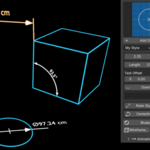
LINEAR
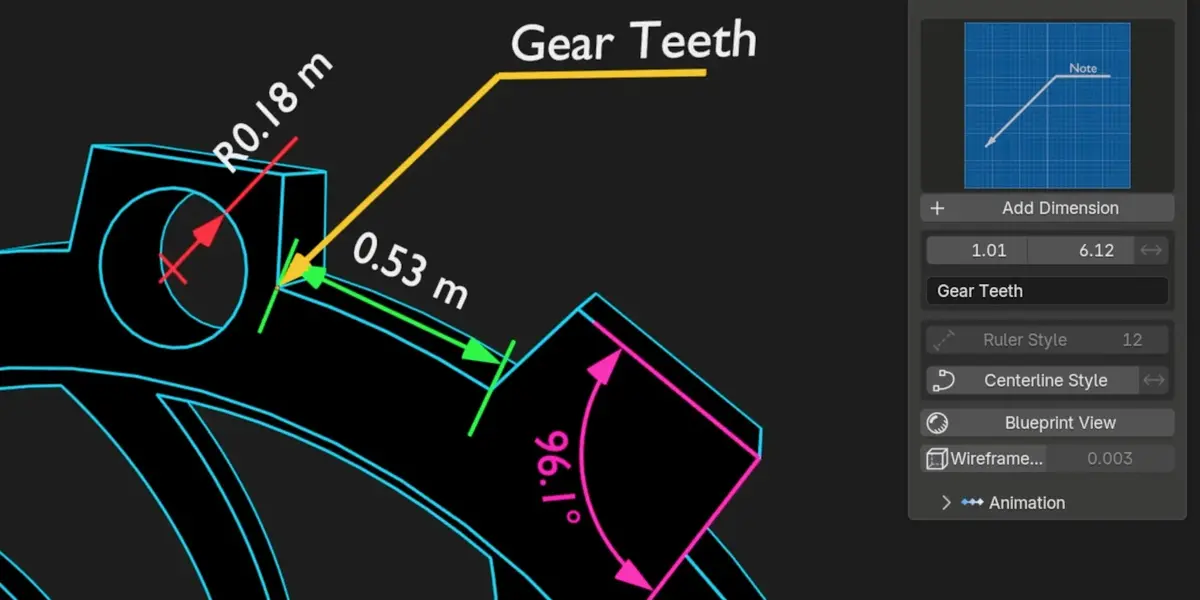
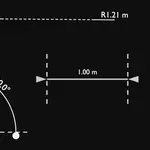
Distance between two points, in metres, centimetres, millimetres, inches or feet. New in 2.5: Straight squares it to a world axis, the way a drawing reads.
ANGULAR
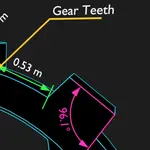
Angle between three points in degrees or radians, with a Reflex toggle for the outside angle.
RADIUS
Pick the centre and the rim, or just select the circle. Switch to Diameter and the R or Ø prefix follows.
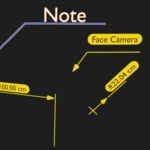
ANNOTATION
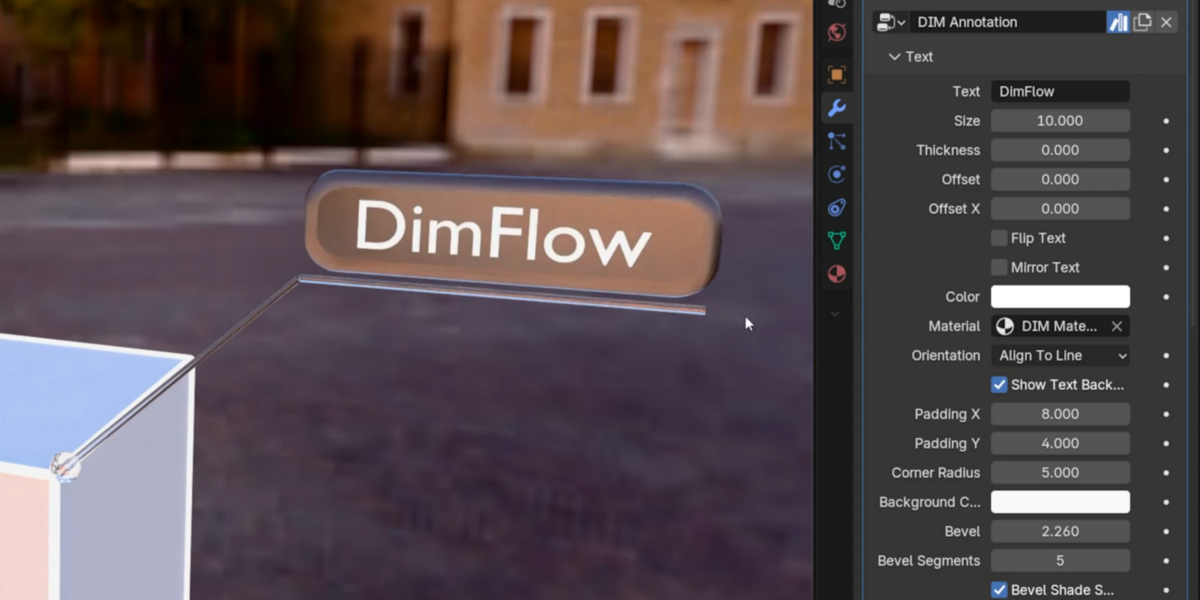
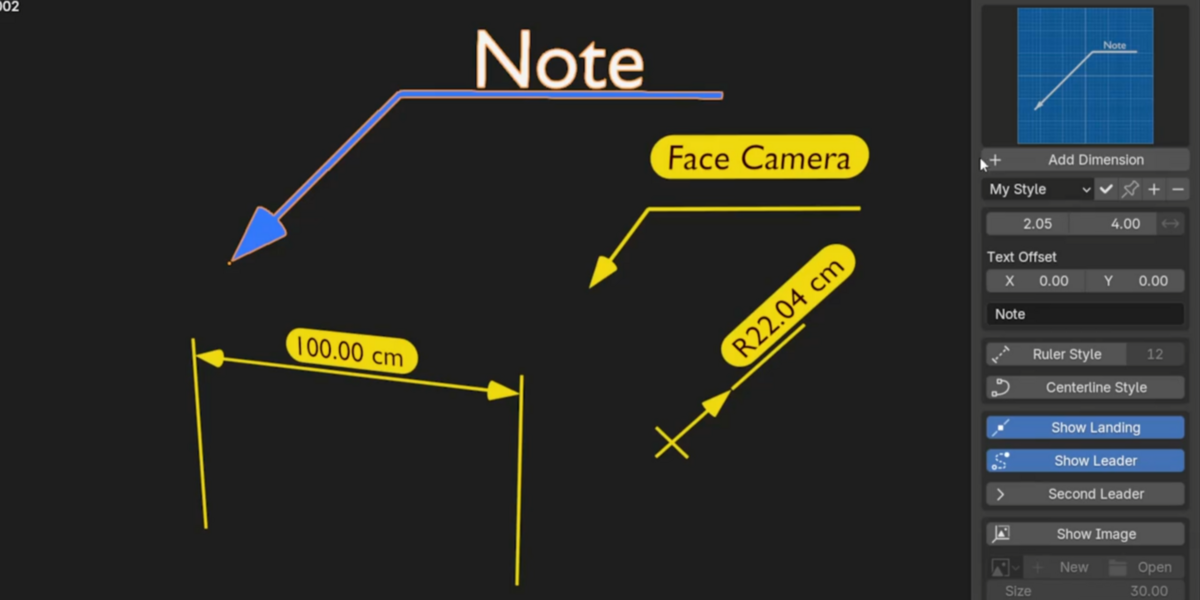
A leader and label for part names and notes, with multi-line text and a rounded plate behind it.
ANNOTATIONS, REBUILT
TWO POINTERS, ONE LABEL
Second Leader points one note at two features, like an ISO multileader, and the text has separate horizontal and vertical offsets.
PUT AN IMAGE ON THE CALLOUT
Show Image puts a logo, symbol or photo at the end of the landing, at the right aspect ratio.
SELECT VERTICES. GET A DIMENSION.
SMART EDIT MODE PLACEMENT
YOUR SELECTION PICKS THE TYPE
2 vertices give Linear or Radius, 3 give Angular and 1 gives an Annotation, on meshes and curves alike. Every callout is filed into its own DimFlow collection. New in 2.5: measure between two objects, and callouts are built flat in the view you are working in.
TEXT THAT BEHAVES
LIVE VALUES & OVERRIDES
FULL TEXT CUSTOMIZATION
Set units, decimals and drawing scale, or replace the value with your own text. Every type can sit on a rounded label plate. New in 2.5: save your look as a style preset and apply it to any dimension, or to every new one.
THE LABEL PLATE
BEVELLED EDGES AND GLASS
Bevel rounds the plate's front edge. Two Liquid Glass materials, one for Eevee and one for Cycles, take their tint from the plate colour.
CENTERLINE & RULER STYLE
LINE STYLES
DASH CONTROL
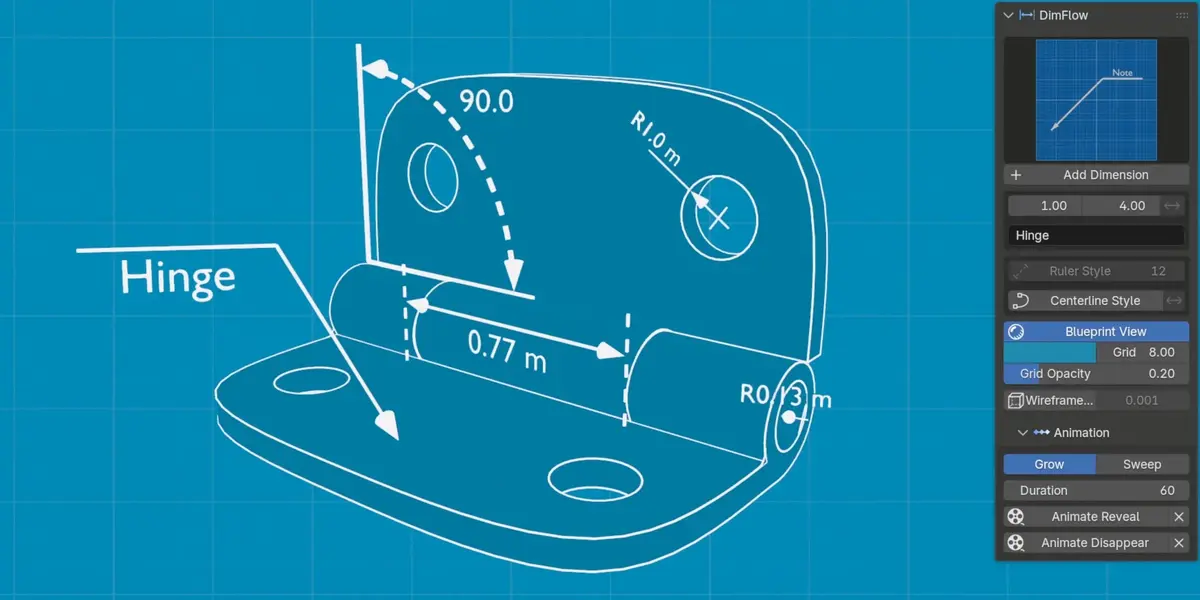
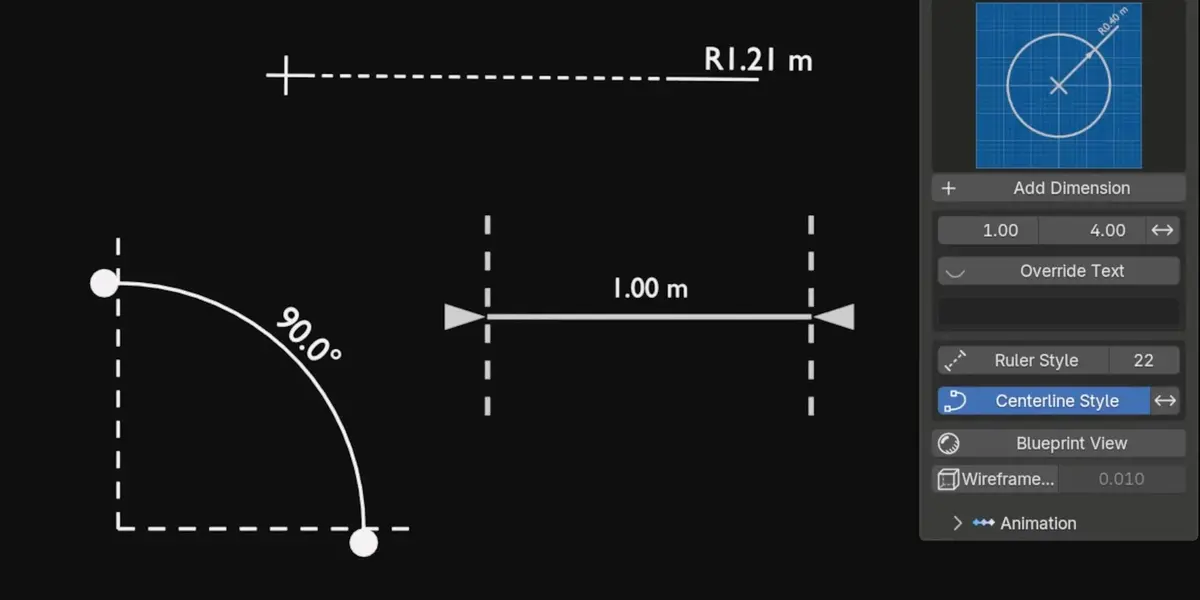
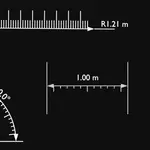
One toggle turns the line into an ISO dashed centerline, and Invert dashes the extensions instead. Arrows come as Arrow, Tick, Dot or None.
TURN A LINE INTO A RULER
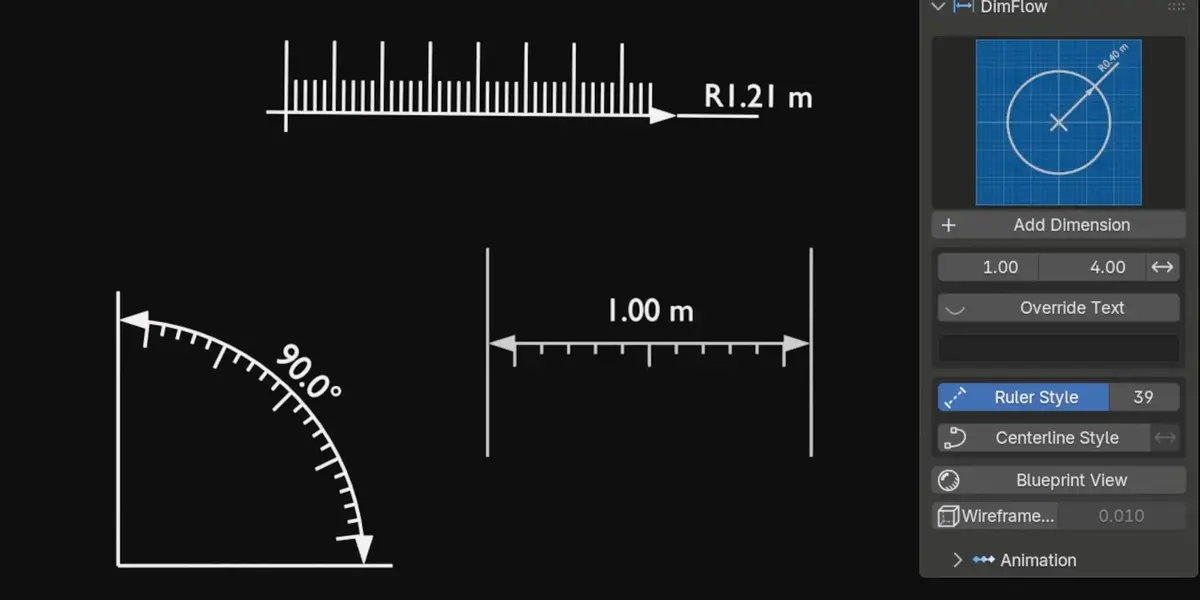
Another toggle adds ruler teeth to all four types, with count, height and flip.
REVEAL ANIMATIONS
SWEEP OR GROW, ONE CLICK
STATIC RENDER TO EXPLAINER
Sweep draws the dimension along its line and Grow scales it into place. One click keys the reveal, and Animate Disappear keys the exit without touching it.
BLUEPRINT VIEW
ONE CLICK, FULL TECHNICAL LOOK
PROCEDURAL GRAPH PAPER
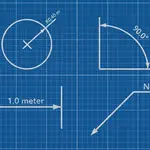
Turn the whole viewport into a technical drawing, with blueprint colour, grid density and opacity under your control.
THICK WIREFRAME OVERLAY
NON-DESTRUCTIVE
BOLD EDGES, ZERO DAMAGE
One click adds a bold wireframe to any object, with thickness, colour and a Sharp Edges Only option. It is a modifier, so your mesh is never touched.
YOUR OLD FILES KEEP WORKING
Open a scene made with an older DimFlow and every dimension upgrades on load, keeping your values, links and keyframes.
WHO MADE THIS

I'm Amir, a mechanical engineer and 3D artist. I have been making art since I was 16, and I still love the moment a technical render reads clearly, when one glance at a dimension tells you the whole story of a part.
Most days I make 3D visuals for founders and inventors, and their products are full of measurements worth showing. DimFlow is the tool I wanted on those jobs, made with the same care I put into every shot. You can see my work at amirsharoleslam.com.
MORE FROM THIS DESK
DimFlow is one of five Blender add-ons I have released for technical and product visualisation. Each one works on its own.
All four are on Superhive, with the same 30-day guarantee as this one.
WHAT YOU GET
- DimFlow 2.5 extension (.zip), drag and drop onto Blender to install
- Asset library .blend with all node groups and materials
- 30-day refund guarantee via Superhive
- Quick-start PDF documentation
- Personal and commercial use
- All future updates free
STOP FAKING DIMENSIONS IN POST.
BUILD THEM IN BLENDER.
 sharoleslam