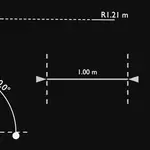
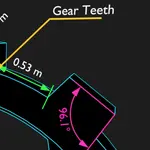
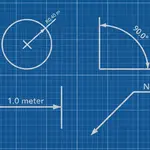
Dimflow - Animated Cad Dimensions & Measurements

sharoleslam in Modeling


DimFlow 2.5 — free update for all owners


Old scenes upgrade themselves on load. Your values, links and keyframes survive untouched.


DIMENSIONS NOW DRIVE THE MODEL


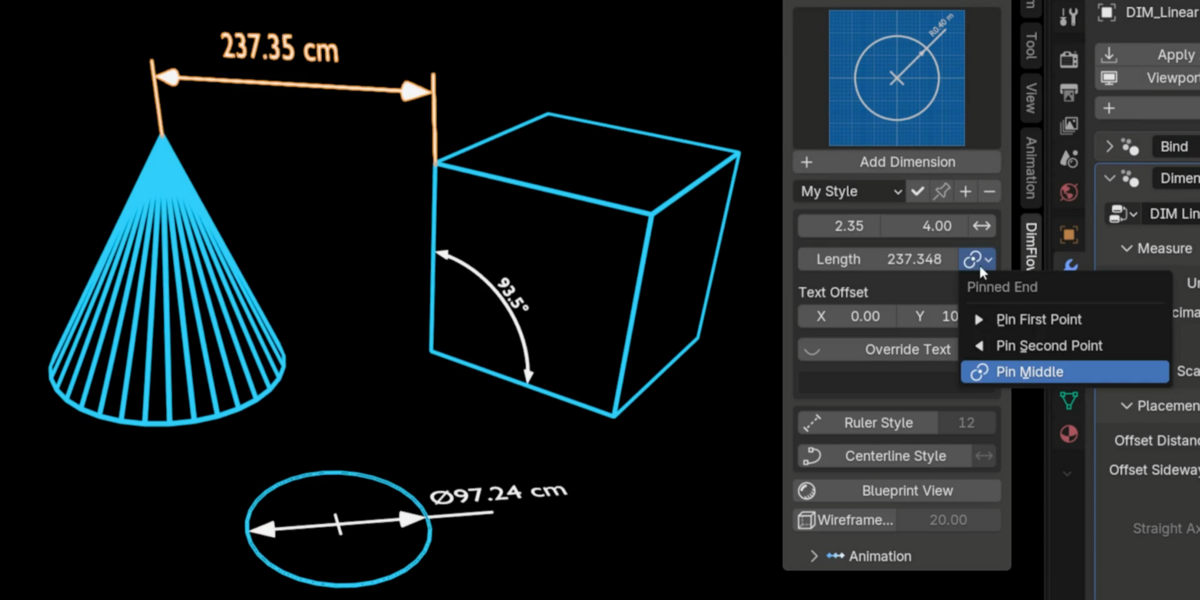
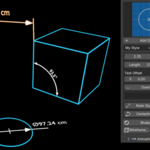
Type a length, angle, radius or diameter into the sidebar and the model moves until the measurement really is that number. The bound vertex or object slides, turns or scales to match.


- A pin picks which end holds still — first point, second point, or the middle so both ends move out evenly

- Driving a radius resizes the whole ring, so the circle keeps its shape and its plane

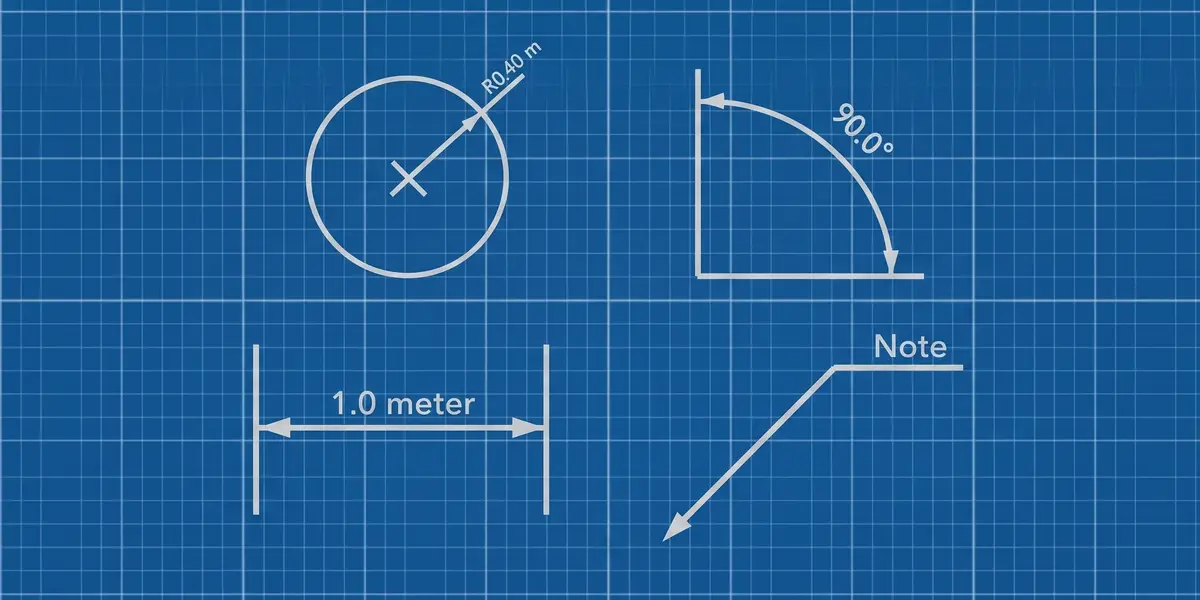
- Works on Linear, Angular and Radius, on any dimension bound to geometry


STRAIGHT DIMENSIONS


- Straight — draw the Linear dimension line flat along a world axis, with the extension lines reaching each point separately at their own lengths. The reading becomes the distance along that axis

- Straight Axis — Auto, or force X, Y or Z when the span is nearly square


STYLE PRESETS


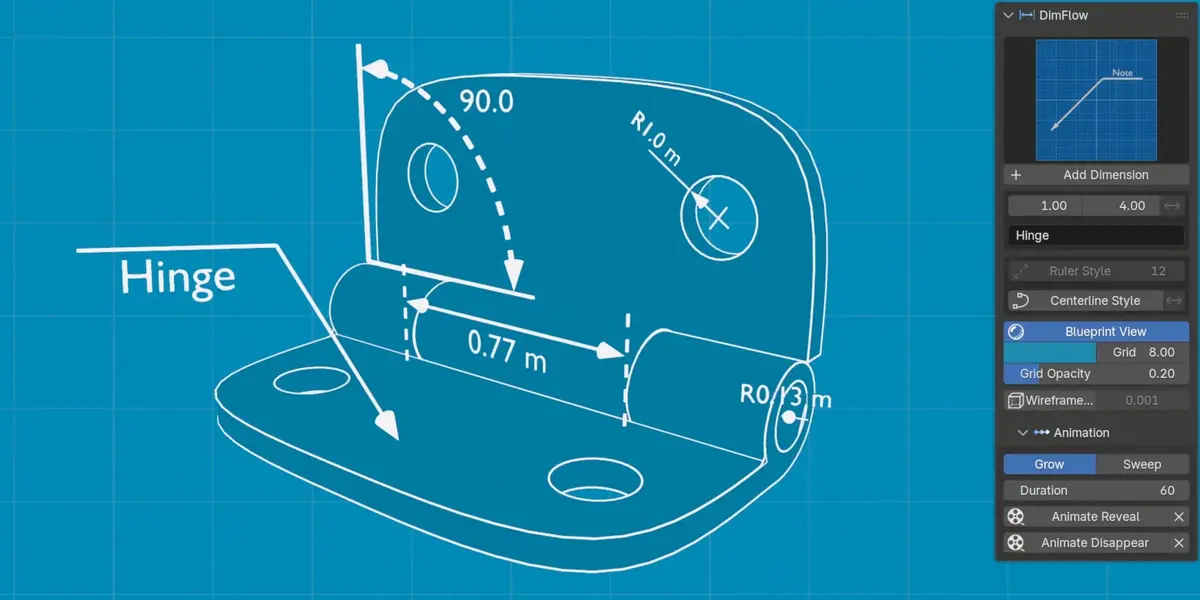
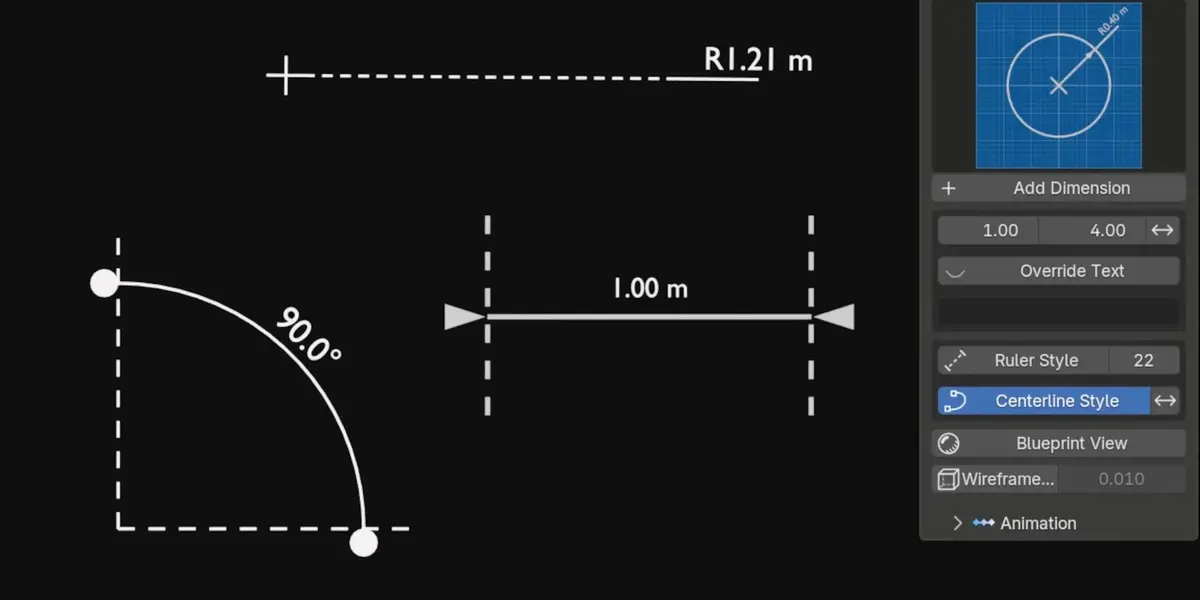
- Save a complete look — colour, text, thickness, materials, plate settings, arrows — and apply it to any dimension with one click

- Pin a preset as the default so every new dimension is born with your style

- Shared across all four types, and stored with Blender rather than the .blend, so they follow you between projects


SMARTER PLACEMENT


- Measure between two objects in Edit Mode — pick one vertex on each and the dimension tracks both

- Select a whole circle in Edit Mode and Radius fits it, in the circle's own plane

- New dimensions are built flat in the view you are working in, instead of always facing front

- An annotation added in Object Mode now hangs on the selected object


PLACEMENT AND CONTROLS


- Three independent offsets — Distance Offset (across), Sideway Offset (along) and Normal Offset (off the drawing plane) on Linear, plus Normal Offset on Angular and Radius

- Offset X / Y on the Bind modifier to nudge a bound callout off the surface it sits against

- Extension Line 1 and 2 — hide either side of a Linear dimension on its own

- Text Offset X on all four types

- Roughness / Strength — one plate control, roughness on glass materials and emission strength on emissive ones

- Show Image and Show Text Background are now collapsible panels with their own header checkbox, and their controls grey out when switched off


FIXES


- 180° angles now work, and the label flips itself when Reflex Angle is switched on

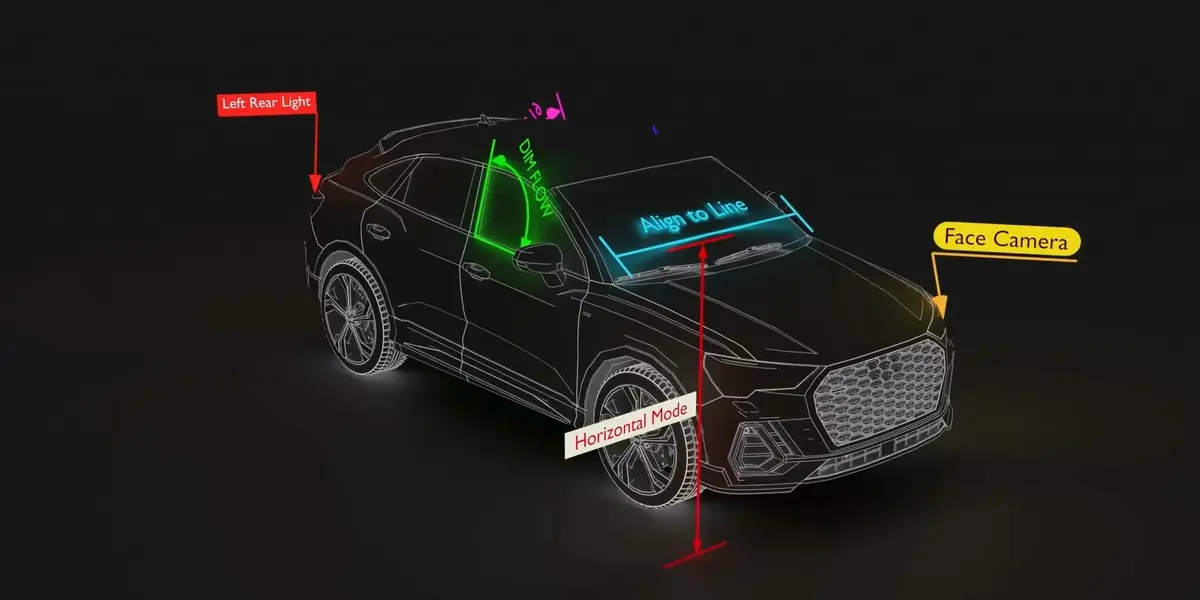
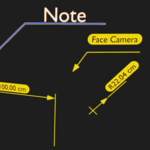
- Face Camera now faces the camera squarely at any camera roll

- Angle measurement rewritten with atan2 — the old method lost precision near 0° and 180°

- Arrow and dot heads are smooth-shaded, and the leader now lands on the centre of the dot

- Extension lines grow out of the arrow points during a reveal, rather than from their far ends

- Radius callouts sit exactly in the circle's plane instead of a hair off it


RENAMED


Offset Distance is now Distance Offset, and Offset Sideways is now Sideway Offset, so the three offsets read together. Your saved values carry across automatically.


Blender 5.0, 5.1 and 5.2 · Eevee and Cycles · Windows, macOS, Linux

DimFlow 2.0 — Live Dimensions


Dimensions now stay attached to what they measure. Move the object, drag a

vertex, edit the mesh — the callout follows and the value updates with it.


NEW

- Live tracking — dimensions follow the objects and vertices they were built

  on, in Object Mode and while you're editing

- Measure between objects — select two objects for a Linear dimension between

  their origins, three for an Angular with the active object as the corner

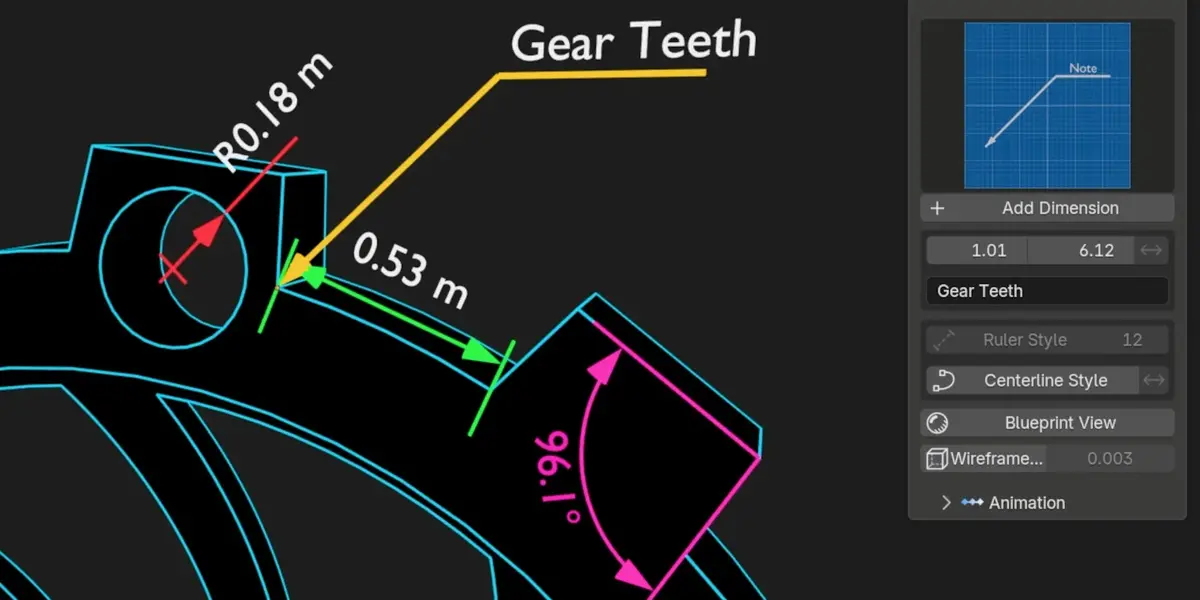
- Automatic circle detection — drop a Radius on a circle or cylinder and it

  finds the real radius, drawn in that face's own plane

- True Diameter mode — the leader now spans the full circle with arrowheads at

  both ends, instead of only doubling the number

- Units follow your scene — switch to Imperial and every dimension follows,

  unless you set one by hand

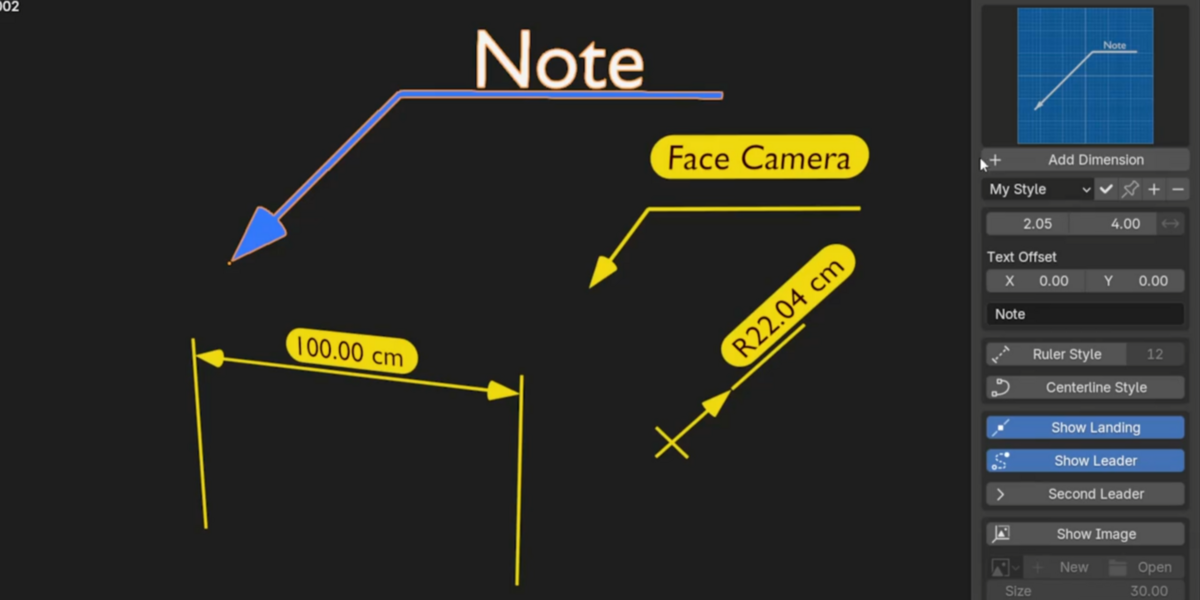
- Second pointer on annotations — one label calling out two features

- Image plate on annotations — logo, warning symbol or a photo of the part,

  aspect-correct and tied to the landing line

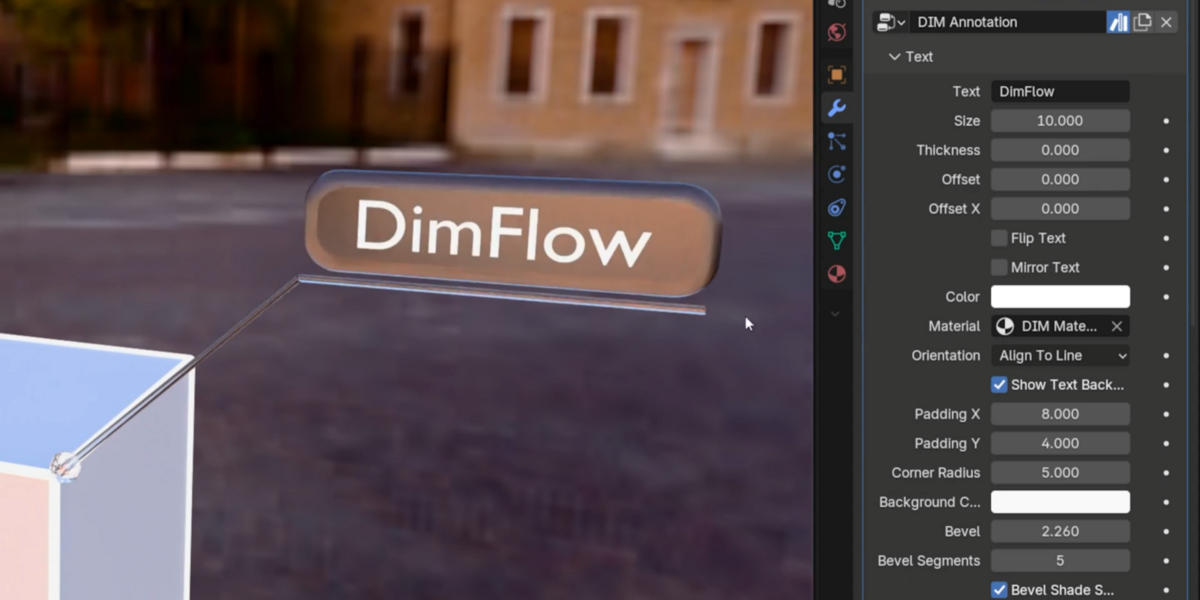
- Bevelled label plates — adjustable segments and smooth shading

- Liquid Glass materials for the label plate, in Eevee and Cycles builds

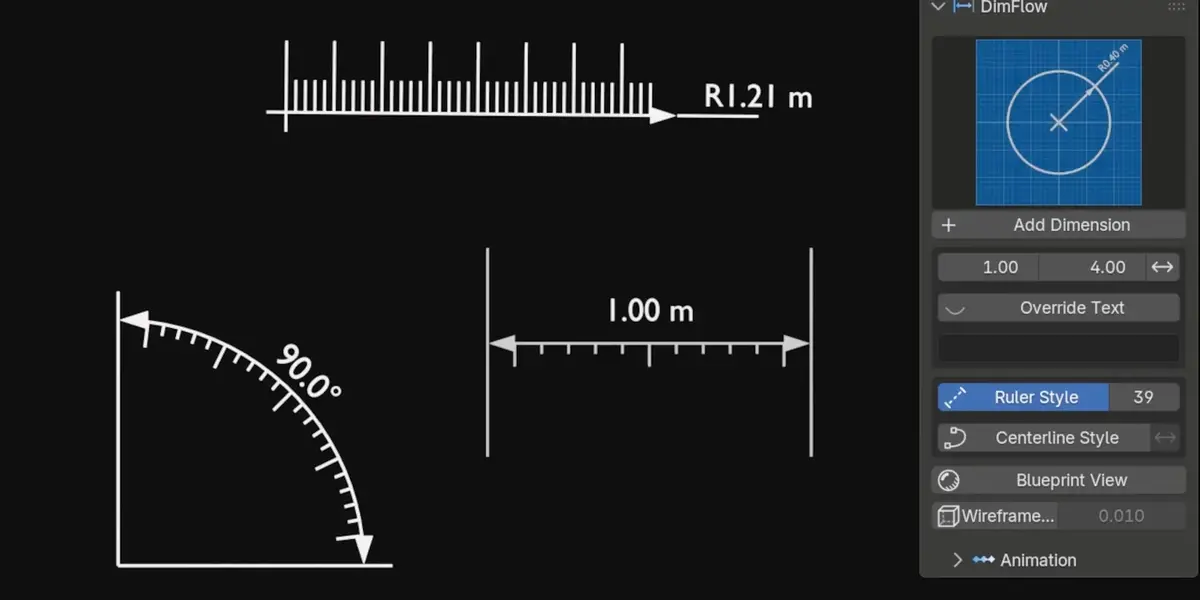
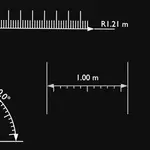
- Ruler style on annotations, plus separate horizontal and vertical text offsets


IMPROVED

- The annotation label holds still while you aim the leader

- Negative text offset drops the label under the landing line

- File upgrades now carry settings across by name rather than by position, so

  your values survive as the add-on grows new controls


REQUIRES

Blender 5.0, 5.1 or 5.2. Eevee and Cycles. Windows, macOS, Linux.

Free update for existing owners — old scenes upgrade themselves on load.

  • The complete add-on. All four dimension types, driving dimensions, style presets, reveal animations, blueprint and wireframe tools, a quick-start PDF, and all future updates. Personal and commercial use.

    $14.99
$14.99

Have questions about this product?
Login to message

Details
Blender Extension Compatible Yes
Sales 10+
Rating
2 ratings
Dev Fund Contributor
Published about 2 months ago
Blender Version 5.0 - 5.2
Extension Type Add-on
Render Engine Used Cycles, Eevee
License GPL