 Achat
Achat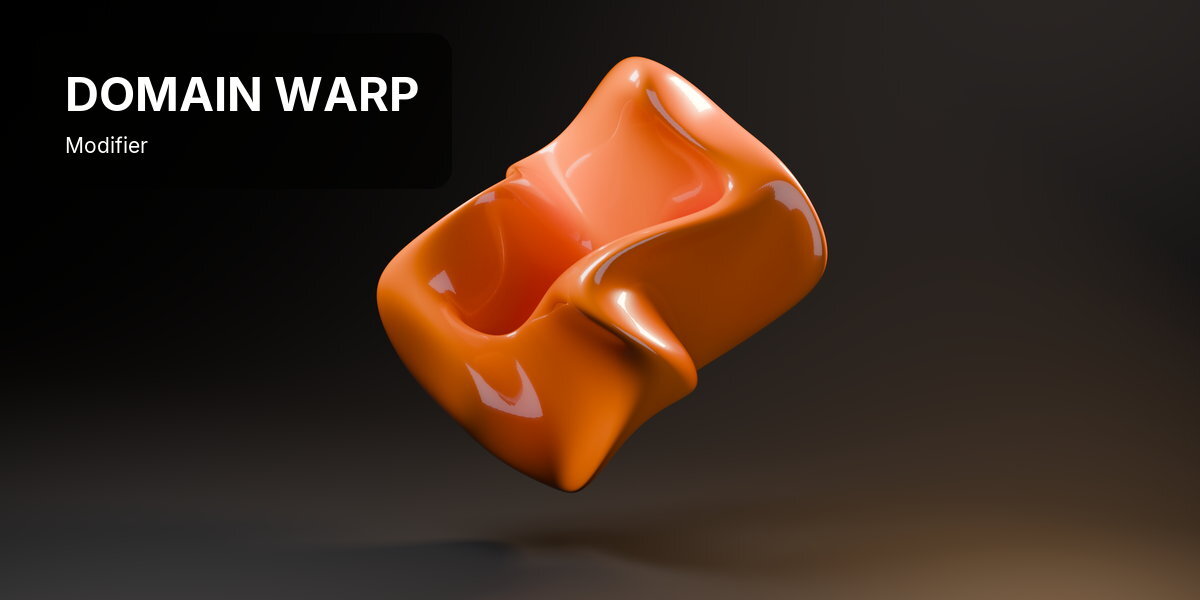
INSTALLATION
Blender 4.2 and newer: Edit > Preferences > Get Extensions > Install from Disk, and pick the downloaded .zip. Enable it, then find the panel in the 3D viewport sidebar (press N).
QUICK START
- Select a mesh, curve, text or point cloud.
- Open the sidebar in the 3D Viewport (N) and click the Domain Warp tab.
- Press Add Domain Warp. Organic Growth loads straight away.
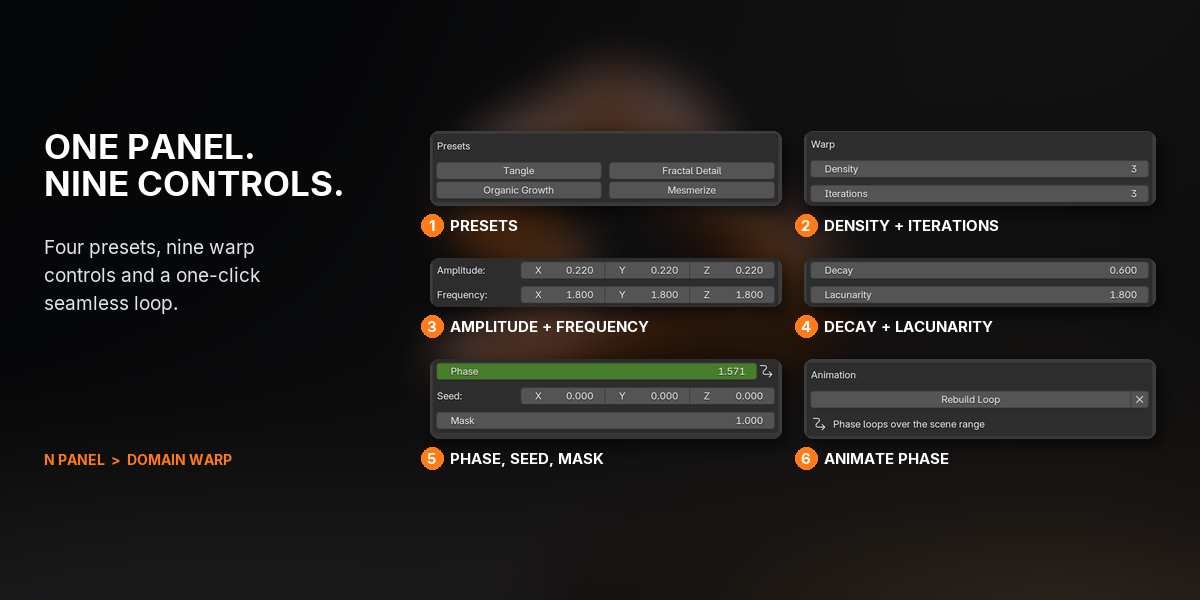
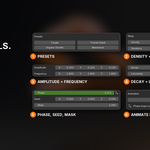
- Try the other presets, then tune Iterations, Amplitude and Frequency.
- Set your frame range, press Animate Phase, then press Space: it loops seamlessly.
FEATURES

1GROWN, NOT MODELLED
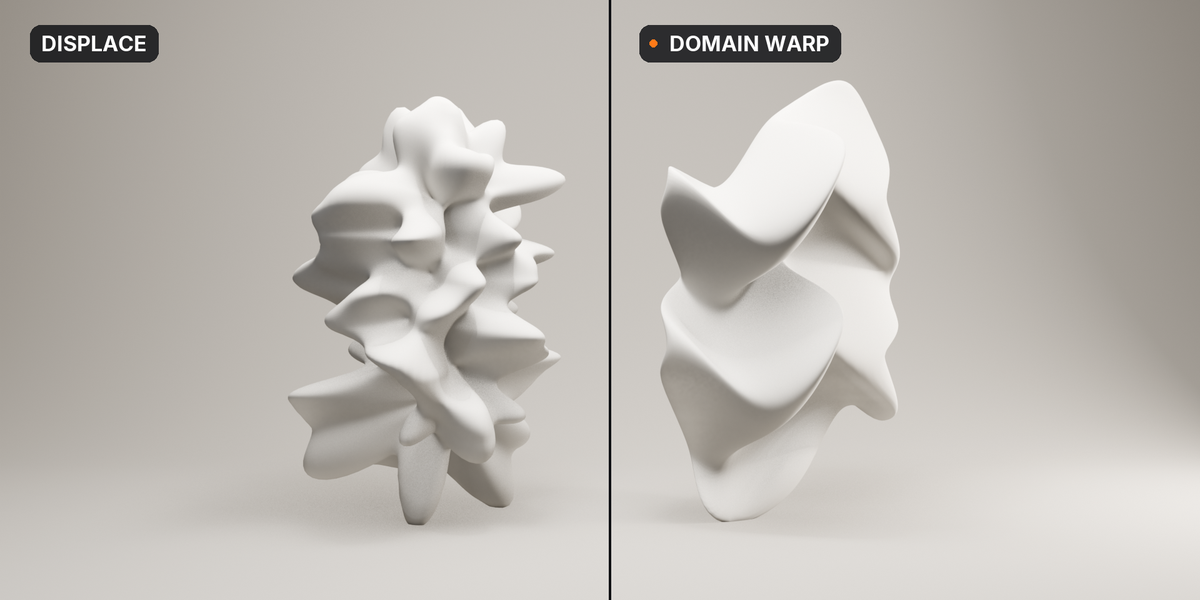
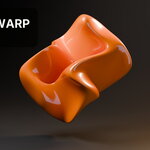
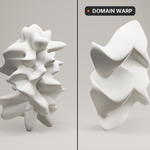
Domain Warp pushes every point along a sine wave, then warps the result again, each pass feeding one axis into the next. A plain torus folds into a sculpture that looks grown, and it keeps moving.

2A SEAMLESS LOOP IN ONE CLICK
Press Animate Phase and the warp travels one full cycle across your frame range. The frame after the last is exactly the first, so it loops with no seam, for GIFs, social posts and VJ sets.

3COARSE FORM, FINE DETAIL
Each pass can be smaller and finer than the last. Decay and Lacunarity turn repeats into octaves: the first pass shapes the form, the later ones add crisp detail on top.

4WARP ONLY WHERE YOU WANT
Point Mask at a vertex group and only that part warps; in-between weights fade the warp in gradually. The base of a column stays machined while the capital grows like coral.

5FOUR PRESETS, TUNED BY RENDERING
Start from Tangle, Organic Growth, Fractal Detail or Mesmerize. Each was tuned by rendering to stay clear of the two ways a warp looks broken: sheared into a lozenge, or crosshatched.
6MESHES, CURVES, TEXT AND POINT CLOUDS

Warp a mesh, a curve with a bevel, a line of text or a point cloud with the same controls. Density subdivides meshes first, so even a low-poly shape has points to fold.
7ONE SETTING, A DIFFERENT SHAPE PER OBJECT
Give each object its own Seed and the same settings grow a different shape on every copy. A shelf of vases, a field of pebbles, all from one look.
8A NORMAL MODIFIER, STACKS AND APPLIES
It is an ordinary geometry nodes modifier: stack it with Array or Wireframe, apply it for real geometry, or drop the Domain Warp node into your own tree. The file renders without the add-on, in any engine.
GOOD TO KNOW
- It moves the points a shape already has. A low-poly mesh needs Density, and every Density step multiplies the face count by four, so turn Density down on meshes that are already dense.
- Density only subdivides meshes. On curves, text and point clouds, raise the object's own resolution or point count instead.
- The pattern is built from sine waves, so it is regular rather than random noise. On objects many waves across it can repeat; a different Seed or a different Frequency per axis breaks it up.
- Frequency is measured in the object's own units. The presets suit objects about one unit across; a ten-unit object wants roughly a tenth of the frequency.
- If the last pass gets very fine (Frequency times Lacunarity to the power of Iterations minus one, above about 15 on a unit-sized object), it turns into a crosshatch. Use fewer, larger passes, or more Density.
- Strong settings fold a surface through itself. That renders fine; clean it up before 3D printing, booleans or simulation.
- Surface (NURBS), Metaball, hair Curves and Grease Pencil objects can't carry it. Convert them to a mesh or curve first.
- Switching Mask to a vertex group happens in Properties > Modifiers, with the attribute toggle beside Mask. The sidebar then shows the group's name.
- Animate Phase uses the frame range at the moment you press it. Changed the range? Press Rebuild Loop.
- Duplicates share one node graph, like a shared material, while slider values stay per object. Make Single User gives a copy its own graph.
- The pattern belongs to the object: move, rotate or scale it and the warp travels with it.
- Blender 5.2 or newer only.
SUPPORT
Email [email protected].
Have questions about this product?
Login to message
| Blender Extension Compatible | Yes |
| Published | 1 day ago |
| Blender Version | 5.2 |
| Extension Type | Add-on |
| Render Engine Used | Cycles, Eevee |
| License | GPL |
Discover more products like this
abstract warp Generative Art organic deform fractal domain-warp seamless loop motion graphics procedural displace geometry nodes