 Jean-Marie Rudent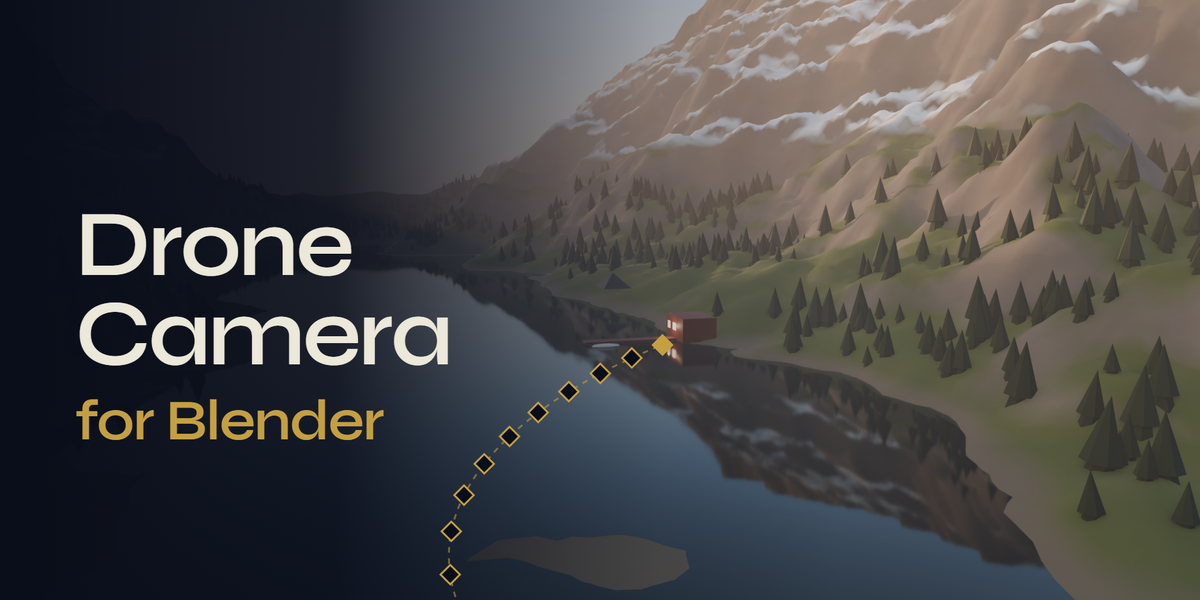
BLENDER ADD-ON · CAMERA ANIMATION
Drone Camera
Fly the shot. Keep the keys.
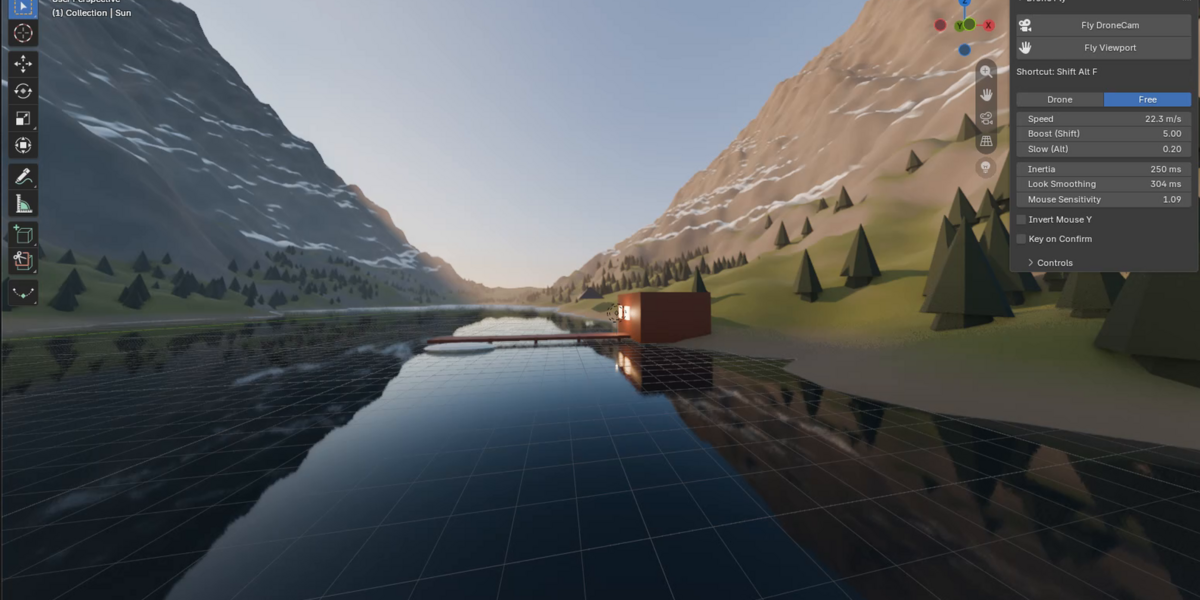
Stop keyframing camera moves by hand. Drone Camera lets you fly the scene camera with the keyboard and the mouse, record the flight, and keep it as plain keyframes.
WASD + mouse · Records every frame · No dependencies
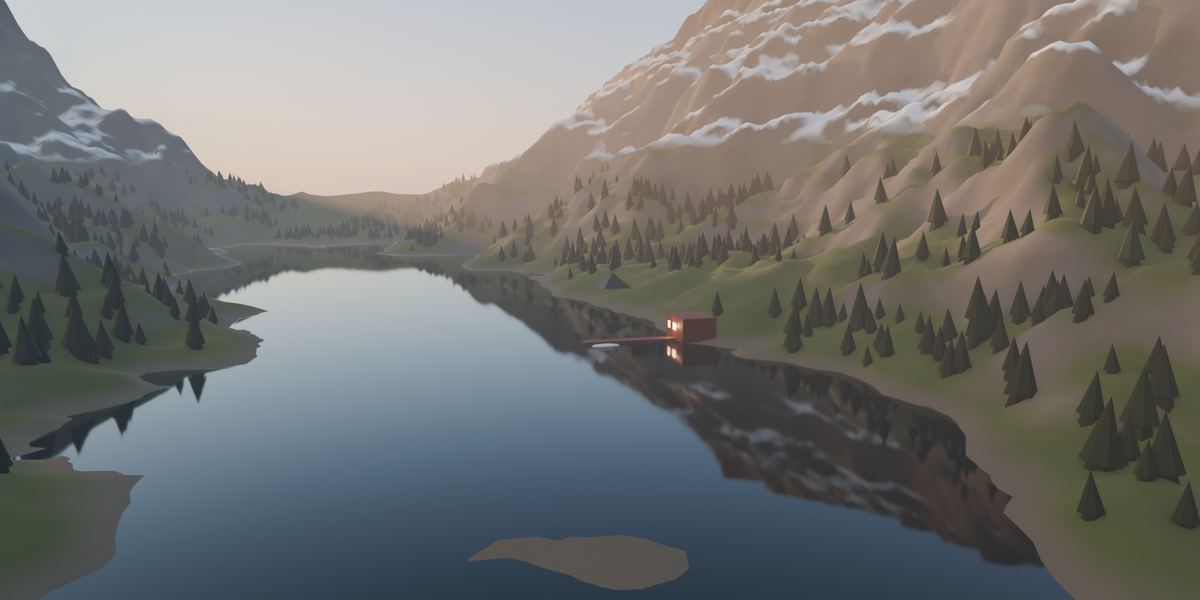
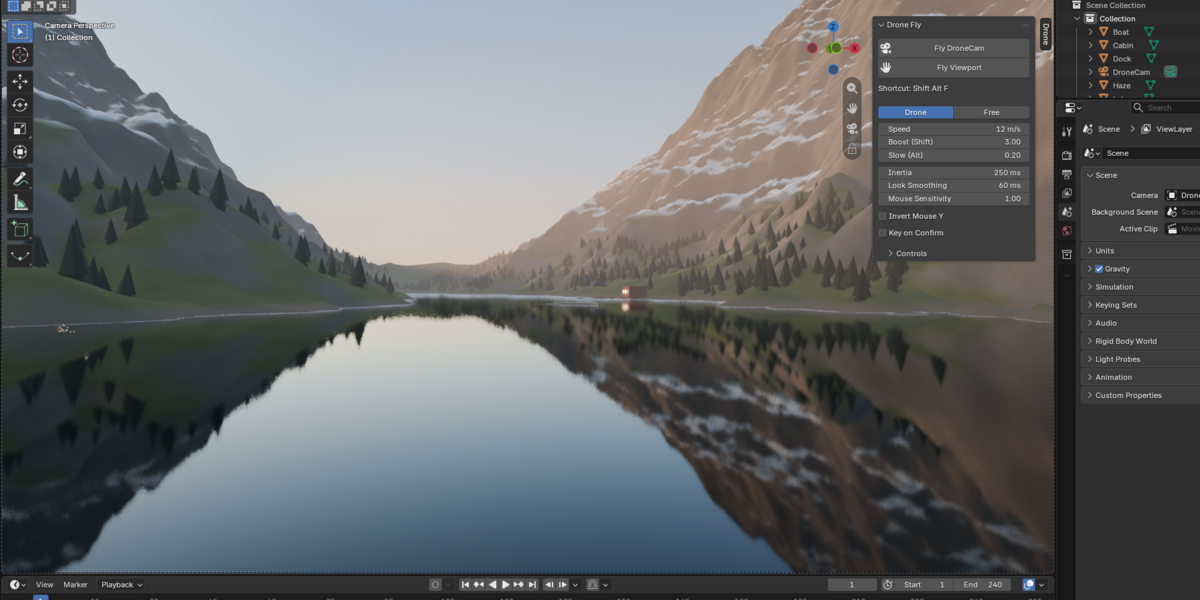
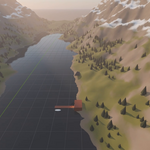
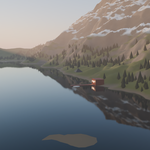
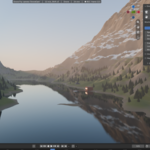
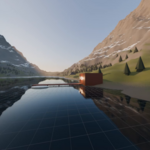
A recorded flight, rendered in EEVEE.
01 · FLY
Fly it like a drone, not a game camera.
Move with WASD or ZQSD, look with the mouse, climb with Space and drop with Ctrl. Inertia and look smoothing keep every move soft, so the shot feels aerial instead of keyed.
W A S DSPACECTRL
02 · RECORD
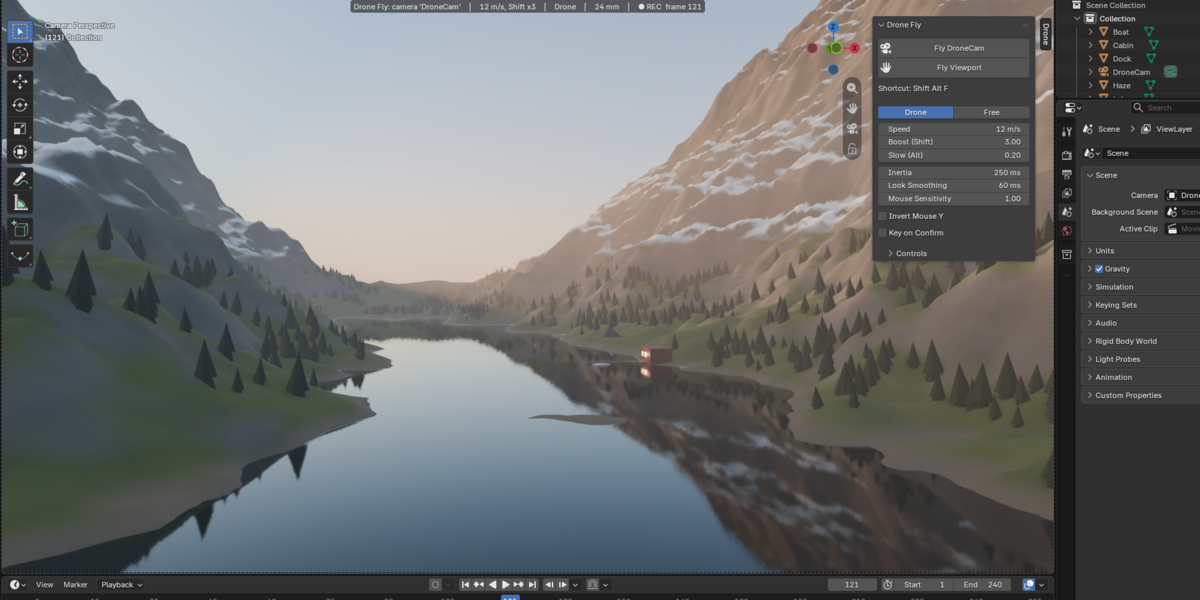
Press R. Every frame becomes a keyframe.
The timeline plays while you fly and one key is stored per frame. Press Enter to keep the take. Press Esc and nothing in your scene has changed.
RENTERESC
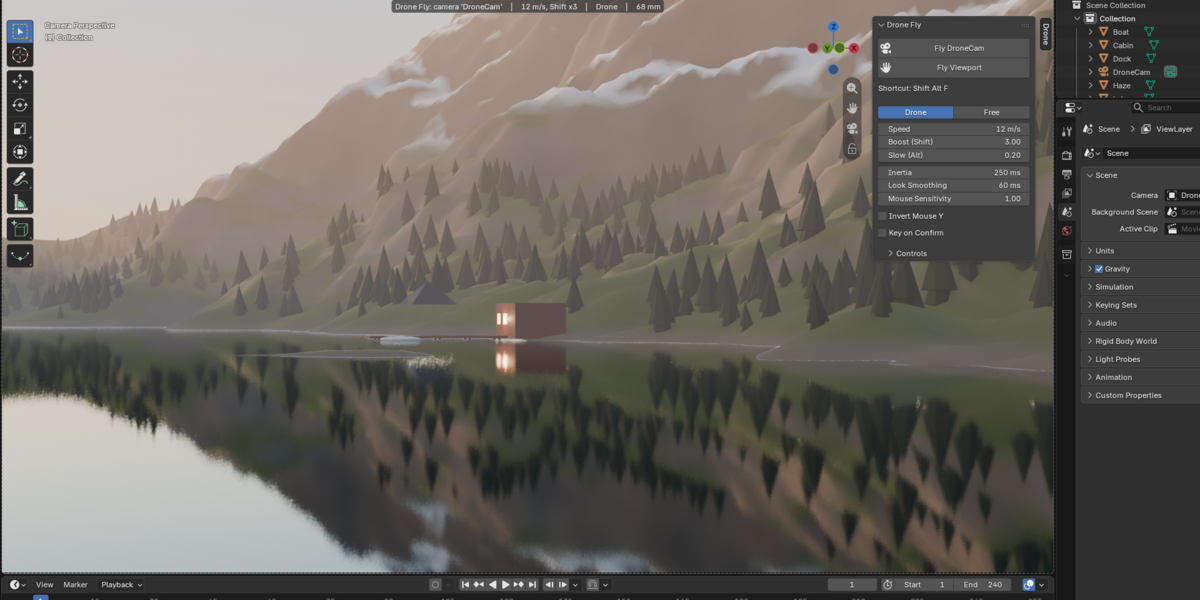
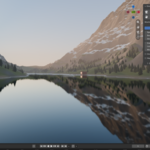
The header shows speed, mode, focal length and the frame being keyed.
03 · LENS
Change the lens without leaving the flight.
Alt and the mouse wheel change the focal length smoothly, and the zoom is keyed with the flight. Mouse look slows down on long lenses, like a real tele lens.
ALT + WHEEL
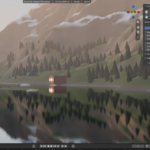
24 mm to 65 mm, in flight.
04 · CONTROLS
Every control under one hand.
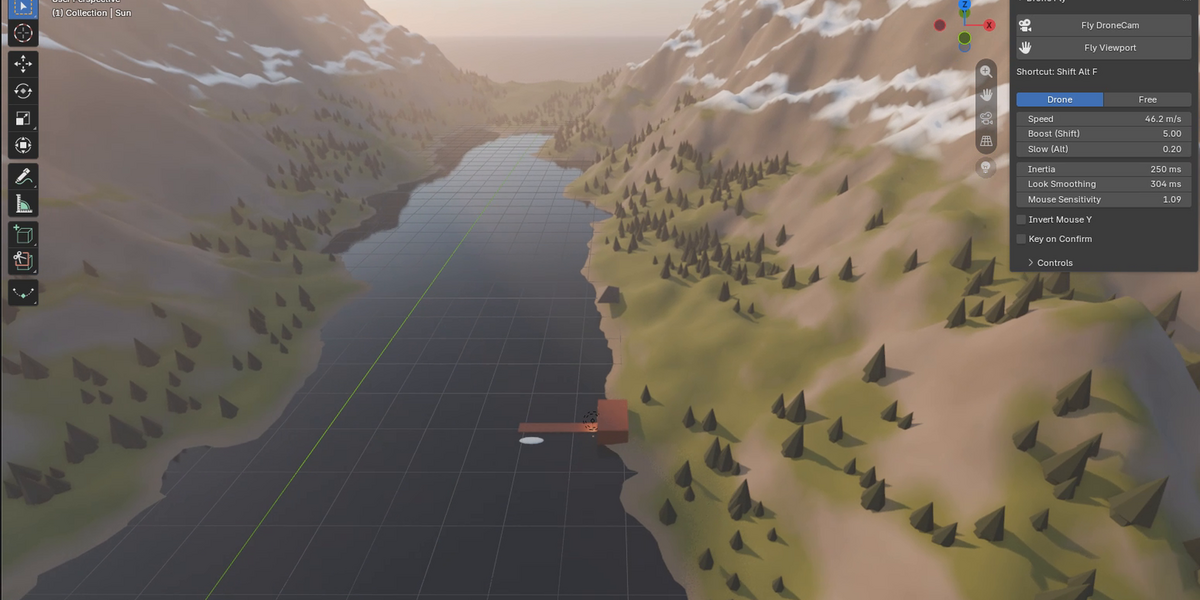
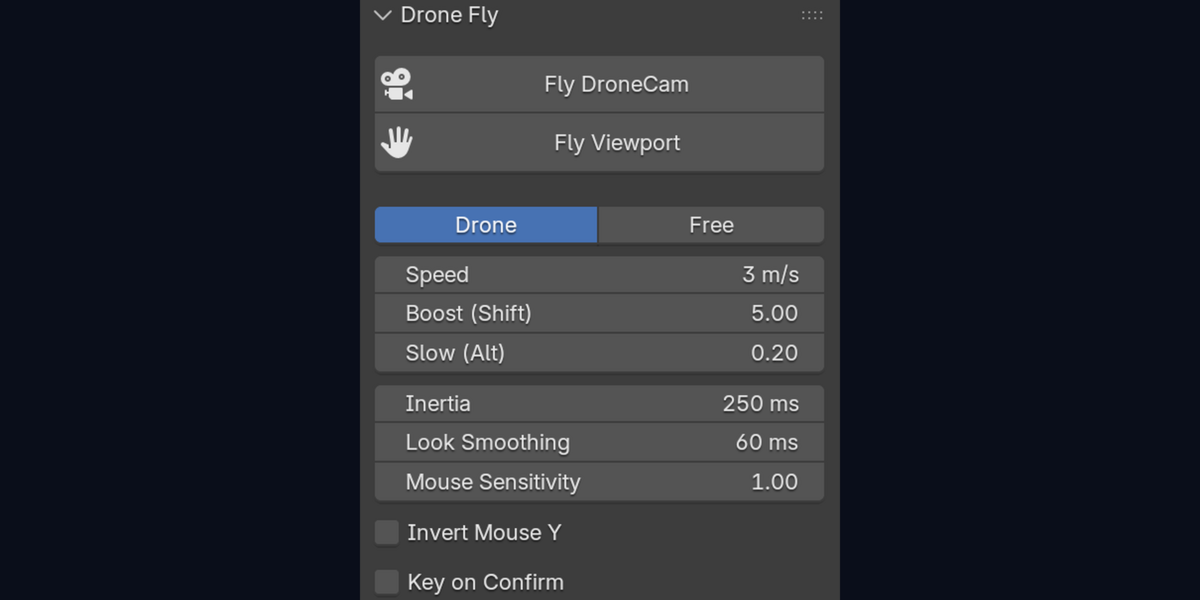
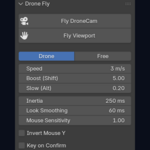
Speed, boost, lens and mode all change while you fly. Drone mode keeps your altitude. Tab switches to Free mode, where forward follows the view.
SHIFT ALT F
Start a flight
WASD / ZQSD
Move, both layouts at once
SPACE / CTRL
Up and down
WHEEL
Speed
SHIFT / ALT
Boost or slow down
TAB
Drone or Free mode
H
Level the horizon
BACKSPACE
Back to the start
ENTER / ESC
Keep or cancel
05 · CLEAN KEYS
Keys you can actually edit.
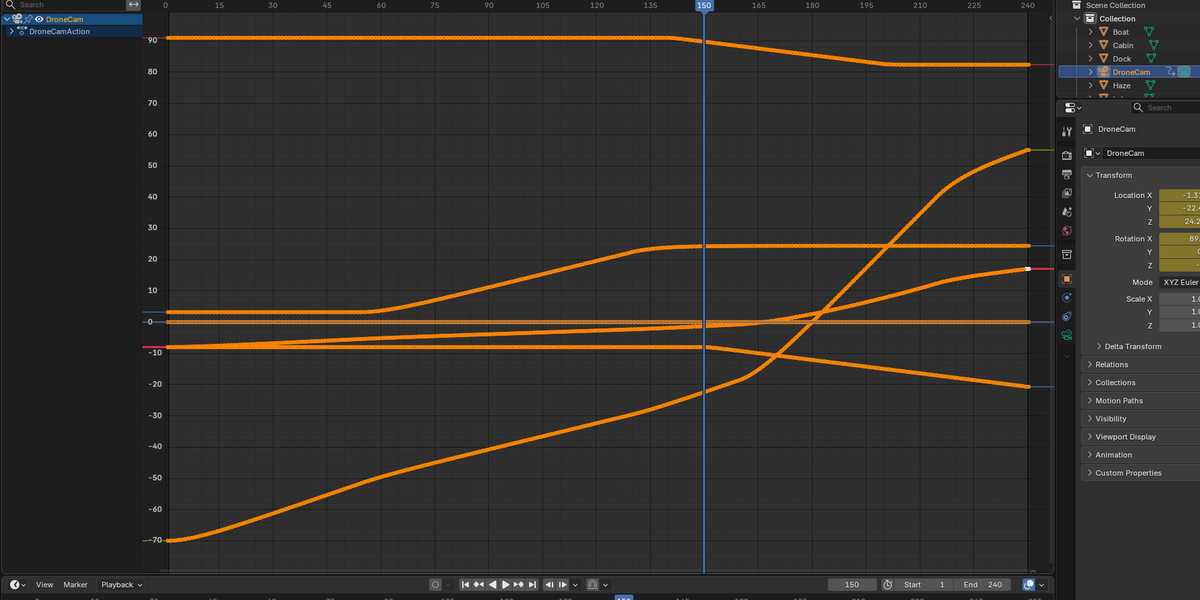
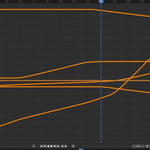
You get plain location and rotation keys on the camera. No rig, no constraint, nothing to bake. Rotations stay continuous, so no 360 degree flips in the Graph Editor.

06 · WHY NOT FLY MODE
Heavy scene? It never skips a frame.
Blender's Fly mode is fine for looking around. Recording with it is another story.
BLENDER FLY MODE
DRONE CAMERA
Recording
Auto Keying + real-time playback
Press R
Heavy scene
Can skip frames
Fixed steps, every frame keyed
Keys
Written as you play
Written on Enter only
Plus inertia and look smoothing, a Drone mode that holds altitude, and focal length on Alt + wheel.
WHAT YOU GET
One add-on, one tab, one shortcut.

The Drone tab, in the N panel, in camera view.

drone_fly-1.1.0.zip, installed from Edit > Preferences > Add-ons > Install from Disk.
Listed as Drone Fly in Blender. Drone tab in the N panel, Shift Alt F to fly.
Pure Python, no dependencies. Free updates for version 1.x.
Keyboard and mouse only. No gamepad, no physics: a smooth flight camera built for clean, editablemoves.
BLENDER 4.2+ · TESTED ON 5.2 LTS · EEVEE AND CYCLES · GPL
Fly the shot.
Drone Camera for Blender, $9.
Free updates for version 1.x.