Drone Camera
 Jean-Marie Rudent
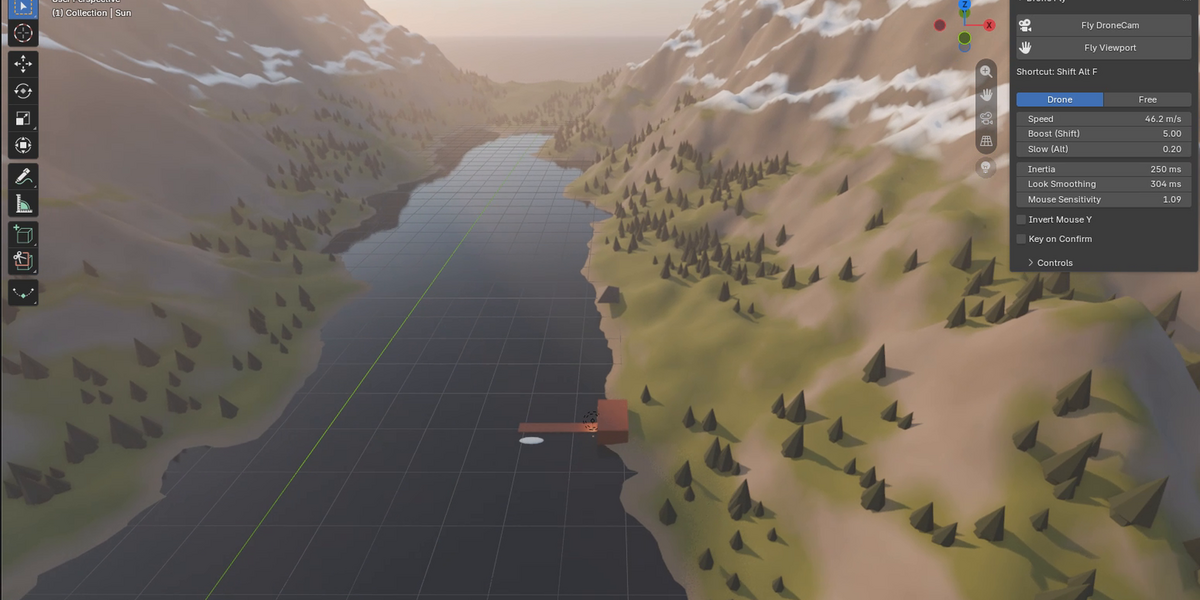
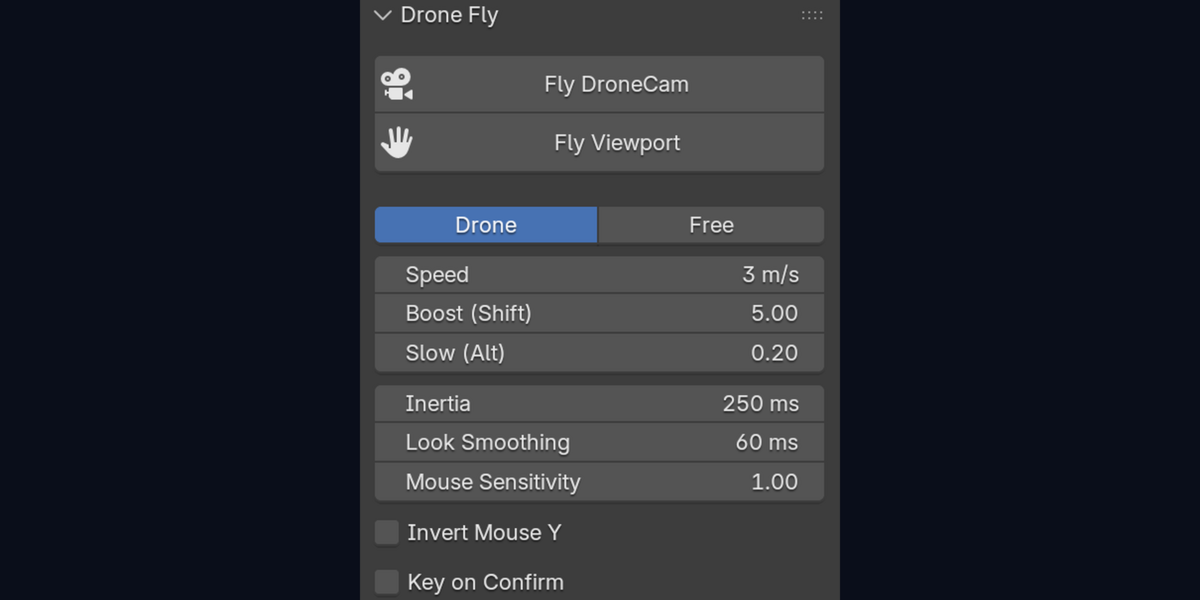
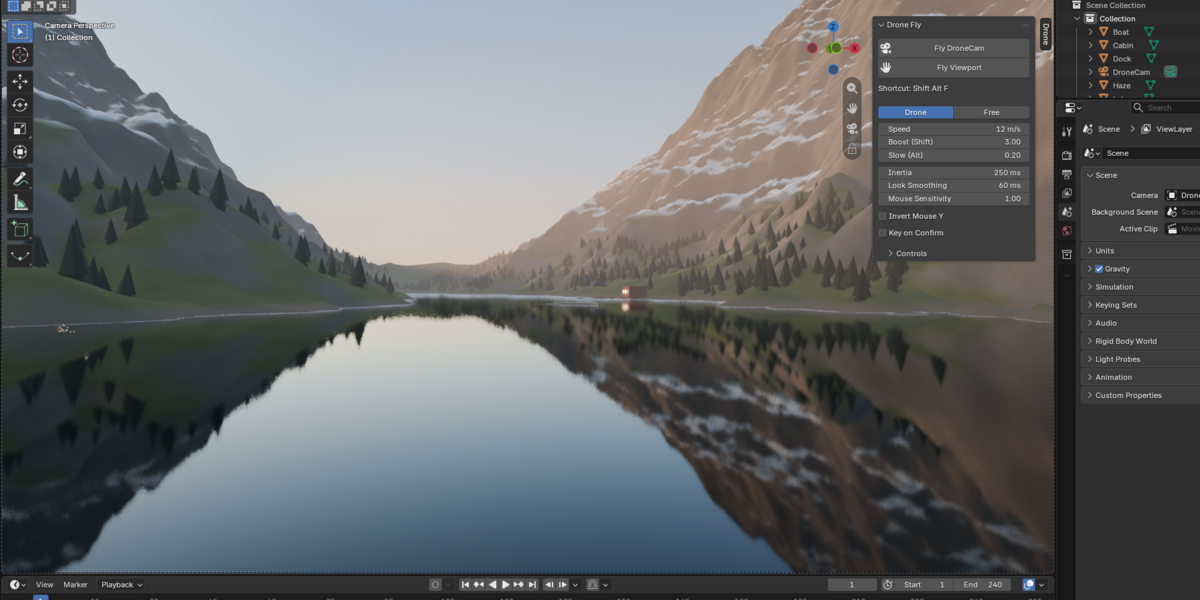
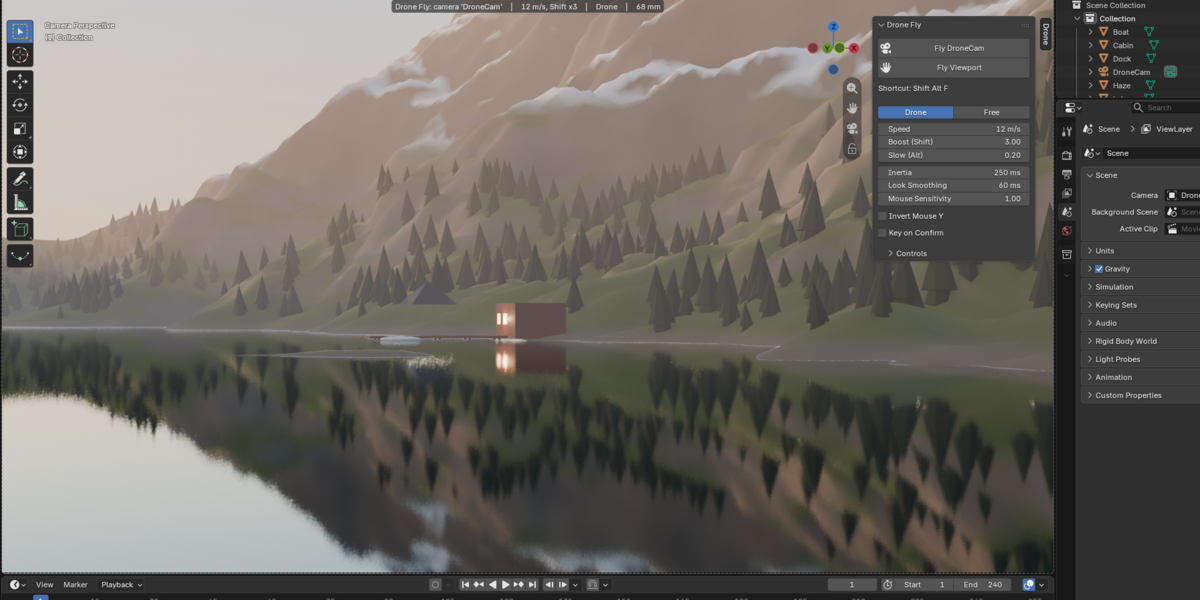
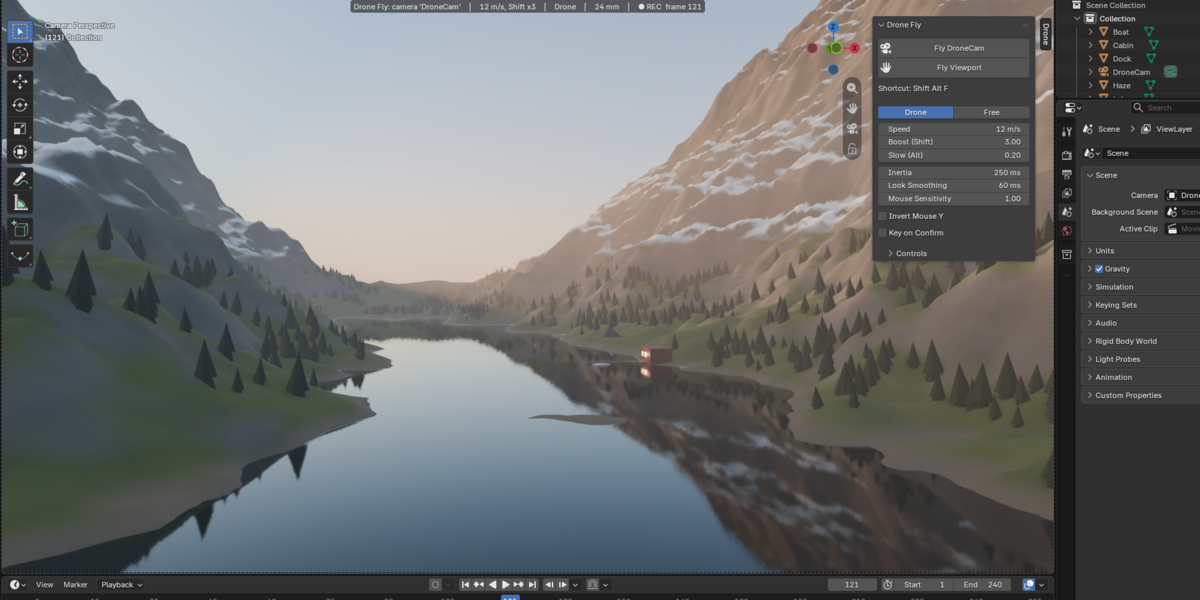
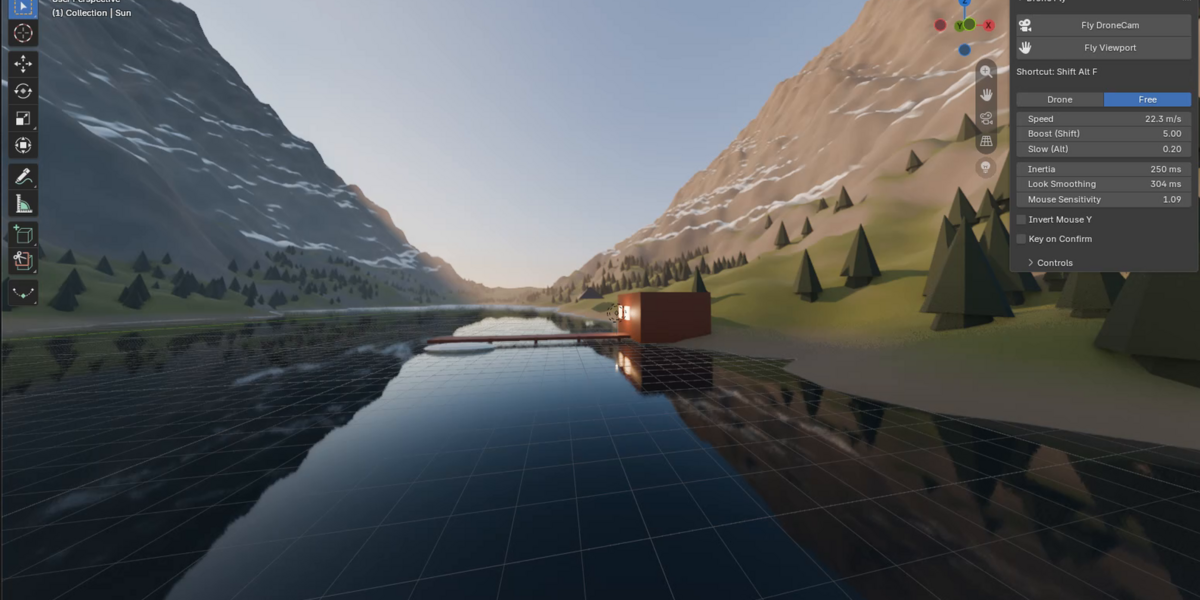
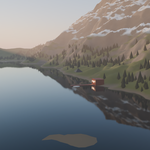
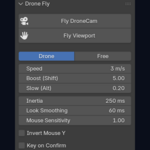
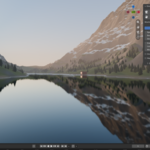
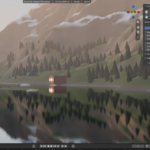
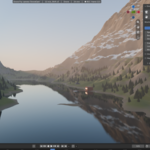
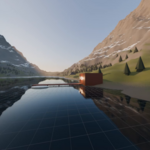
Recording with Fly mode means Auto Keying plus real-time playback, so a heavy scene can skip frames. Drone Camera records at fixed steps of one frame, adds inertia and smoothing, keeps altitude in Drone mode, zooms on Alt + wheel and writes nothing until you press Enter.
No. It works with a keyboard and a mouse. Gamepads are not supported, and there is no physics (no gravity, no tilt). ZQSD and WASD both work at the same time.
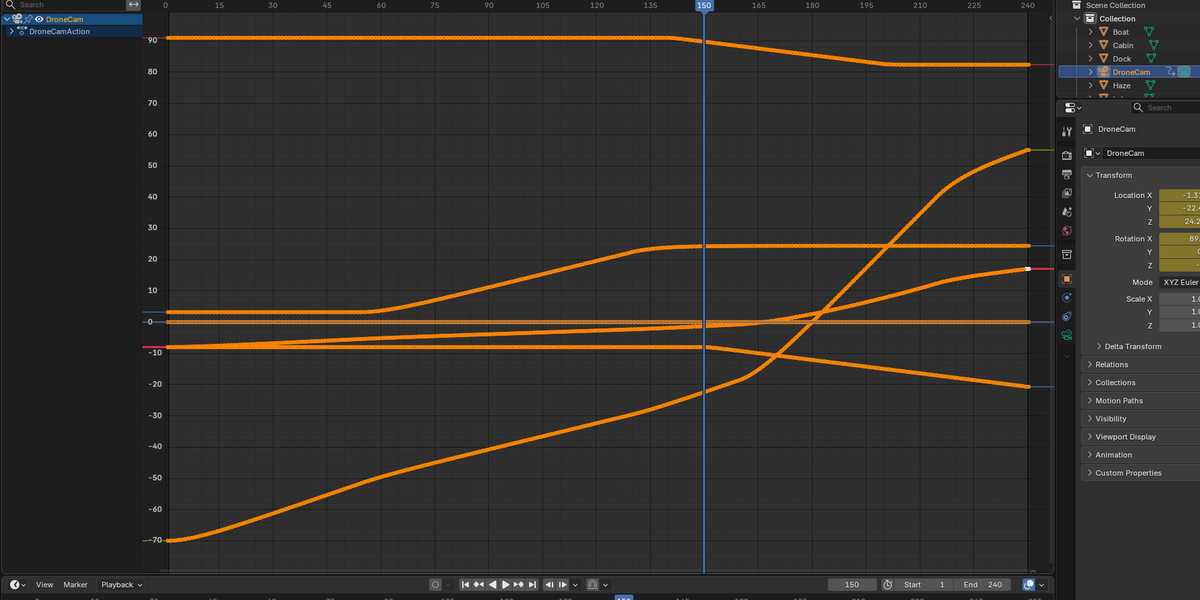
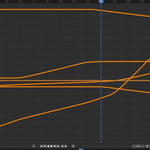
Yes. You get one key per frame on the camera (location, rotation, and focal length if you zoomed). Smooth, cut or simplify them in the Graph Editor like any other animation.
A constraint (Track To, Follow Path...) is driving it. The Drone panel and the header show a warning. Disable the constraint or fly another camera.
While recording, the flight advances one frame at a time. A slow scene records in slow motion but the result plays at the right speed, without gaps.
Yes, on personal and client projects. The add-on is GPL-3.0-or-later, like Blender.
Have questions about this product?
Login to message
| Blender Extension Compatible | Yes |
| Published | 4 days ago |
| Blender Version | 4.2 - 5.2 |
| Extension Type | Add-on |
| Render Engine Used | Cycles, Eevee |
| License | GPL |
Discover more products like this
camera animation cinematic fly previs camera aerial navigation drone record wasd keyframes flythrough