PRODUCT DOCUMENTATION
DWG Import
Import DWG architectural drawings and CAD linework into Blender as organized, editable geometry.
Requirements
Windows 10 or 11 x64, Blender 4.2 or newer, and the free ODA File Converter installed separately once. No additional DXF importer is required.
Installation
Download the extension ZIP without extracting it. In Blender, open Edit > Preferences > Get Extensions, choose Install from Disk, select the ZIP, and enable DWG Import.
One-Time ODA Setup
Install the free ODA File Converter from the official Open Design Alliance website. DWG Import automatically checks standard installation locations, Windows installer records, and PATH.
If it is not detected, open the extension preferences, click Detect ODA File Converter, or select ODAFileConverter.exe manually. After setup, conversion runs automatically in the background.
Importing a DWG
Choose File > Import > DWG Import (.dwg) and select a drawing, or drag a DWG file directly into Blender's 3D Viewport to begin importing immediately.
Import stages and percentage progress are shown in Blender's bottom status bar. Large drawings may take additional processing time.
Imported Result
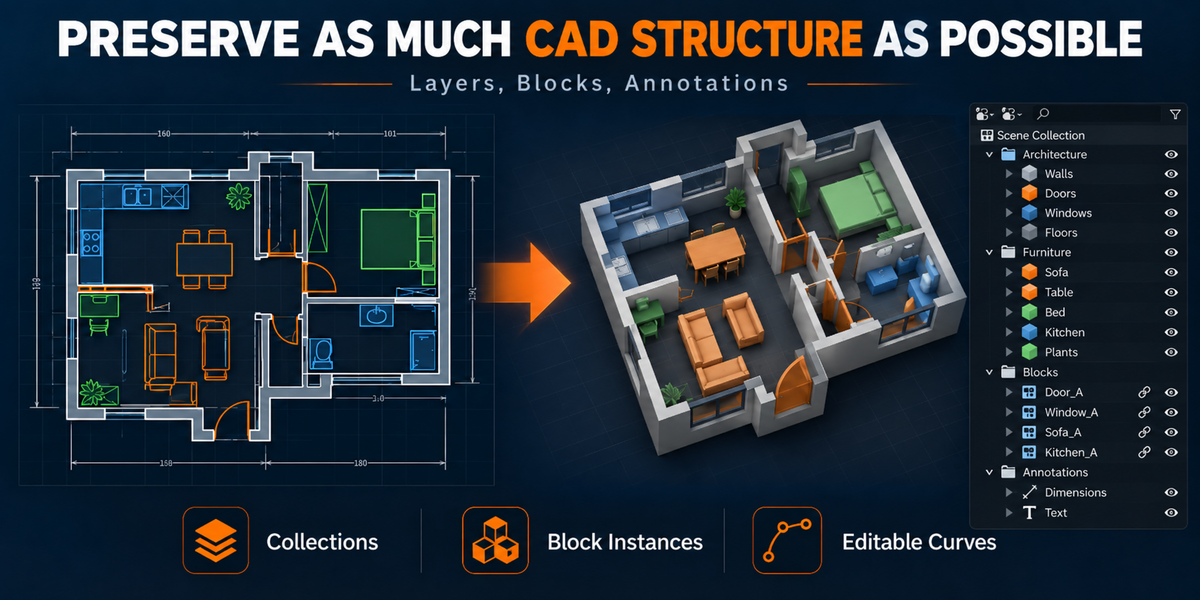
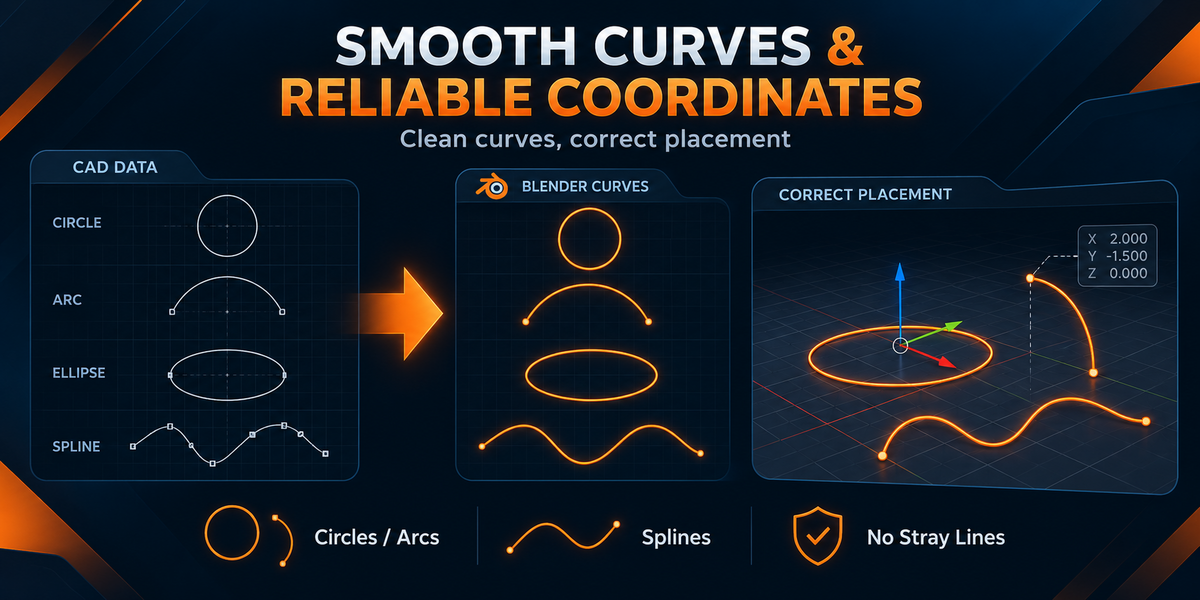
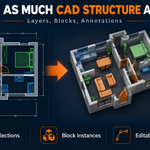
CAD layers become Blender collections, connected linework becomes practical editable Curve objects, and top-level blocks remain separately selectable instances. Annotations are organized in a locked collection. Hidden CAD content is preserved in a disabled collection without affecting automatic centering.
Scale and Placement
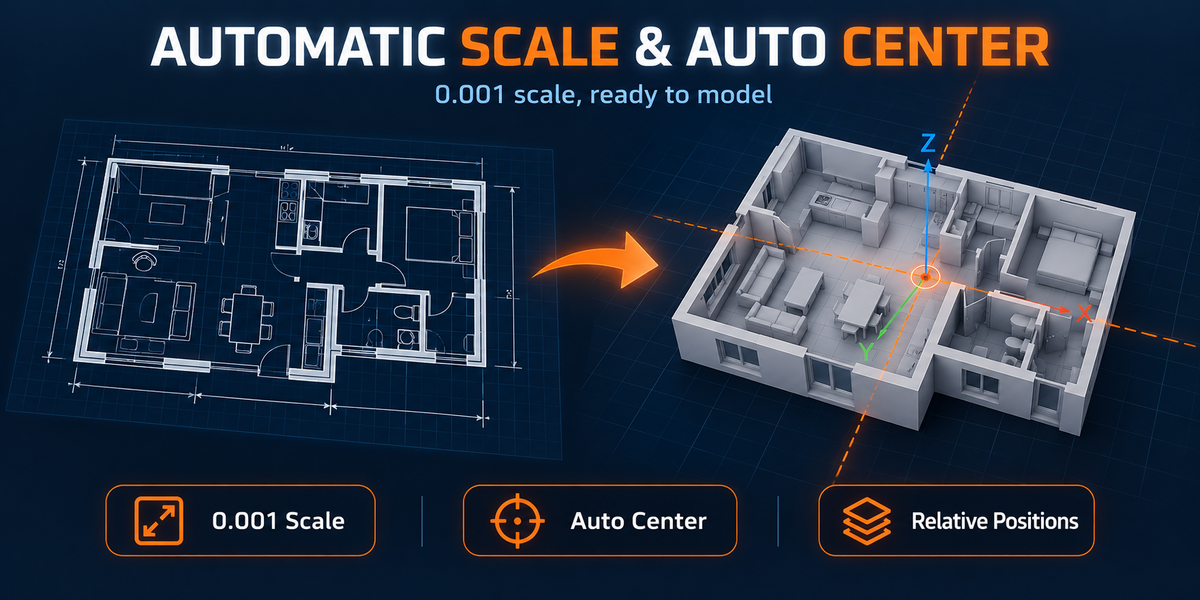
Every import uses a fixed scale of 0.001. Visible editable geometry determines the drawing center, while all visible and hidden content receives the same transformation so relative CAD placement remains intact.
Important Notes
DWG files may contain proxy objects, AEC data, ACIS solids, external references, custom fonts, layouts, constraints, or third-party entities without a direct Blender equivalent. Always validate critical drawings against the original DWG.
DWG IMPORT | VERSION 1.1.7 | VERTEXMODELER
 VertexModeler Inc.




 Included