 StillMount Studios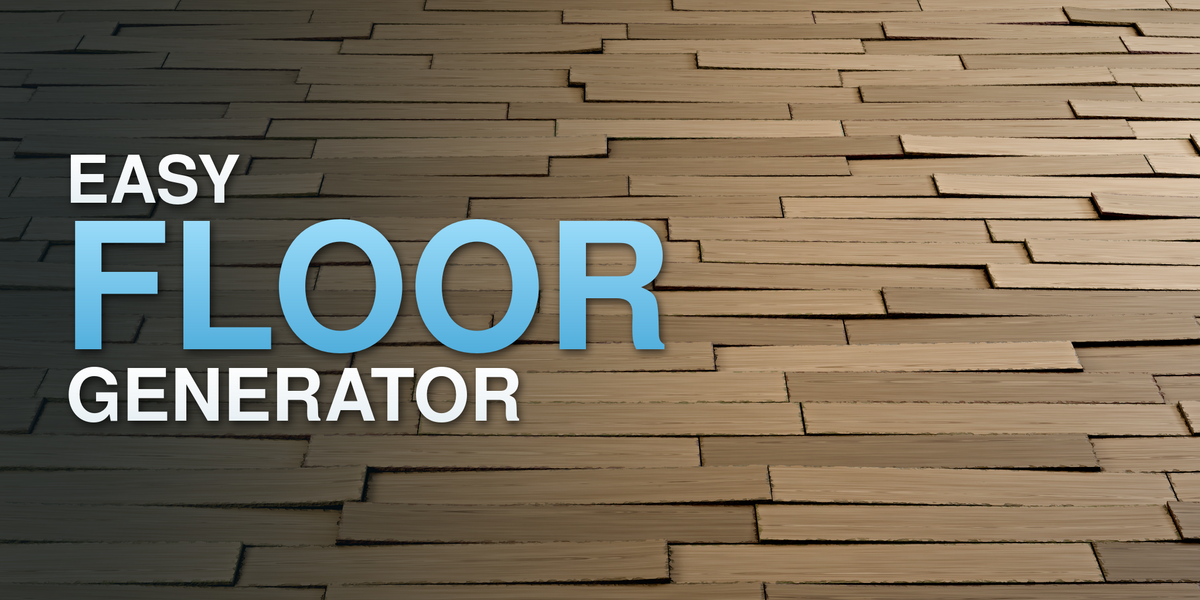
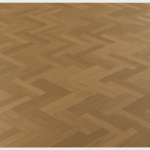
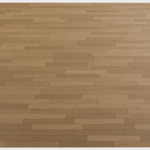
Easy Floor Generator
Create wood floors with Geometry Nodes: choose a laying pattern, fit it to your surface and add natural variation. Use procedural planks or bring your own models through a collection.
Designed for Blender 4.5–5.2 · Geometry Nodes setup · No add-on installation required
Easy to Use
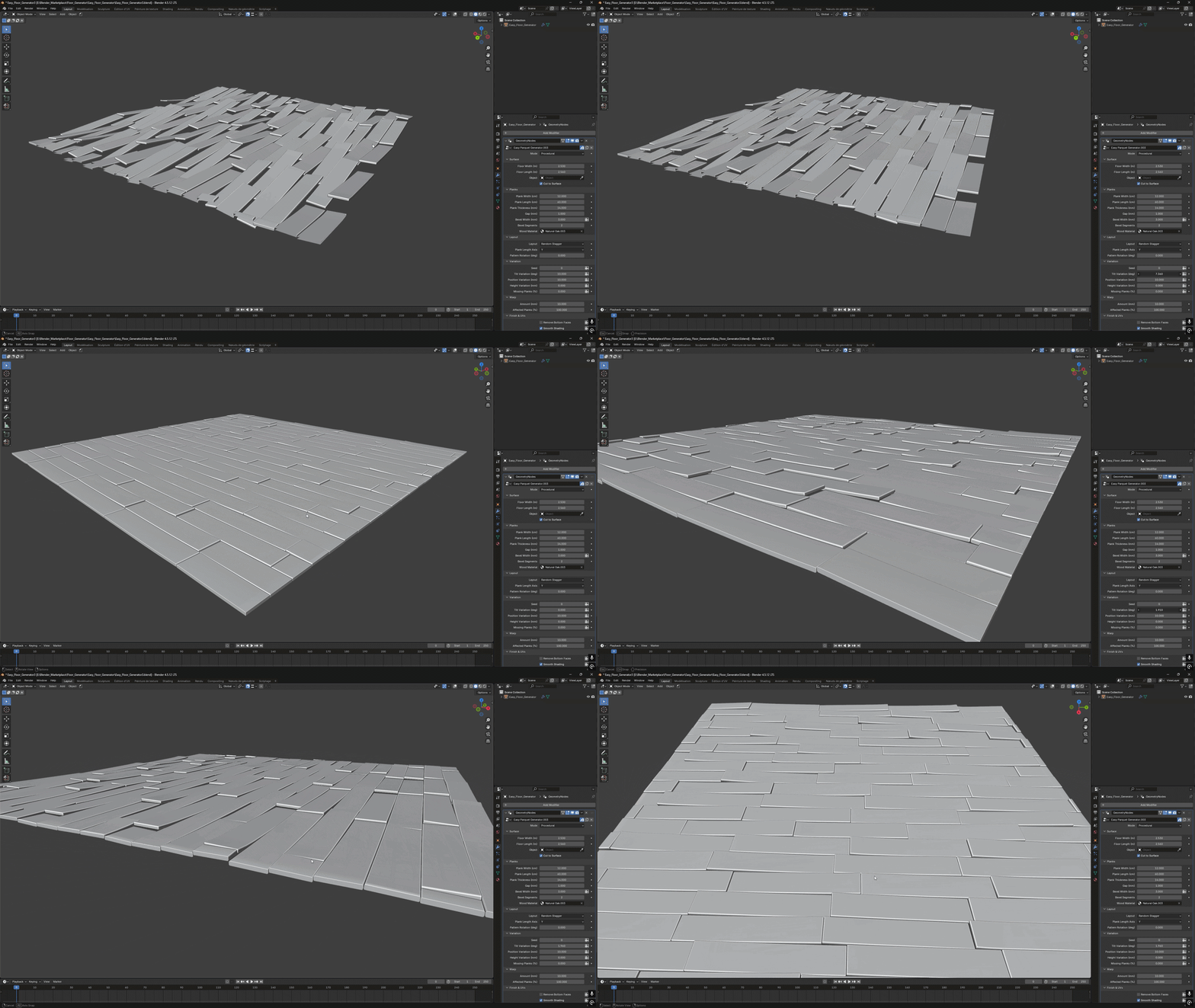
Build a clean floor or a damaged parquet setup from the same controls. Combine tilt, position variation, missing planks and warp to shape the result directly in the modifier.
Laying Patterns
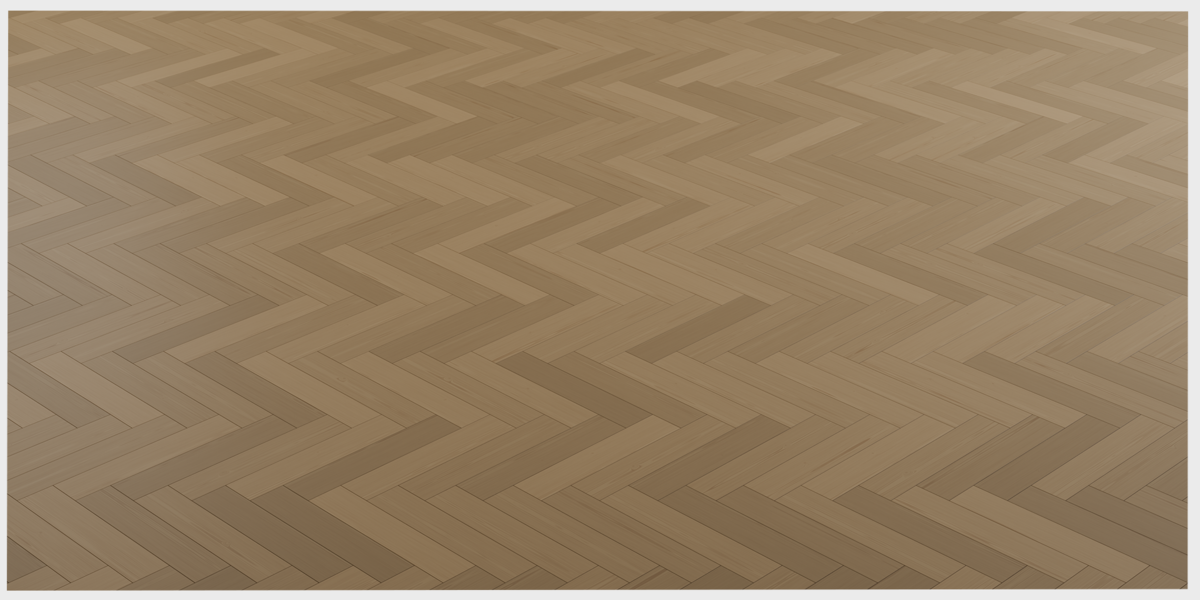
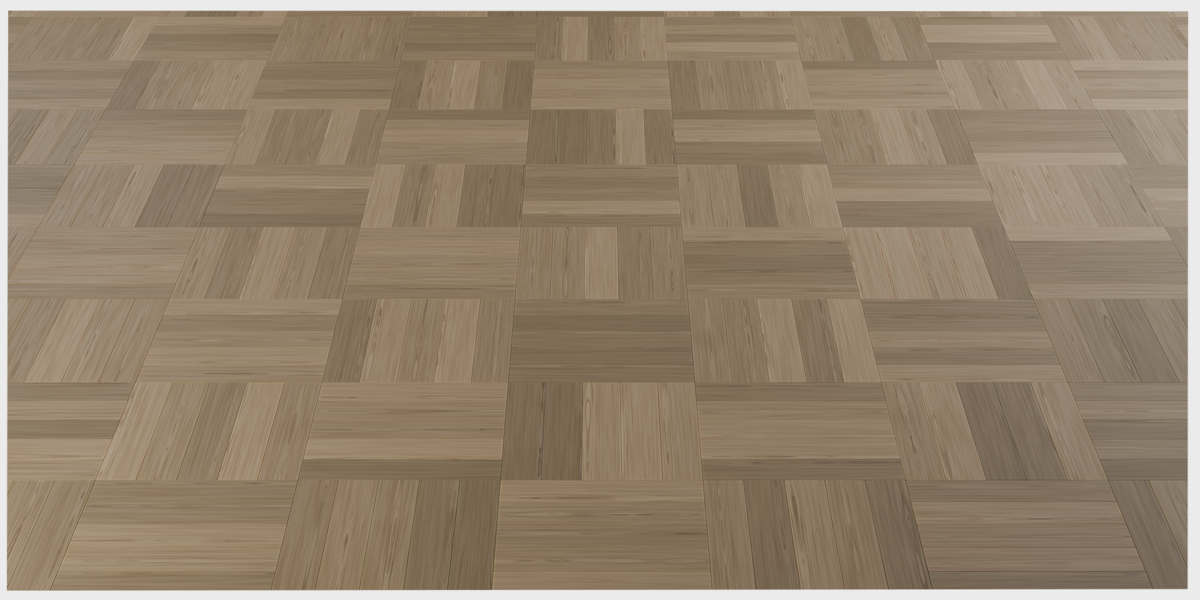
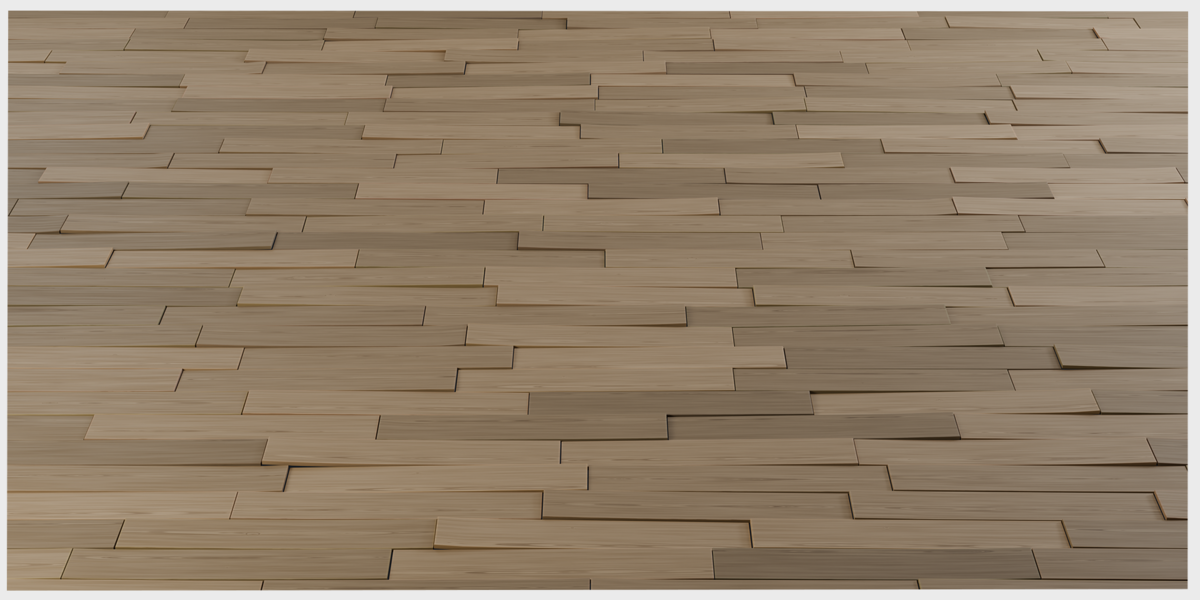
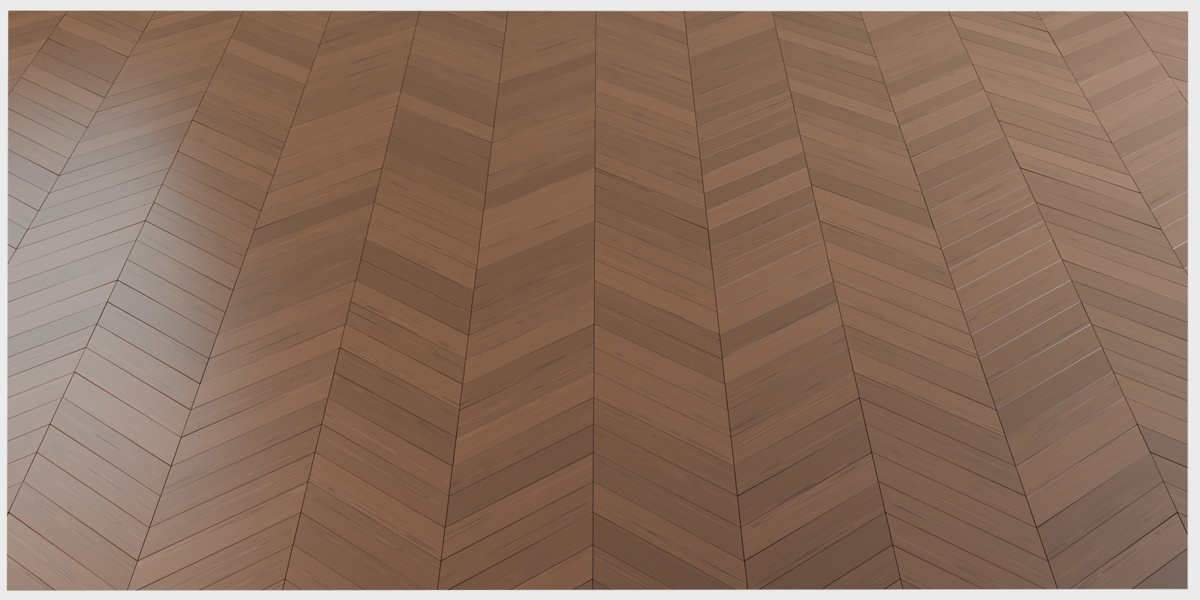
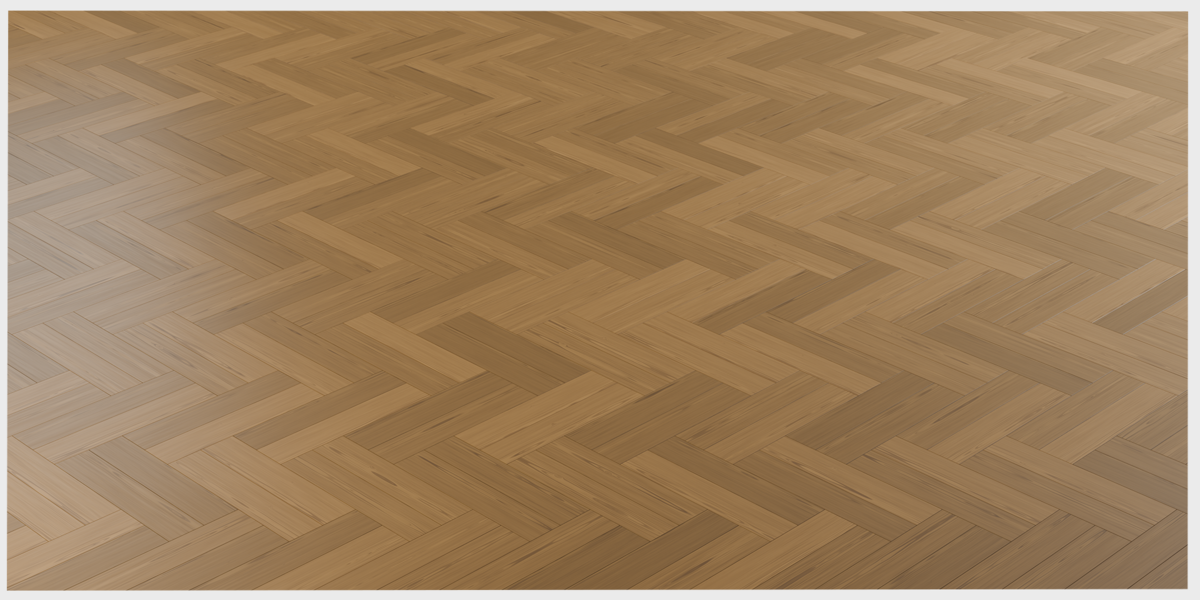
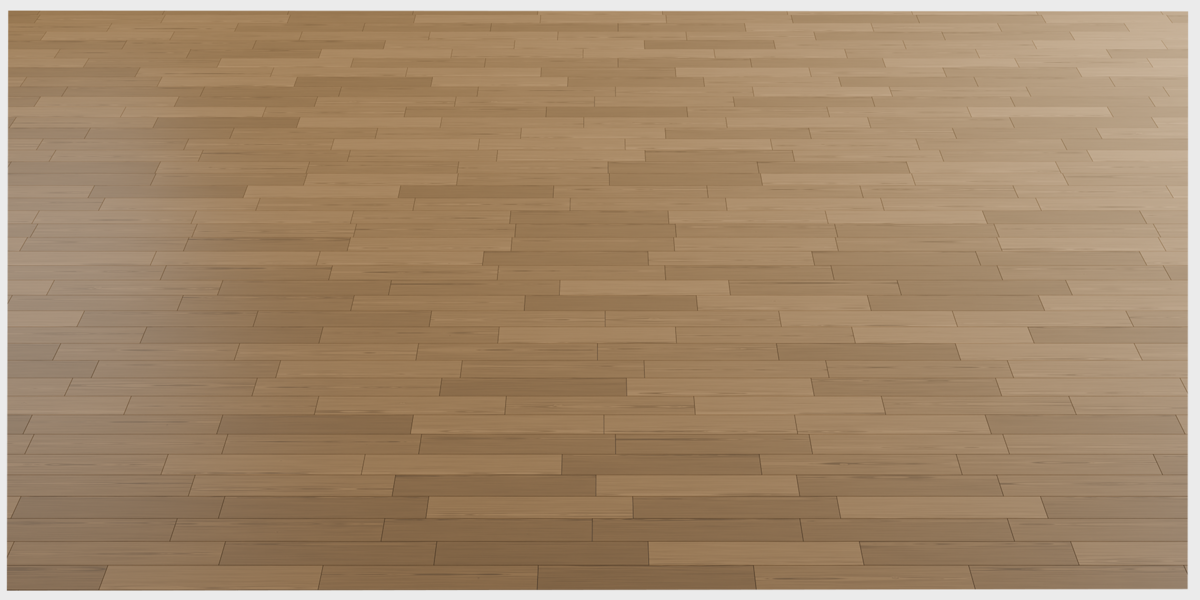
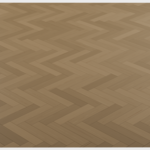
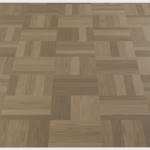
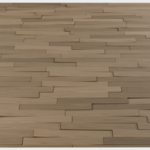
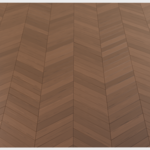
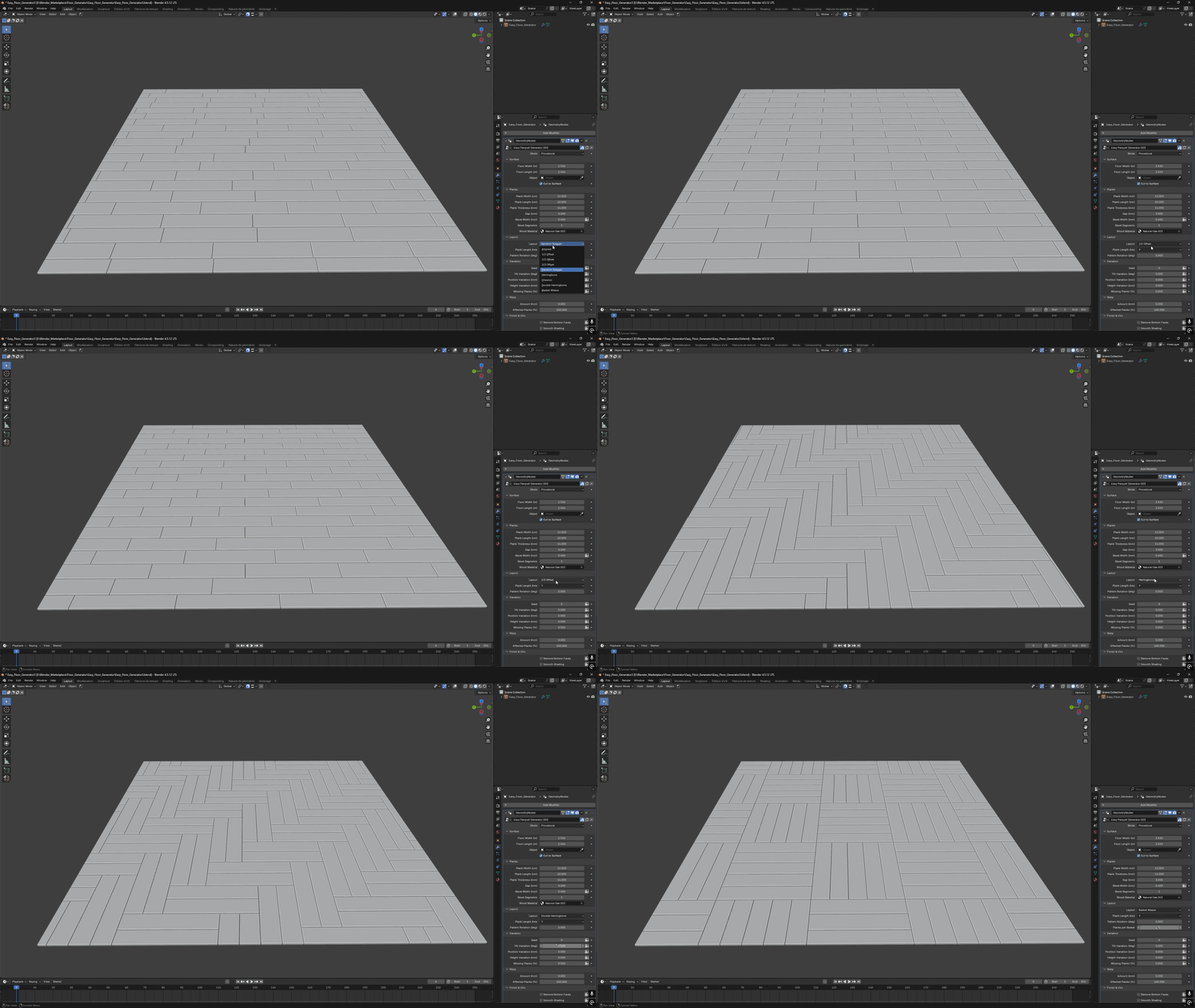
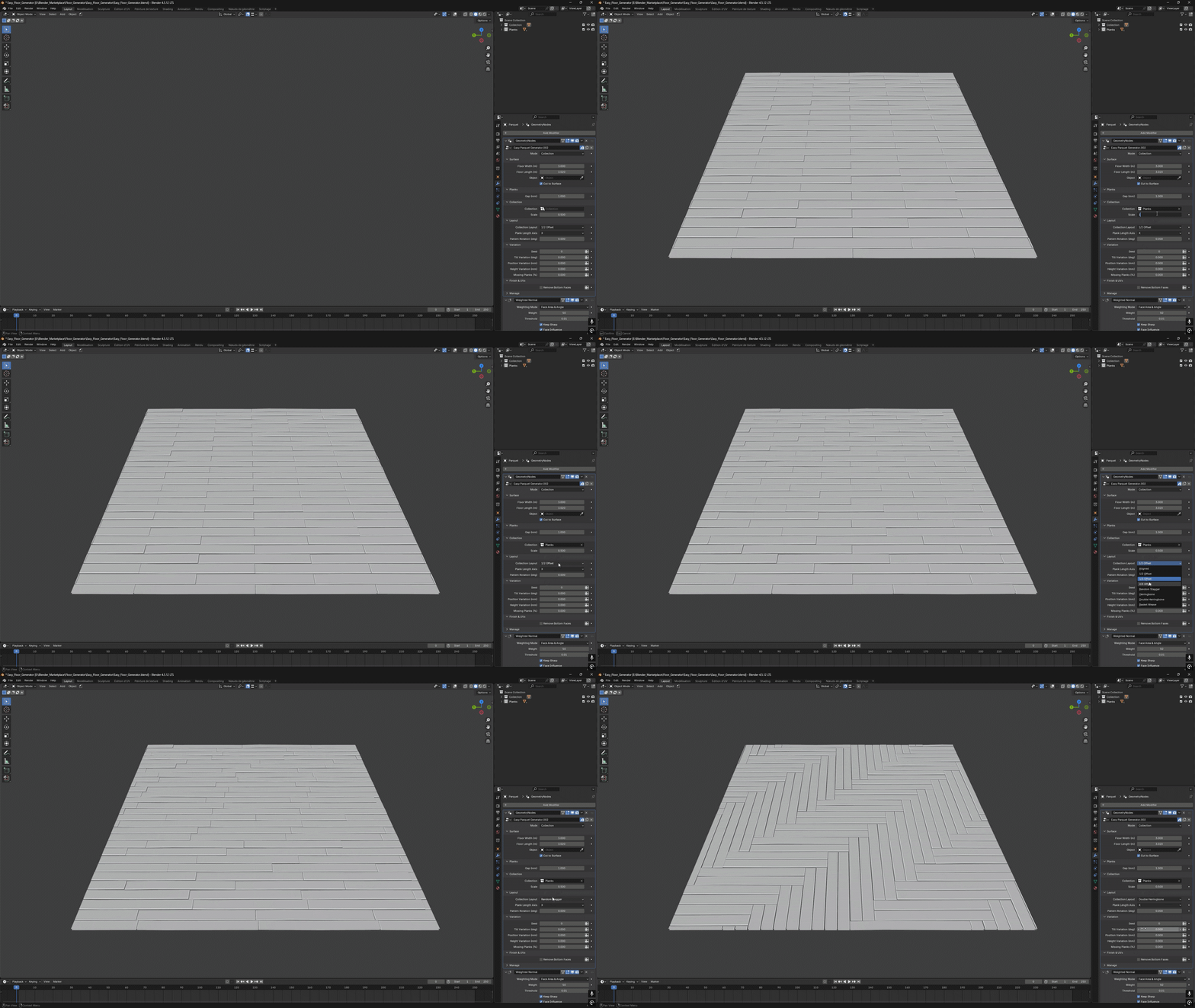
Switch between straight planks, herringbone, double herringbone, chevron and basket weave. Adjust the pattern rotation and plank direction to suit your scene.
Fit Your Floor
Surface Mode
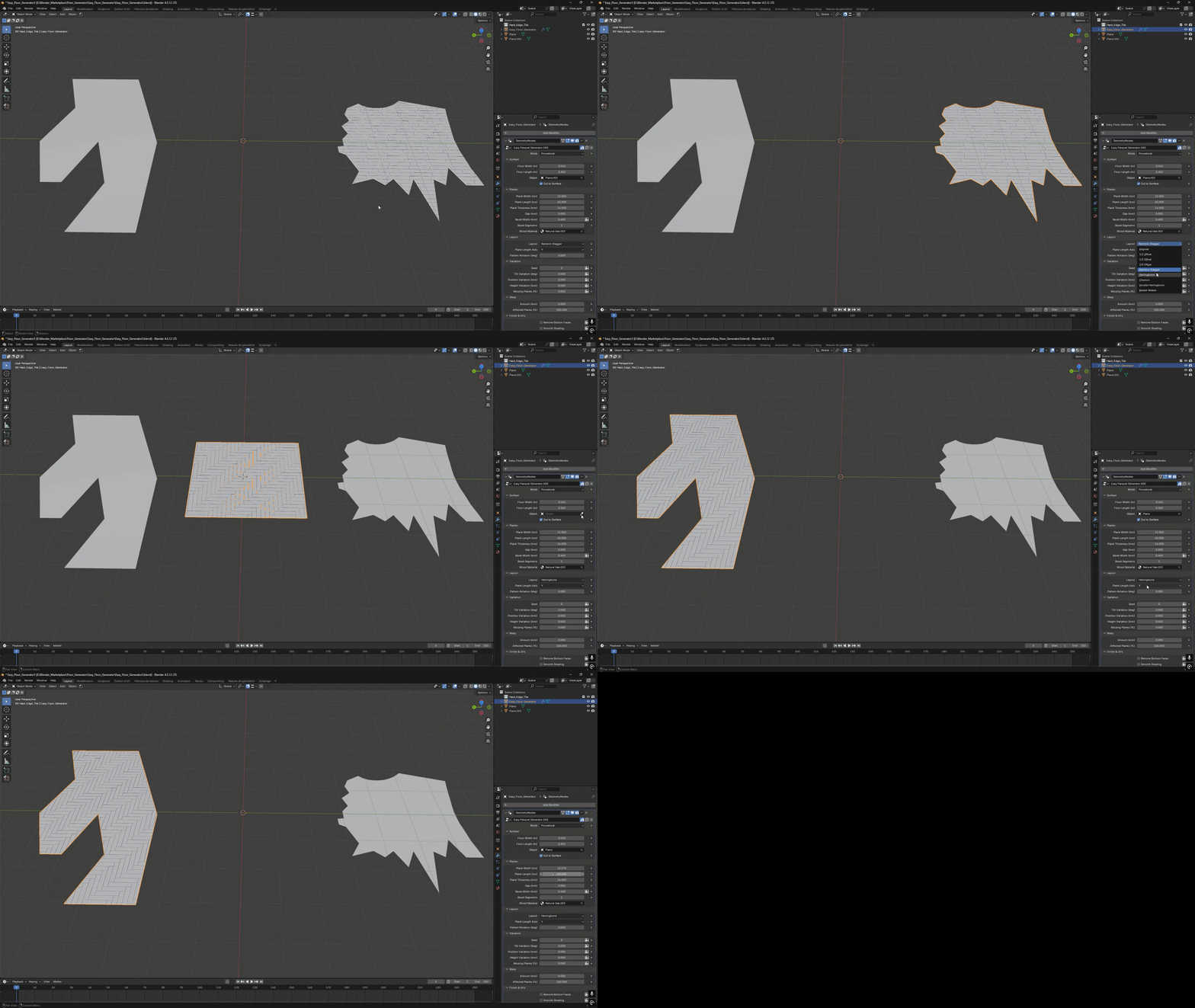
Fit the parquet to a custom surface and cut the planks along its outline. On a cube, Surface Mode uses the upward-facing surface, so you can place the floor on top of a solid base.
Floor & Plank Dimensions
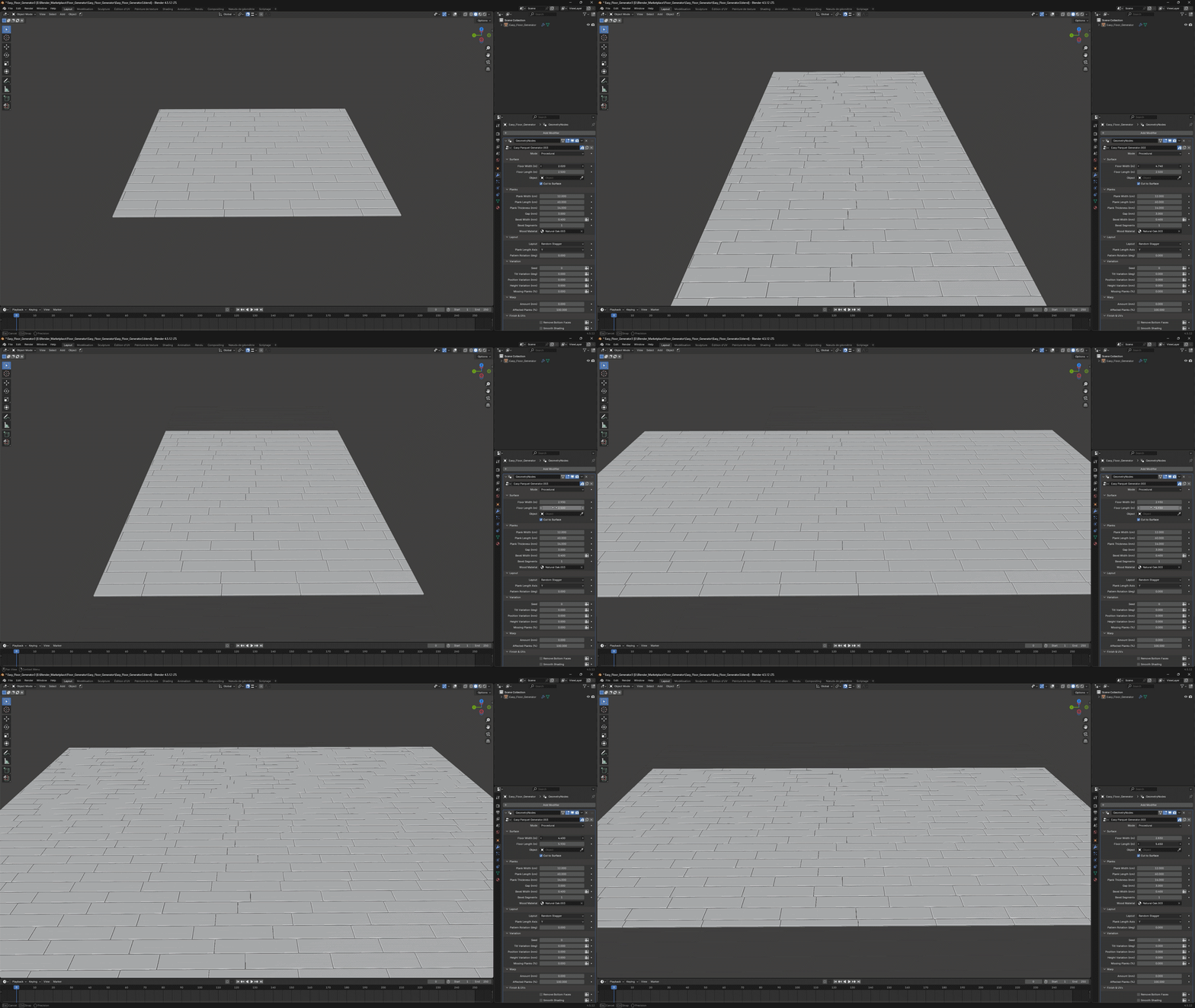
Set the floor dimensions, plank length, width and thickness, then adjust the gap between planks. Use these controls to build anything from narrow strips to wide boards.
Bevel
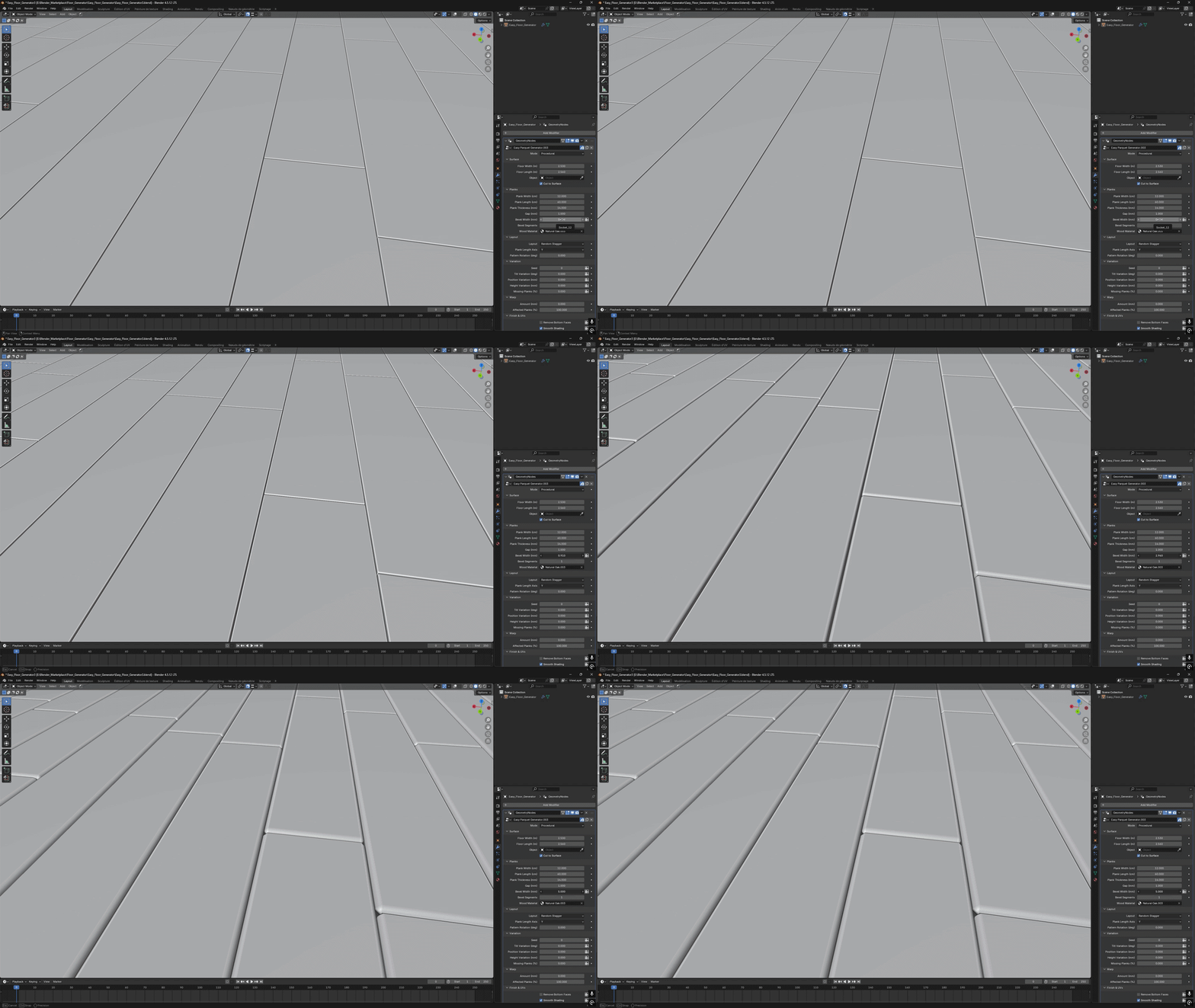
Control the bevel width and number of segments to shape the plank edges.
Natural Variations
Tilt Variation
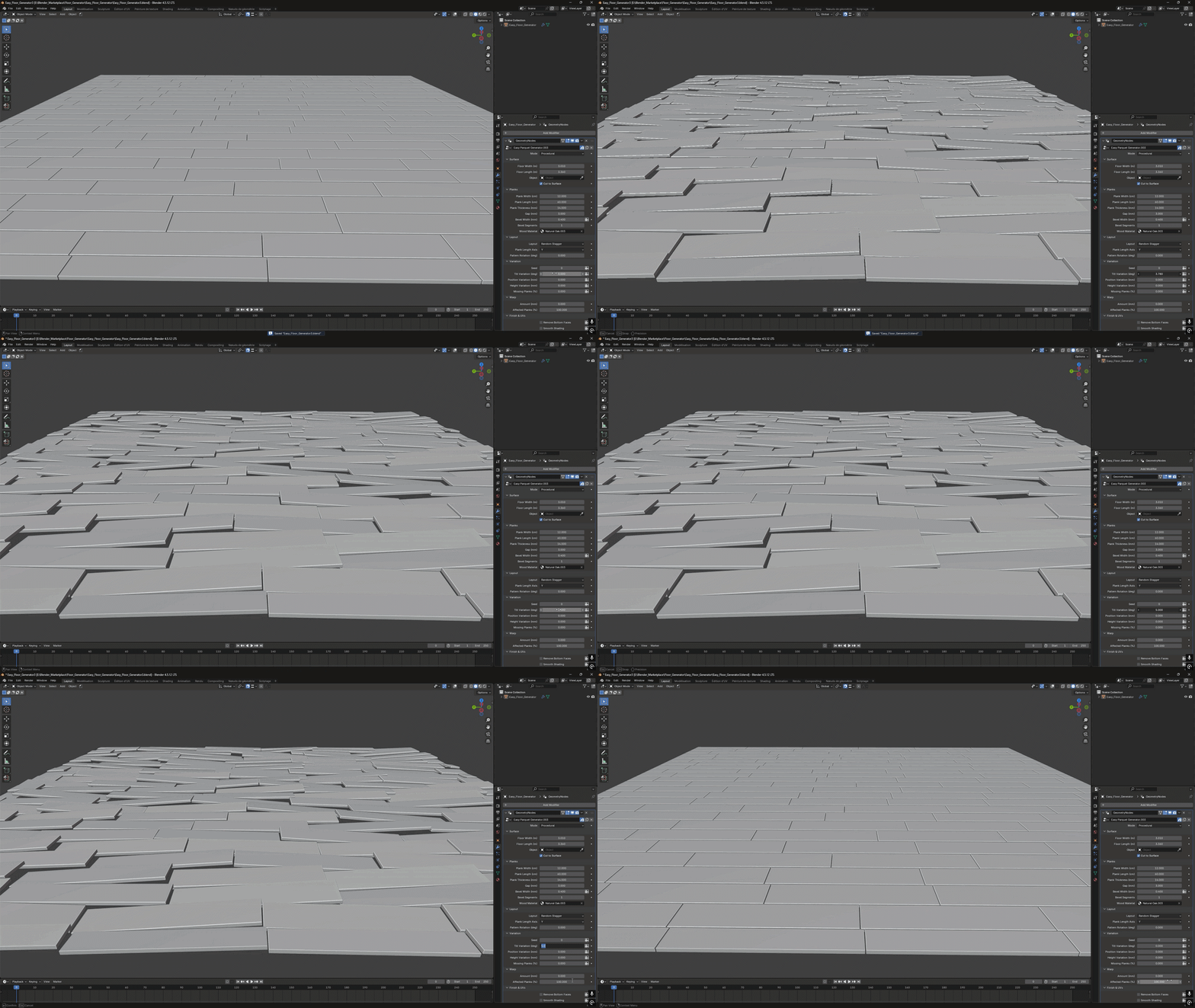
Add subtle changes in plank angle to break up a perfectly flat surface.
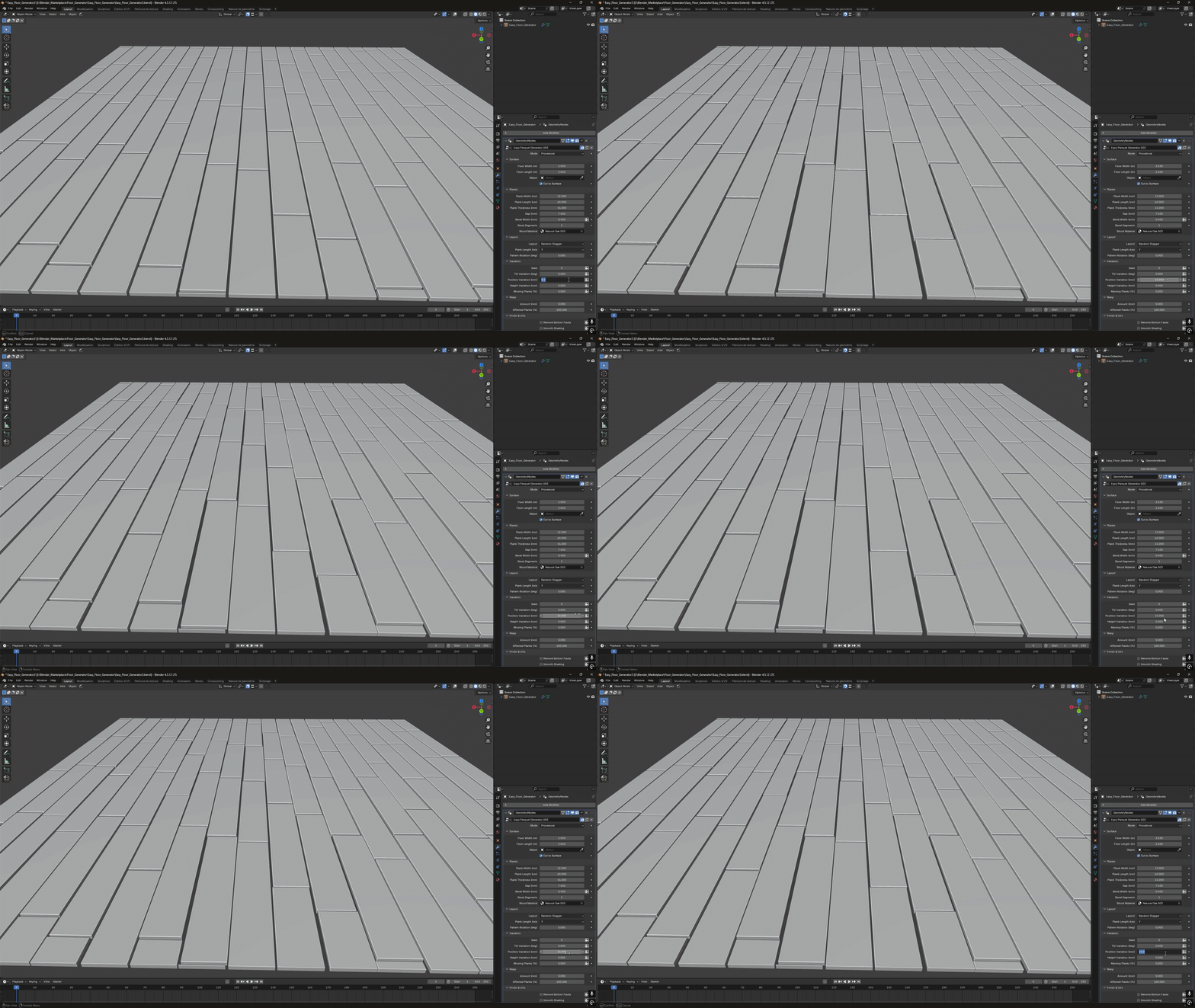
Position Variation
Randomize plank positions, with movement limited by the gap to help avoid overlaps.
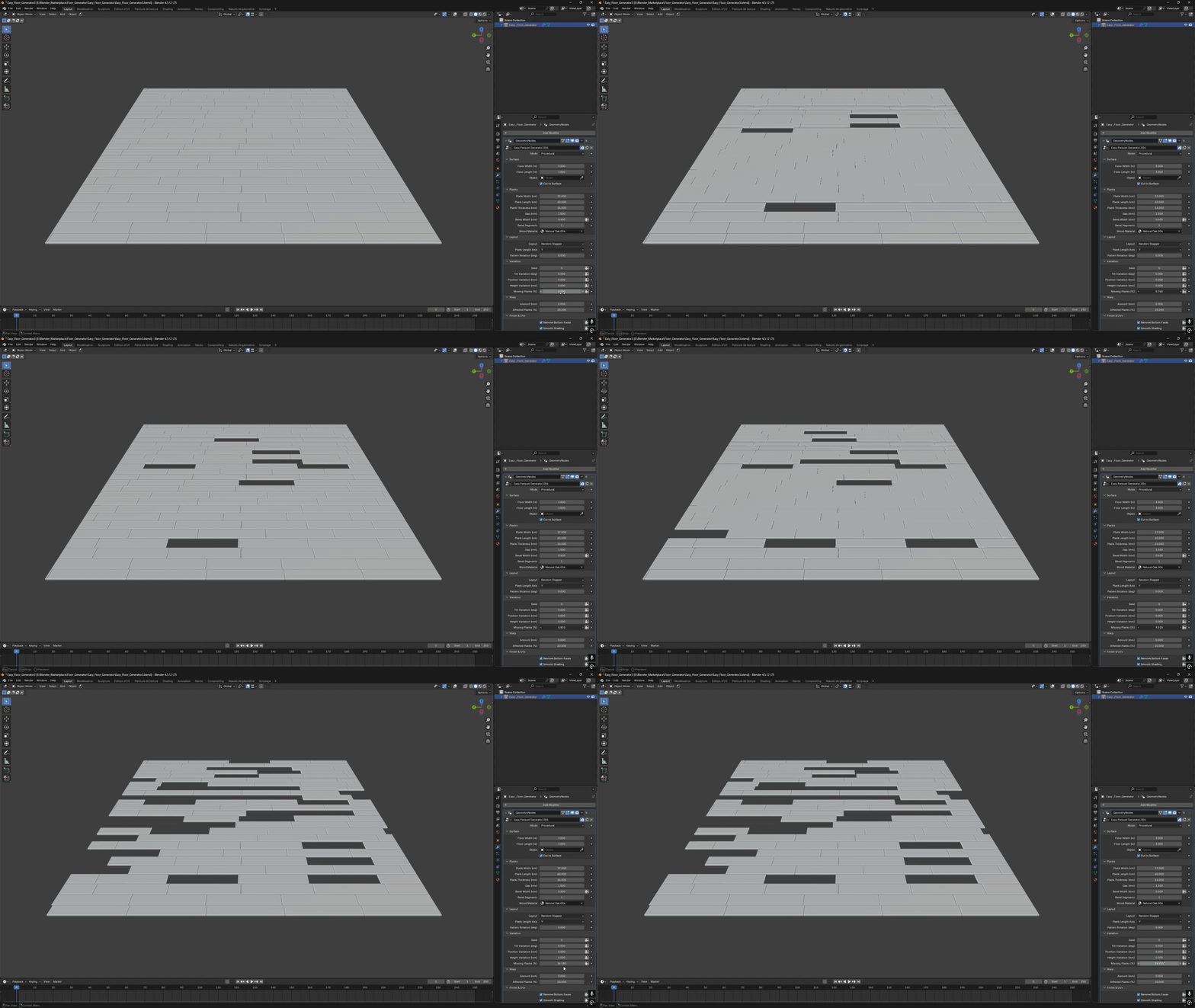
Missing Planks
Remove a chosen percentage of planks to create incomplete floors, renovation scenes or damaged parquet.
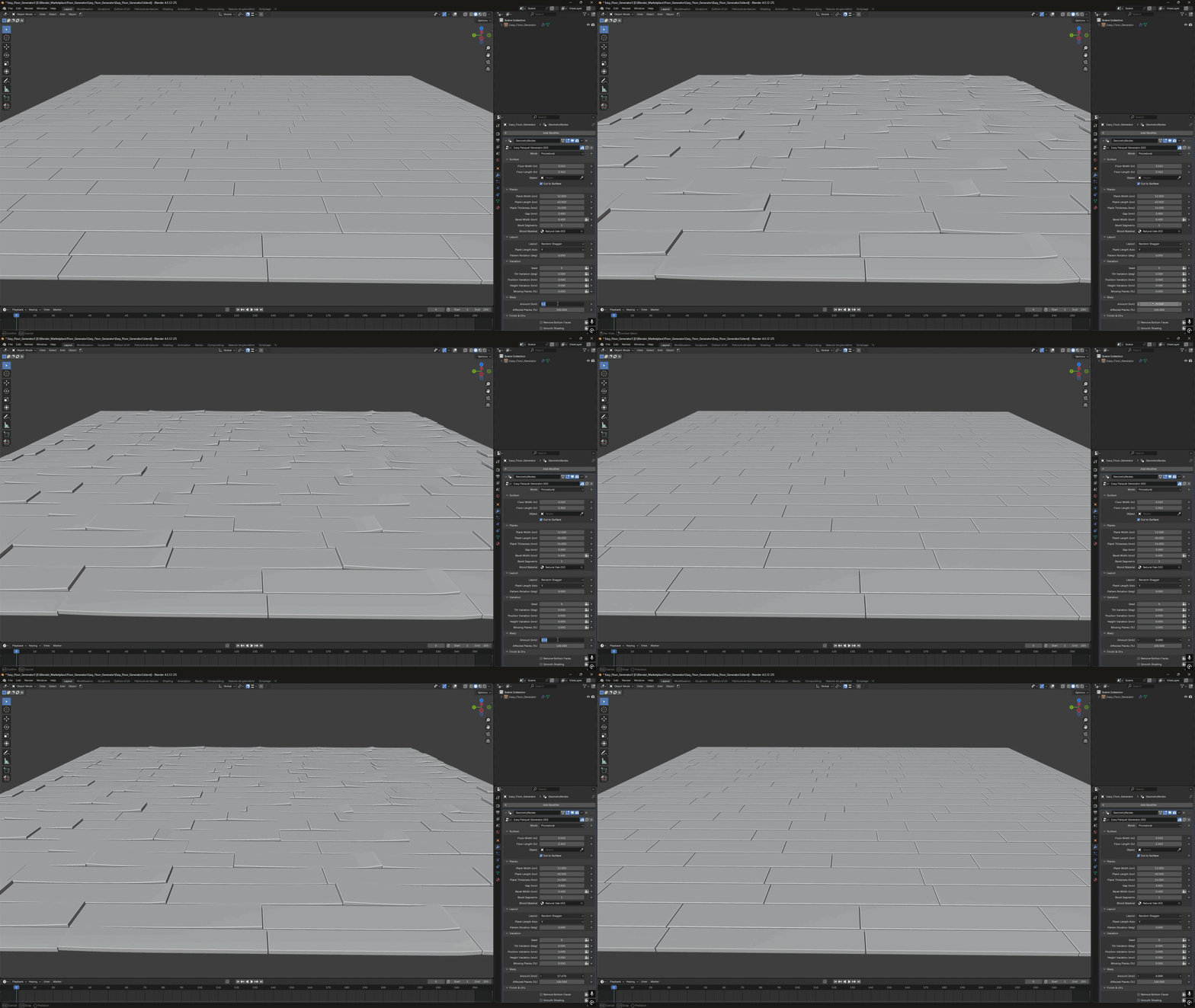
Warped Planks
Add deformation to procedural planks, with randomized bend positions. Control the warp amount and the percentage of affected boards for a subtle aged floor or a heavily damaged setup.
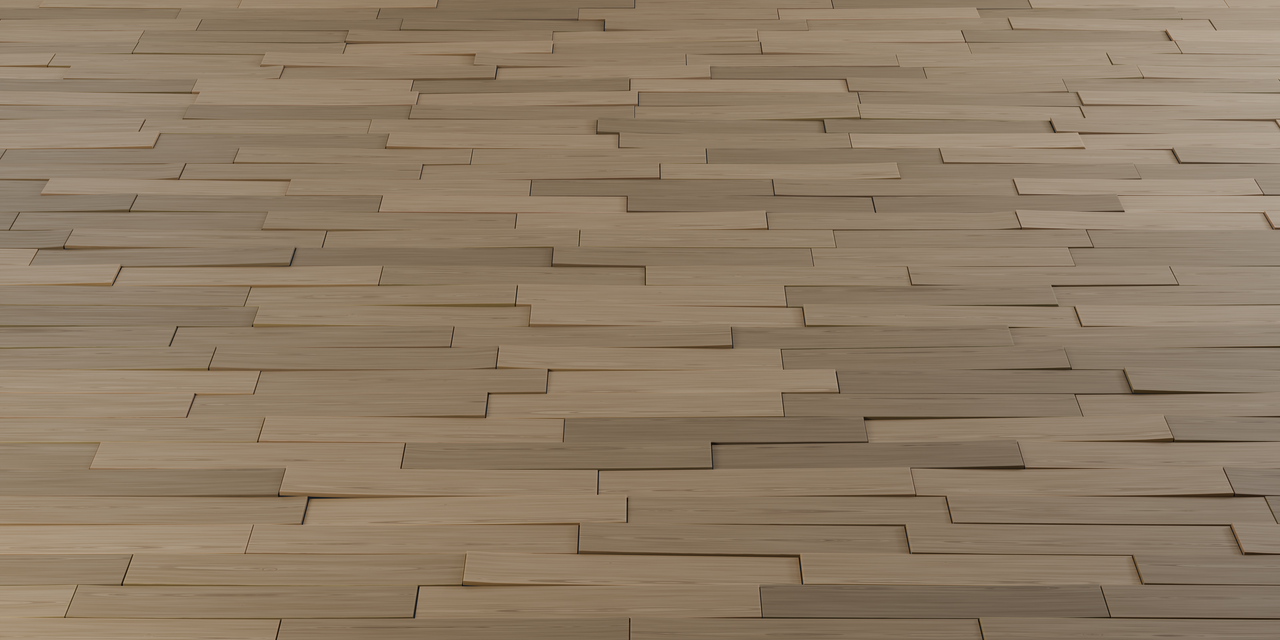
Warped Planks · Worn Parquet
Use Your Own Collection
Use your own plank models, materials and UV maps, including models made with trim sheets. Collection Scale changes their overall size uniformly, preserving their proportions.
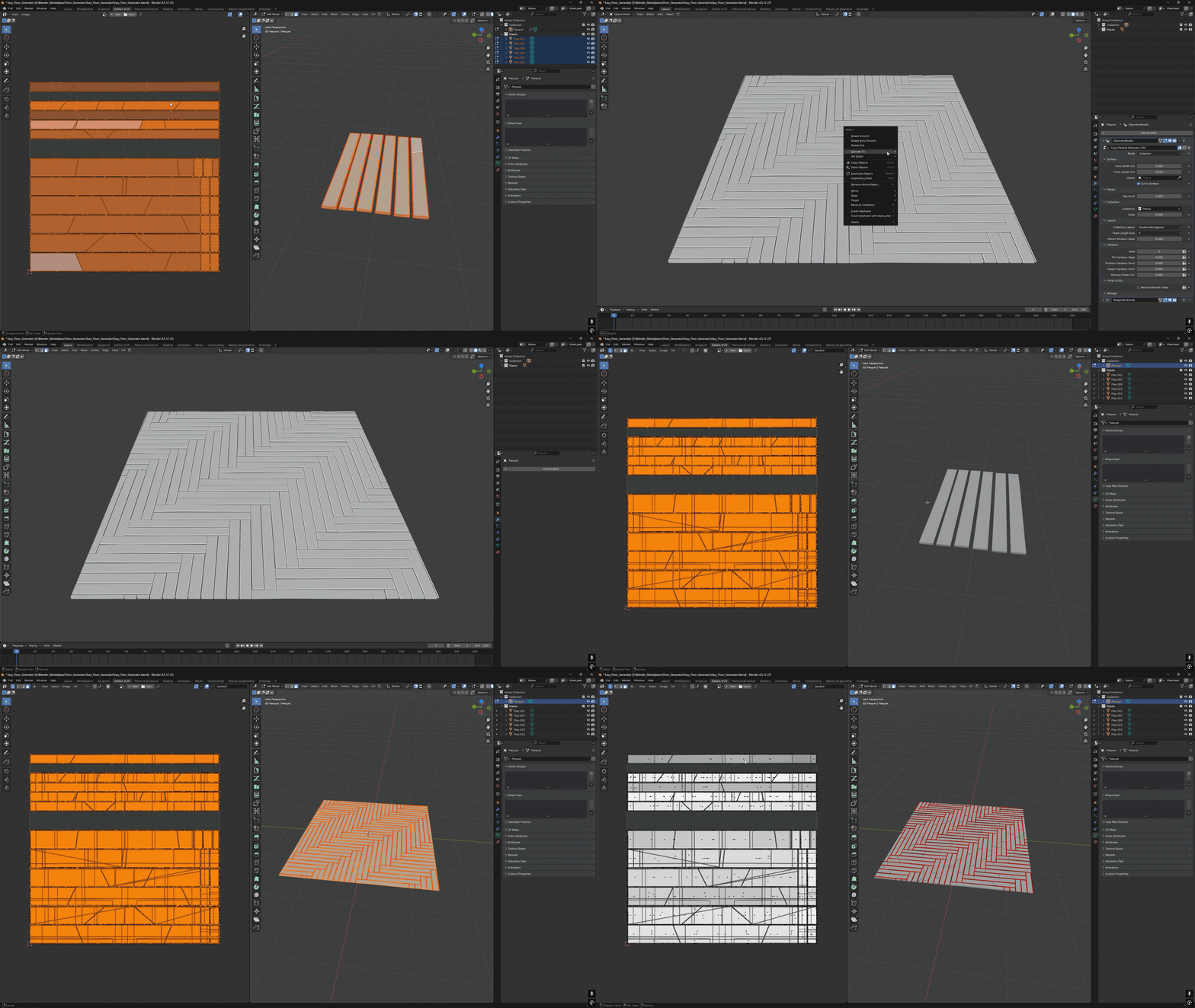
Keep Your Original UVs
Collection models retain their original UV maps. Surface cuts leave the cut edges open, without adding new side faces. You can also remove the bottom faces when they are unnecessary.
The interface shows the controls that apply to the selected mode. Chevron and procedural shape controls, including bevel and warp, are available in procedural mode.
Procedural UVs
Pack UVs: enable this option to automatically unwrap and pack the procedural planks, with spacing between UV islands. Then use Blender’s right-click → Convert → Mesh command to obtain an editable mesh. Keep it disabled while adjusting the generator for smoother editing.
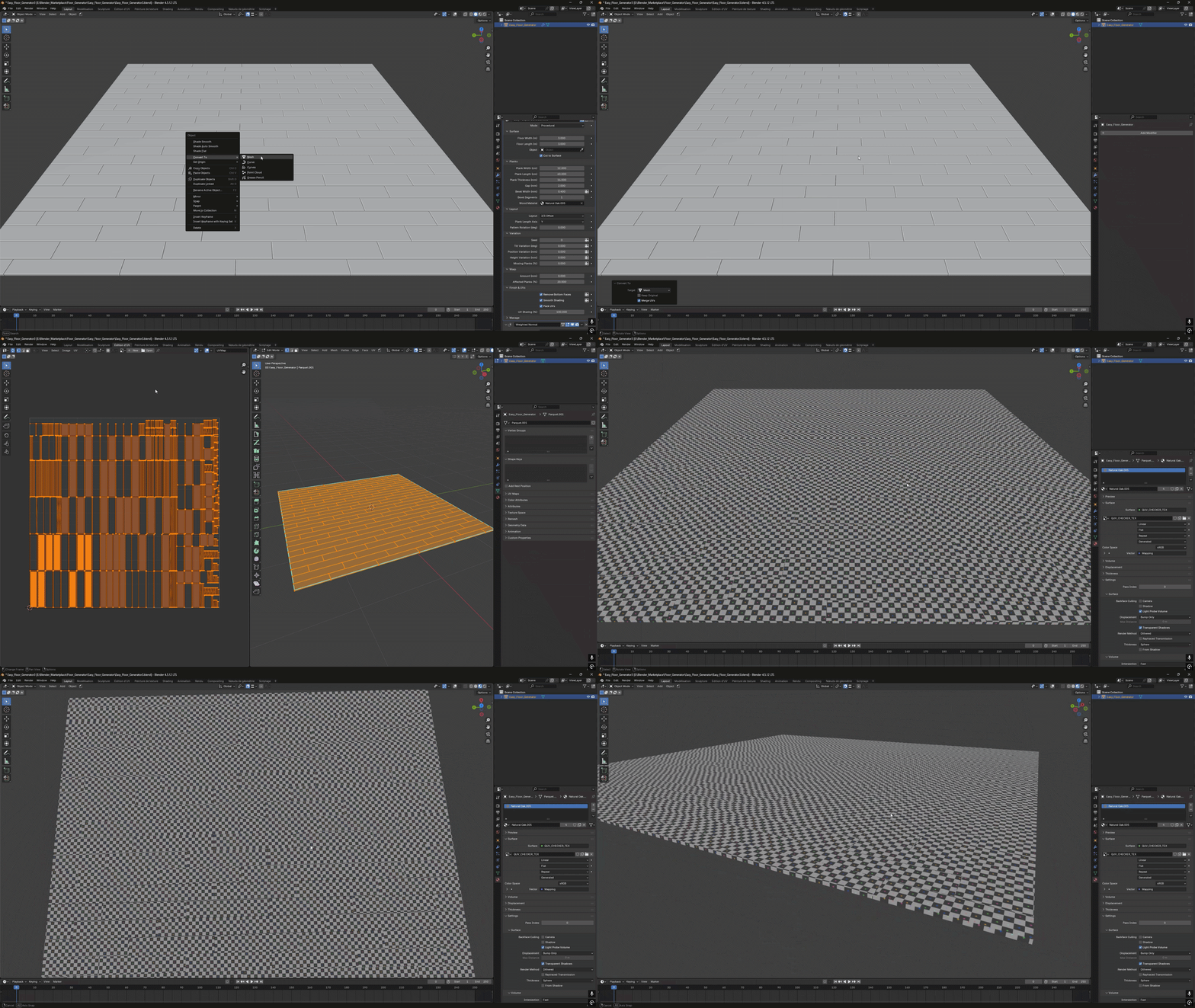
UV Sharing: choose how many plank UVs share texture space by overlapping them. Sharing is distributed across the floor to help avoid repeated patterns on neighboring planks.
These options apply to procedural planks. Models used through Use Collection keep their original UV maps.
Five Procedural Wood Materials
Five ready-to-use wood materials, with no image textures required. Adjust the wood and grain colors, texture scale, board variation, roughness and normal intensity to match your scene.
Natural Oak
A warm oak appearance with fine grain and subtle variation between boards.
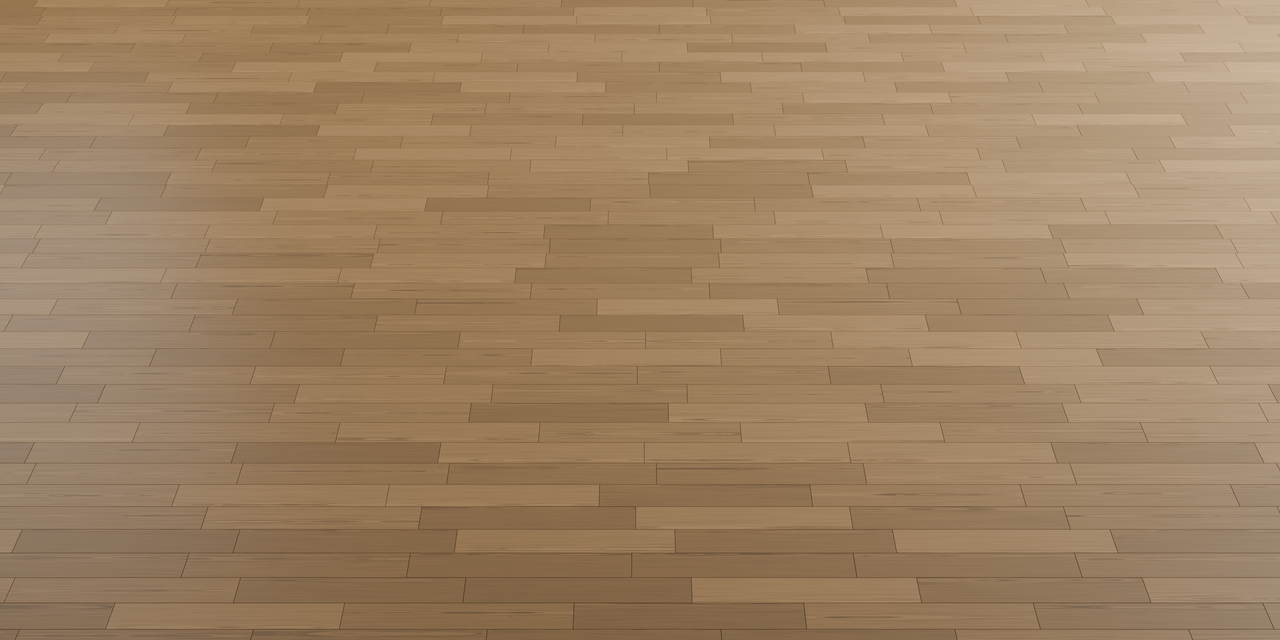
Straight Planks · Natural Oak
Main controls: Wood Color, Grain Color, Board Color Variation, Grain Density, Roughness and Normal Intensity.
Satin Walnut
Rich, darker wood tones with a controlled grain contrast and adjustable surface roughness.
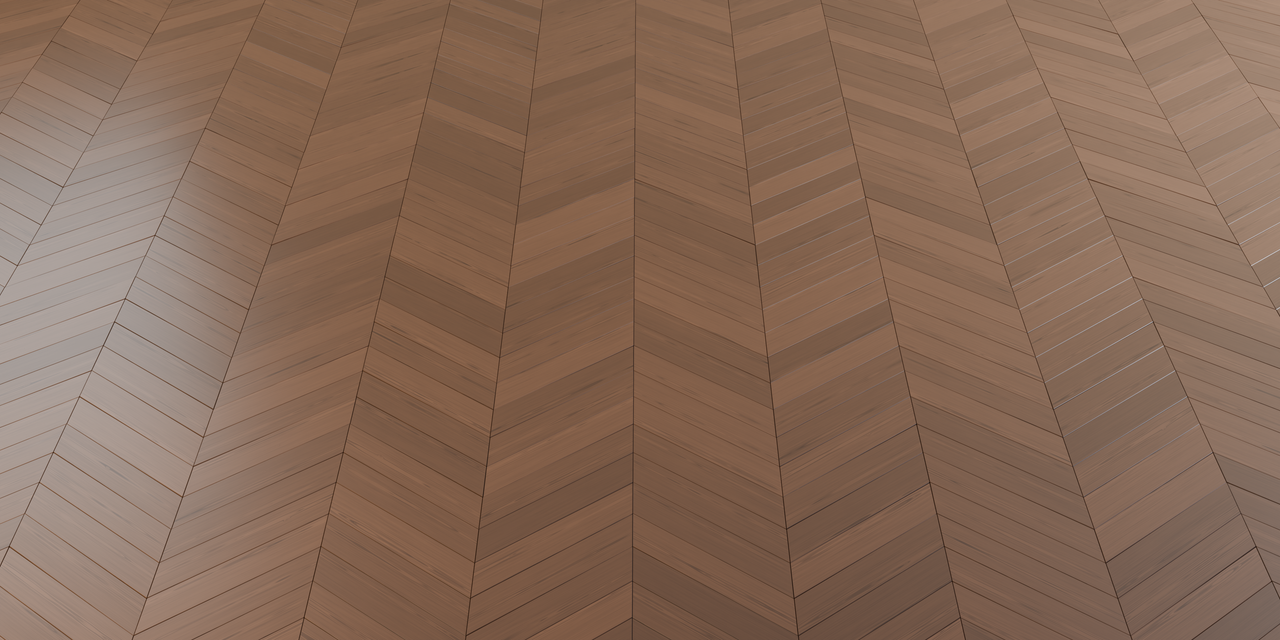
Chevron · Satin Walnut
Main controls: Wood Color, Grain Contrast, Grain Density, Roughness, Roughness Variation and Normal Intensity.
Pine
Light wood tones with visible grain and adjustable knots for a more rustic floor.
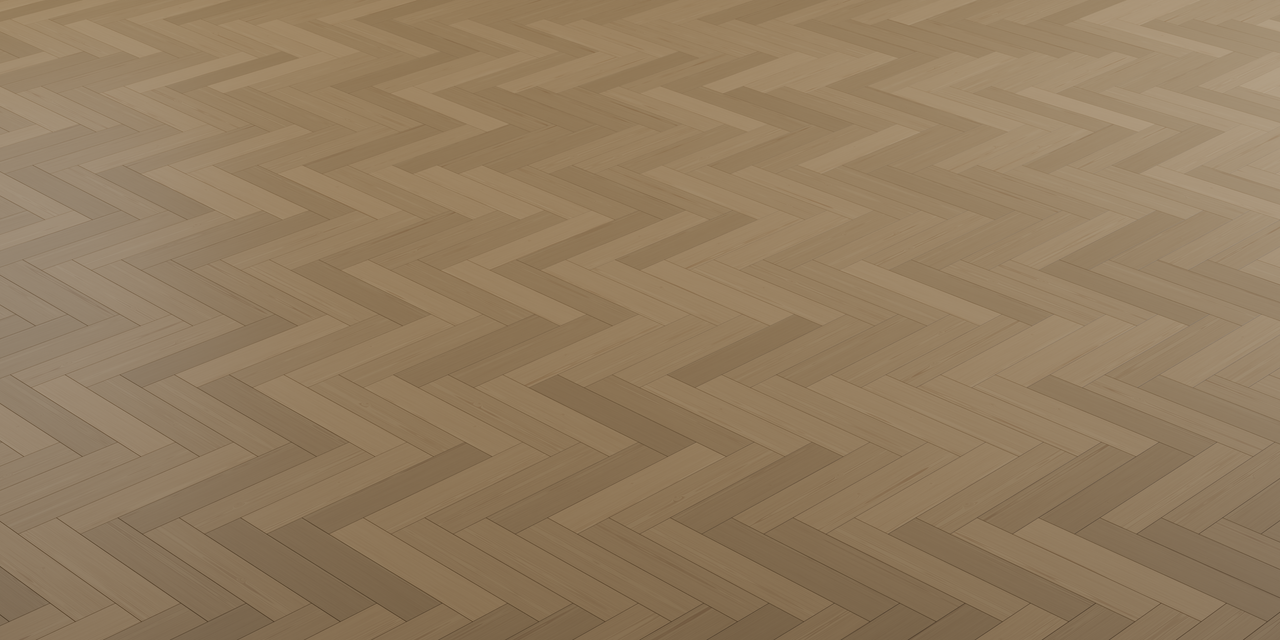
Herringbone · Pine
Main controls: Wood Color, Grain Density, Knot Amount, Knot Size, Roughness and Normal Intensity.
Antique Oak
Aged oak with patina and irregular edge wear. Adjust the wear color and its normal relief independently from the wood grain.
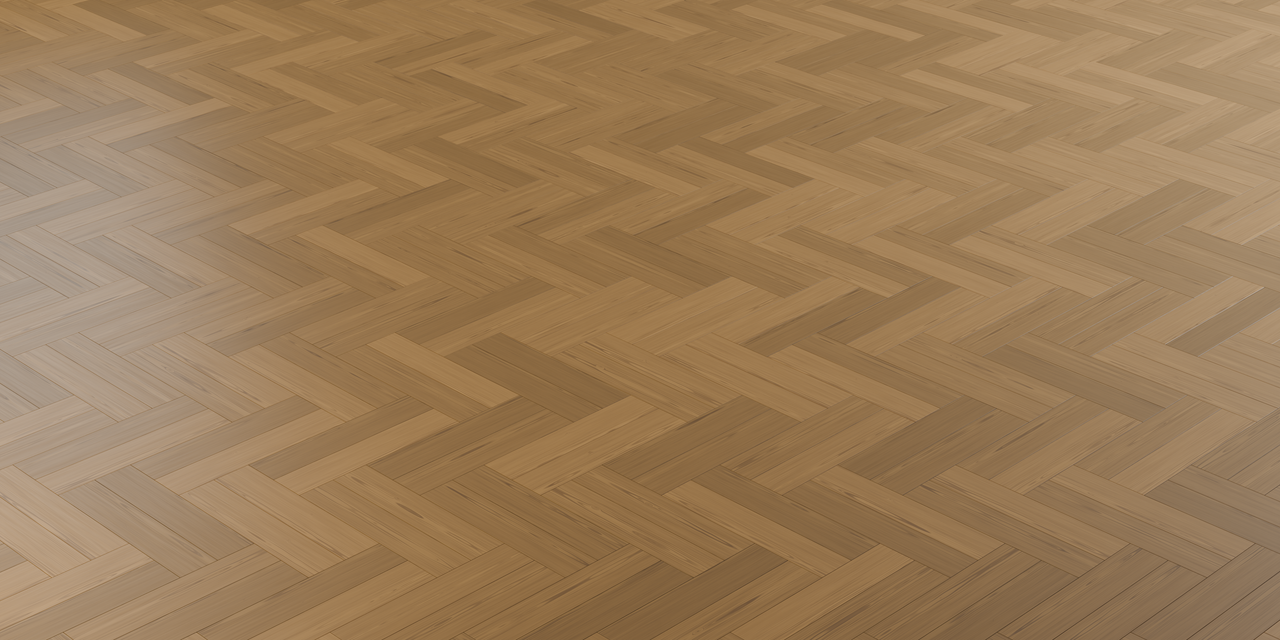
Double Herringbone · Antique Oak
Main controls: Patina, Edge Wear, Wear Color Variation, Wear Width, Wear Depth and Wear Normal Strength.
Worn Parquet
A weathered parquet appearance with stronger aging and worn edges for old floors and renovation scenes.
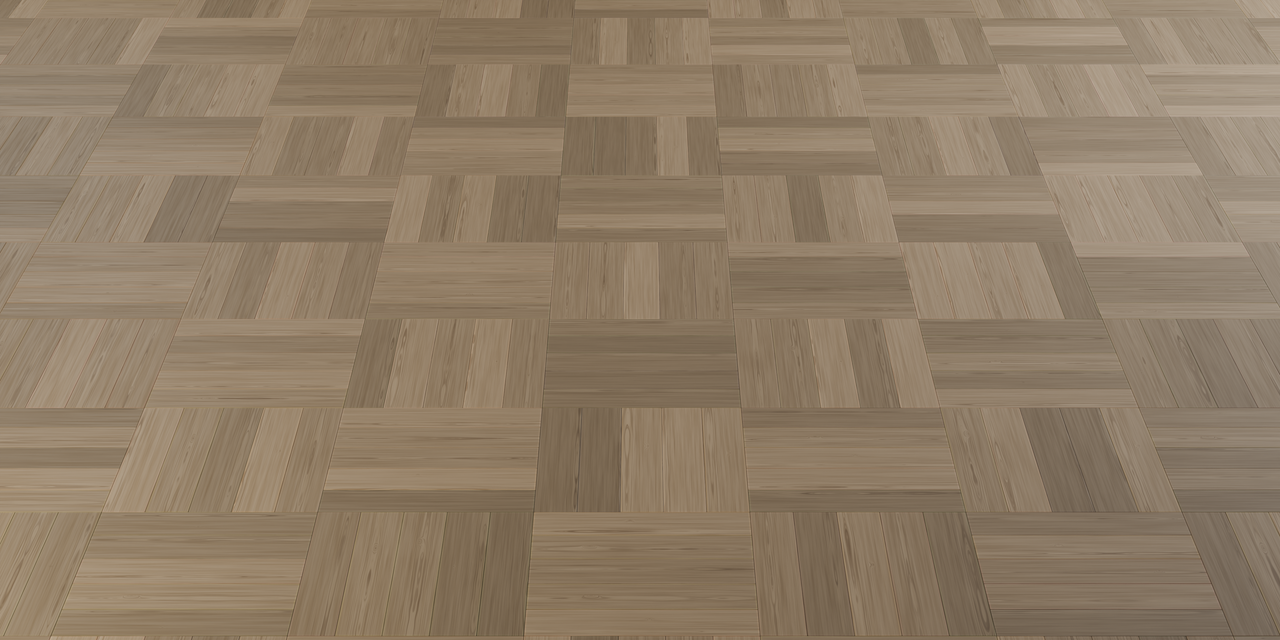
Basket Weave · Worn Parquet
Main controls: Patina, Edge Wear, Wear Width, Wear Size, Wear Depth and Wear Normal Strength.
Additional Controls
- Seed: generate another distribution of variations.
- Height Variation: introduce small differences in plank height.
- Pattern Rotation: rotate the laying pattern.
- Plank Length Axis: choose the plank direction in either mode.
- Planks per Basket: adjust the basket weave groups.
- Remove Bottom Faces: remove hidden undersides.
- Smooth Shading: control the surface shading.