 Onion365studio
More Blender Game Add-ons
Easy House
Easy River
Easy Sea Wave
Easy Plant
Easy Room
Easy Signpost
Easy Street Lamp
Easy Terrain
Easy Walk Run Idle
Easy Rigid Body
Easy Emotion Bubble
Easy Stone Kit
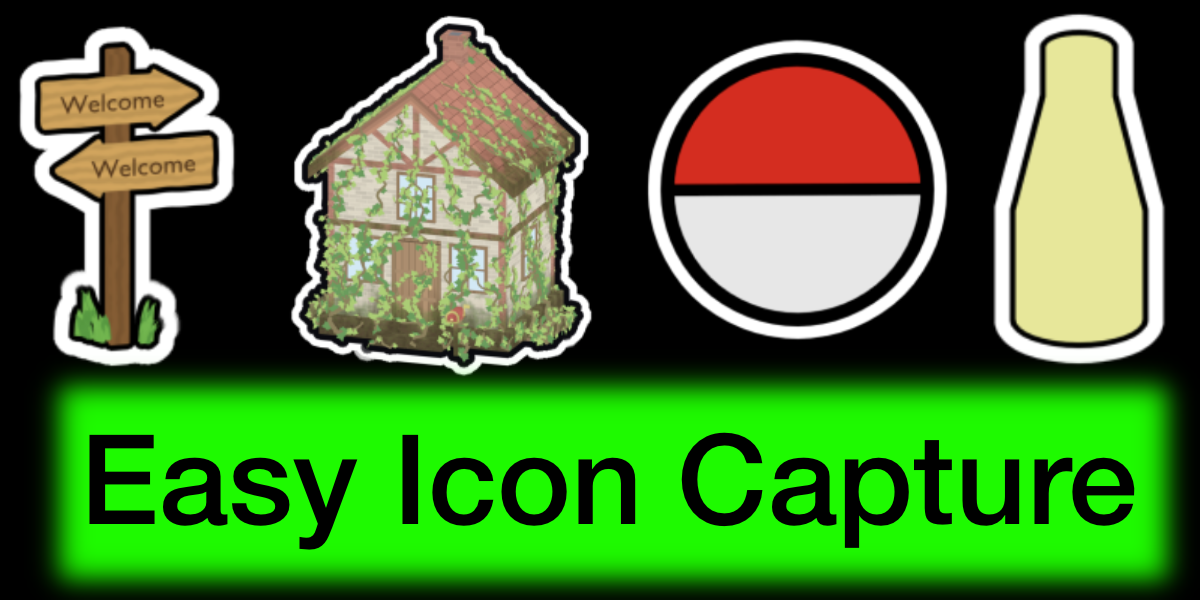
Easy Icon Capture
Turn any 3D model into a clean, outlined game icon in seconds, right inside Blender.
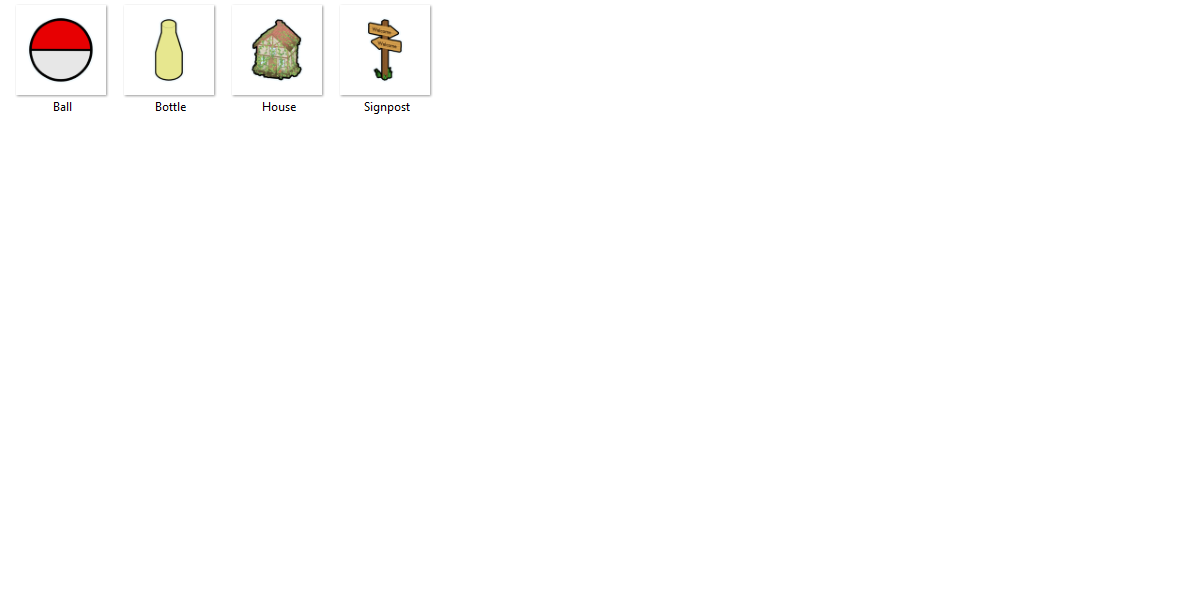
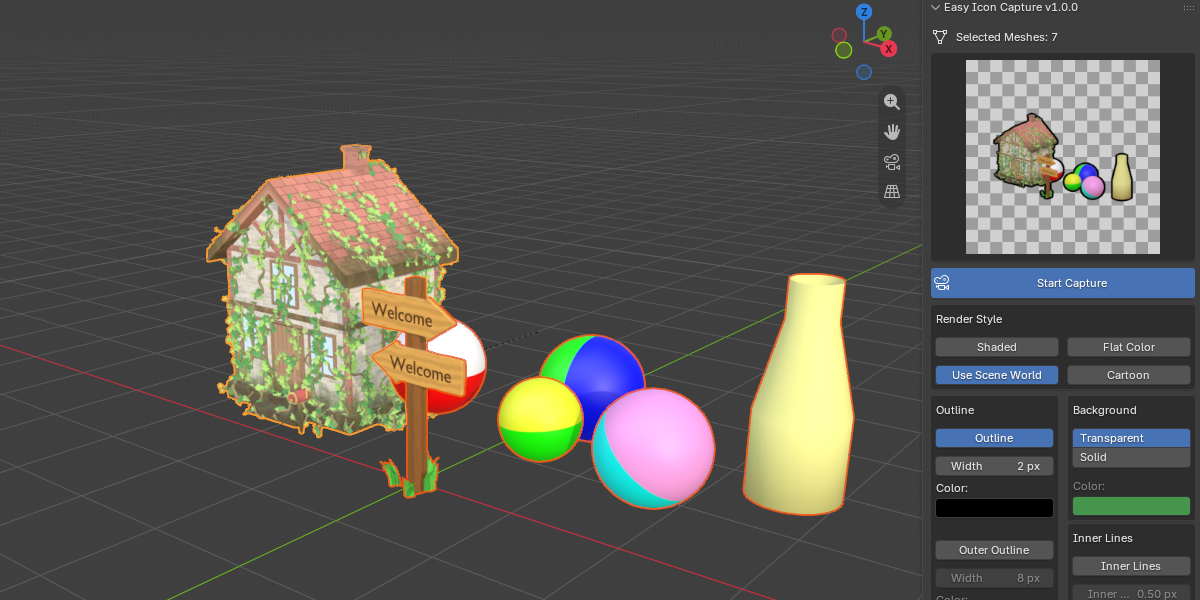
Easy Icon Capture renders your selected meshes into transparent PNG icons, ready for inventories, tool bars, item menus, and shop UIs. Rotate the 3D viewport, watch the live preview update in the panel, and hit one button to save. No camera setup, no lighting setup, no compositing.
Key Features
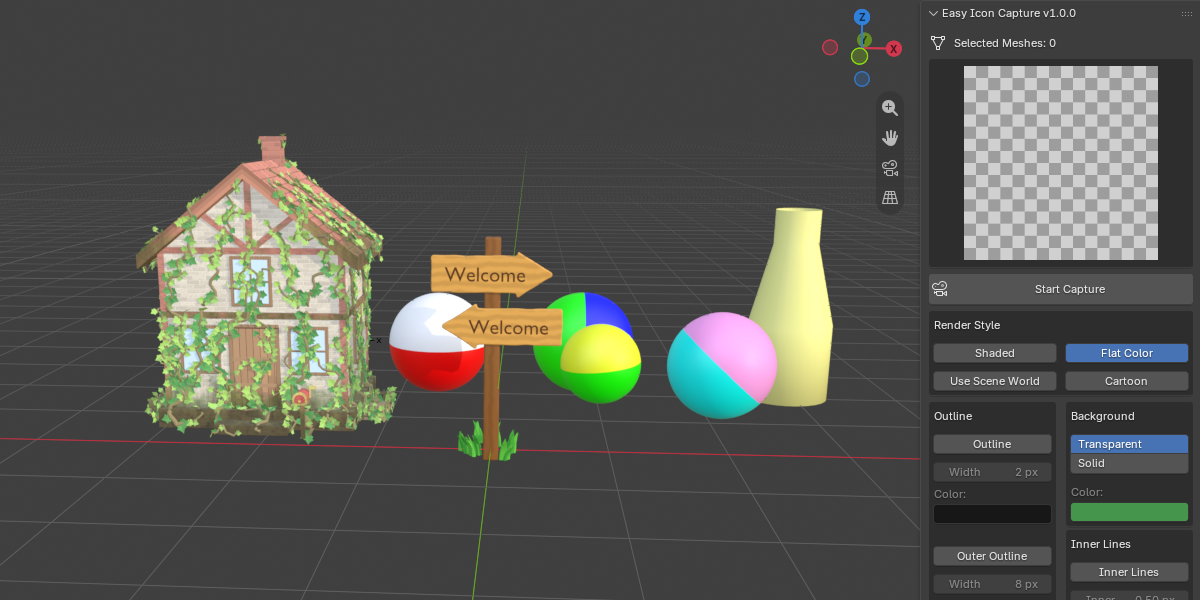
Live Preview in the N Panel
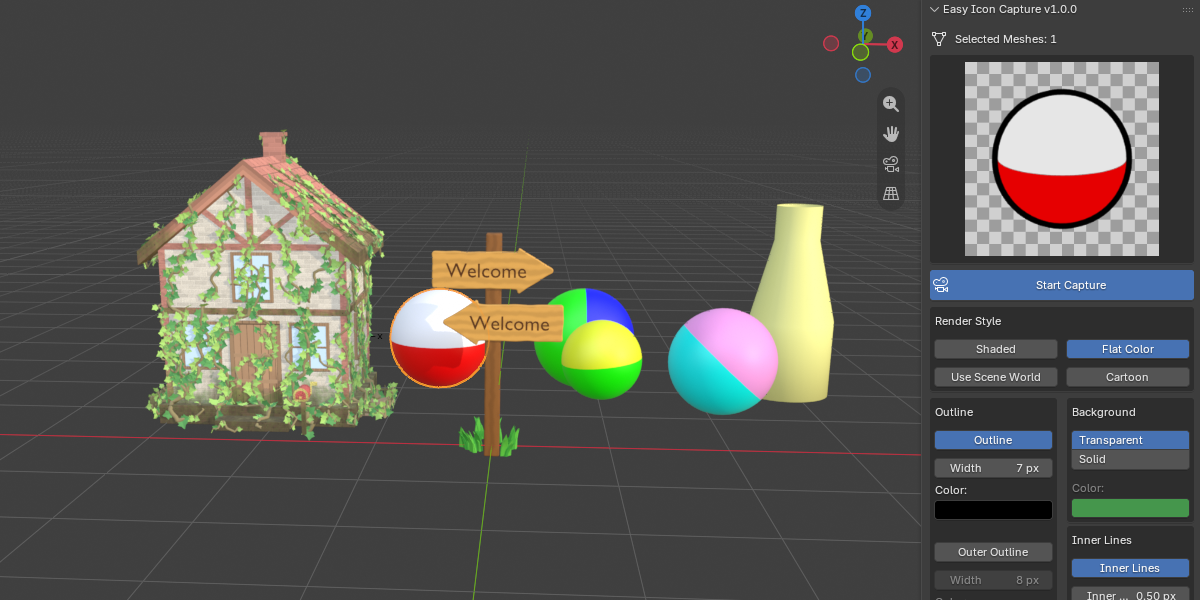
- Press Start Capture and the preview follows your 3D viewport angle
- Orbit the view with the mouse and the preview refreshes as soon as you stop
- Every setting updates the preview instantly, and the saved icon matches what you see
Four Render Styles
- Shaded: built-in key and fill lights for a clean 3D look
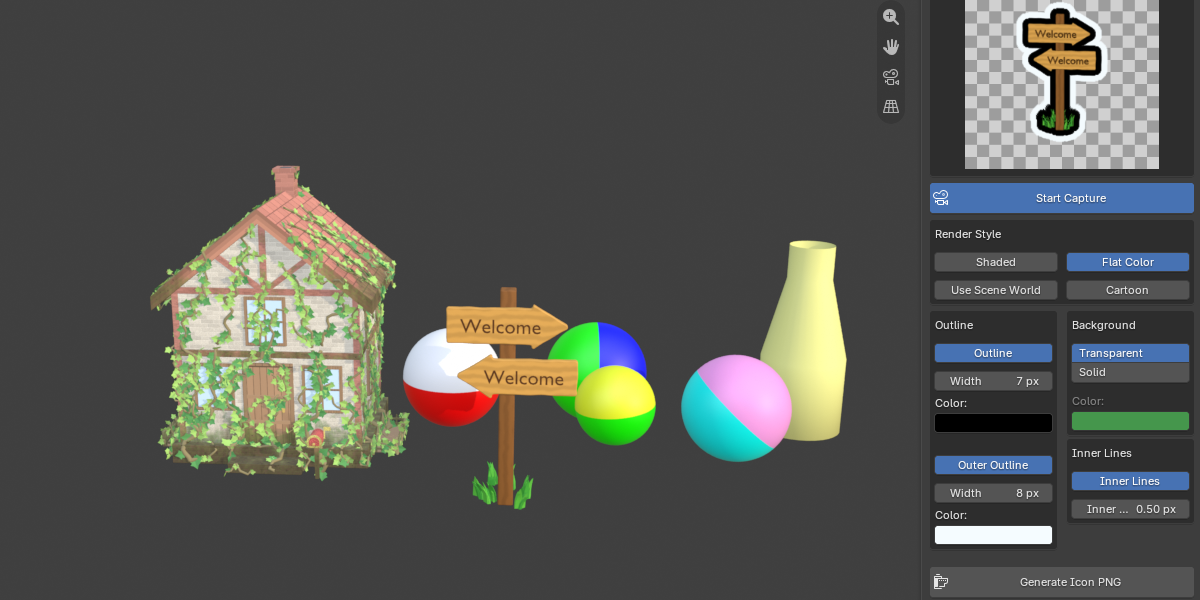
- Flat Color: pure, unlit colors with no shadows or reflections, ideal for stylized icons
- Use Scene World: light the icon with your own World or HDRI
- Cartoon: cel-shaded tone bands that keep each material’s color and texture
Outline Control
- Adjustable outline width and color
- Optional Outer Outline for the popular sticker / double-outline look
- Optional Inner Lines (Freestyle) to draw creases and material borders in the outline color
Background Options
- Transparent background by default
- Or a solid color with alpha for semi-transparent backgrounds
Export Ready
- Square PNG output at 64, 128, 256, 512, or 1024 px
- Outline widths scale automatically with the resolution, so your icons keep the same look at every size
- Built-in supersampling for smooth, anti-aliased edges
- Progress bar while rendering
- Remembers your last save folder
- The saved icon loads straight into an open Image Editor for a quick check
Safe and Non-Destructive
- Renders in a temporary scene that is removed afterward, so your scene, lights, and materials stay untouched
Perfect For
- Game developers building inventory, item, weapon and tool icons
- Indie teams who need a consistent icon style across hundreds of assets
- Stylized and low-poly asset packs
- Anyone who wants quick thumbnails of 3D models with a clear outline
How It Works
- Select one or more mesh objects
- Open N Panel > Icon Capture and press Start Capture
- Rotate the viewport to the angle you like and choose a render style, outline, and background
- Click Generate Icon PNG, choose a resolution and save location
Requirements
- Blender 5.2 or newer