 Armin
Armin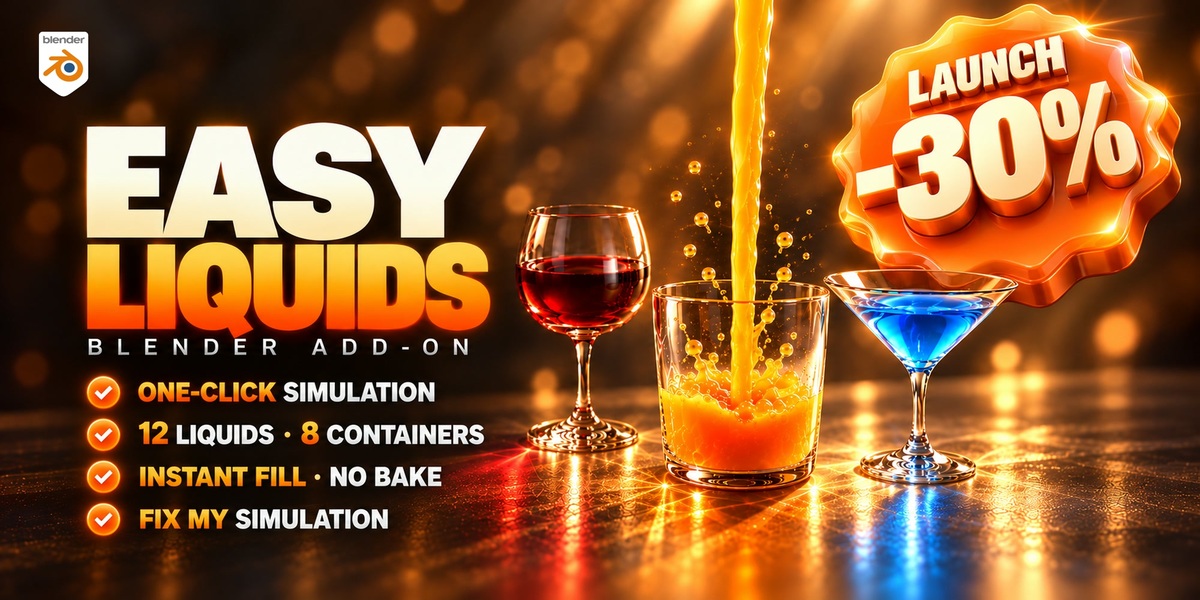

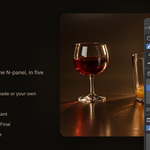
BLENDER ADD-ON · LIQUID SIMULATION
Liquid simulation
in one click.
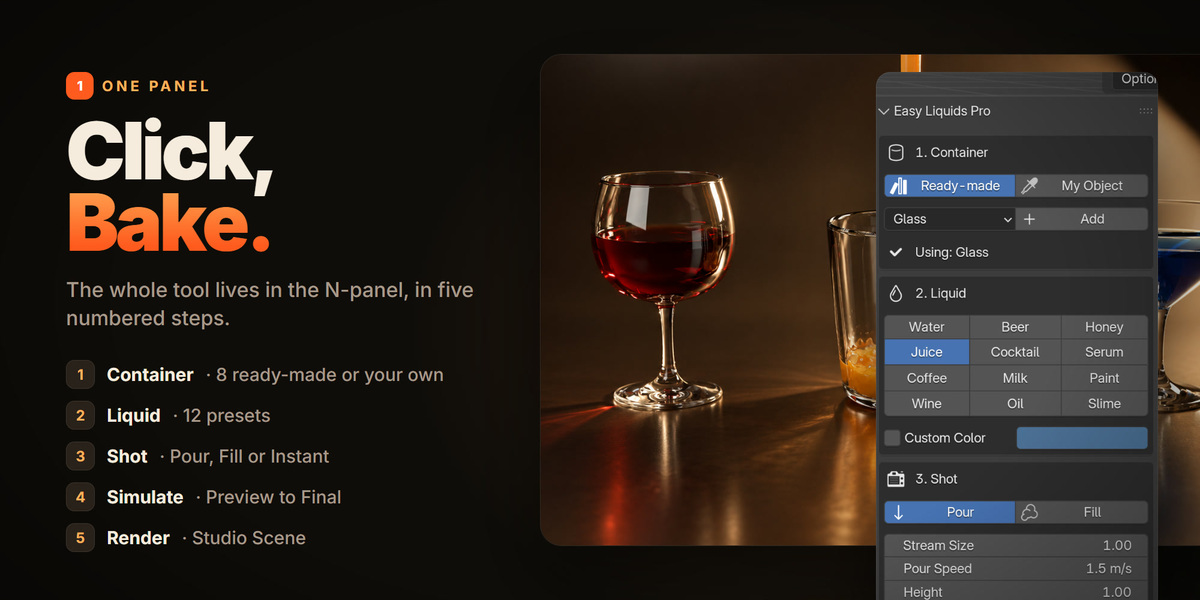
Pick a container, pick a liquid, press Create, press Bake. Easy Liquids sets up Blender's Mantaflow liquid simulation for you, and checks for the mistakes that make "nothing show up" before you bake.
WHY I BUILT IT
My "Liquids in Blender" tutorial has 317,000+ views, and the comments are full of the same questions: "I baked it but I don't see any water." "The liquid goes through my glass." "How did you color the water?" So I built the tool I wish everyone had.
01POUR
A stream, poured for you.
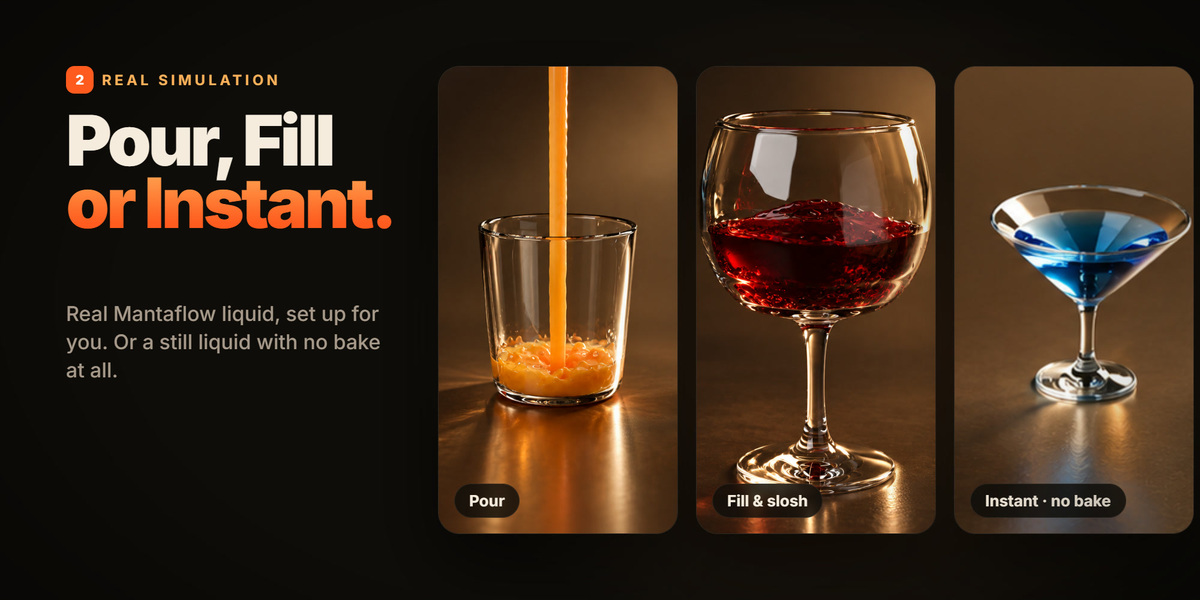
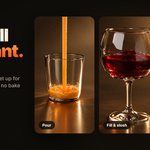
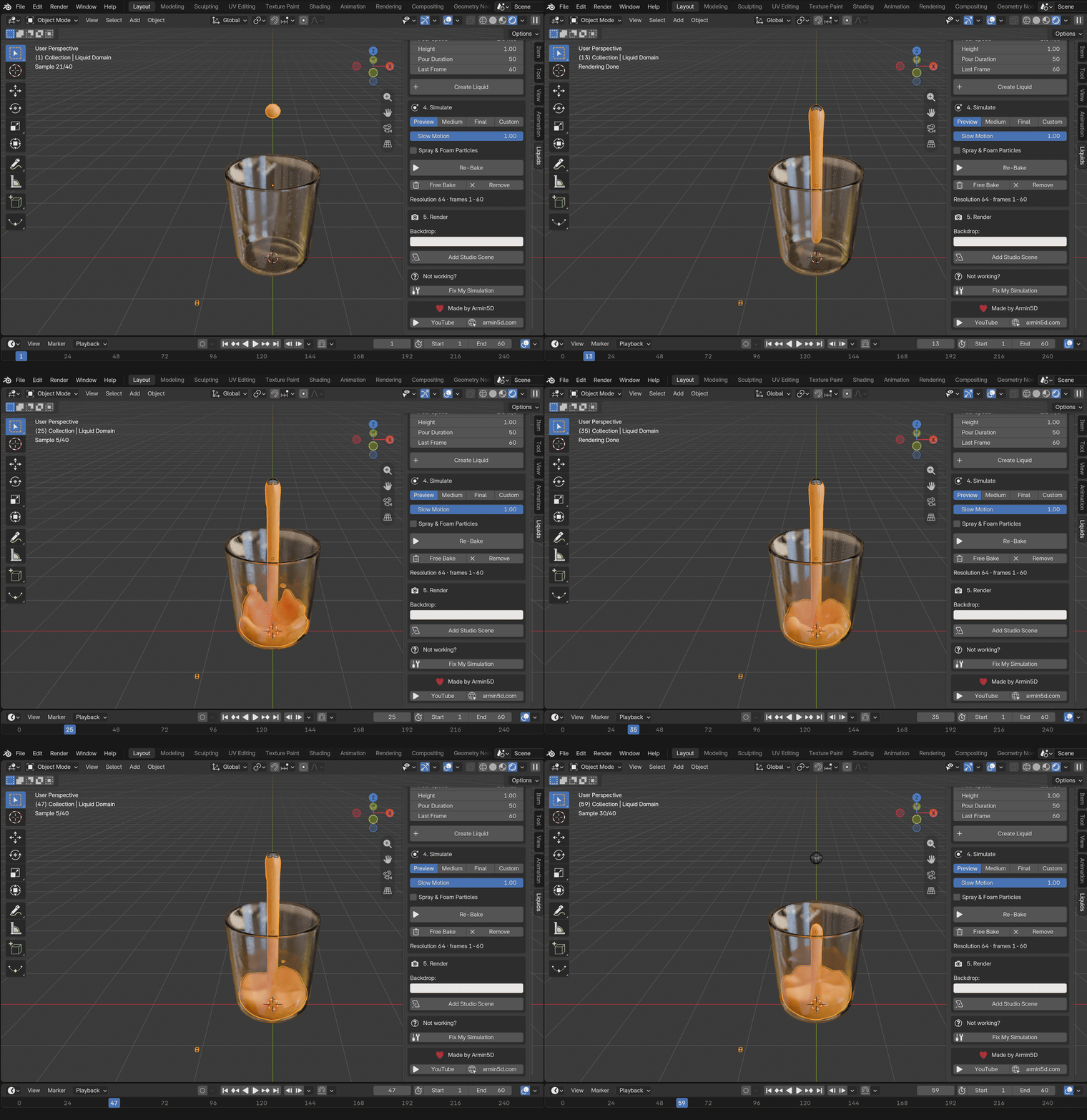
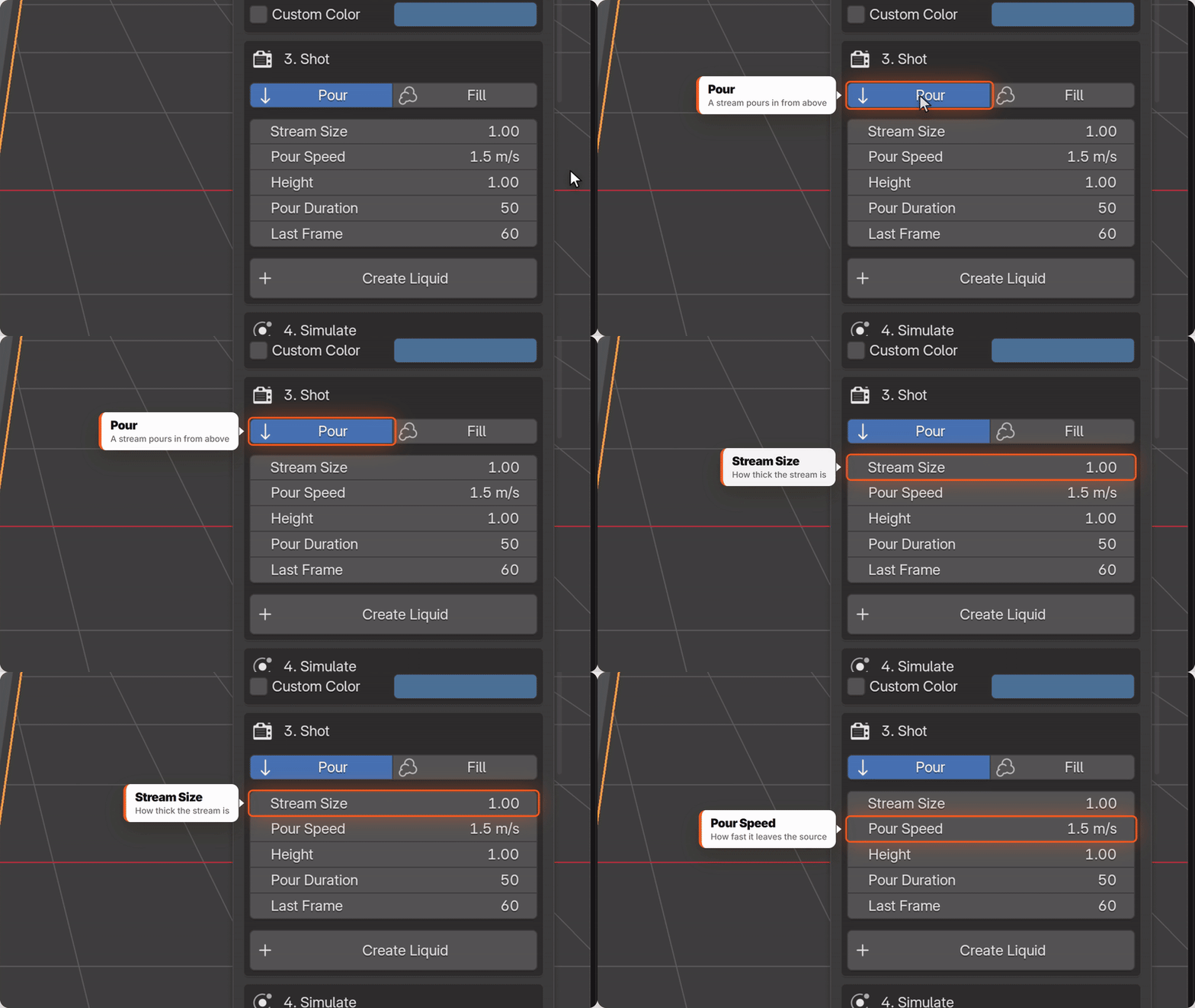
A stream pours into your glass, cup or bowl from above. Stream Size, Pour Speed, Height and Pour Duration are right there in the panel, with a clear explanation for each.
02FILL & SLOSH
It really sloshes.
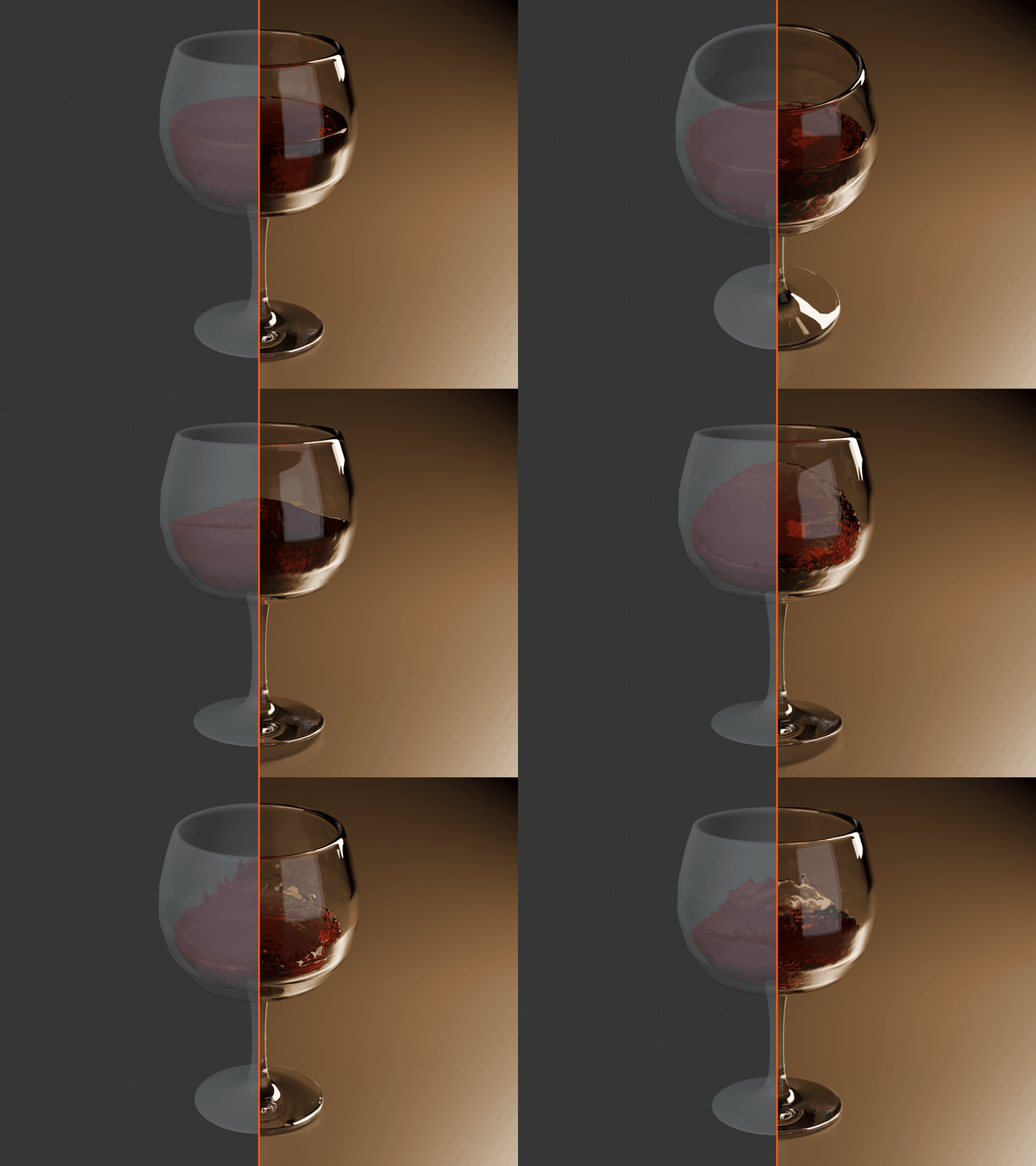
The container starts full. Animate it, rotate it, move it, and the liquid really sloshes inside, like a glass of wine in your hand. Splash Room gives the splashes space to fly.
03INSTANT FILL
No bake. Renders now.
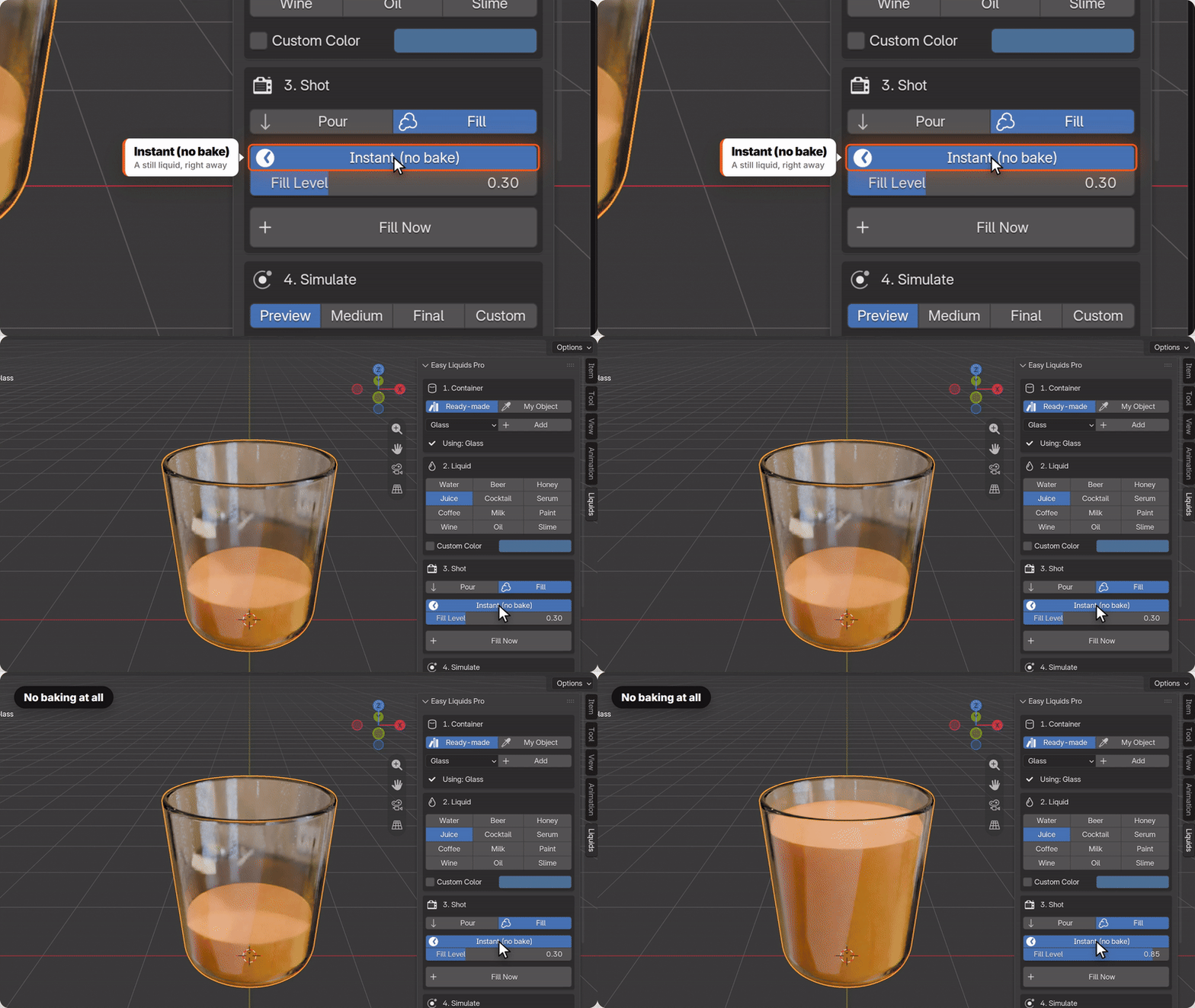
A still liquid that fills the container right away and follows it when you move it. No simulation: perfect for product shots and stills.
04LIQUID PRESETS
12 liquids.
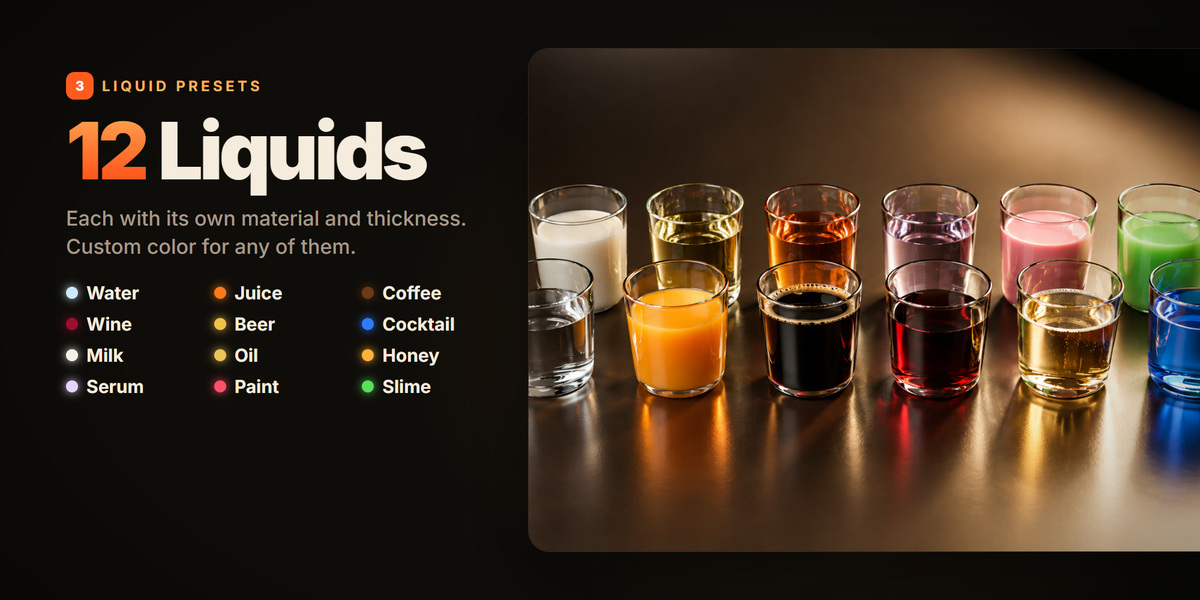
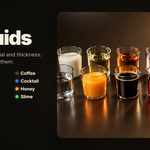
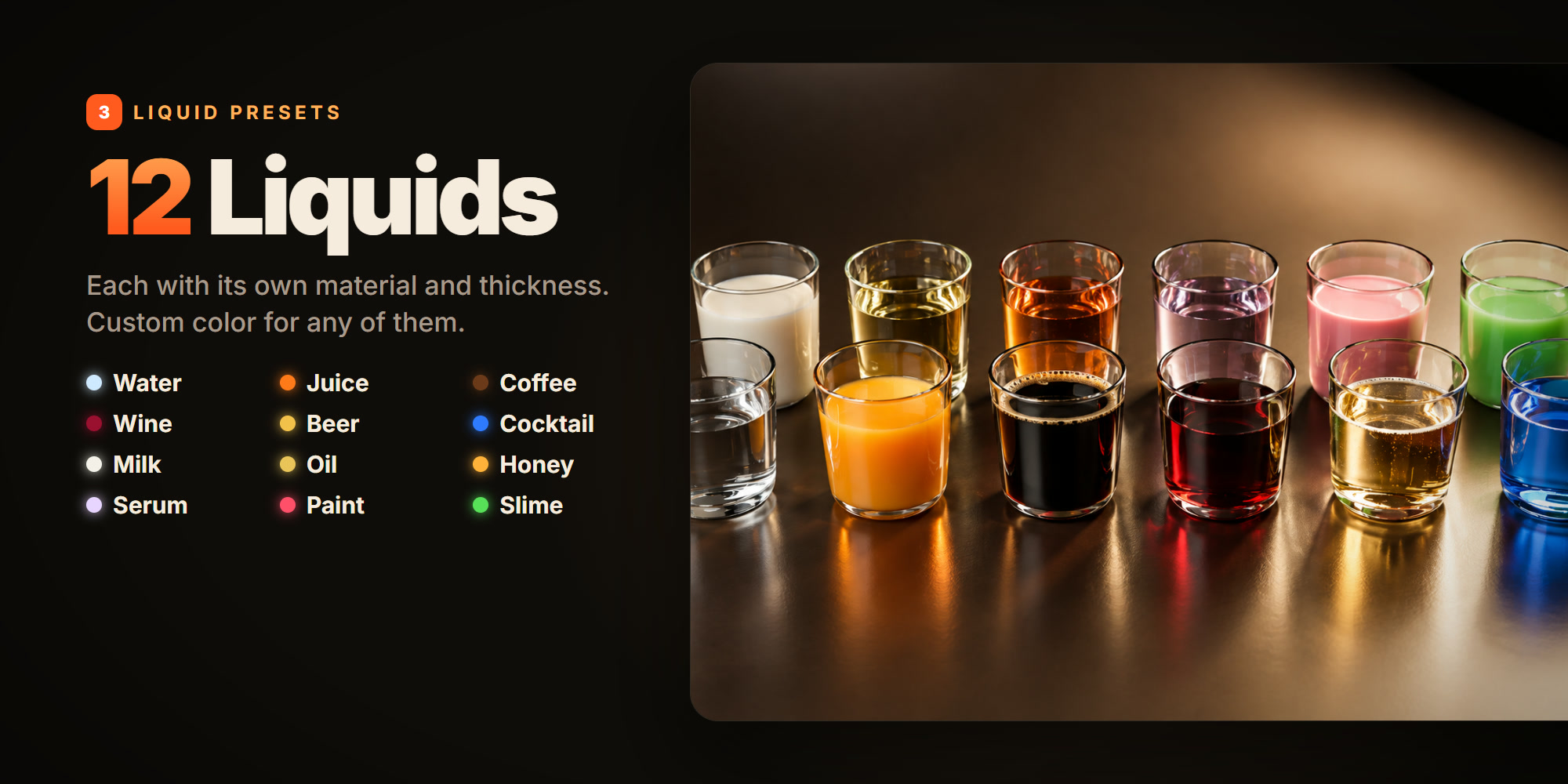
Water, Juice, Coffee, Wine, Beer, Cocktail, Milk, Oil, Honey, Serum, Paint and Slime. Each sets a proper material (refraction and absorption for clear liquids, subsurface scattering for creamy ones) and the thickness: honey, paint and slime pour slowly, water splashes freely. Custom Color keeps the material and changes only the color.
05CONTAINERS
8 containers, or yours.
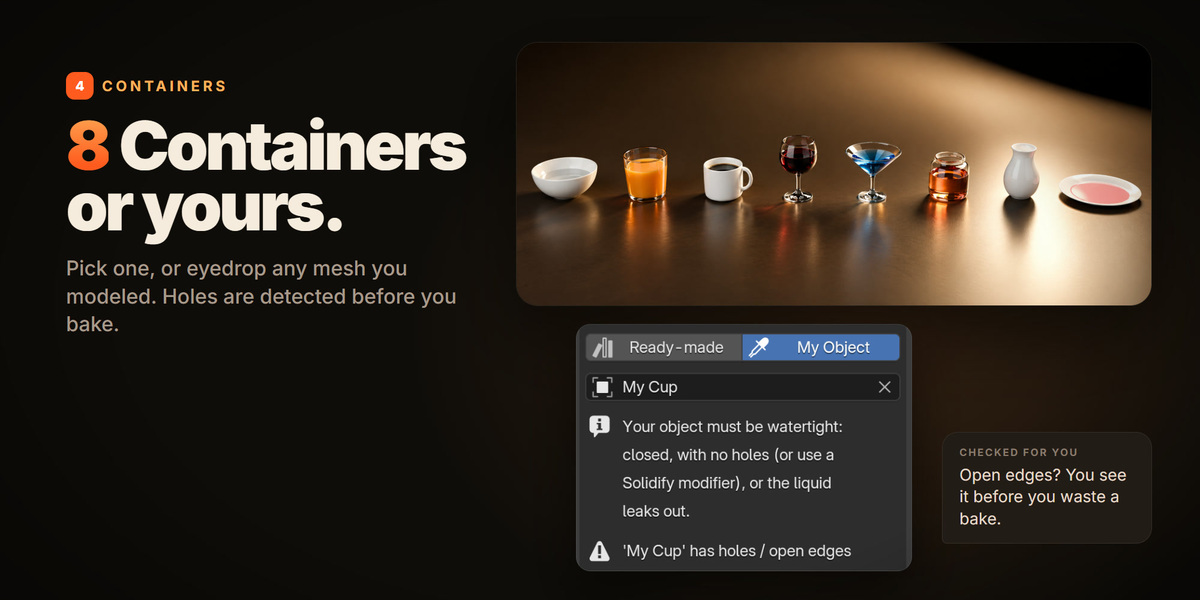
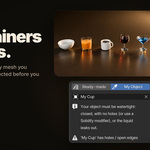
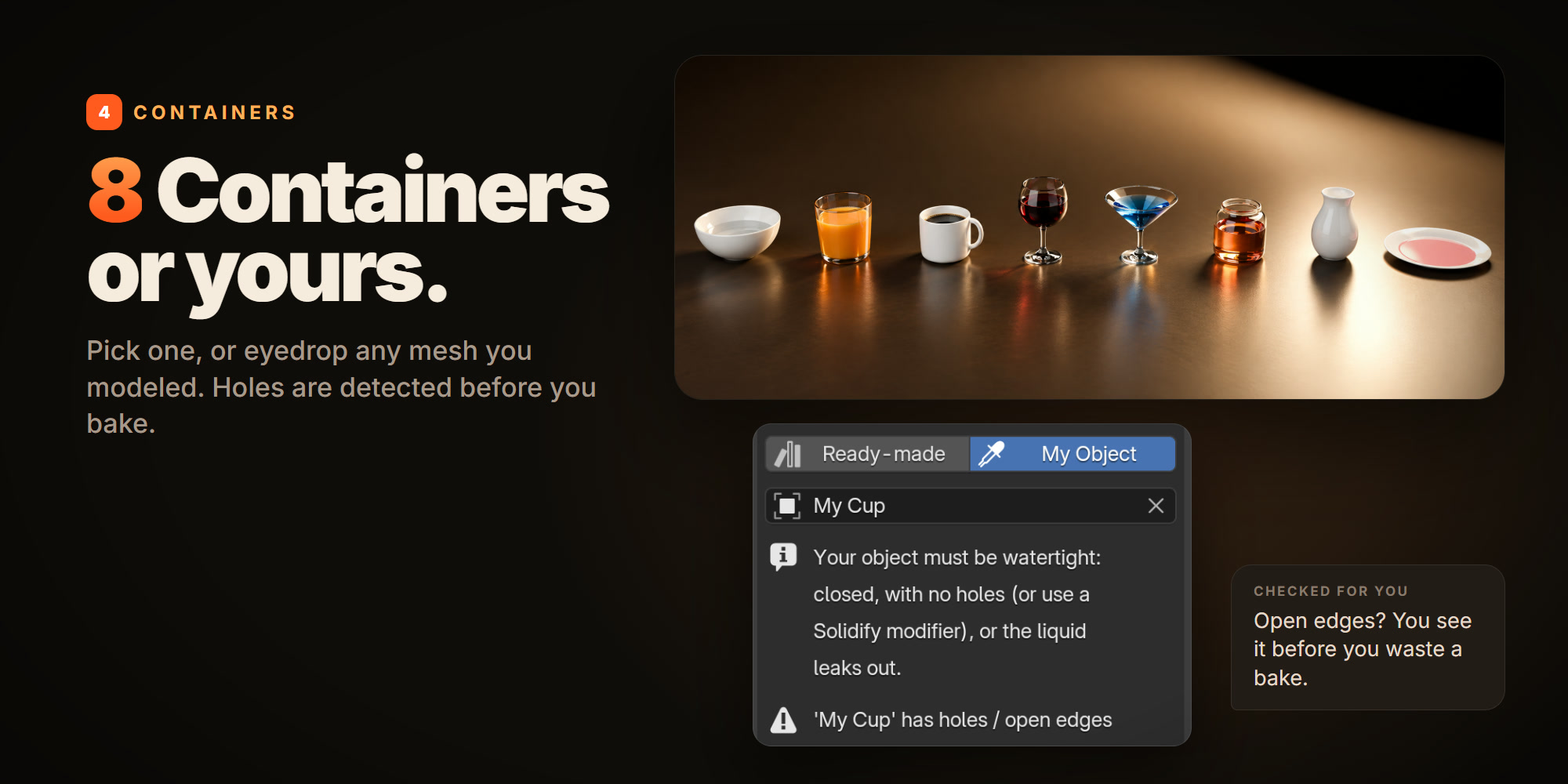
Bowl, Glass, Mug, Wine Glass, Cocktail Glass, Jar, Vase and Plate, built correctly for simulation with real wall thickness. Or eyedrop any mesh you modeled: the panel tells you right away if it has holes, before you waste a bake.
06FULL CONTROL
Custom res & slow-mo.
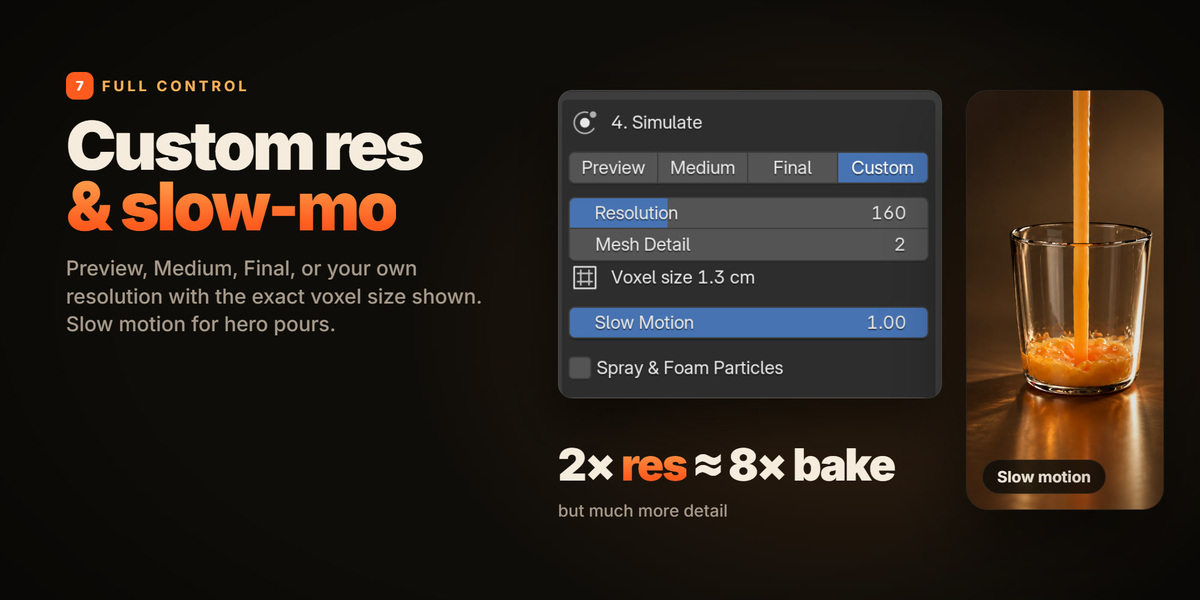
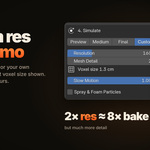
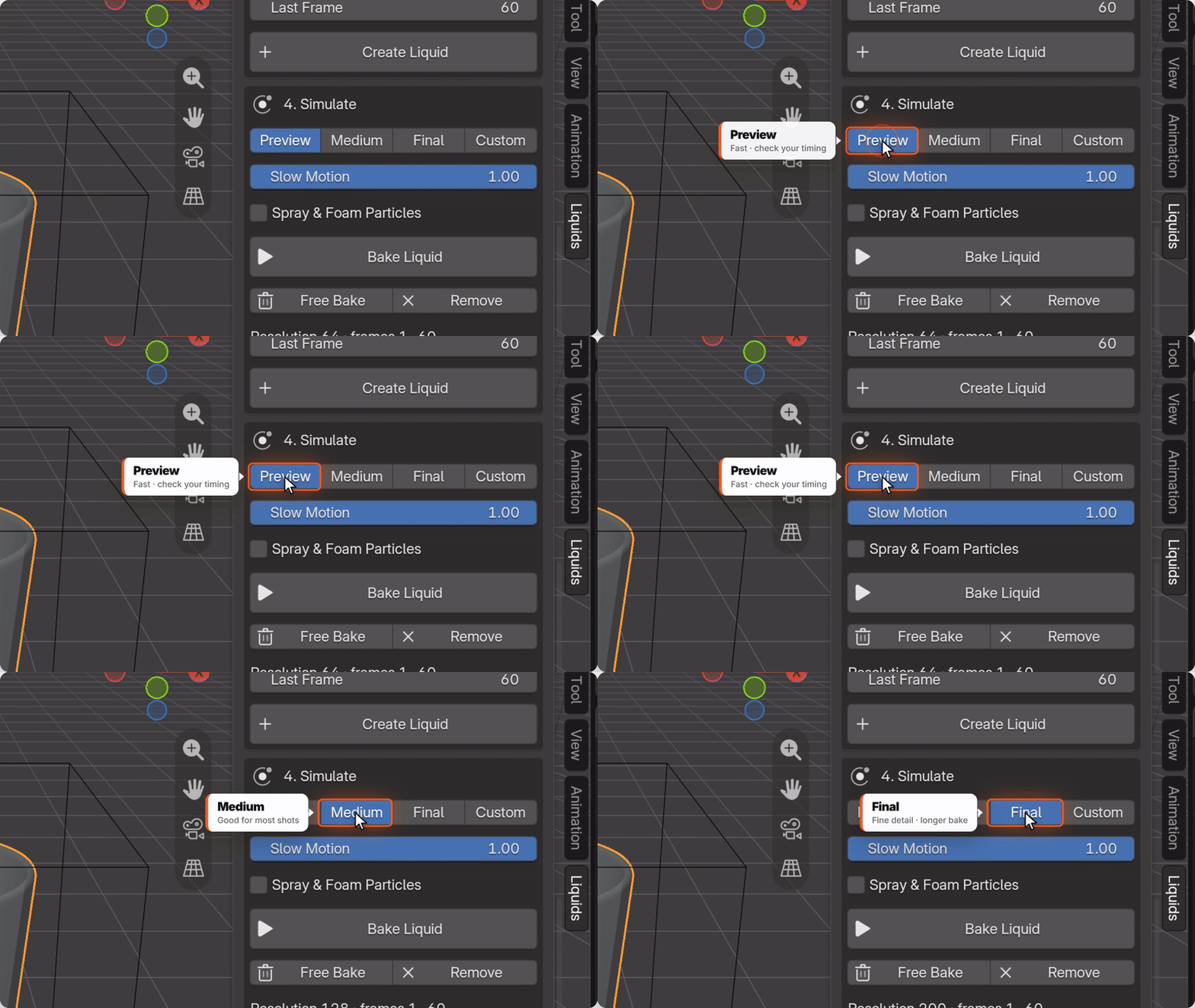
Preview to check timing, Medium for most shots, Final for detail, or Custom with your own resolution and the exact voxel size shown. Slow Motion for commercial-style pours, plus Spray & Foam particles.
07RENDER
Studio Scene, one click.
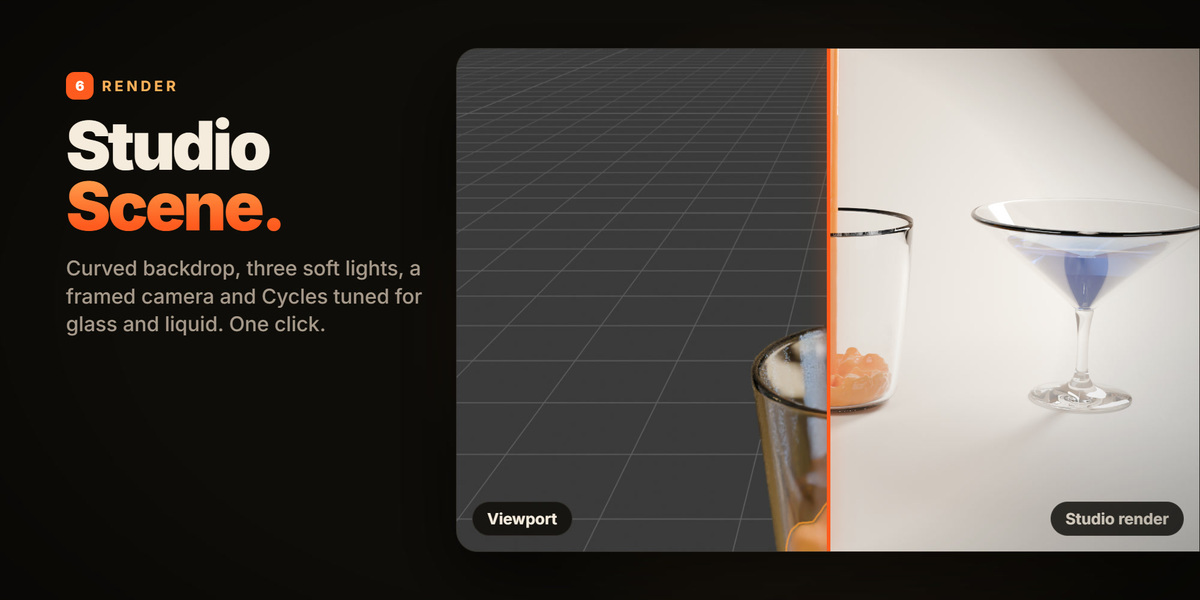
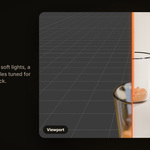
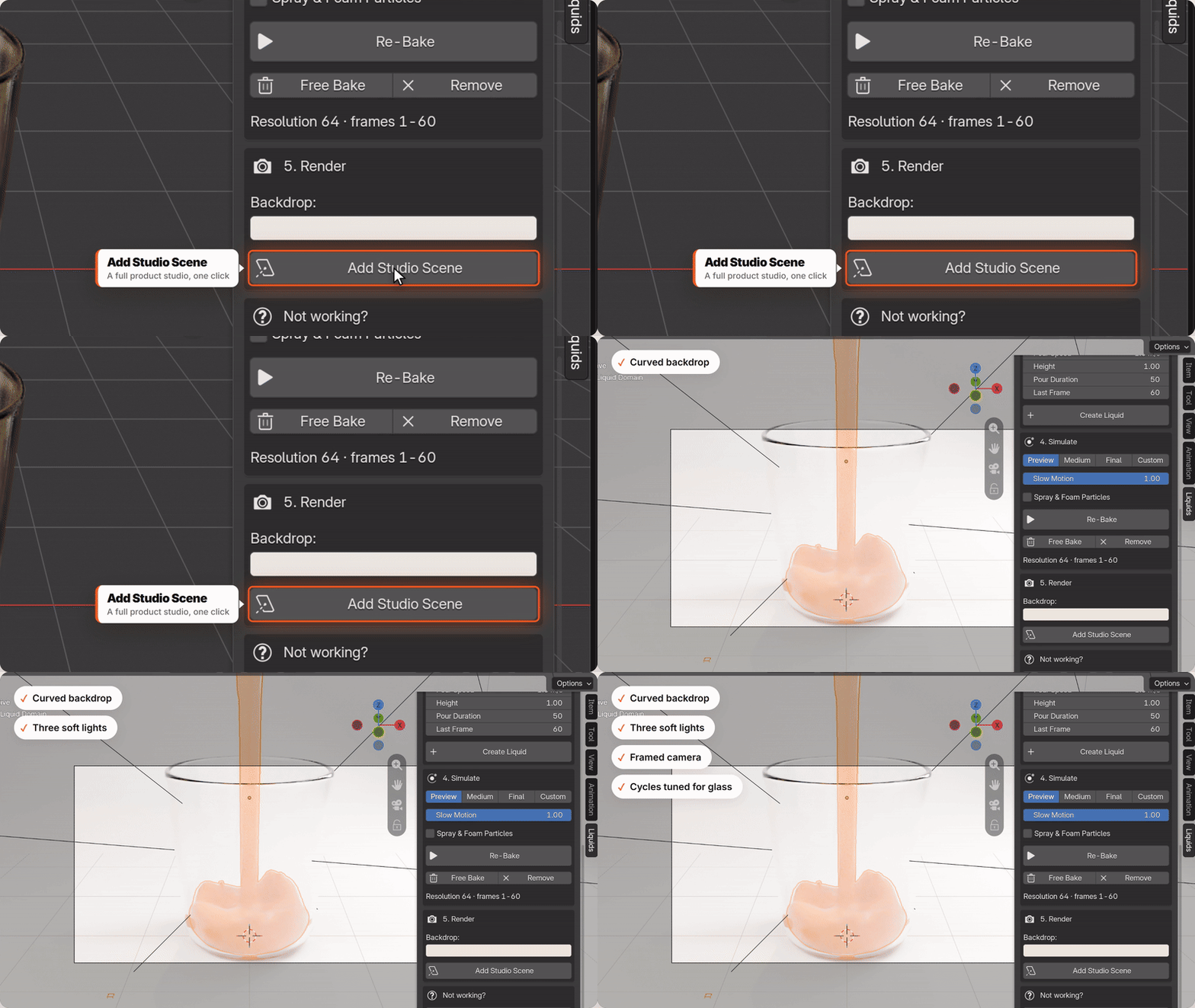
A product studio around your container: curved backdrop, three soft lights, a framed camera and Cycles settings tuned for glass and liquid. Press render.
08NOT WORKING?
Fix My Simulation.
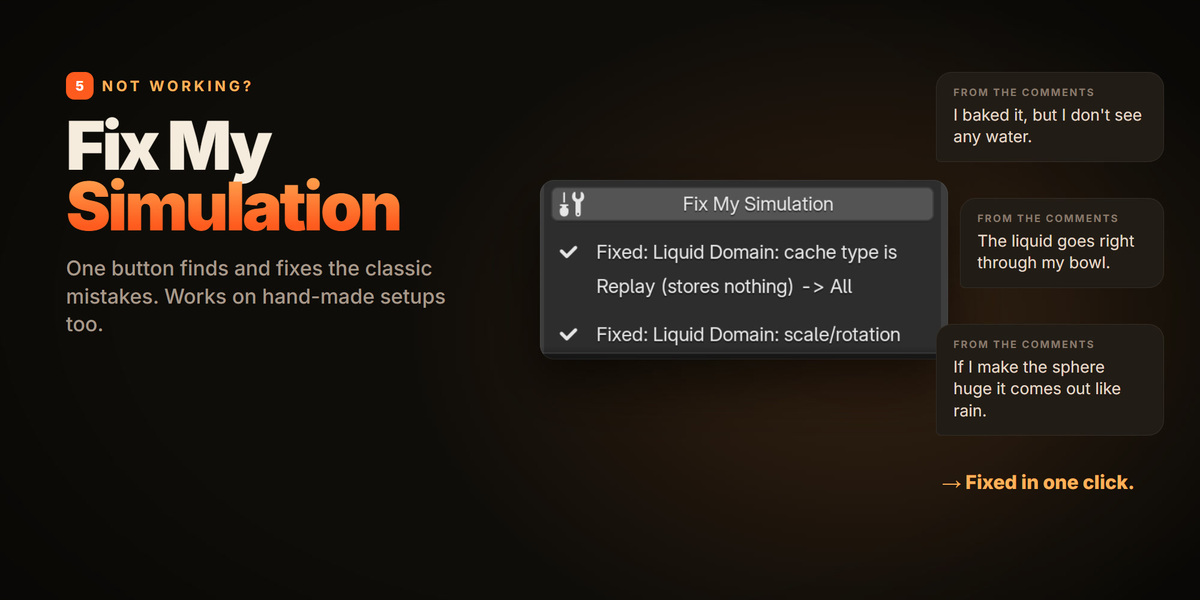
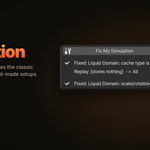
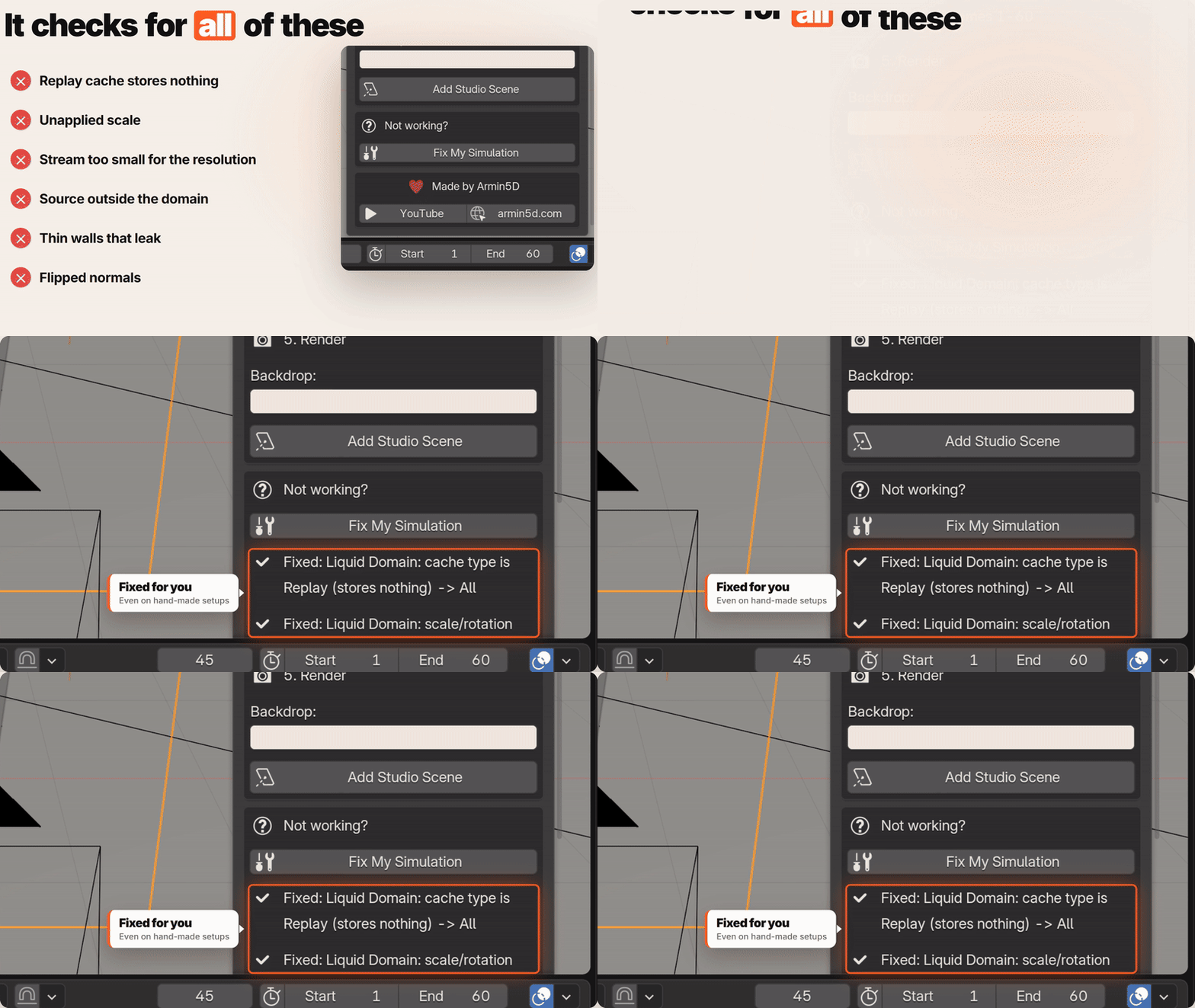
The button that exists because of those comments. It checks for a Replay cache that stores nothing, unapplied scale, a stream too small for the resolution, a source outside the domain, thin walls that leak and flipped normals, and fixes them. It even works on simulations you set up by hand.
Perfect for
Product shots & commercials Drinks, cosmetics, anything with a liquid in a container. |
Motion designers Real pours and sloshes without fighting Mantaflow settings. |
Beginners A working simulation on the first try. |
Experienced artists Skip the setup and go straight to the shot. |
REQUIREMENTS & INSTALL
Blender 4.2 or newer, built and tested on Blender 5.2. Uses Blender's built-in Mantaflow solver, nothing else to install. Drag the .zip into Blender (or Edit > Preferences > Get Extensions > Install from Disk), then open the Liquids tab in the 3D Viewport sidebar (N).
Includes all future updates. Made by Armin5D.