 Onion365studio
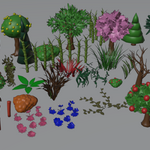
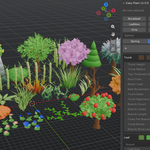
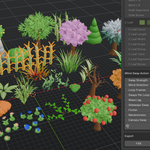
Easy Plant: Stylized Low-Poly Tree and Plant Generator
More Blender Game Add-ons
Easy House
Easy River
Easy Sea Wave
Easy Plant
Easy Room
Easy Signpost
Easy Street Lamp
Easy Terrain
Easy Walk Run Idle
Easy Rigid Body
Easy Emotion Bubble
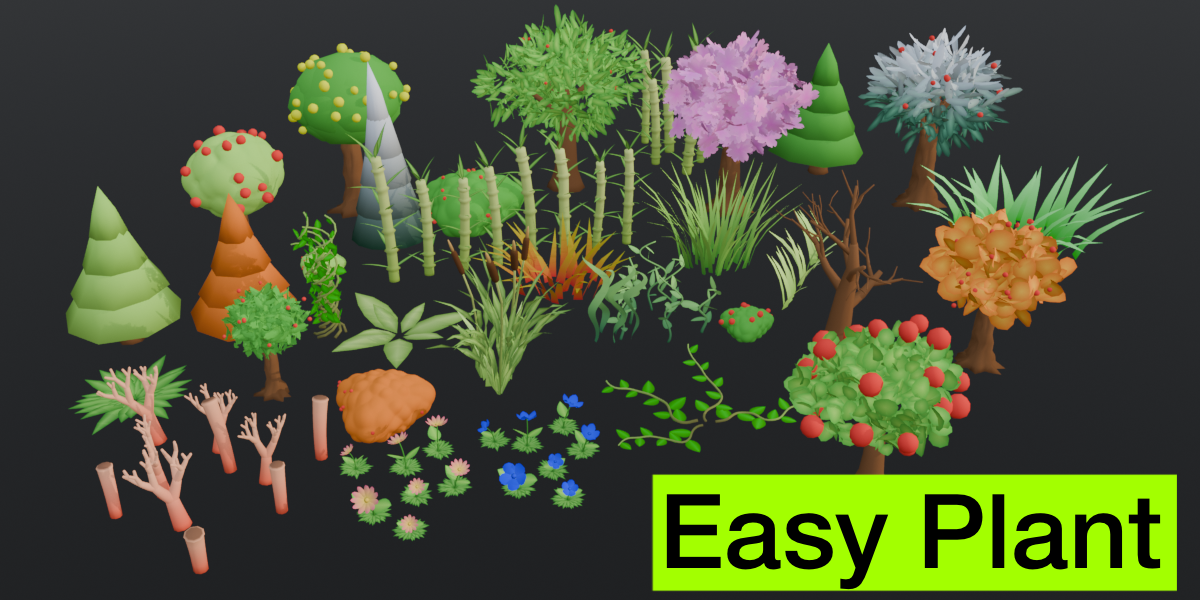
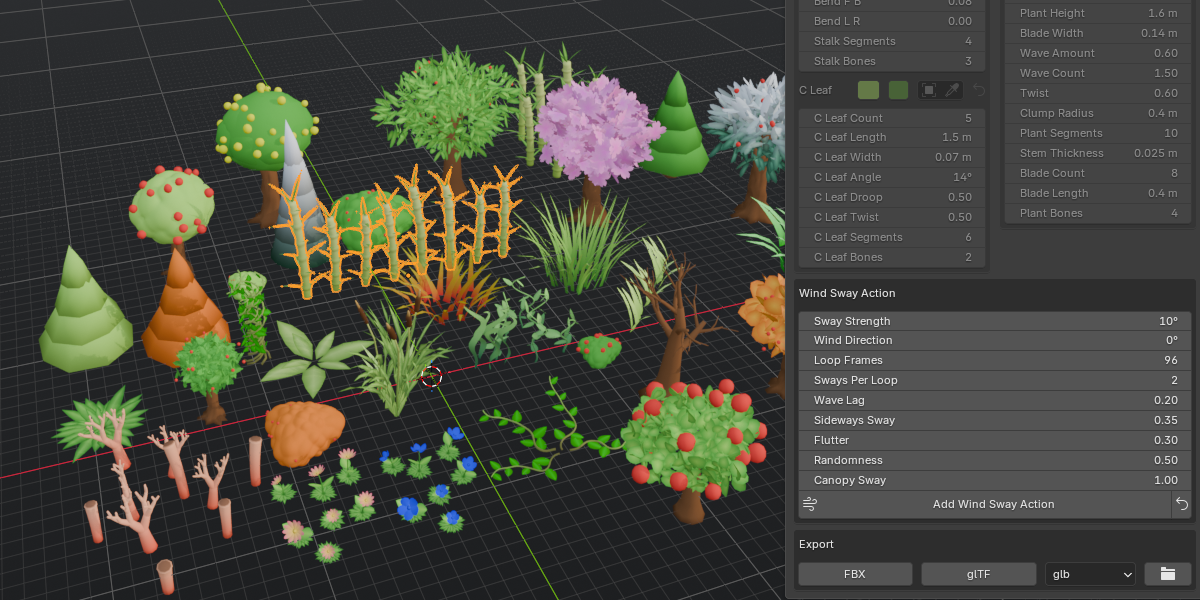
Build stylized low-poly trees, bushes, flowers and more in seconds, right from the 3D Viewport sidebar. Easy Plant handles the tedious parts for you: automatic seams and UV unwrapping, an optional rig with a looping wind sway animation, and one-click export to FBX or glTF. Perfect for games, animations and stylized scenes.
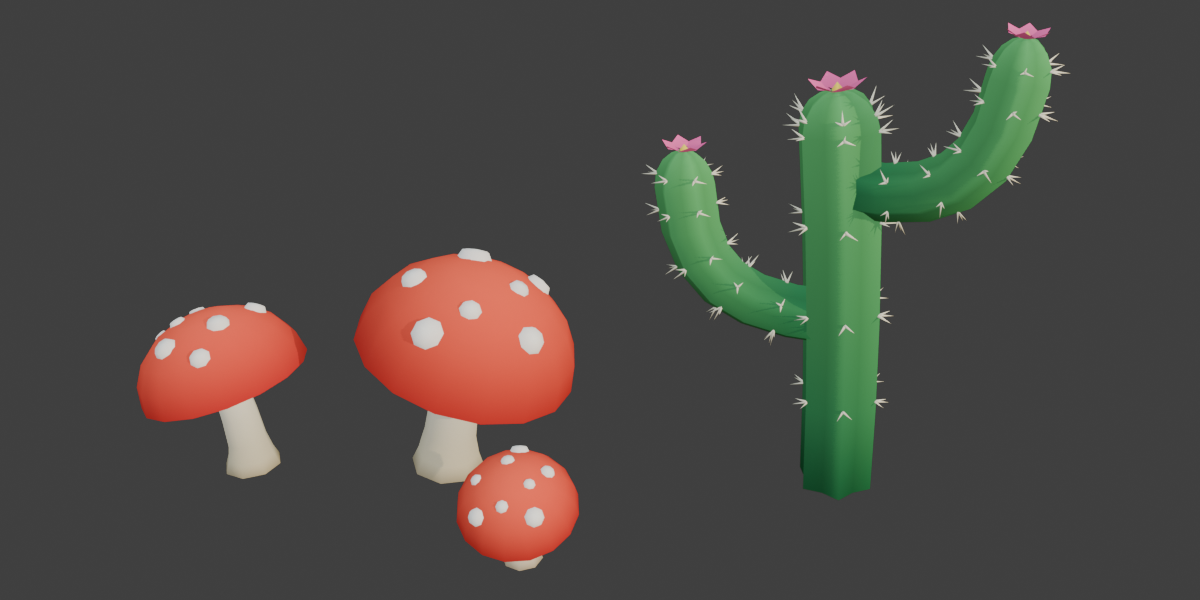
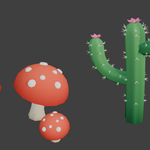
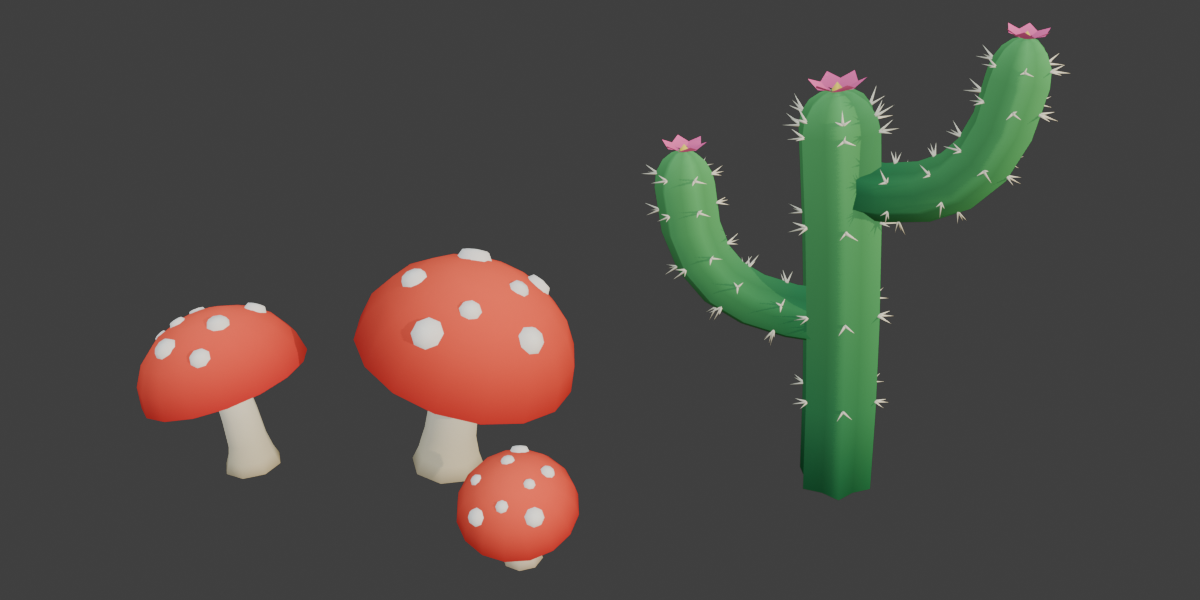
New Update: Mushroom,Cactus.
Key Features
12 plant types: Broadleaf, Giant Tree, Pine, Shrubbery, Leafless Tree, Grass, Flower, Bamboo, Vine, Coral, Seaweed and Cattail
Four seasons: Spring, Summer, Autumn and Winter looks, with a snowy winter variant
Multiple canopy styles: Blobs, Leaf cards, Cloud (anime style), Bump Sphere and Sakura (cherry blossom)
Leaf shapes: Round, Pointed, Heart, Maple and Cloud
Custom models: use your own trunk, leaf, flower and fruit models
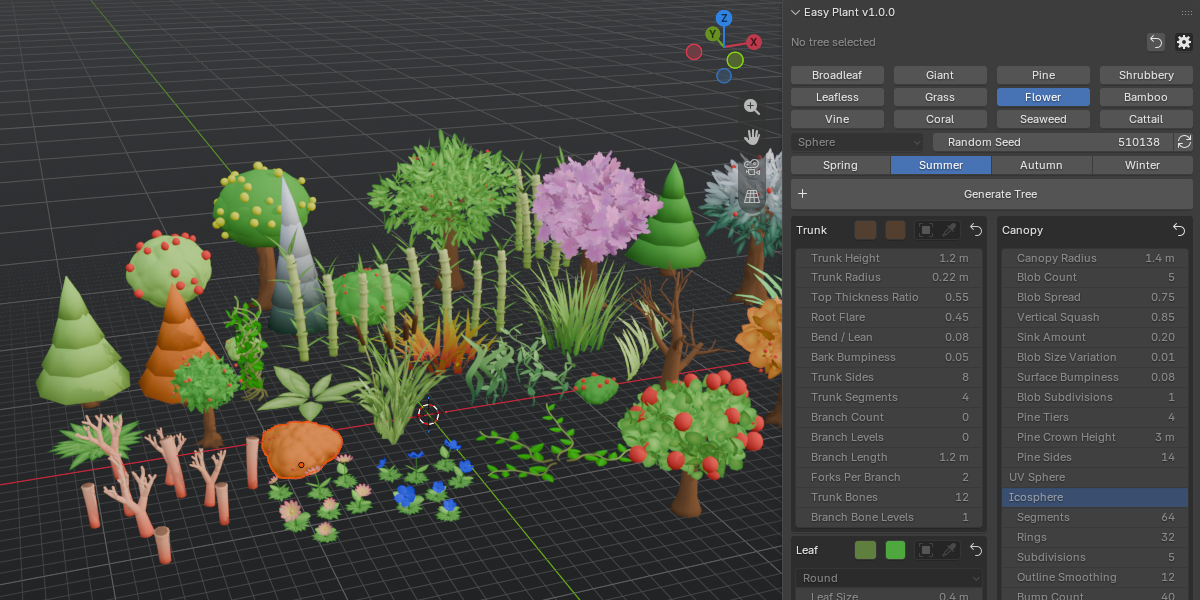
Full control over trunk, branches, leaves, fruit, colors and random seeds
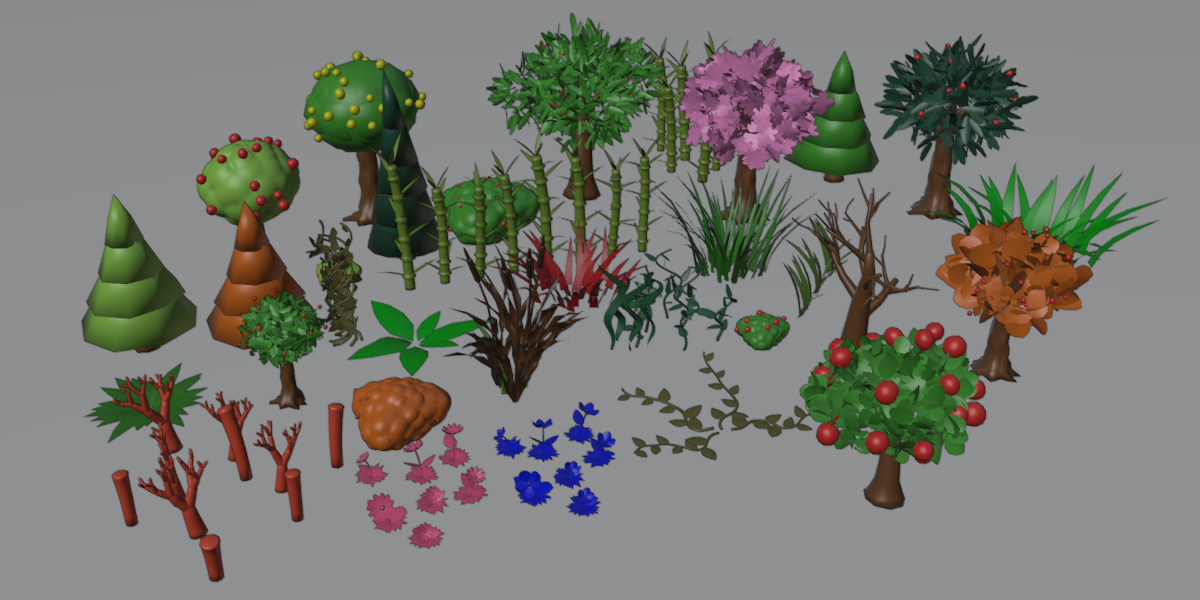
Automatic seams and UV unwrapping, so the mesh is ready for texturing
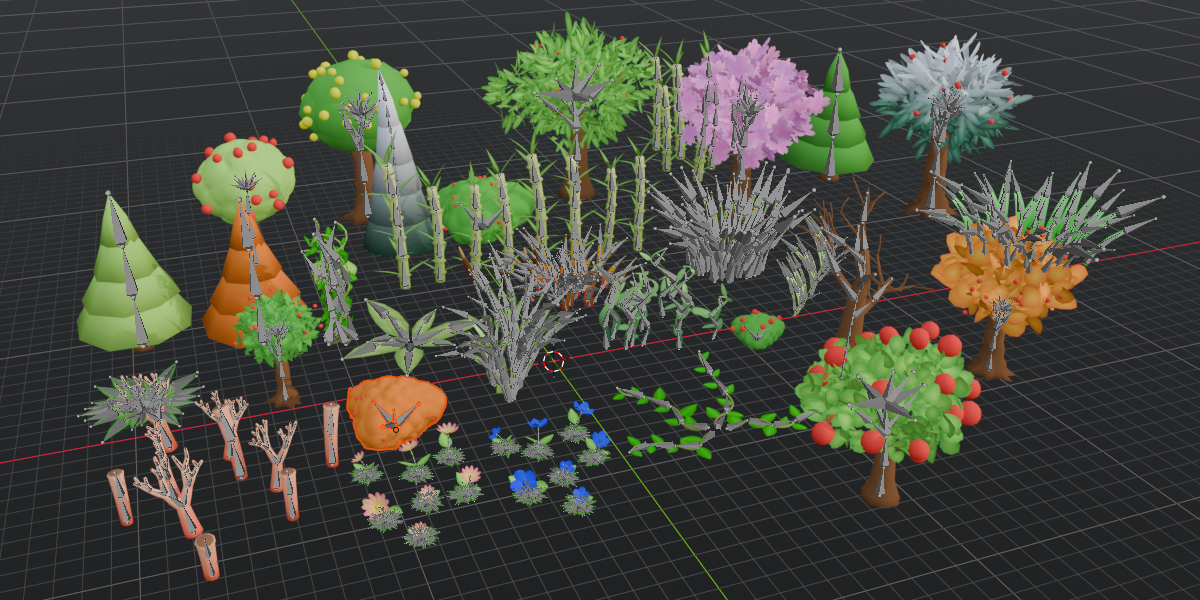
Optional auto armature with a looping wind sway action (adjustable strength, direction and bone levels)
Origin placed at the tree root, so trees sit correctly on the ground and in game engines
One-click export to FBX or glTF (GLB or separate .gltf)
Reset buttons for single sections or the whole panel
How to Use
1. Open the 3D Viewport sidebar (N) and select the Easy Plant tab.
2. Pick a plant type and adjust the settings.
3. Click Generate Tree to create it at the 3D cursor.
4. Optionally add the wind sway action, then click Export Tree.
Requirements
Blender 5.2 or newer.