Easy-Print V2
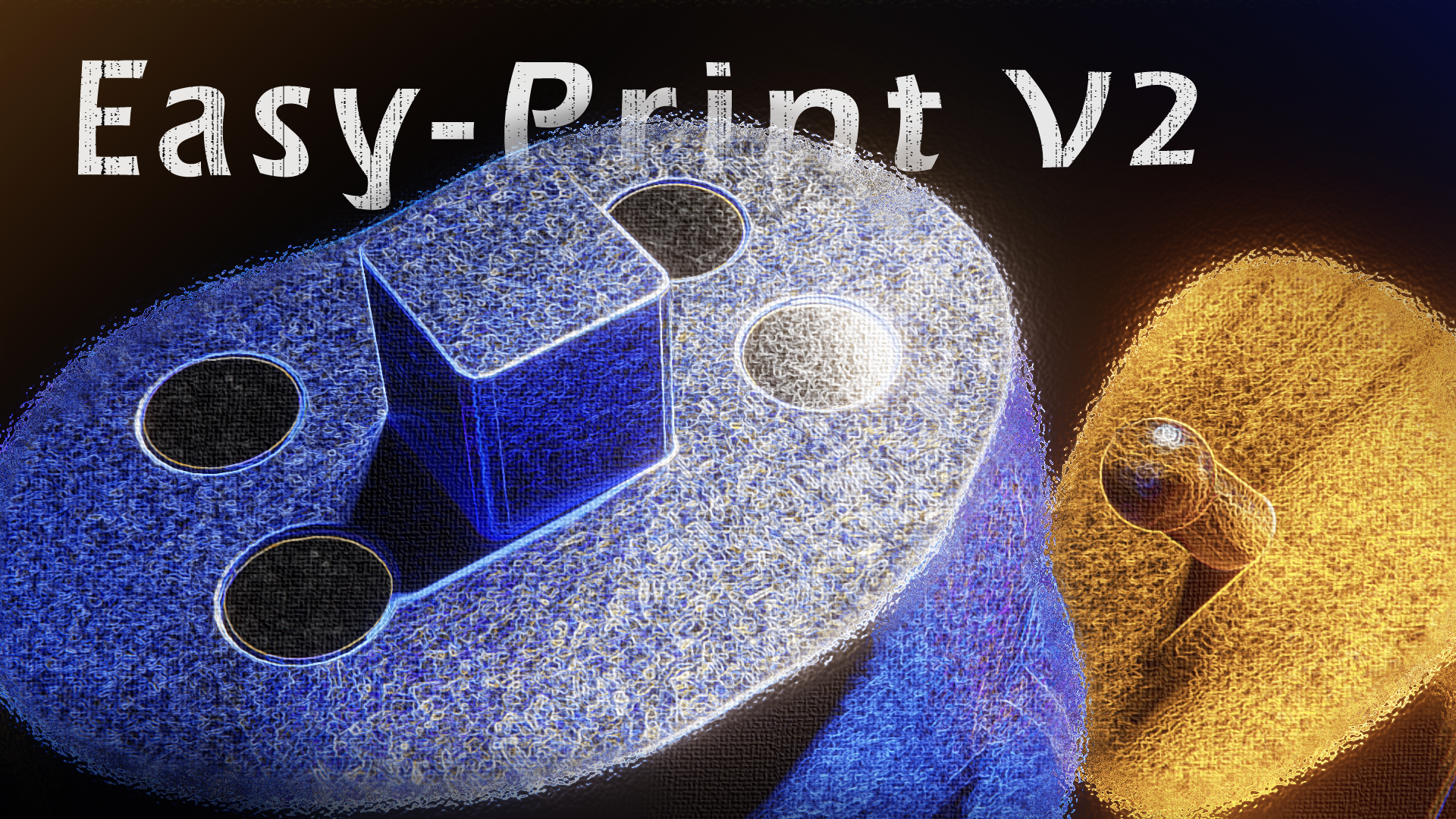
Cut models, add interlocking connectors and magnets, check watertightness, and export print-ready STL parts — from one Blender panel.
# 🖨️ Easy-Print
**Prepare multi-part 3D prints without leaving Blender.** Split a model with a straight line or a freehand surface curve, snap paired connectors onto the cut faces, embed magnets, verify watertightness, and export every part as its own STL — all from a single panel.
---
## ✂️ The workflow in 6 steps
1. **Cut** a model — straight line or freehand surface curve
2. **Choose** a connector type and generate a **male + female pair**
3. **Adjust** height, size and orientation interactively
4. **Add magnets** to a valid result pair when needed
5. **Waterproof** — bake modifiers, clean topology, validate or repair watertightness
6. **Export** every part in *Cut Results* as an individual STL file
---
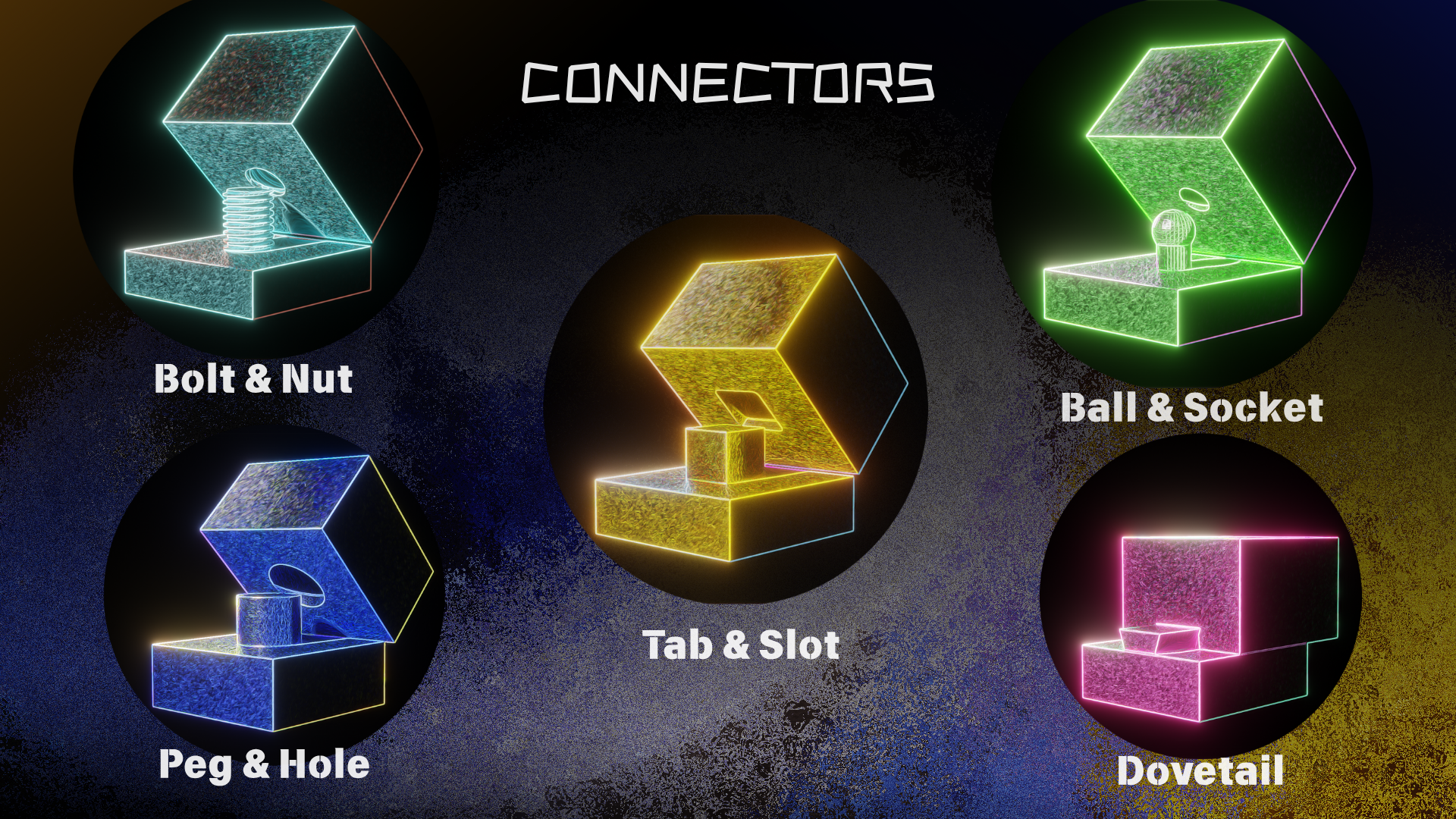
## 🔩 Five connector families
| Type | What it is | Best for |
|------|------------|----------|
| **Tab & Slot** | Rectangular interlock | General-purpose, strongest joint |
| **Peg & Hole** | Cylindrical alignment pin | Quick assembly, alignment |
| **Dovetail** | Sliding trapezoidal rail | Lateral assembly, no fasteners |
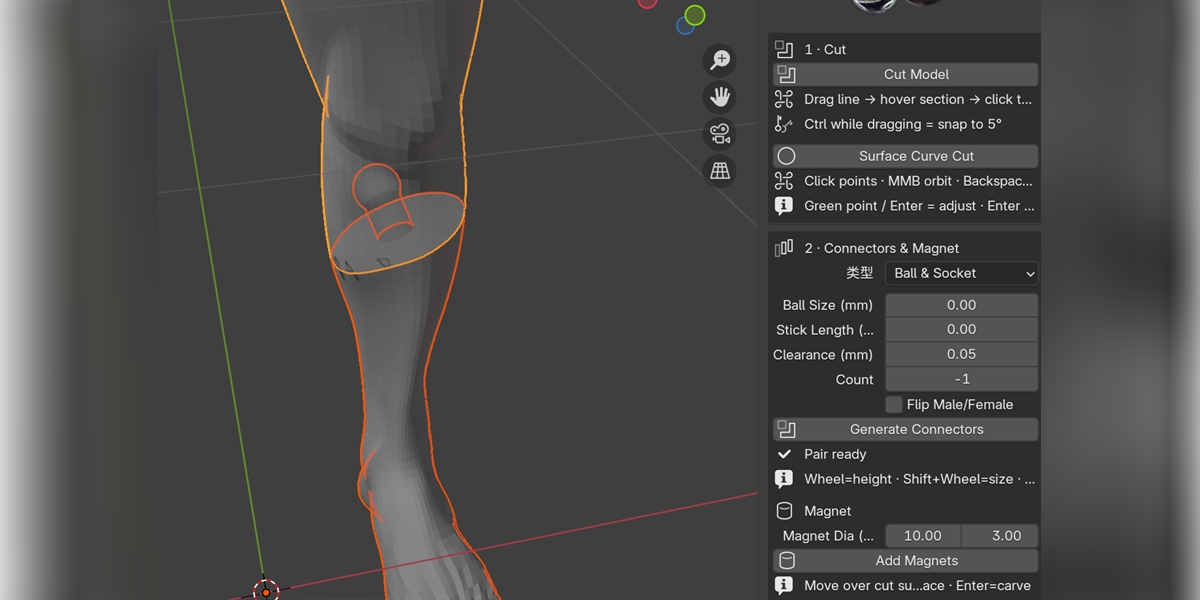
| **Ball & Socket** | Ball joint + socket | Articulating / adjustable joints |
| **Bolt & Nut** | Parametric threaded bolt + nut | Removable, reusable joints |
> ✅ **Tab & Slot**, **Peg & Hole** and **Ball & Socket** work on **curved seams**.
> ⚠️ **Dovetail** and **Bolt & Nut** require a planar cut.
---
## 🧲 Magnet module
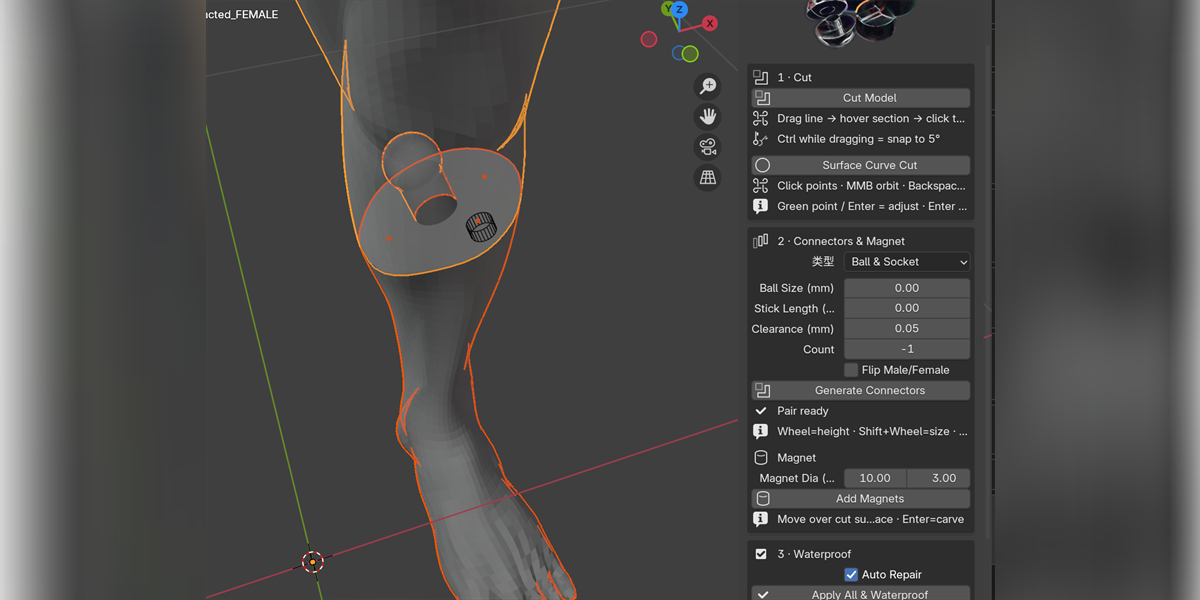
Place cylindrical magnet pockets on the cut face — both halves are staged and committed **together**, so a failed carve never leaves a partial result.
## 💧 Waterproof & apply
One click bakes modifiers, cleans topology and validates (or attempts to repair) watertightness — the standard pre-print check.
## 📦 One-click STL export
Every part in *Cut Results* is saved as its **own** `.stl` file, binary or ASCII, with automatic duplicate detection.
---
## ✅ Compatibility
- **Blender 4.2.0 or newer** required
- Tested on **4.2.23 LTS**, **4.5.9 LTS**, **5.2.1 LTS**
- **No external Python dependencies**
- License: **GPL-3.0-or-later**
> 🔗 [View on Blender Extensions](https://extensions.blender.org/add-ons/easy-print/)
---
Easy-Print reduces the repeated setup work of splitting models and preparing matching assembly features. It does **not** replace a slicer or a final print inspection — review the meshes, clearances and fit before printing.
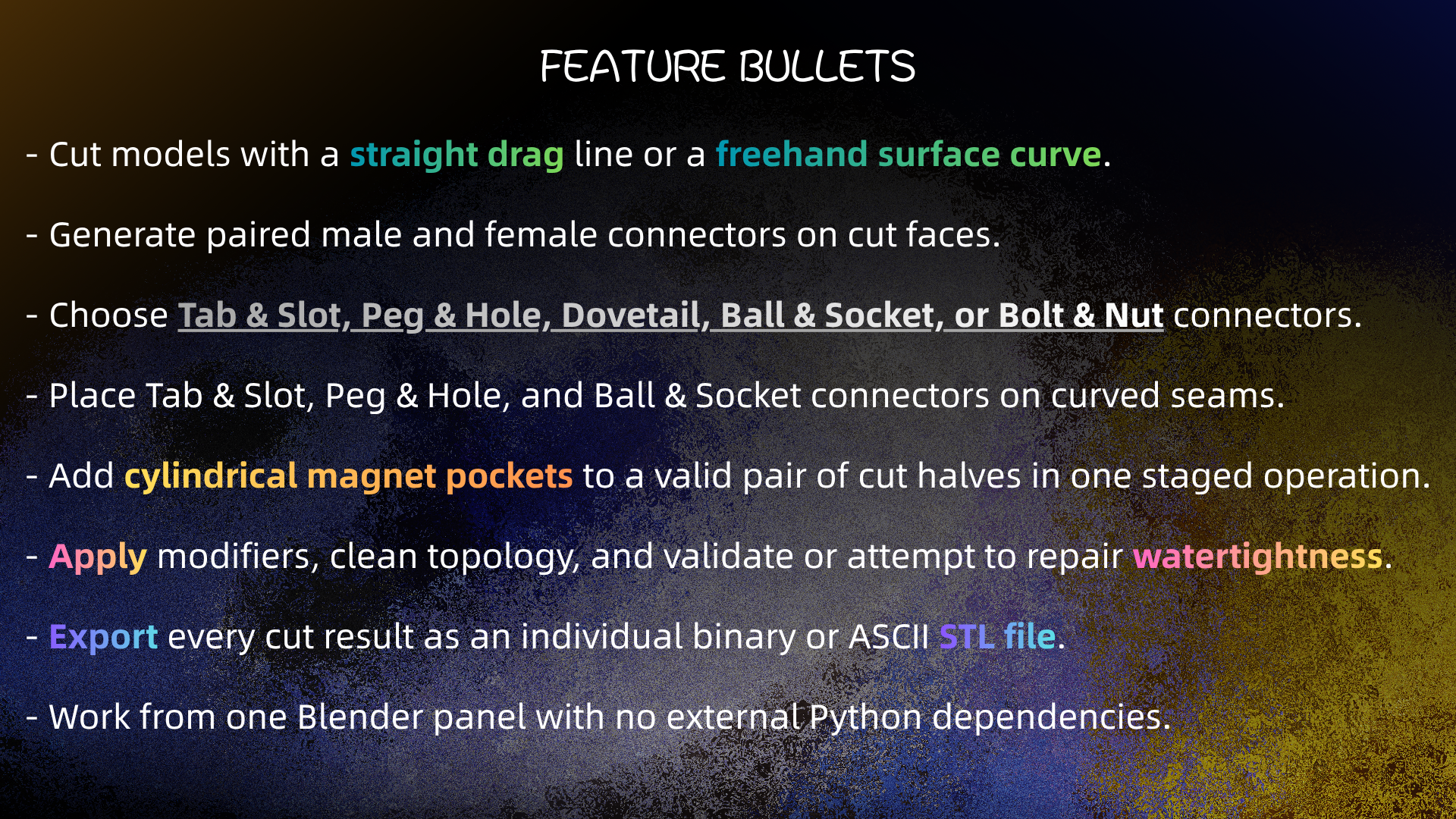
- ✂️ Cut models with a straight drag line or a freehand surface curve
- 🔩 Generate paired male + female connectors on cut faces
- 🧩 Choose Tab & Slot, Peg & Hole, Dovetail, Ball & Socket, or Bolt & Nut
- 🌐 Place Tab & Slot, Peg & Hole, Ball & Socket connectors on curved seams
- 🧲 Add cylindrical magnet pockets in one staged operation
- 💧 Apply modifiers, clean topology, validate or repair watertightness
- 📦 Export every cut result as an individual binary or ASCII STL
- ⚡ One Blender panel, zero external Python dependencies
## Installation
1. Use **Blender 4.2.0 or newer**
2. Open **Edit > Preferences > Add-ons**
3. Open the add-on menu (**▼**) and choose **Install from Disk…**
4. Select the **Easy-Print ZIP** file
5. Enable **Easy-Print** in the Add-ons list
6. Open the **3D Viewport**, press **N**, select the **Easy-Print** tab
## Usage
1. Select a mesh object
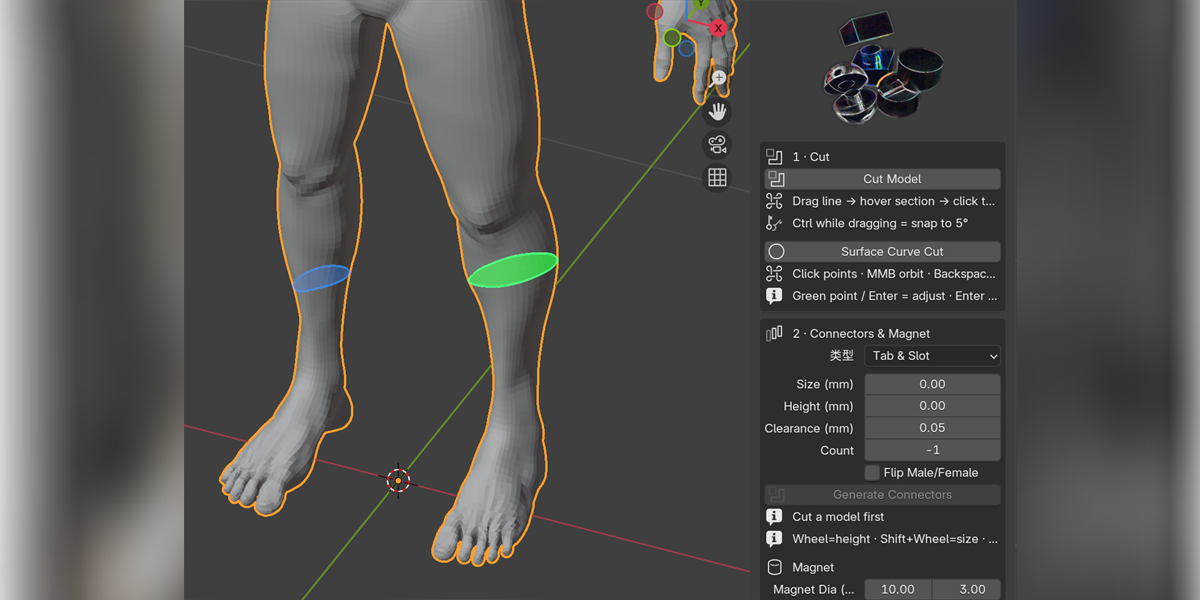
2. **Cut Model** — drag a line across the surface, hover the section to keep, click. Hold **Ctrl** while dragging to snap to 5°
3. **Surface Curve Cut** — click points around the section, close the loop, adjust the handles, press **Enter**
4. Pick a connector type → **Generate Connectors** → adjust with mouse wheel / Shift+wheel / **F**, click to confirm
5. **Add Magnets** — move over the cut surface, click to place, **Enter** to carve both halves
6. **Apply All & Waterproof** — bake, clean, validate
7. **Export Parts (.stl)** — choose a folder, review in your slicer
- Minimum: **Blender 4.2.0**
- Tested on: **4.2.23 LTS**, **4.5.9 LTS**, **5.2.1 LTS**
- External Python dependencies: **None**
- License: **GPL-3.0-or-later**
> Core workflows have been tested on the listed versions. The interactive (modal) workflow has not been exhaustively tested in every interface scenario — please test it in your own setup.
- **Blender 4.2.0+** required
- **Curved seams** support only **Tab & Slot**, **Peg & Hole**, **Ball & Socket** — Dovetail and Bolt & Nut require a planar cut
- On curved seams, width/height of `0` requests auto-sizing; explicit values below **2 mm** are rejected
- An explicit Tab height on a curved seam is **not silently clamped** — actual Boolean validation is the safety gate
- **Magnet placement** needs a valid connector pair (or exactly two selected mesh halves); place at least one magnet before confirming
- A magnet Boolean failure **cancels the whole operation** rather than leaving a partial carve
- Easy-Print prepares geometry — it does **not** replace slicer checks, printer calibration, or physical fit testing
- 🌐 Blender Extensions : https://extensions.blender.org/add-ons/easy-print/
 Print Connector


 Included