 Armin
Armin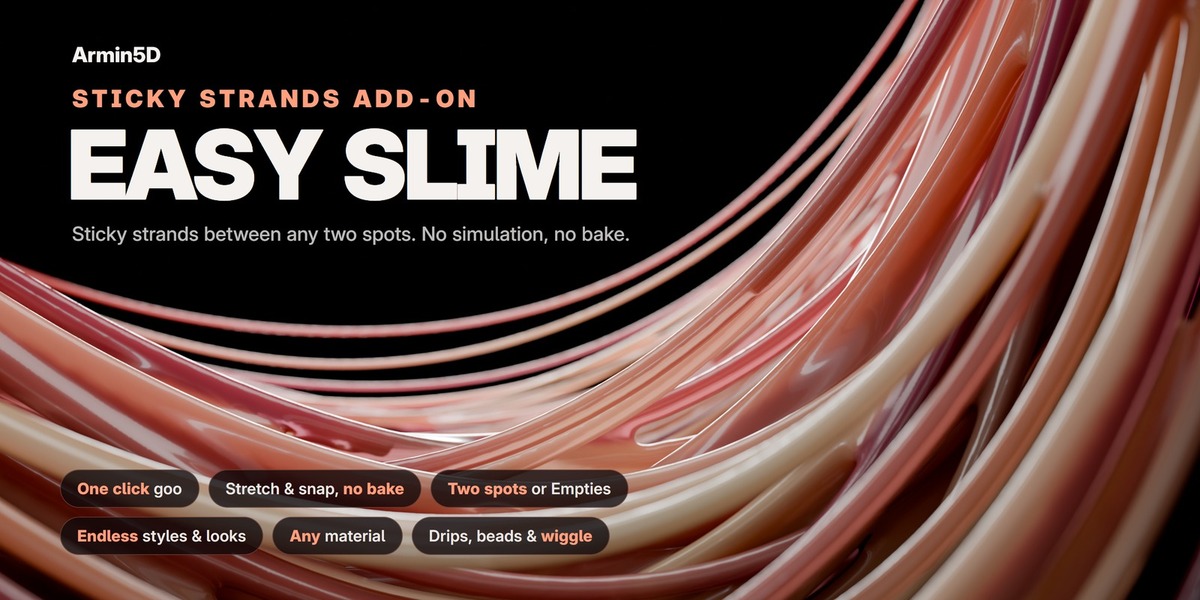

Installation
- Download the .zip (do not unzip it).
- In Blender: Edit > Preferences > Get Extensions, the arrow menu at the top right, Install from Disk, pick the .zip. (Or drag the .zip into Blender's window.)
- Open the 3D Viewport's sidebar (N) and click the Slime tab.
Making a slime
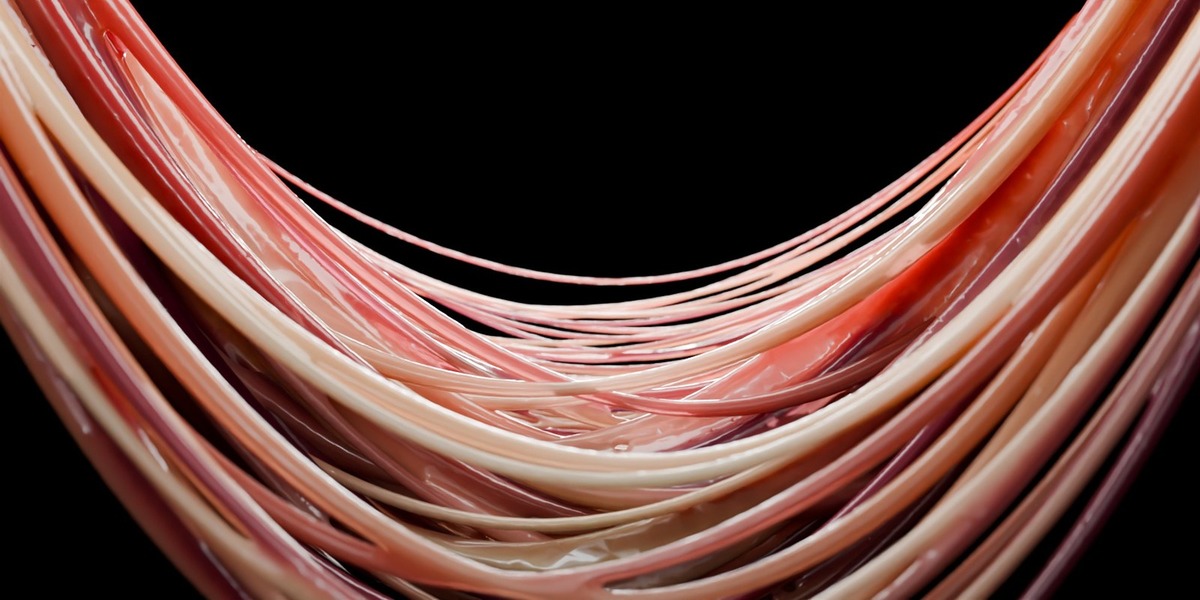


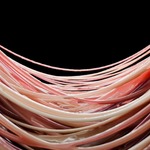



Whole Objects: select two objects (the strands start where they are closest) and press Stick Together. Move or animate one of them away: the strands stretch, thin out and snap.



Two Spots: switch to Two Spots and press Pick Two Spots. Click spot A, then spot B, on two objects or on the same object. Ctrl + scroll (or [ and ]) changes the size of a spot; right-click or Esc cancels. Press Build Slime. The eyedropper next to each spot size moves that spot later.
Pull Example and Ring Example add ready scenes to try.
The panel
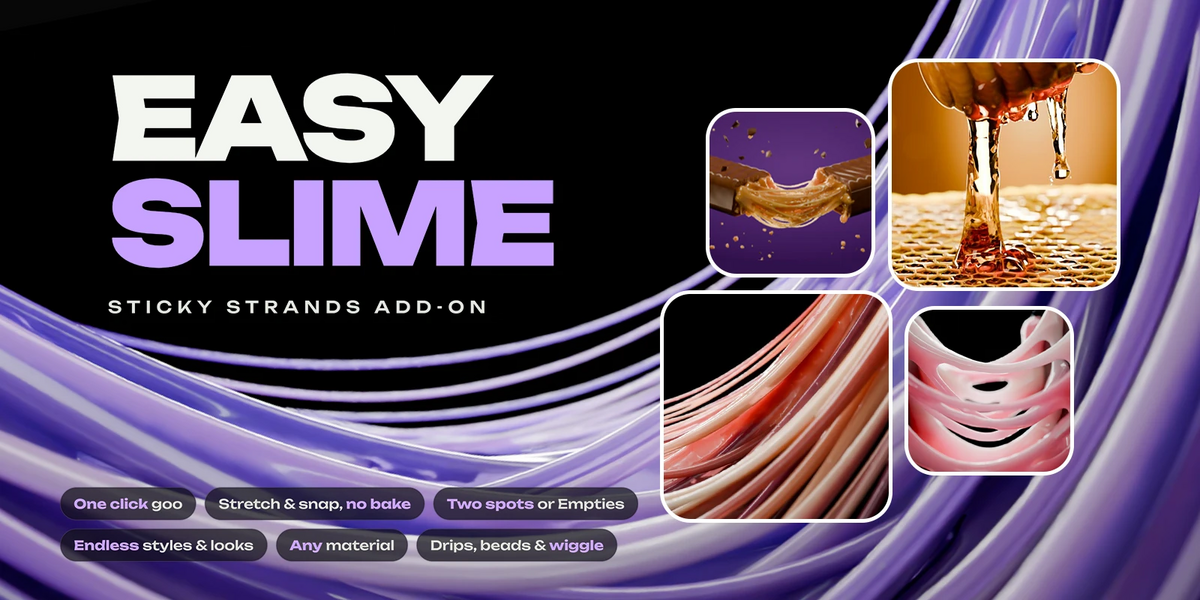
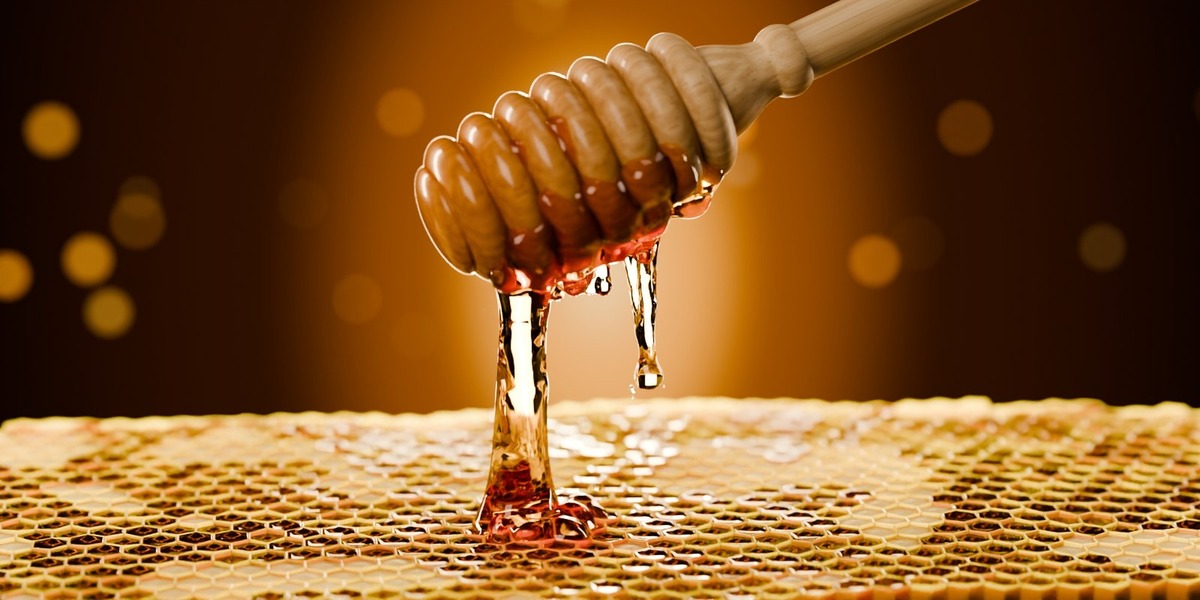
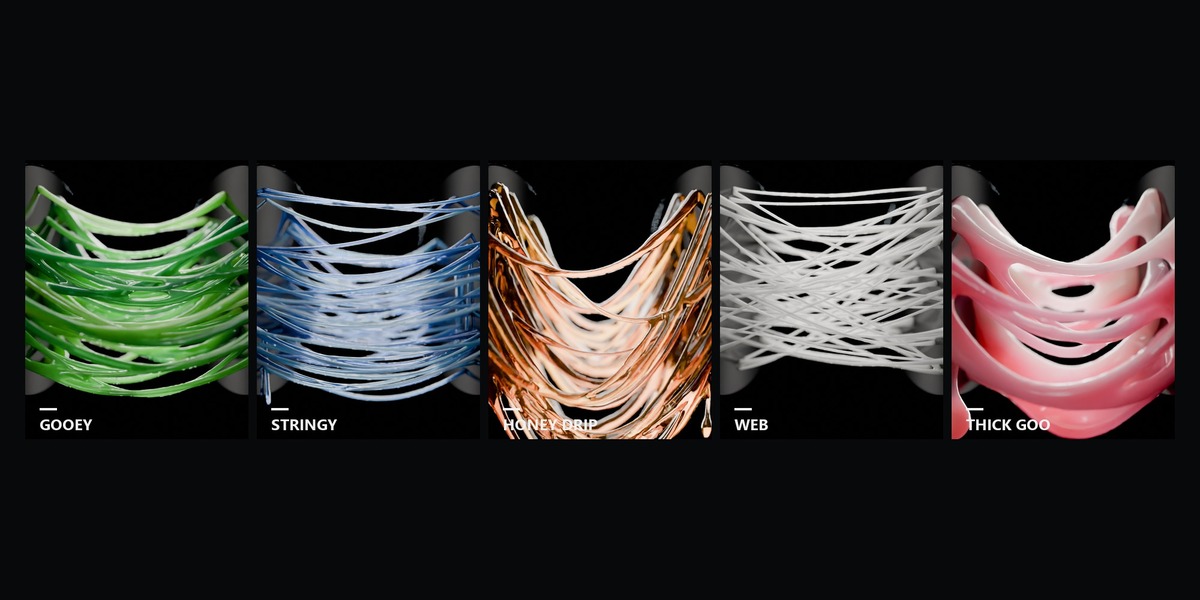
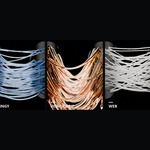
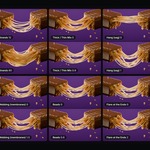
- Styles: Gooey, Stringy, Cheese Pull, Honey Drip, Web, Thick Goo. Each sets all the shape sliders at once.

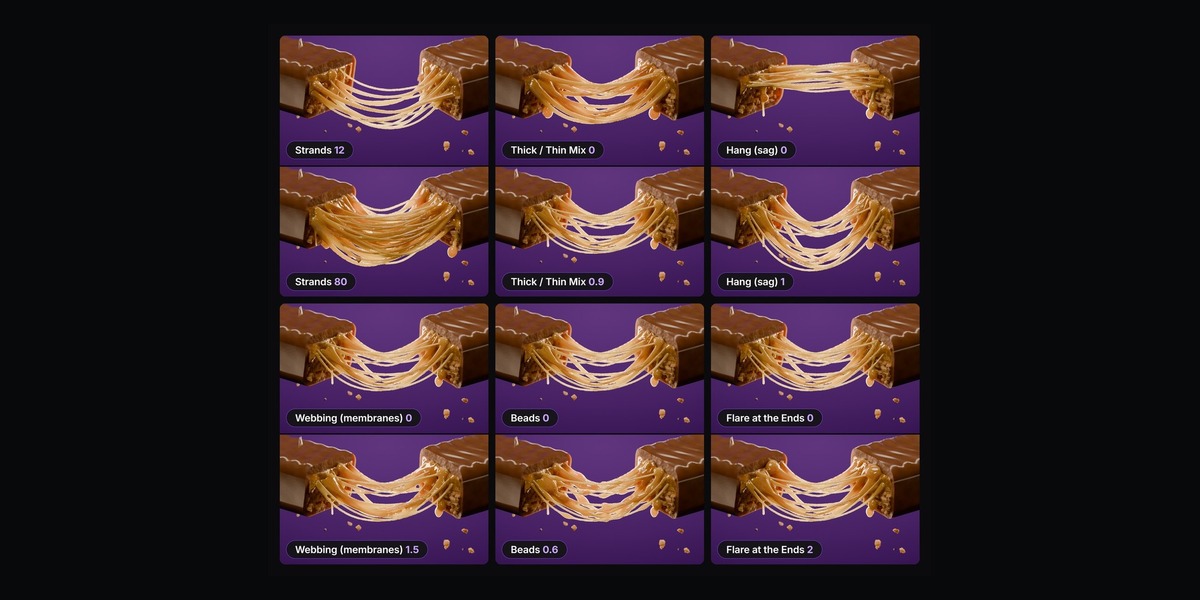

- Strands: number of strands, sticky area or spot sizes, criss-cross, seed, thickness, thick/thin mix, middle thickness, unevenness, flare at the ends.
- Shape: hang (sag), hang variety, sweep, webbing (membranes), beads, beads slide.
- Stretch, Snap & Motion: snaps at (distance), one by one, thins when stretched, leftover length, drop at the tip, drips, alive (wiggle), "no slime before the stick frame", and Animate Pull Apart.
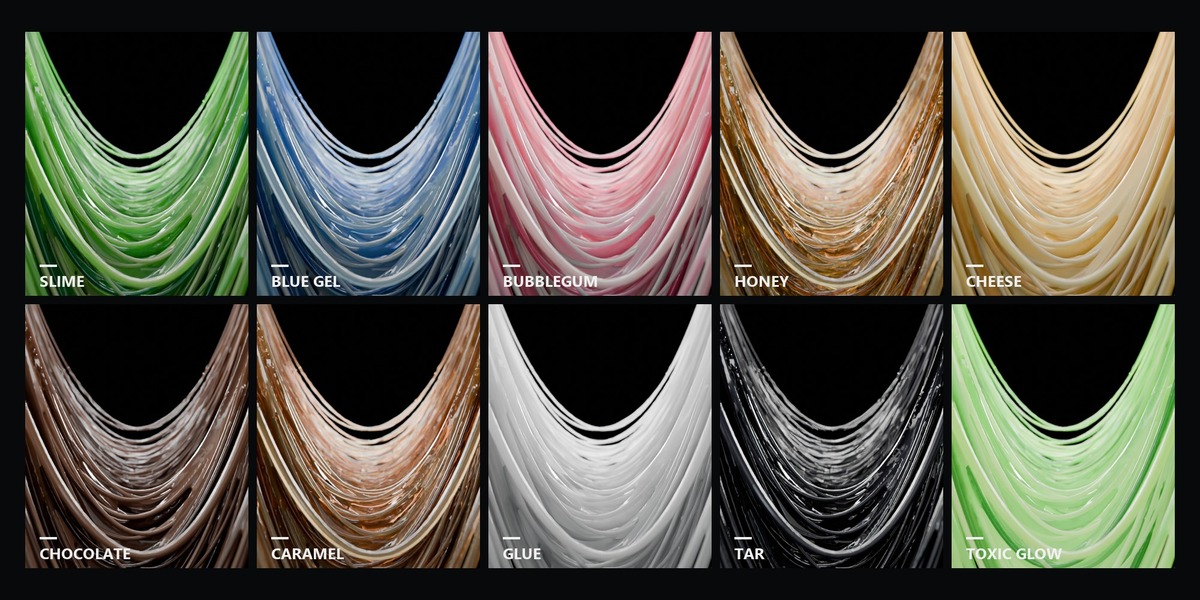
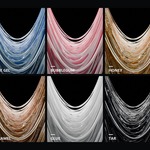
- Look & Material: ten looks, quick edits of colours and surface, or any material of your own in the slime's first material slot. Your materials can read the attributes slime_id, slime_thick, slime_along and slime_radius.
- Quality & Tools: detail, smoothing, fast viewport (renders always use full detail), Re-Stick Here, Remove Slime.
Tips
- Stick the objects while they touch or are close, then move them apart.
- Changed the objects' starting pose? Press Re-Stick Here.
- If one of the two objects is deleted the slime hides itself; undo brings it back.
Have questions about this product?
Login to message
| Blender Extension Compatible | Yes |
| Published | 2 days ago |
| Blender Version | 5.2 |
| Extension Type | Add-on |
| Render Engine Used | Cycles, Eevee |
| License | GPL |
Discover more products like this
honey drool cheese pull food product-visualization caramel strands geometry nodes goo sticky VFX slime