 Armin
Armin

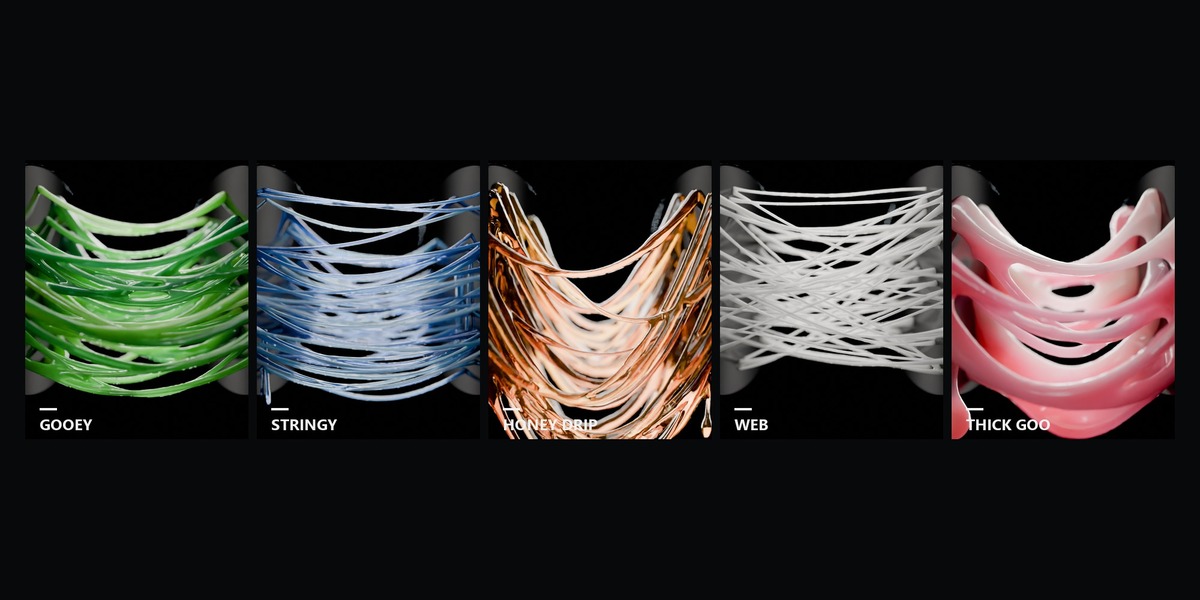

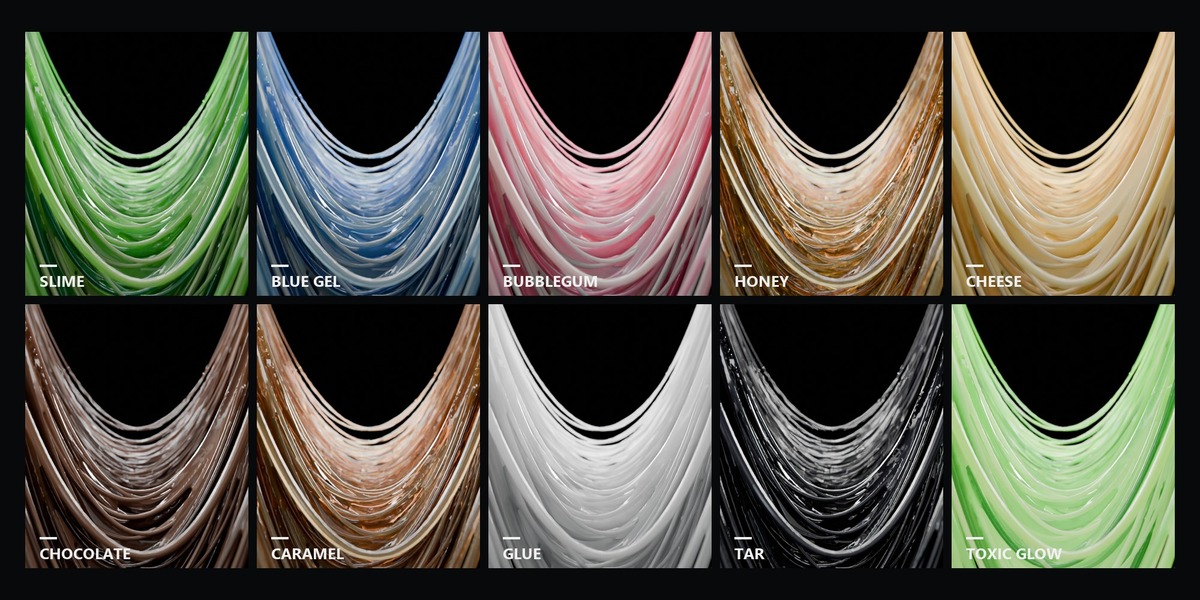

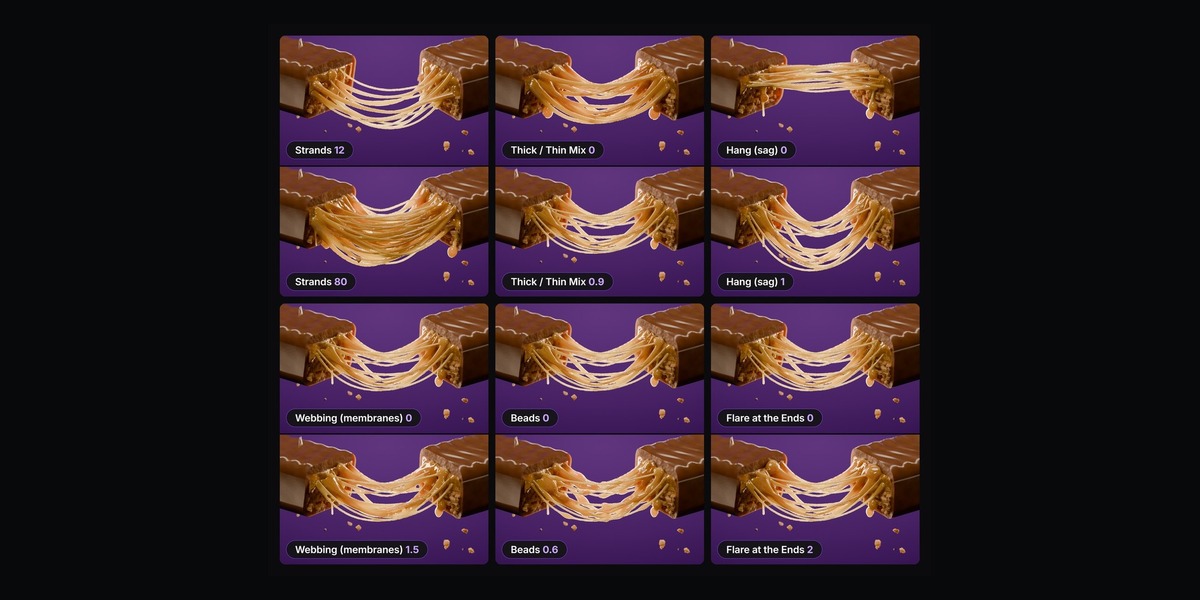


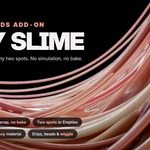
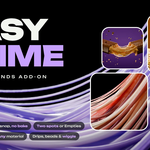
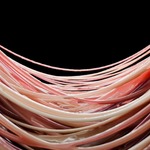
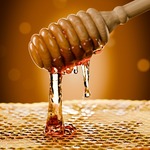

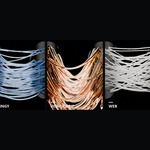

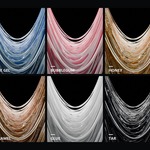

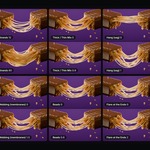


Yes. Every look, up to 2000 strands and drips are unlocked, with all future updates. In Blender its panel is called Easy Slime Pro.
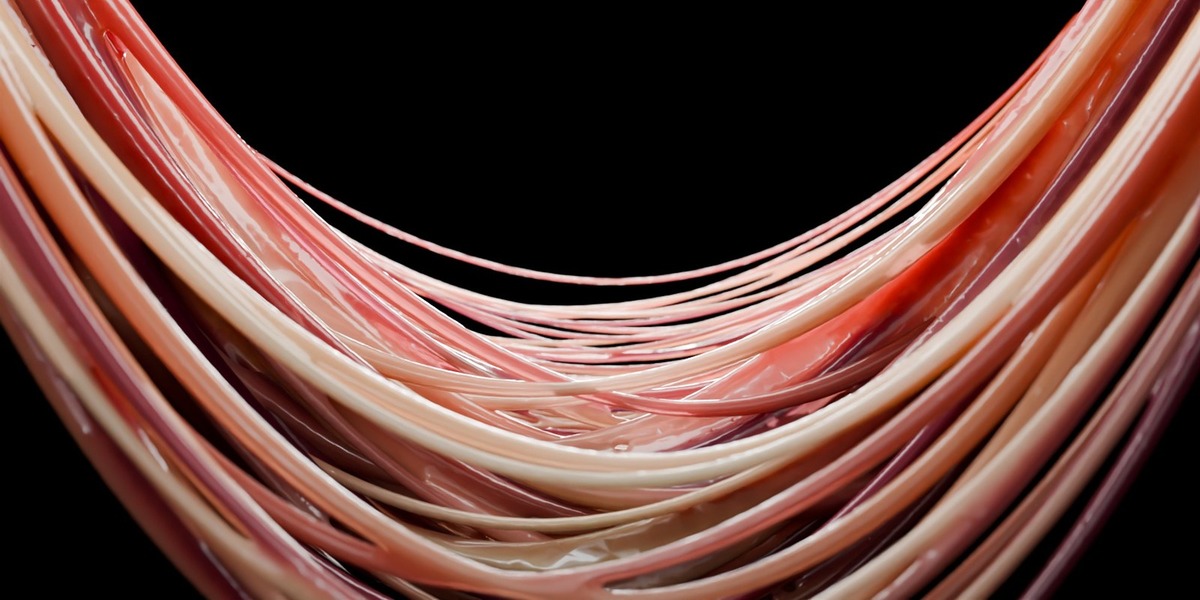
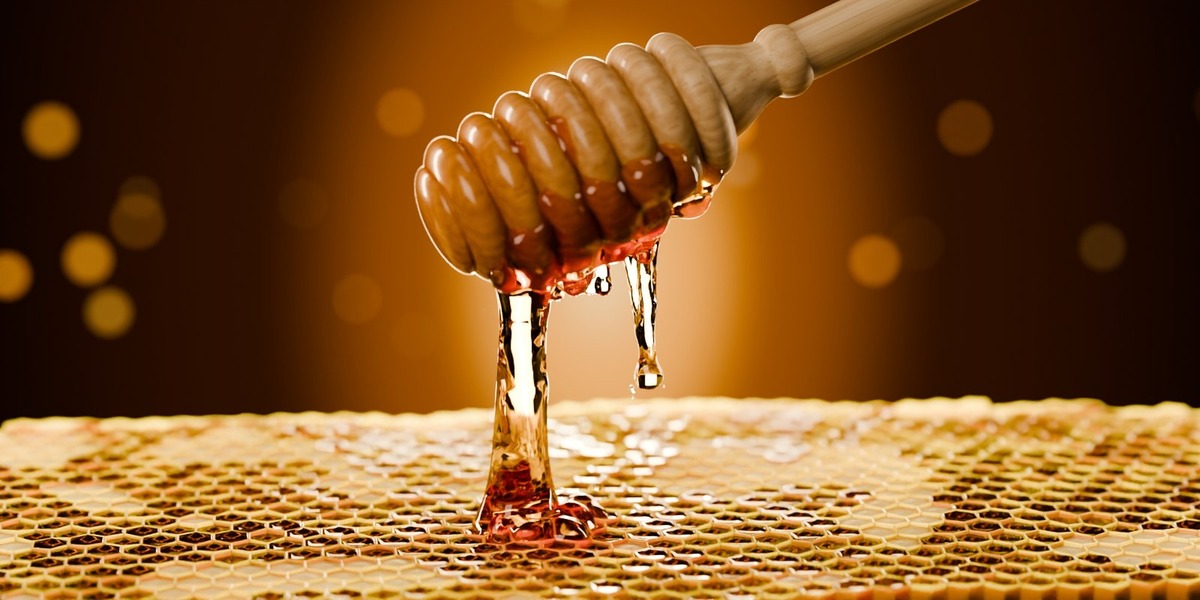
No. You get the add-on and its two built-in examples, Pull Example and Ring Example. The pictures use free BlenderKit models, credited in the description.
No. It is not a fluid simulation: the strands are rebuilt between the two sticky sides on every frame. They hang, sag and snap, and a snapped end never hangs through the surface it was stuck to, but they do not collide with other objects or pool on a table.
Yes. Each slime is its own object and joins two objects or two spots. Add as many as you like.
Yes. Thickness and the sliders below it, everything in Shape, and everything in Stretch, Snap & Motion except Drips can be keyframed: hover and press I. Strand count, Sticky Area, spot sizes, Criss-Cross, Seed and Drips are not animated.
A style sets the shape sliders, a look sets the material. Any style works with any look, and every slider stays yours to change.
Drips hang only from sticky surfaces that face down or sideways. If all the spots face up there is nowhere for them to hang, and the panel tells you so.
It needs two different objects. For two spots on one object, such as a mouth or a ring, animate or pose the object yourself: the goo follows.
Select the slime and press Re-Stick Here in Quality & Tools: the pose the objects have now becomes the stuck-together pose. Apply Rotation or Set Origin on your objects does not break the slime.
No. The goo is worked out from where the two objects are on every frame, live in the viewport. Scrub the timeline or render any single frame: nothing to bake, no cache files.
Blender 5.2, also tested on the 5.3 beta. Windows, macOS and Linux, Cycles and EEVEE.
Yes. Every slime keeps its material in its first material slot: pick one of the ten looks and tweak it in the panel, or drop any material you like on it. Your own materials can read the attributes slime_id, slime_thick, slime_along and slime_radius with an Attribute node.
Yes. The strands follow objects that move, are parented, rigged or deform (shape keys, armatures, modifiers), and the picked spots ride along with the deformation.
Yes. In Two Spots mode you can click two places on one object, for example the upper and lower jaw of a mouth or the inside of a ring.
Move the two objects apart past the Snaps At distance in Stretch, Snap & Motion. One by One spreads the snapping out, Leftover Length sets how much hangs afterwards. Animate Pull Apart keys the move for you.
Have questions about this product?
Login to message
| Blender Extension Compatible | Yes |
| Published | 2 days ago |
| Blender Version | 5.2 |
| Extension Type | Add-on |
| Render Engine Used | Cycles, Eevee |
| License | GPL |
Discover more products like this
cheese pull drool honey goo product-visualization caramel strands food geometry nodes sticky VFX slime