 GBArt
GBArt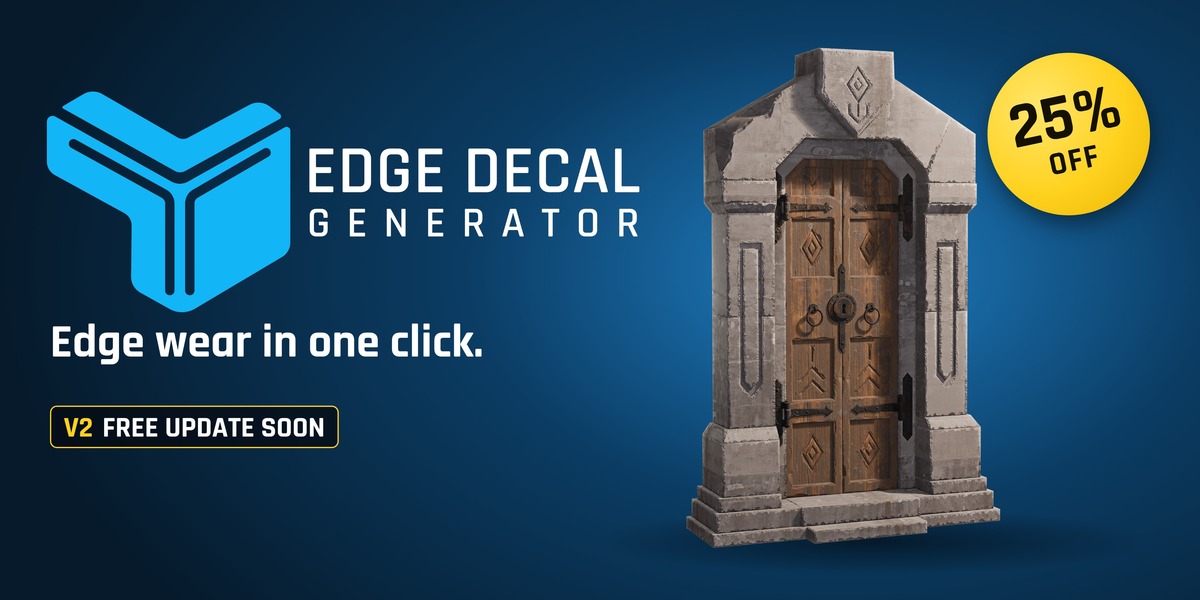





BLENDER ADD-ON · BLENDER 5.2+
Instant edge detail.
Full control.
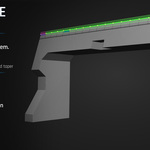
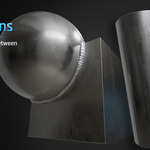
Chipped corners, wear, welds and seams that look sculpted, built as thin mesh decal strips along your model's edges. Every strip stays editable. Render in Blender, or send the asset to Unreal.
▶ Watch the 59-second demo
Not sculpted: the chipped, worn edges are mesh decal strips.
Keep modeling.
The decals keep up.
V2 is a free update for everyone who owns Edge Decal Generator.
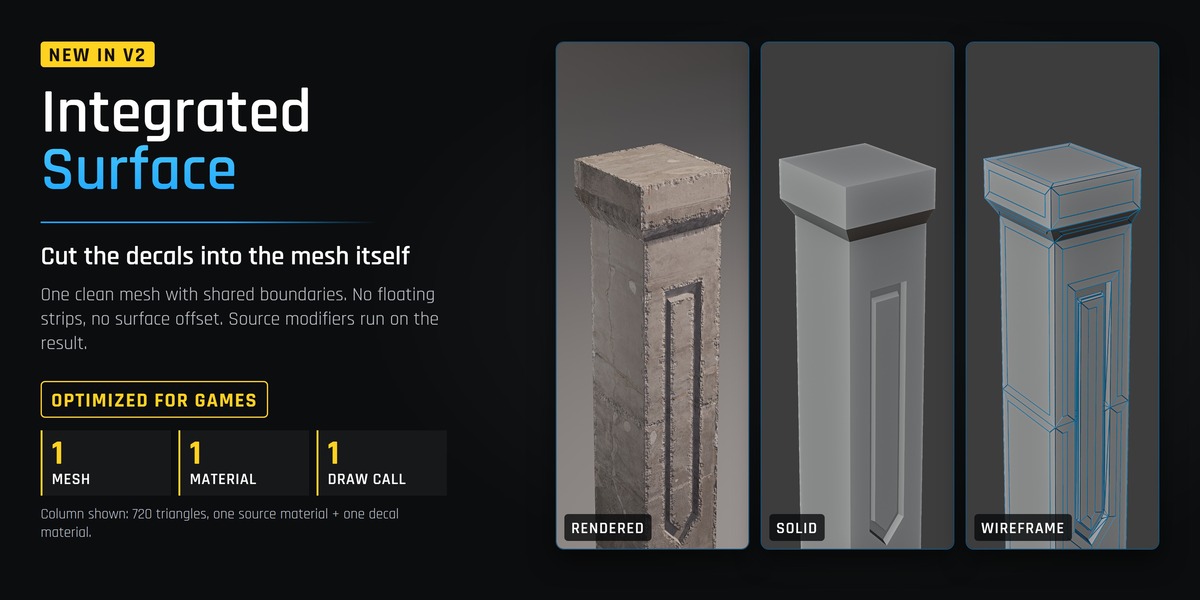
01 · INTEGRATED SURFACE
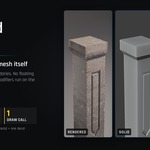
One clean mesh. No floating strips.
OPTIMIZED FOR GAMES · SINGLE DRAW CALLCut the decals into the model itself, with shared boundaries and no surface offset. Source UVs stay in the first UV channel and decal UVs go in the second. Bevel, Subdivision and other source modifiers run on the result.
With one source material and one decal material. The column shown is 720 triangles.
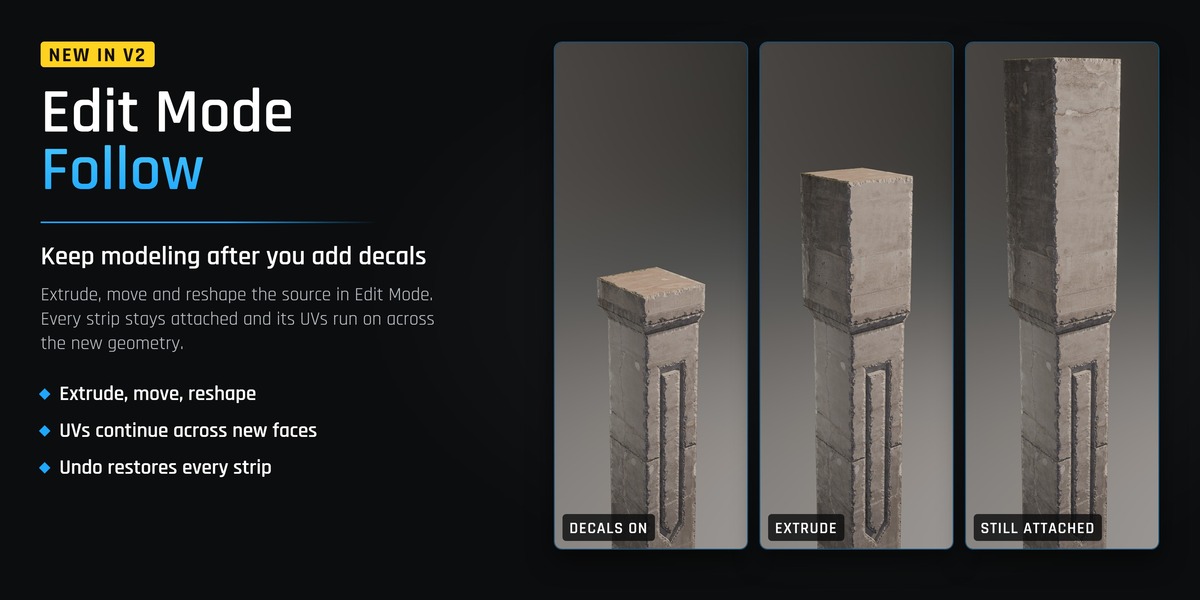
02 · EDIT MODE FOLLOW
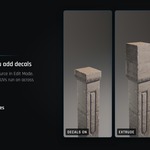
Extrude. The decals follow.
Keep editing the source after you add decals. Every strip stays attached while you work in Edit Mode.
◆ Extrude, move and reshape the source
◆ Strip UVs continue across the new faces
◆ Undo puts every strip back exactly where it was
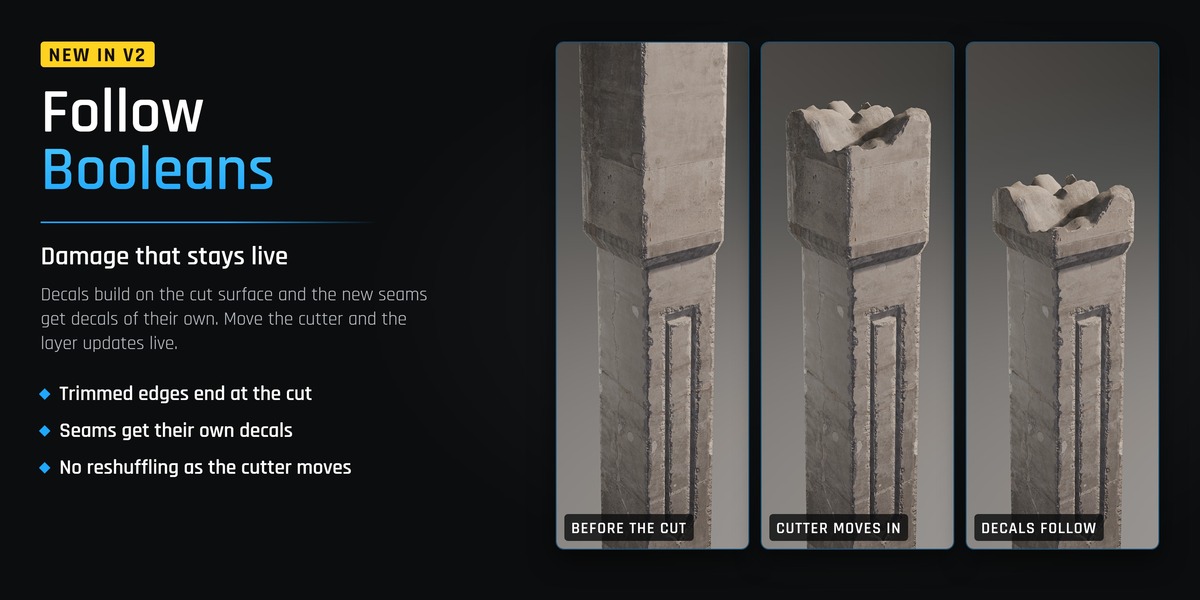
03 · FOLLOW BOOLEANS
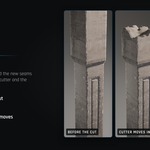
Damage that stays live.
Decals build on the cut surface instead of the original mesh.
◆ Edges the Boolean trims end at the cut
◆ The new seams get decals of their own
◆ Move the cutter and the layer updates live, without reshuffling
ALSO IN V2 Decals match procedural materials, not just image textures. Match Source Material copies the Noise, Voronoi, Wave, ramp and Math networks behind your Base Color, Metallic and Roughness. Procedural graphs stay in Blender; Unreal export uses textures and values.
BEFORE / AFTER
Same model. Same texture.
Only the decals change. The wipe goes from the clean edges to the finished ones.
★★★★★
What buyers say
Verified reviews from the ArtStation store.
★★★★★
"Hours of manual edge wear work are officially history. This add-on is extremely intuitive and fast. [...] The direct export to UE5 is a game-changer for testing lighting and shaders outside of Blender."
Georgian O. · ArtStation
★★★★★
"Works just as showcased and is such a timesaver."
Christoffer H. · ArtStation
★★★★★
"Super powerful tool that speeds up the edge decal workflow tremendously. One click solution that has loads of settings to customize your output!"
Arthur T. · ArtStation
★★★★★
"Easy to use, fast and does the job. Very nice addon"
Nika Z. · ArtStation
★★★★★
"Really fun to use and it gives great results!"
figthecreator · ArtStation
THE FULL WORKFLOW
Watch the 59-second demo
INCLUDED TODAY
Everything in V1
Generate the decals, control every strip, then render or export.
Automatic generation
Finds suitable edges by their angle and covers the whole model in seconds.
Interactive mode
Place, connect, taper, resize and remove decals directly on the mesh in the viewport.
Welds and seams where meshes meet
Select two meshes to wrap a decal exactly along their intersection.
Blender, FBX or Unreal
Render with Cycles or EEVEE, export FBX, or send it to your open Unreal project with the optional Nanite Blueprint workflow.
Generate from selectedOnly the edges you pick, or a selected bevel patch.
Generate from BooleansOne decal from your Boolean modifiers, without applying them.
Layers and masksStack wear, damage, seams and welds; paint where decals may appear.
Automatic UVsUV pins set where each island sits and how wide it is.
BUY NOW, UPGRADE FREE
Buy V1 now. Get V2 free.
V2 ships as a free update to this product. Everyone who owns Edge Decal Generator downloads it from their Superhive account on release day. Until then, code EDG25 takes 25% off at checkout.
COMPATIBILITY
Before you buy
Blender 5.2 or newerRequired.
Unreal is optionalCreate and render entirely in Blender, export FBX, or use the Unreal workflow when you need it.
Unreal Engine 5.6 and 5.8The included Unreal workflow is documented for both.
Please read the documentation first to make sure Edge Decal Generator fits your workflow.
