 GBArt
GBArt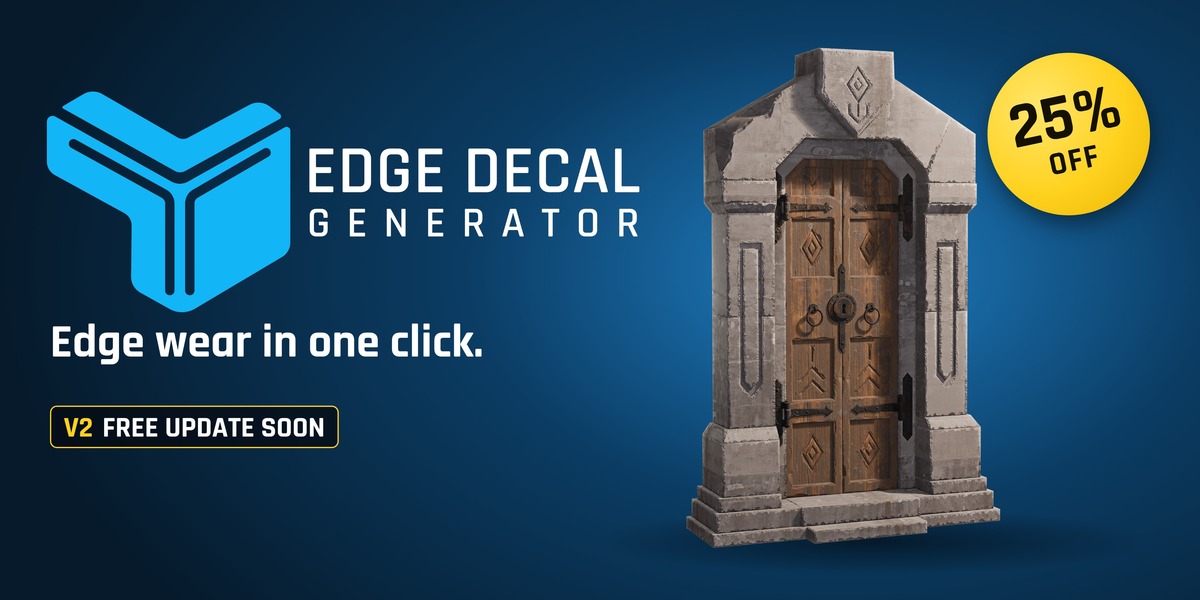




What should I do if generation struggles with my model?
Check the source mesh for broken, overlapping, disconnected, or malformed geometry. Triangles and n-gons are fine, but severely damaged topology may need cleanup before generation.
You can also try Interactive Mode or Generate From Selected when automatic generation is unsuitable
Can I control exactly where decals appear?
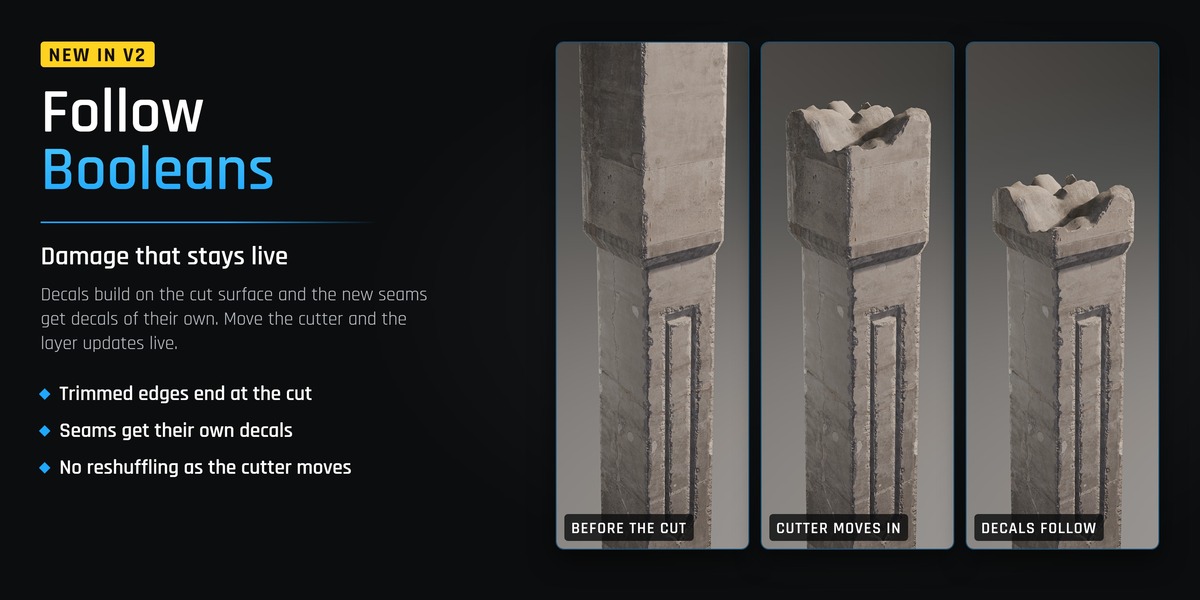
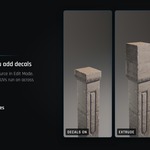
Yes. Interactive Mode lets you place, connect, taper, resize, remove, and undo decals directly in the viewport. You can also generate from selected edges, use layer and texture masks, or generate along intersections and Boolean seams.
Are the generated decals editable?
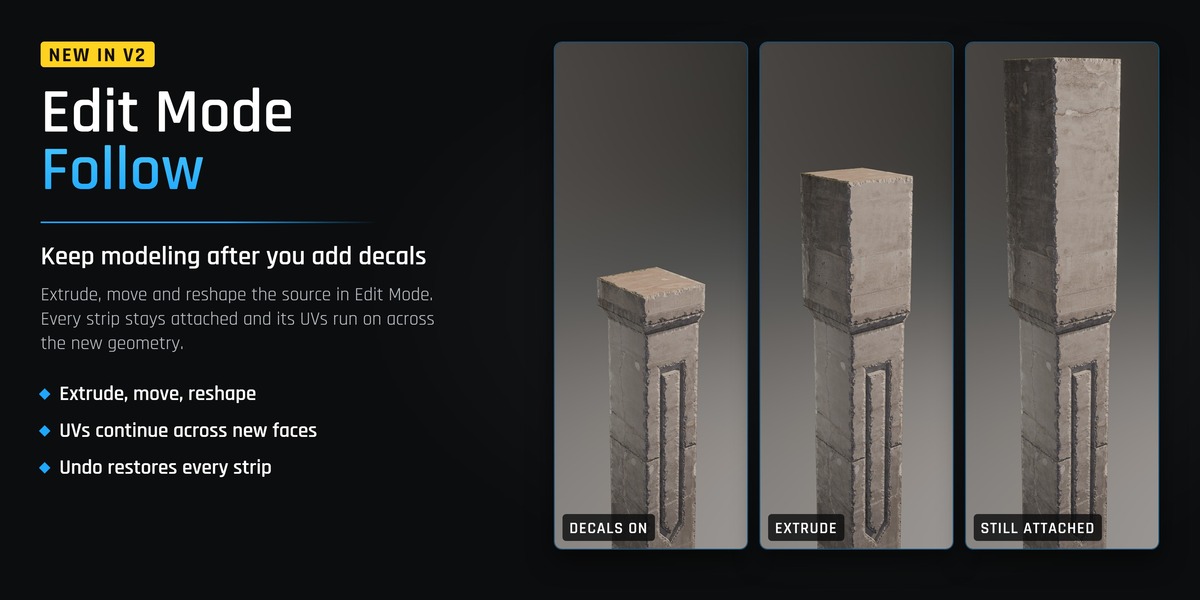
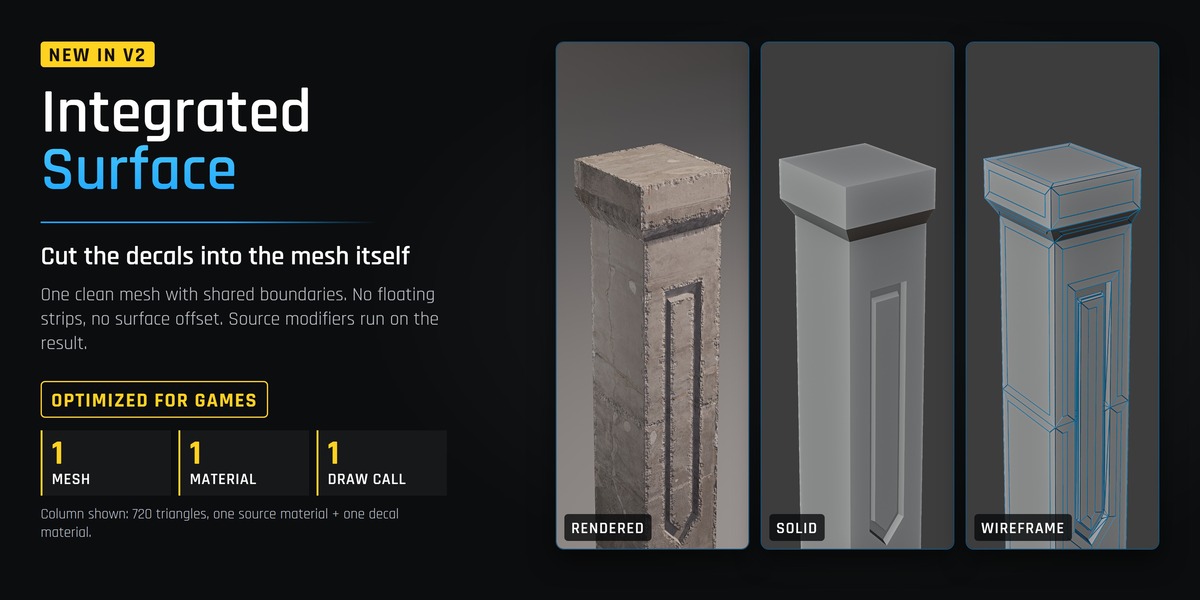
Yes. The decals are generated as editable mesh geometry. You can adjust their placement, width, material, UVs, generation settings, and other properties through the layer-based workflow.
Can I export the finished asset as an FBX?
Yes. You can export the source mesh and its decal layers as an FBX. You can also send the asset to Unreal using the optional Nanite Blueprint workflow.
Which Unreal Engine versions are supported?
The included Unreal workflow is currently documented for Unreal Engine 5.6 and 5.8.
Is Unreal Engine required?
No. You can create, edit, and render your decals entirely inside Blender. We are "faking" how a decal behave inside blender by matching the source material. Unreal Engine integration is an optional export workflow.
Does automatic generation work on beveled models?
Automatic generation currently works on non-beveled hard edges. For a non-destructive beveled workflow, keep the source Bevel modifier unapplied and enable Add Bevel Modifier on the decal layer. The add-on will copy compatible settings from the source Bevel modifier.
If the bevel is already part of the mesh topology, you can generate from a selected bevel patch in Edit Mode.
Does it work with triangles and n-gons?
Yes. Triangles and n-gons are supported. However, generation depends on the quality of the source topology, so severely broken or malformed meshes may require cleanup.
Which Blender versions are supported?
Edge Decal Generator requires Blender 5.1 or newer.
Have questions about this product?
Login to message
| Blender Extension Compatible | Yes |
| Sales | 100+ |
| Published | about 2 months ago |
| Blender Version | 5.2 |
| Extension Type | Add-on |
| Render Engine Used | Cycles, Eevee |
| License | GPL |
