 Milad_Kambari




One-click photoreal
edge wear for Blender.
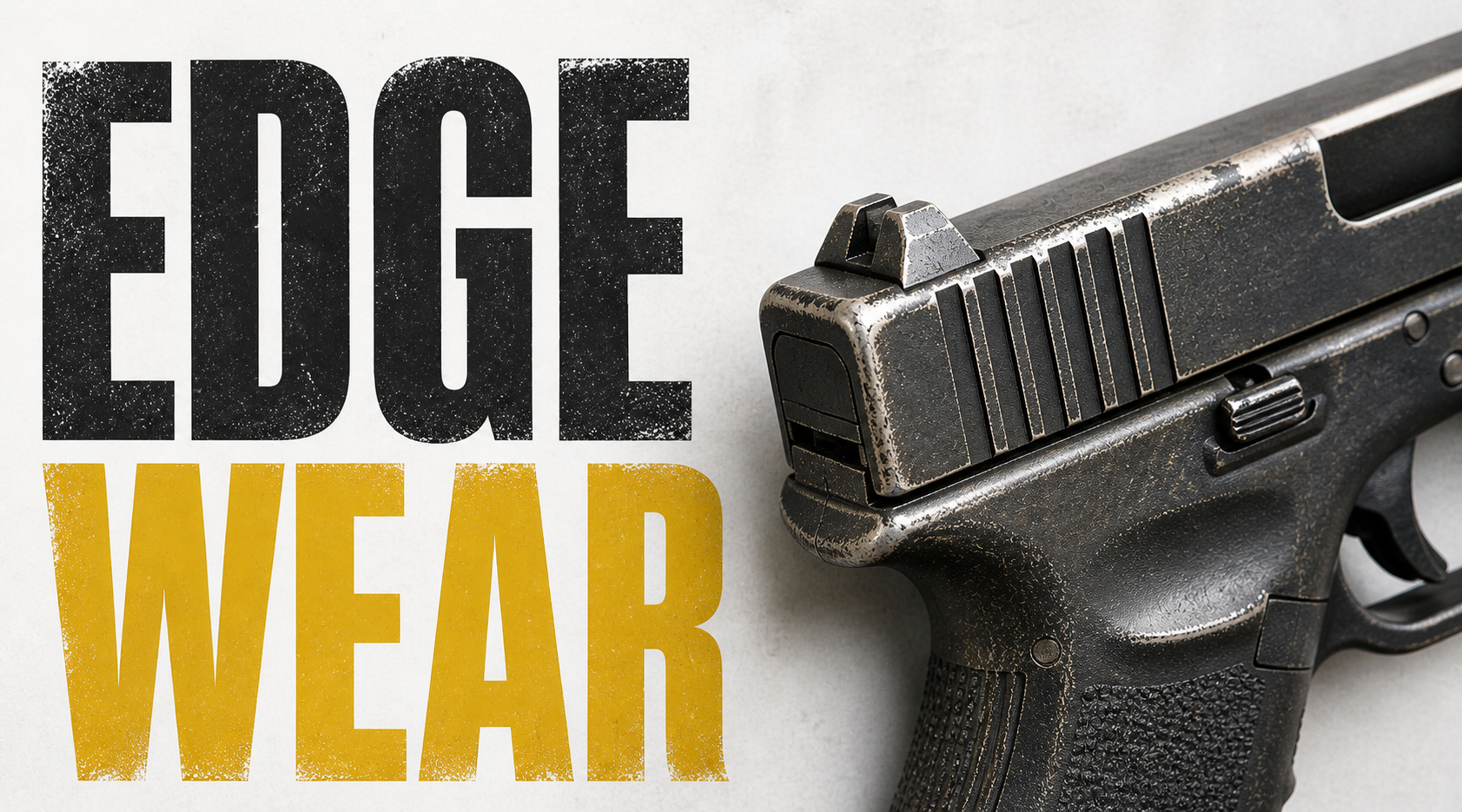
A procedural shader pipeline that turns clean plastic into something real. Peeled paint, scratches, dirt, roughness variation — all from one button. Free forever under GPL-3.0.
One button. Full control.
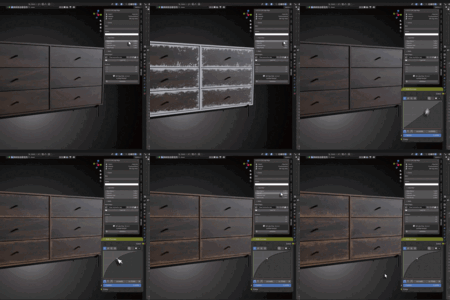
Hit "Make Edge Wear" in the N-panel and the entire procedural network wires itself into your material.
|
1
SELECTPick your object and material. The addon works on any mesh with any topology. |
2
APPLYHit "Make Edge Wear" and the full procedural shader network is wired automatically. |
3
TWEAKAdjust sliders in real time — edge radius, colors, mask shape, scratches, roughness. |
Geometry-Aware Edge Detection
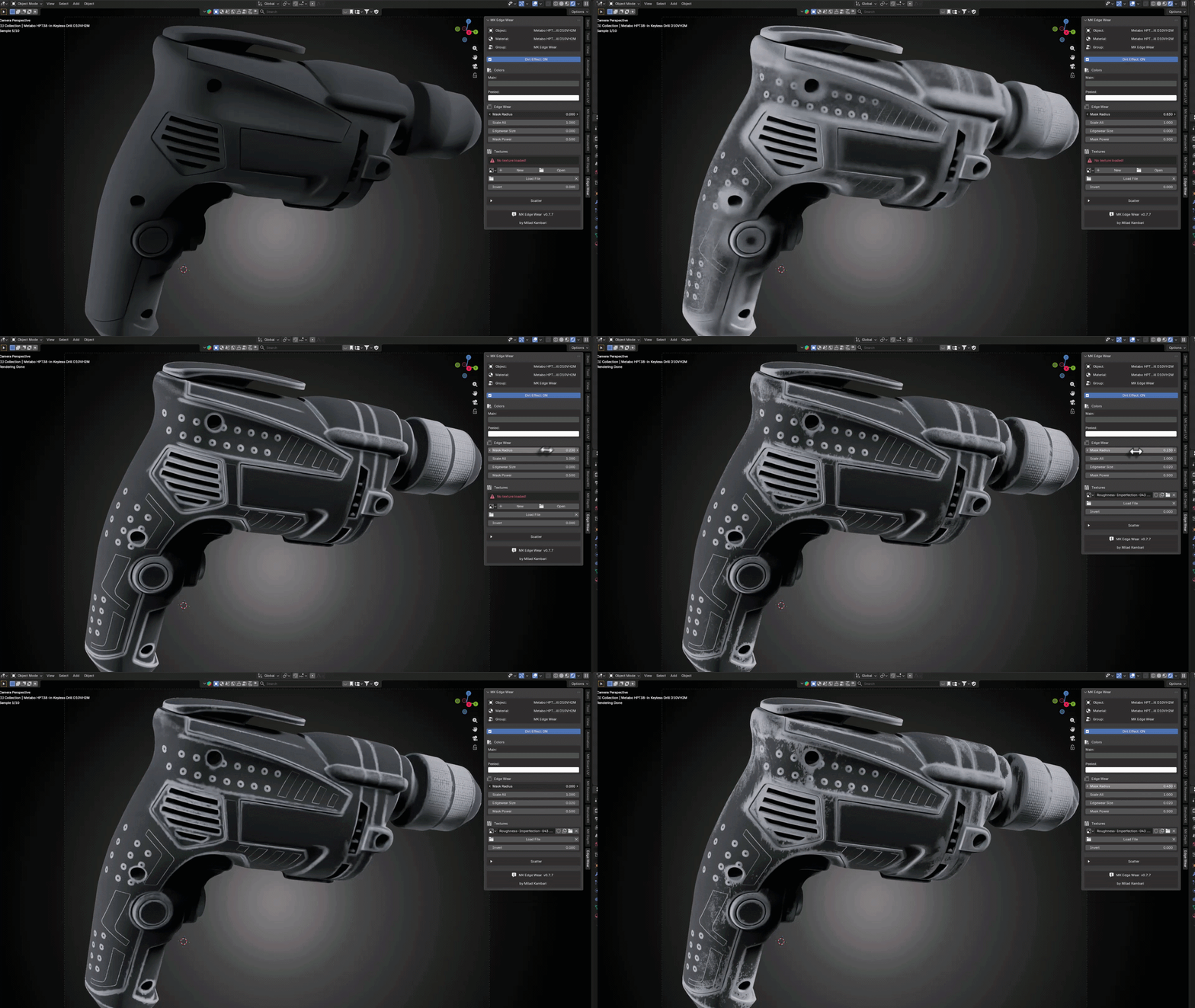
Built on Blender's Pointiness attribute, the edge detection works on any topology — high-poly, low-poly, subdivided, retopologized. Four exposed parameters give you full control: Mask Radius, Scale All, Edgewear Size, and Mask Power. All update live in the rendered viewport.
No cooking. No baking. Fully procedural.
Dual-Color Peeled Paint
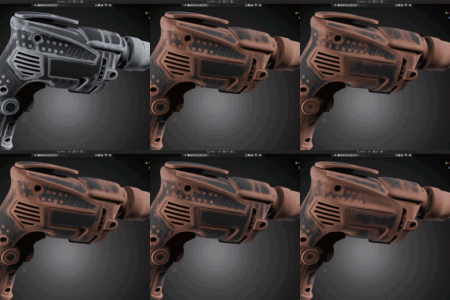
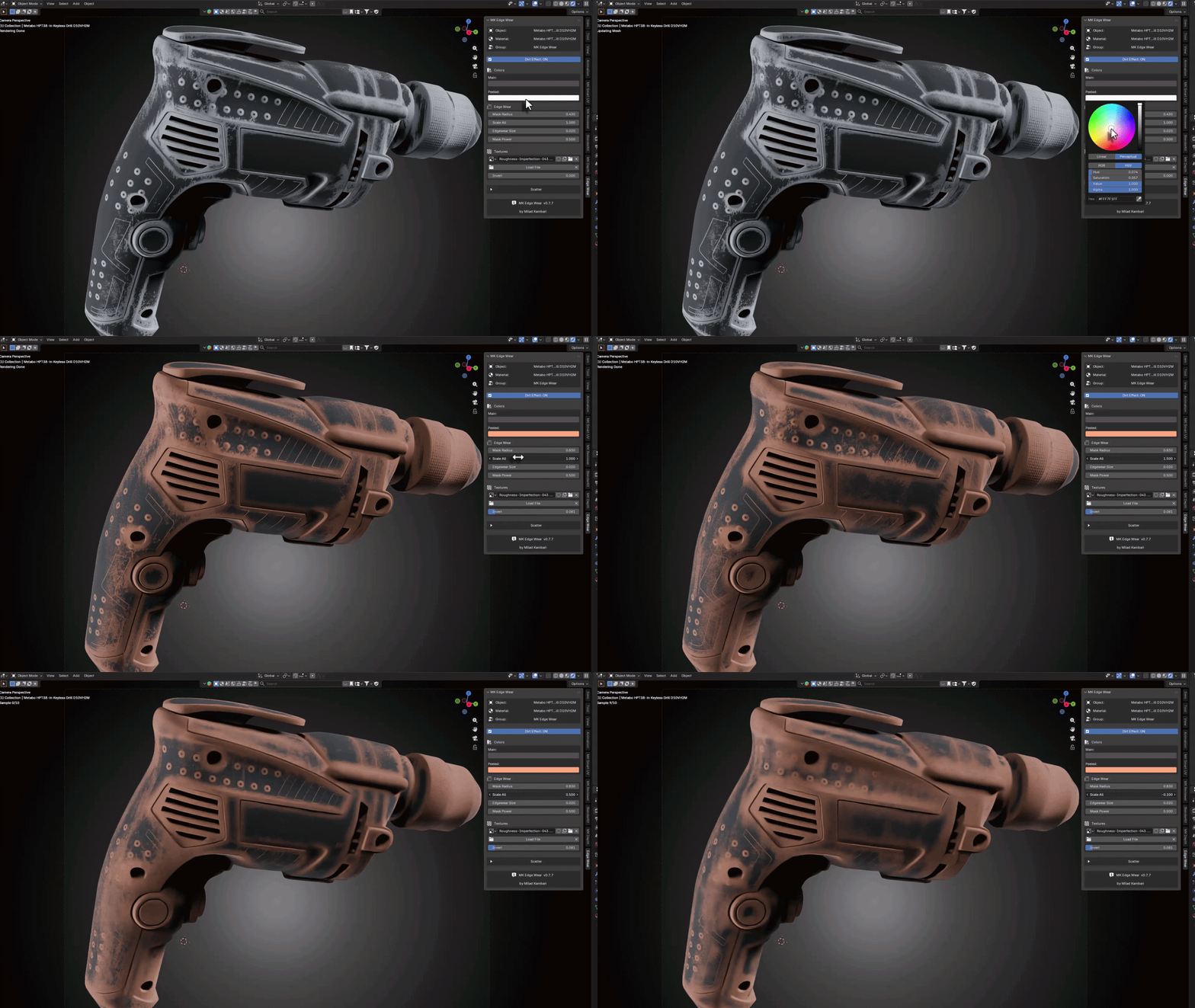
Set two colors: the main surface color (what the object looks like new) and the peeled color (what shows through where the paint has worn off). The addon handles the blend masks and edge falloff automatically — peeling appears exactly on corners and high-traffic areas where it should, never on protected flats.
Full color control directly in the N-panel.
Custom Mask Textures
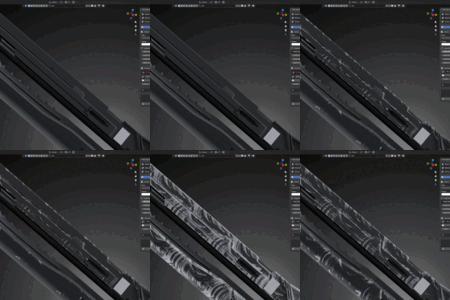
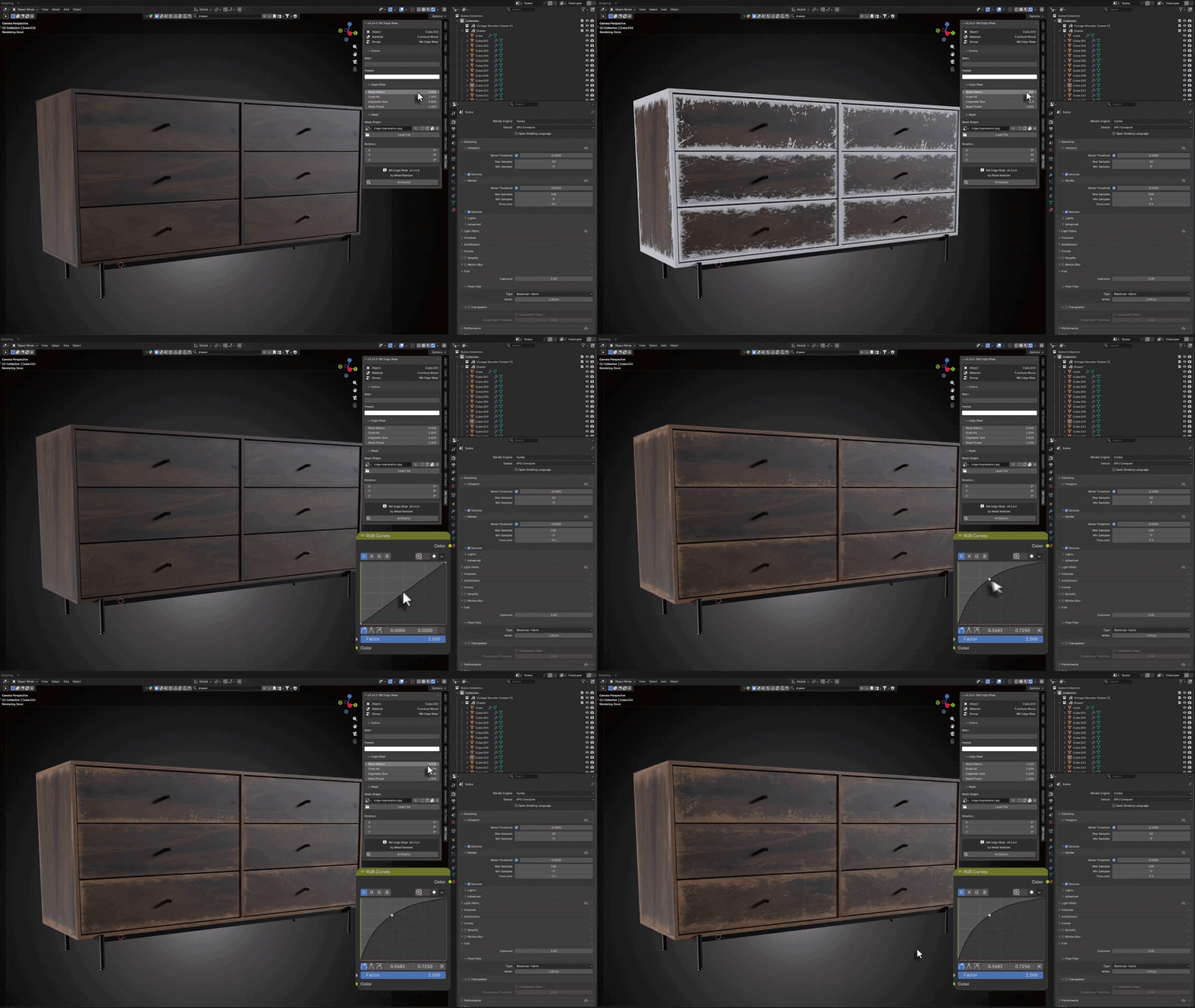
Drop in your own wear pattern. The addon auto-converts the loaded image to Non-Color, wires it through a Mapping node, and exposes per-axis rotation (X/Y/Z) so you can spin the texture however you need. Hot-swap mask textures without breaking the chain — every wired node stays intact.
Auto-corrected colorspace on every texture load.

Smart Scratch System
Underneath the surface paint, the addon ships a built-in scratches network powered by procedural Noise Texture and Scatter nodes. Carefully tuned defaults give you sharp, directional scratches that look hand-rubbed instead of computer-generated. No setup required — already wired.
Noise Scale 1.3, Roughness 0.573, Lacunarity 0.72 — dialed in for realism.
Manual shader work vs. MK Edge Wear
| MANUAL | MK EDGE WEAR | |
| Edge wear setup | Hours of Pointiness + Color Ramp node stacking | One click in the N-panel |
| Peeled paint | Manual mask painting or complex mix nodes | Set two colors, auto edge falloff |
| Scratches | Build from scratch with Noise + Mix nodes | Pre-wired, production-tuned defaults |
| Mask textures | Manual load, fix colorspace, wire mapping | Auto Non-Color, auto wiring, hot-swap |
| Per-material isolation | Manual duplication and management | Automatic private copy per object |
| Price | Your time | $0 — Free forever (GPL-3.0) |
What you get
|
13
NODE GROUPS
|
4.2+
BLENDER VERSION
|
762KB
FILE SIZE
|
$0
FOREVER FREE
|
Everything included.
ONE-CLICK APPLICATIONNo copy-pasting node groups. No broken links. The addon ships its own bundled .blend asset and wires everything into your active material output node automatically. Per-material isolation means each object gets its own private copy. |
PBR CONTROLS EXPOSEDRoughness, Metallic, and IOR are exposed directly on the Edge Wear Plastic group node. They show up natively in Properties > Material > Surface without digging through subgroups. |
AUTO-CORRECTED COLORSPACEEvery custom texture you load is automatically switched from sRGB to Non-Color. No more gamma-distorted masks — one less thing to remember. |
CLEAN N-PANEL UIFive collapsible sections under MK Tools: Info Box, Colors, Edge Wear, Mask, and About. No floating windows, no dialog boxes. Everything lives in Blender's sidebar. |
Install. Apply. Done.
Drop the .zip into Blender's extension installer, enable, and start adding edge wear. Works in Blender 4.2, 4.3, 4.4, 5.0, and 5.1. Cycles, Eevee, and Eevee Next.
More from Milad Kambari
|
|
|
|
|
|
Get support, share your renders
Connect with other 3D artists using MK Edge Wear. Feature requests, bug reports, and render showcases welcome.
JOIN DISCORD